How do I use the Refreshing Summer Skincare Commercial Prompt template?
Choose the primary action to open PicX Studio with the available template settings. Review the model and format, personalize the creative direction, and generate when ready.
A detailed promotional image prompt for gpt-image-2 capturing a model holding a skincare product against a clear blue sky, emphasizing summer freshness. Change the subject, setting, or lighting one variable at a time.
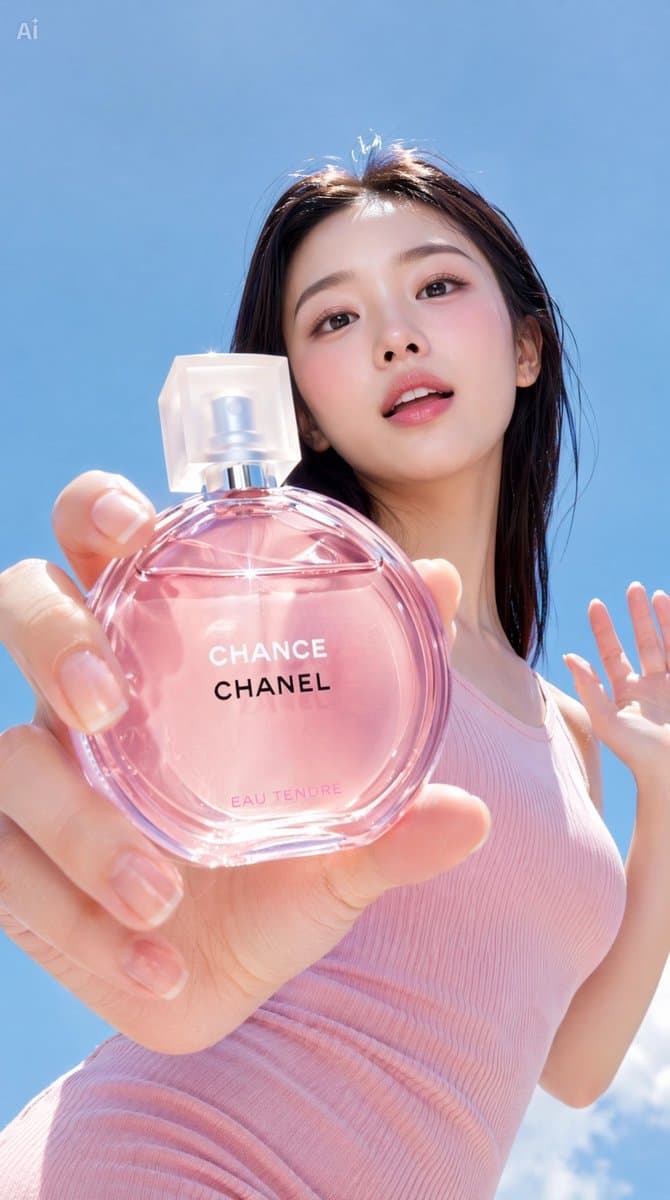
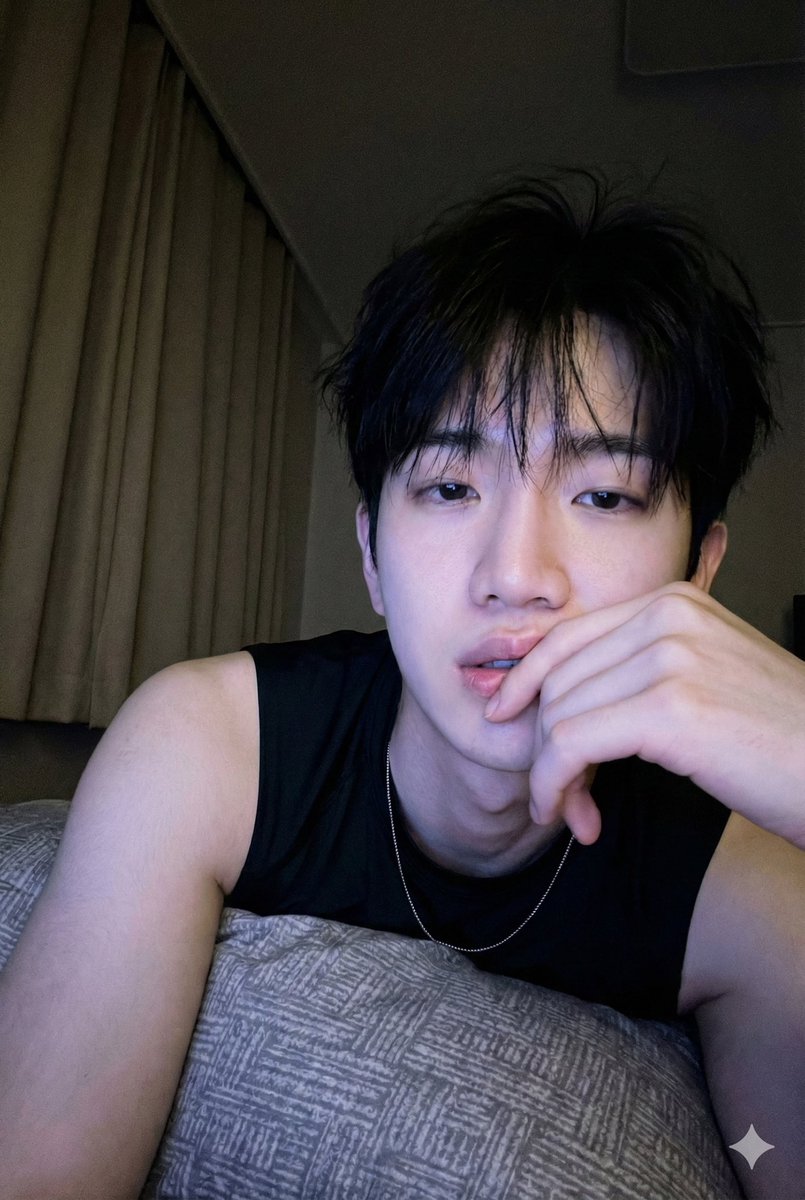
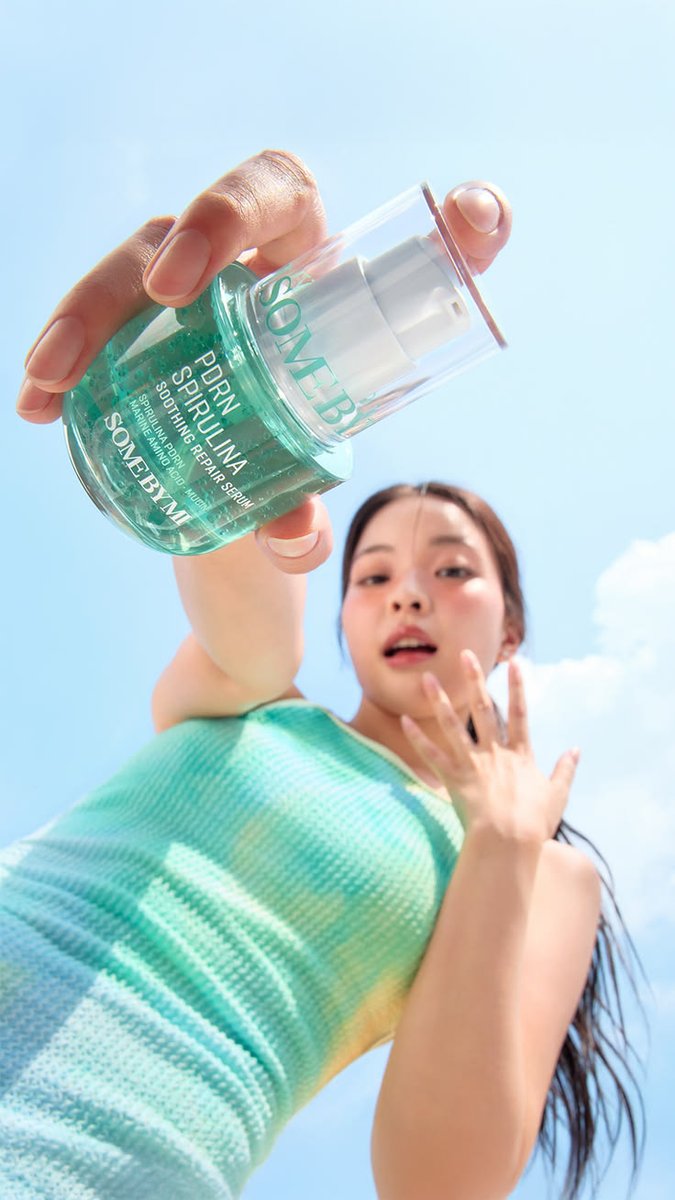
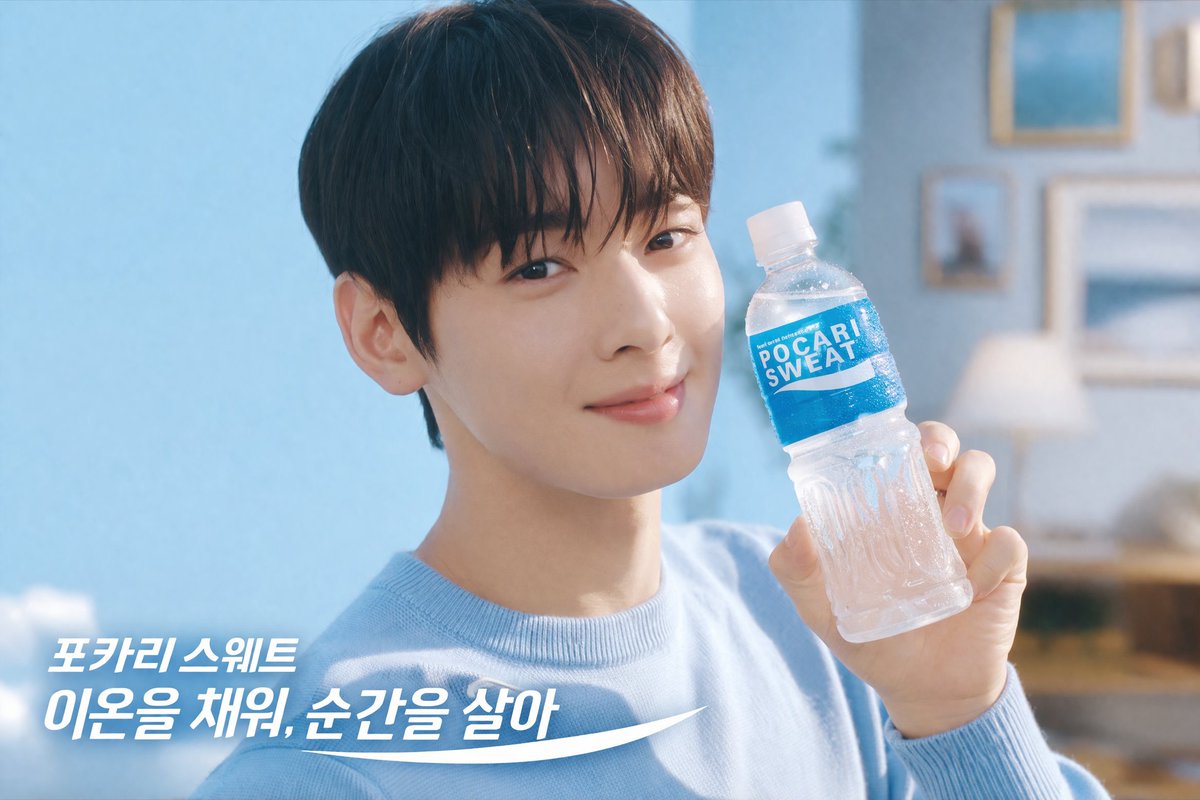
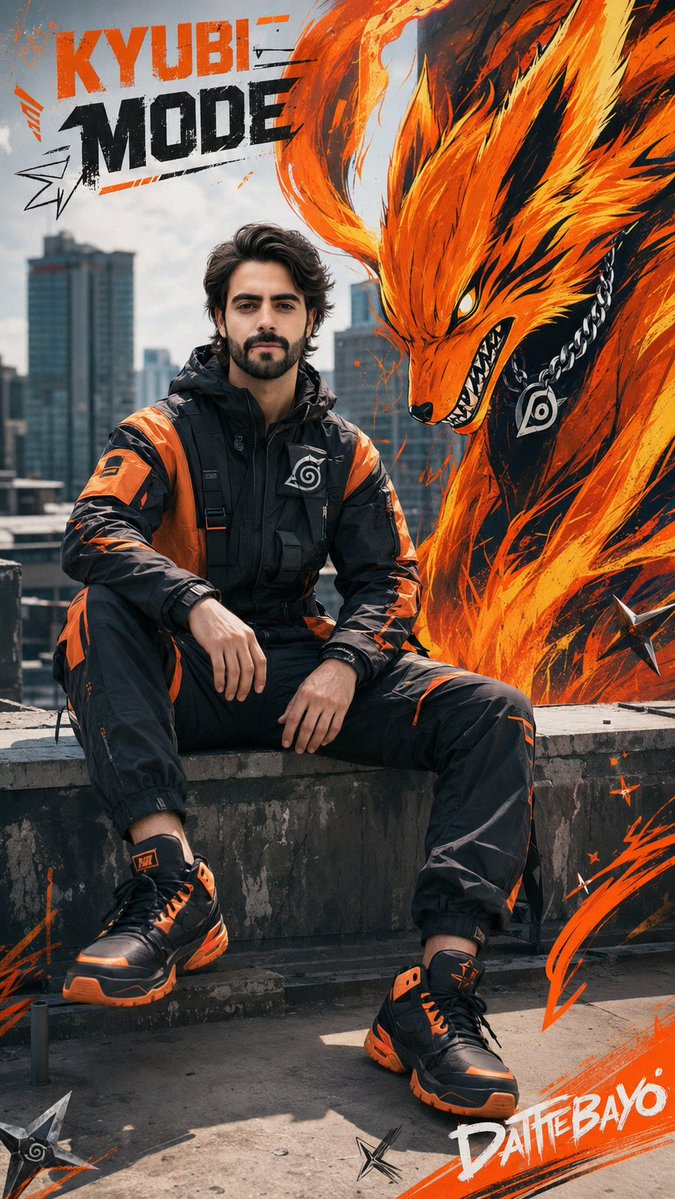
[인물] 이미지 1, 이미지 2 [인물의 포즈 및 표정] 카메라를 아래로 내려다보는 로우 앵글 자세에서 오른손을 카메라 렌즈 앞으로 길게 뻗어 [이미지 3의 {argument name="제품" default="제품"}]을 크게 강조하여 들고 있습니다. 왼손은 손가락을 살짝 펼친 채 어깨 높이로 올리고 있으며, 입을 살짝 벌린 채 청량하고 생기 넘치는 표정으로 정면을 응시합니다. [인물 의상] [이미지 3] 제품 색상과 비슷한 {argument name="의상" default="골지 니트 민소매 탑"}을 입고 있습니다. 여름의 청량한 느낌을 주는 가벼운 스타일의 상의로, 인물의 어깨와 팔 라인을 시원하게 드러내어 싱그러운 계절감을 강조합니다. [인물 헤어스타일 및 메이크업 디테일] 물에 젖은 듯 촉촉하게 연출된 {argument name="헤어스타일" default="긴 갈색 생머리"}가 뒤로 자연스럽게 넘겨져 있습니다. 메이크업은 투명하고 촉촉한 피부 표현을 베이스로 하며, 양 볼에 생기 있는 핑크빛 블러셔를 넓게 발라 과즙미를 더했고 입술은 자연스러운 생기가 도는 촉촉한 제형으로 마감했습니다. [조명 및 빛 방향] 맑은 야외에서 내리쬐는 강렬하고 화사한 한낮의 자연광이 인물의 전면과 스킨케어 제품을 정면으로 비추고 있습니다. 강한 햇빛이 투명한 화장품 용기를 통과하며 맑은 하이라이트를 만들어내고, 인물의 이목구비와 피부 결을 그늘 없이 투명하게 밝혀줍니다. [질감과 색감 무드] 하늘의 파란색과 의상 및 제품의 청량한 민트색이 어우러져 극도의 시원하고 깨끗한 여름 무드를 연출합니다. 세럼 용기 내부의 미세한 기포 질감과 매끄러운 용기 표면 질감, 그리고 의상의 촘촘한 골지 원단 질감과 촉촉한 피부의 광택이 생생하게 표현됩니다. [필름 및 카메라 렌즈 심도, 앵글] 바닥에서 하늘을 올려다보는 극단적인 로우 앵글인 웜즈 아이 뷰로 촬영되었습니다. 매우 얕은 피사계 심도를 사용하여 카메라 바로 앞에 위치한 화장품 병은 매우 크고 선명하게 포착된 반면, 뒤쪽에 위치한 인물의 얼굴과 신체는 부드럽게 아웃포커싱되어 흐릿하게 처리되었습니다. [배경 요소 (옵션)] 구름이 거의 없는 맑고 깨끗한 여름날의 파란 하늘이 화면 전체를 배경으로 가득 채우고 있습니다. 우측 하단 부분에만 아주 부드러운 흰색 뭉게구름의 일부분이 살짝 걸쳐져 있어, 인물과 제품의 청량한 색감을 더욱 돋보이게 만드는 미니멀한 야외 배경입니다.
Refreshing Summer Skincare Commercial Prompt needs input media to work. Open it in the studio and these load alongside the prompt — pick whichever ones your chosen model can take.
Choose the primary action to open PicX Studio with the available template settings. Review the model and format, personalize the creative direction, and generate when ready.
Yes. You can change the subject, setting, lighting, mood, format, and available model controls before creating your image.
This template is free to open and customize. Generation usage is shown in PicX Studio before you create.
Start with GPT Image 2, which is the model associated with this template. You can compare another compatible model for a different finish.
© 2026 PicX Studio. All rights reserved.

Follow a topic to a crawlable collection of related PicX Studio templates.
43,474 public templates available. Verified via the PicX Studio public templates API; refreshed hourly.
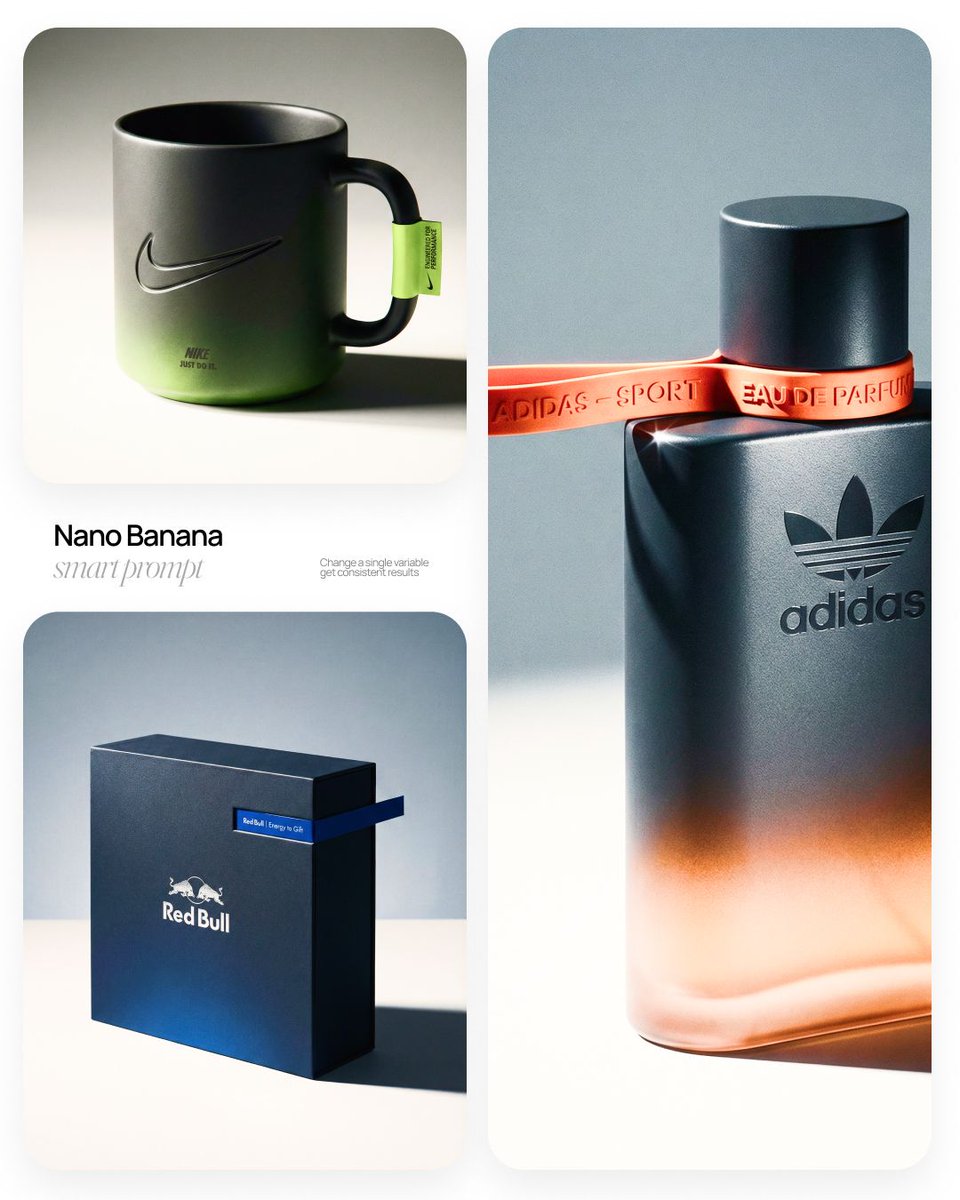
![Luxury Commercial Product Photography System — [BRAND NAME] | [OBJECT]
Act as a High-End Commercial Product Photographer and Creative Director shooting a luxur](/_next/image?url=https%3A%2F%2Fcdn.picxstudio.com%2Fuploads%2Ffashion_306bc4c6ecde_889b47bc-58f8-4b0f-ad74-48a1ac7c1e40.jpg&w=828&q=100)








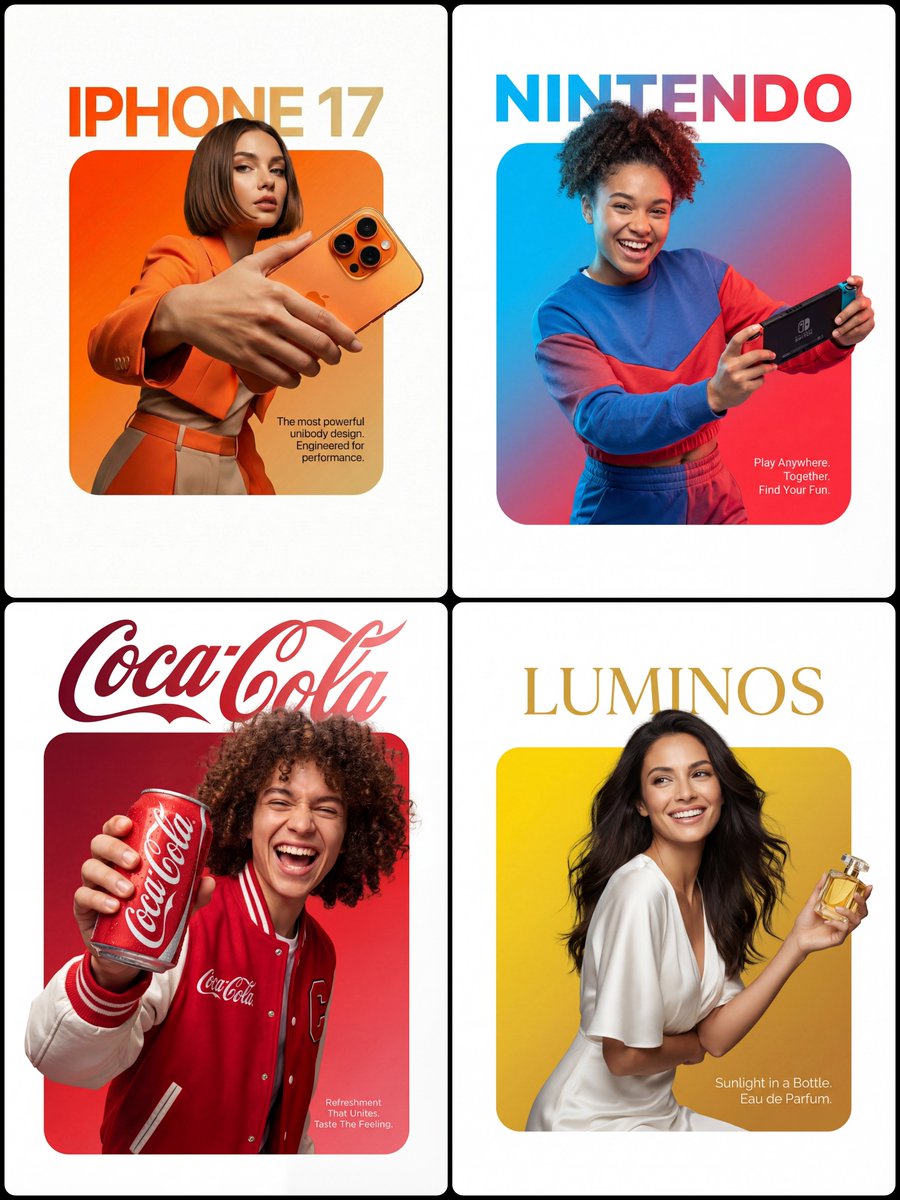
![Low Angle Product Fashion Campaign — Low-angle fashion campaign photograph of a confident model holding a large [product name] very close…](/_next/image?url=https%3A%2F%2Fcdn.picxstudio.com%2Fuploads%2Fmeigen_4c03edc4df35_6f63201c-902b-410c-8eaa-7760408114bb.jpg&w=828&q=100)


![Minimalist Flat Vector Travel Poster — Premium minimalist flat-vector travel poster for {argument name="city name" default="[CITY_NAME]"}, 3:4 vertical format.](https://cms-assets.youmind.com/media/1787917359711_3ug846_HQX205cbMAA6F6S-300x400.jpg)
























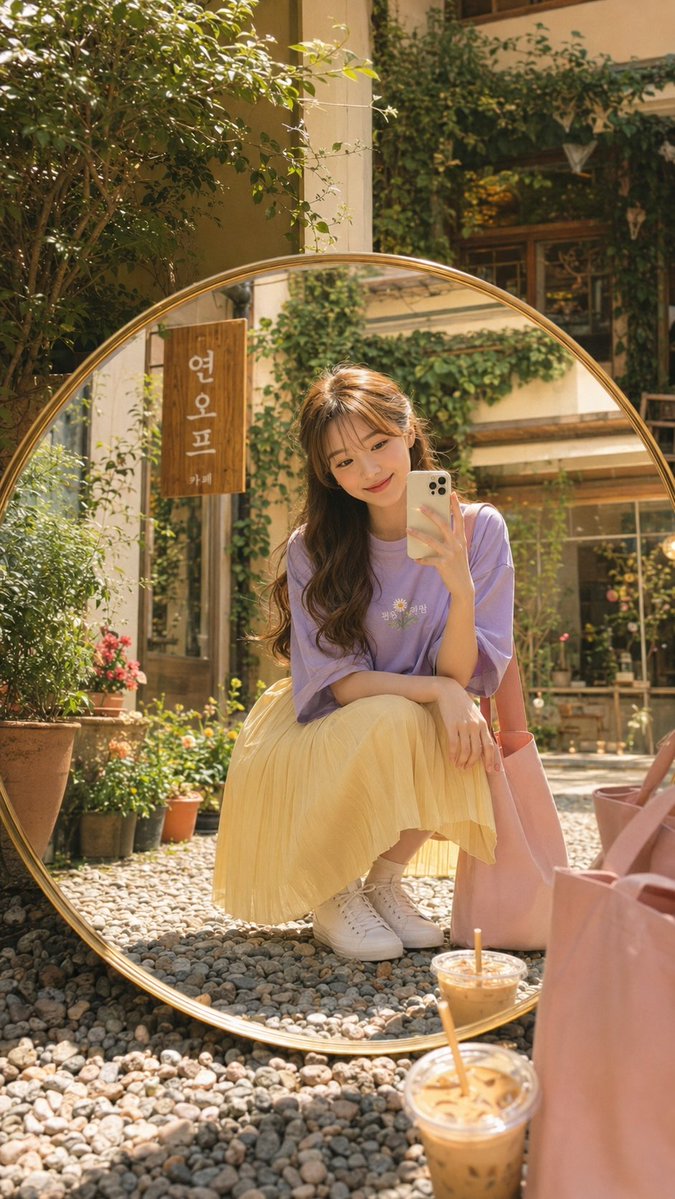
![Ultra-Wide Candid Mirror Documentation Portrait Prompt — (Vertical 9:16 smartphone aspect ratio). A raw, high-contrast [Candid Mirror Documentation] captured wi](https://pbs.twimg.com/media/G-ti4QmbQAAc5E7.jpg)






![33-swat-takedown-seedance-2-0-cinematic — [Shot 1: Frontal Menacing Shot] A medium shot of a SWAT officer in full tactical gear, gas mask, and…](/_next/image?url=https%3A%2F%2Fcdn.picxstudio.com%2Fuploads%2Fpost33_img0_6ce73230-bce9-45e0-861a-a510aaa562aa.jpg&w=828&q=100)