Smartphone Livestream Peacock Poster
Create an ultra-premium vertical smartphone advertising poster in a polished stylized 3D animation style, built around the idea of flagship livestream color fidelity in a bright outdoor fantasy garden. The image must feel joyful, cinematic, refined, and internationally premium, like a world-class launch poster for a fictional high-end smartphone brand. Keep the smartphone as the absolute commercial hero, while a magnificent peacock acts as the vivid proof of rich color reproduction and livestream clarity. Core composition: use a tall vertical poster layout. In the lower-left to center-left foreground, place one premium smartphone mounted vertically on a compact metallic tripod, pushed slightly closer to the viewer so it reads as the clearest hero object. The back of the phone must face toward the viewer, and the screen must face the peacock, making it unmistakably clear that the phone is actively filming or livestreaming the bird. The rear camera system must be fully visible and feel like a key selling point. On the right-center of the frame, place one elegant stylized peacock standing proudly with its tail fully expanded into a large radiant fan shape. The peacock must be highly readable, graceful, and visually spectacular, but still secondary to the phone in hierarchy. The open tail should fill much of the center and upper-right area, becoming the perfect visual embodiment of vivid live color detail. Orbit-enhanced product dominance: bring the smartphone slightly forward in perspective, sharpen its silhouette, and make the tripod feel centered, stable, and deliberately staged. The viewer should read the device first, then the rear camera module, then the peacock. Keep the lower composition clean so the phone, tripod, and peacock form one strong commercial triangle. The camera module must catch refined premium highlights so the livestreaming capability feels immediately convincing. Transit-enhanced mood: push the overall atmosphere toward a cleaner, cooler, more international flagship tech tone. Shift the garden palette away from overly warm cartoon sunlight into fresher sky blue, blue-green foliage, pearl-silver highlights, and clearer atmospheric depth. Keep the image bright and inviting, but reduce excess golden warmth so the final result feels more premium, more global, and more technology-forward. Style and visual language: ultra-detailed stylized 3D animation, flagship commercial CG advertising, premium character-driven tech campaign, polished outdoor product poster, cinematic depth, elegant cheerful luxury, world-class advertising finish. Peacock design and anatomy: design a completely original stylized peacock with elegant anatomy, slender neck, expressive face, proud upright posture, refined crest feathers, and a fully expanded tail rendered with exceptional detail. The plumage must feel lush, layered, and realistic within a premium animated style, with carefully structured feather eyes, iridescent cobalt-blue, emerald-green, turquoise, and subtle bronze accents. The bird must stand naturally on the grass with coherent leg anatomy, proper claw placement, and graceful body balance. A subtle ornamental collar may be added if needed, but it must remain elegant and restrained. Product design: design a completely original premium smartphone with a refined pearl-white to cool silver back panel, smooth rounded corners, slim body, elegant rear camera module, and subtle premium surface glow. Because the device is livestreaming the peacock, the rear camera system must be especially clear, polished, and desirable. The phone must look contemporary, expensive, and flagship-grade. Add a fully original fictional brand and model identity in the upper-left, such as “AURALIS Nova V1 Pro,” with no resemblance to any real brand. Text layout and advertising typography: preserve the logic of a real smartphone launch poster. In the upper-left area, place a clean original English model line, followed by a large bold Chinese headline in stacked layout, for example: “原彩高还原 / 所见即所得”, then a smaller Chinese supporting line beneath it describing the fictional livestreaming and color-imaging advantage. At the bottom, add an original launch date and time line and a small block of fine-print disclaimer text. All wording must be fully original, sparse, premium, and beautifully typeset. Lighting: use soft premium daylight from upper left-front with a refined cinematic glow, creating gentle highlights on the phone edges, rear camera module, tripod, peacock neck, and feather fan. Add subtle ambient fill from the garden environment so the peacock feathers remain richly legible without harsh contrast. Keep the phone crisp and premium, with clean silver-white reflections. The lighting must feel airy, optimistic, polished, and flagship-ready. Environment and space: set the scene in a bright elegant garden or safari-park-like lawn with soft palm silhouettes, distant greenery, warm stones, and gentle floral accents rendered in cinematic background blur. Keep the environment open, breathable, and uncluttered, with a clear upper-left text zone and a stable lower information zone. The setting must support the peacock’s color richness without competing with the phone. Material rendering: the smartphone must feel metallic, smooth, and precision-crafted, with polished rear lens glass, soft pearlescent reflections, and premium industrial design. The tripod must feel lightweight but stable, with metallic tubes and realistic joints. Peacock feathers must feel layered, silky, iridescent, and highly detailed, with believable texture transitions and soft natural sheen. Grass, stones, and foliage must feel tactile and premium, with no cheap plasticity. Color system: build the image around clean sky blue, fresh garden green, peacock cobalt blue, emerald green, turquoise, restrained bronze accents, pearl-white device tones, and soft sunlit neutrals. Keep the palette vivid but controlled, cooler and clearer than a typical warm family animation poster. The emotional tone should feel bright, elegant, lively, and technologically confident. Image quality and physical constraints: extreme detail, clean product silhouette, readable text hierarchy, coherent stylized bird anatomy, no malformed claws, no broken feather logic, no distorted tripod, no muddy shadows, no black blotches, no cluttered background, no weak product hierarchy. The final result must feel like a world-class animated smartphone campaign poster: product-led, color-rich, livestream-ready, and fully commercially deployable. Negative prompt: real brand names, copied ad text, copied Chinese headline, watermark, signature, broken anatomy, malformed bird face, bad claw anatomy, feather deformation, plastic plumage, cheap CG look, low-detail smartphone, warped tripod, cluttered background, muddy lighting, black blotches, unreadable typography, low resolution, messy composition















![Minimalist Flat Vector Travel Poster — Premium minimalist flat-vector travel poster for {argument name="city name" default="[CITY_NAME]"}, 3:4 vertical format.](https://cms-assets.youmind.com/media/1787917359711_3ug846_HQX205cbMAA6F6S-300x400.jpg)



















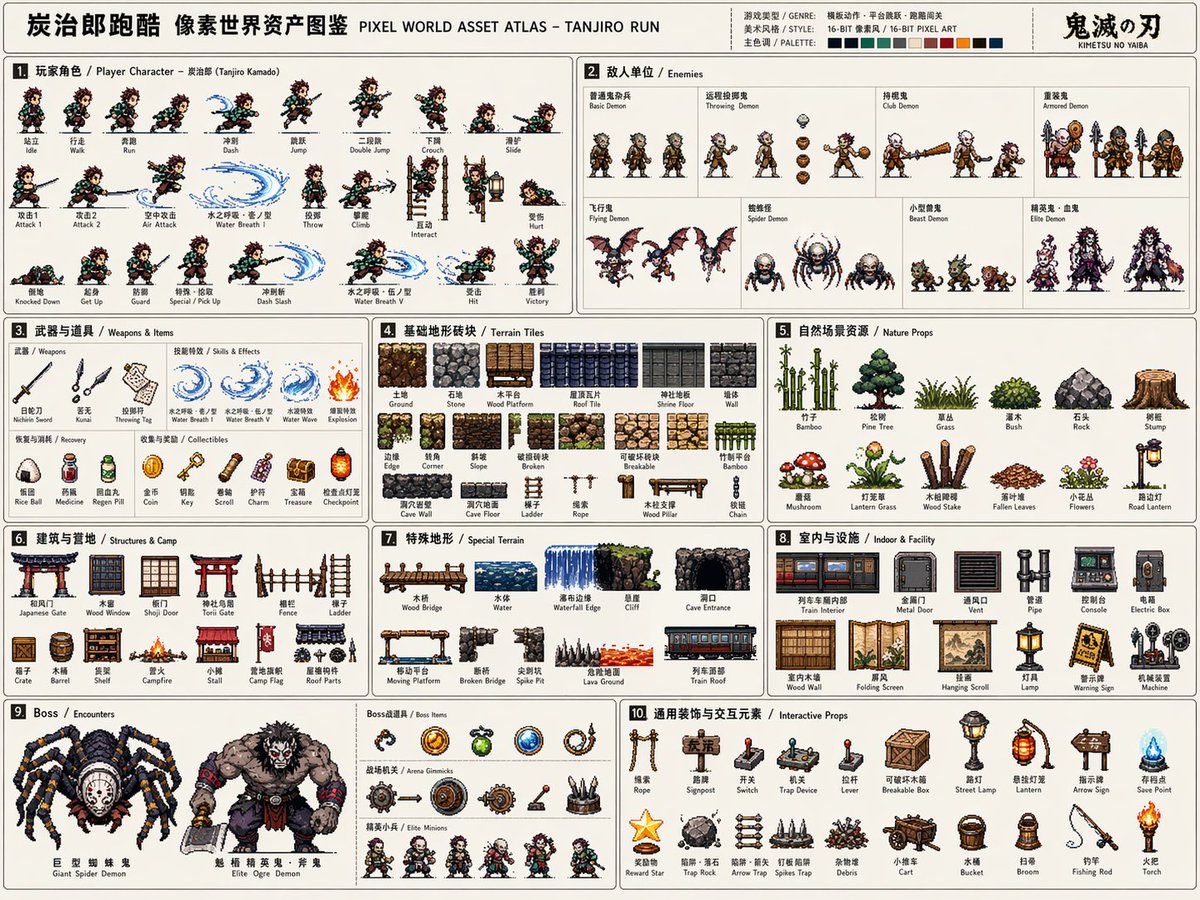






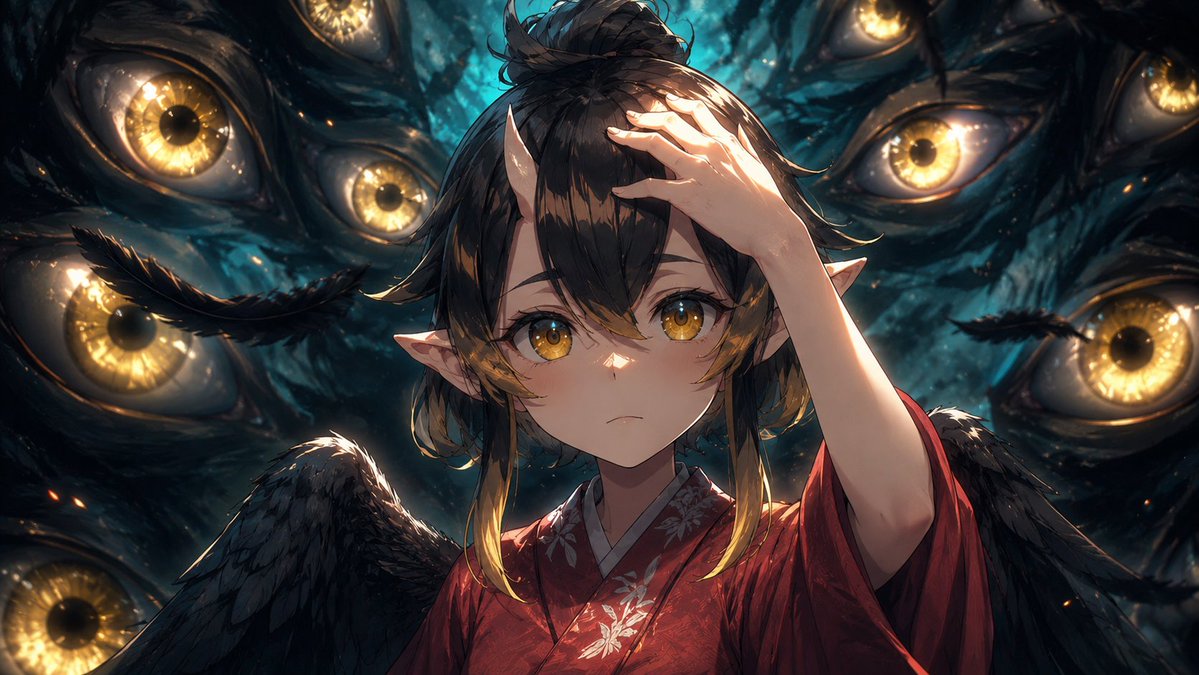


![Manga Retelling of a Novel Opening — Read the opening of the novel [{argument name="book" default="BOOK"}] by [{argument name="author"…](https://pbs.twimg.com/media/HCQ-tXVW8AAEbl4.jpg)



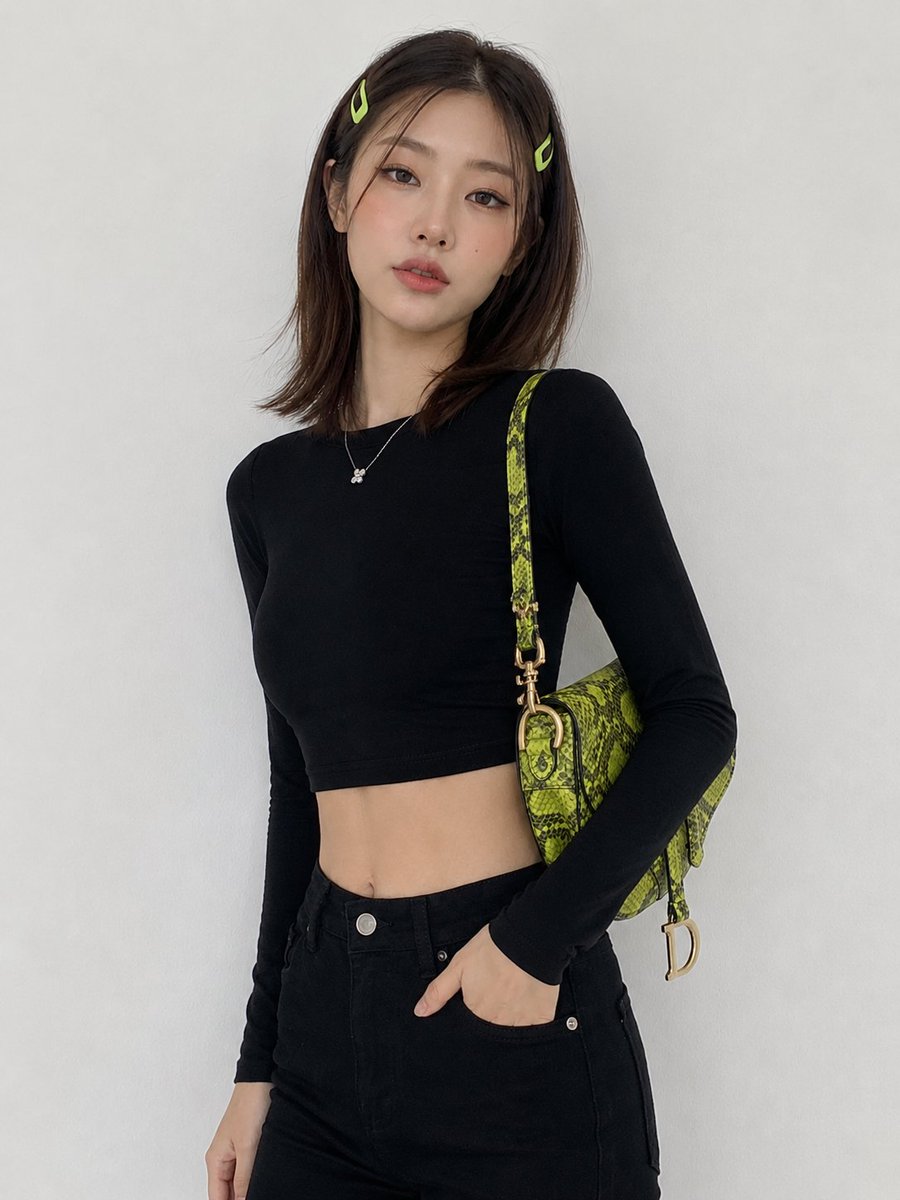





![84-cute-ball-shaped-animal-characters — Make a photo of a cute ball-shaped version of a [animal], with big adorable over-sized eyes, it has…](/_next/image?url=https%3A%2F%2Fcdn.picxstudio.com%2Fuploads%2Fpost84_img0_1ca81284-b54a-4dc1-b7f3-6a0b52d1f3d8.jpg&w=828&q=100)