
Vertical Portfolio Mockup Strip
Generates a tall black website-style portfolio preview with three labeled case-study thumbnails for showcasing design mockups.

- Prompt included
- Model and format preset
- Free template
The prompt behind this image
Copy the exact prompt behind Vertical Portfolio Mockup Strip, or open it in the studio and make it yours.
Goal: Create a tall, narrow black portfolio case-study preview strip showing three vertically stacked AI-generated mockup thumbnails, each with a small white label above it. Canvas: Very tall vertical canvas, approximately 207 × 975 px, with a solid near-black background and generous black margins. Minimal editorial/portfolio styling, like a website column of project thumbnails. Layout: Stack exactly 3 project entries from top to bottom, aligned slightly left of center with consistent left margin. Each entry has one small white text label above a rectangular image thumbnail. Use large vertical gaps between entries. The thumbnail widths are similar, but their heights vary slightly; all images are portrait-oriented. Project entries: 1) Label: “{argument name="first project label" default="1inch-01"}”. Thumbnail: a moody product-style photo of a small beige cardboard cube or box sitting on dark asphalt in strong sunlight, casting a long hard shadow. A wooden structure or pallet edge appears along the upper left side. The box top has delicate printed line-art graphics and small text, viewed from above at an angle. 2) Label: “{argument name="second project label" default="mrNick-01"}”. Thumbnail: a clean studio render of a translucent electric-blue human figure/mannequin wearing an oversized T-shirt and pants, standing against a light gray background. The figure holds a white shopping bag in the left hand. The shirt has vertical white branding text reading “mrNick” along the right side. 3) Label: “{argument name="third project label" default="GLAZURE_GLASS-01"}”. Thumbnail: a bright candy-colored product poster dominated by hot pink. A glossy pink-red donut-shaped glaze ring sits on a pink product box, covered with colorful sprinkles. More sprinkles scatter across the surface. Large bold white Cyrillic-style lettering appears near the bottom of the box/poster. Typography: Labels are small, plain sans-serif, white or light gray, left-aligned above each thumbnail. Preserve the exact visible labels. No additional captions, navigation, icons, borders, or interface elements. Visual style: High-contrast black gallery background, polished website mockup feel, sharp realistic thumbnails, clean spacing, premium design case-study presentation. Constraints: Include exactly 3 labeled thumbnails; do not add extra projects, buttons, browser chrome, watermark, or decorative elements.
How to use Vertical Portfolio Mockup Strip in 3 steps
- 1Upload ImagePNG, JPG or paste
Add your photo
Upload the photo the template builds on. The prompt, model and format are already set.
- 2…a portrait of your subject in softgolden-hour light, 85mm…
Personalize
Edit the subject and creative details for your destination.
- 3Generate
Generate
Press Generate — your image is created in PicX Studio, so you can compare it with the original and refine one variable at a time.
More like this
Templates with the same subject, style or setup. Open one to see its prompt.

Miniature Travel Diorama Postcard

Gen Z Triple Selfie Collage — Y2K Flash Photography

Premium Vertical Product Campaign Poster
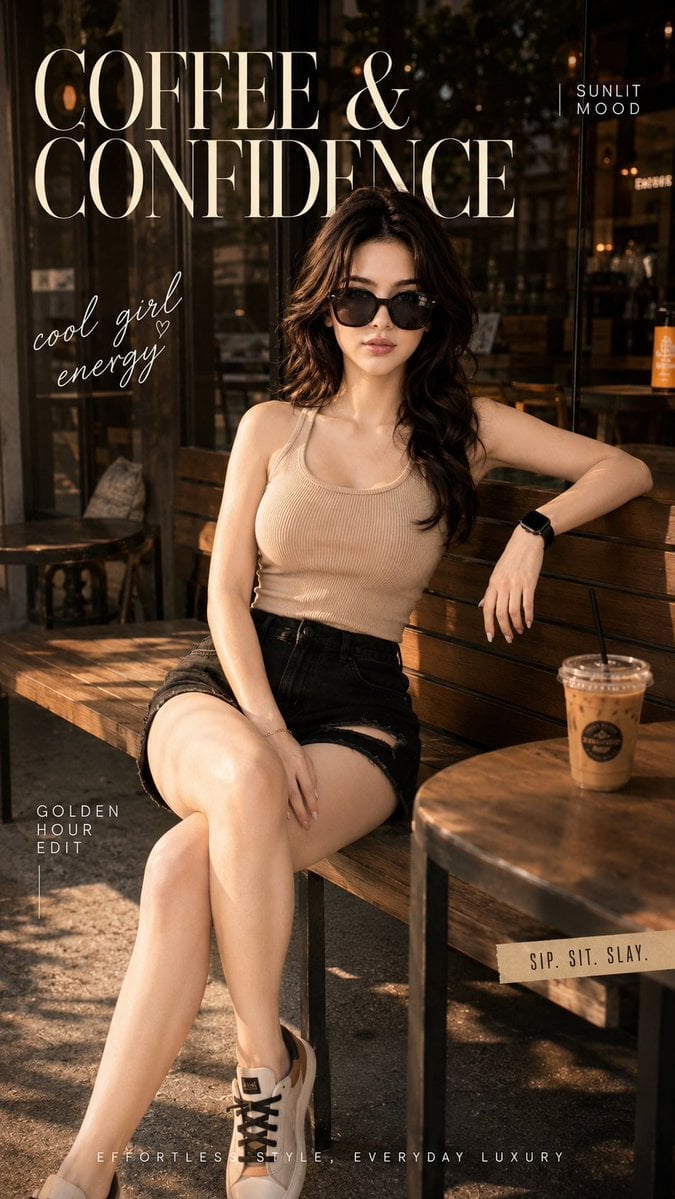
Ultra-Cinematic Lifestyle Fashion Portrait
Premium Vertical Product Campaign Poster
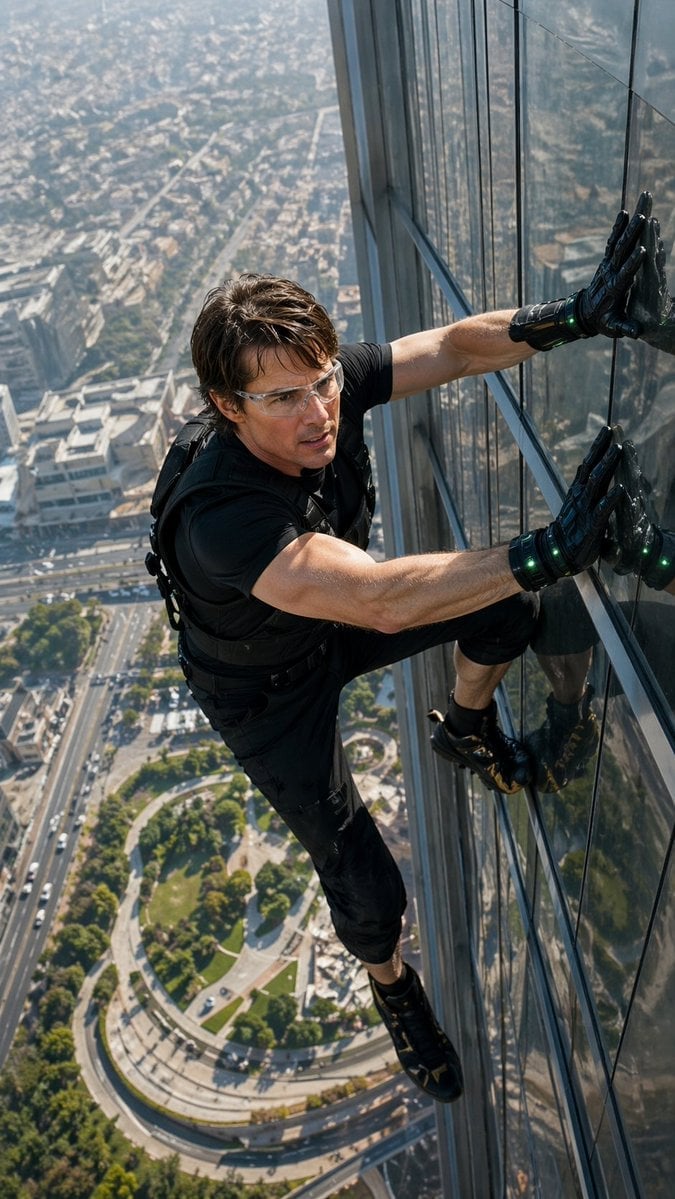
Skyscraper Symbiote Ascent Vertical Poster
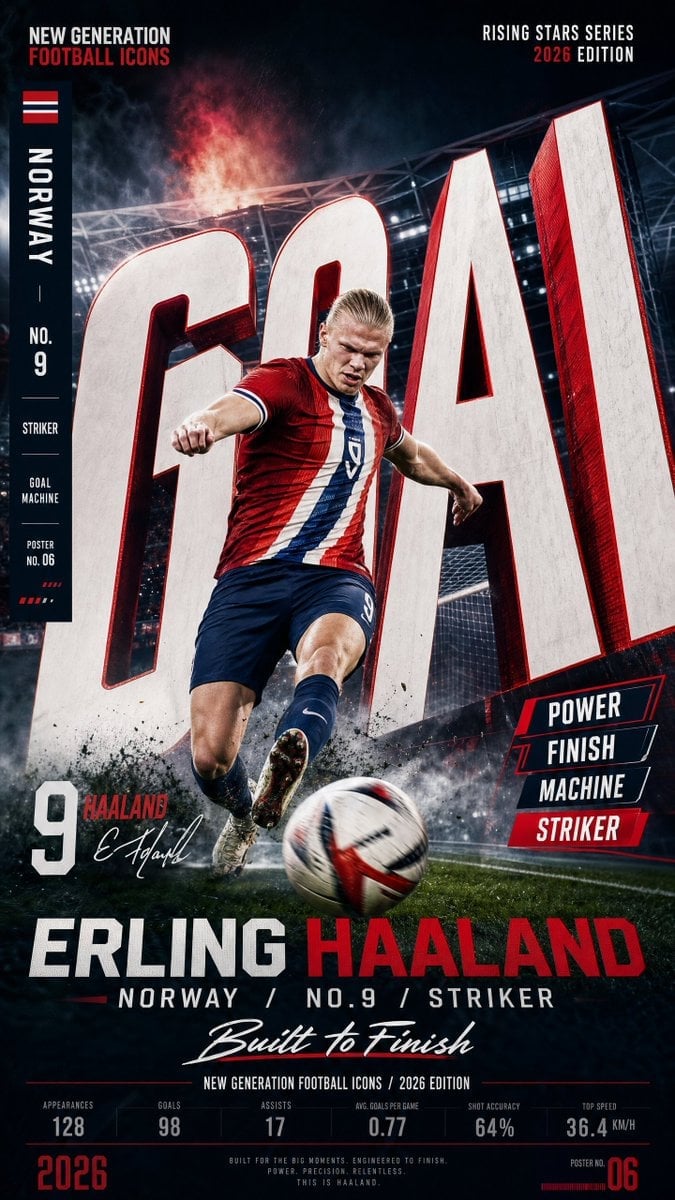
Vertical Football Star Campaign Poster

Panning Motion Soccer Kick Poster
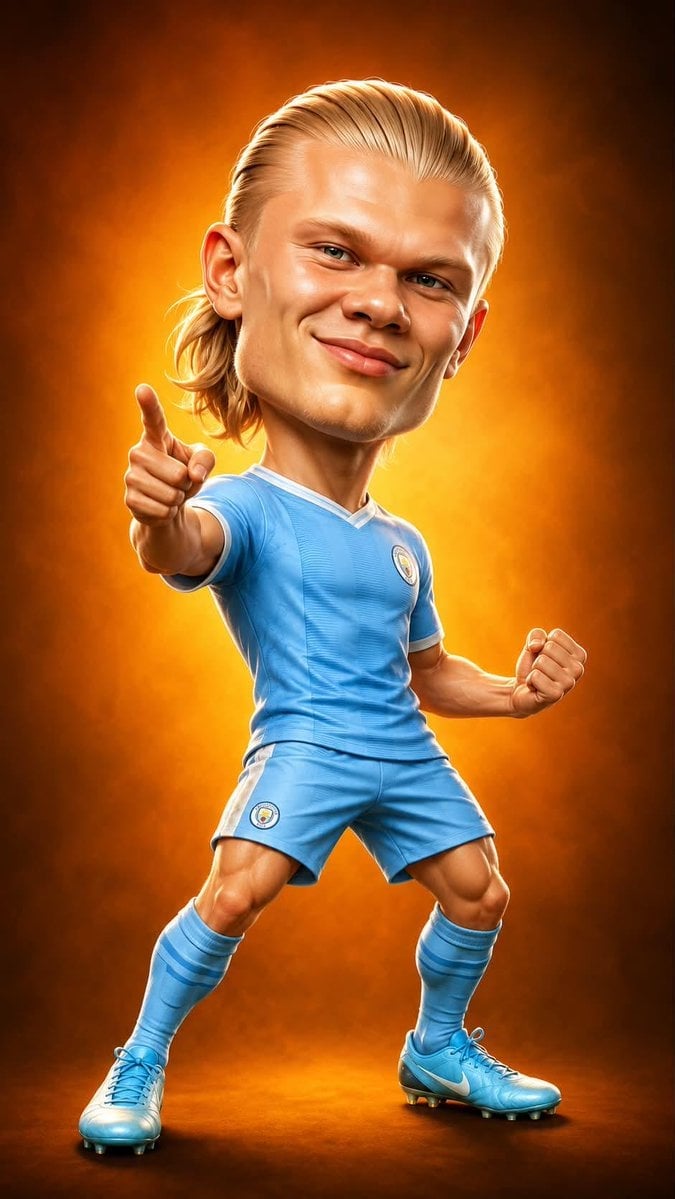
Legendary Icons Mixed Style Poster Pack

Japan Neon Speed City Racing Poster

Cyberpunk Neon Brazil World Cup Poster

Canada Goalkeeper Twilight Editorial Portrait
Make it yours
Vertical Portfolio Mockup Strip works as-is. These are the safest ways to change it without losing the look.
Change one field
Copy a single group, rewrite it, and generate again so you can see what that field is doing.
Keep the frame, change the subject
Hold the composition and light of Vertical Portfolio Mockup Strip, then swap wardrobe, props or the person for a new take.
| If the result… | Why | Fix |
|---|---|---|
| The result drifts from the preview | Too many fields changed at once. | Reuse Vertical Portfolio Mockup Strip as-is first, then change one group — subject, light, or setting. |
| The model over-stylizes the scene | The prose prompt leaves finish and camera underspecified. | Add one camera or lighting sentence and stay on GPT Image 2. |
More GPT Image 2 templates
Other prompts made for GPT Image 2.

Six VTuber Japanese Logo Sheet

Realistic Portrait of Woman and Deer

The Vista Modular Condo Poster

AI Model Routing Comparison Infographic

2.5D Anime Art Board

Isometric Productivity Desk Scene

New York Double Exposure Poster

Four-Panel AI Landscape Comparison

Japanese Tatami Lifestyle Magazine Cover

NESCAFÉ Coffee Map Poster
More image prompts
Fresh picks from across the catalog.
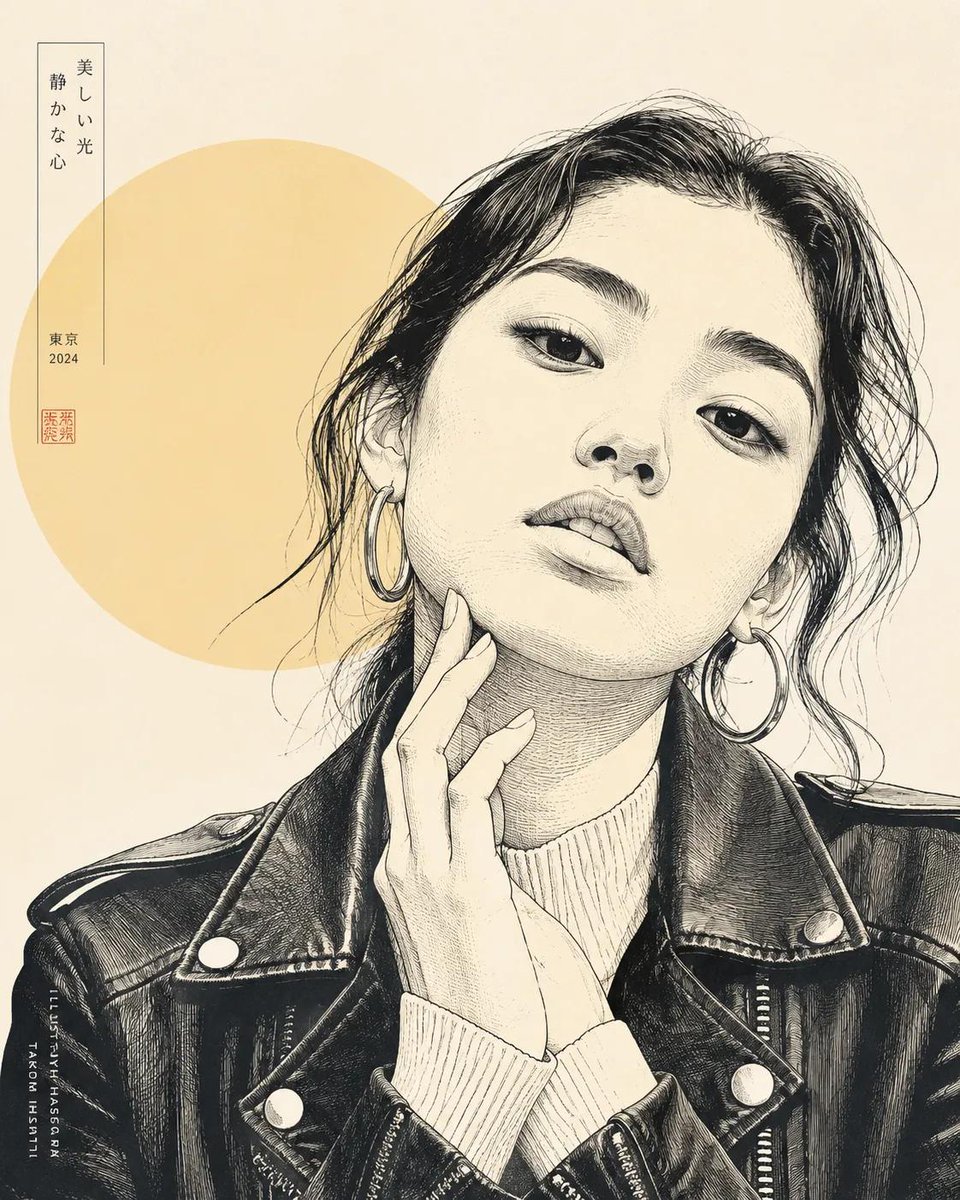
Japanese Line Art Style Transformation
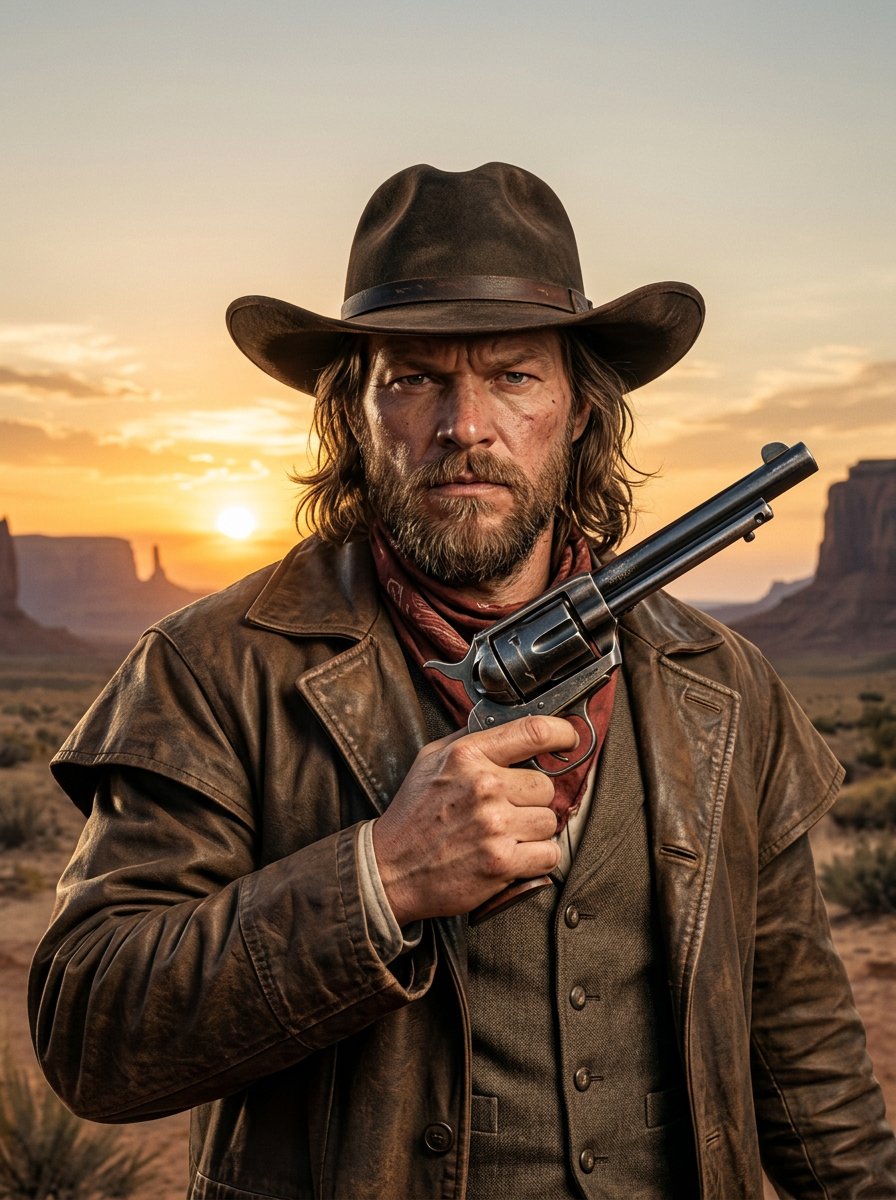
make me a cowboy poster

Santa Claus Insertion Prompt for Child's Photo
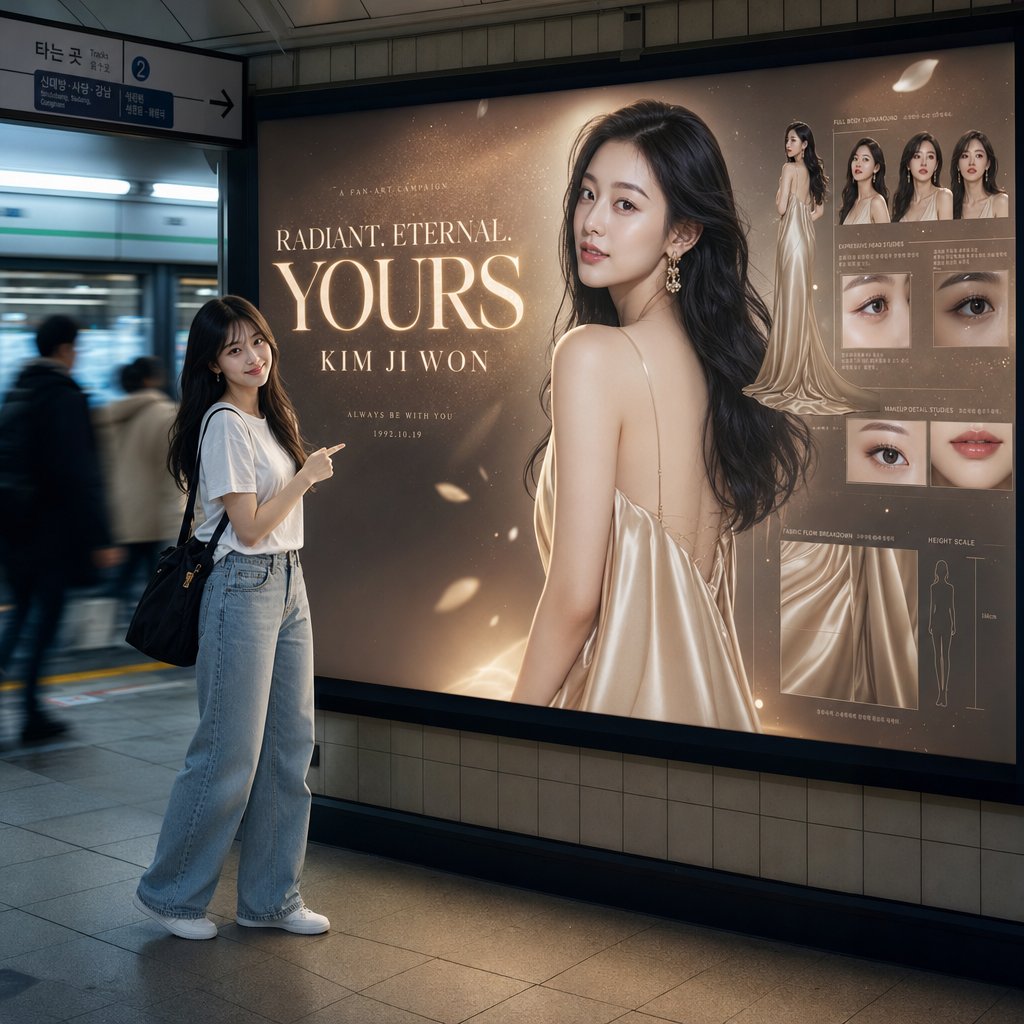
Subway Billboard Cinematic Portrait
Videogame Cinematic Trailer - Seedance 2.0
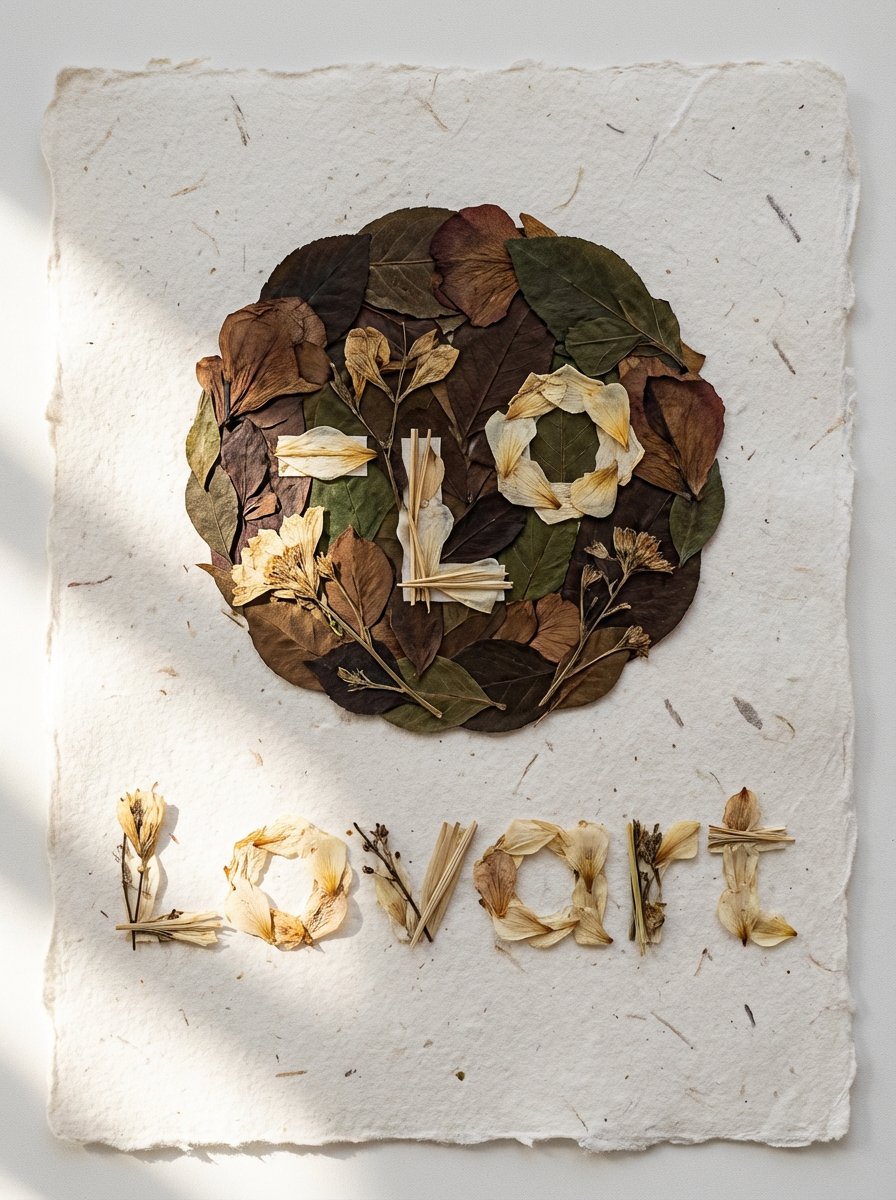
Pressed Flower Logo Flat Lay Composition
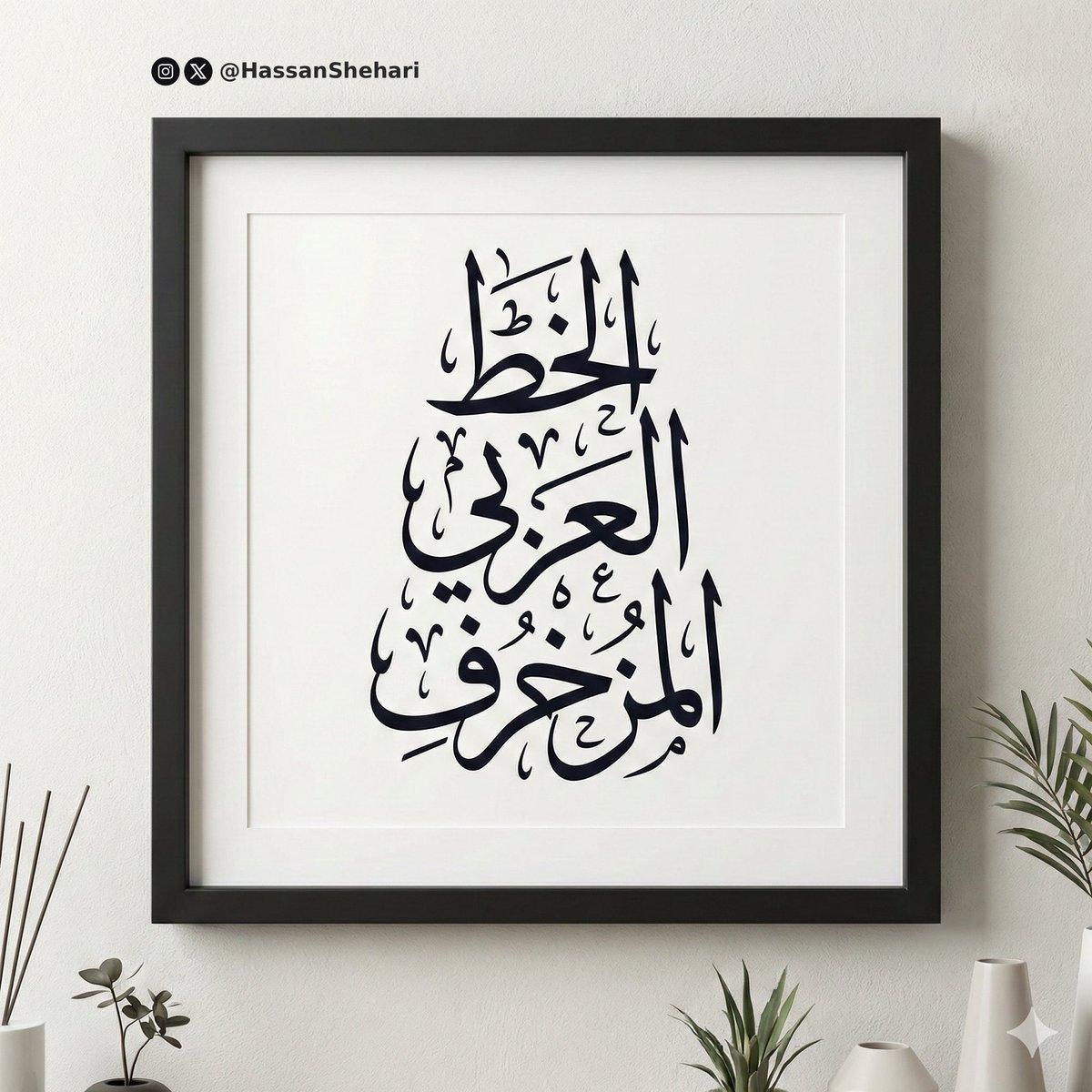
Elegant Arabic Calligraphy Mockup Prompt

Kimetsu no Yaiba-style anime transformation with brush calligraphy
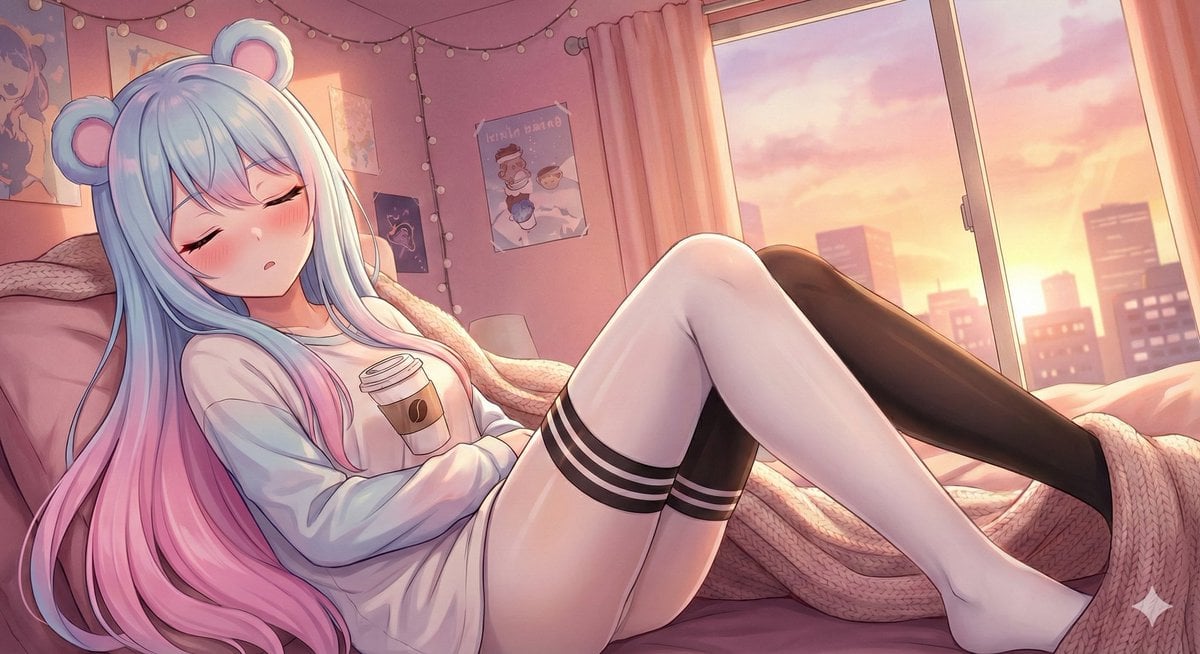
Wake Her Up Gently
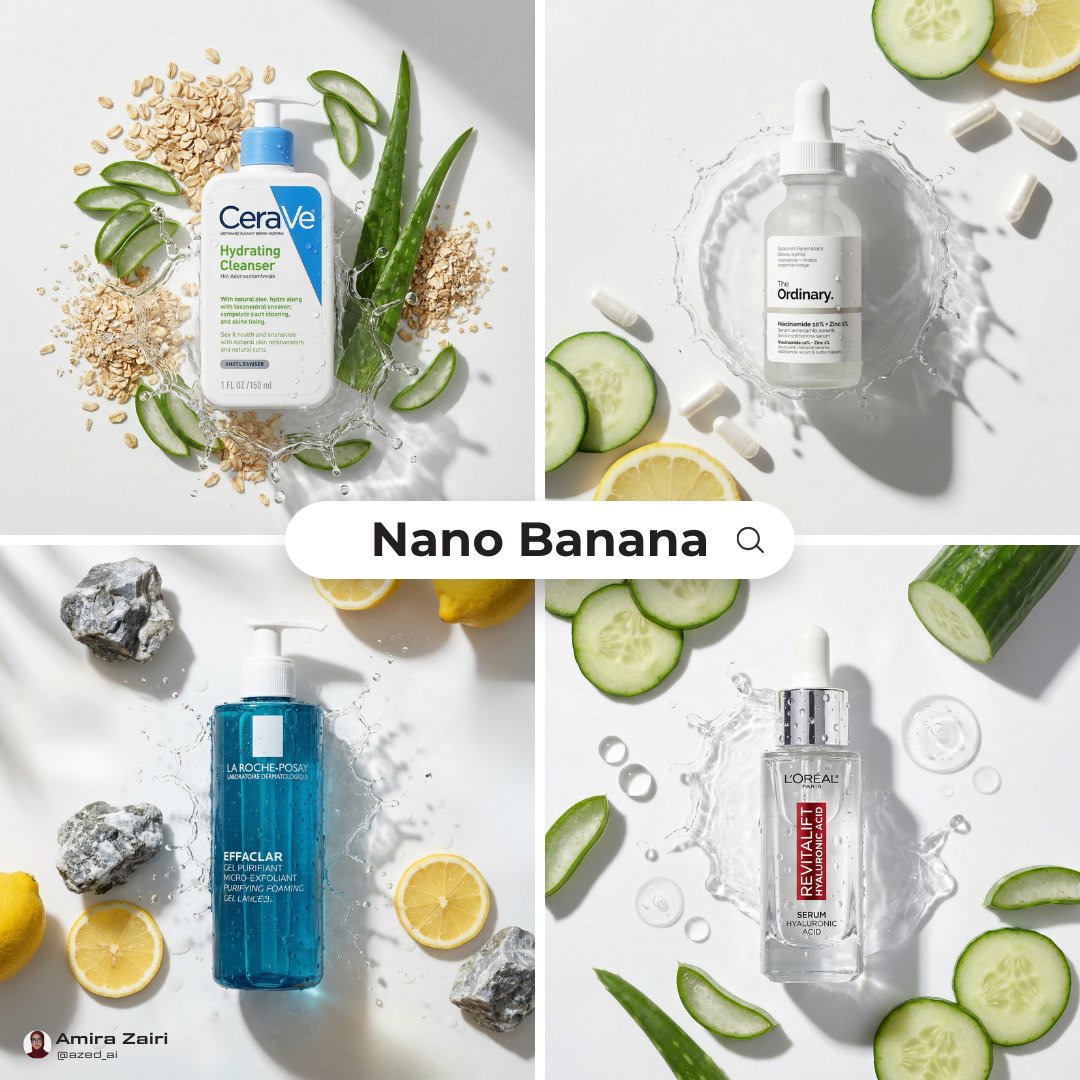
High-End Skincare Advertising Prompt
Browse template categories
Vertical Portfolio Mockup Strip questions
How do I use the Vertical Portfolio Mockup Strip template?
Add your photo if the template asks for one, edit the prompt if you like — the template's model and format are already selected — and press Generate. Your version opens in PicX Studio.
Can I customize the Vertical Portfolio Mockup Strip template?
Yes. You can change the subject, setting, lighting, mood, format, and available model controls before creating your image.
Is the Vertical Portfolio Mockup Strip template free?
Opening and editing this template is free. Generating uses credits, shown on the Generate button when you are signed in.
Which AI model should I use?
Start with GPT Image 2, which is the model associated with this template. You can compare another compatible model for a different finish.
Looking for something else? Browse all templates.

Your photo, any look
Thousands of ready templates for every top image and video model, from one credit balance.