How do I use the Subscription vs Rent-to-Own Infographic template?
Edit the prompt in the box under the preview — the template's model and format are already selected — and press Generate. Your version appears right on this page.
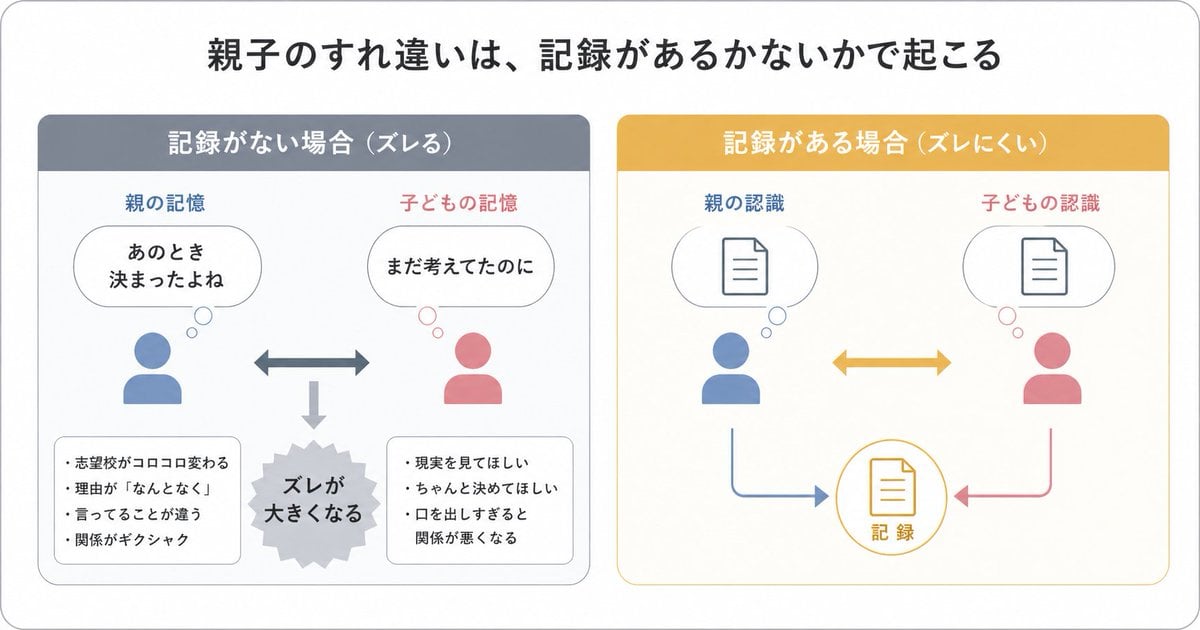
Generates a Japanese side-by-side explainer infographic comparing subscription and rent-to-own payment models for software or DAW-related articles.

This template uses your photo — add one with the + button.
{"type":"clean Japanese comparison infographic for a DAW article","style":"flat vector illustration, business explainer, rounded panels, thick outline icons, white background, blue versus orange color coding, crisp readable typography, 16:9 landscape","canvas":{"aspect_ratio":"16:9","background":"white with subtle pale blue tint near bottom"},"layout":{"main_panels_count":2,"center_divider":"small circular badge between panels with radiating ticks, left blue arrow and right orange arrow, text 比較","left_panel":{"title":"{argument name=\"left panel title\" default=\"サブスクリプション\"}","position":"left half","border":"rounded rectangle blue border","theme_color":"deep navy and bright blue","items_count":3,"items":[{"icon":"calendar with check mark in a blue circle","text":"毎月支払う","illustration":"young man in blue sweater holding a credit card with yen symbol"},{"icon":"padlock in a blue circle","text":"利用中は使えるが\n解約すると\n使用できない","illustration":"laptop screen with arrow pointing to small locked padlock"},{"icon":"blue sneaker in a blue circle","text":"短期利用や\n気軽な導入に向く","illustration":"businesswoman in blue jacket raising one hand as if explaining"}]},"right_panel":{"title":"{argument name=\"right panel title\" default=\"Rent-to-Own\"}","position":"right half","border":"rounded rectangle orange border","theme_color":"orange and brown","items_count":3,"items":[{"icon":"calendar with yen coin in an orange circle","headline":"支払い後に自分のものに","body":"契約満了後は確実に\n所有権が自分に移ります","illustration":"person in orange hoodie holding a cardboard box beside a house outline and sparkle"},{"icon":"bar chart with yen coin in an orange circle","headline":"購入前提なら相性が良い","body":"無駄なく支払いながら\n将来の資産として残せます","illustration":"rising arrow above stacks of coins with sparkles"},{"icon":"shopping cart in an orange circle","headline":"長く使うなら納得しやすい","body":"月々の支払いが実質購入に\nつながるので、長期利用で\n満足度が高まります","illustration":"woman in orange top thinking about a house in a thought bubble"}]}},"footer":{"text":"{argument name=\"footer note\" default=\"GPT-Image 2.0にて生成 2026/05/06 出力物最終確認:猛攻型ことねP\"}","position":"bottom center","color":"pale gray-blue monospaced style"},"text_rendering":"preserve Japanese text accurately, large bold headings, smaller explanatory lines aligned beside icons","notes":"Use exactly 2 large comparison panels, 3 subscription points on the left, 3 rent-to-own points on the right, and the central 比較 badge."}
Edit the prompt in the box under the preview — the template's model and format are already selected — and press Generate. Your version appears right on this page.
Yes. You can change the subject, setting, lighting, mood, format, and available model controls before creating your image.
Opening and editing this template is free. Generating uses credits, shown on the Generate button when you are signed in.
Start with GPT Image 2, which is the model associated with this template. You can compare another compatible model for a different finish.
Follow a topic to a crawlable collection of related PicX Studio templates.