
Playful American Shorthair Kittens
This generates a cute, high-detail illustration of two playful American shorthair kittens wrestling in a colorful paint-splatter studio backdrop, ideal for social posts, wallpapers, and animal art.
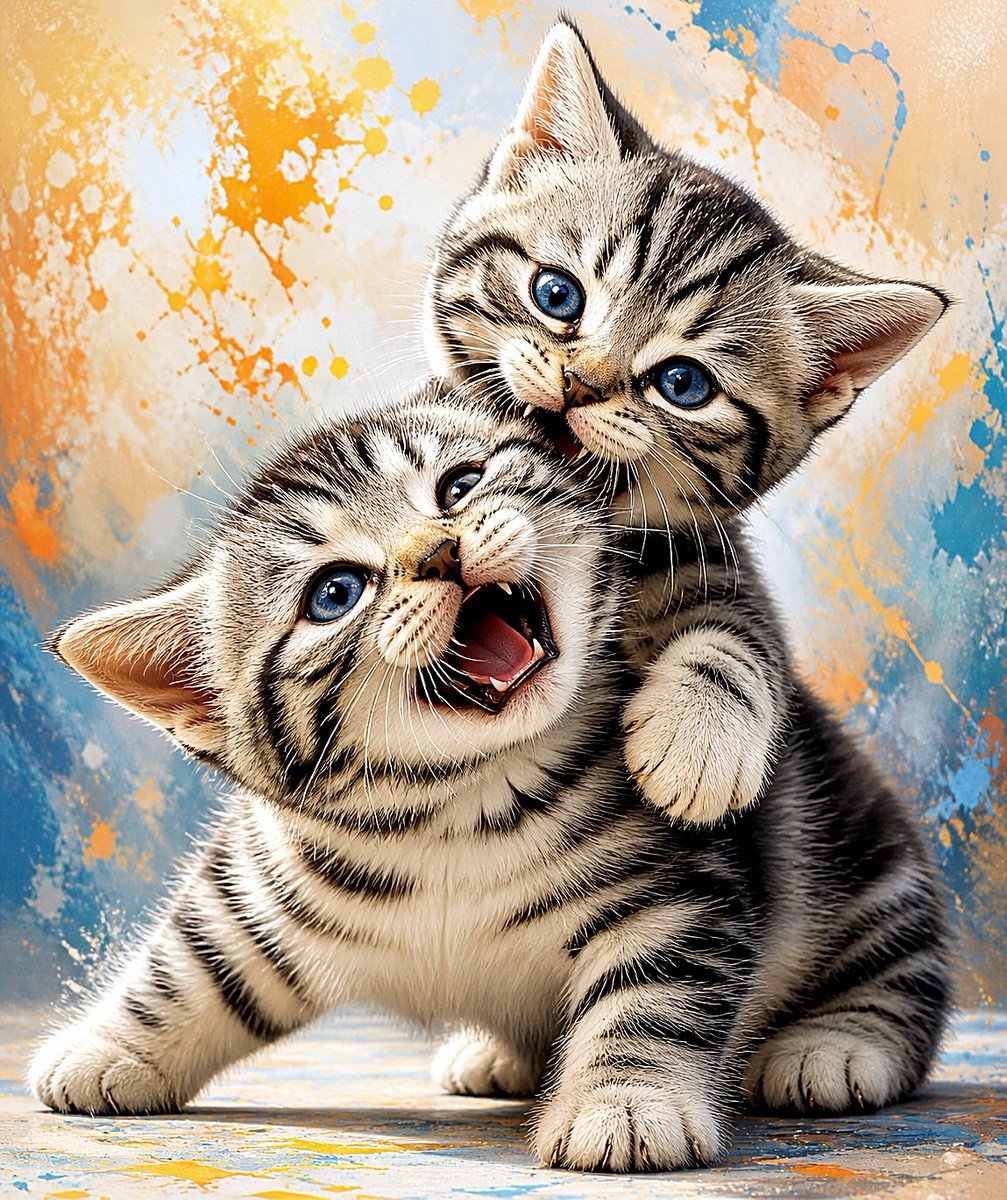
- Prompt included
- Model and format preset
- Free template
The prompt behind this image
Copy the exact prompt behind Playful American Shorthair Kittens, or open it in the studio and make it yours.
A highly detailed, playful studio-style digital illustration of 2 American shorthair tabby kittens with silver-and-black striped fur and vivid {argument name="eye color" default="bright blue"} eyes, posed in a close, energetic cuddle-fight. The front kitten is lower in the frame, facing slightly left of camera with its mouth open in a joyful meow or laugh, tiny teeth and pink tongue visible, front legs spread wide on the ground in a bouncy stance. The second kitten is behind and slightly above, leaning over the first kitten’s shoulder and gently play-biting or nuzzling the top side of its head, with one soft paw wrapped around the front kitten like a hug. Both kittens have oversized paws, plush fur texture, crisp whiskers, expressive faces, and a charming mischievous mood. Use a tight full-body portrait crop with both kittens centered and filling most of the frame. Background is an abstract painted backdrop with dynamic splashes and spatters in {argument name="accent colors" default="sky blue, warm orange, and cream"}, giving a lively art-studio feel while remaining soft and uncluttered. Floor is lightly textured with matching paint-like smears. Lighting is bright, soft, and frontal, emphasizing glossy eyes, fluffy fur, and high contrast tabby markings. Render in a polished semi-realistic cute-animal illustration style, ultra-sharp, high detail, colorful, heartwarming, whimsical, and energetic.
How to use Playful American Shorthair Kittens in 3 steps
- 1Upload ImagePNG, JPG or paste
Add your photo
Upload the photo the template builds on. The prompt, model and format are already set.
- 2…a portrait of your subject in softgolden-hour light, 85mm…
Personalize
Edit the subject and creative details for your destination.
- 3Generate
Generate
Press Generate — your image is created in PicX Studio, so you can compare it with the original and refine one variable at a time.
More like this
Templates with the same subject, style or setup. Open one to see its prompt.
Sticker Art Style
Cute Baby and Kittens Wallpaper
American Aviation Skyline Poster
1960s American Beverage Advertising Poster
Isometric Miniature American Kitchen
Gouache Style Playful Illustration
1960s American Advertising Poster
Sassy British Shorthair Cat Portrait
Smiling Baby With Five Kittens
Playful Little Monster Siblings
Playful Semi-Chibi Lifestyle Editorial
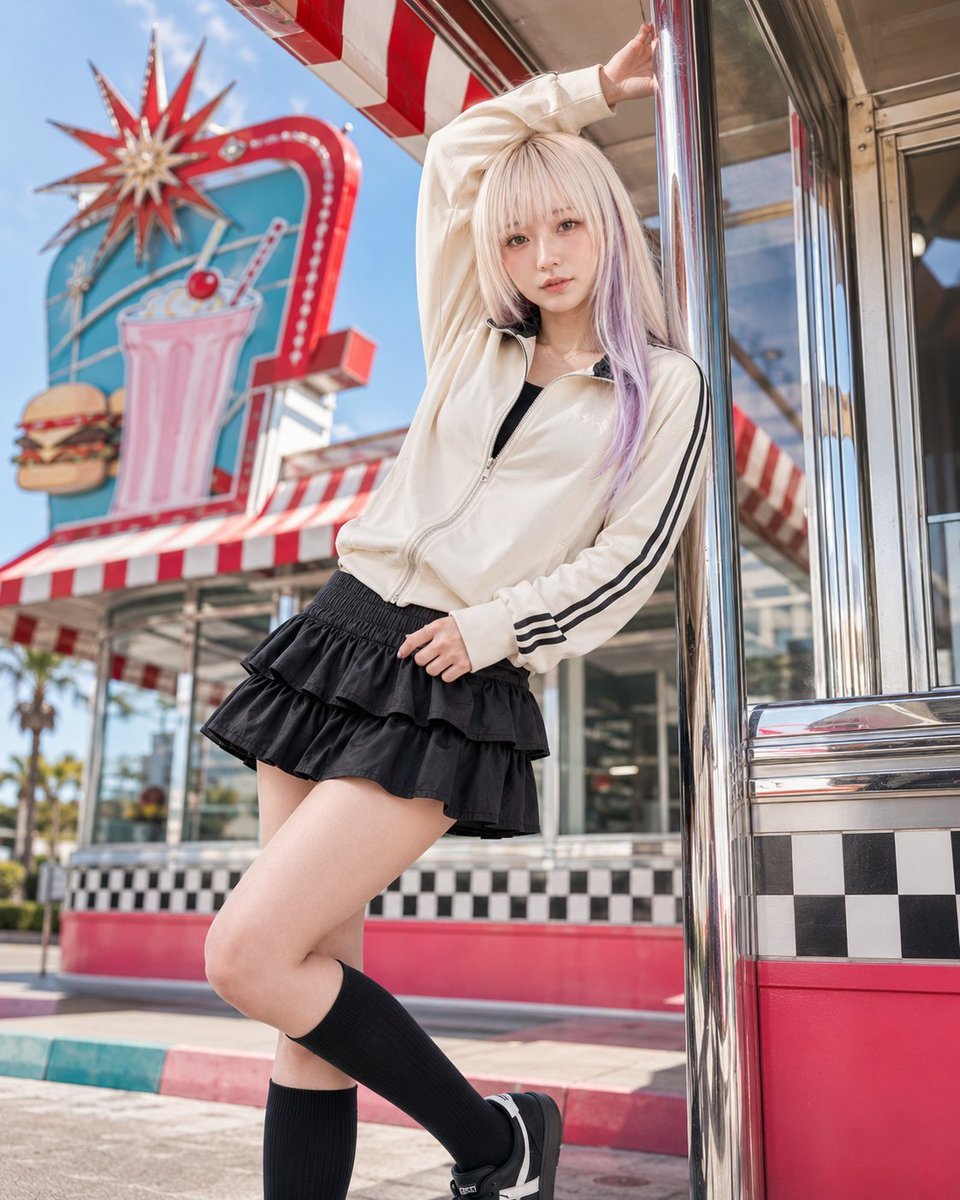
Retro American Pop Diner Fashion Editorial
Make it yours
Playful American Shorthair Kittens works as-is. These are the safest ways to change it without losing the look.
Change one field
Copy a single group, rewrite it, and generate again so you can see what that field is doing.
Keep the frame, change the subject
Hold the composition and light of Playful American Shorthair Kittens, then swap wardrobe, props or the person for a new take.
| If the result… | Why | Fix |
|---|---|---|
| The result drifts from the preview | Too many fields changed at once. | Reuse Playful American Shorthair Kittens as-is first, then change one group — subject, light, or setting. |
| The model over-stylizes the scene | The prose prompt leaves finish and camera underspecified. | Add one camera or lighting sentence and stay on GPT Image 2. |
More GPT Image 2 templates
Other prompts made for GPT Image 2.

Six VTuber Japanese Logo Sheet

Realistic Portrait of Woman and Deer

The Vista Modular Condo Poster

AI Model Routing Comparison Infographic

2.5D Anime Art Board

Isometric Productivity Desk Scene

New York Double Exposure Poster

Four-Panel AI Landscape Comparison

Japanese Tatami Lifestyle Magazine Cover

NESCAFÉ Coffee Map Poster
More image prompts
Fresh picks from across the catalog.
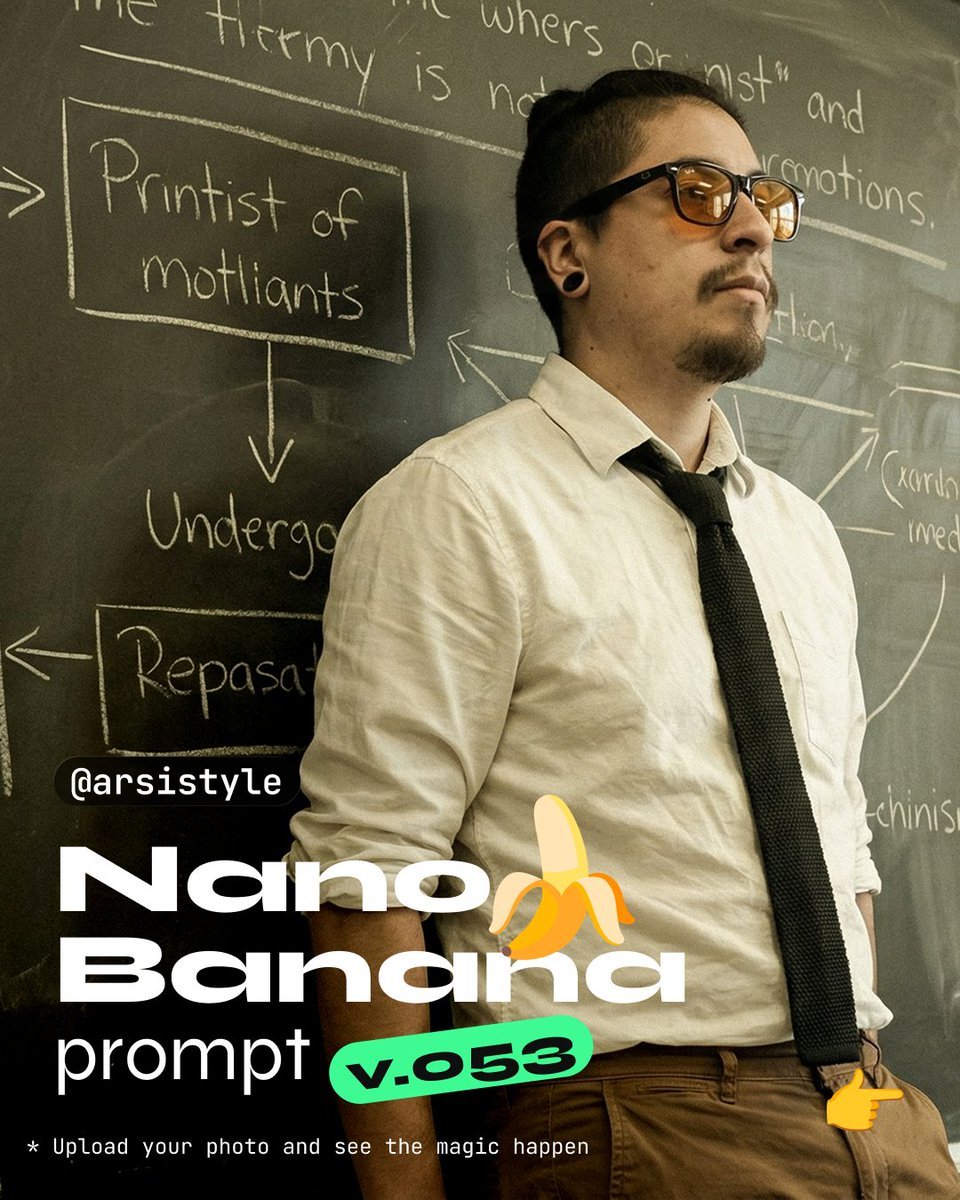
Cinematic Medium Shot with Chalkboard Background Prompt
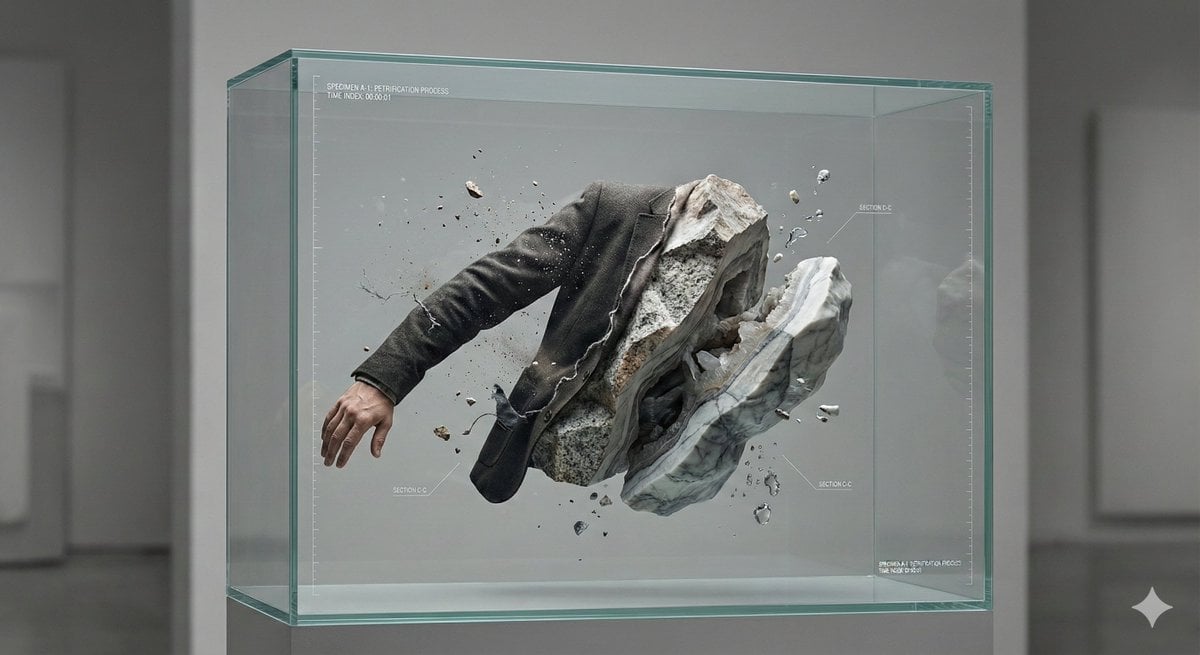
Surreal Abstract Concept Contained in a Display Case
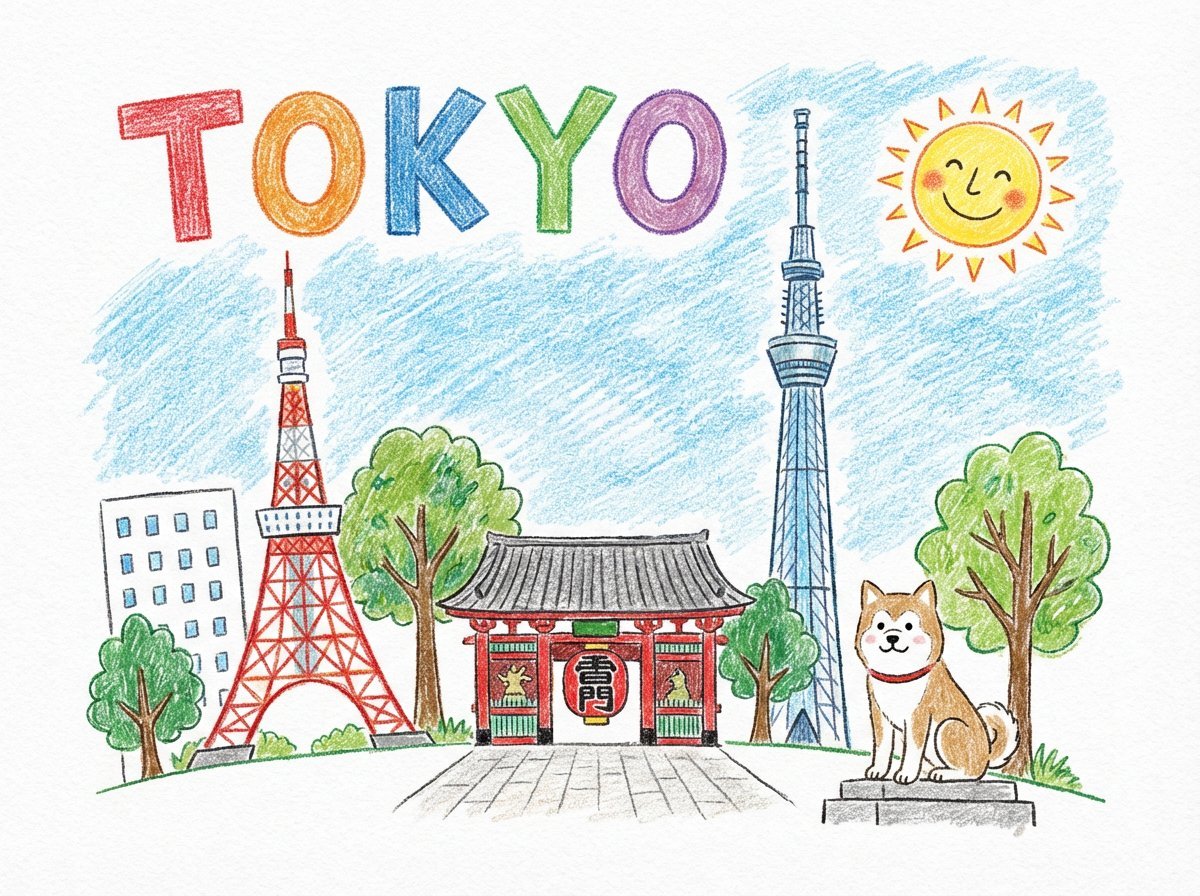
Child-like Crayon and Colored Pencil City Drawing
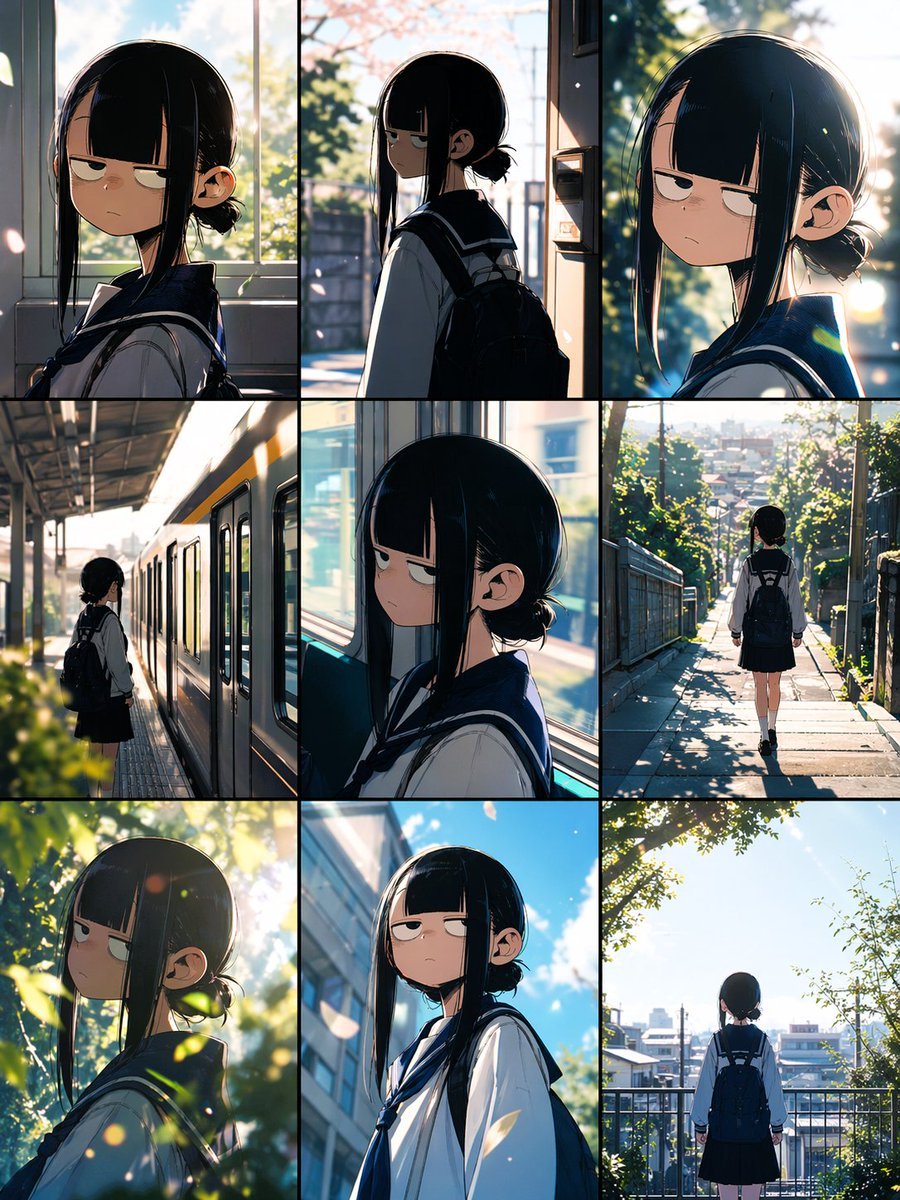
Anime School Commute Storyboard Grid
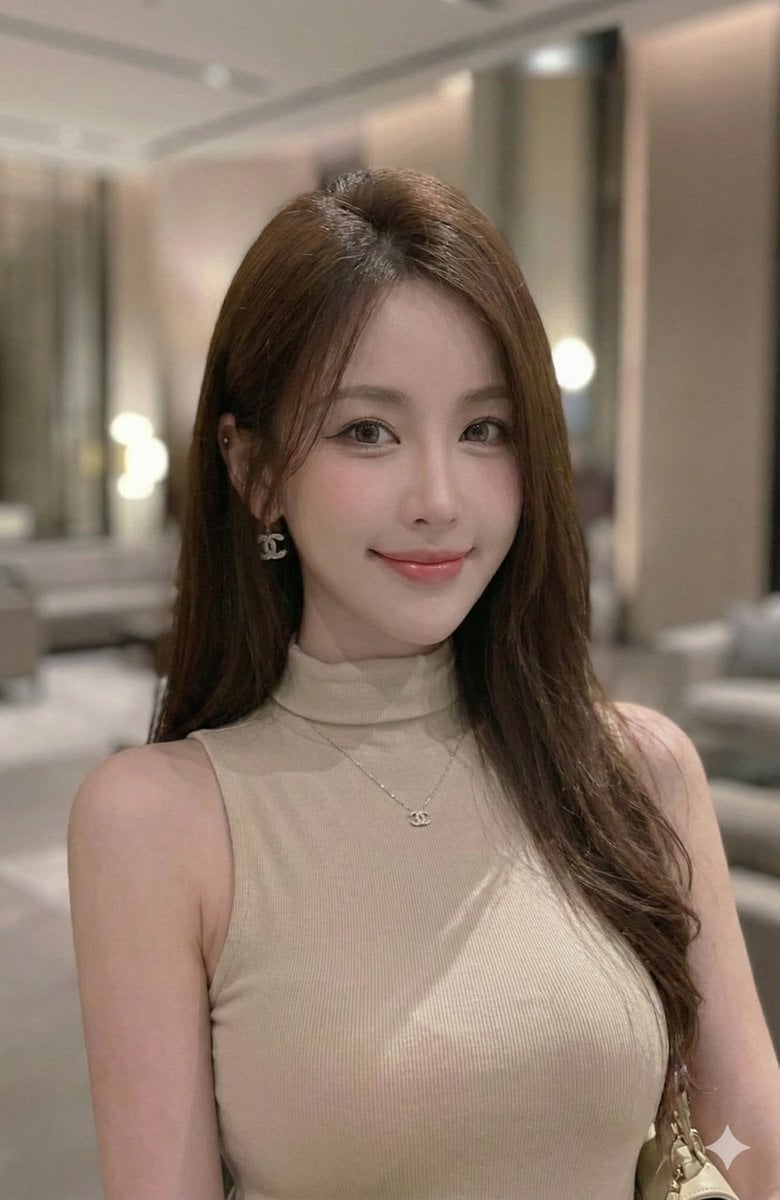
Extract a single panel from a 3x3 image grid with Nano Banana Pro
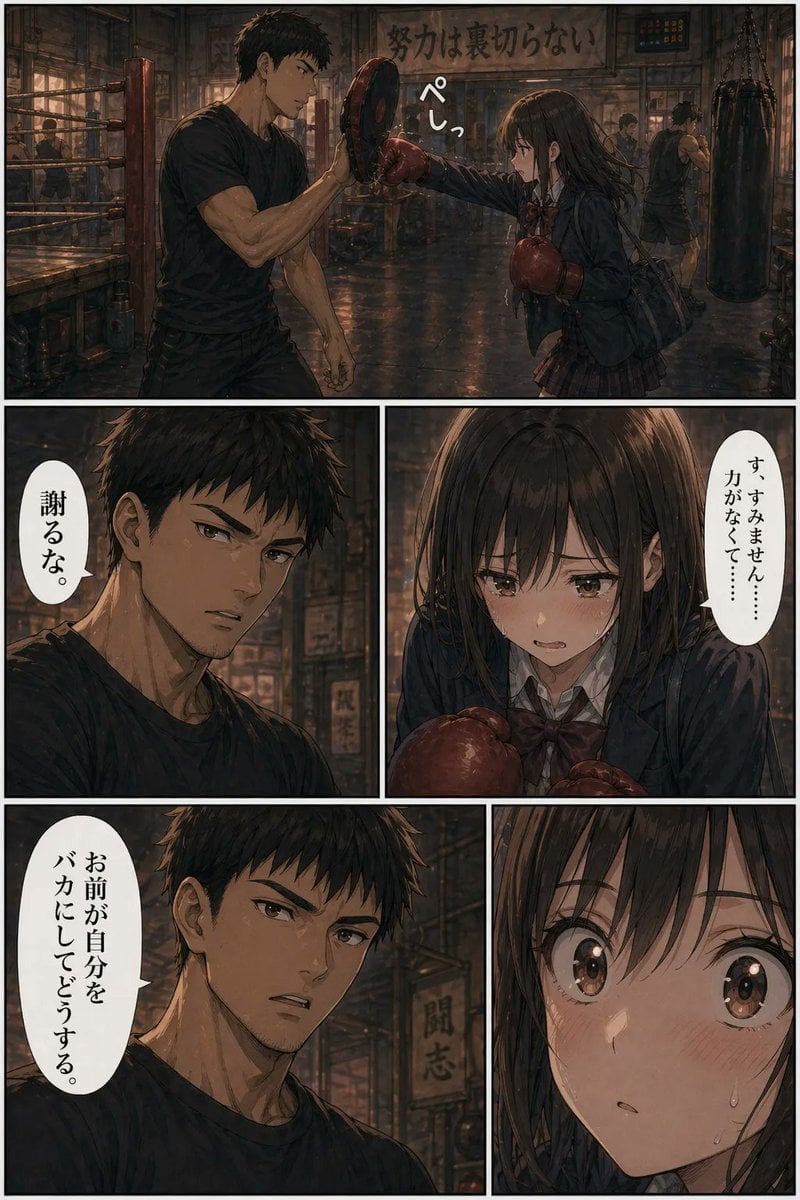
Boxing Gym Manga Page
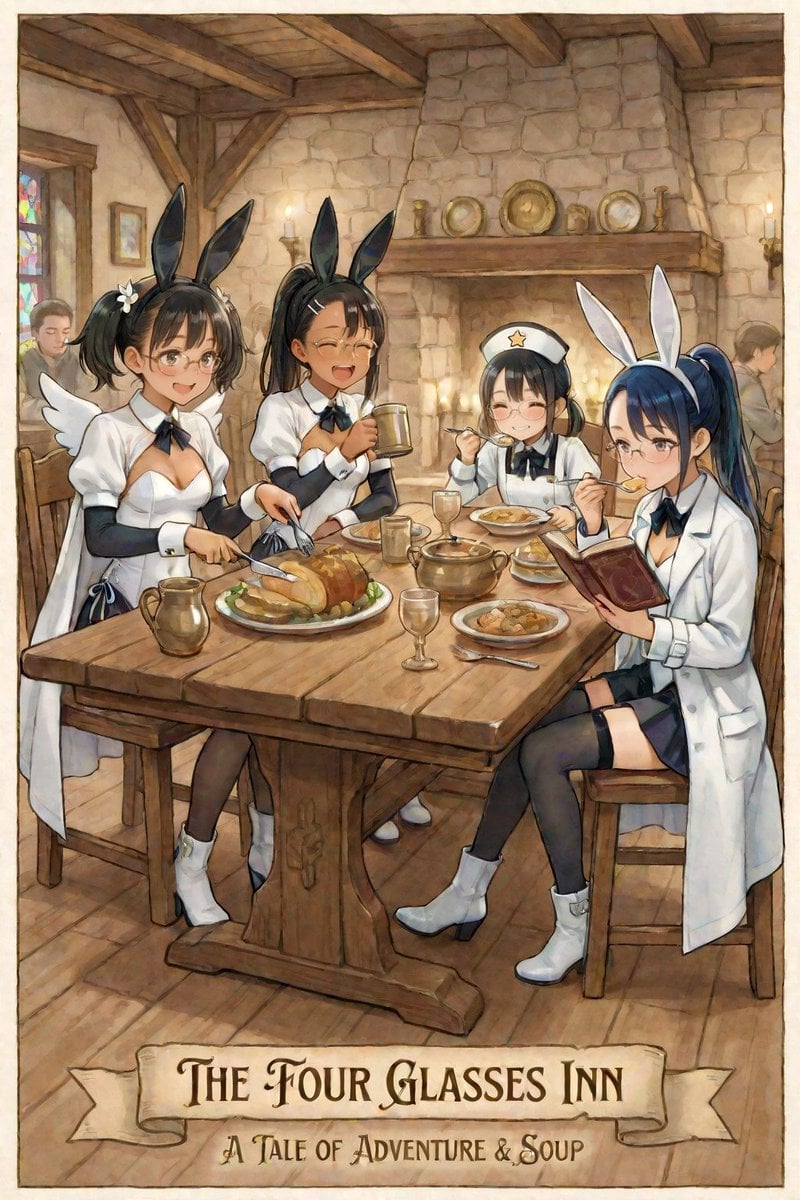
AI Illustration of a Girl at an Inn
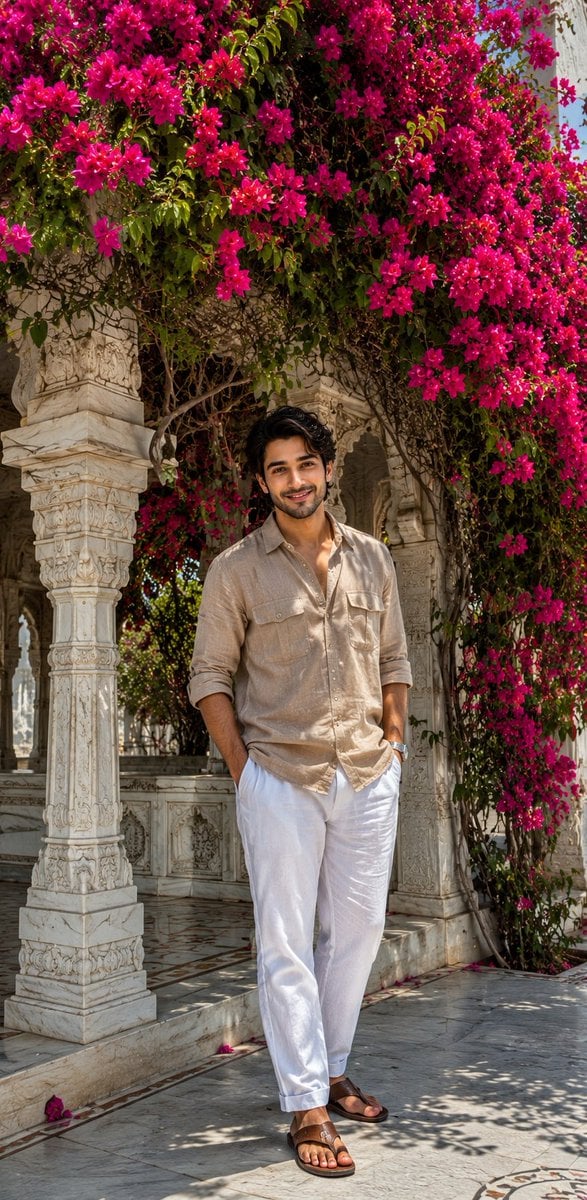
Ultra-Realistic iPhone Marble Structure Portrait
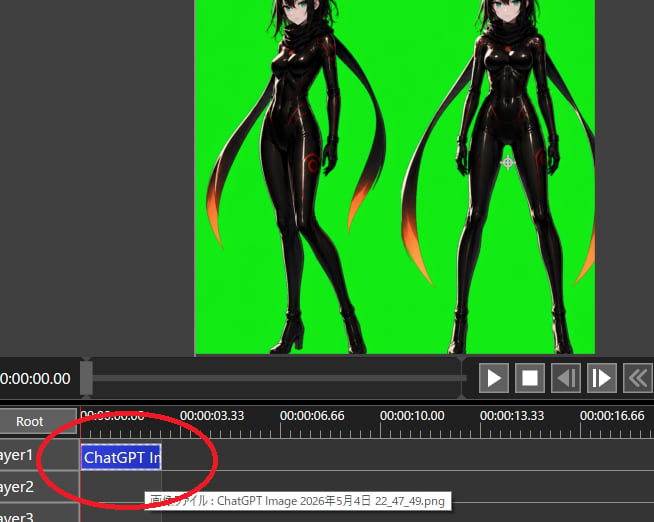
Chroma Key Video Editor Screenshot

Character Expression and Pose Variation Prompt (20 Patterns)
Browse template categories
Playful American Shorthair Kittens questions
How do I use the Playful American Shorthair Kittens template?
Add your photo if the template asks for one, edit the prompt if you like — the template's model and format are already selected — and press Generate. Your version opens in PicX Studio.
Can I customize the Playful American Shorthair Kittens template?
Yes. You can change the subject, setting, lighting, mood, format, and available model controls before creating your image.
Is the Playful American Shorthair Kittens template free?
Opening and editing this template is free. Generating uses credits, shown on the Generate button when you are signed in.
Which AI model should I use?
Start with GPT Image 2, which is the model associated with this template. You can compare another compatible model for a different finish.
Looking for something else? Browse all templates.

Your photo, any look
Thousands of ready templates for every top image and video model, from one credit balance.