
Colossal God in Engraved Desert Sky
A vertical mythic woodcut-style scene of a tiny desert pilgrim confronted by a vast crowned deity emerging from swirling clouds.
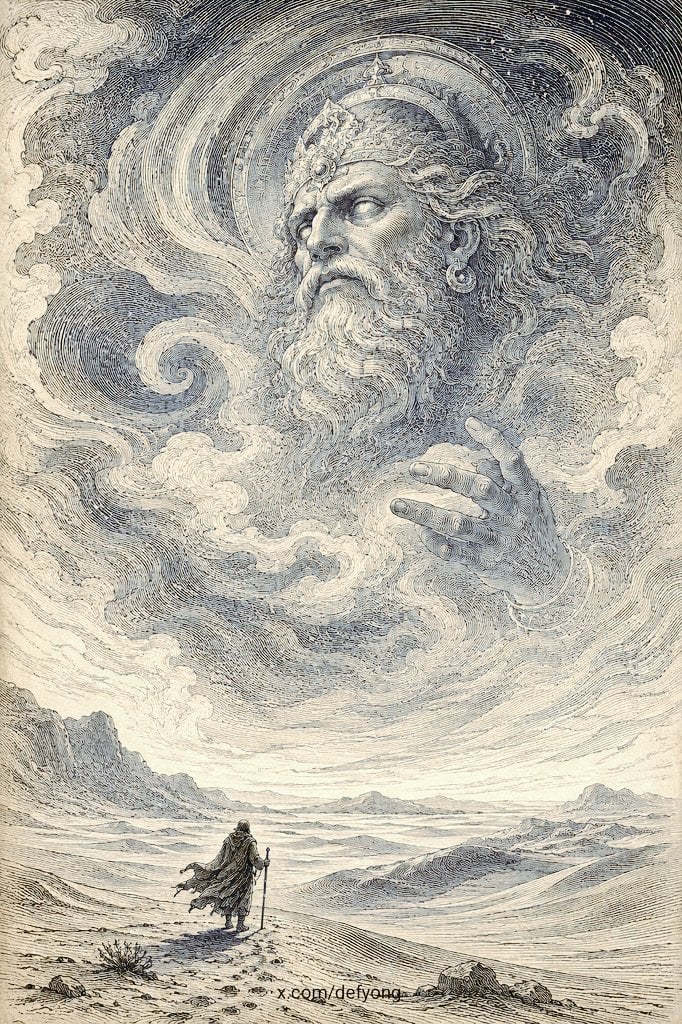
- Prompt included
- Model and format preset
- Free template
The prompt behind this image
Copy the exact prompt behind Colossal God in Engraved Desert Sky, or open it in the studio and make it yours.
Create a vertical monochrome mythic engraving in the style of a 19th-century Gustave Doré woodcut, rendered with extremely dense hand-etched crosshatching, swirling contour lines, stippled shadows, and aged ivory paper texture. The scene shows a tiny lone wanderer, {argument name="traveler type" default="a cloaked pilgrim with a walking staff"}, standing in the lower foreground of a vast barren desert plain with low rocks, scrub, distant ridges, and pale mountains receding toward the horizon. Above the traveler, filling most of the sky, an immense supernatural face of {argument name="deity identity" default="an ancient bearded king-god"} emerges from storm clouds and cosmic wind, looking down with solemn, unreadable authority. The deity has a long flowing beard, swept-back hair, a jeweled crown, earrings, a radiant circular halo or celestial disk behind the head, and one enormous hand reaching through the clouds as if blessing, summoning, or judging the wanderer. The sky is a vortex of engraved cloud bands and spiraling wind currents, with dramatic negative space and fine linework forming cloud curls around the deity’s beard and hand. Use {argument name="color palette" default="sepia ink, slate blue-gray shadows, warm cream paper"}, high contrast but no modern digital gloss, no bright colors, no typography except a tiny unobtrusive artist signature near the bottom edge. Composition should be cinematic and surreal: the traveler is very small at bottom center-left, the colossal divine apparition dominates the upper two-thirds, creating awe, scale, silence, and sacred desert atmosphere.
How to use Colossal God in Engraved Desert Sky in 3 steps
- 1Upload ImagePNG, JPG or paste
Add your photo
Upload the photo the template builds on. The prompt, model and format are already set.
- 2…a portrait of your subject in softgolden-hour light, 85mm…
Personalize
Edit the subject and creative details for your destination.
- 3Generate
Generate
Press Generate — your image is created in PicX Studio, so you can compare it with the original and refine one variable at a time.
More like this
Templates with the same subject, style or setup. Open one to see its prompt.

Saudi Arabia Paper Cut Travel Poster

Colossal Male Model Skyscraper Artwork
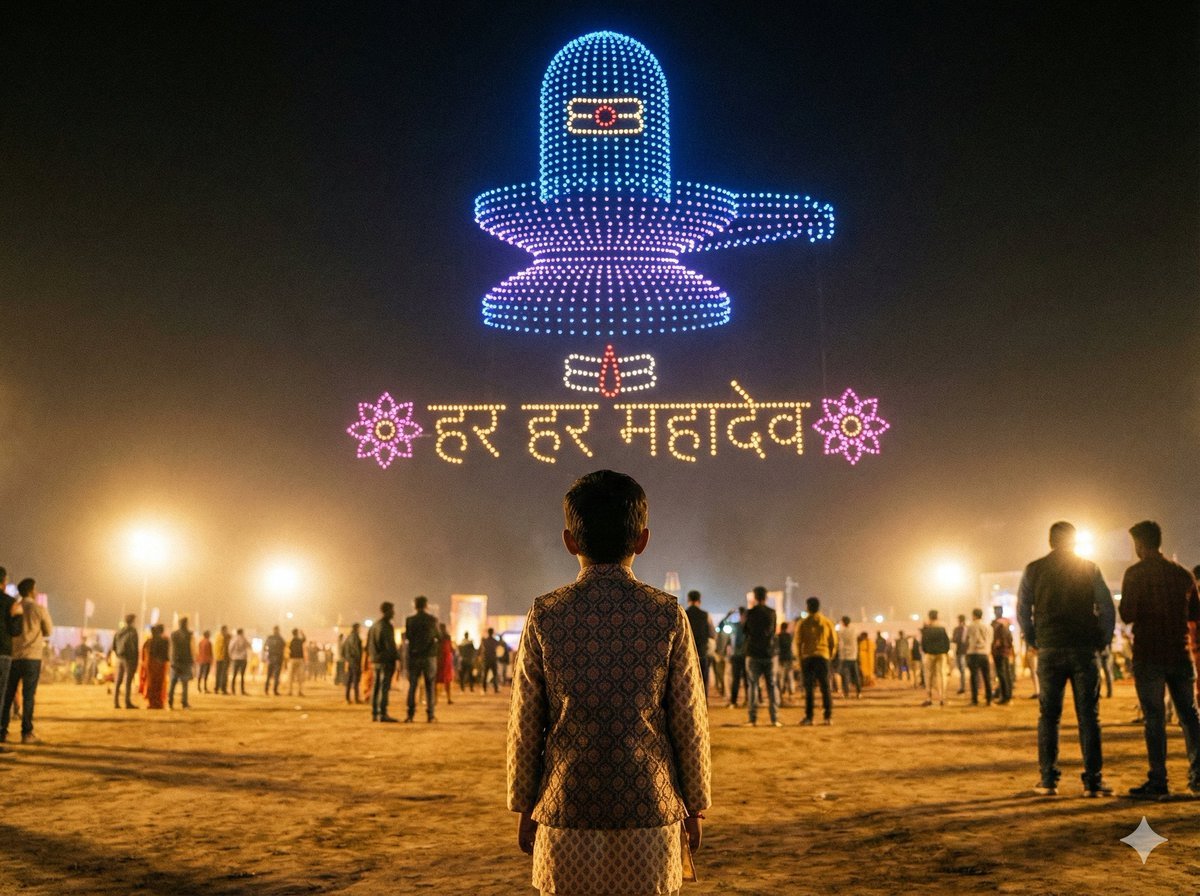
Shiv/God Created by Drones in Sky
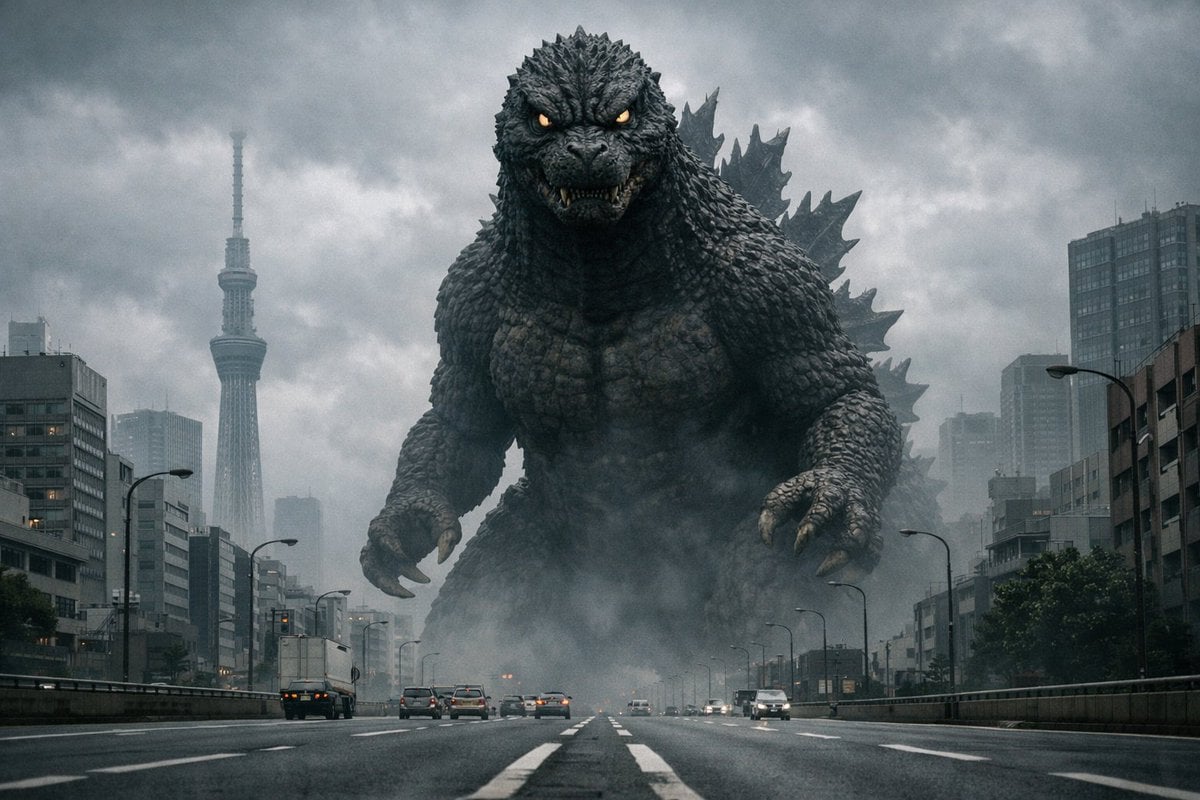
Godzilla in Tokyo Skytree District, 70s Style
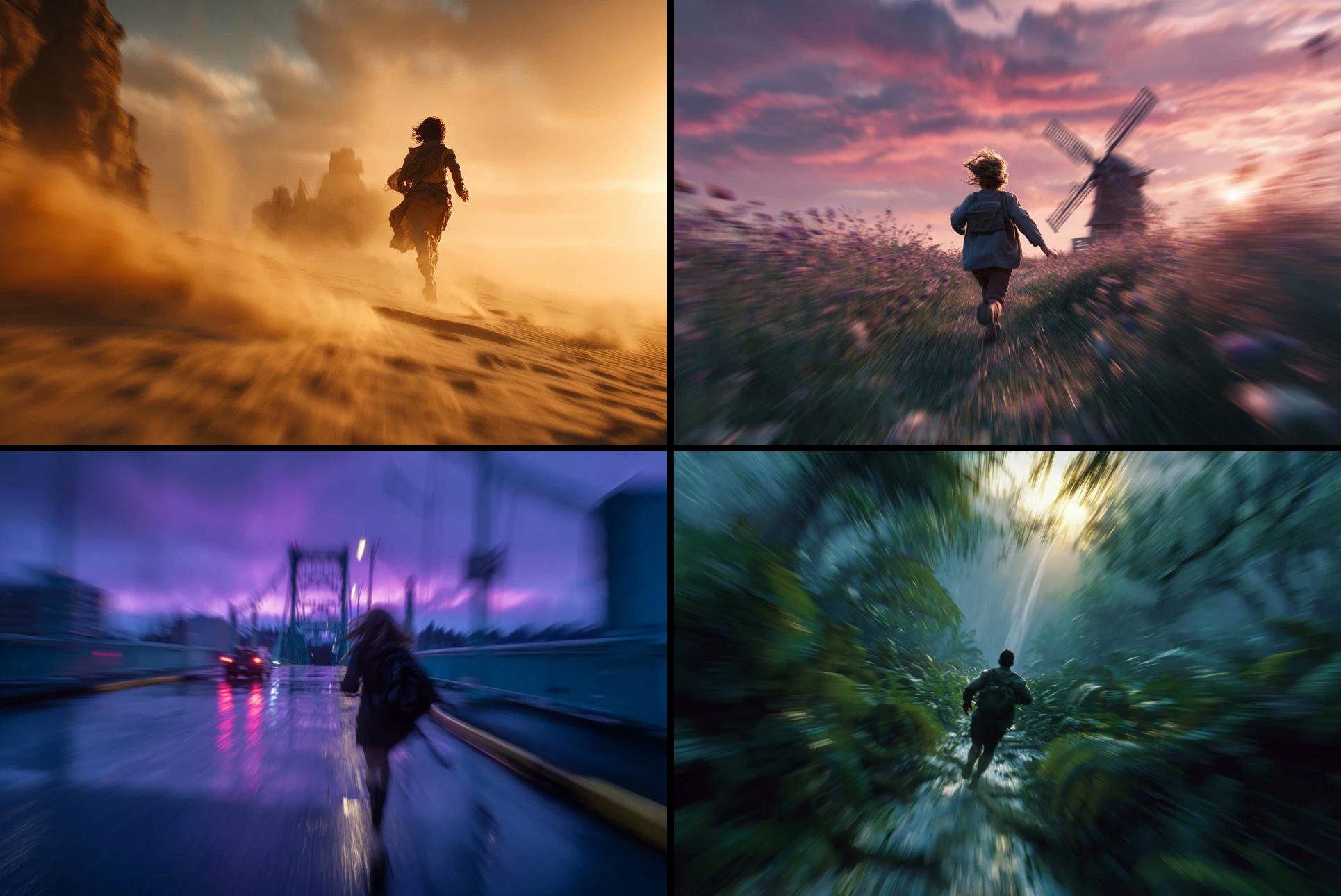
Freedom in Motion — Cinematic Sprint
Colossal Android Face Contact
Colossal Ring on Earth
The God Kneels Narrative Scene
Colossal Hands Metropolis Art
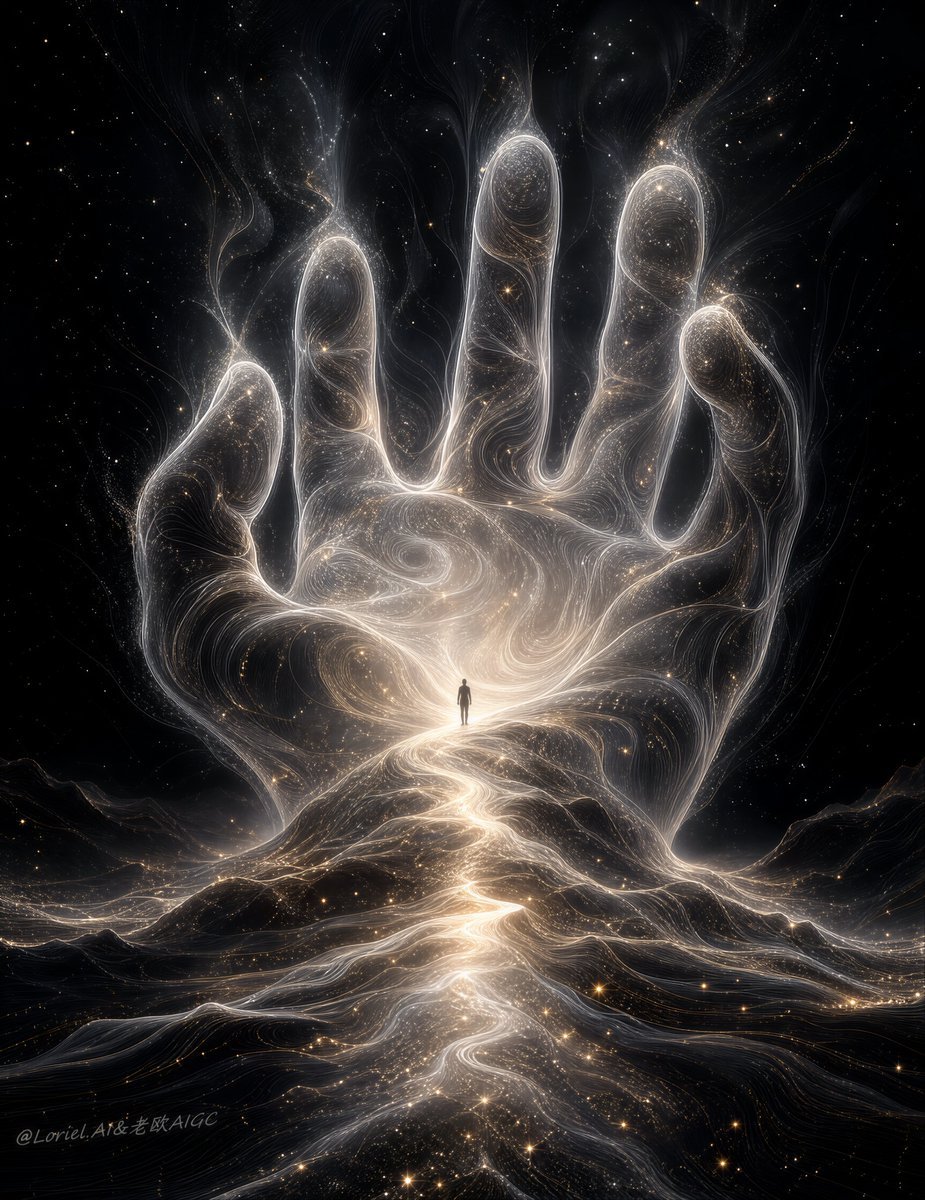
Colossal Cosmic Humanoid Fantasy

Painterly Coastal God Rays Illustration
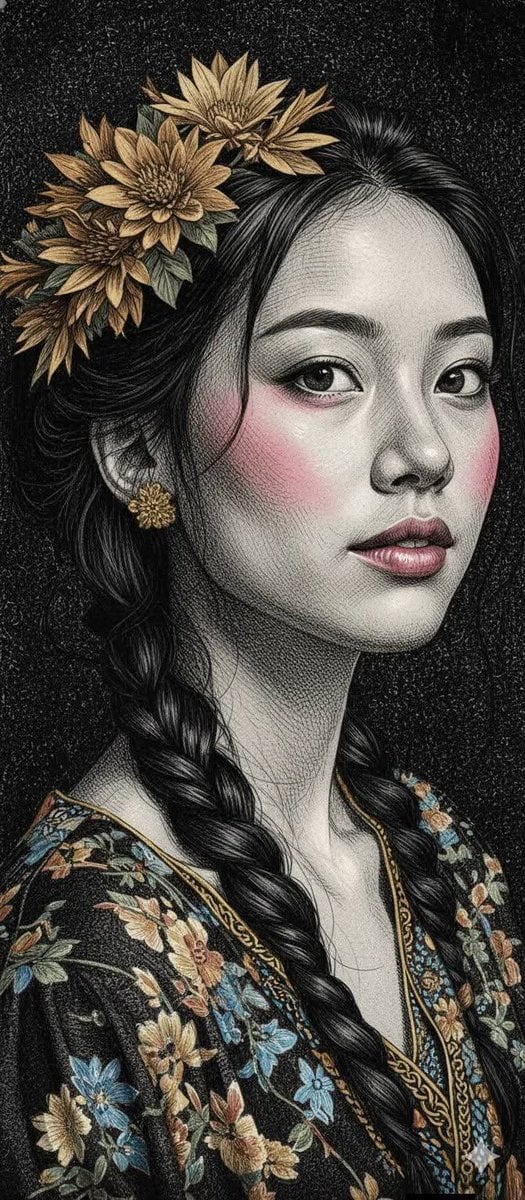
Engraved Surreal Illustration Portrait
Make it yours
Colossal God in Engraved Desert Sky works as-is. These are the safest ways to change it without losing the look.
Change one field
Copy a single group, rewrite it, and generate again so you can see what that field is doing.
Keep the frame, change the subject
Hold the composition and light of Colossal God in Engraved Desert Sky, then swap wardrobe, props or the person for a new take.
| If the result… | Why | Fix |
|---|---|---|
| The result drifts from the preview | Too many fields changed at once. | Reuse Colossal God in Engraved Desert Sky as-is first, then change one group — subject, light, or setting. |
| The model over-stylizes the scene | The prose prompt leaves finish and camera underspecified. | Add one camera or lighting sentence and stay on GPT Image 2. |
More GPT Image 2 templates
Other prompts made for GPT Image 2.

Six VTuber Japanese Logo Sheet

Realistic Portrait of Woman and Deer

The Vista Modular Condo Poster

AI Model Routing Comparison Infographic

2.5D Anime Art Board

Isometric Productivity Desk Scene

New York Double Exposure Poster

Four-Panel AI Landscape Comparison

Japanese Tatami Lifestyle Magazine Cover

NESCAFÉ Coffee Map Poster
More image prompts
Fresh picks from across the catalog.
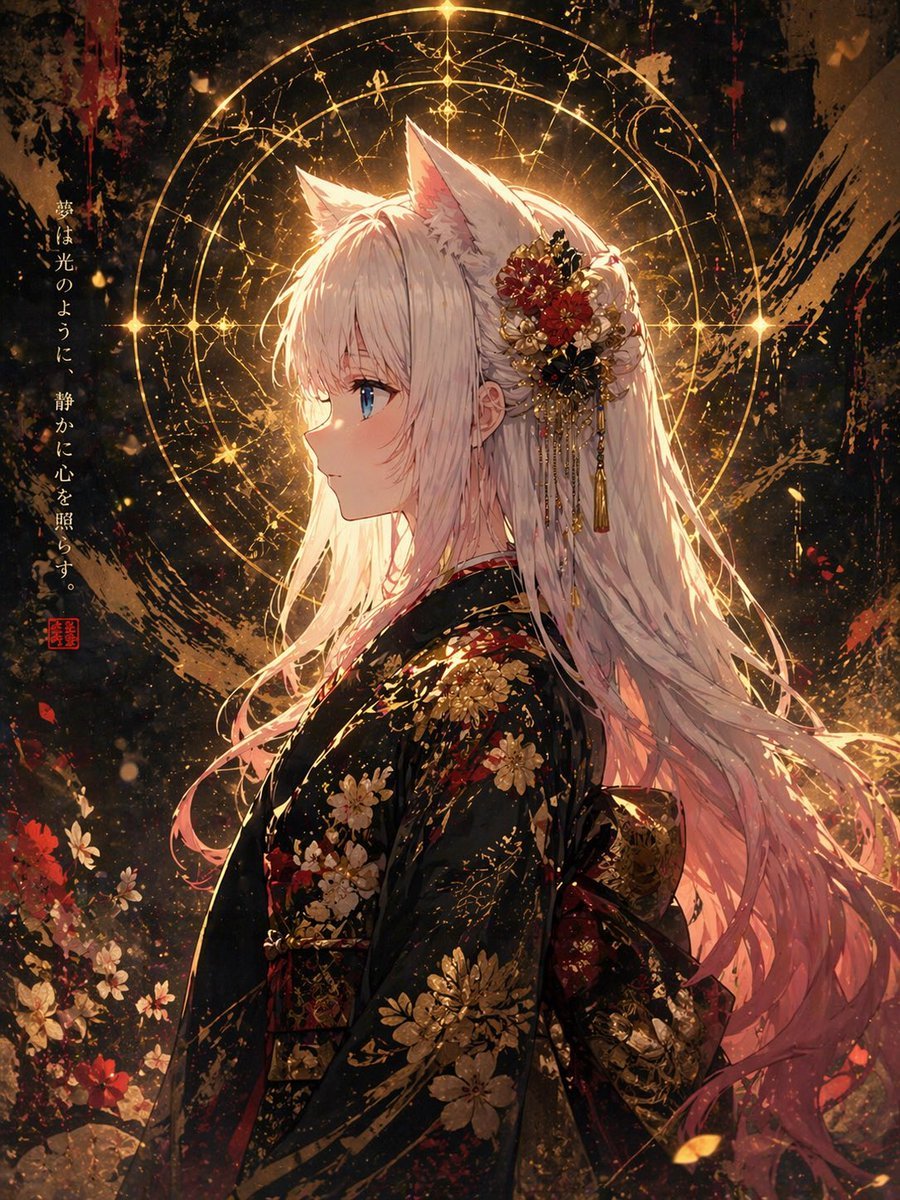
Flat Anime Coloring Modifier

Cyberpunk Anime Energy Awakening
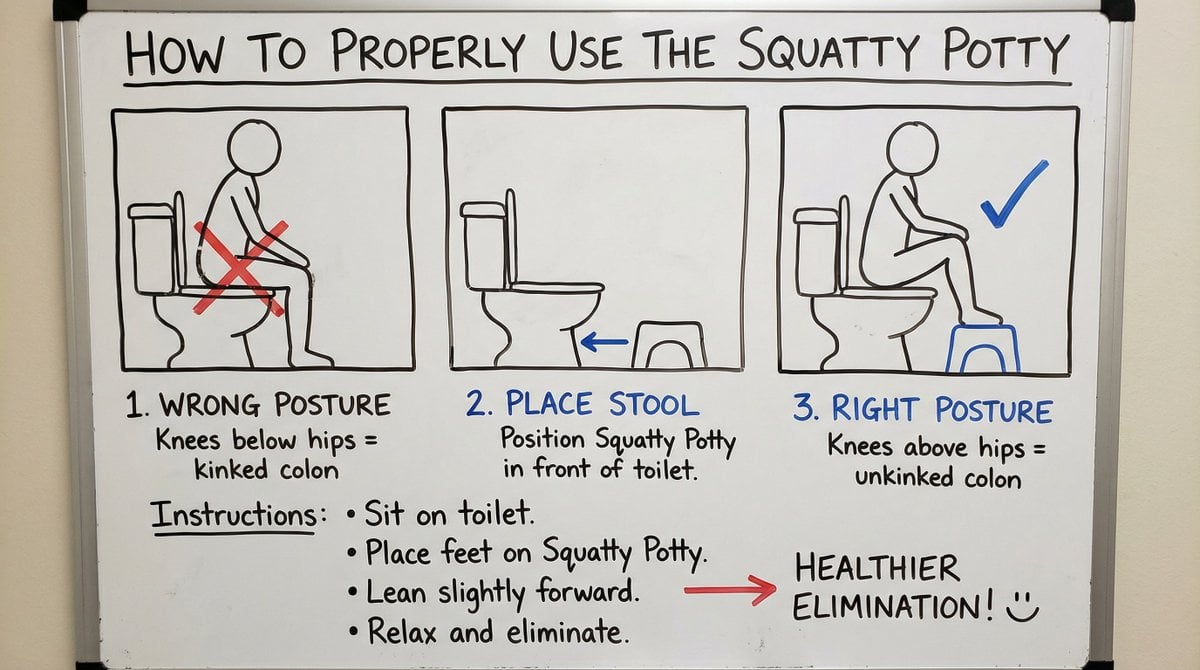
Squatty Potty whiteboard instructions

Ultra-Realistic Fitness Editorial Photography
Nostalgic 16-Photo Couple Grid
Bone to Spaceship Transition Image
Steampunk Gunslinger Character Art

Photo Edit with Fixed Face and Golden Hour Lighting
Tang Dynasty Empress in Paris Fashion Magazine Cover Prompt
Chinese Mythological Beast Poster
Browse template categories
Colossal God in Engraved Desert Sky questions
How do I use the Colossal God in Engraved Desert Sky template?
Add your photo if the template asks for one, edit the prompt if you like — the template's model and format are already selected — and press Generate. Your version opens in PicX Studio.
Can I customize the Colossal God in Engraved Desert Sky template?
Yes. You can change the subject, setting, lighting, mood, format, and available model controls before creating your image.
Is the Colossal God in Engraved Desert Sky template free?
Opening and editing this template is free. Generating uses credits, shown on the Generate button when you are signed in.
Which AI model should I use?
Start with GPT Image 2, which is the model associated with this template. You can compare another compatible model for a different finish.
Looking for something else? Browse all templates.

Your photo, any look
Thousands of ready templates for every top image and video model, from one credit balance.