How do I use the Y2K Tokyo Editorial Collage template?
Edit the prompt in the box under the preview — the template's model and format are already selected — and press Generate. Your version appears right on this page.
A complex graphic design prompt for a Y2K-style Japanese street-editorial poster featuring collage textures and cinematic portraits.

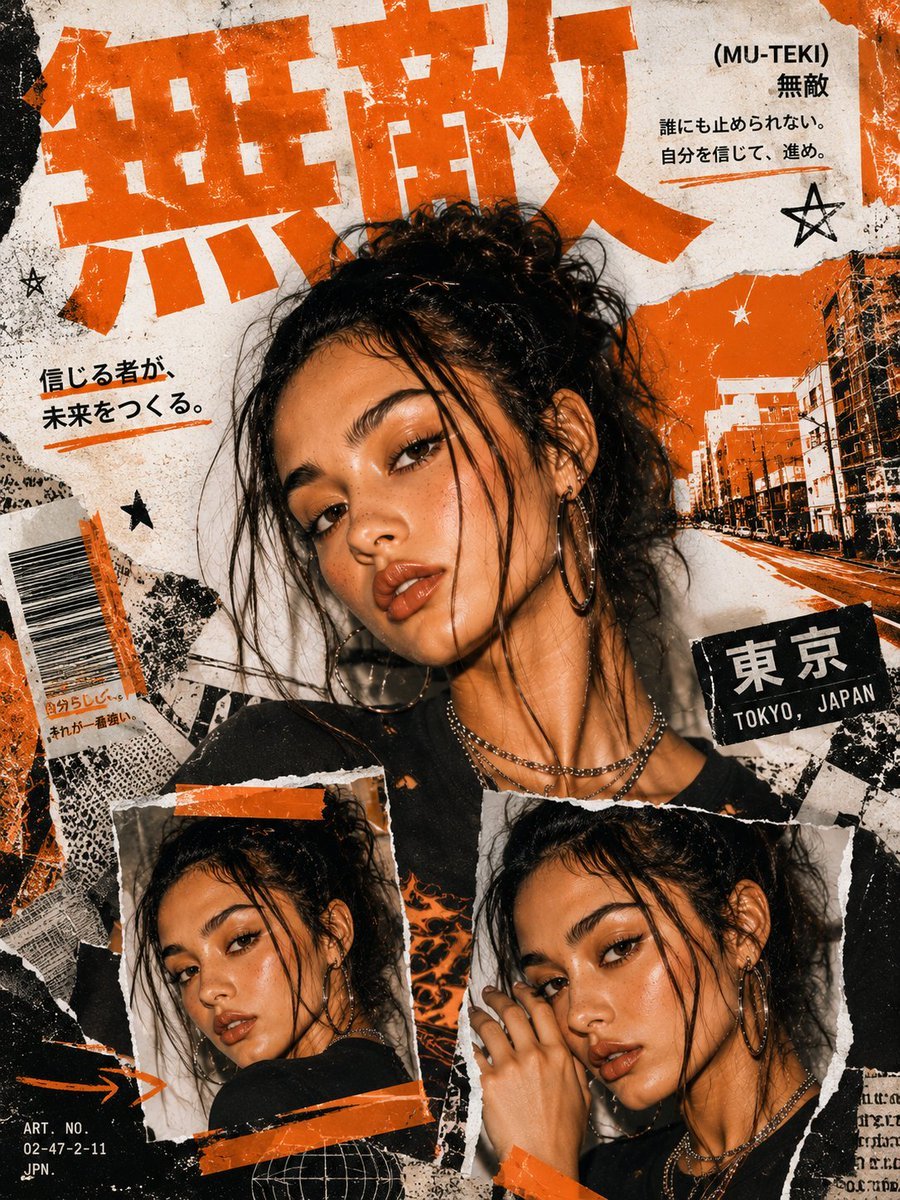
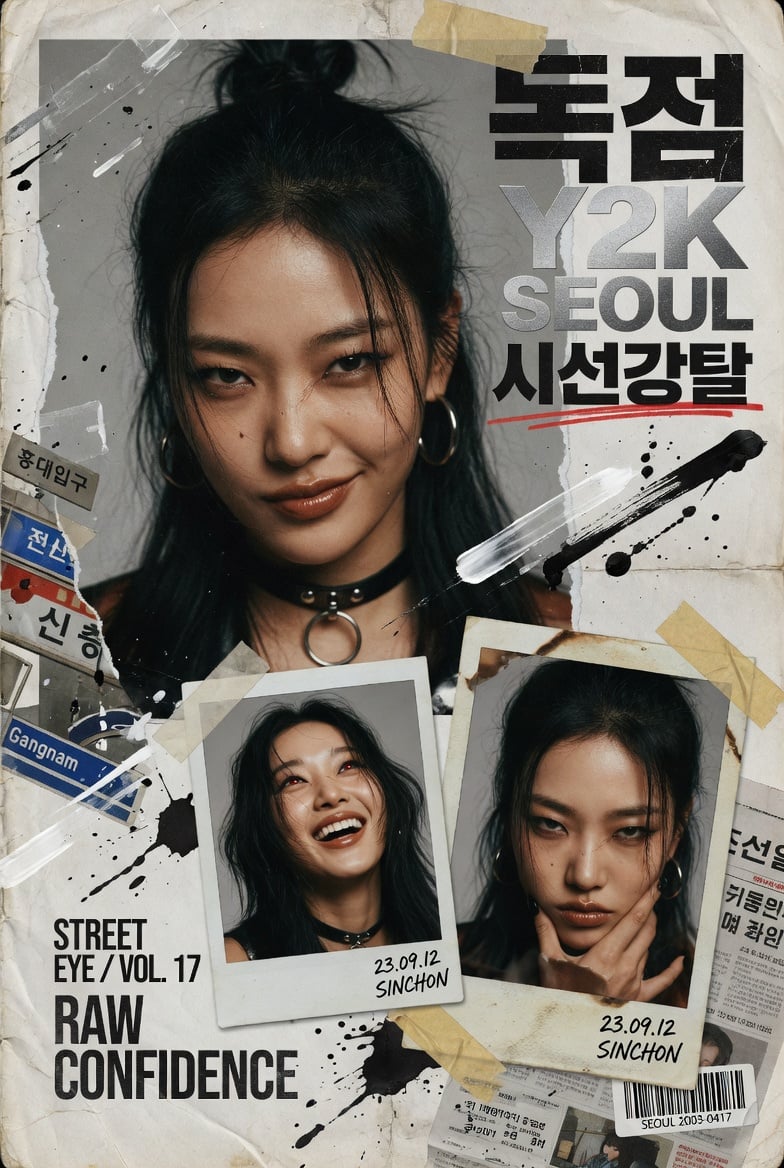
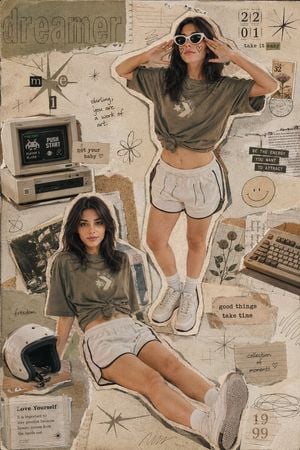
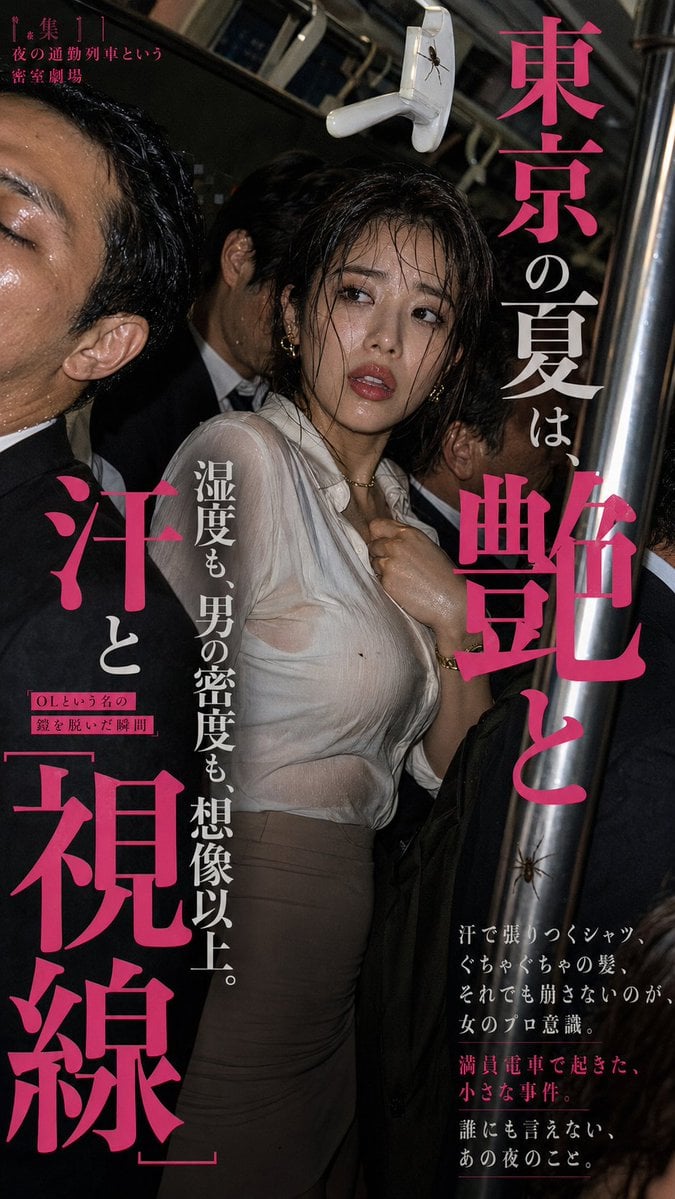
Design a striking Y2K-style Japanese street-editorial collage poster with the polish of a high-fashion magazine, layered with rough paper textures, ripped magazine cutouts, splattered ink, and Tokyo street energy. Top of the poster: one large cinematic close-up portrait, intense eye contact, natural skin texture, glossy lips, messy tied-up hair, no glasses, soft dramatic light, a confident yet innocent look, hyper-realistic fashion photography. Lower section: exactly two smaller portrait frames showing alternate angles and expressions, made to look like torn polaroids taped onto the poster. Decorate with oversized bold {argument name="language type" default="Japanese"} type, sparse English text, faint Japanese street signs, barcode stickers, newspaper scraps, vintage grunge texture, paint strokes, film grain, strips of tape, layered paper collage, premium editorial magazine layout. Mood: edgy but clean, modern Japanese fashion zine, cinematic shadows, razor-sharp eye detail, RAW DSLR realism, editorial streetwear moodboard, premium graphic design, ultra detailed, 8K, neutral balanced tones. No pink aesthetic, no bubbles, no cartoon vibe.
Design a striking Y2K-style Japanese street-editorial collage poster with the polish of a high-fashion magazine, layered with rough paper textures, ripped magazine cutouts, splattered ink, and Tokyo street energy. Top of the poster: one large cinematic close-up portrait, intense eye contact, natural skin texture, glossy lips, messy tied-up hair, no glasses, soft dramatic light, a confident yet innocent look, hyper-realistic fashion photography. Lower section: exactly two smaller portrait frames showing alternate angles and expressions, made to look like torn polaroids taped onto the poster. Decorate with oversized bold {argument name="language type" default="Japanese"} type, sparse English text, faint Japanese street signs, barcode stickers, newspaper scraps, vintage grunge texture, paint strokes, film grain, strips of tape, layered paper collage, premium editorial magazine layout. Mood: edgy but clean, modern Japanese fashion zine, cinematic shadows, razor-sharp eye detail, RAW DSLR realism, editorial streetwear moodboard, premium graphic design, ultra detailed, 8K, neutral balanced tones. No pink aesthetic, no bubbles, no cartoon vibe.
Edit the prompt in the box under the preview — the template's model and format are already selected — and press Generate. Your version appears right on this page.
Yes. You can change the subject, setting, lighting, mood, format, and available model controls before creating your image.
Opening and editing this template is free. Generating uses credits, shown on the Generate button when you are signed in.
Start with GPT Image 2, which is the model associated with this template. You can compare another compatible model for a different finish.
Follow a topic to a crawlable collection of related PicX Studio templates.