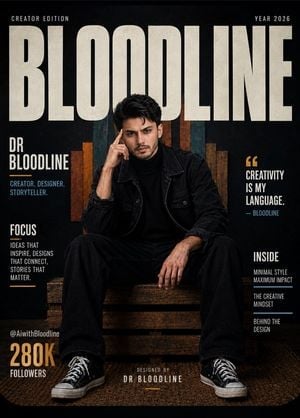
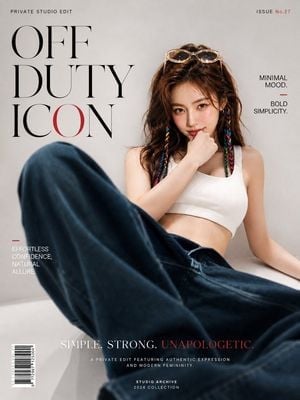
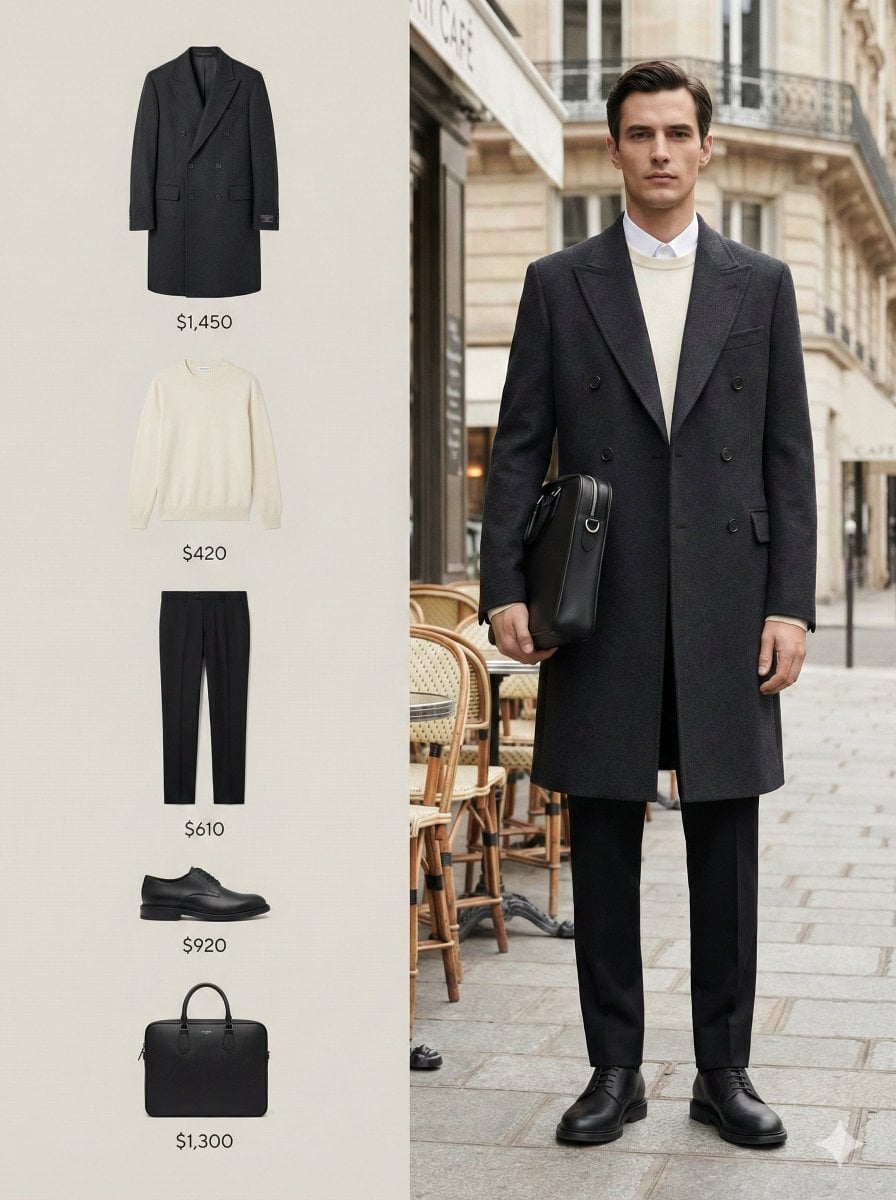
How do I use the Black and White Fashion Magazine Cover template?
Edit the prompt in the box under the preview — the template's model and format are already selected — and press Generate. Your version appears right on this page.
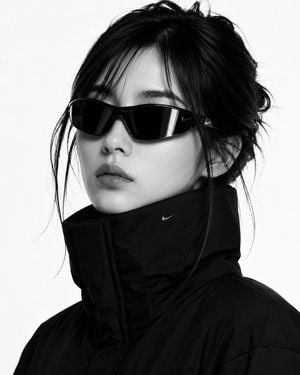
A detailed prompt for generating a luxury fashion editorial magazine cover featuring high-contrast black and white photography.

This template uses your photo — add one with the + button.
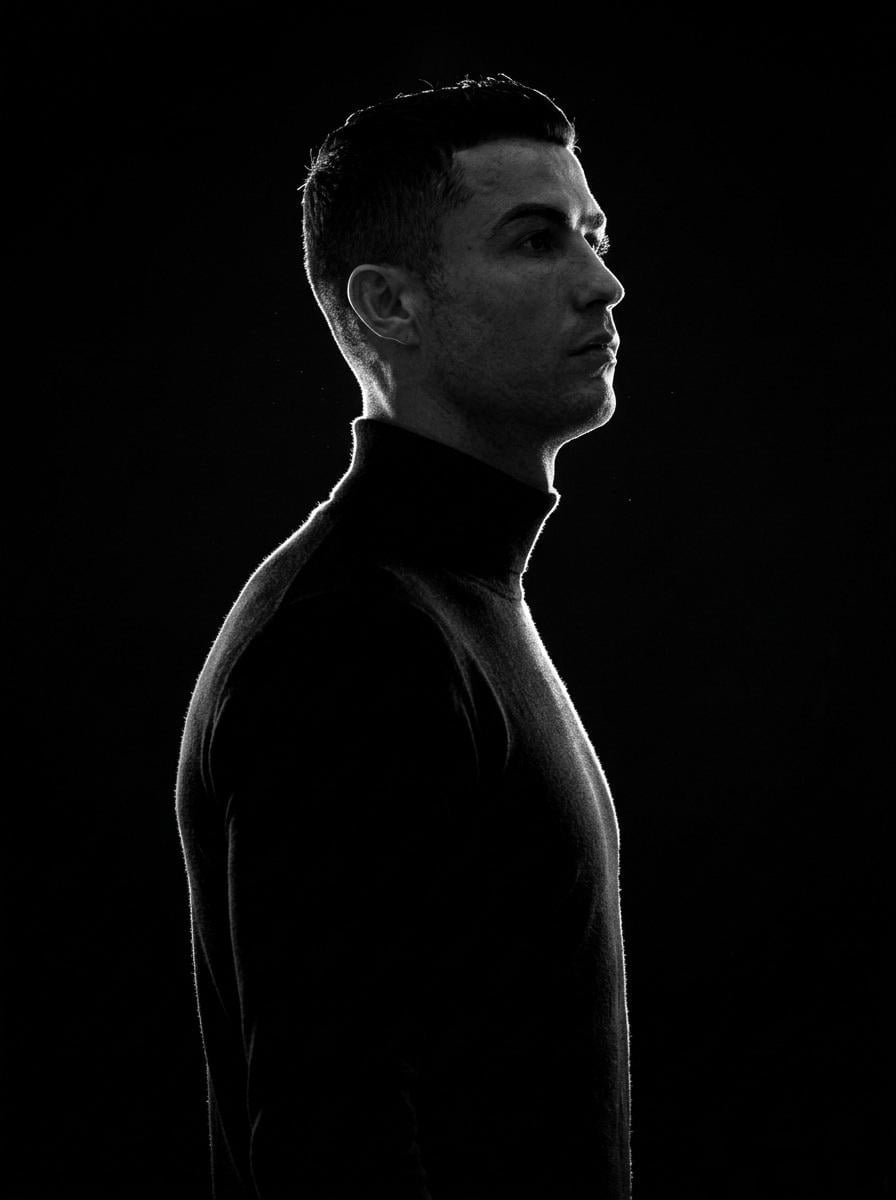
Design a luxury fashion editorial magazine cover in the spirit of high-end publications. Use the reference photo of the male subject. Shoot it as black and white portrait photography against a clean off white studio backdrop. Pose the subject confidently from a low camera angle, chin slightly raised, sharp jawline, soft parted lips, tousled wavy hair with natural volume. Wardrobe: a dark turtleneck layered beneath a textured tailored plaid blazer. Lighting is soft but dramatic, sculpting the facial shadows and producing elegant tonal contrast. For the layout, place an oversized serif masthead reading "{argument name="magazine name" default="VOGUE"}" at the very top, partially eclipsed by the subject's head. Keep the rest of the typography minimal and premium. Add side text "FASHION", an issue date "{argument name="issue date" default="2026 MAY"}", a left side headline "27 DIFFERENT STYLES", and a bold bottom right cover line "LOOK FAMOUS". Drop a small translucent red square over one eye with the word "CATCHY" inside it. Overall feel: premium, modern, cinematic, clean composition, sharp focus, ultra realistic skin texture, editorial luxury aesthetic, generous negative space, timeless cover design. Vertical magazine ratio, high resolution.
Design a luxury fashion editorial magazine cover in the spirit of high-end publications. Use the reference photo of the male subject. Shoot it as black and white portrait photography against a clean off white studio backdrop. Pose the subject confidently from a low camera angle, chin slightly raised, sharp jawline, soft parted lips, tousled wavy hair with natural volume. Wardrobe: a dark turtleneck layered beneath a textured tailored plaid blazer. Lighting is soft but dramatic, sculpting the facial shadows and producing elegant tonal contrast. For the layout, place an oversized serif masthead reading "{argument name="magazine name" default="VOGUE"}" at the very top, partially eclipsed by the subject's head. Keep the rest of the typography minimal and premium. Add side text "FASHION", an issue date "{argument name="issue date" default="2026 MAY"}", a left side headline "27 DIFFERENT STYLES", and a bold bottom right cover line "LOOK FAMOUS". Drop a small translucent red square over one eye with the word "CATCHY" inside it. Overall feel: premium, modern, cinematic, clean composition, sharp focus, ultra realistic skin texture, editorial luxury aesthetic, generous negative space, timeless cover design. Vertical magazine ratio, high resolution.
Edit the prompt in the box under the preview — the template's model and format are already selected — and press Generate. Your version appears right on this page.
Yes. You can change the subject, setting, lighting, mood, format, and available model controls before creating your image.
Opening and editing this template is free. Generating uses credits, shown on the Generate button when you are signed in.
Start with GPT Image 2, which is the model associated with this template. You can compare another compatible model for a different finish.
Follow a topic to a crawlable collection of related PicX Studio templates.