
Global Traditional Fashion Collage
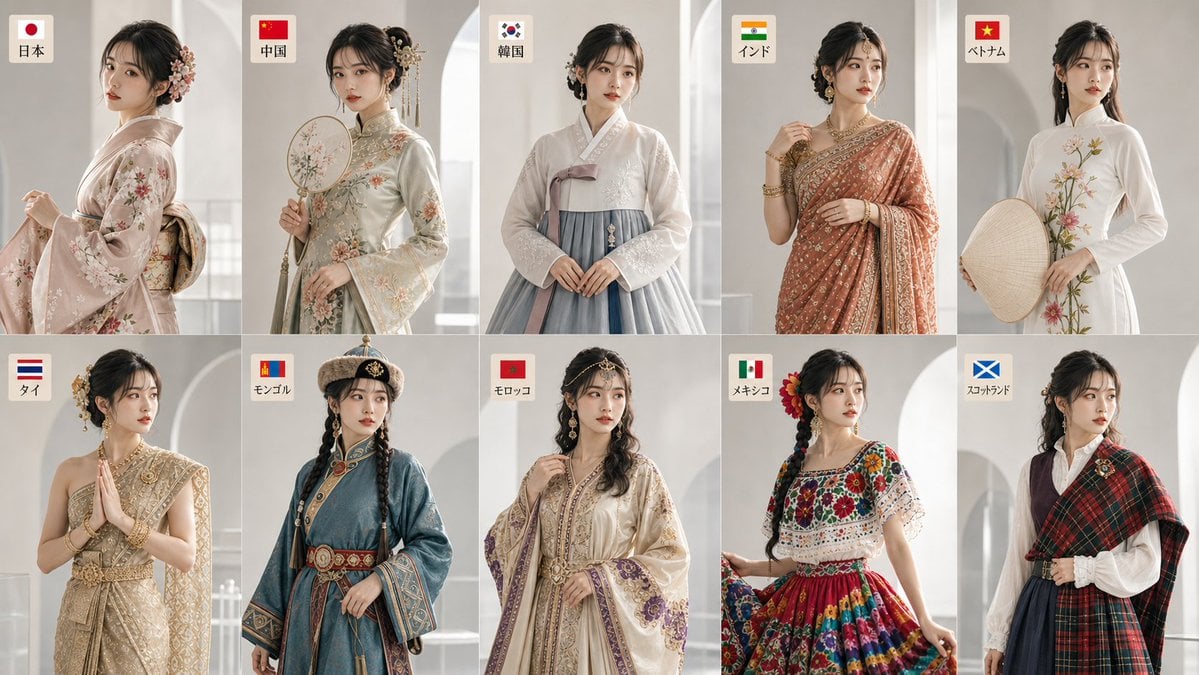
An incredibly detailed prompt for generating a 10-country traditional fashion collage featuring the same character across different cultures.
- Prompt included
- Model and format preset
- Free template
The prompt behind this image
Copy the exact prompt behind Global Traditional Fashion Collage, or open it in the studio and make it yours.
【スタイル】高品質な写実写真。テーマは「十国伝統衣装ファッションコラージュ」。人物・キャラクター向けの雑誌/ソーシャルメディア級ビジュアル。自然な質感、映画的な色調、現代的で上品な商業写真。AI合成感を避ける。【構図】16:9の横長ワイド画面。2段×5列のファッションコラージュ構成。十体すべてが同一人物の別衣装として見える配置。顔、手、髪型、頭飾り、衣装の重要部分を切らない。背景は清潔で余白があり、中央の人物をやや強調。【主体】20歳前後の架空の日本人女性。同じ顔立ち、同じ目・鼻・唇・輪郭・肌色・体型を維持。国ごとに衣装、髪型、髪飾り、メイク、ポーズだけを変える。十人ではなく、一人の女性の十種類の変身として表現する。【衣装・髪型・メイク・動作・ラベル】日本:和服、低いまとめ髪、かんざし、透明感のある白肌メイク、赤系リップ。袖を軽く持ち、少し振り返る。ラベル「日本」。中国:漢服またはチャイナドレス風、上品なまとめ髪、髪飾り、細いアイライン、柔らかな紅。団扇を持つ、または襟元を整える。ラベル「中国」。韓国:韓服、中央分けの低いまとめ髪、自然な水光肌、淡いピンクリップ。両手を軽く重ねて立つ。ラベル「韓国」。インド:サリー、サイド分けまたは低い髷、ビンディ、耳飾り、温かみのあるアイメイクと金色のハイライト。サリーの端を軽く持つ。ラベル「インド」。ベトナム:アオザイ、長いストレートヘアまたは半結び、自然で清潔なメイク。ノンラーを持つ、または軽く横を向く。ラベル「ベトナム」。タイ:タイ伝統礼装、高いまとめ髪、金色の髪飾り、金茶系の上品なメイク。優雅に合掌する。ラベル「タイ」。モンゴル:デール、長い三つ編みまたは二本編み、伝統的な帽子や額飾り、健康的な自然メイク。腰帯や肩掛けを軽く持つ。ラベル「モンゴル」。モロッコ:カフタン、波状の長髪または低いまとめ髪、金属の装飾、控えめなスモーキーアイ。袖の刺繍に軽く触れる。ラベル「モロッコ」。メキシコ:伝統刺繍ドレス、編み髪または低いまとめ髪、花の髪飾り、鮮やかだが上品なリップ。スカートを軽く持って刺繍を見せる。ラベル「メキシコ」。スコットランド:タータンチェックの伝統衣装または肩掛け、自然な巻き髪または半結び、柔らかなナチュラルメイク。チェックの布を軽く持つ。ラベル「スコットランド」。【シーン】浅いグレーと米白色を基調にした高級フォトスタジオ。半透明ガラス、アクリル層、低い展示台、柔らかな影で奥行きを作る。各人物の近くに小さく読みやすい日本語ラベルを配置。英語、ロゴ、透かし、無意味な記号は入れない。【光影】左前方から柔らかな自然光。右側に弱いリムライト。映画的な環境光。白飛びを避け、影のディテールを残す。色温度とカラーグレーディングは統一。【細部】布地の織り、刺繍、シルクの光沢、綿麻の質感、金属アクセサリー、髪の毛、肌の質感、メイク、衣装のしわを高精細に表現。ラベル文字は明瞭で読みやすい。【品質語】高精細、リアルな質感、明確な主体、安定した構図、統一された色彩、プロの後処理、清潔な輪郭、自然な人体比率、雑誌表紙レベル。【避ける】別人に見える顔、年齢変化、文化要素の混乱、過度なメイク、低解像度、歪んだ手、多すぎる手足、顔の崩れ、誤った遠近感、プラスチック肌、過度な美肌処理、文字化け、英語文字、長文、透かし、ロゴ、ブランド表示、無意味な記号、誤った国旗、粗い合成、混雑した構図。
How to use Global Traditional Fashion Collage in 3 steps
- 1
Open
The prompt is already in the box next to the preview, with the template's model and format selected.
- 2…a portrait of your subject in softgolden-hour light, 85mm…
Personalize
Edit the subject and creative details for your destination.
- 3Generate
Generate
Press Generate — your image is created in PicX Studio, so you can compare it with the original and refine one variable at a time.
More like this
Templates with the same subject, style or setup. Open one to see its prompt.
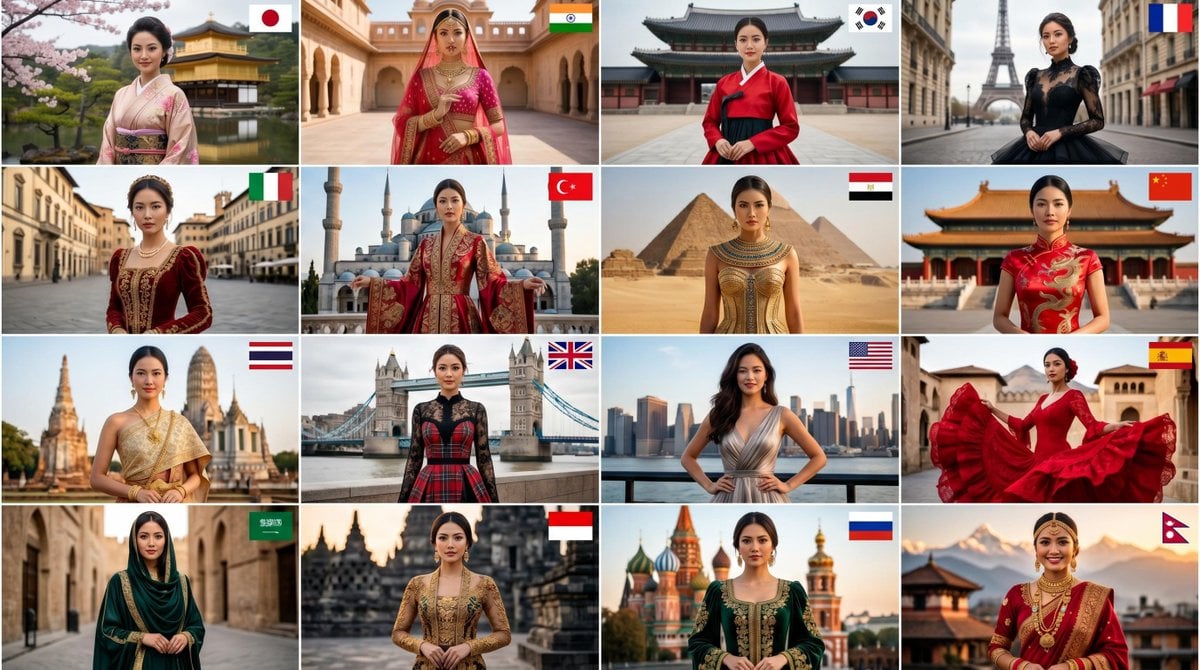
Global High-Fashion Couture Collage

Miniature Self Portrait Collage

80s College Gate

1988 Mall Style

80s Polka Dot Saree
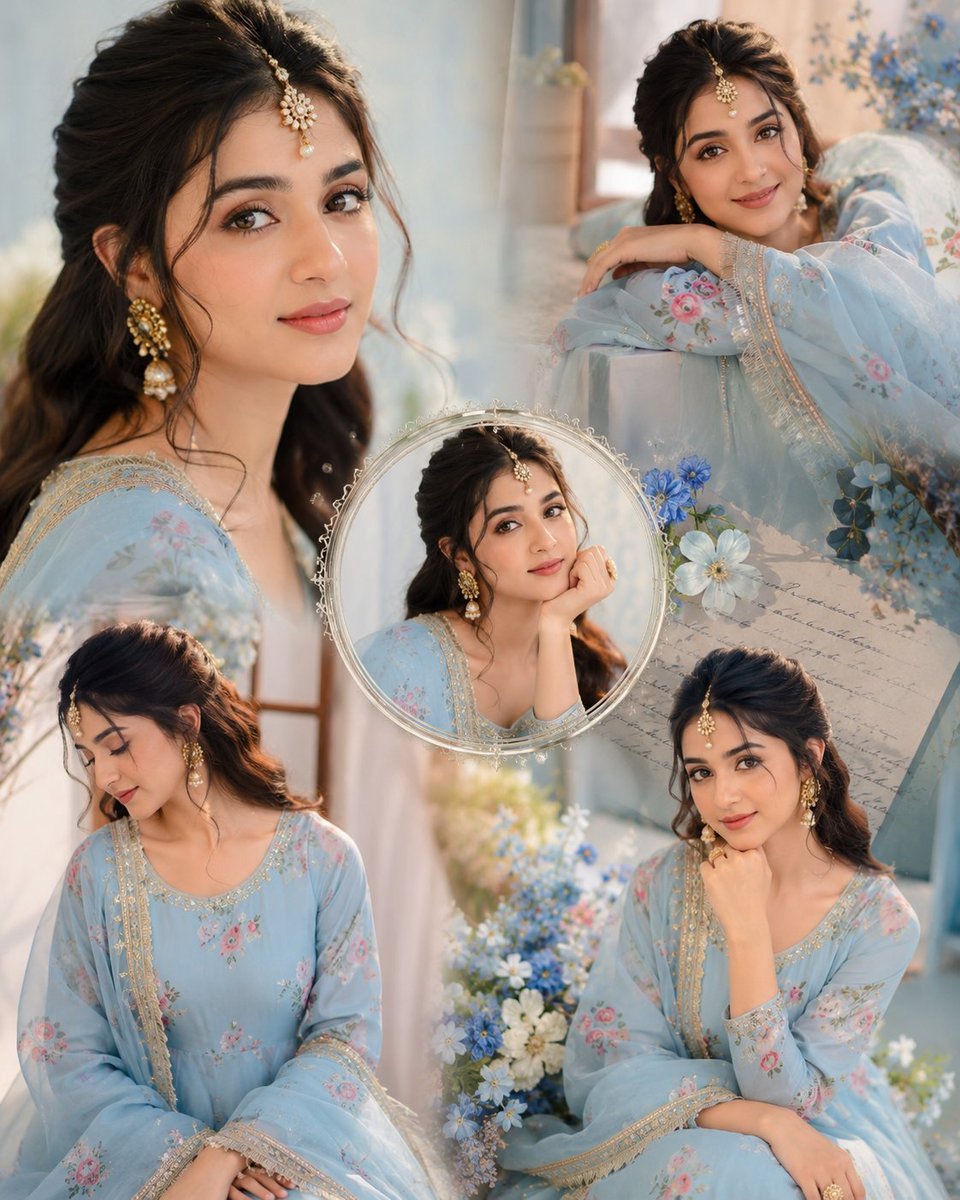
Indian Anarkali Fashion Collage

Rainy Monsoon Fashion Collage
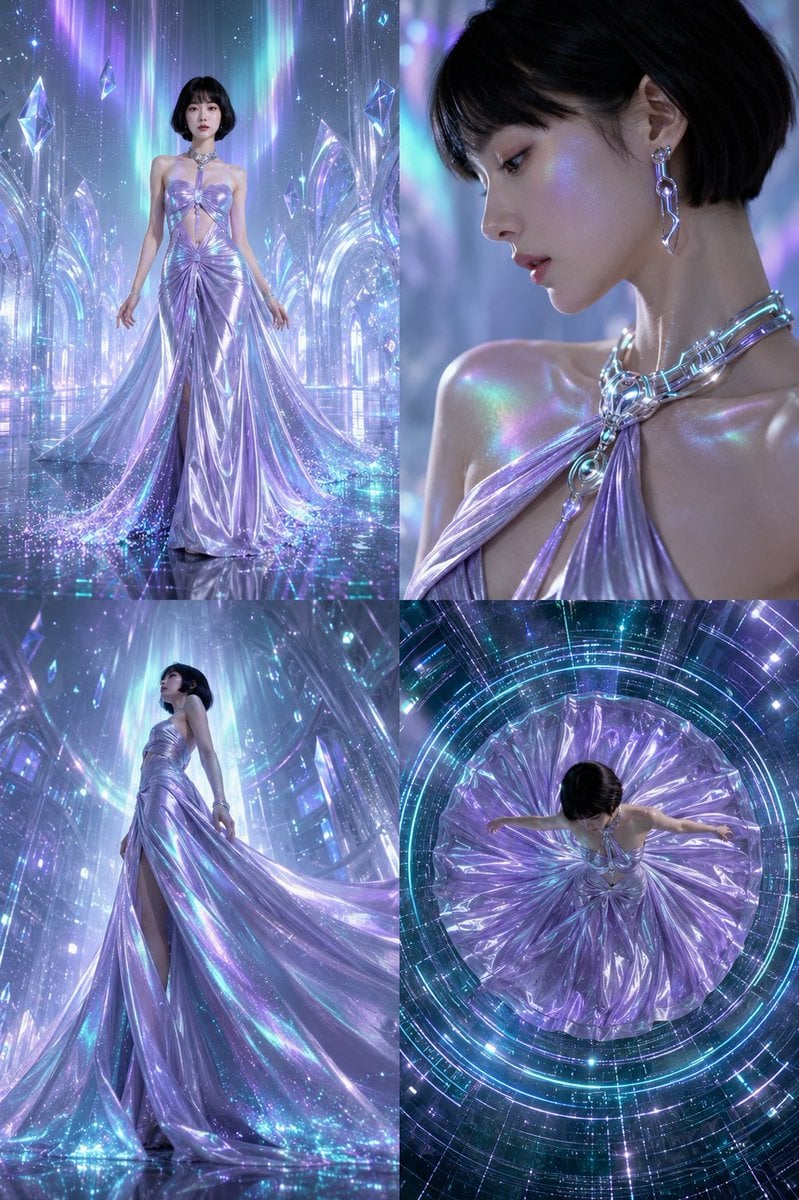
Futuristic Ice Palace Fashion Collage

Paper Cut Finale Fireworks

Paper Cut Garden Maze

Paper Cut Rooftop Concert

Paper Cut Bicycle Coast
Make it yours
Global Traditional Fashion Collage works as-is. These are the safest ways to change it without losing the look.
Change one field
Copy a single group, rewrite it, and generate again so you can see what that field is doing.
Keep the frame, change the subject
Hold the composition and light of Global Traditional Fashion Collage, then swap wardrobe, props or the person for a new take.
| If the result… | Why | Fix |
|---|---|---|
| The result drifts from the preview | Too many fields changed at once. | Reuse Global Traditional Fashion Collage as-is first, then change one group — subject, light, or setting. |
| The model over-stylizes the scene | The prose prompt leaves finish and camera underspecified. | Add one camera or lighting sentence and stay on GPT Image 2. |
More GPT Image 2 templates
Other prompts made for GPT Image 2.

Six VTuber Japanese Logo Sheet

Realistic Portrait of Woman and Deer

The Vista Modular Condo Poster

AI Model Routing Comparison Infographic

2.5D Anime Art Board

Isometric Productivity Desk Scene

New York Double Exposure Poster

Four-Panel AI Landscape Comparison

Japanese Tatami Lifestyle Magazine Cover

NESCAFÉ Coffee Map Poster
More image prompts
Fresh picks from across the catalog.
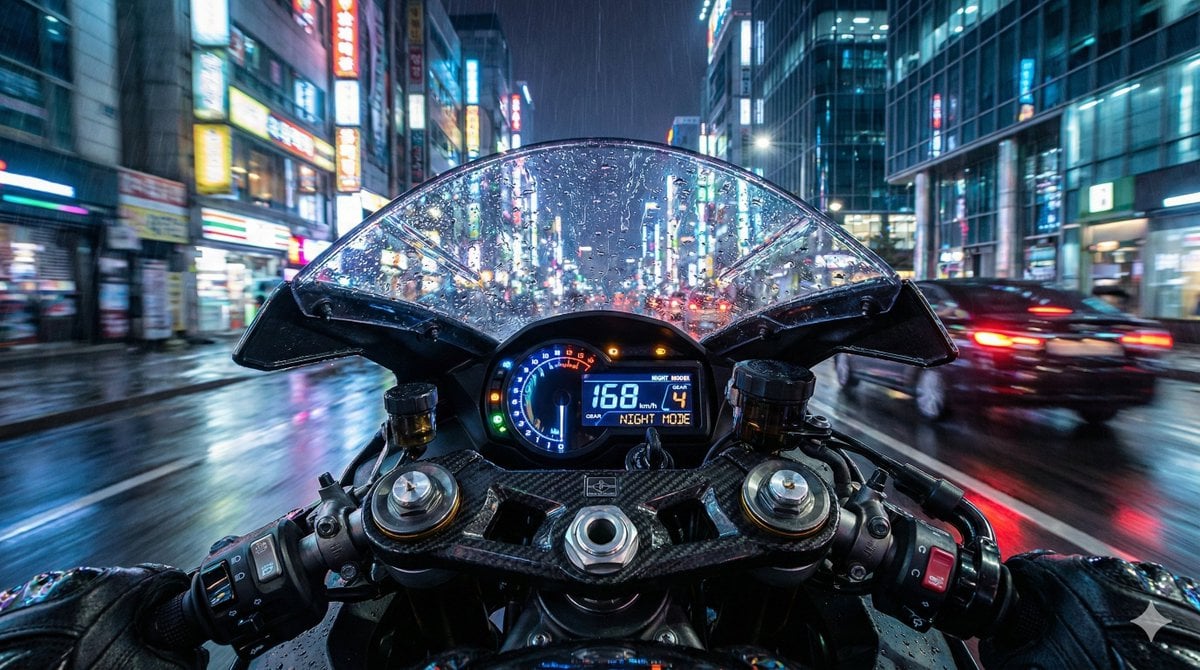
Hyper-Realistic Motorcycle Cockpit POV Prompt
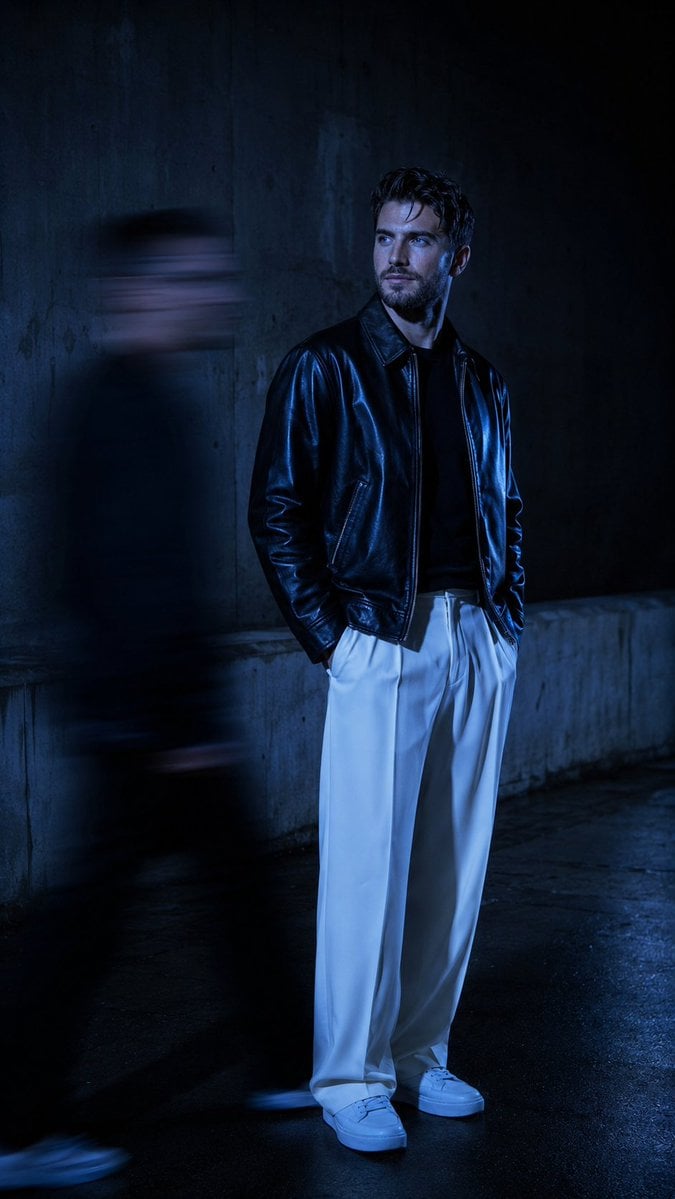
Urban Alley Night Portrait with Motion Blur
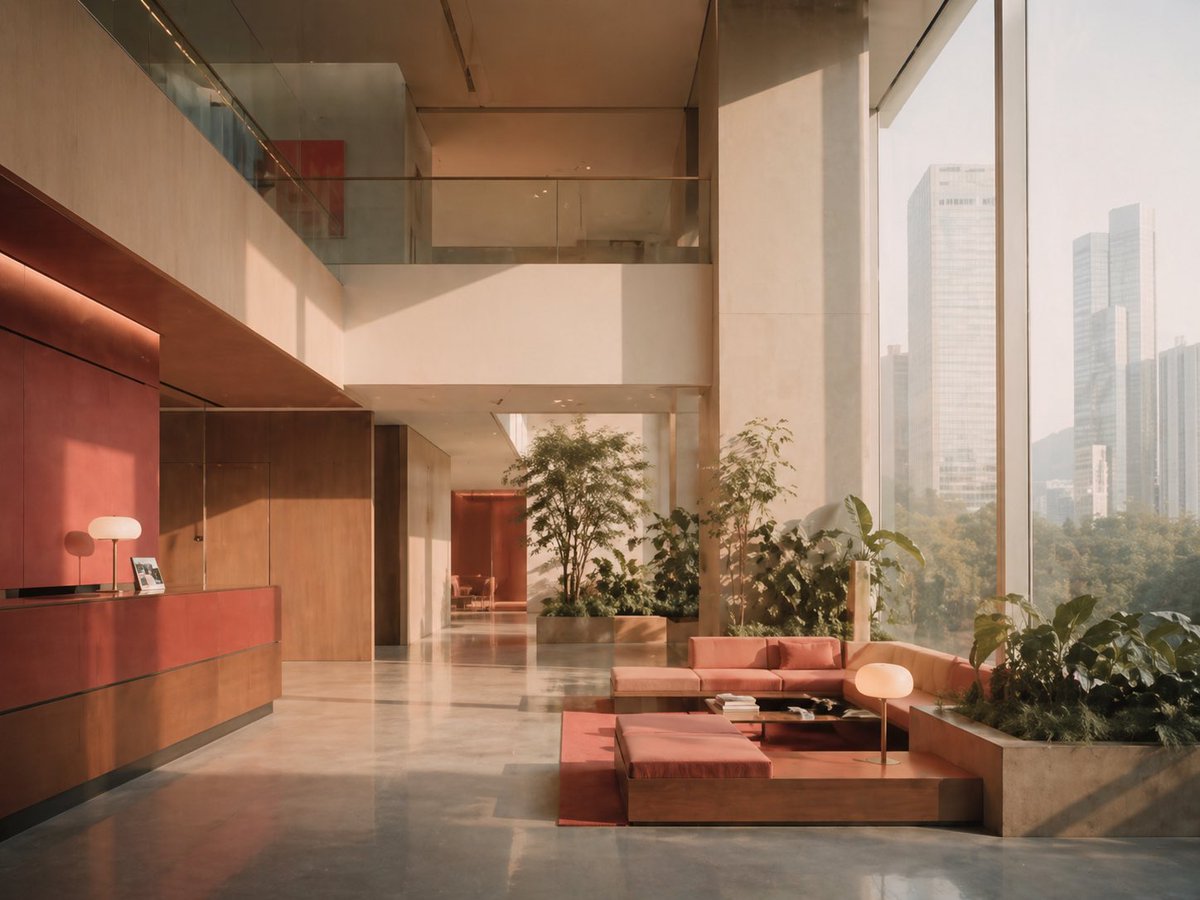
Sunlit Luxury Modern Lobby
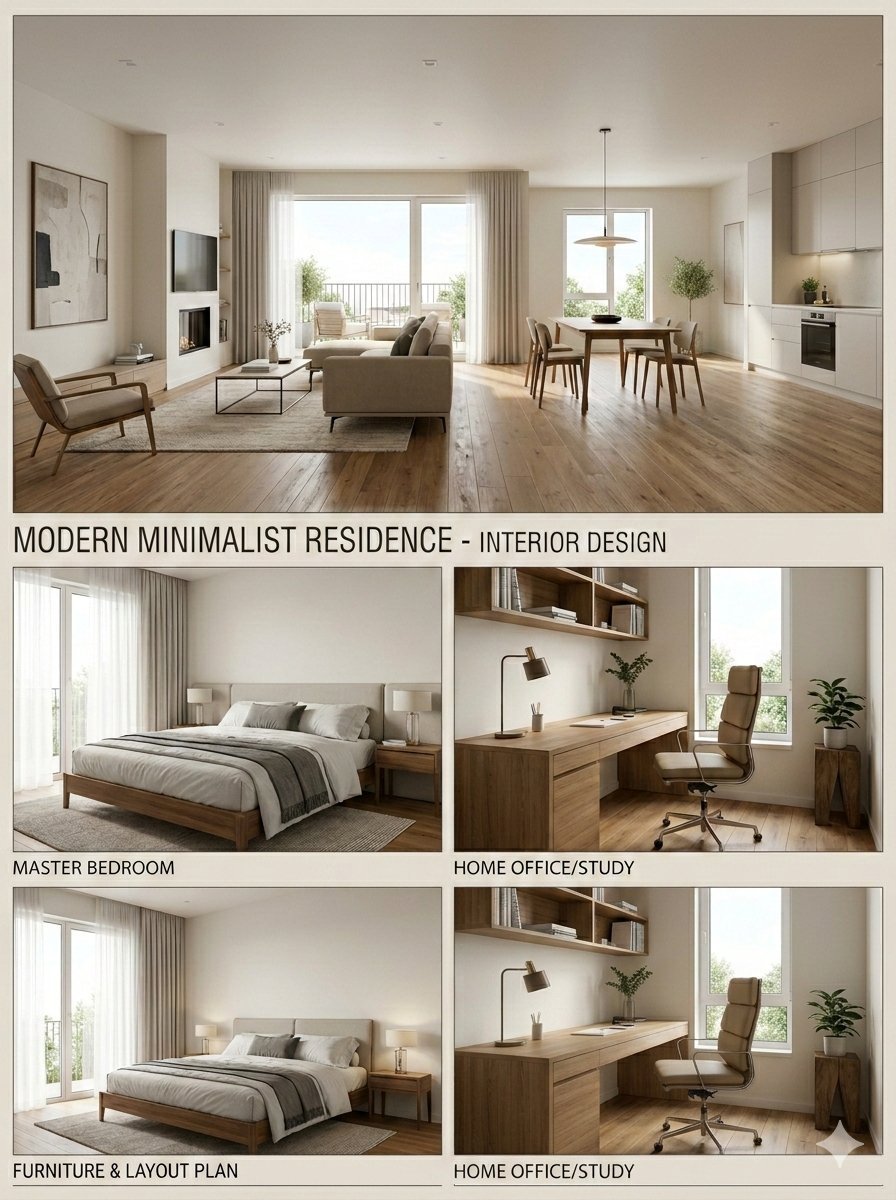
Modern Minimalist Interior Design Presentation Board
Cinematic Melancholy Portrait in Turquoise
Nano Banana Pro 4-Panel Comic Explanation
Golden Fairy Night Portrait
Rokumeikan Ballroom Portrait
Anime Girl and Man Date Photo Collage
Neon Noir Dual Tone Portrait
Browse template categories
Global Traditional Fashion Collage questions
How do I use the Global Traditional Fashion Collage template?
Add your photo if the template asks for one, edit the prompt if you like — the template's model and format are already selected — and press Generate. Your version opens in PicX Studio.
Can I customize the Global Traditional Fashion Collage template?
Yes. You can change the subject, setting, lighting, mood, format, and available model controls before creating your image.
Is the Global Traditional Fashion Collage template free?
Opening and editing this template is free. Generating uses credits, shown on the Generate button when you are signed in.
Which AI model should I use?
Start with GPT Image 2, which is the model associated with this template. You can compare another compatible model for a different finish.
Looking for something else? Browse all templates.

Your photo, any look
Thousands of ready templates for every top image and video model, from one credit balance.