
Official Style Character Concept Sheet Prompt
A comprehensive template for generating character reference sheets including multi-angle views, expressions, and technical breakdowns in a concept art style.
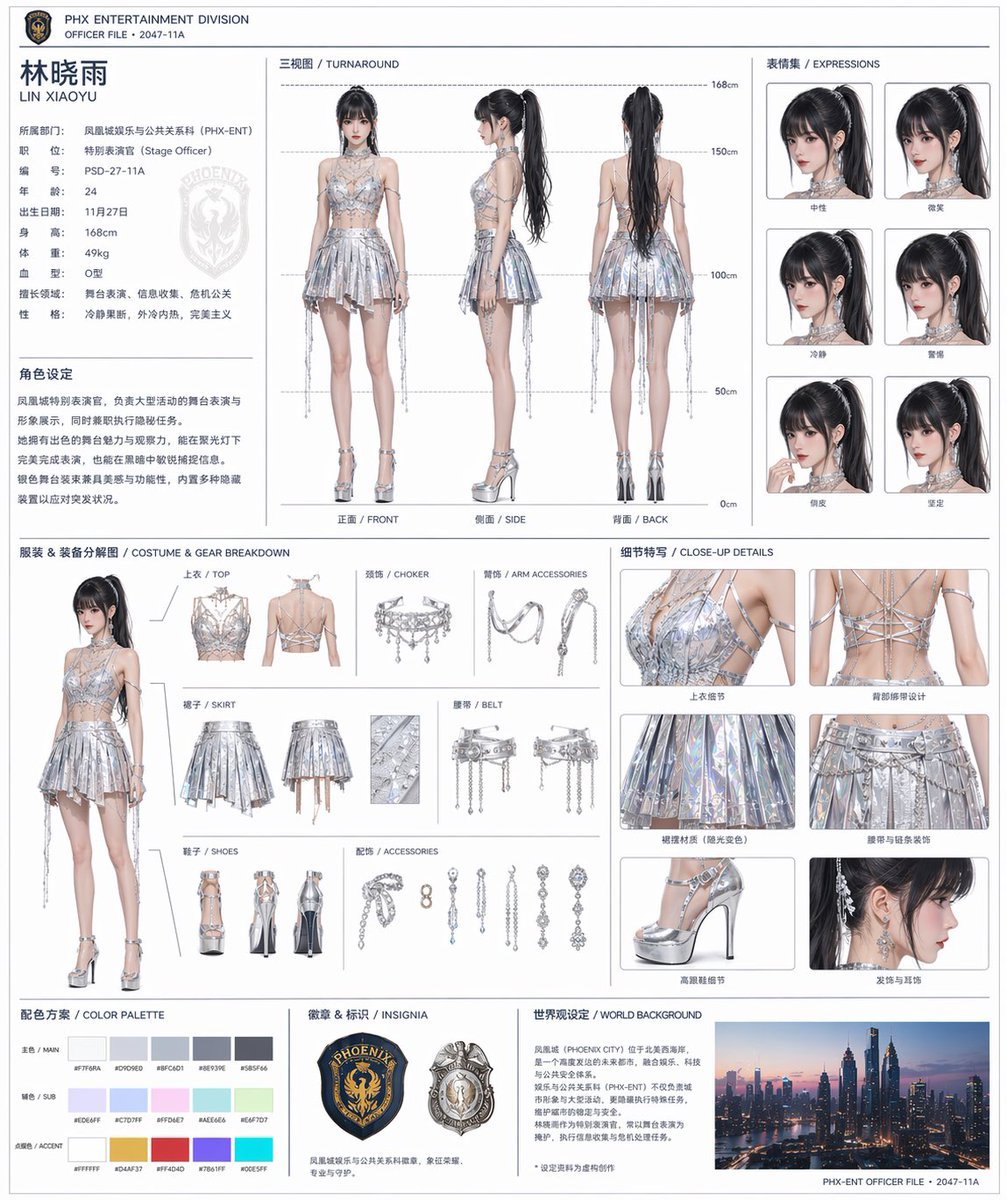
- Prompt included
- Model and format preset
- Premium template
The prompt behind this image
Copy the exact prompt behind Official Style Character Concept Sheet Prompt, or open it in the studio and make it yours.
基于这个角色和背景, 请创建一份像官方设定资料一样的角色表。 ・包含正面、侧面、背面的三视图 ・添加角色的表情变化 ・将服装或装备的详细部件分解显示 ・添加颜色调色板 ・加入世界观的简要说明 ・整体采用整齐的布局(白色背景,图解风格) 高分辨率,专业的概念艺术风格
How to use Official Style Character Concept Sheet Prompt in 3 steps
- 1Upload ImagePNG, JPG or paste
Add your photo
Upload the photo the template builds on. The prompt, model and format are already set.
- 2…a portrait of your subject in softgolden-hour light, 85mm…
Personalize
Edit the subject and creative details for your destination.
- 3Generate
Generate
Press Generate — your image is created in PicX Studio, so you can compare it with the original and refine one variable at a time.
More like this
Templates with the same subject, style or setup. Open one to see its prompt.

Glass Brand Logo Volcanic Landscape

Blueprint Split Reality Archetype Prompt

Real Illustration Split Portrait Transition
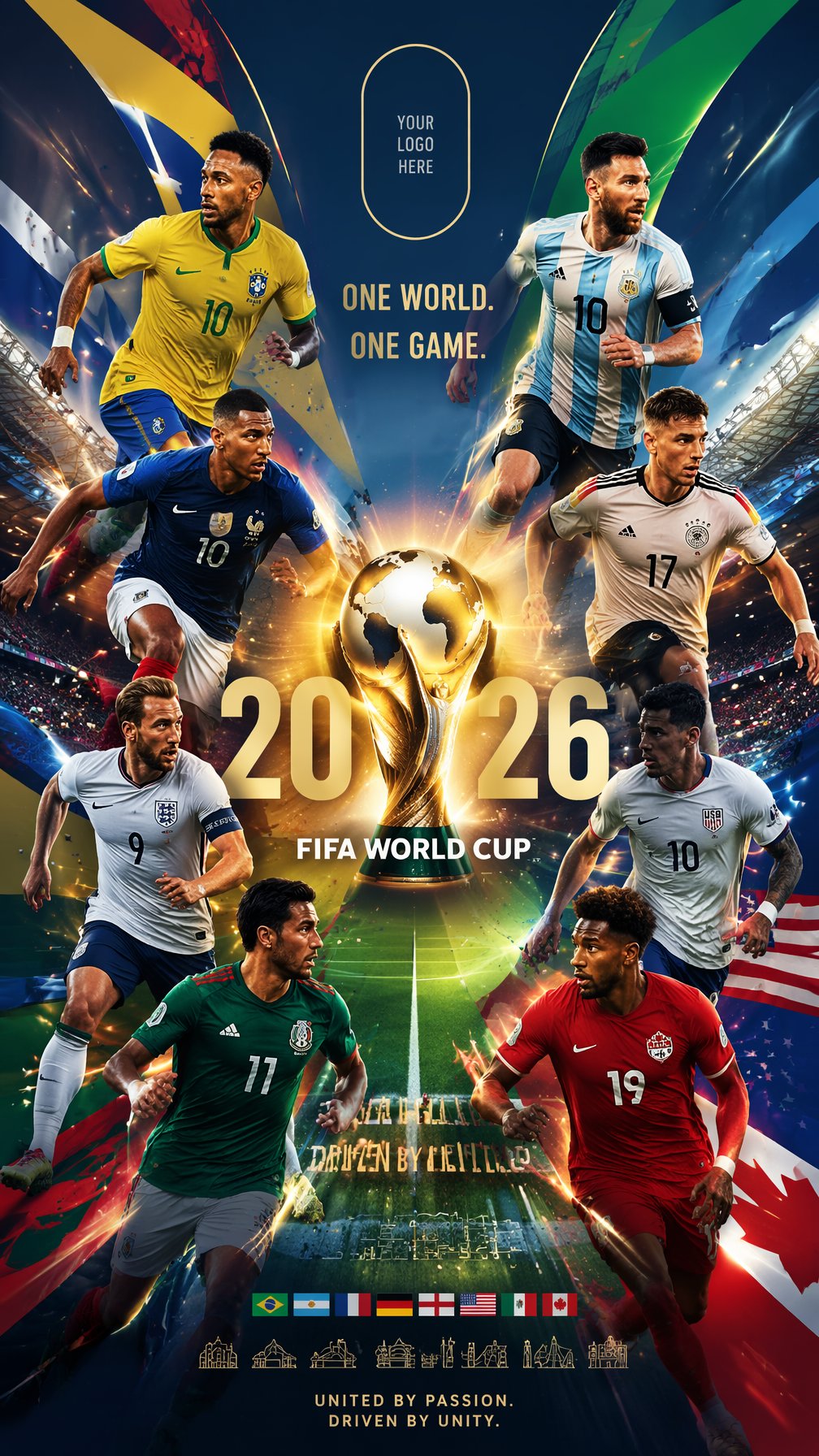
Global Slugfest Multi Nation Poster

Dancer Character - Four View Reference Sheet

Movement Sheet - Dance Reference (Seedance 2.0)
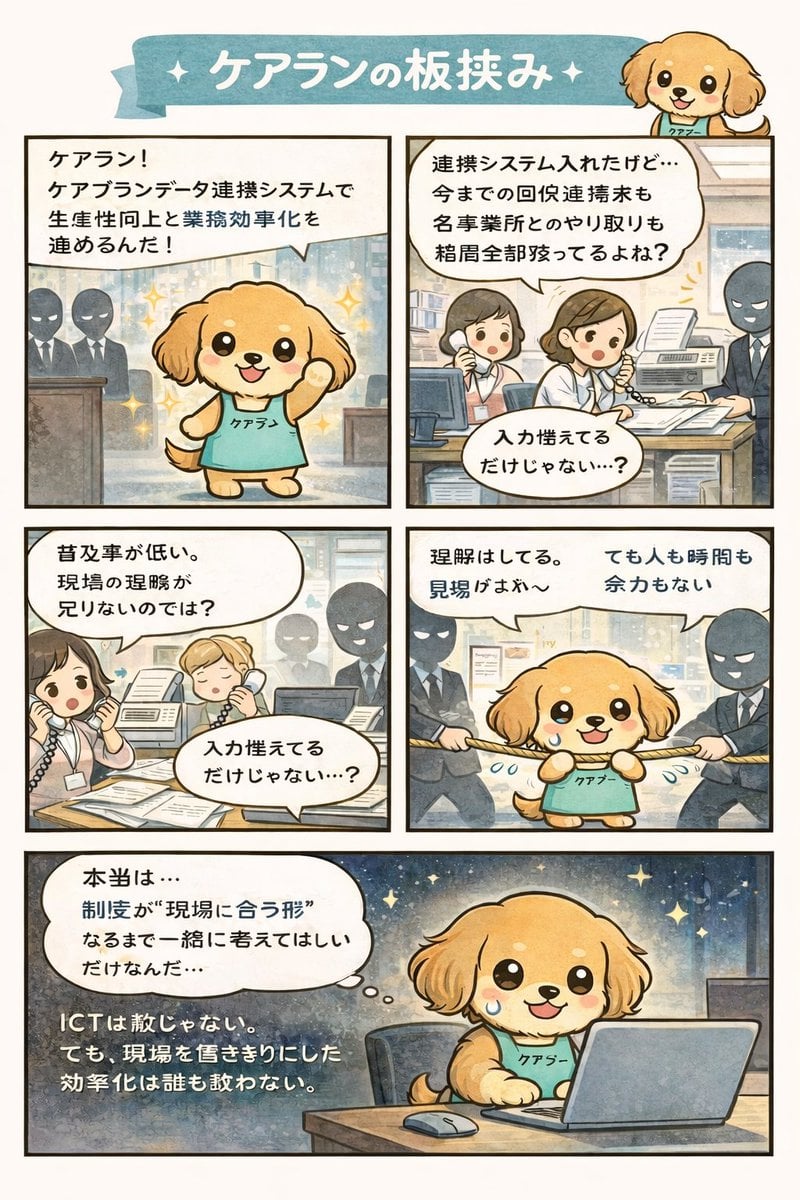
Manga Character Concept for Official System Promotion
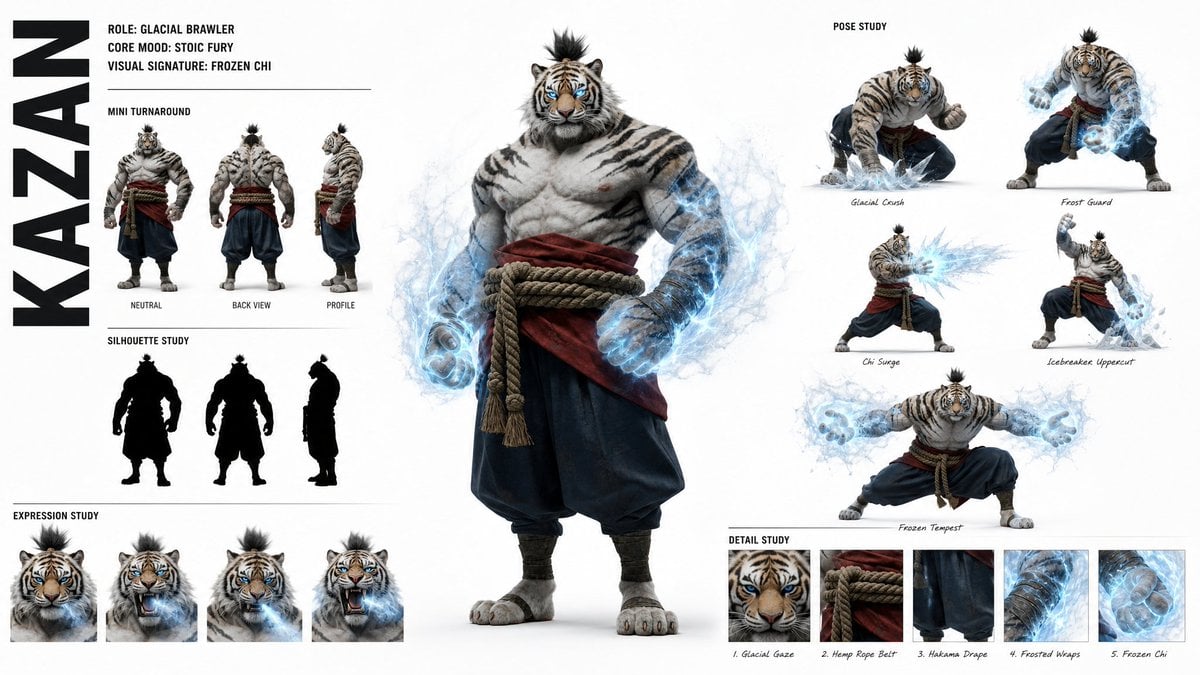
High-Fashion Character Concept Art Sheet

Futuristic Anime Tactical Concept Sheet

Retro Manga StackChan Concept Sheet
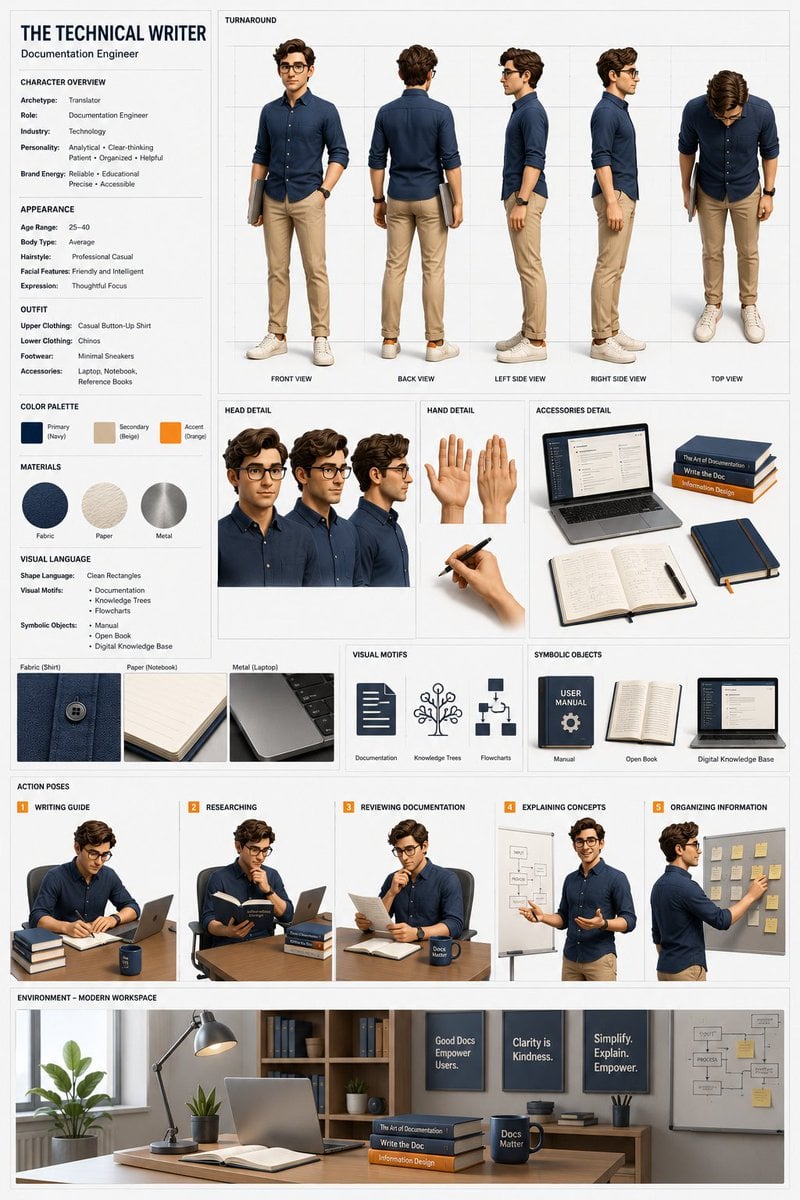
Professional 3D Character Concept Sheet
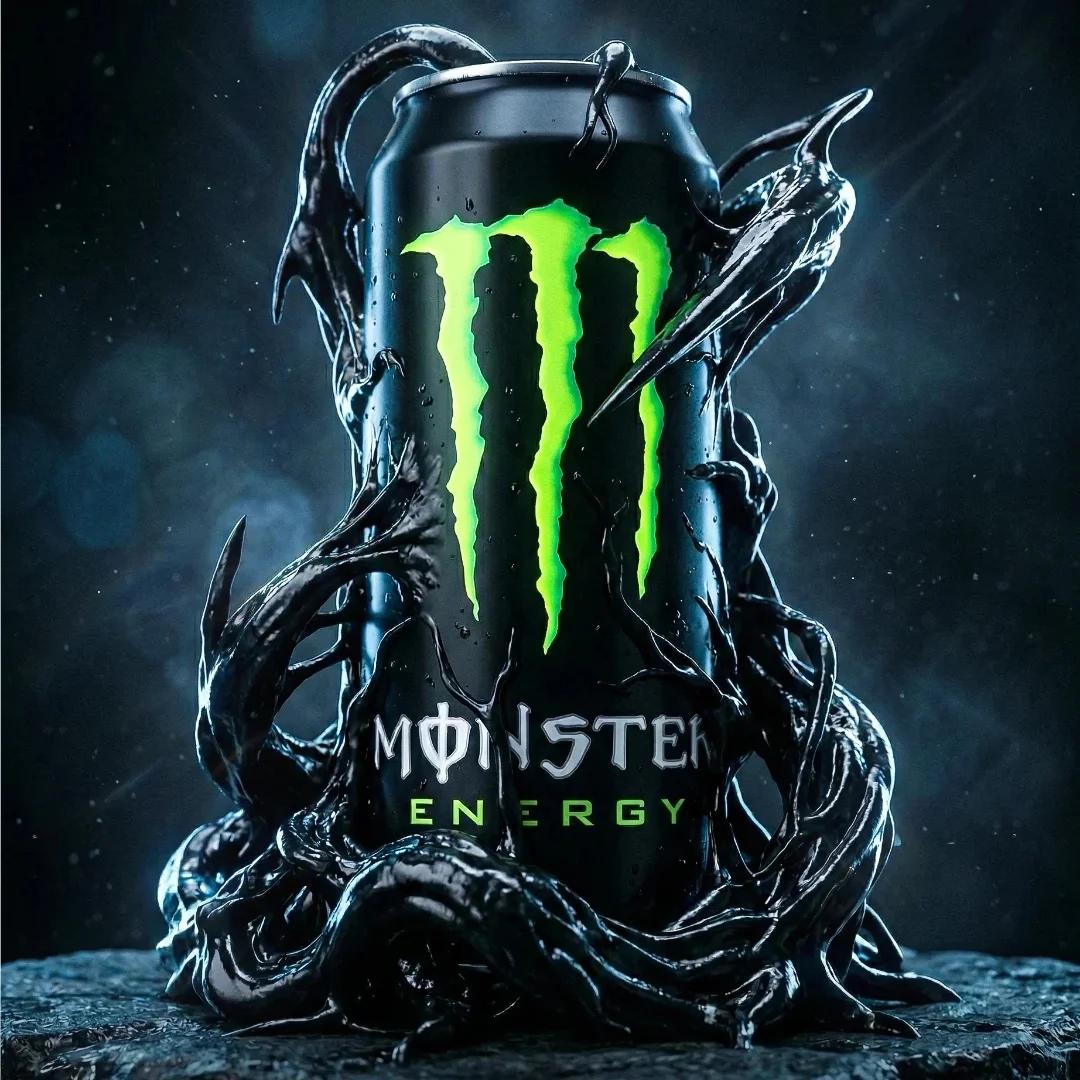
Cinematic ultra-high-end product photography of an official Monster
Make it yours
Official Style Character Concept Sheet Prompt works as-is. These are the safest ways to change it without losing the look.
Change one field
Copy a single group, rewrite it, and generate again so you can see what that field is doing.
Keep the frame, change the subject
Hold the composition and light of Official Style Character Concept Sheet Prompt, then swap wardrobe, props or the person for a new take.
| If the result… | Why | Fix |
|---|---|---|
| The result drifts from the preview | Too many fields changed at once. | Reuse Official Style Character Concept Sheet Prompt as-is first, then change one group — subject, light, or setting. |
| The model over-stylizes the scene | The prose prompt leaves finish and camera underspecified. | Add one camera or lighting sentence and stay on GPT Image 2. |
More GPT Image 2 templates
Other prompts made for GPT Image 2.

Six VTuber Japanese Logo Sheet

Realistic Portrait of Woman and Deer

The Vista Modular Condo Poster

AI Model Routing Comparison Infographic

2.5D Anime Art Board

Isometric Productivity Desk Scene

New York Double Exposure Poster

Four-Panel AI Landscape Comparison

Japanese Tatami Lifestyle Magazine Cover

NESCAFÉ Coffee Map Poster
More image prompts
Fresh picks from across the catalog.
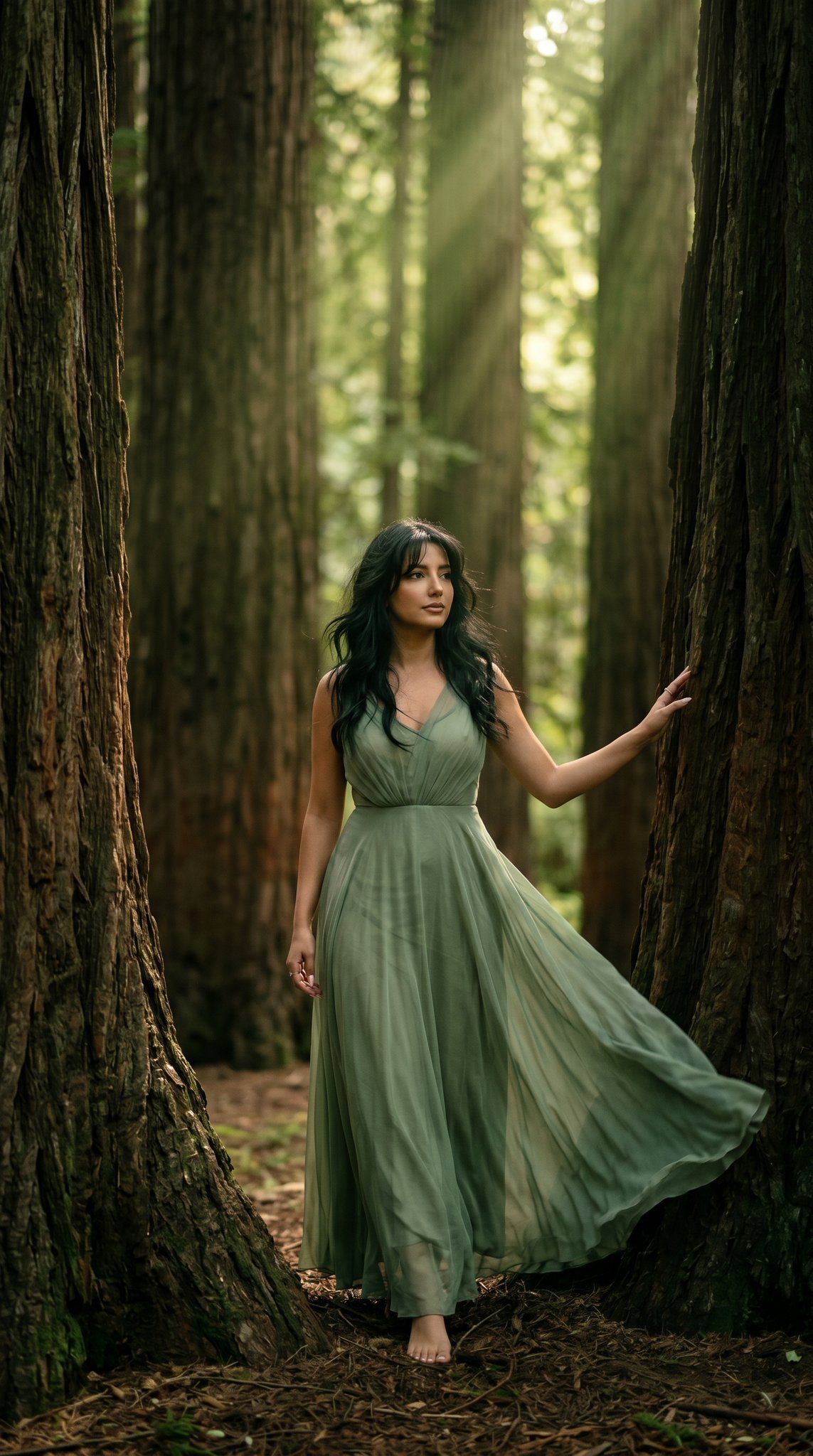
23 California Redwood Forest — California Series
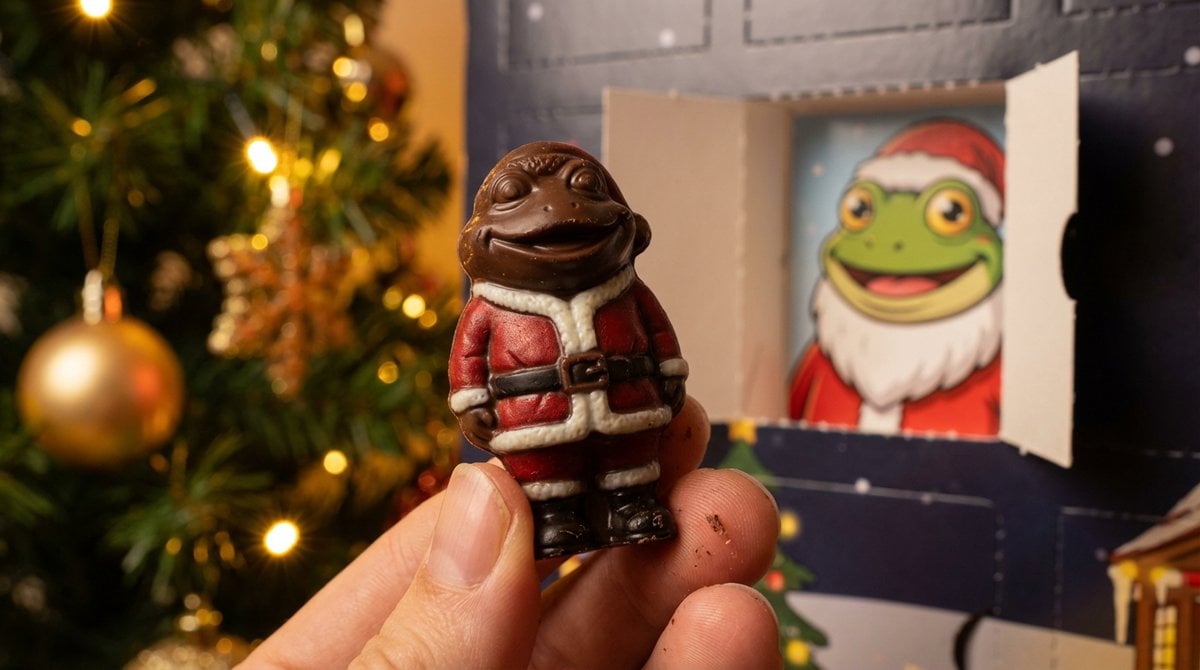
Nano Banana Pro Prompt for Miniature Chocolate Photo
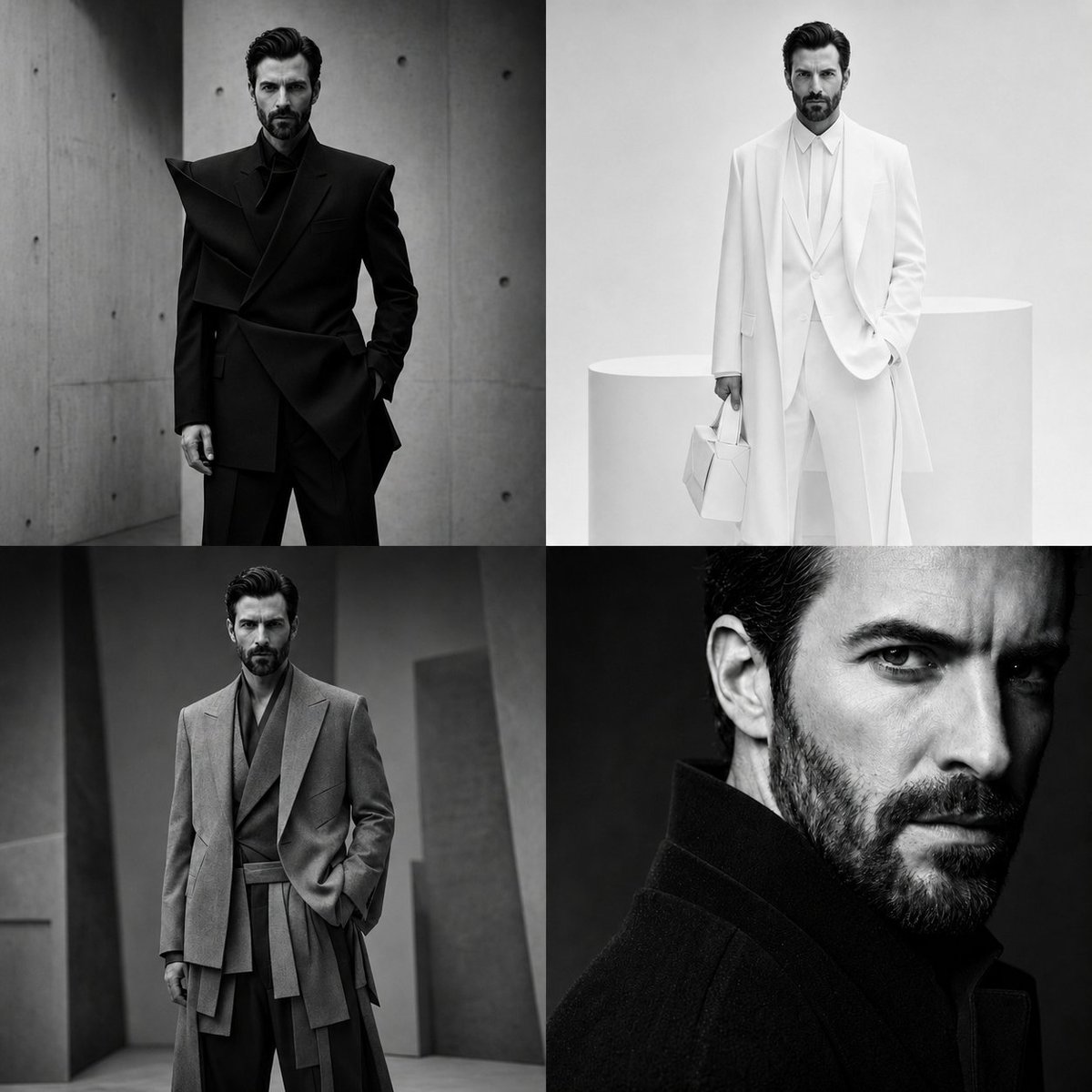
Panel Monochrome Fashion Grid
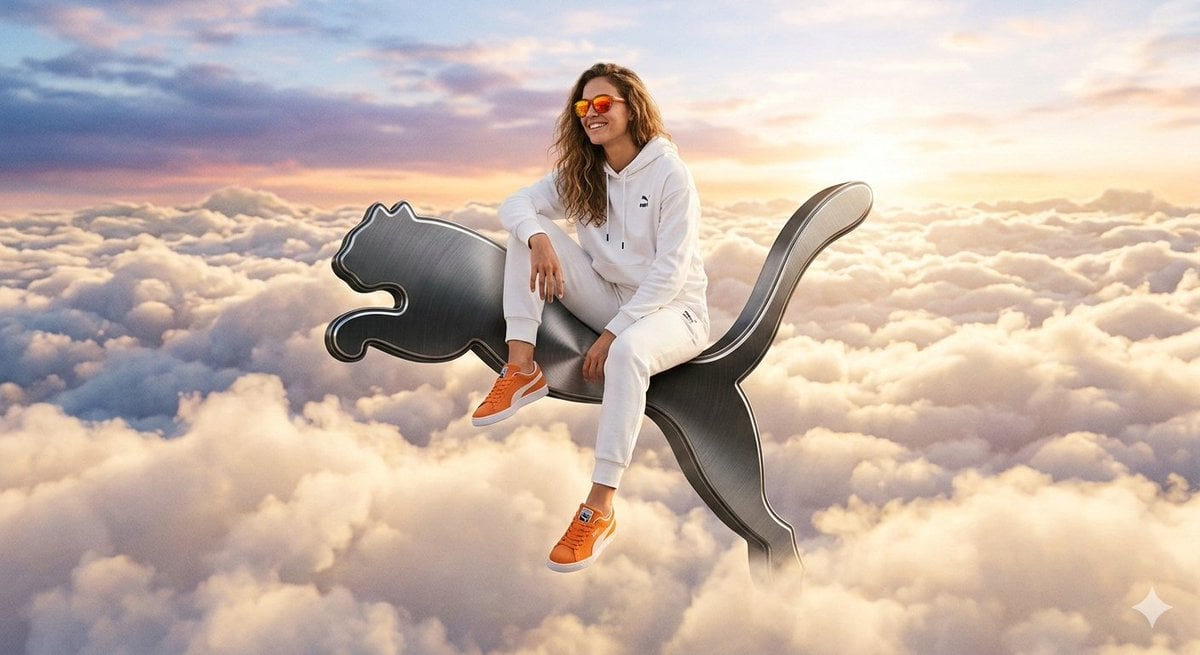
Surreal High-Fashion Ad on Floating Puma Logo
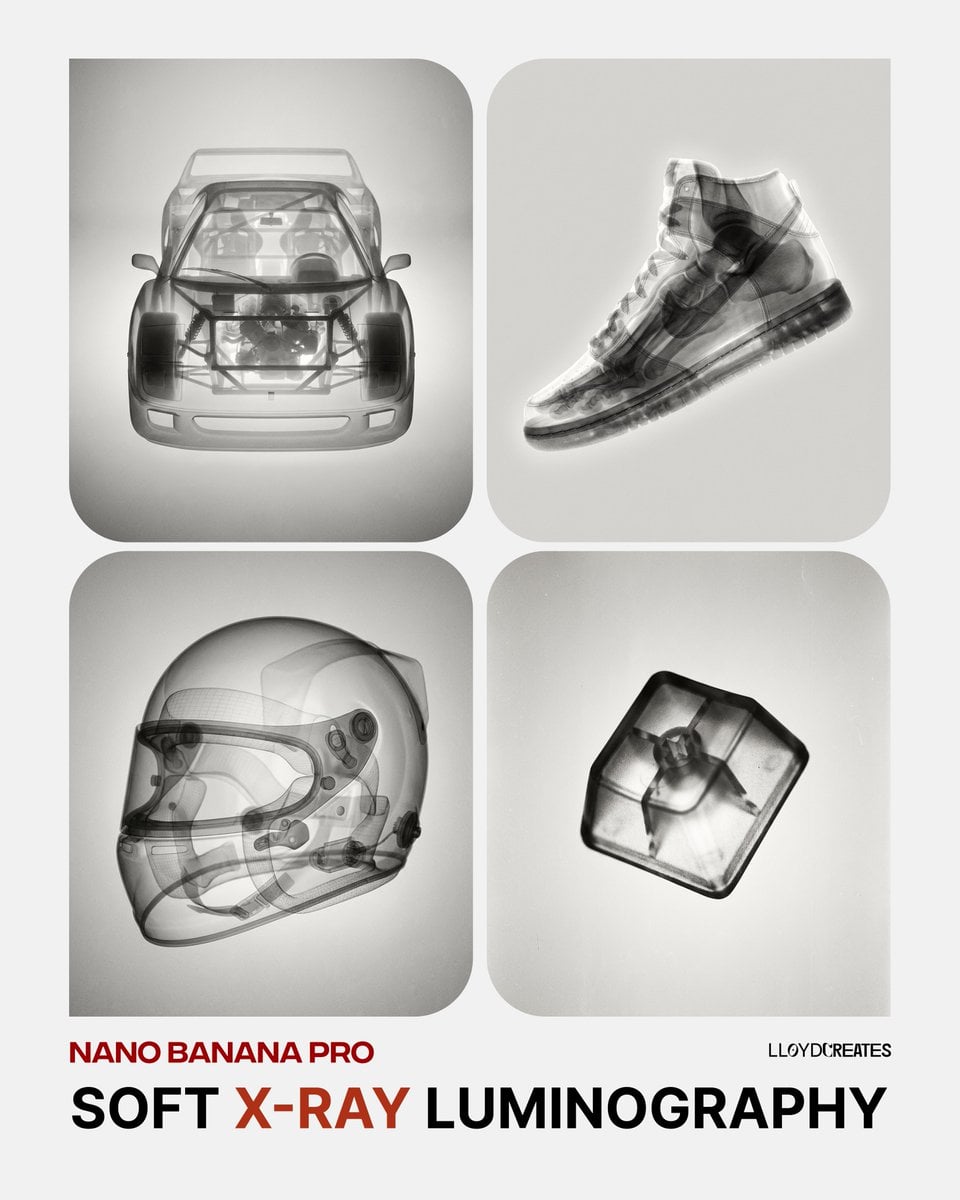
Soft X-Ray Luminography Style Template
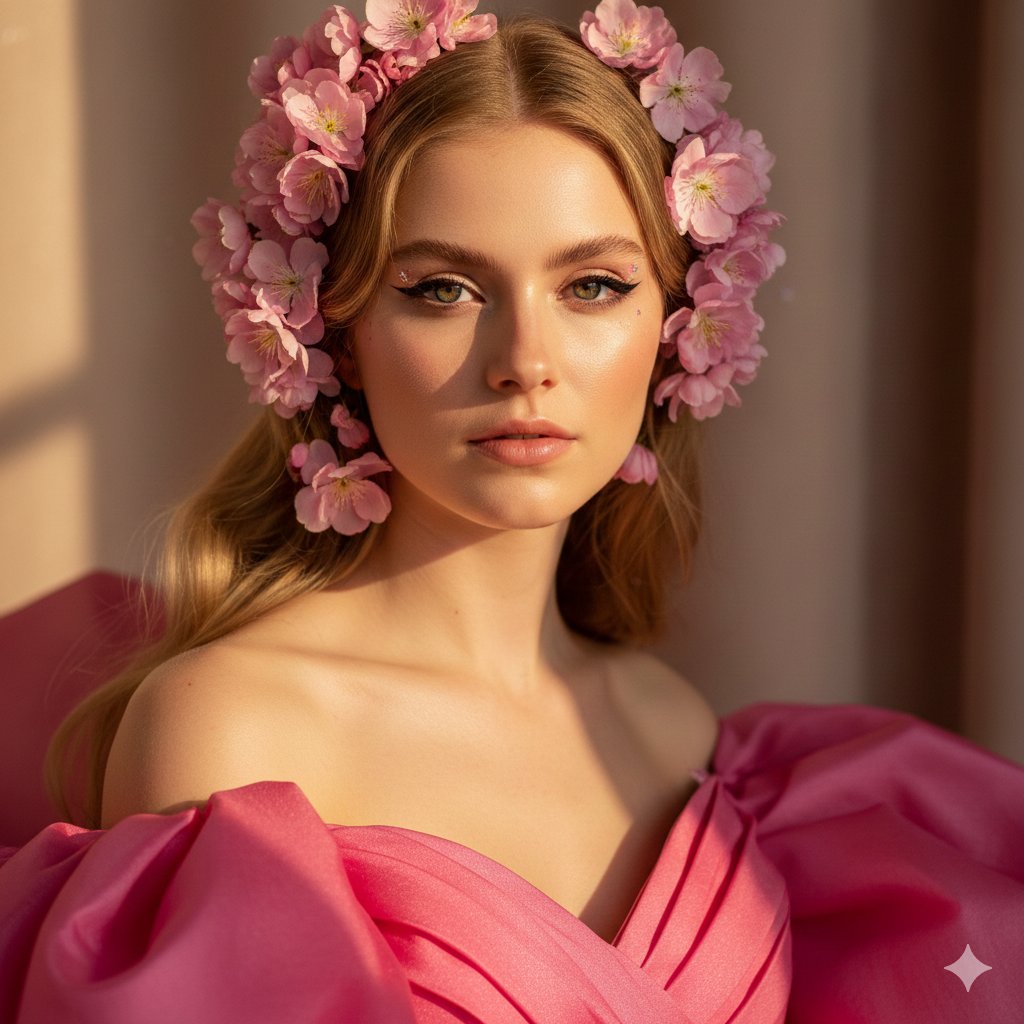
Cinematic Pink Blossom Couture Portrait
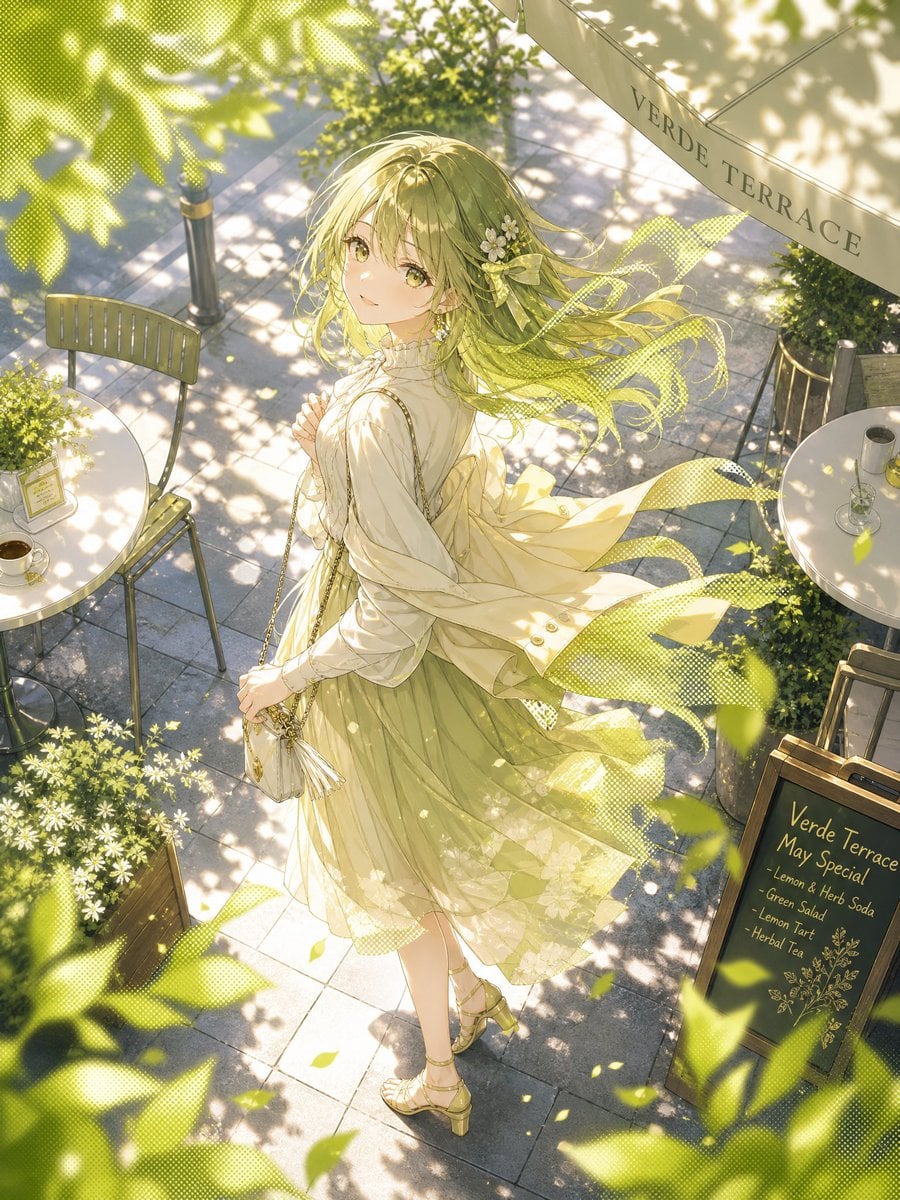
Windy Verde Terrace Anime Girl
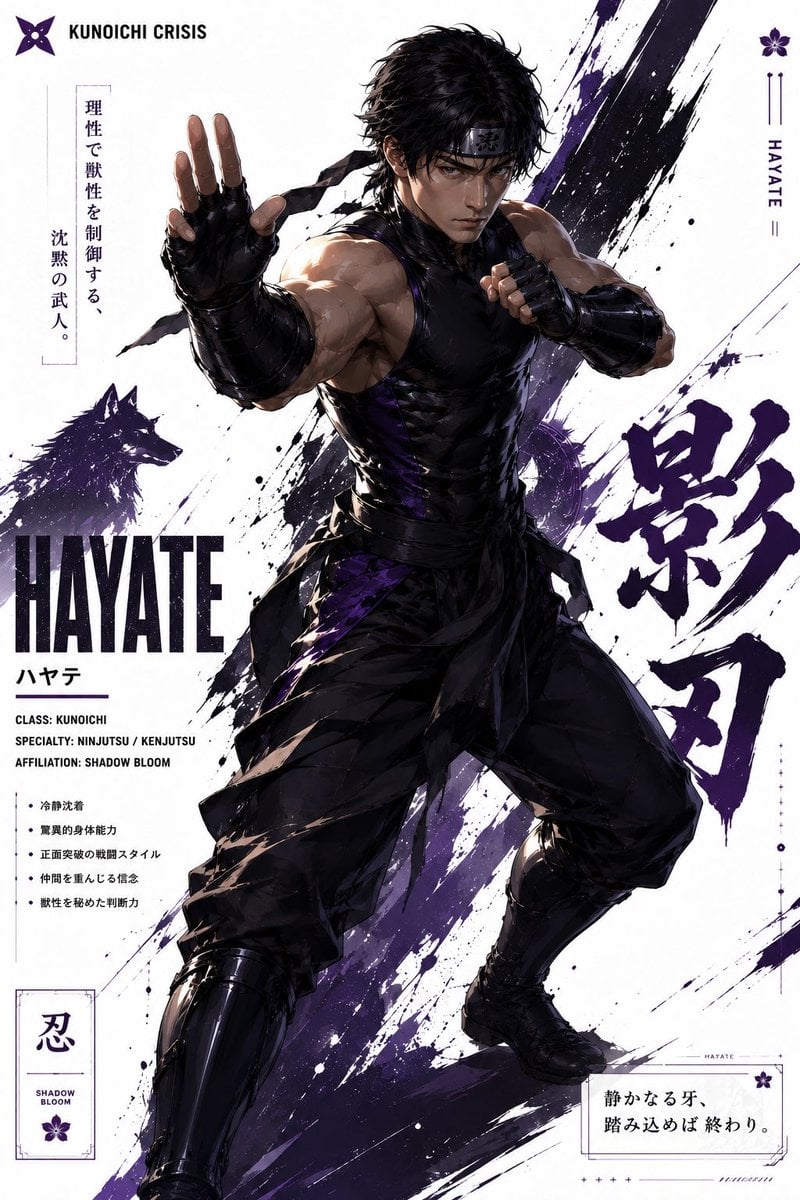
Hayate Ninja Character Poster
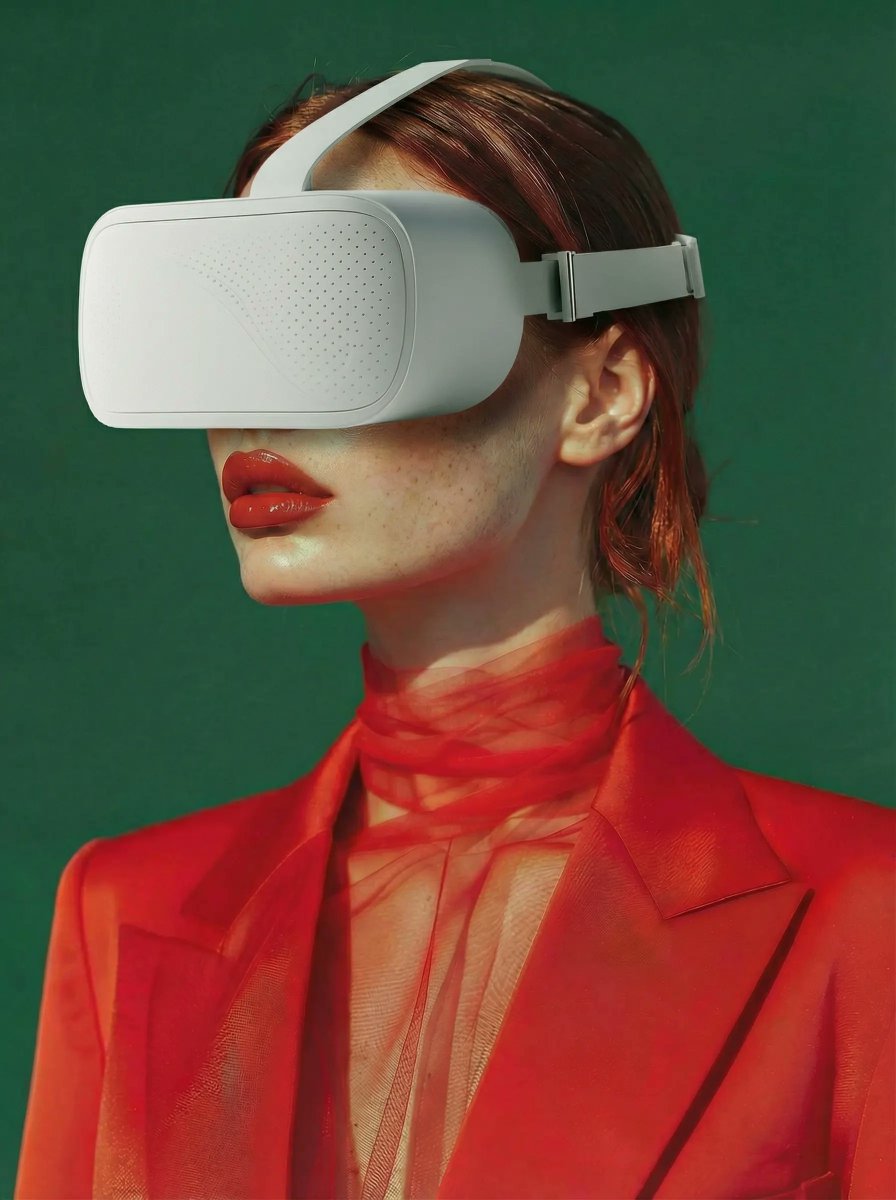
Integrate VR Headset onto Model
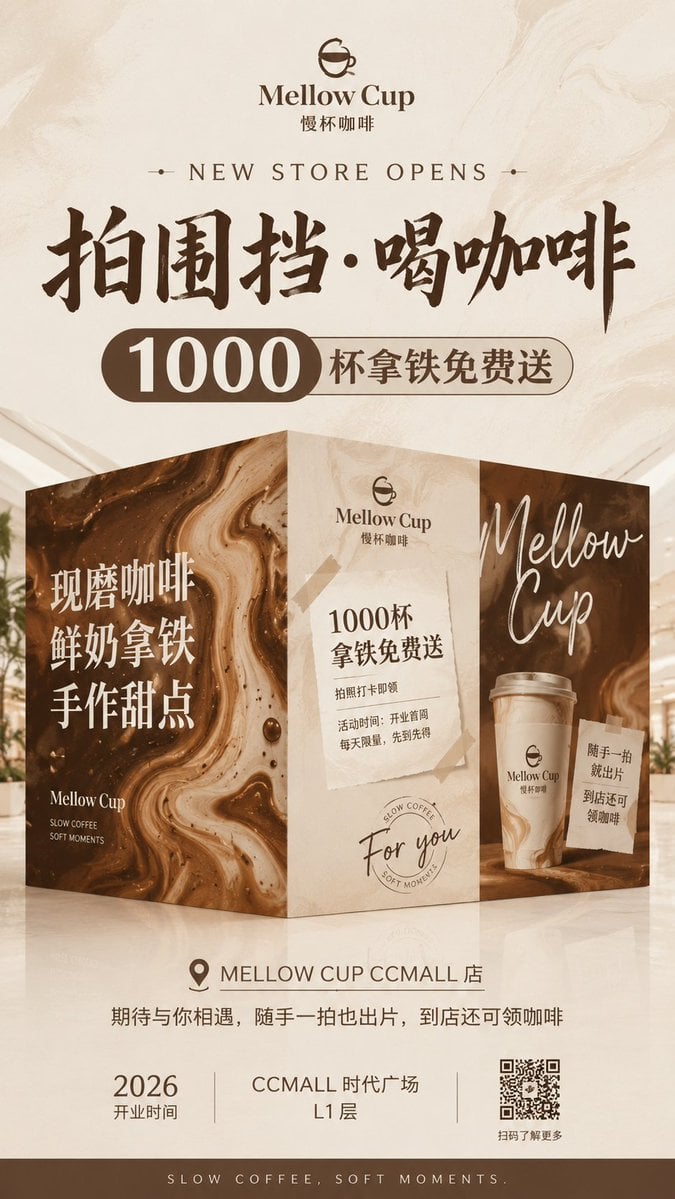
Mellow Cup Opening Hoarding Poster
Browse template categories
Official Style Character Concept Sheet Prompt questions
How do I use the Official Style Character Concept Sheet Prompt template?
Add your photo if the template asks for one, edit the prompt if you like — the template's model and format are already selected — and press Generate. Your version opens in PicX Studio.
Can I customize the Official Style Character Concept Sheet Prompt template?
Yes. You can change the subject, setting, lighting, mood, format, and available model controls before creating your image.
Is the Official Style Character Concept Sheet Prompt template free?
Opening and editing this template is free. Generating uses credits, shown on the Generate button when you are signed in.
Which AI model should I use?
Start with GPT Image 2, which is the model associated with this template. You can compare another compatible model for a different finish.
Looking for something else? Browse all templates.

Your photo, any look
Thousands of ready templates for every top image and video model, from one credit balance.