How do I use the Professional Studio Beauty Portrait template?
Edit the prompt in the box under the preview — the template's model and format are already selected — and press Generate. Your version appears right on this page.
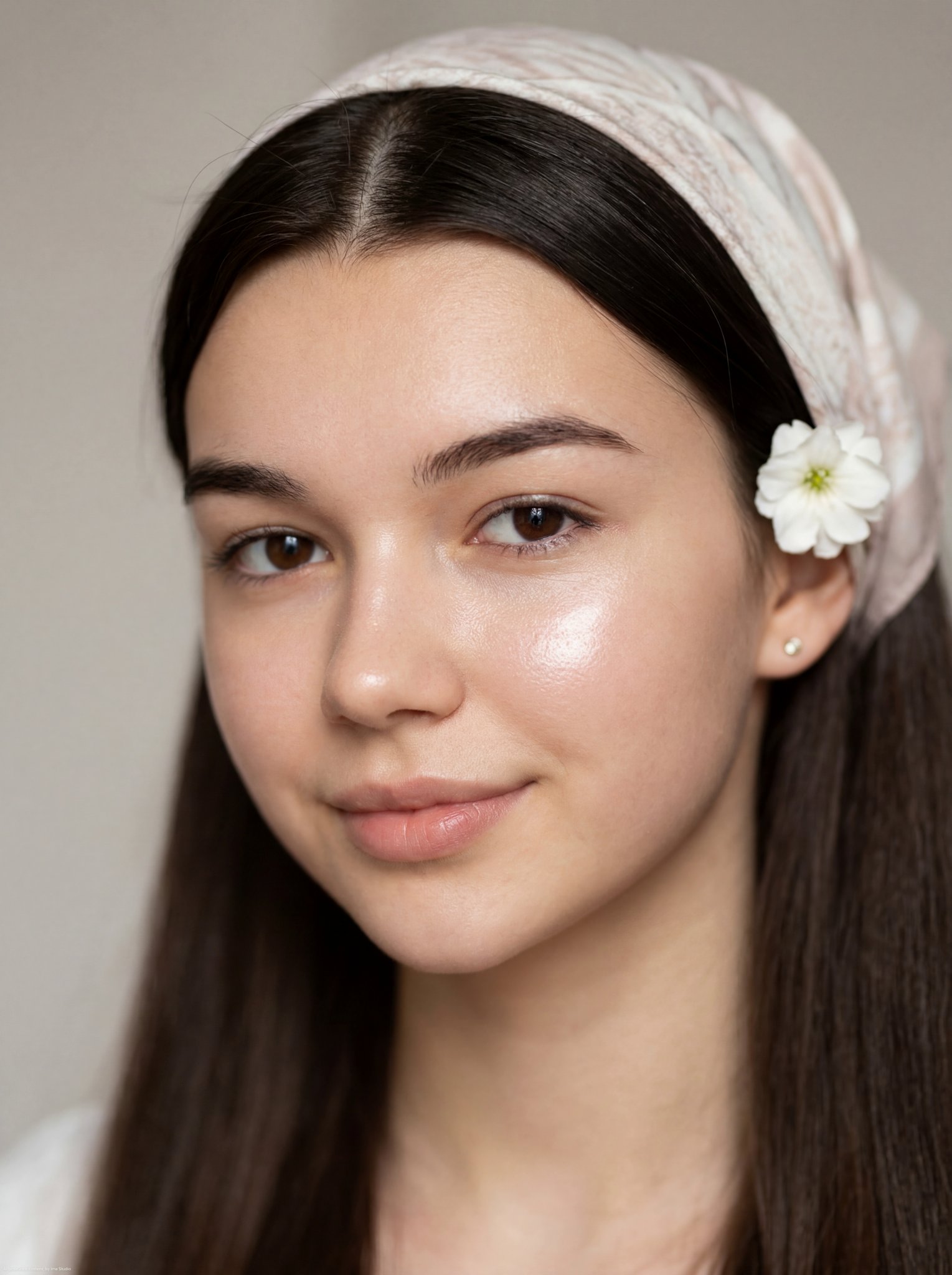
An elegant studio portrait prompt for a young woman, focusing on soft diffused lighting, sophisticated fashion, and high-resolution detail.

style: studio portrait, modern, elegant, feminine, fashion editorial, high resolution, ultra-detailed, sharp focus, soft diffused studio lighting, evenly balanced with subtle highlights on face, plain, smooth gradient light gray backdrop, shallow, subject in sharp focus with soft background blur. subject: young woman, mid 20s to early 30s, {argument name="ethnicity" default="South Asian appearance"}, slim, delicate features. pose: close-up portrait (head and upper torso), slightly angled, slightly tilted, facing forward, gaze directly at camera, soft and calm, one hand touching neck/jawline, other holding blazer lapel. expression: calm, confident, slightly serious with relaxed lips. facial features: skin smooth, flawless, warm-toned complexion, large, soft brown eyes with subtle makeup, well-defined, natural thickness, straight and refined, lips full, natural pink tone, matte finish, jawline soft yet defined. hair: {argument name="hair color" default="dark brown"}, short bob cut, slightly tousled, soft waves, middle parting, a few strands falling naturally across face. clothing: formal fashion, {argument name="outerwear" default="deep brown blazer with structured lapels"}, tailored, elegant. accessories: {argument name="jewelry" default="delicate diamond necklace, small drop earrings, multiple rings"}, minimalistic yet luxurious jewelry styling. color palette: brown, beige, soft skin tones, accent silver/diamond sparkle, mood warm, neutral, sophisticated. composition: focus on face and upper body, slightly asymmetrical for natural feel, centered subject, clean editorial composition with emphasis on beauty and elegance
style: studio portrait, modern, elegant, feminine, fashion editorial, high resolution, ultra-detailed, sharp focus, soft diffused studio lighting, evenly balanced with subtle highlights on face, plain, smooth gradient light gray backdrop, shallow, subject in sharp focus with soft background blur. subject: young woman, mid 20s to early 30s, {argument name="ethnicity" default="South Asian appearance"}, slim, delicate features. pose: close-up portrait (head and upper torso), slightly angled, slightly tilted, facing forward, gaze directly at camera, soft and calm, one hand touching neck/jawline, other holding blazer lapel. expression: calm, confident, slightly serious with relaxed lips. facial features: skin smooth, flawless, warm-toned complexion, large, soft brown eyes with subtle makeup, well-defined, natural thickness, straight and refined, lips full, natural pink tone, matte finish, jawline soft yet defined. hair: {argument name="hair color" default="dark brown"}, short bob cut, slightly tousled, soft waves, middle parting, a few strands falling naturally across face. clothing: formal fashion, {argument name="outerwear" default="deep brown blazer with structured lapels"}, tailored, elegant. accessories: {argument name="jewelry" default="delicate diamond necklace, small drop earrings, multiple rings"}, minimalistic yet luxurious jewelry styling. color palette: brown, beige, soft skin tones, accent silver/diamond sparkle, mood warm, neutral, sophisticated. composition: focus on face and upper body, slightly asymmetrical for natural feel, centered subject, clean editorial composition with emphasis on beauty and elegance
Edit the prompt in the box under the preview — the template's model and format are already selected — and press Generate. Your version appears right on this page.
Yes. You can change the subject, setting, lighting, mood, format, and available model controls before creating your image.
Opening and editing this template is free. Generating uses credits, shown on the Generate button when you are signed in.
Start with GPT Image 2, which is the model associated with this template. You can compare another compatible model for a different finish.
Follow a topic to a crawlable collection of related PicX Studio templates.