
Anime Cafeteria Yakisoba Bread Rush
A dynamic anime cafeteria scene showing horse-girl students scrambling for the last yakisoba bread, ideal for energetic manga-style illustration generation.
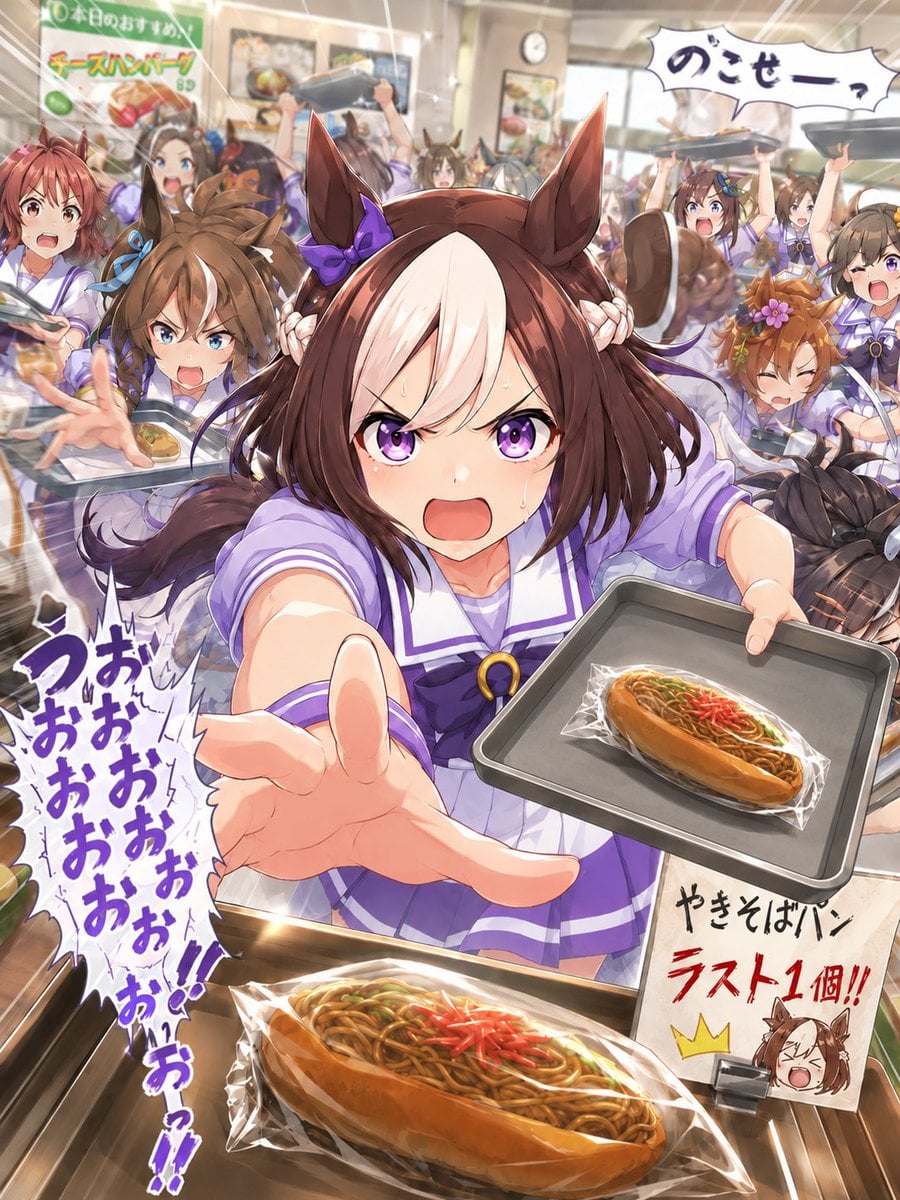
- Prompt included
- Model and format preset
- Free template
The prompt behind this image
Copy the exact prompt behind Anime Cafeteria Yakisoba Bread Rush, or open it in the studio and make it yours.
Goal: Create a high-energy anime cafeteria action illustration featuring {argument name="character name" default="a brown-haired horse-girl student"} in the center, lunging toward the viewer while trying to grab the last yakisoba bread during a chaotic lunchtime rush. Canvas: Vertical 3:4 illustration, dynamic wide-angle perspective, packed school cafeteria interior, bright warm lighting, motion blur, speed lines, sparkles, and dramatic manga-style impact effects. Main subject: A cute anime horse-girl student in a purple-and-white sailor-style school uniform, with large brown horse ears, medium brown hair, a bold white forelock stripe, a purple bow near one ear, braided side locks, and a brown tail. She is front and center, extremely close to the camera, reaching her left hand toward the viewer with exaggerated foreshortening while holding a gray cafeteria tray in her right hand. On her tray is one wrapped yakisoba bread. Her expression should feel desperate, determined, and comedic, like she is shouting while sprinting forward. Scene action: Show a frantic school cafeteria scramble for food. The camera is placed low and close to the cafeteria counter, making the foreground bread huge and the central character feel like she is bursting out of the crowd. Use diagonal composition, flying trays, blurred students, raised arms, and radiating action lines to emphasize speed and chaos. Counted visible elements: Include exactly 2 prominent wrapped yakisoba breads: 1 oversized yakisoba bread in the bottom foreground on the counter, and 1 smaller yakisoba bread on the main character’s tray. Include exactly 1 main central horse-girl character. Include exactly 6 other clearly visible supporting horse-girl students in the background crowd: 1 left-front brown-haired girl reaching forward with a tray, 1 small center-back girl between the main character’s ears, 1 right-back excited girl raising a tray, 1 right-middle orange-haired girl with a flower accessory reacting angrily, 1 far-left reddish-haired student partly visible, and 1 far-right student partly visible holding a tray. Additional background crowd may be blurred and indistinct, but do not make them individually detailed. Text and signage: Add a cafeteria sign in the upper left with Japanese text {argument name="menu sign text" default="本日のおすすめ チーズハンバーグ 850"}. Add a large comic speech bubble in the upper right with {argument name="speech bubble text" default="のこせーっ"}. Add large vertical purple manga shouting text on the left side reading {argument name="shouting text" default="うおおおおおおおお!!"}. Add a white handwritten placard at the lower right next to the counter reading {argument name="placard text" default="やきそばパン ラスト1個!!"}, with the second line in bold red and two exclamation marks. The placard should also include a small doodle of a crying horse-girl face wearing a tiny crown. Food details: The yakisoba bread is a hot-dog bun filled with glossy brown fried noodles, green garnish, and red pickled ginger, wrapped in transparent crinkled plastic. Make the foreground bread highly detailed and appetizing, with highlights on the plastic wrap. Visual style: Polished modern Japanese anime key visual, expressive character art, saturated colors, detailed cafeteria background, glossy highlights, energetic manga typography, strong perspective distortion, cinematic lighting, crisp foreground detail with softer blurred background. Constraints: Keep the image purely illustrative, no photorealism. Do not add logos, watermarks, extra English captions, or extra readable text beyond the specified Japanese signage. Maintain a comedic food-rush mood rather than a serious fight scene.
How to use Anime Cafeteria Yakisoba Bread Rush in 3 steps
- 1Upload ImagePNG, JPG or paste
Add your photo
Upload the photo the template builds on. The prompt, model and format are already set.
- 2…a portrait of your subject in softgolden-hour light, 85mm…
Personalize
Edit the subject and creative details for your destination.
- 3Generate
Generate
Press Generate — your image is created in PicX Studio, so you can compare it with the original and refine one variable at a time.
More like this
Templates with the same subject, style or setup. Open one to see its prompt.











Make it yours
Anime Cafeteria Yakisoba Bread Rush works as-is. These are the safest ways to change it without losing the look.
Change one field
Copy a single group, rewrite it, and generate again so you can see what that field is doing.
Keep the frame, change the subject
Hold the composition and light of Anime Cafeteria Yakisoba Bread Rush, then swap wardrobe, props or the person for a new take.
| If the result… | Why | Fix |
|---|---|---|
| The result drifts from the preview | Too many fields changed at once. | Reuse Anime Cafeteria Yakisoba Bread Rush as-is first, then change one group — subject, light, or setting. |
| The model over-stylizes the scene | The prose prompt leaves finish and camera underspecified. | Add one camera or lighting sentence and stay on GPT Image 2. |
More GPT Image 2 templates
Other prompts made for GPT Image 2.

Six VTuber Japanese Logo Sheet

Realistic Portrait of Woman and Deer

The Vista Modular Condo Poster

AI Model Routing Comparison Infographic

2.5D Anime Art Board

Isometric Productivity Desk Scene

New York Double Exposure Poster

Four-Panel AI Landscape Comparison

Japanese Tatami Lifestyle Magazine Cover

NESCAFÉ Coffee Map Poster
More image prompts
Fresh picks from across the catalog.
Landscape Archive Model Map
Human and Pixar Character Duplication Prompt
3D Chinese Historical Figure Archive Poster

Elegant Office Lady in Jewelry Store

E-commerce Tech Infographic

Cinematic Cafe Studio Portrait
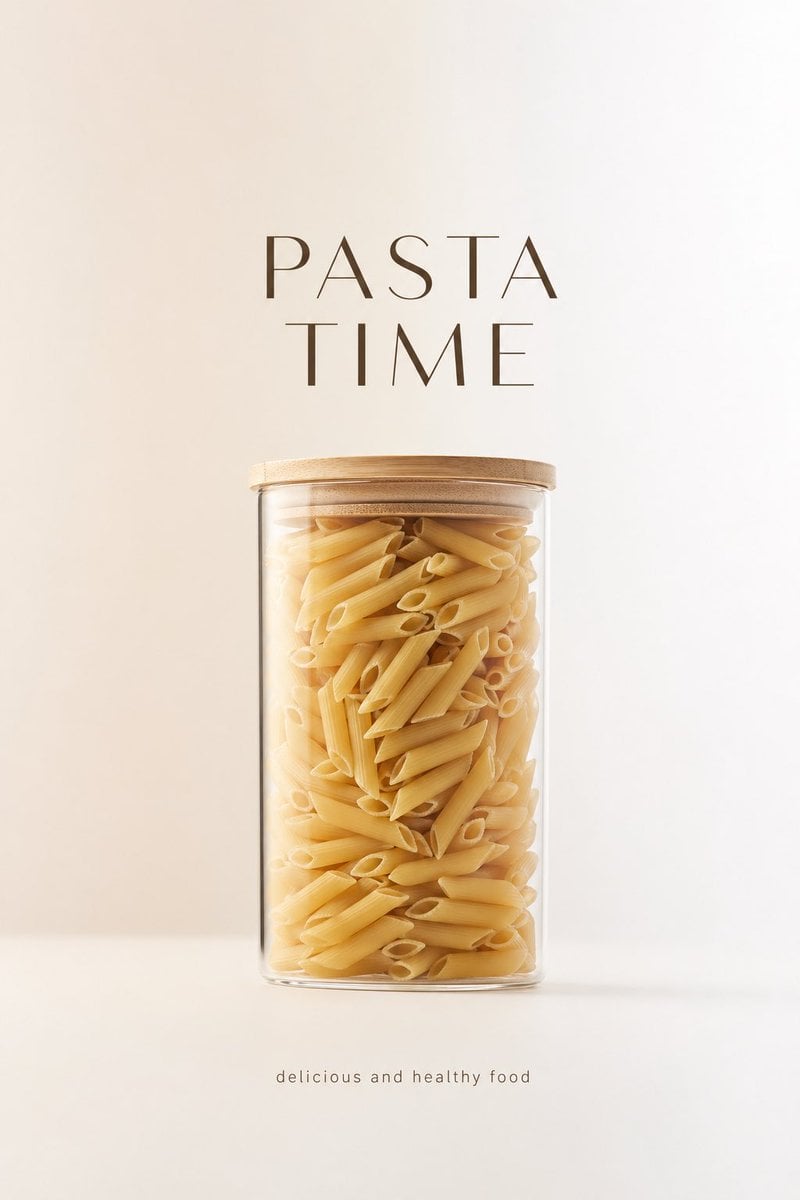
Minimalist Product Advertisement
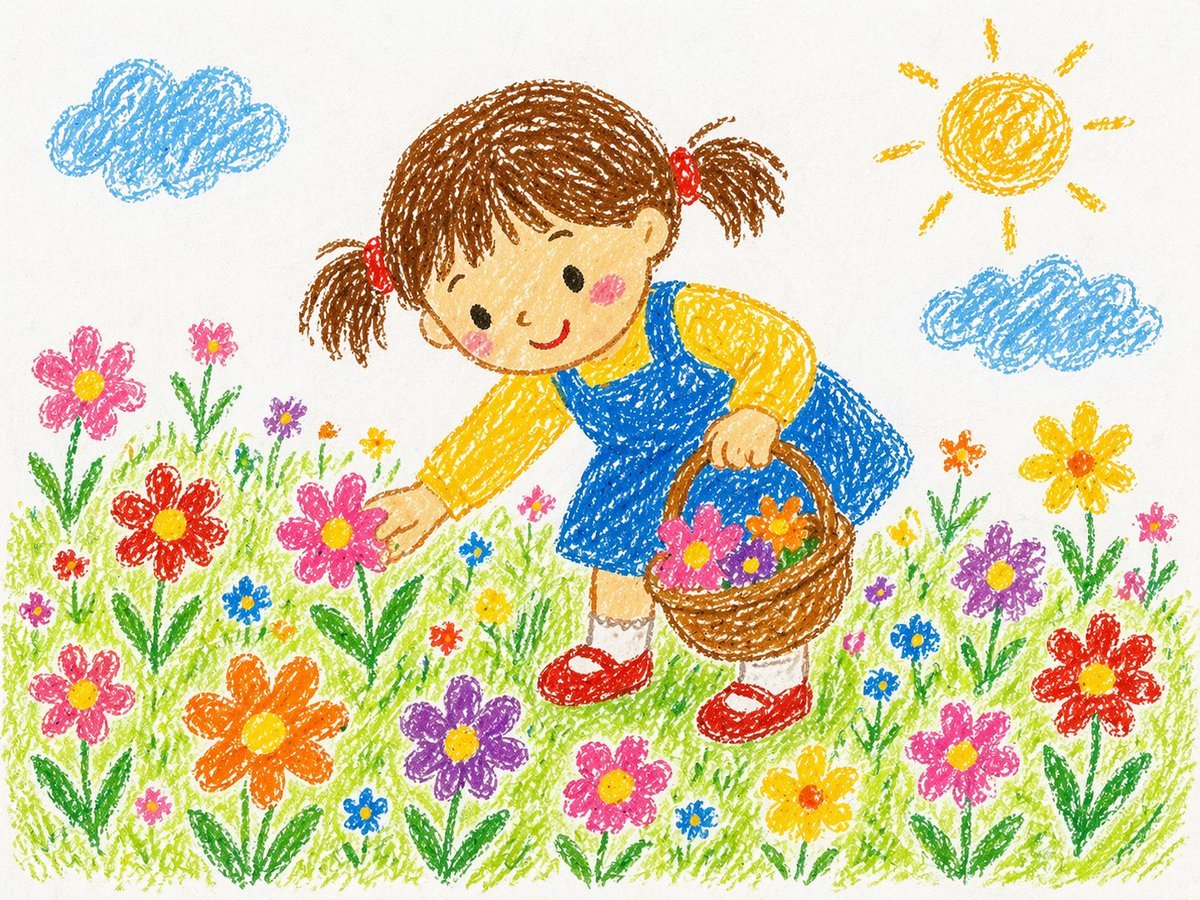
Crayon Style Drawing Prompt
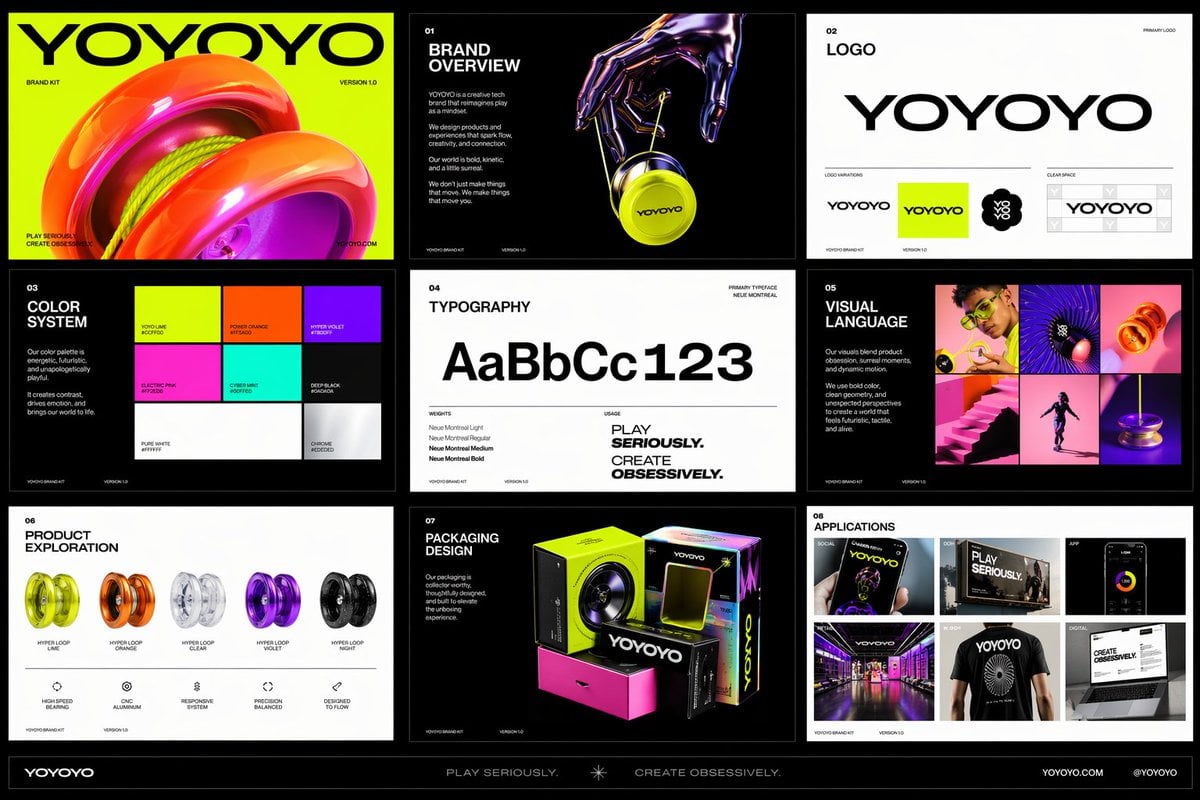
Futuristic Toy Brand Identity Kit
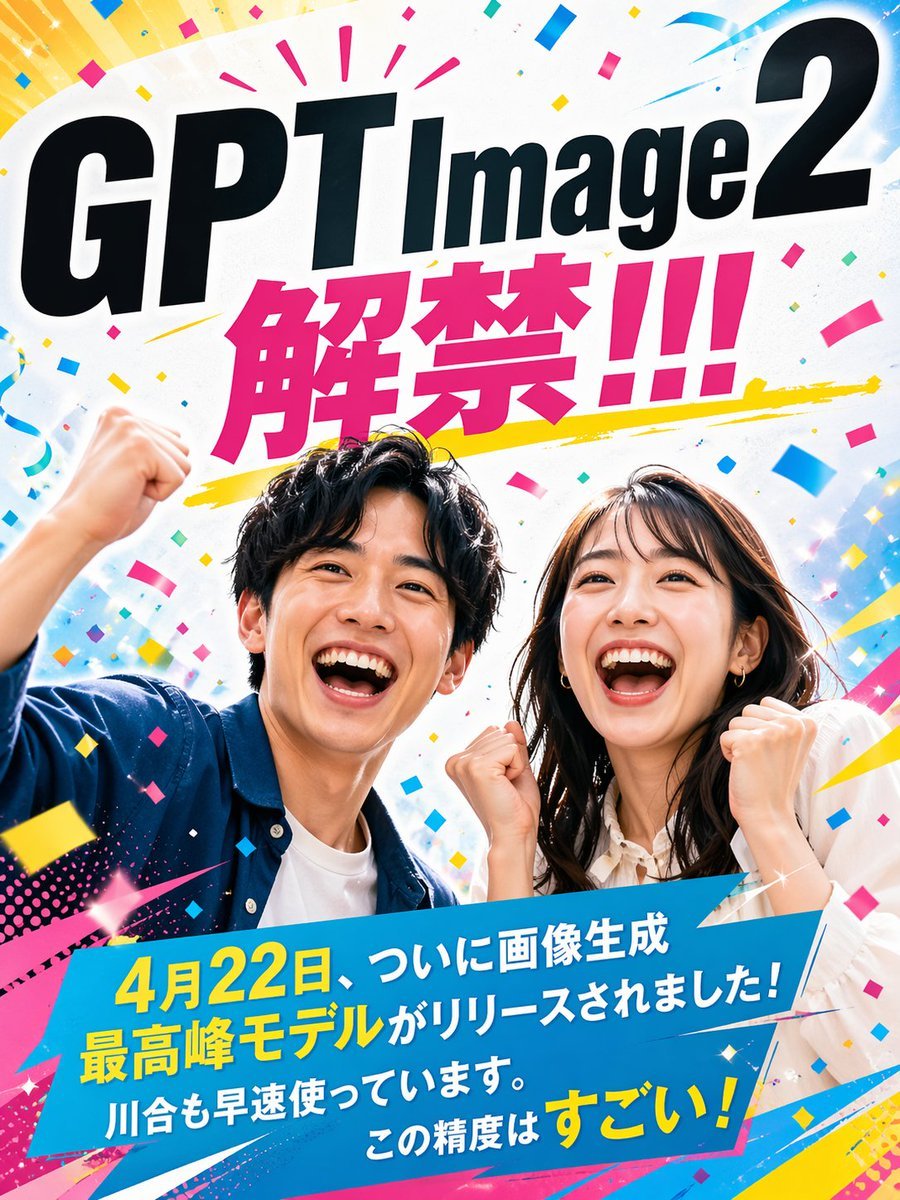
Modern Ad Layout Design
Browse template categories
Anime Cafeteria Yakisoba Bread Rush questions
How do I use the Anime Cafeteria Yakisoba Bread Rush template?
Add your photo if the template asks for one, edit the prompt if you like — the template's model and format are already selected — and press Generate. Your version opens in PicX Studio.
Can I customize the Anime Cafeteria Yakisoba Bread Rush template?
Yes. You can change the subject, setting, lighting, mood, format, and available model controls before creating your image.
Is the Anime Cafeteria Yakisoba Bread Rush template free?
Opening and editing this template is free. Generating uses credits, shown on the Generate button when you are signed in.
Which AI model should I use?
Start with GPT Image 2, which is the model associated with this template. You can compare another compatible model for a different finish.
Looking for something else? Browse all templates.

Your photo, any look
Thousands of ready templates for every top image and video model, from one credit balance.