
Pop Art Maneki-Neko Explosion
A vertical maximalist poster filled with floating ceramic Japanese lucky cats and neon graphic bursts for a playful good-luck visual.
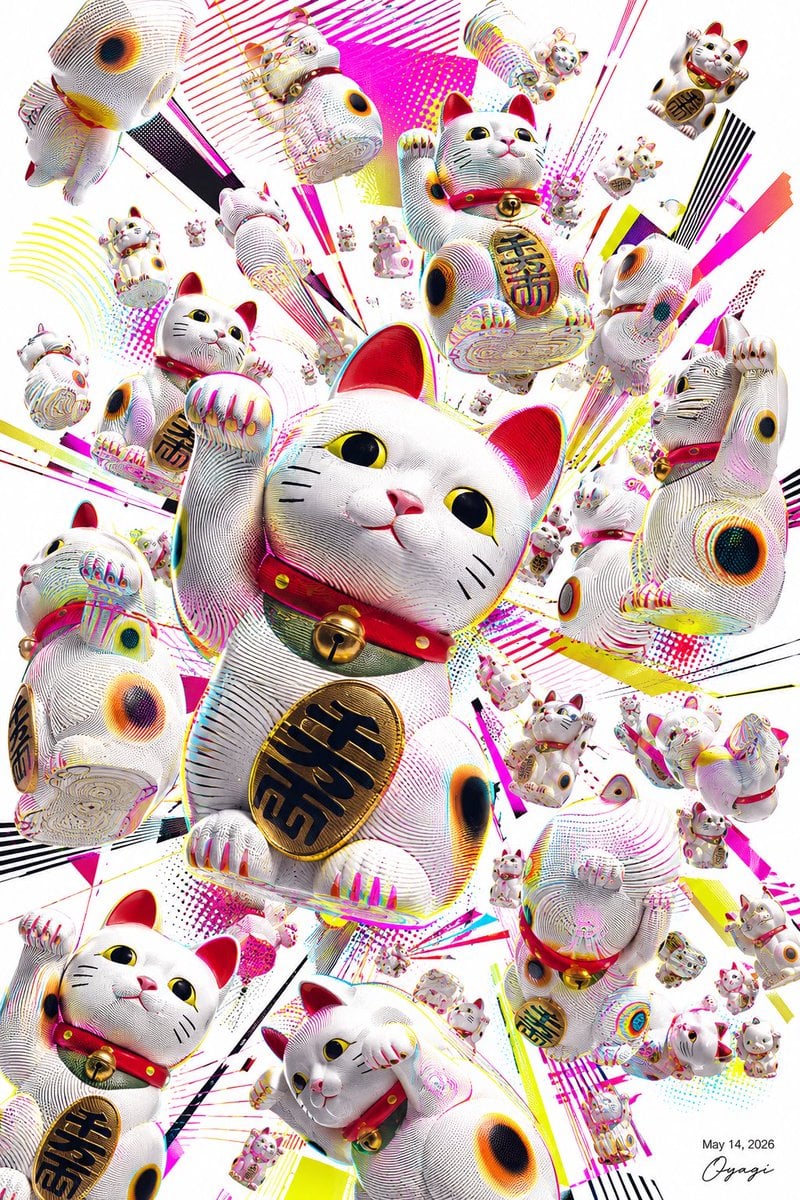
- Prompt included
- Model and format preset
- Premium template
The prompt behind this image
Copy the exact prompt behind Pop Art Maneki-Neko Explosion, or open it in the studio and make it yours.
Create a vibrant vertical poster illustration of a swarm of {argument name="lucky cat count" default="42"} Japanese maneki-neko lucky cat statues floating and tumbling through a white space, as if exploding outward from the center for a good-luck blessing. The main subject is one oversized white ceramic lucky cat in the foreground, centered slightly low, smiling with yellow-black eyes, red inner ears, pink nose, black whisker marks, a raised left paw, a red collar with gold studs and a gold bell, and a large oval gold coin on its chest with bold black Japanese-style characters. Surround it with exactly 41 smaller matching lucky cats at different scales and rotations: 6 large supporting cats near the edges, 11 medium cats in the midground, and 24 tiny distant cats scattered through the background. All cats should share the same glossy white ceramic body, red collars, gold bells, gold coin plaques, yellow eyes, red ears, and black calligraphic markings, but vary their pose between raised left paw, raised right paw, frontal sitting pose, side view, upside-down tumbling pose, and partial cropped close-up paws or bodies. Use a dramatic fisheye wide-angle perspective with the central cat closest to the viewer and many cats receding into depth. Visual style: hyper-detailed 3D ceramic pop-art rendering with fine engraved contour-line patterns wrapping over the cats, subtle iridescent rainbow chromatic aberration, glossy highlights, and crisp high-contrast lighting. Add energetic Japanese graphic-design elements behind and between the cats: hot pink diagonal stripes, yellow arcs, black line bursts, cyan/magenta halftone dots, radial speed lines, geometric rectangles, and scattered neon print textures on a clean white background. The composition should feel joyful, chaotic, lucky, celebratory, and maximalist, like a futuristic maneki-neko blessing poster. Canvas: vertical 2:3 poster, full bleed, high resolution, dense but readable composition. Place a small handwritten signature/date mark in the bottom-right corner reading {argument name="date text" default="May 14, 2026"} and {argument name="signature text" default="Oyagi"}. Use no other English text besides the date/signature; Japanese-style characters may appear only as decorative black glyphs on the gold coins. Keep the foreground cat sharp, with smaller cats and background patterns layered behind it, and avoid photorealistic fur, humans, scenery, borders, or watermarks.
How to use Pop Art Maneki-Neko Explosion in 3 steps
- 1Upload ImagePNG, JPG or paste
Add your photo
Upload the photo the template builds on. The prompt, model and format are already set.
- 2…a portrait of your subject in softgolden-hour light, 85mm…
Personalize
Edit the subject and creative details for your destination.
- 3Generate
Generate
Press Generate — your image is created in PicX Studio, so you can compare it with the original and refine one variable at a time.
More like this
Templates with the same subject, style or setup. Open one to see its prompt.
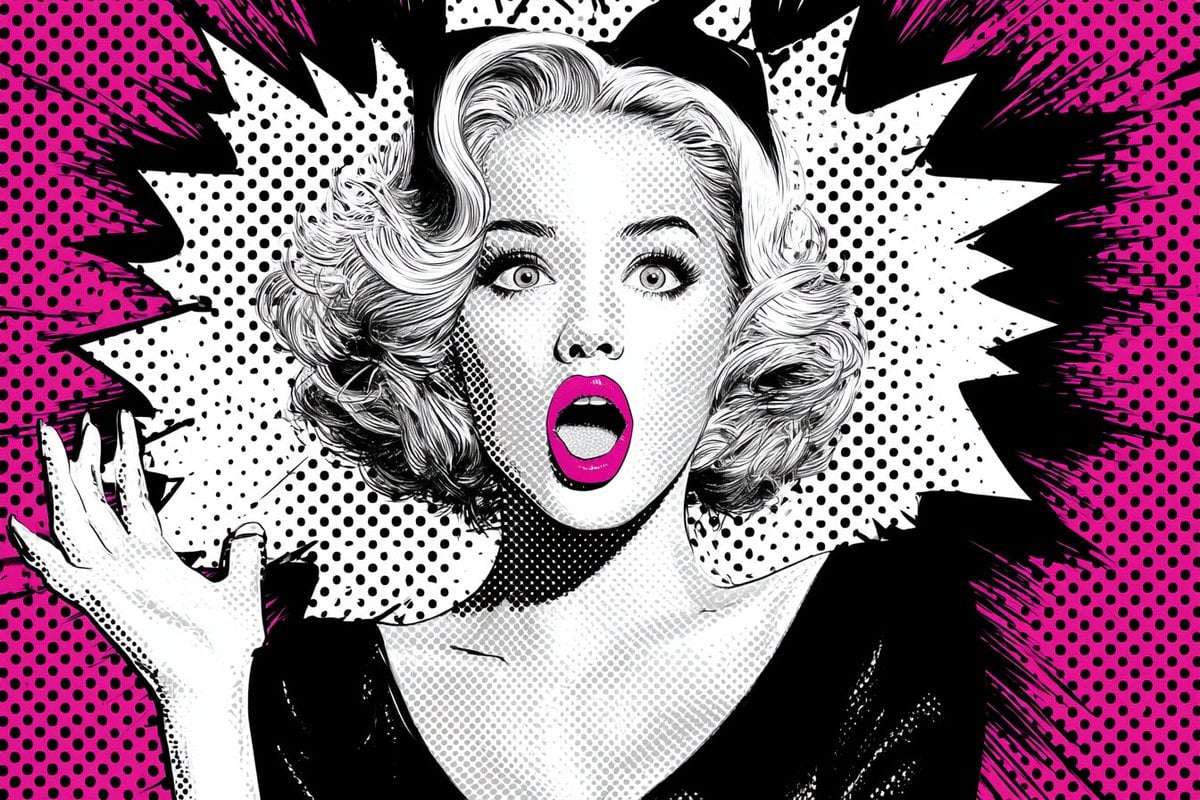
Pop Art Superhero Explosion Poster
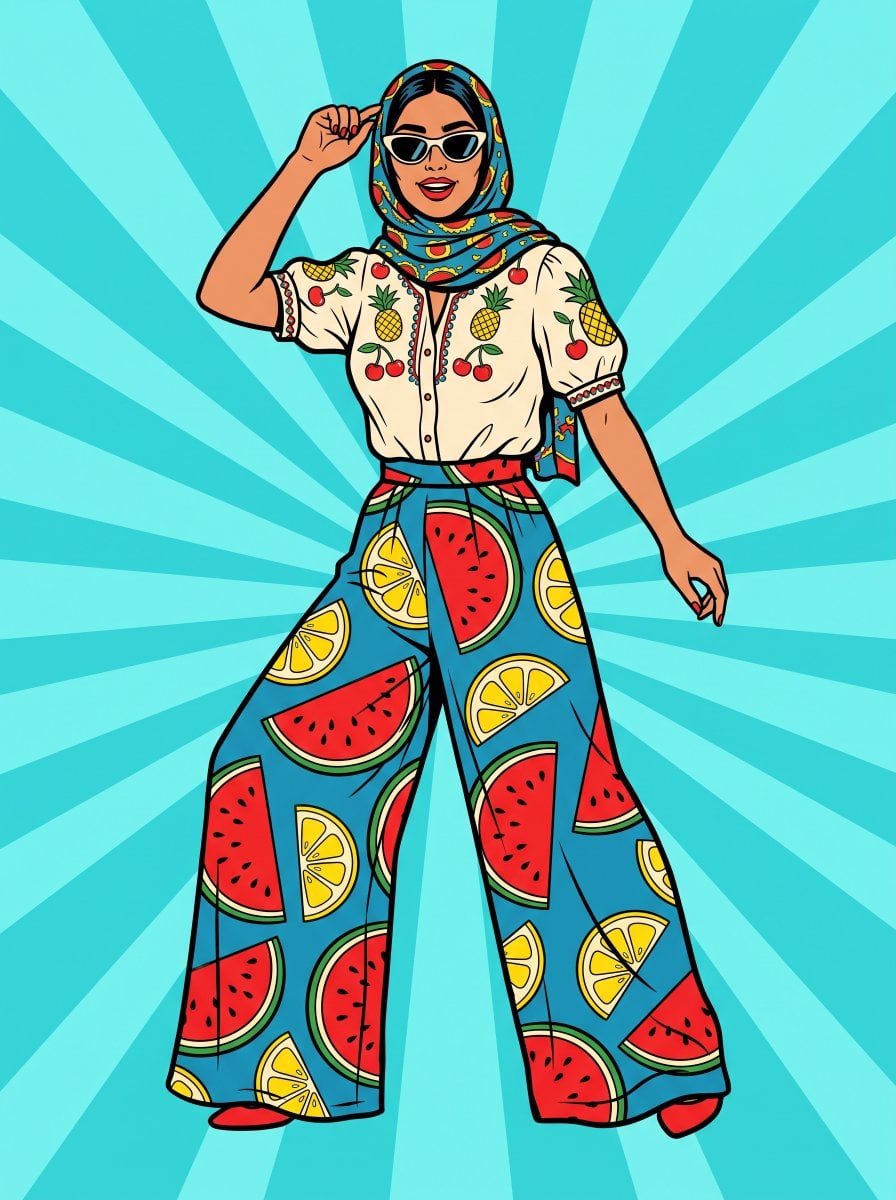
Pop Art Summer Fruit Fashion Illustration
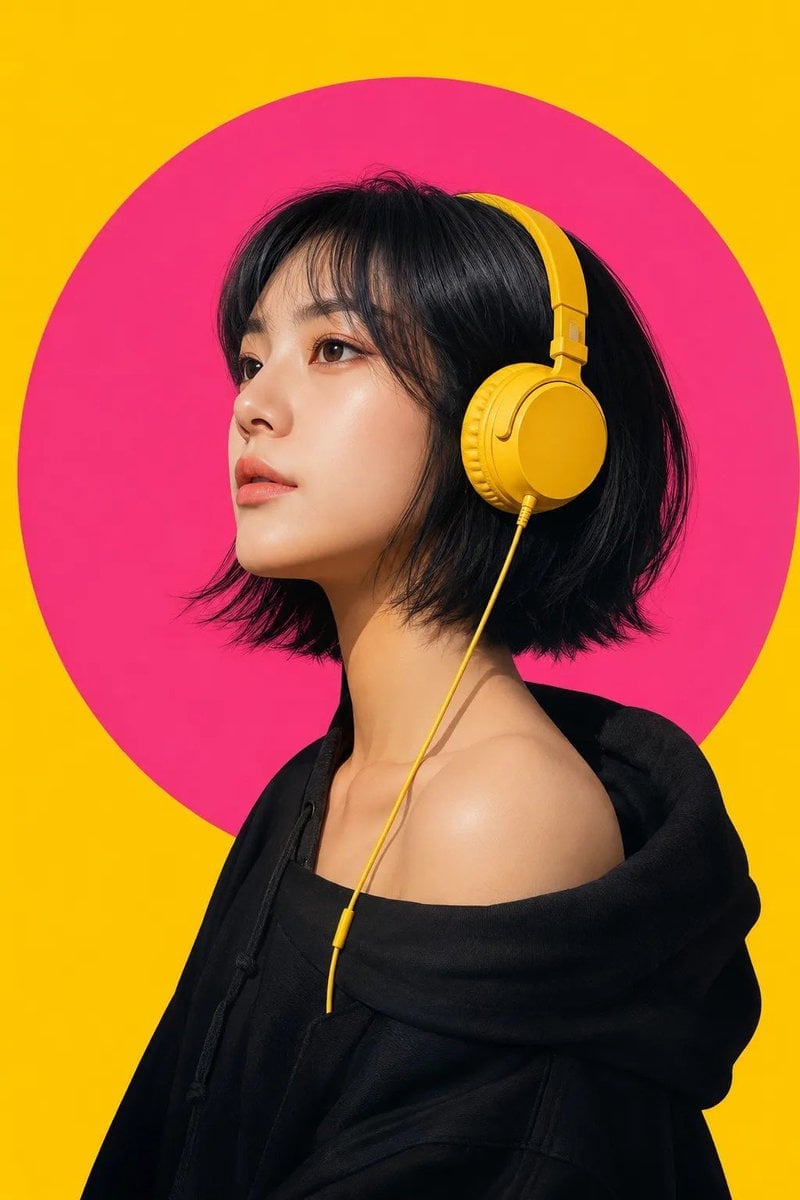
Modern Pop-Art Female Portrait
Retro 80s City Pop Anime Illustration
Retro American Pop Diner Fashion Editorial
Three Kingdoms Pop-Up Book Scene
Explosion Effect Commercial Poster
A k.pop idol on the stage with mic
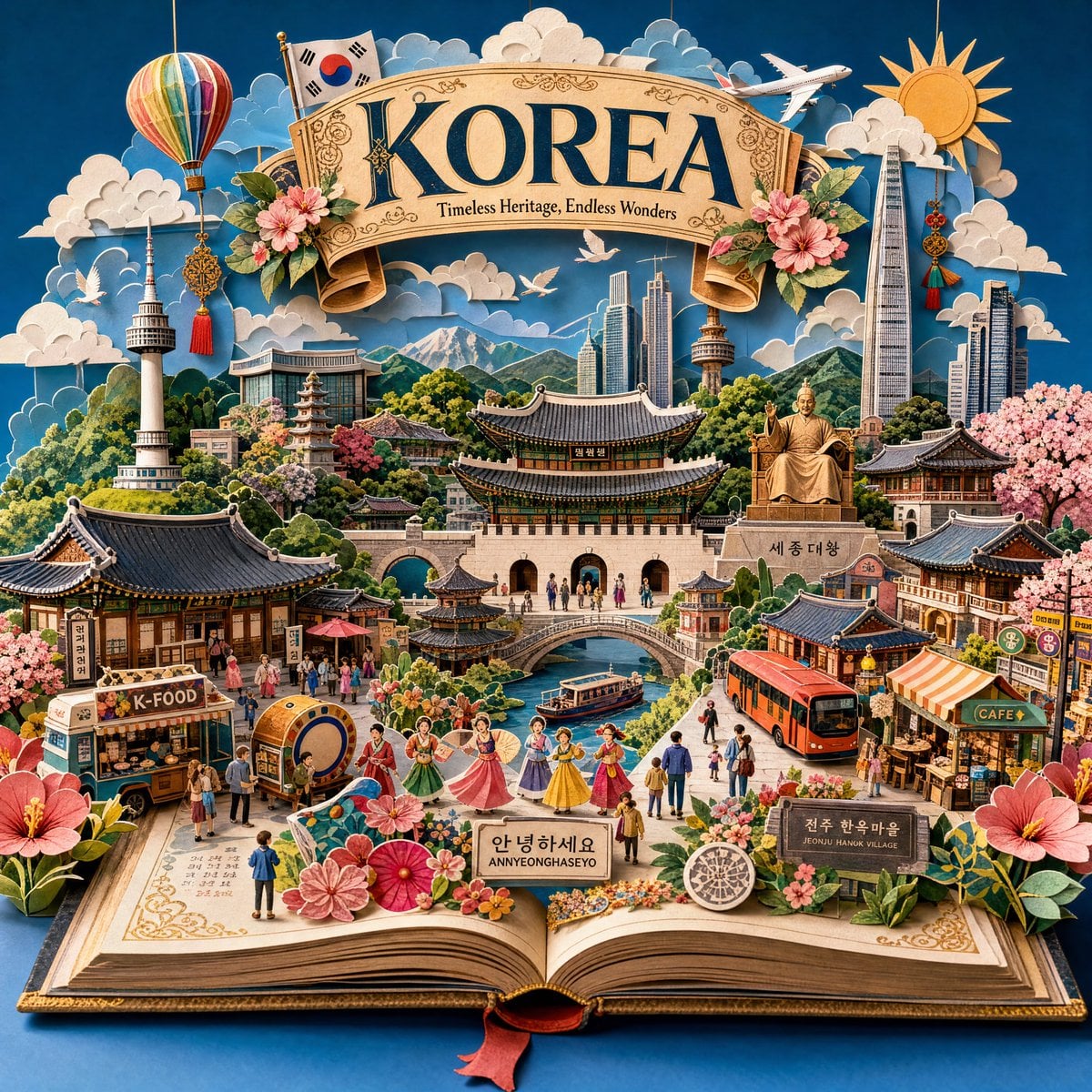
Master Pop-Up Storybook — 3D Paper Engineered Travel Diorama
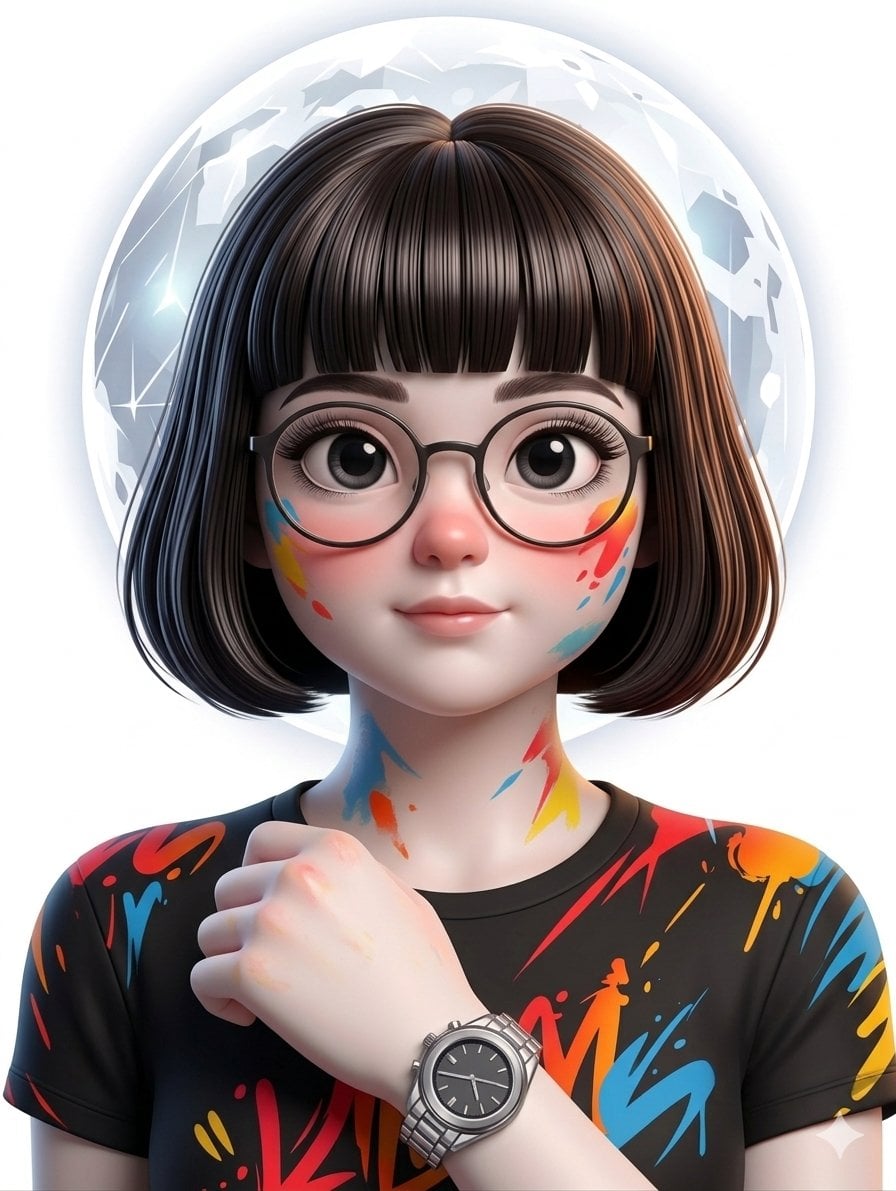
Vector Pop Art Portrait
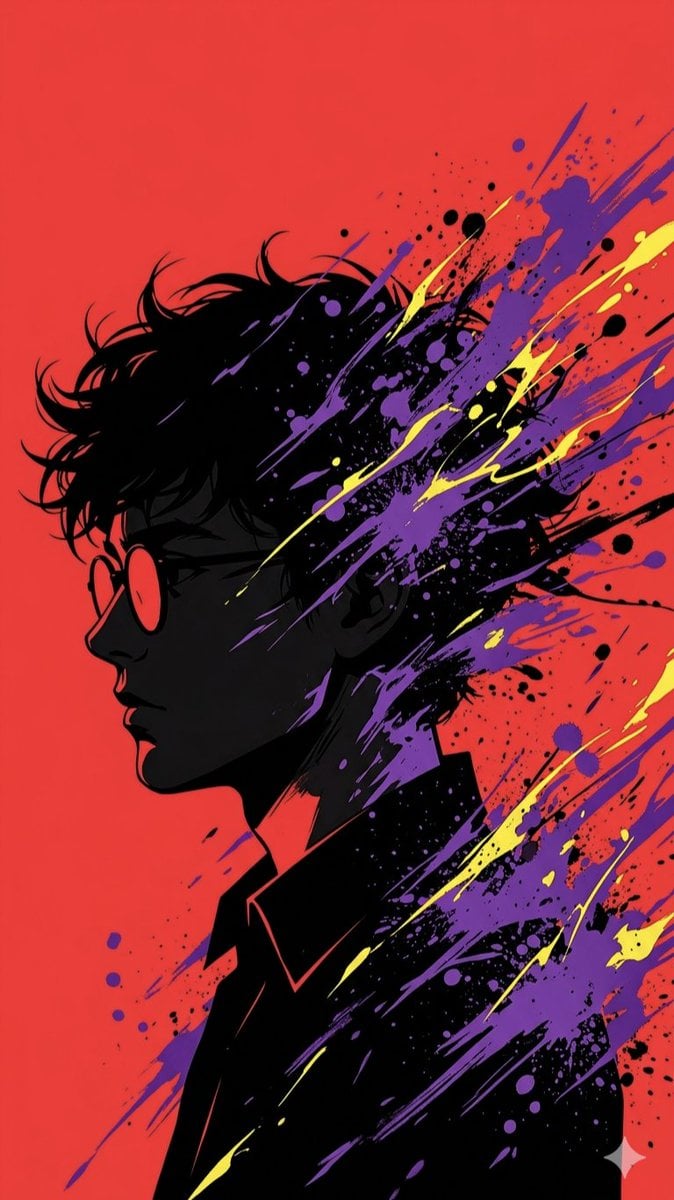
Pop Art Silhouette Splatter
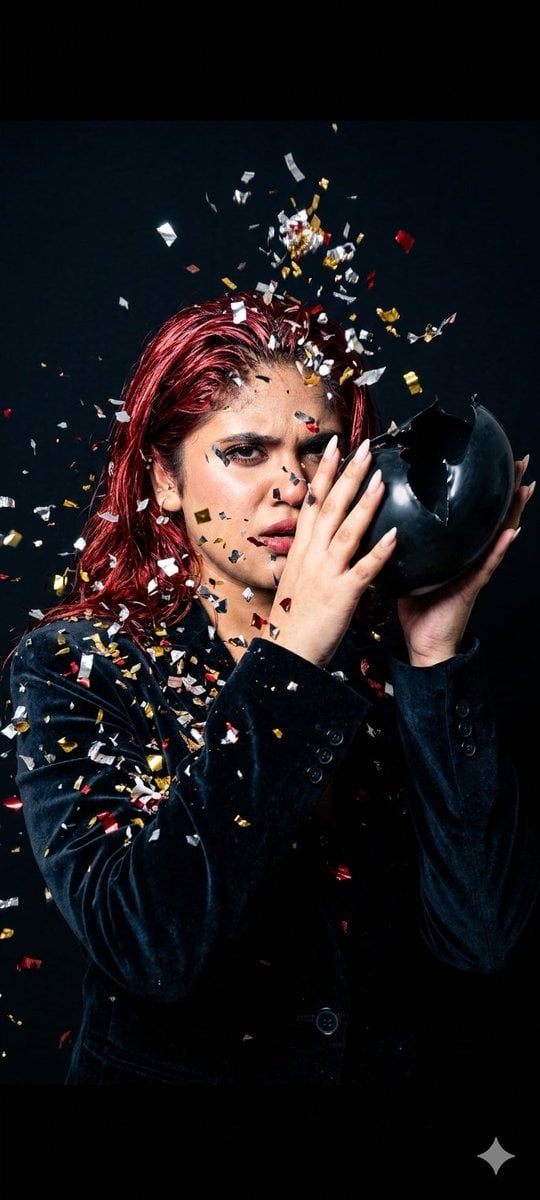
Fashion Editorial Balloon Explosion Portrait
Make it yours
Pop Art Maneki-Neko Explosion works as-is. These are the safest ways to change it without losing the look.
Change one field
Copy a single group, rewrite it, and generate again so you can see what that field is doing.
Keep the frame, change the subject
Hold the composition and light of Pop Art Maneki-Neko Explosion, then swap wardrobe, props or the person for a new take.
| If the result… | Why | Fix |
|---|---|---|
| The result drifts from the preview | Too many fields changed at once. | Reuse Pop Art Maneki-Neko Explosion as-is first, then change one group — subject, light, or setting. |
| The model over-stylizes the scene | The prose prompt leaves finish and camera underspecified. | Add one camera or lighting sentence and stay on GPT Image 2. |
More GPT Image 2 templates
Other prompts made for GPT Image 2.

Six VTuber Japanese Logo Sheet

Realistic Portrait of Woman and Deer

The Vista Modular Condo Poster

AI Model Routing Comparison Infographic

2.5D Anime Art Board

Isometric Productivity Desk Scene

New York Double Exposure Poster

Four-Panel AI Landscape Comparison

Japanese Tatami Lifestyle Magazine Cover

NESCAFÉ Coffee Map Poster
More image prompts
Fresh picks from across the catalog.
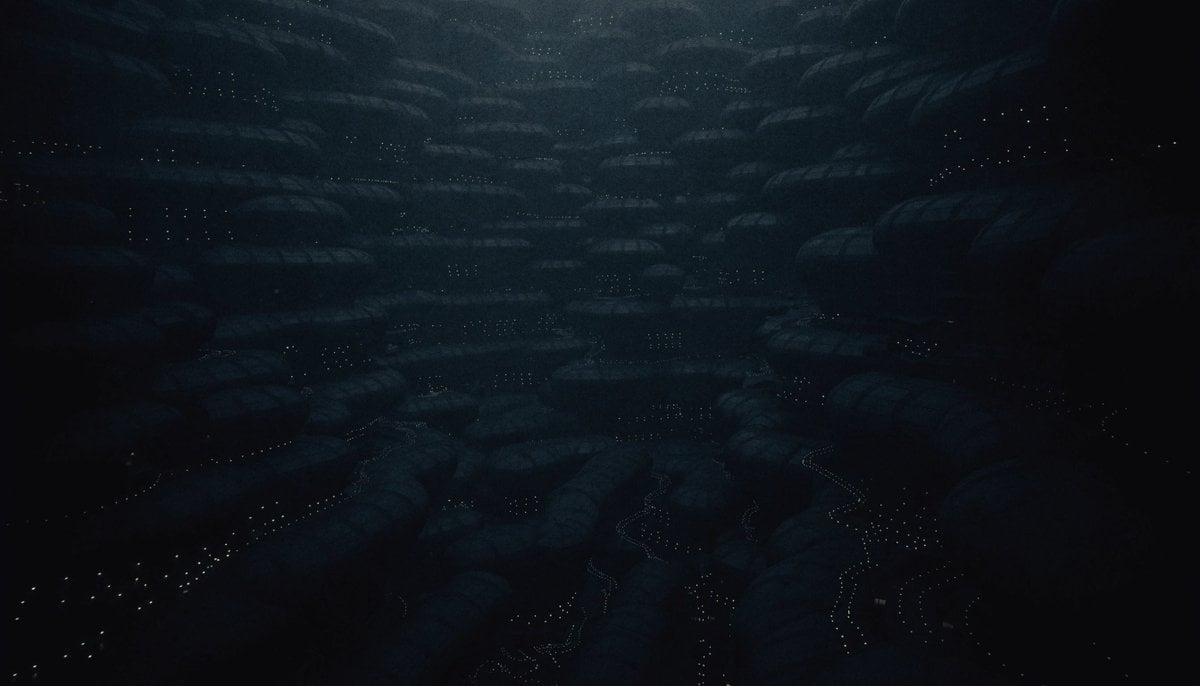
Dark Alien Megastructure Cavern
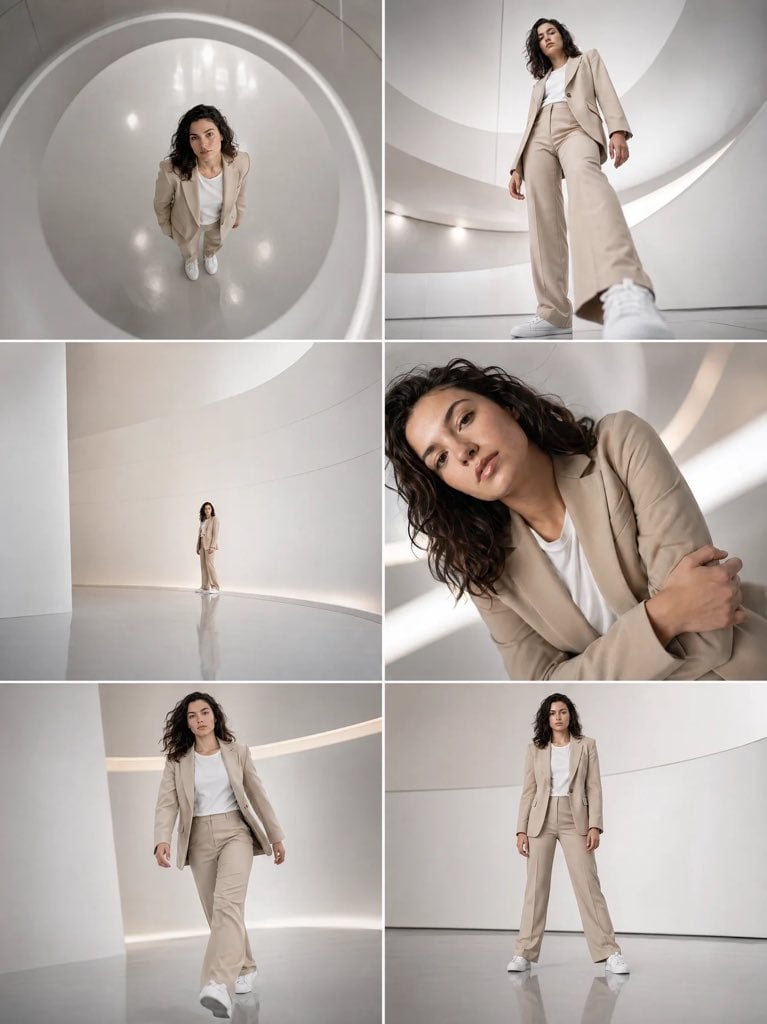
Futuristic Beige Suit Editorial Collage

Modern Loft Staircase Portrait Identity Preservation Prompt
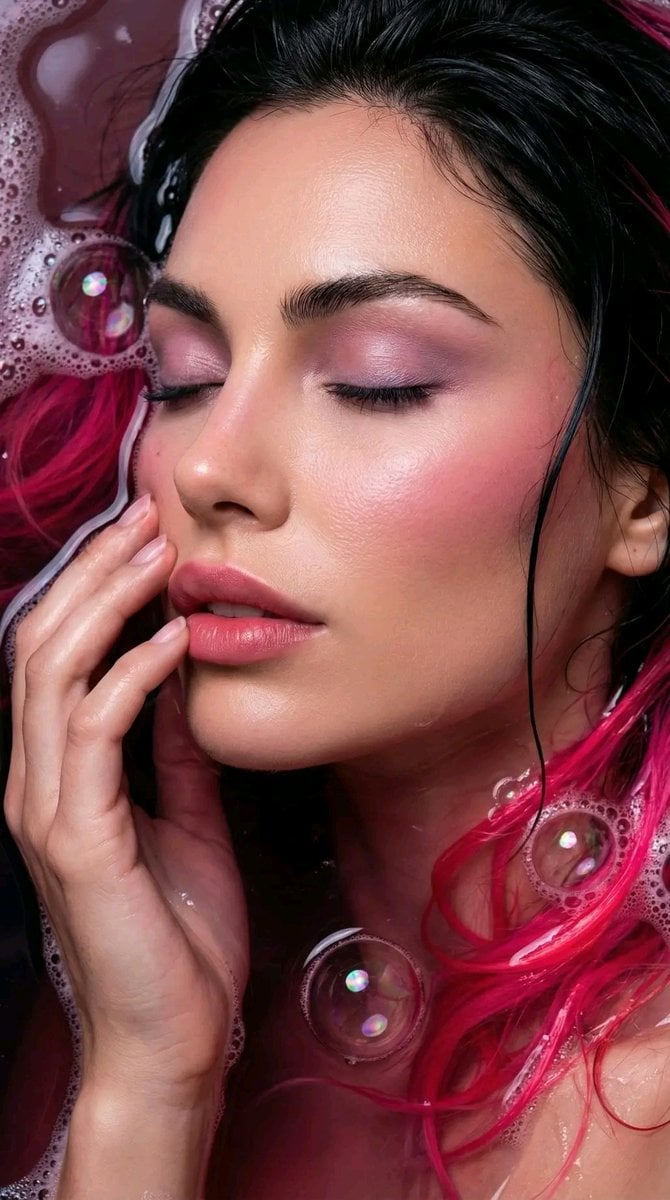
Ethereal Bloom Immersion Macro Portrait Prompt
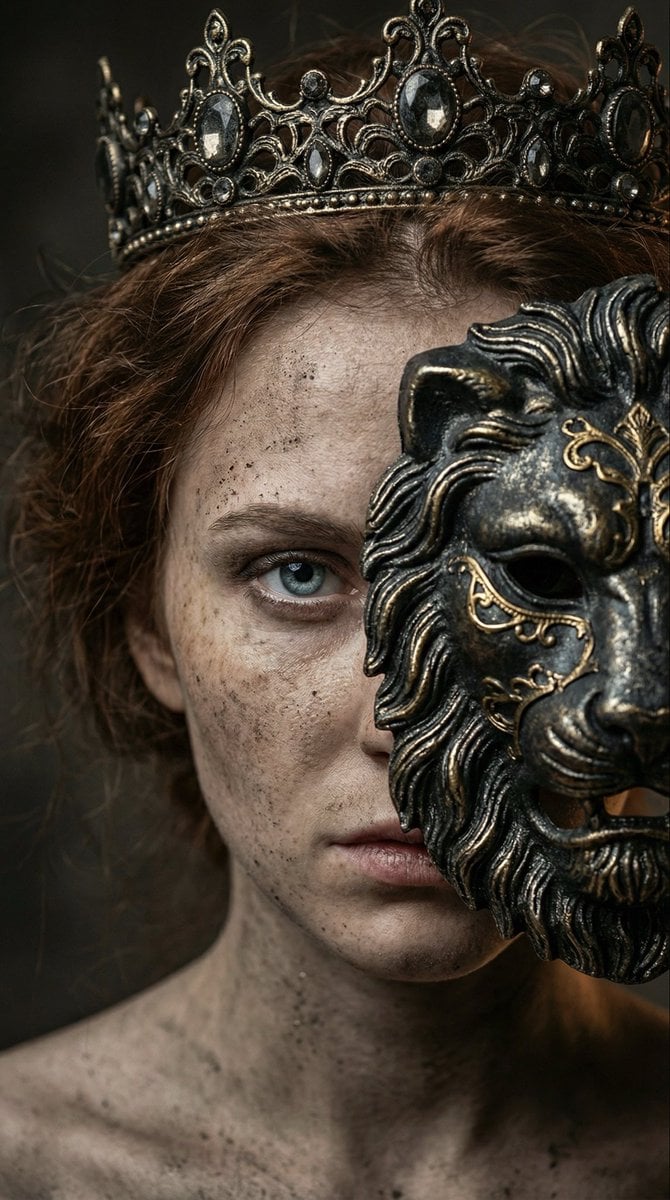
Dark fantasy portrait with metal lion mask
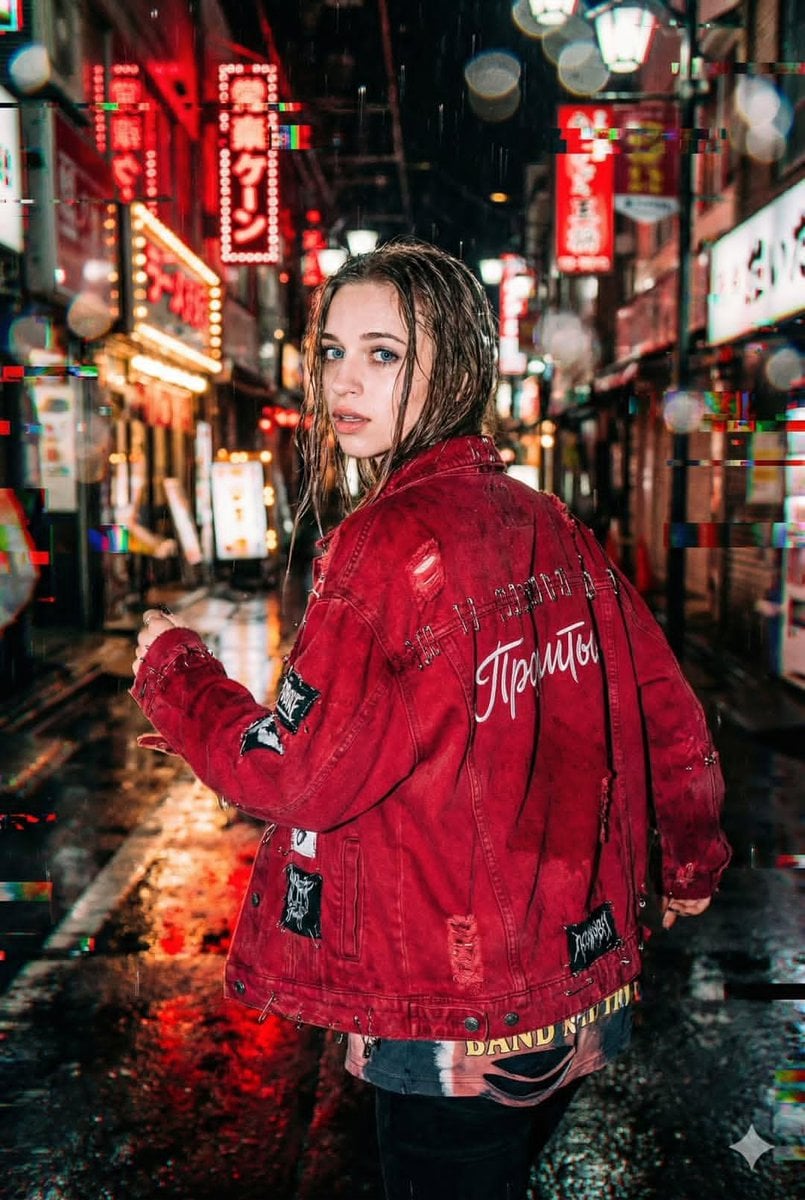
Neo-Tokyo Street Style Portrait Prompt with Glitch Effects
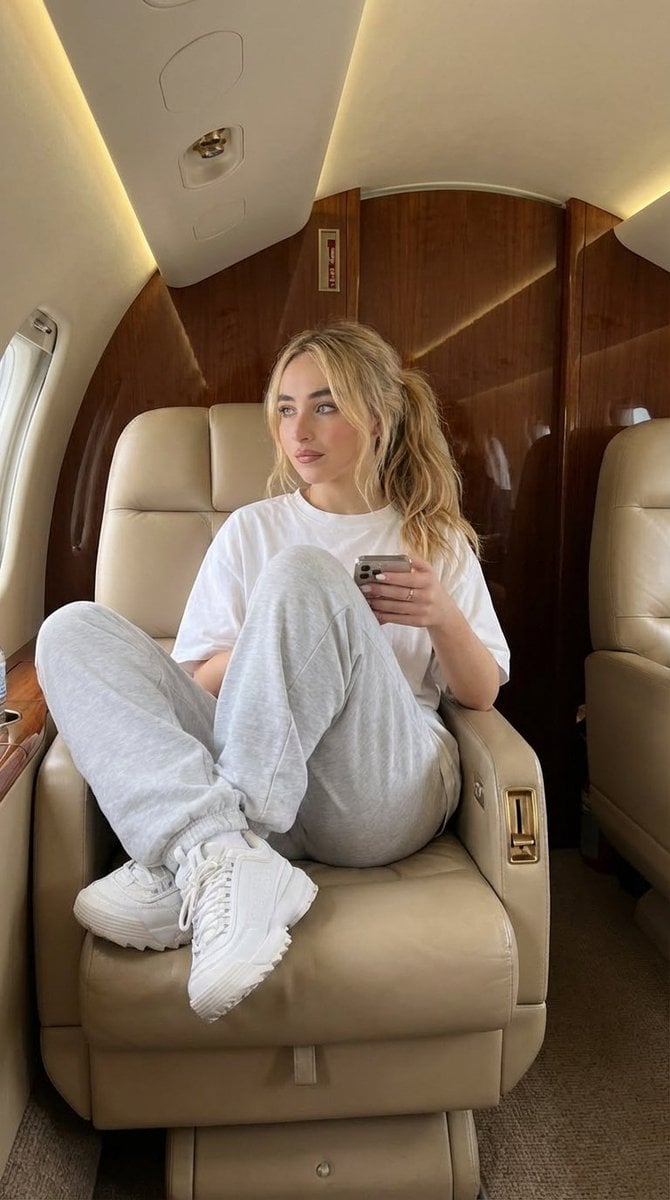
Luxury Private Jet Photoshoot Prompt for Stylish Young Woman
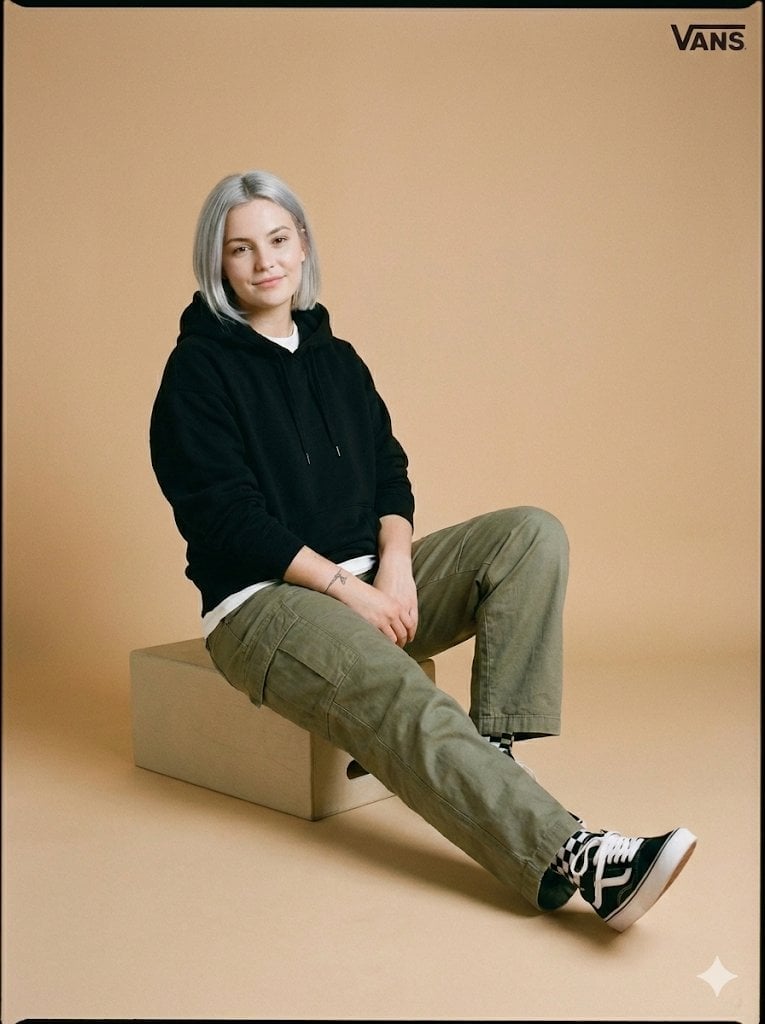
Full-Body Studio Photo in Streetwear
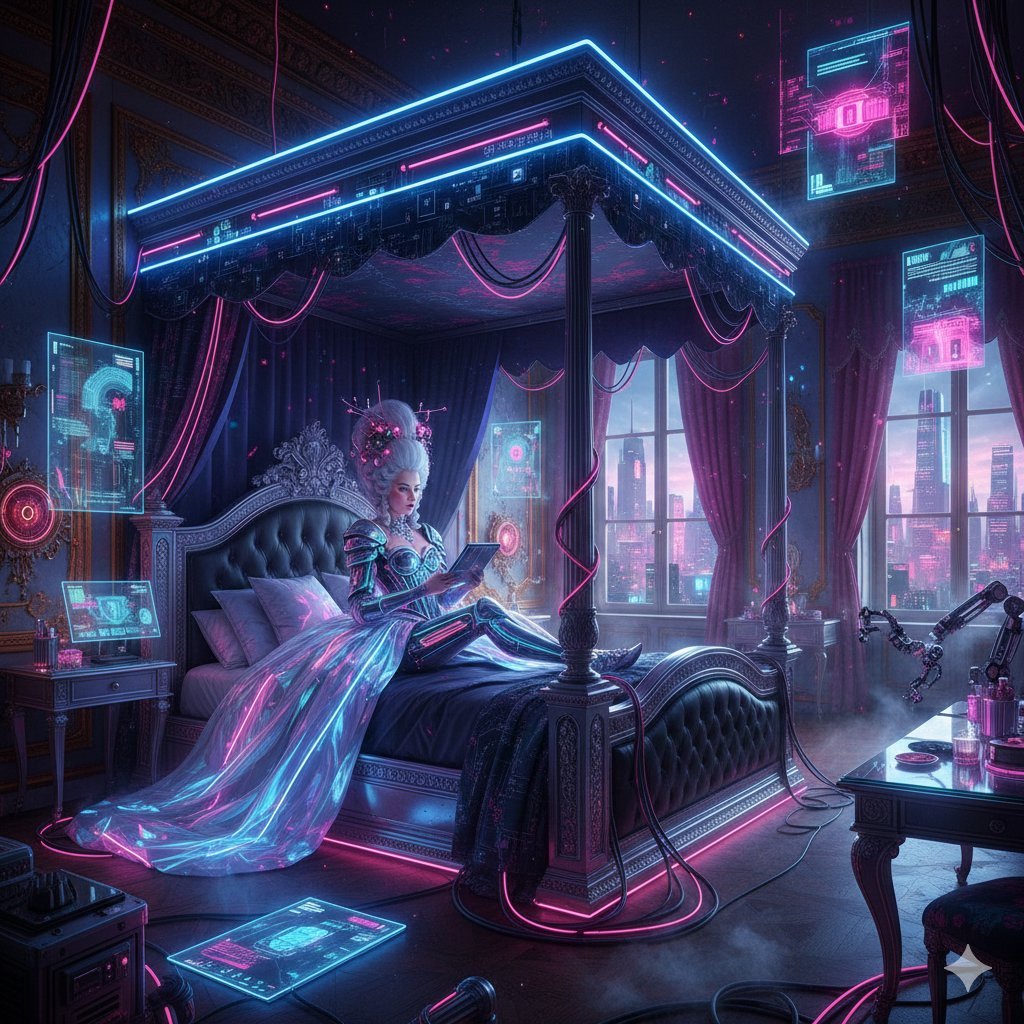
Cyberpunk Versailles Palace Generation
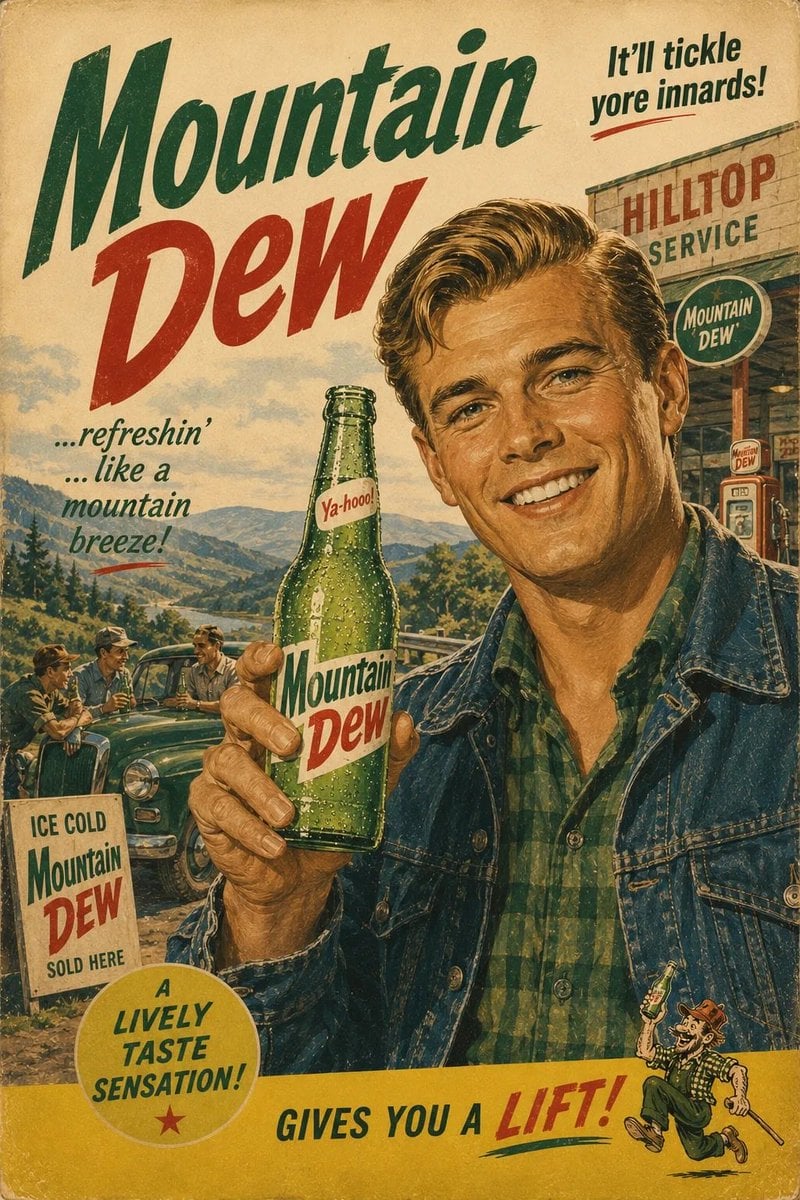
1960s Retro Advertising Poster
Browse template categories
Pop Art Maneki-Neko Explosion questions
How do I use the Pop Art Maneki-Neko Explosion template?
Add your photo if the template asks for one, edit the prompt if you like — the template's model and format are already selected — and press Generate. Your version opens in PicX Studio.
Can I customize the Pop Art Maneki-Neko Explosion template?
Yes. You can change the subject, setting, lighting, mood, format, and available model controls before creating your image.
Is the Pop Art Maneki-Neko Explosion template free?
Opening and editing this template is free. Generating uses credits, shown on the Generate button when you are signed in.
Which AI model should I use?
Start with GPT Image 2, which is the model associated with this template. You can compare another compatible model for a different finish.
Looking for something else? Browse all templates.

Your photo, any look
Thousands of ready templates for every top image and video model, from one credit balance.