
Queen of the Nile Poster
A luxurious cinematic Egyptian queen character poster with gold typography, Cleopatra styling, and ornate ancient palace atmosphere.
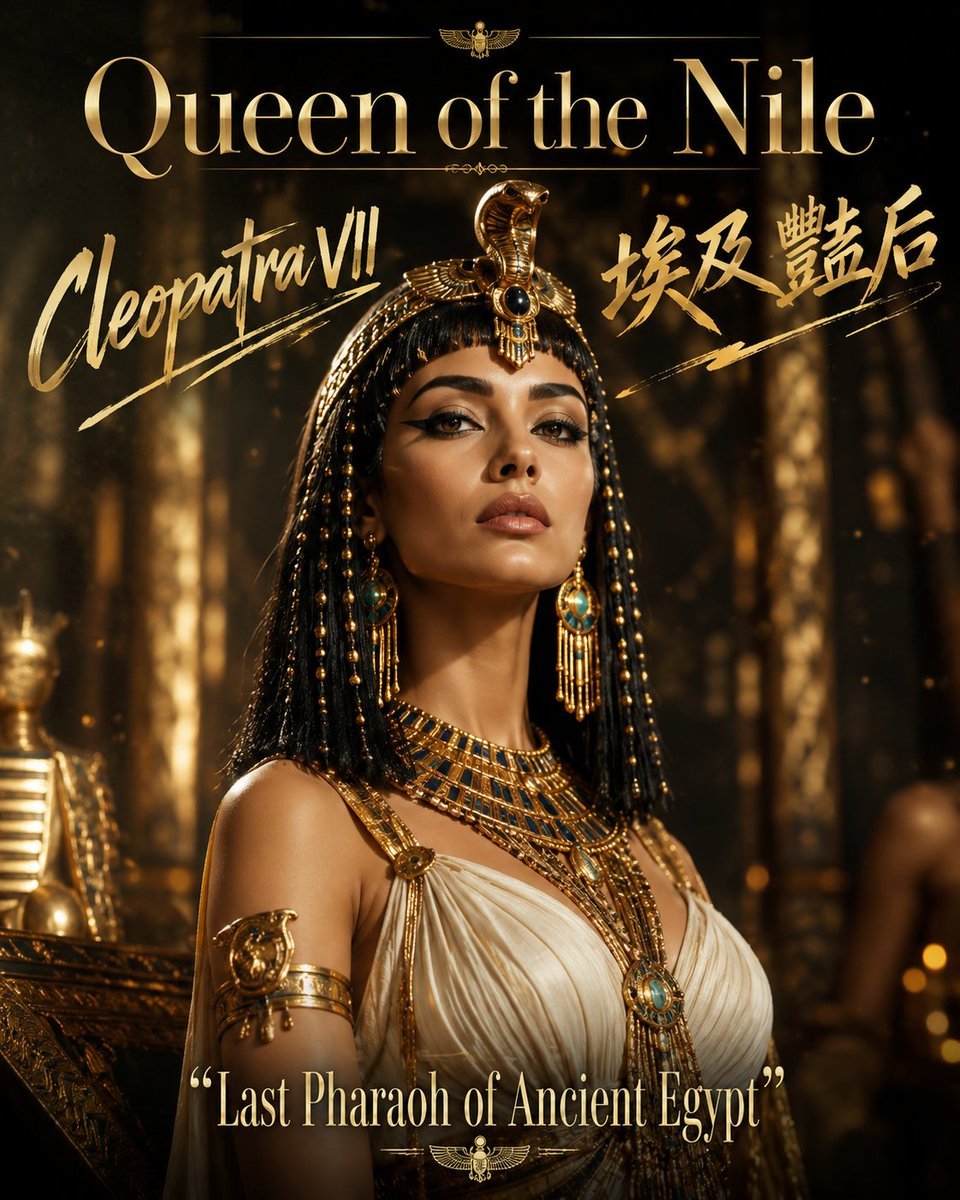
- Prompt included
- Model and format preset
- Free template
The prompt behind this image
Copy the exact prompt behind Queen of the Nile Poster, or open it in the studio and make it yours.
Create a cinematic vertical character poster for a regal Egyptian queen, titled {argument name="headline text" default="Queen of the Nile"}. The composition is a glamorous bust-length portrait of {argument name="character name" default="Cleopatra VII"} standing in a dark ancient Egyptian palace or temple interior, lit by warm golden torchlight with shallow depth of field, floating dust, bokeh highlights, and gilded columns fading into the background. The queen wears a white pleated linen gown with gold straps, an elaborate broad gold-and-turquoise collar necklace, layered gold chains, a large turquoise pendant, gold armbands shaped like sacred ornaments, long turquoise-and-gold drop earrings, and a black braided beaded Egyptian wig. Add a dramatic gold cobra headdress centered above the forehead with black enamel and turquoise jewel details, plus hanging gold bead strands on both sides. Her face should be intentionally obscured by a flat centered rectangle of {argument name="censor block color" default="medium brown"}, covering the facial features while leaving the neck, hair, jewelry, and headdress visible. Use a luxurious black-and-gold movie-poster aesthetic, high contrast, realistic photography mixed with polished fantasy historical styling, sharp jewelry detail, soft background blur, and subtle film grain. Text layout: place the large headline “Queen of the Nile” across the top in elegant metallic gold serif typography. Add a small gold winged scarab emblem centered above or near the headline with thin ornamental divider lines. On the left side, write “Cleopatra VII” in large expressive gold brush script with underline strokes. On the right side, include bold gold Chinese calligraphy text {argument name="Chinese calligraphy text" default="埃及艷后"} with sweeping brush underline strokes. At the bottom center, add the quote {argument name="bottom quote" default="Last Pharaoh of Ancient Egypt"} in pale gold serif type, enclosed in quotation marks, with a small gold scarab ornament and thin decorative line beneath it. Keep exactly four main text groups: top headline, left character name, right Chinese calligraphy, and bottom quote. No extra logos, no watermark, no additional text.
How to use Queen of the Nile Poster in 3 steps
- 1Upload ImagePNG, JPG or paste
Add your photo
Upload the photo the template builds on. The prompt, model and format are already set.
- 2…a portrait of your subject in softgolden-hour light, 85mm…
Personalize
Edit the subject and creative details for your destination.
- 3Generate
Generate
Press Generate — your image is created in PicX Studio, so you can compare it with the original and refine one variable at a time.
More like this
Templates with the same subject, style or setup. Open one to see its prompt.

Japan Travel Brochure Poster

Cartoon TV Show Poster Pack

Trendy Cafe Drink Promo Poster

Urban Fashion Editorial Collage Streetwear Poster

Premium Fashion Editorial Cover Layout System

Polo Ralph Lauren Luxury American Heritage Fashion Campaign

Monochrome Halftone Editorial Fashion Poster

Retro Mirror Luxury Fashion Campaign Poster
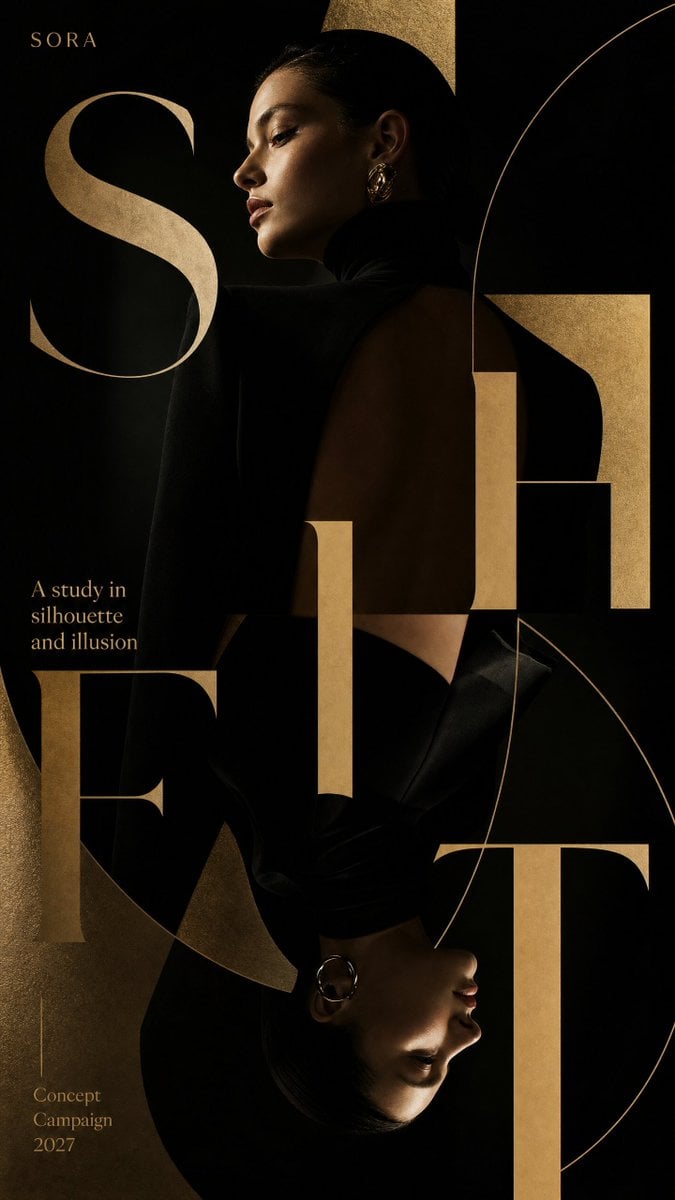
Luxury Fashion Campaign Typography Poster System
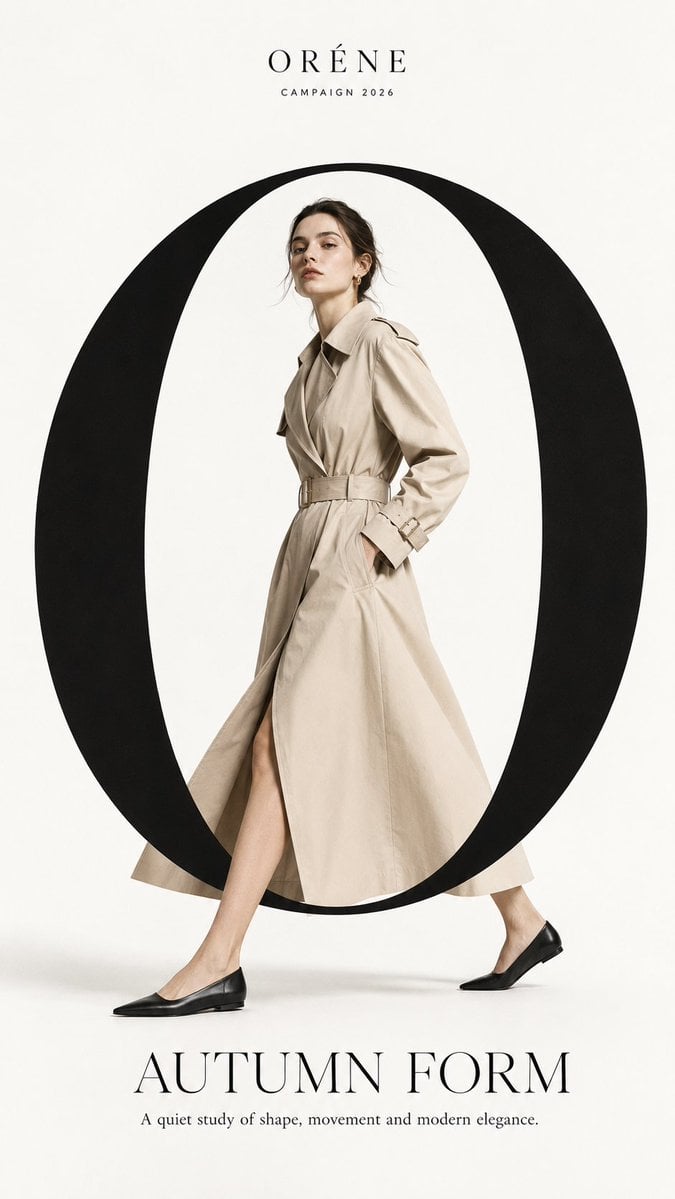
Premium Fashion Editorial Campaign Poster System
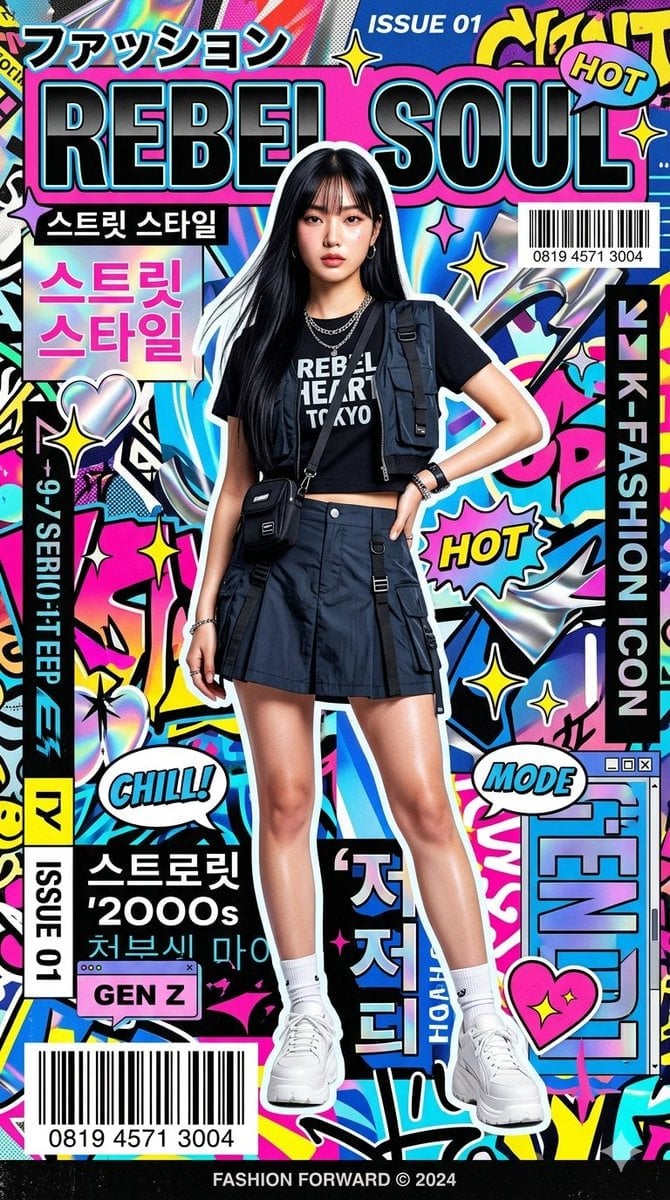
Ultra-Stylized High-Fashion Streetwear Poster
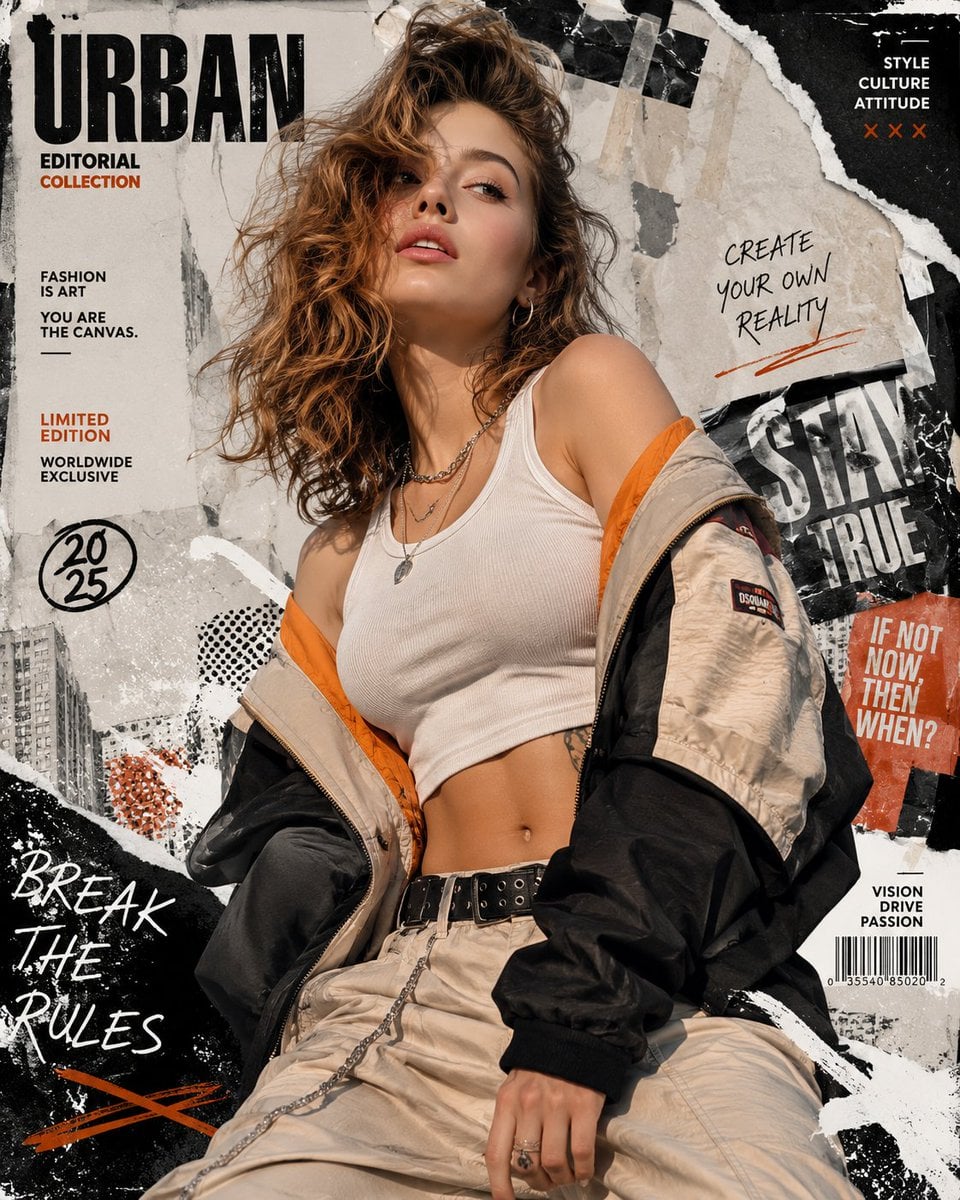
Urban Fashion Editorial Collage Poster
Make it yours
Queen of the Nile Poster works as-is. These are the safest ways to change it without losing the look.
Change one field
Copy a single group, rewrite it, and generate again so you can see what that field is doing.
Keep the frame, change the subject
Hold the composition and light of Queen of the Nile Poster, then swap wardrobe, props or the person for a new take.
| If the result… | Why | Fix |
|---|---|---|
| The result drifts from the preview | Too many fields changed at once. | Reuse Queen of the Nile Poster as-is first, then change one group — subject, light, or setting. |
| The model over-stylizes the scene | The prose prompt leaves finish and camera underspecified. | Add one camera or lighting sentence and stay on GPT Image 2. |
More GPT Image 2 templates
Other prompts made for GPT Image 2.

Six VTuber Japanese Logo Sheet

Realistic Portrait of Woman and Deer

The Vista Modular Condo Poster

AI Model Routing Comparison Infographic

2.5D Anime Art Board

Isometric Productivity Desk Scene

New York Double Exposure Poster

Four-Panel AI Landscape Comparison

Japanese Tatami Lifestyle Magazine Cover

NESCAFÉ Coffee Map Poster
More image prompts
Fresh picks from across the catalog.
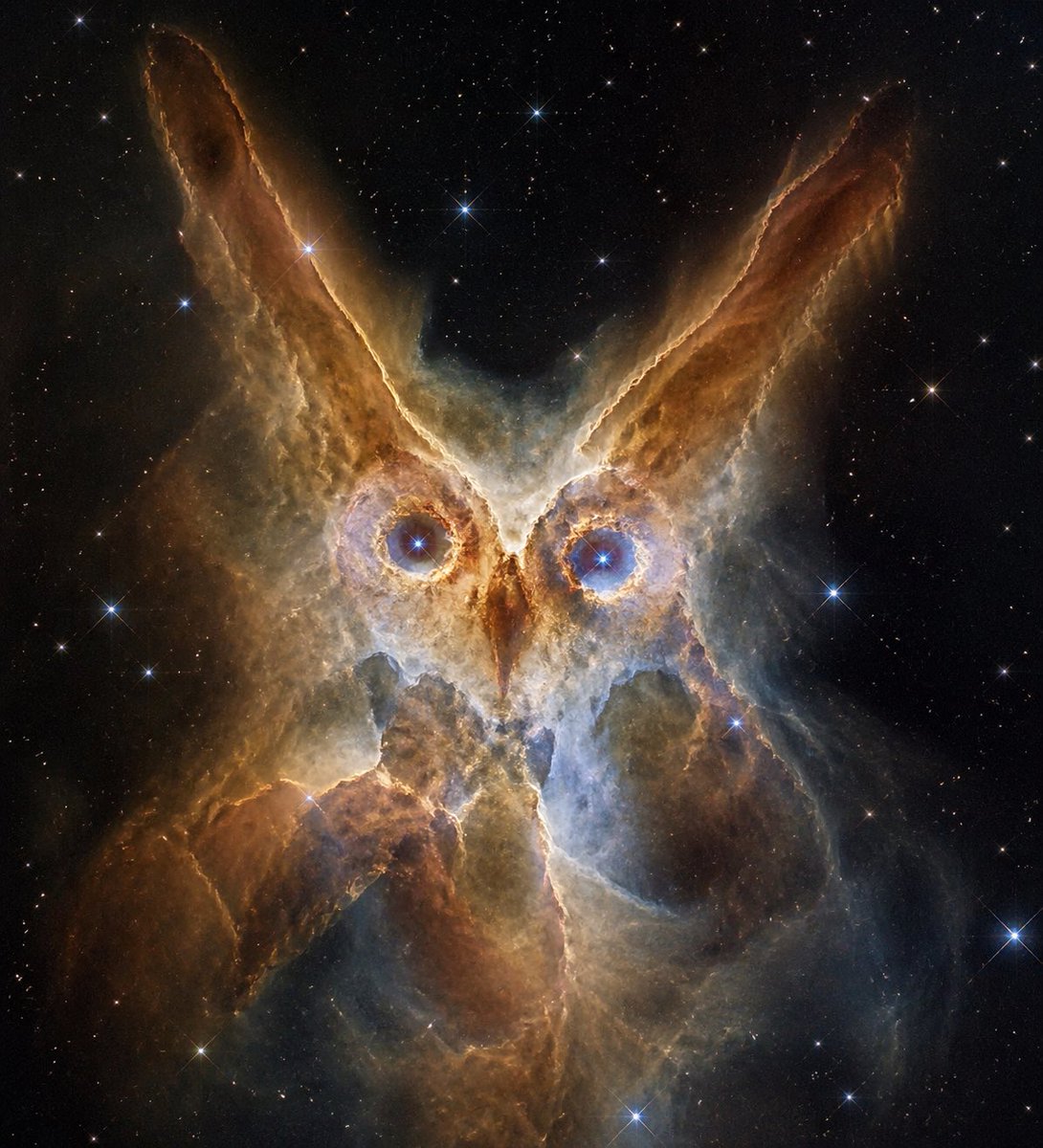
Owl-Shaped Nebula in Deep Space
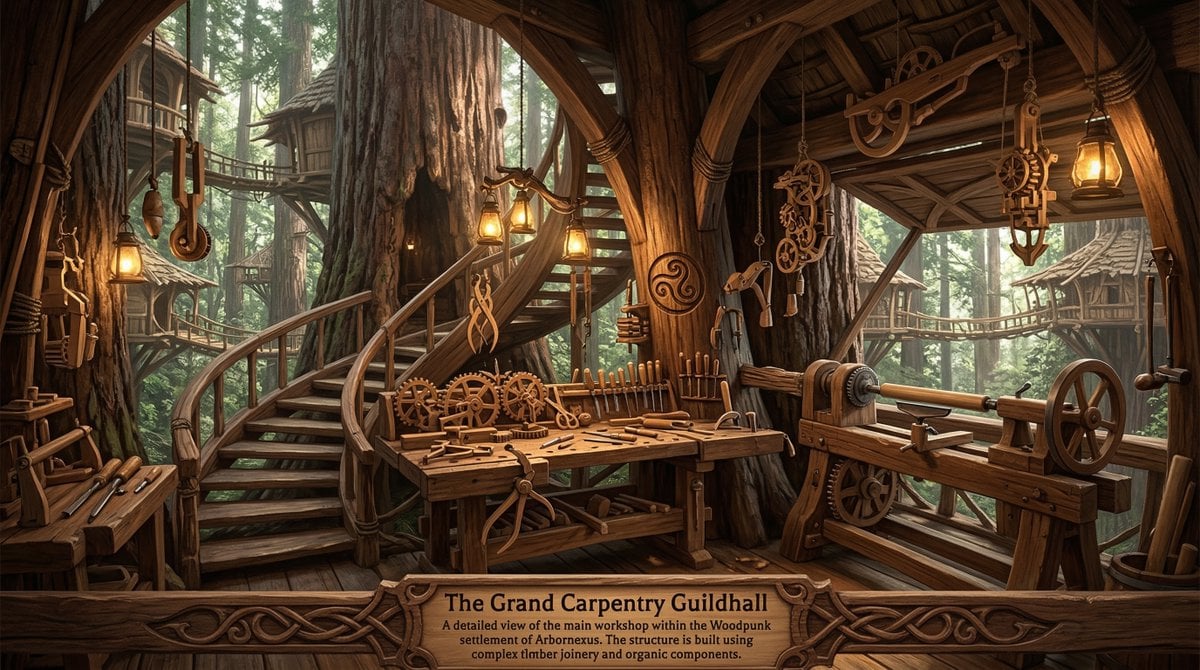
Universal Random Punk Scene Generator

Photorealistic Cinematic Street Romance in Istanbul Snow

Glasses Glare Removal Portrait Collage

Debug Test
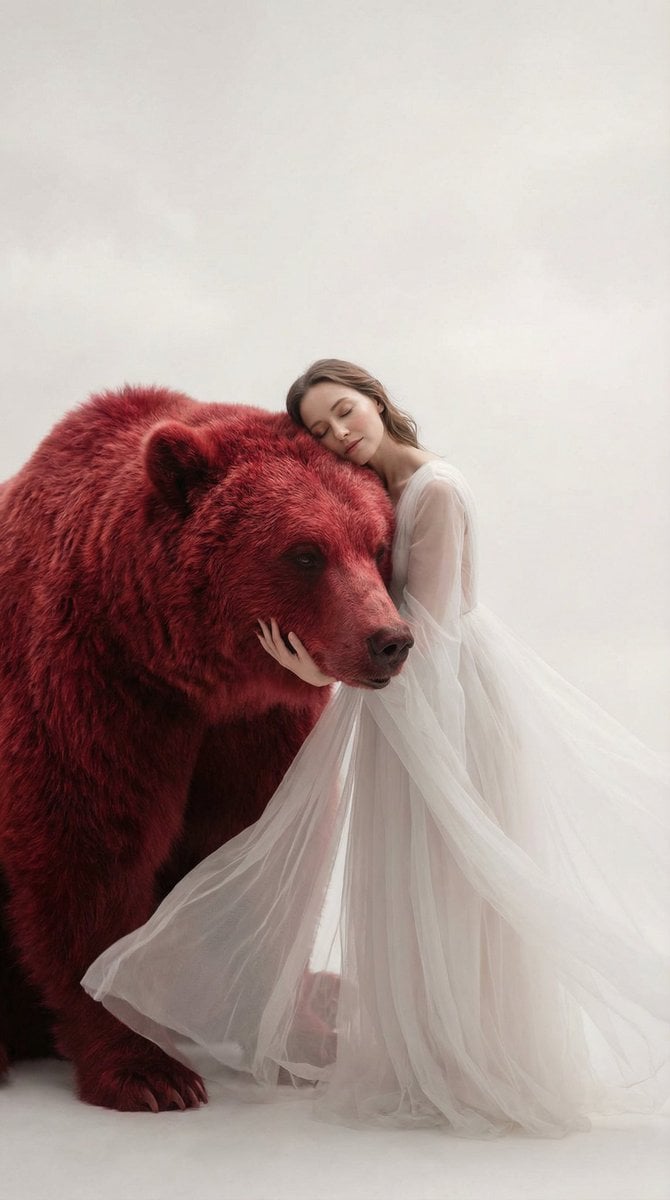
Surreal Scene of Human Embracing Massive Red Bear Prompt

Soft Blue Anime Girl Portrait

Book Visualization Prompt
Boxed Figure to Anime Key Visual
Neon Pointillism Cyberpunk Illustration
Browse template categories
Queen of the Nile Poster questions
How do I use the Queen of the Nile Poster template?
Add your photo if the template asks for one, edit the prompt if you like — the template's model and format are already selected — and press Generate. Your version opens in PicX Studio.
Can I customize the Queen of the Nile Poster template?
Yes. You can change the subject, setting, lighting, mood, format, and available model controls before creating your image.
Is the Queen of the Nile Poster template free?
Opening and editing this template is free. Generating uses credits, shown on the Generate button when you are signed in.
Which AI model should I use?
Start with GPT Image 2, which is the model associated with this template. You can compare another compatible model for a different finish.
Looking for something else? Browse all templates.

Your photo, any look
Thousands of ready templates for every top image and video model, from one credit balance.