
Summer BL Fence Scene
Generates a tender anime BL summer illustration of two young men leaning together by a city fence, ideal for romantic visual novel or social post artwork.
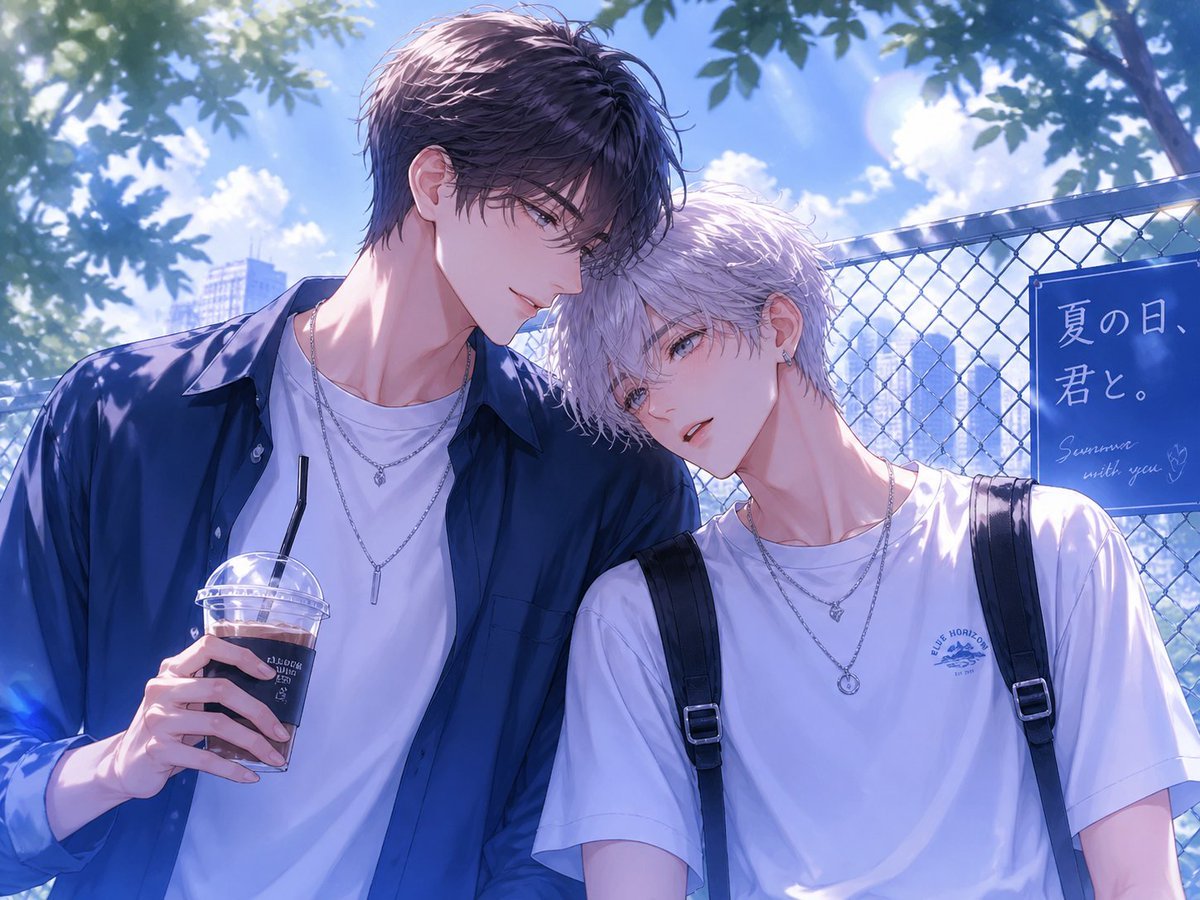
- Prompt included
- Model and format preset
- Free template
The prompt behind this image
Copy the exact prompt behind Summer BL Fence Scene, or open it in the studio and make it yours.
Create a polished BL anime-style summer illustration of two handsome young men standing close together outdoors beside a chain-link fence, framed from the waist up in a romantic slice-of-life composition. The taller man on the left has {argument name="left character hair color" default="dark navy-black"} tousled short hair, a slim athletic build, an open deep-blue button-up shirt over a white T-shirt, layered silver necklaces, and holds a clear plastic iced coffee cup with a black straw in one hand. The shorter man on the right has {argument name="right character hair color" default="pale silver-lavender"} soft short hair, a slender build, a loose white T-shirt, black backpack straps over both shoulders, small earrings, and layered silver necklaces. Their shoulders touch intimately and their heads lean toward each other as if sharing a quiet summer moment; keep the mood tender, youthful, and romantic without explicit content. The background shows a bright blue sky with fluffy white clouds, leafy tree branches casting dappled shadows, a sun flare near the upper right, distant city buildings softened by depth of field, and a blue sign attached to the fence reading {argument name="sign text" default="夏の日、君と。"} with small handwritten English text below, {argument name="subtitle text" default="Summer with you"}. Use luminous high-detail anime rendering, delicate linework, soft skin shading, cool blue and violet color grading, sparkling highlights, cinematic backlighting, shallow depth of field, and a dreamy summer atmosphere. Add rectangular soft mauve privacy blocks covering both characters' faces, as if the faces are intentionally hidden.
How to use Summer BL Fence Scene in 3 steps
- 1Upload ImagePNG, JPG or paste
Add your photo
Upload the photo the template builds on. The prompt, model and format are already set.
- 2…a portrait of your subject in softgolden-hour light, 85mm…
Personalize
Edit the subject and creative details for your destination.
- 3Generate
Generate
Press Generate — your image is created in PicX Studio, so you can compare it with the original and refine one variable at a time.
More like this
Templates with the same subject, style or setup. Open one to see its prompt.
2000s Retro-Pop Fashion Cinematic Editorial Portrait

Japanese Negative Film Rooftop Summer Portrait
Nano Banana Apple Orchard Collage
Mustard Flower Field Summer

Tropical Vacation Selfie — Nano Banana (Chryzleen)
Seedance 2.0 - Old Money Man
Rainy Anime Fence Escape
Image Editing with Nano Banana: Removing a Fence
Melancholic Summer Sky Art
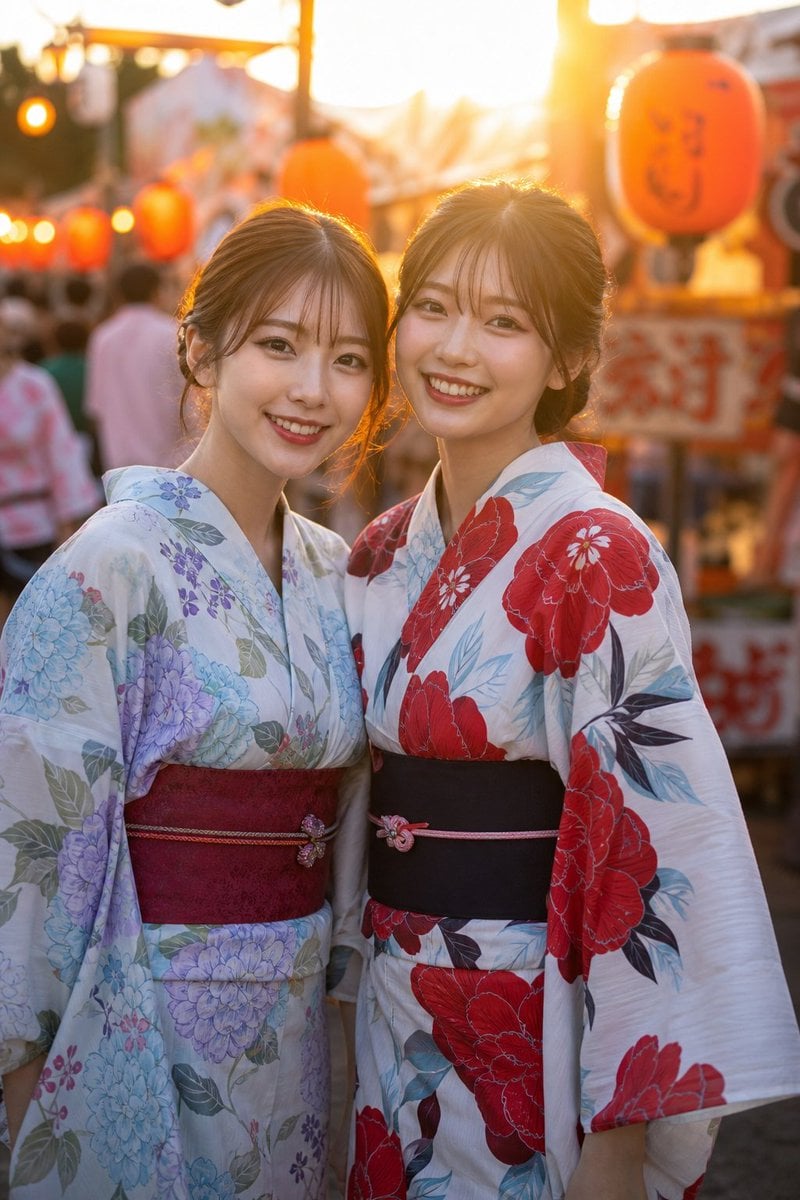
Two Friends in Yukata at Summer Festival
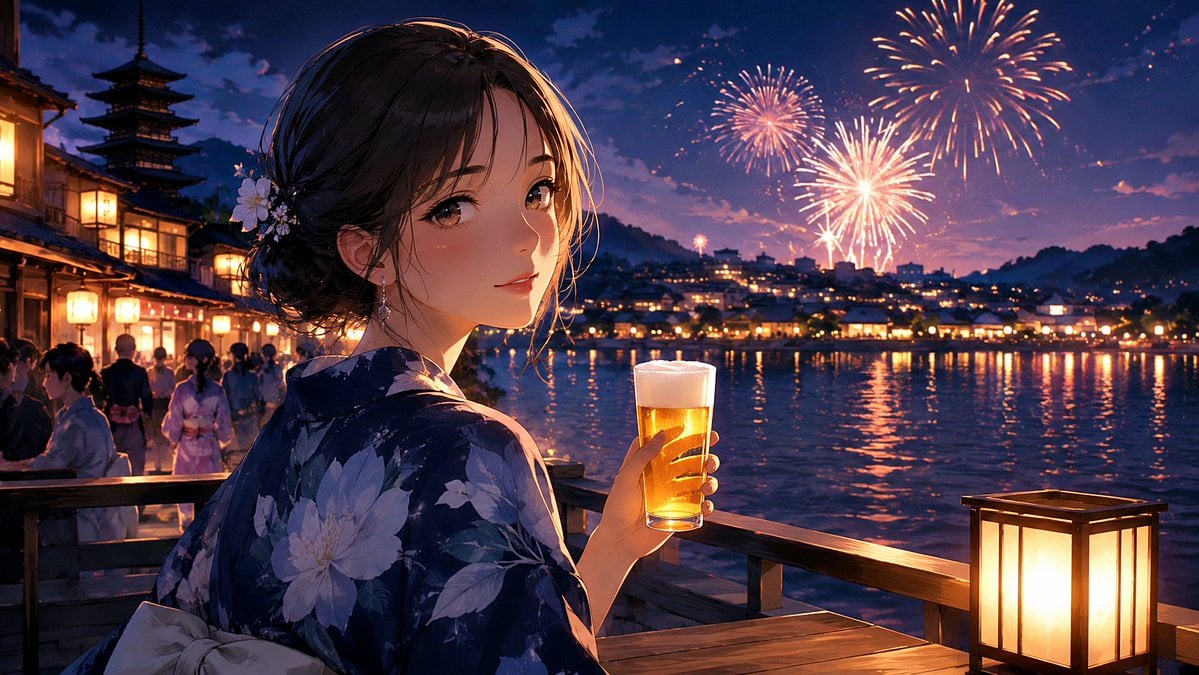
Kyoto Summer Festival Fireworks
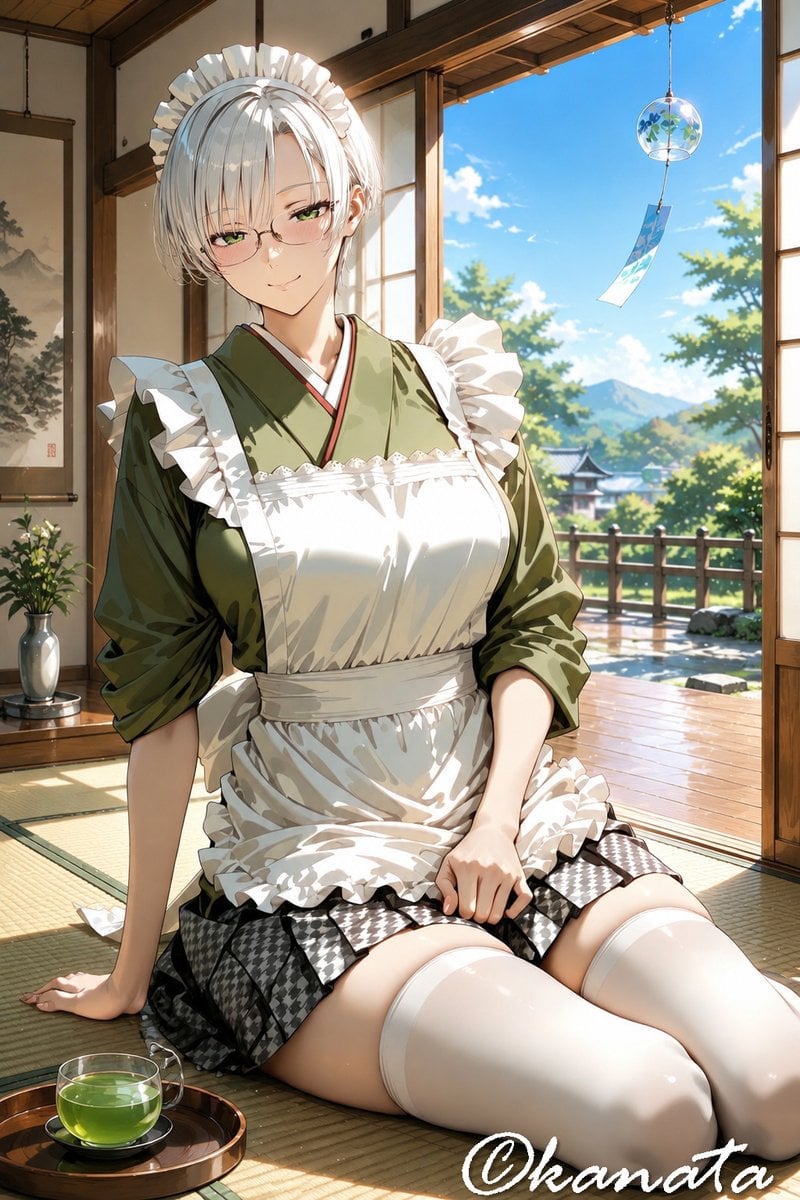
Summer Japanese Maid Resting
Make it yours
Summer BL Fence Scene works as-is. These are the safest ways to change it without losing the look.
Change one field
Copy a single group, rewrite it, and generate again so you can see what that field is doing.
Keep the frame, change the subject
Hold the composition and light of Summer BL Fence Scene, then swap wardrobe, props or the person for a new take.
| If the result… | Why | Fix |
|---|---|---|
| The result drifts from the preview | Too many fields changed at once. | Reuse Summer BL Fence Scene as-is first, then change one group — subject, light, or setting. |
| The model over-stylizes the scene | The prose prompt leaves finish and camera underspecified. | Add one camera or lighting sentence and stay on GPT Image 2. |
More GPT Image 2 templates
Other prompts made for GPT Image 2.

Six VTuber Japanese Logo Sheet

Realistic Portrait of Woman and Deer

The Vista Modular Condo Poster

AI Model Routing Comparison Infographic

2.5D Anime Art Board

Isometric Productivity Desk Scene

New York Double Exposure Poster

Four-Panel AI Landscape Comparison

Japanese Tatami Lifestyle Magazine Cover

NESCAFÉ Coffee Map Poster
More image prompts
Fresh picks from across the catalog.
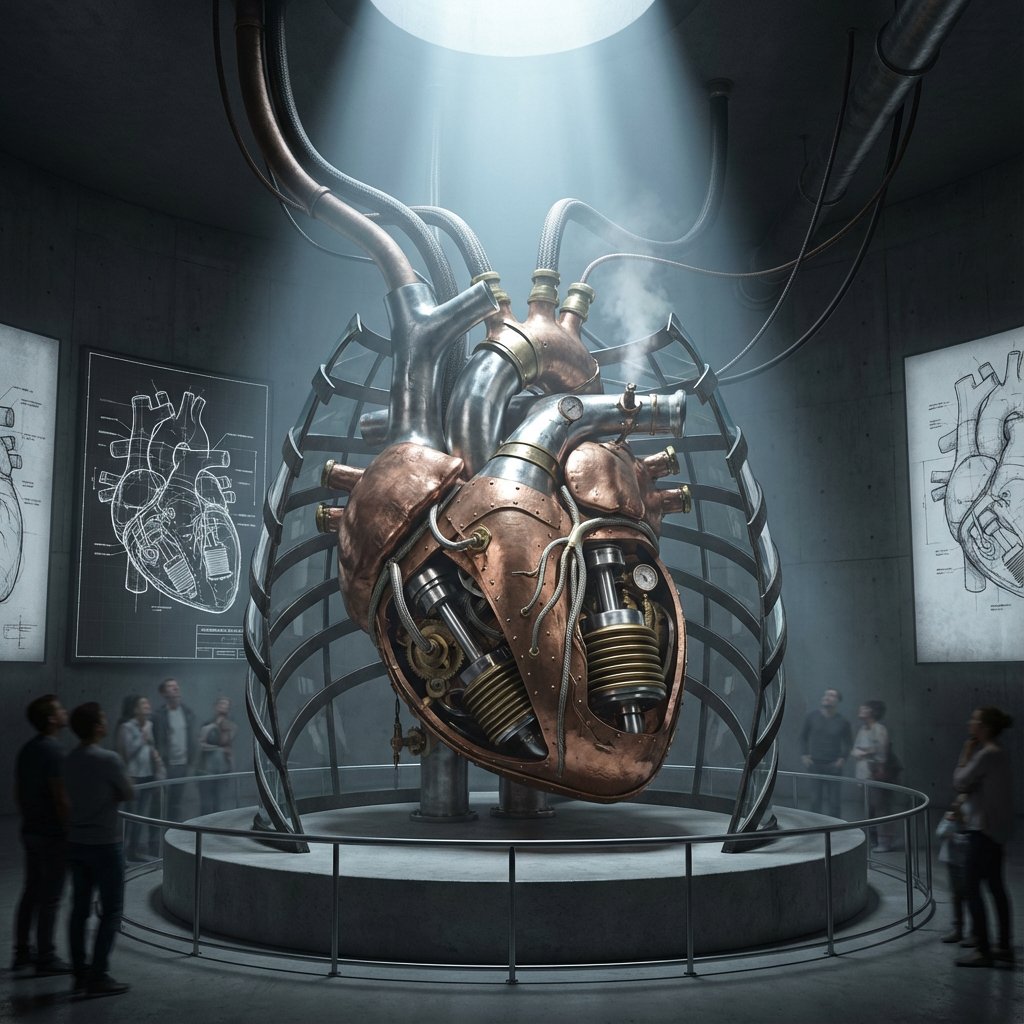
Intricate Paper Folding Morphological Transformation Prompt

Editorial SaaS Receipt Ad
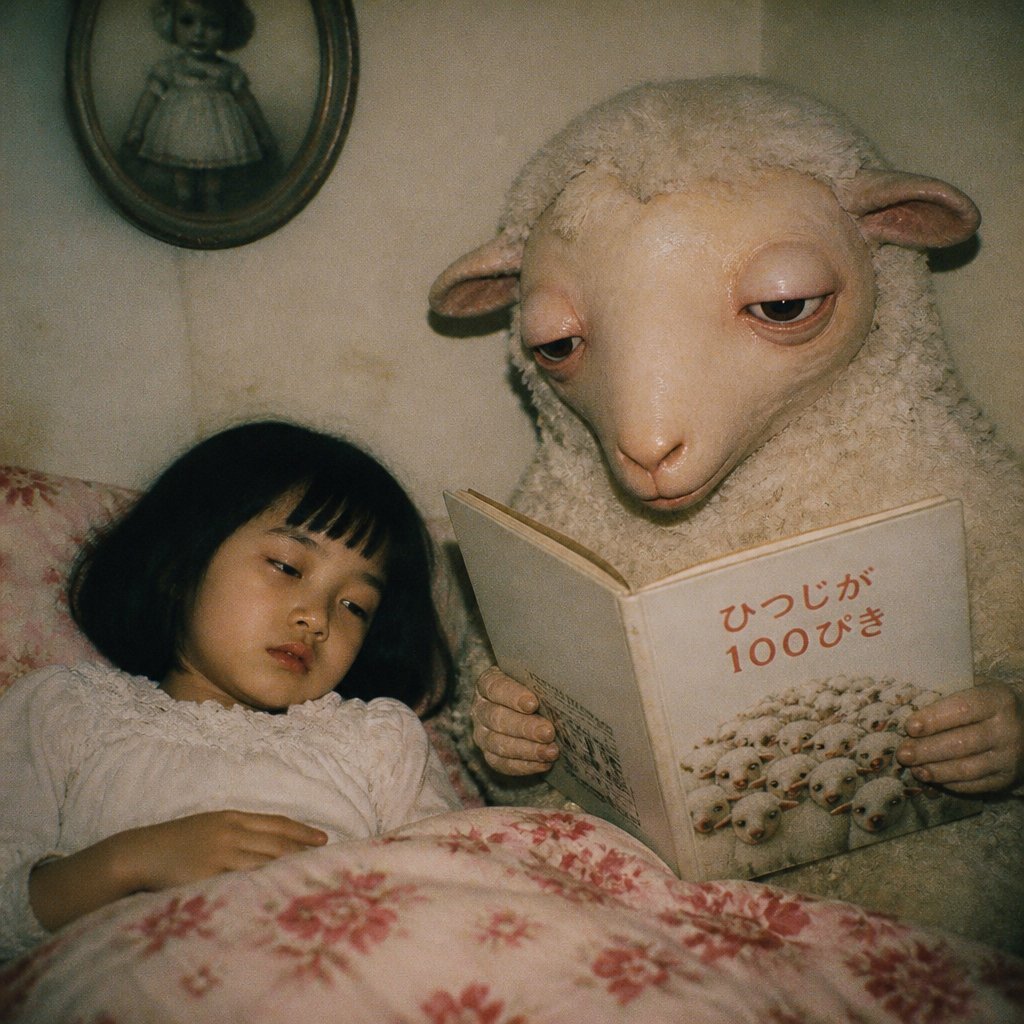
Surreal Sheep Bedtime Story
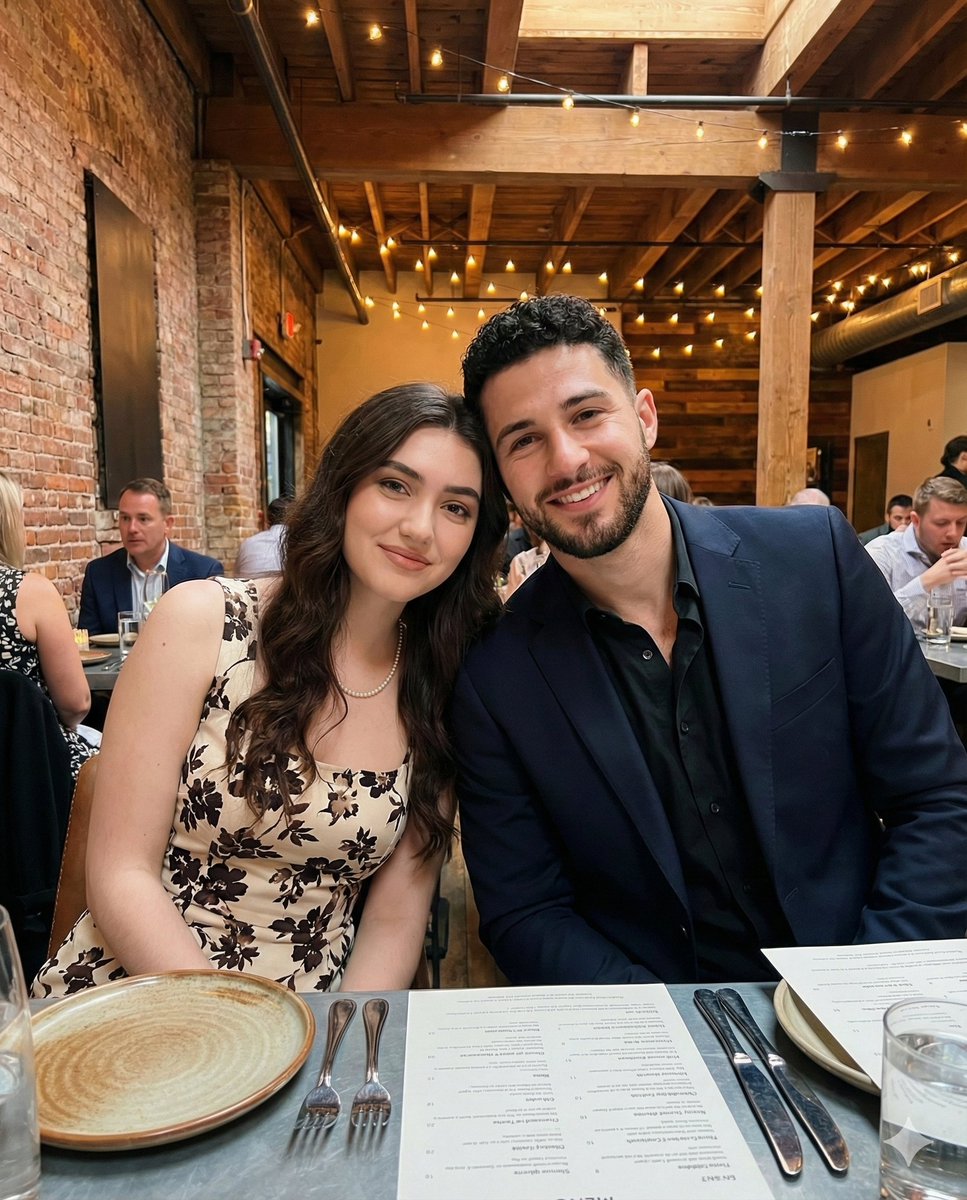
Intimate Portrait of a Couple in an Upscale Restaurant
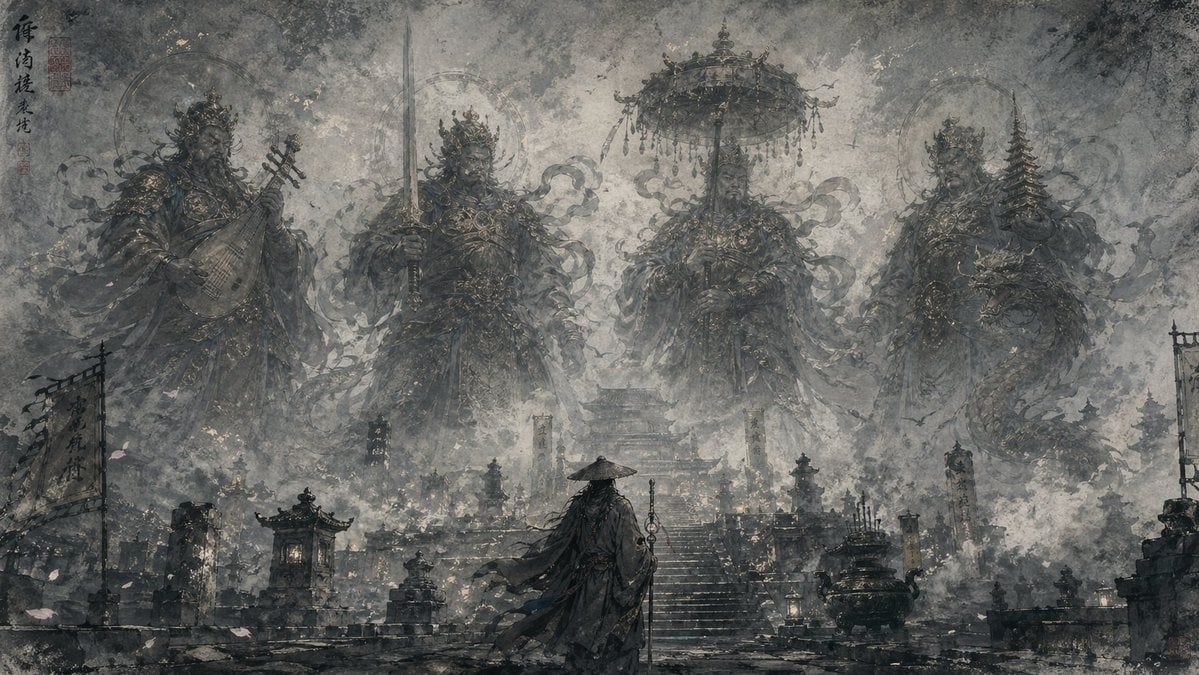
Eastern Ink Fantasy Illustration
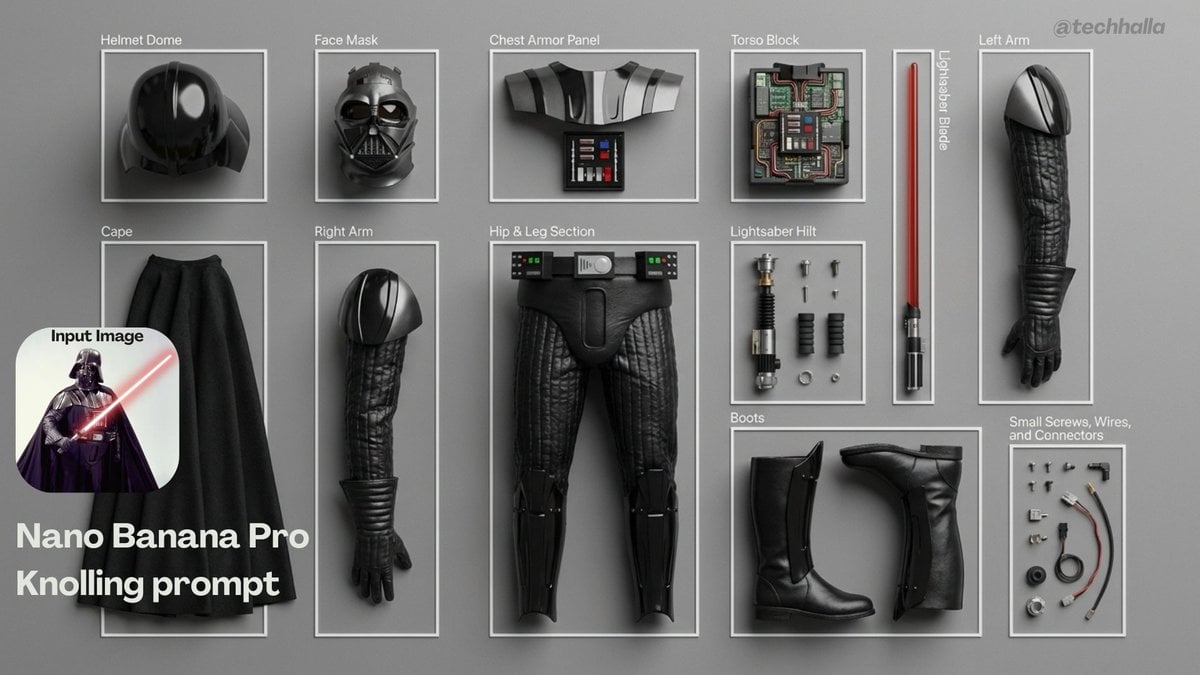
Knolling-style exploded flat-lay photo
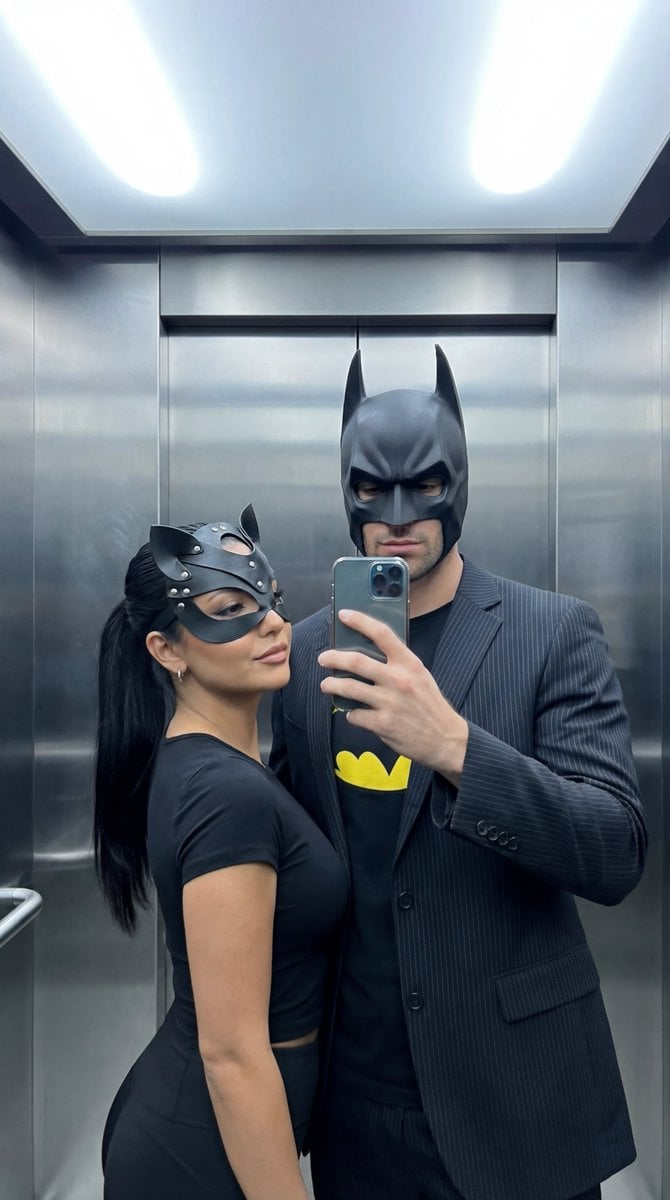
Cinematic Mirror Selfie: Batman and Catwoman Cosplay
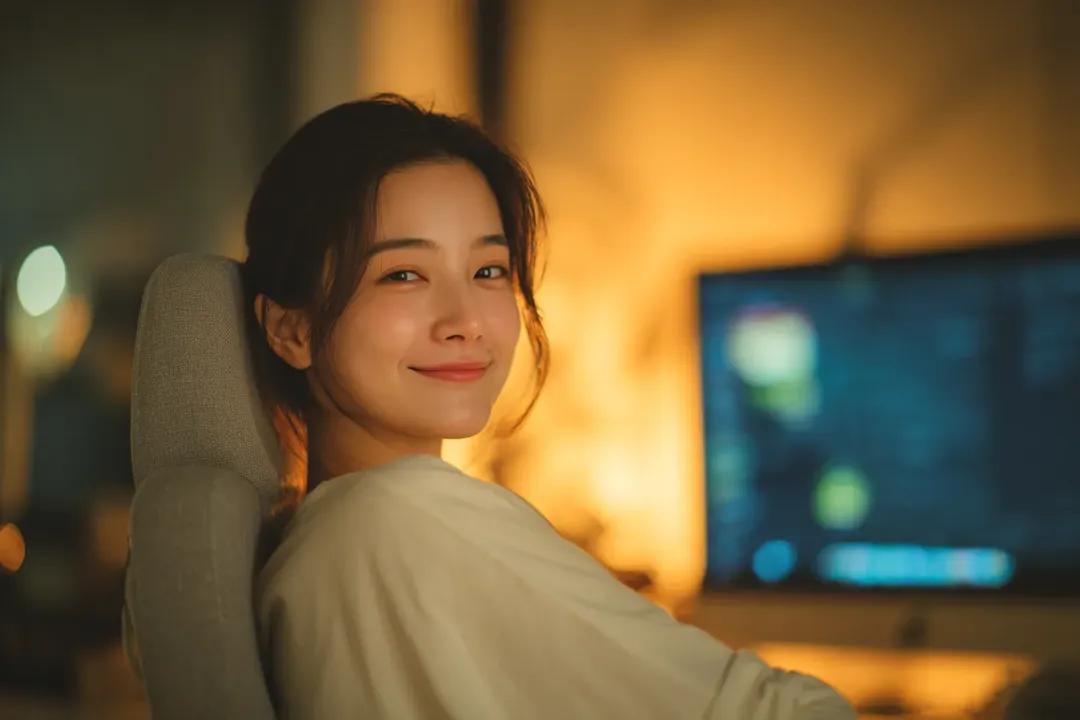
Cozy Cinematic Home Workspace Portrait
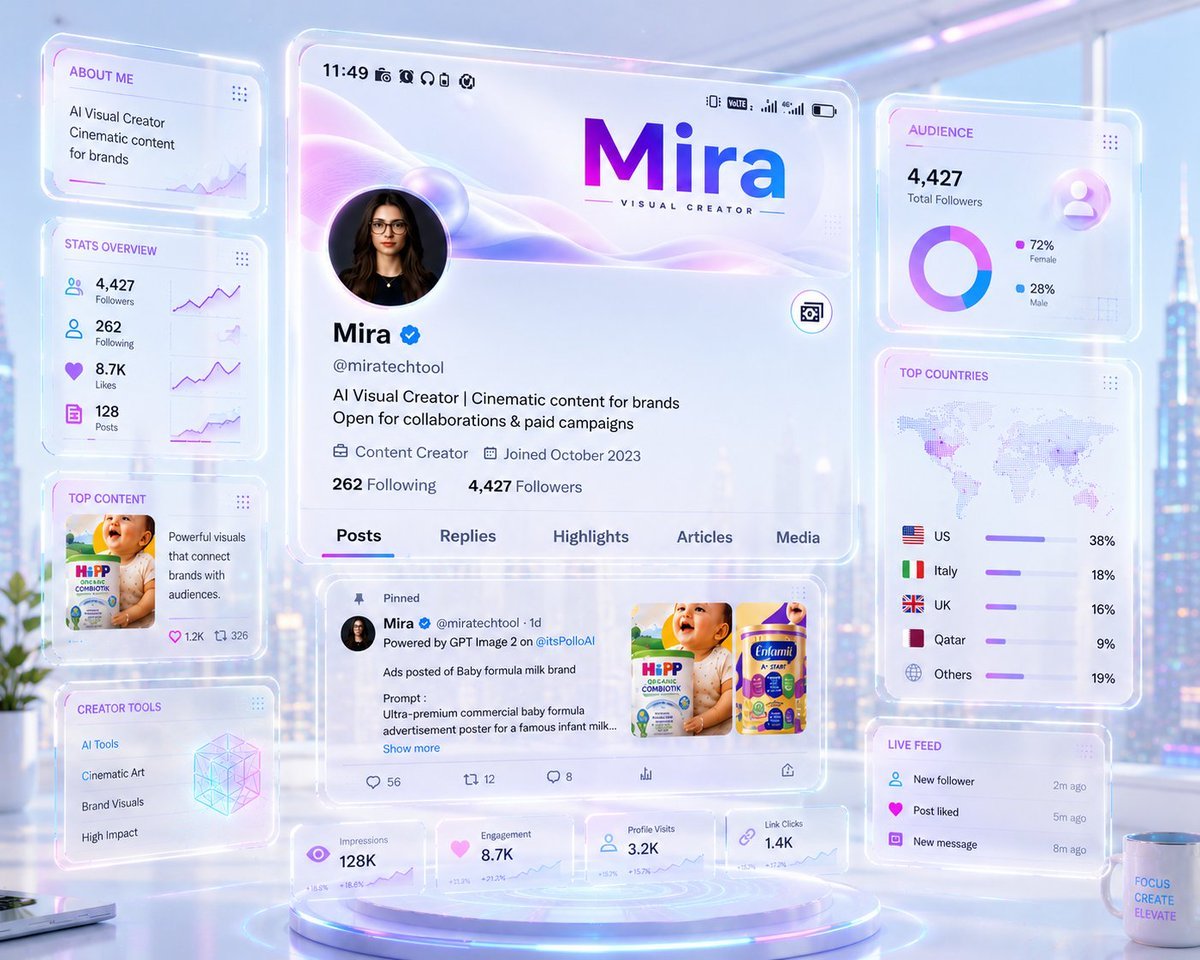
Futuristic Holographic Dashboard
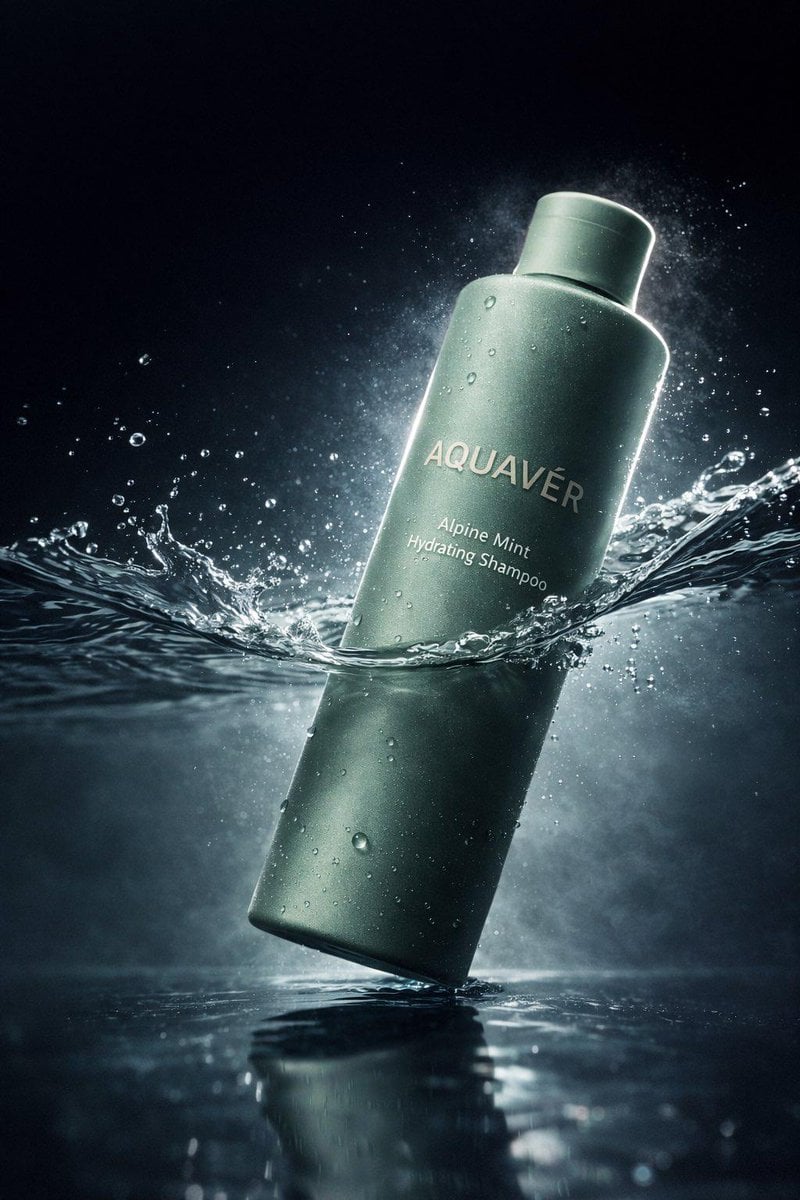
Luxury Shampoo Bottle Splash Commercial
Browse template categories
Summer BL Fence Scene questions
How do I use the Summer BL Fence Scene template?
Add your photo if the template asks for one, edit the prompt if you like — the template's model and format are already selected — and press Generate. Your version opens in PicX Studio.
Can I customize the Summer BL Fence Scene template?
Yes. You can change the subject, setting, lighting, mood, format, and available model controls before creating your image.
Is the Summer BL Fence Scene template free?
Opening and editing this template is free. Generating uses credits, shown on the Generate button when you are signed in.
Which AI model should I use?
Start with GPT Image 2, which is the model associated with this template. You can compare another compatible model for a different finish.
Looking for something else? Browse all templates.

Your photo, any look
Thousands of ready templates for every top image and video model, from one credit balance.