
Gold Leaf Artistic Portrait
An elegant portrait prompt that combines realistic human features with abstract gold leaf textures and cinematic warm lighting for a painterly effect.
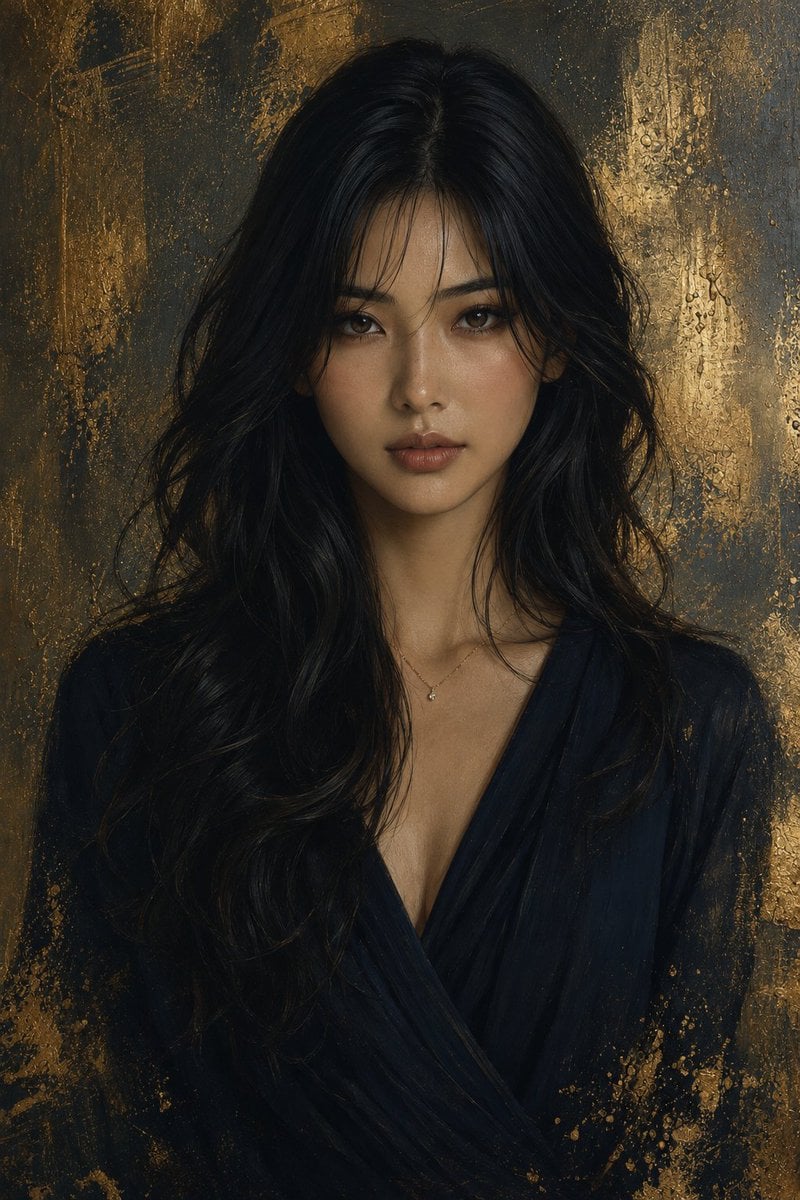
- Prompt included
- Model and format preset
- Free template
The prompt behind this image
Copy the exact prompt behind Gold Leaf Artistic Portrait, or open it in the studio and make it yours.
主題:{argument name="テーマ" default="金色の余韻をまとう女性の肖像"} 人物・表情:{argument name="年齢" default="20代"}の女性、艶のあるロングの黒髪、センターパートに柔らかな顔まわりレイヤー、繊細な毛束感、透明感のある肌、落ち着いたカメラ目線、静かで文芸的な表情 服装・ポーズ:{argument name="衣装" default="深いネイビーのラップ風Vネックドレス"}、上品で日本的な女性らしいシルエット、首元に極小のダイヤモンドペンダント、正面を向いた自然なバストアップポーズ 背景・光:黒と金を基調にした抽象的な金箔テクスチャ背景、かすれた筆跡と金の粒子、柔らかな陰影、顔に淡く当たるシネマティックな暖色光 構図・カメラ:縦長ポートレート、中央構図、胸上からのフレーミング、85mm portrait lens、浅い被写界深度、背景の質感を残した自然なボケ 質感・スタイル:高精細、リアルな肌質、黒髪の繊細なハイライト、日本的なナチュラルメイク、ブラウン系アイメイク、ローズベージュのリップ、油彩画のような筆致、ソフトフォーカスのリアルAI写真 ネガティブ:低画質、不自然な顔、崩れた目、過度な露出、重すぎる海外風メイク、西洋モデル風の顔立ち、不自然な髪、文字、ロゴ、透かし
How to use Gold Leaf Artistic Portrait in 3 steps
- 1
Open
The prompt is already in the box next to the preview, with the template's model and format selected.
- 2…a portrait of your subject in softgolden-hour light, 85mm…
Personalize
Edit the subject and creative details for your destination.
- 3Generate
Generate
Press Generate — your image is created in PicX Studio, so you can compare it with the original and refine one variable at a time.
More like this
Templates with the same subject, style or setup. Open one to see its prompt.

Artistic Patchwork Fashion Portrait Spring Festival

80s Golden Hour Cinema

Rooftop Fisheye — Cat-Ear Balaclava at Golden Hour
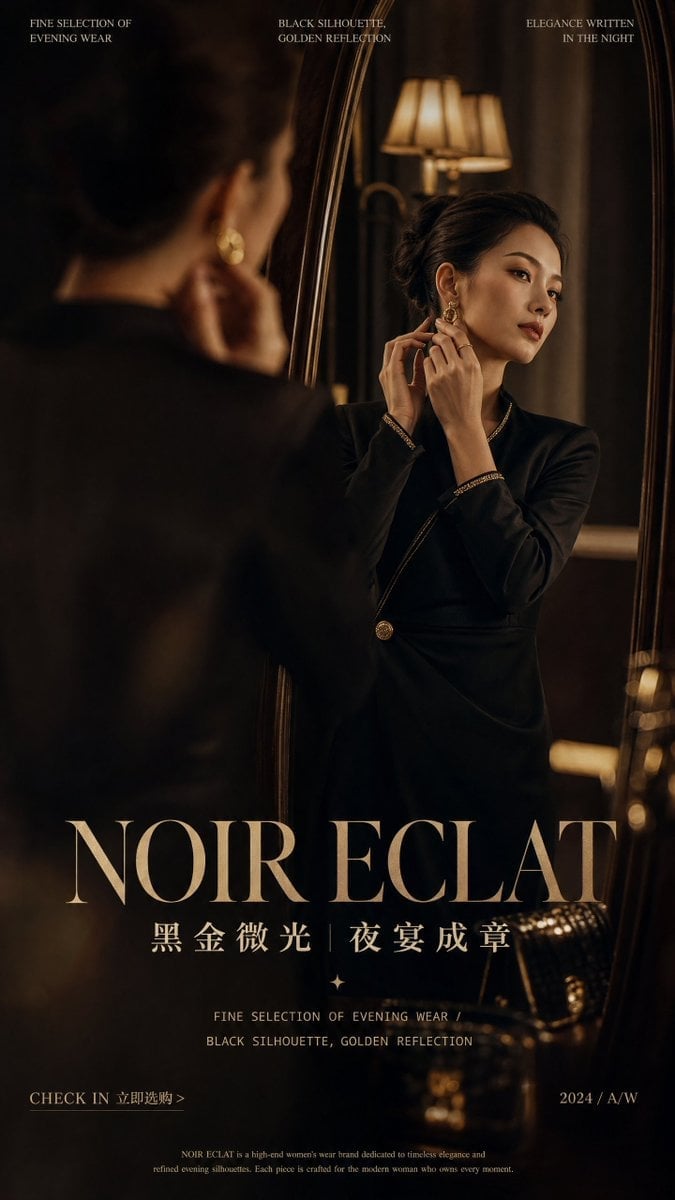
Gold Leaf Book Edge
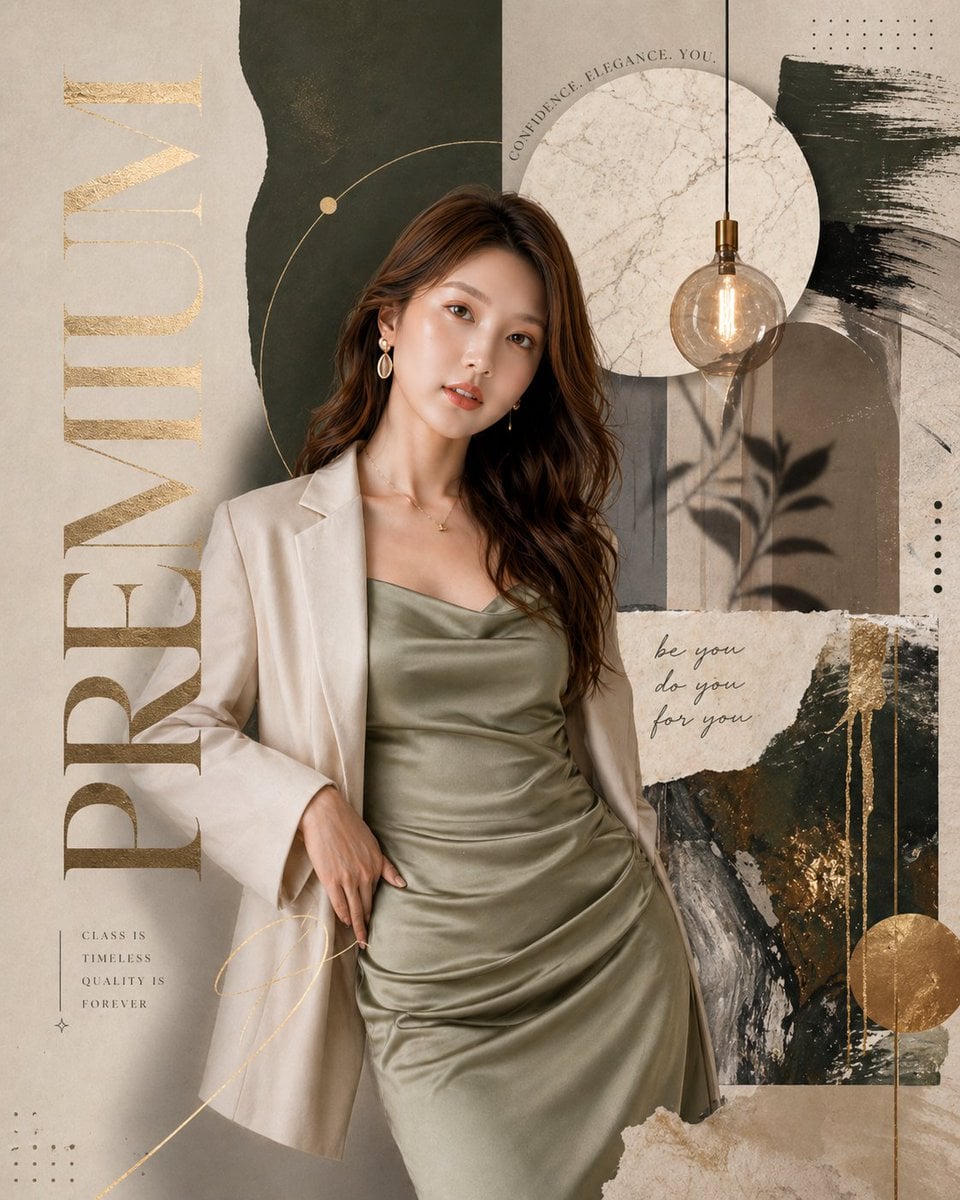
Fortune Cookie Gold Leaf
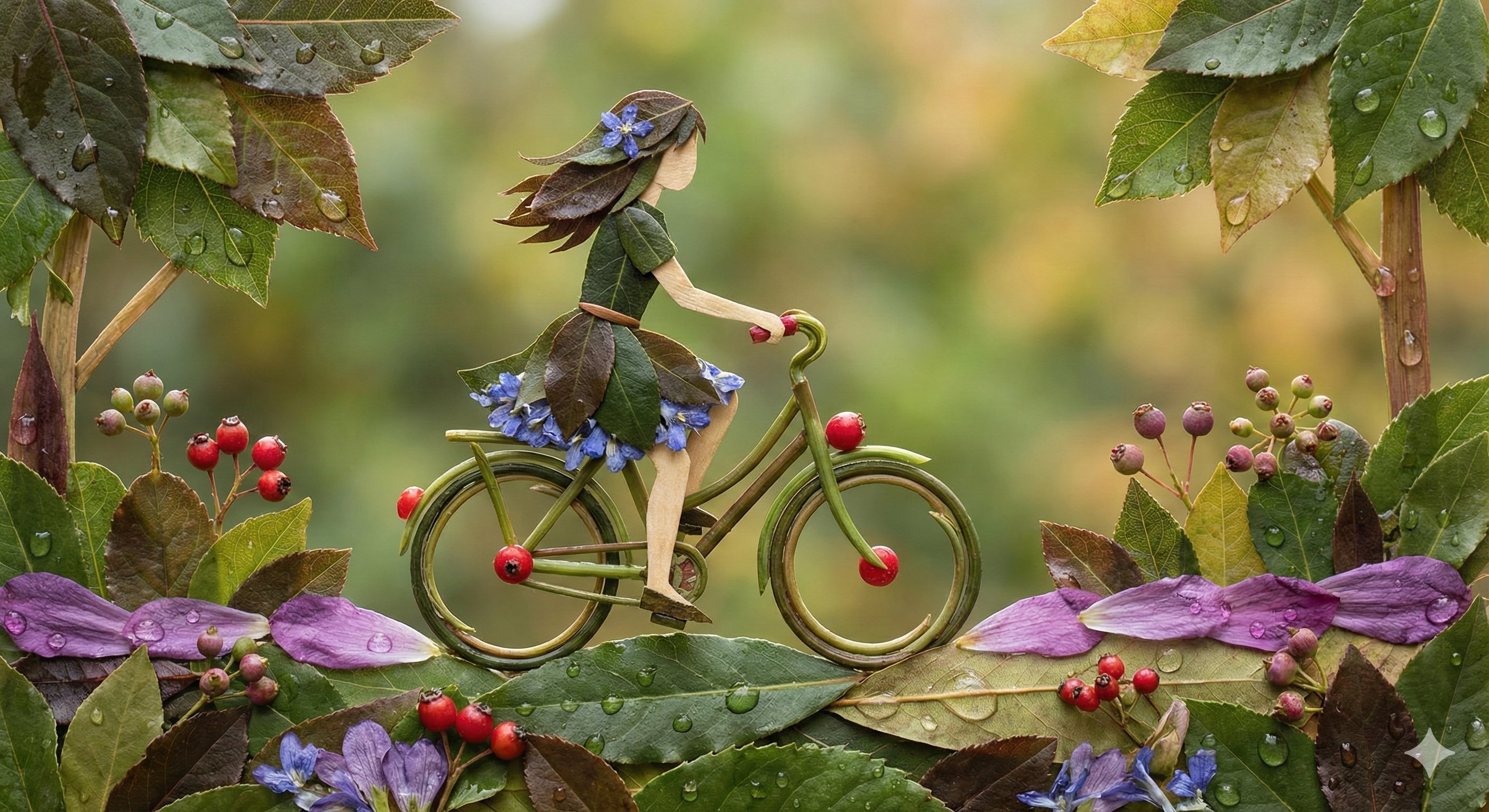
Botanical Leaf Art Style

Found Photograph: Us, 1970

80s Couple Studio Portrait

80s Bollywood Star

Me in 1985

1985 Studio Portrait

Hyper-Realistic Minecraft POV Portrait
Make it yours
Gold Leaf Artistic Portrait works as-is. These are the safest ways to change it without losing the look.
Change one field
Copy a single group, rewrite it, and generate again so you can see what that field is doing.
Keep the frame, change the subject
Hold the composition and light of Gold Leaf Artistic Portrait, then swap wardrobe, props or the person for a new take.
| If the result… | Why | Fix |
|---|---|---|
| The result drifts from the preview | Too many fields changed at once. | Reuse Gold Leaf Artistic Portrait as-is first, then change one group — subject, light, or setting. |
| The model over-stylizes the scene | The prose prompt leaves finish and camera underspecified. | Add one camera or lighting sentence and stay on GPT Image 2. |
More GPT Image 2 templates
Other prompts made for GPT Image 2.

Six VTuber Japanese Logo Sheet

Realistic Portrait of Woman and Deer

The Vista Modular Condo Poster

AI Model Routing Comparison Infographic

2.5D Anime Art Board

Isometric Productivity Desk Scene

New York Double Exposure Poster

Four-Panel AI Landscape Comparison

Japanese Tatami Lifestyle Magazine Cover

NESCAFÉ Coffee Map Poster
More image prompts
Fresh picks from across the catalog.
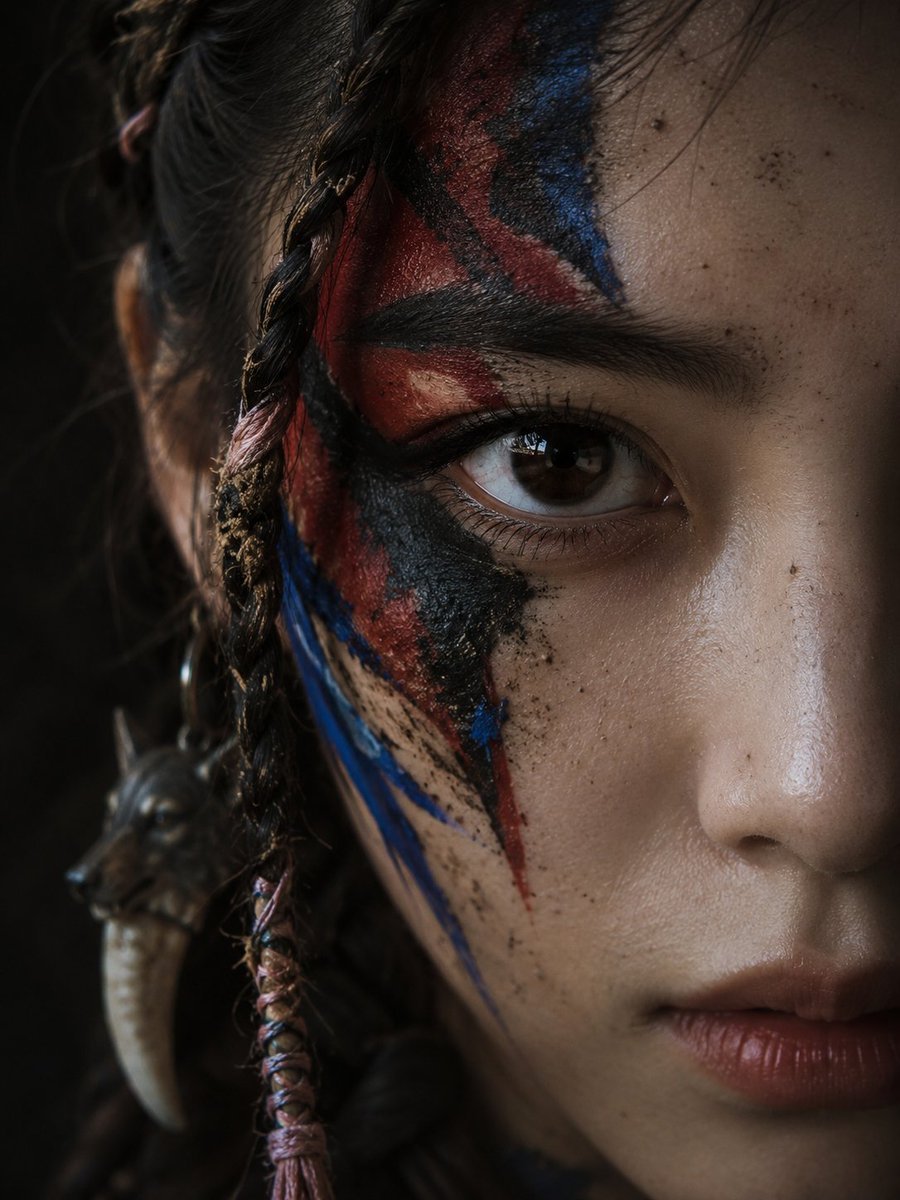
Cinematic Tribal Warrior Portrait
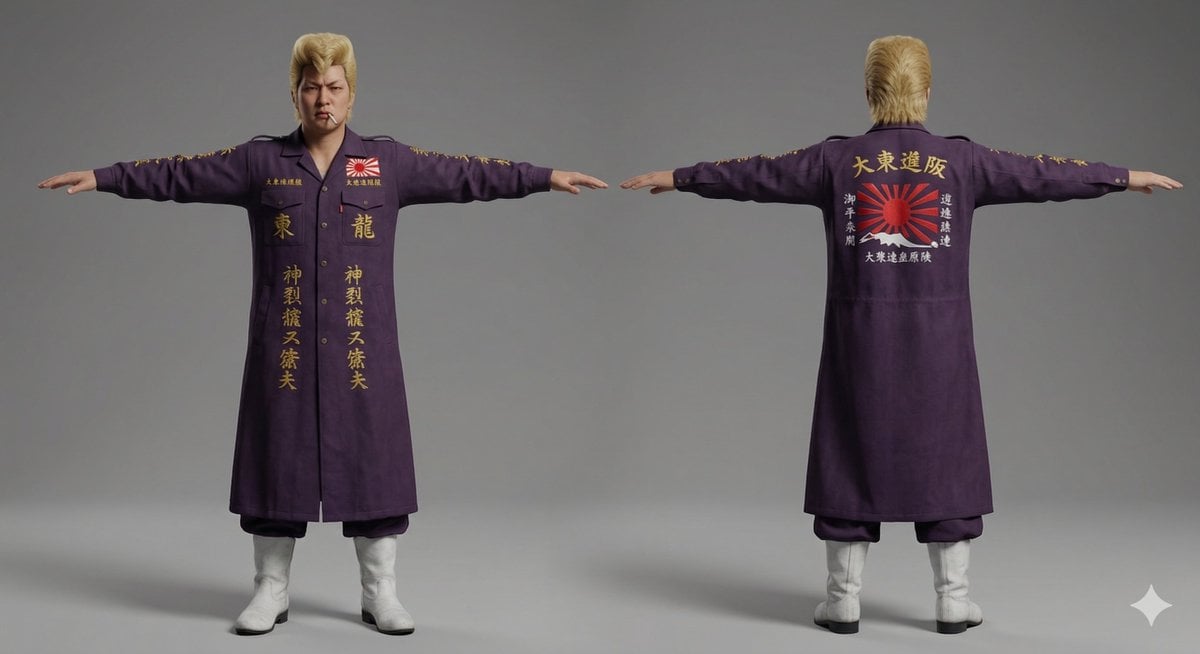
Nano Banana Pro Image Generation of Classic Japanese Bosozoku as a 3D Model Asset
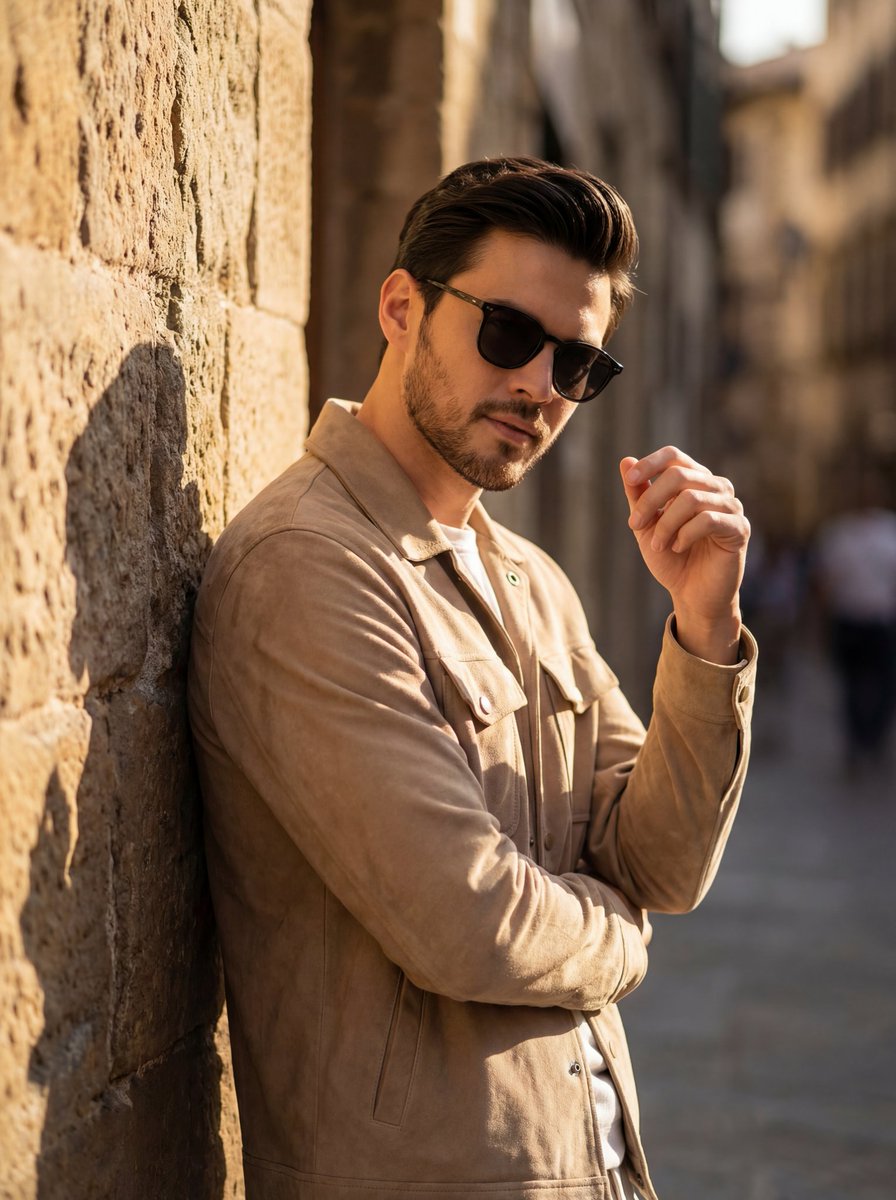
Cinematic Golden Hour Portrait of Stylish Man

Mountain Viewpoint Travel Photography
Gemini Nano Banana 2
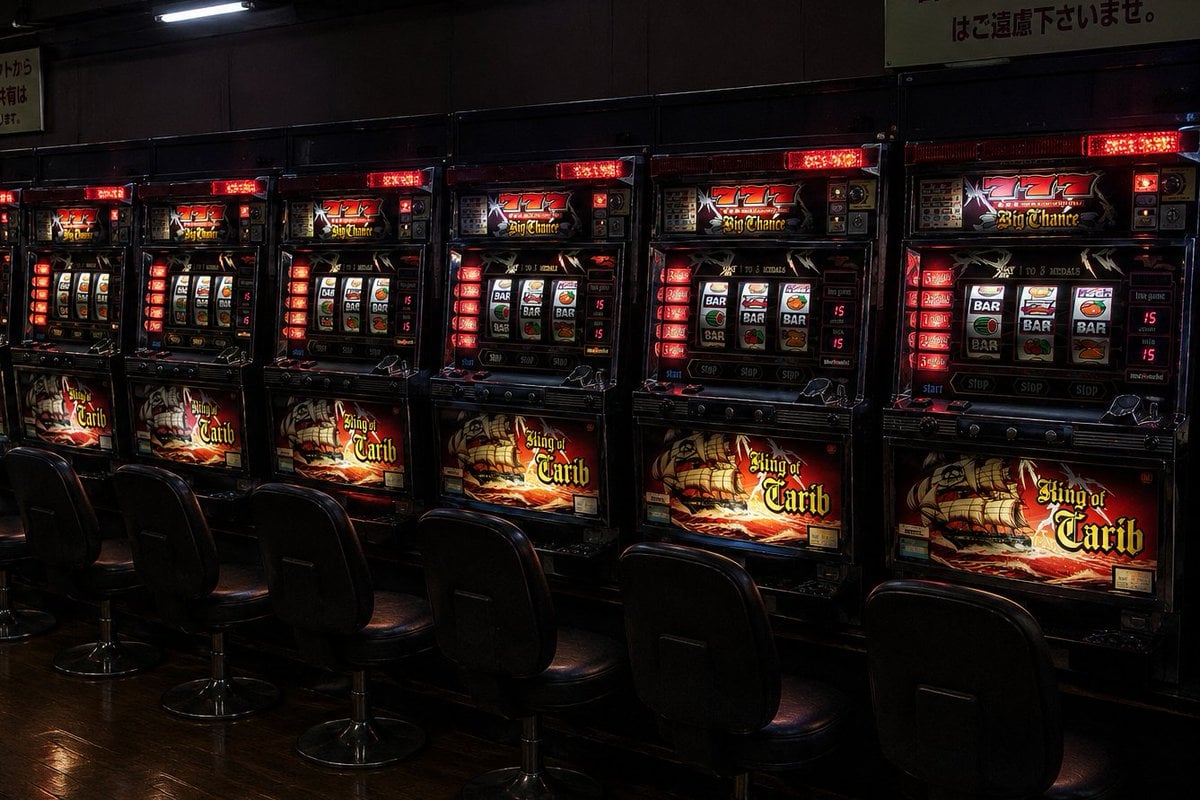
Empty Japanese Pachislot Parlor Row

Spicy Nacho Tornado Ad
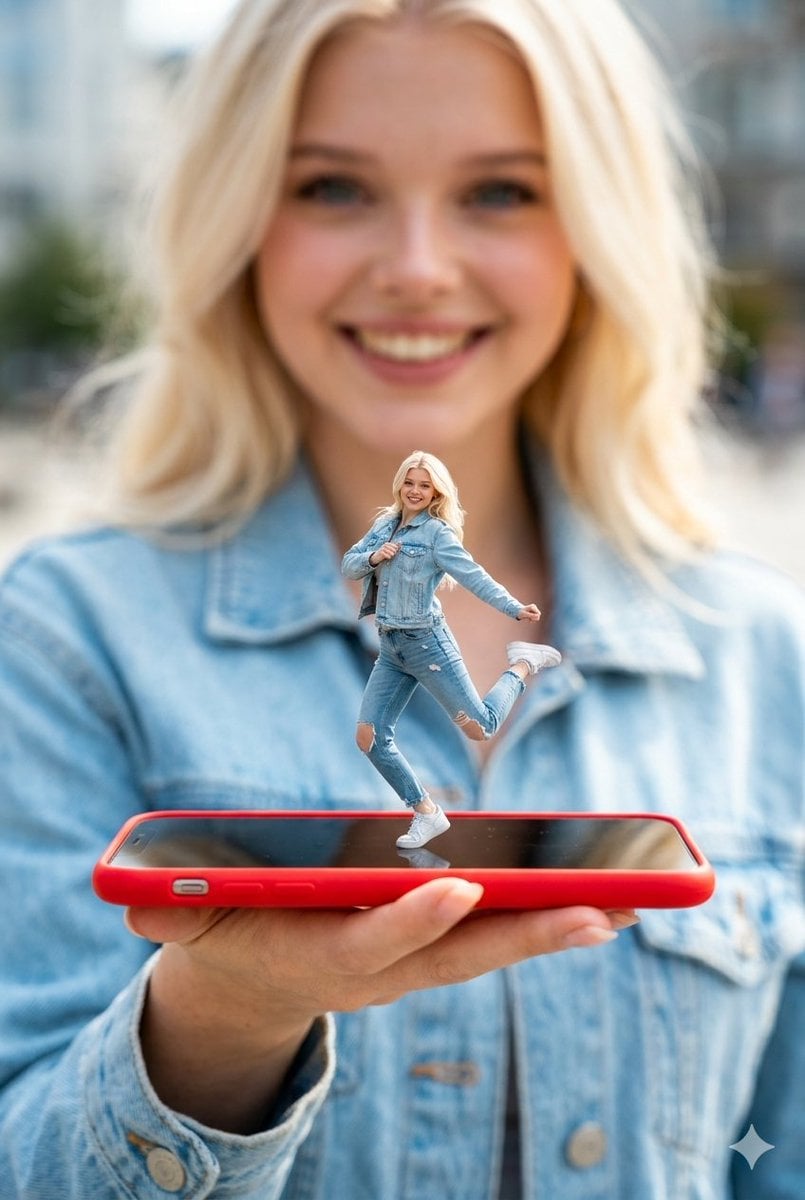
Surreal Miniature Dancing Composite Photo Prompt
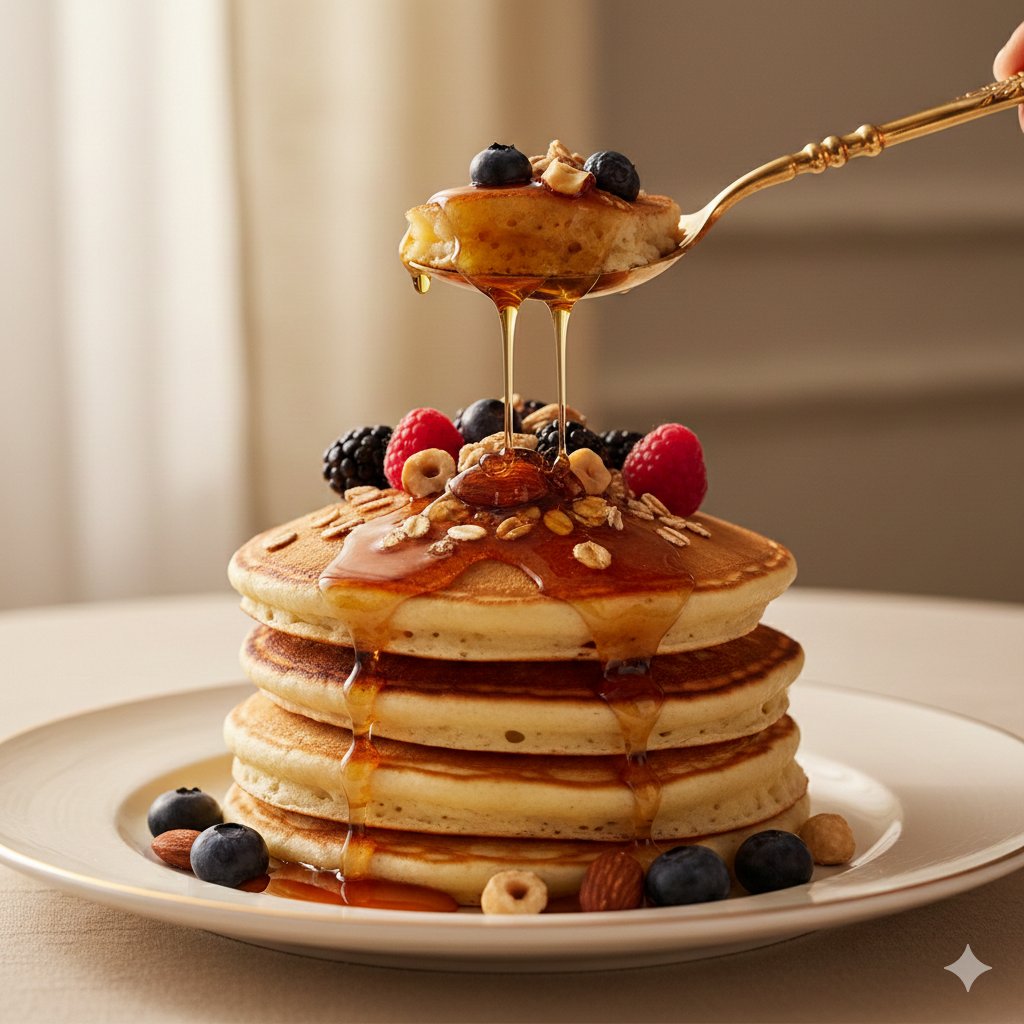
Ultra-Luxury Pancake Commercial Scene
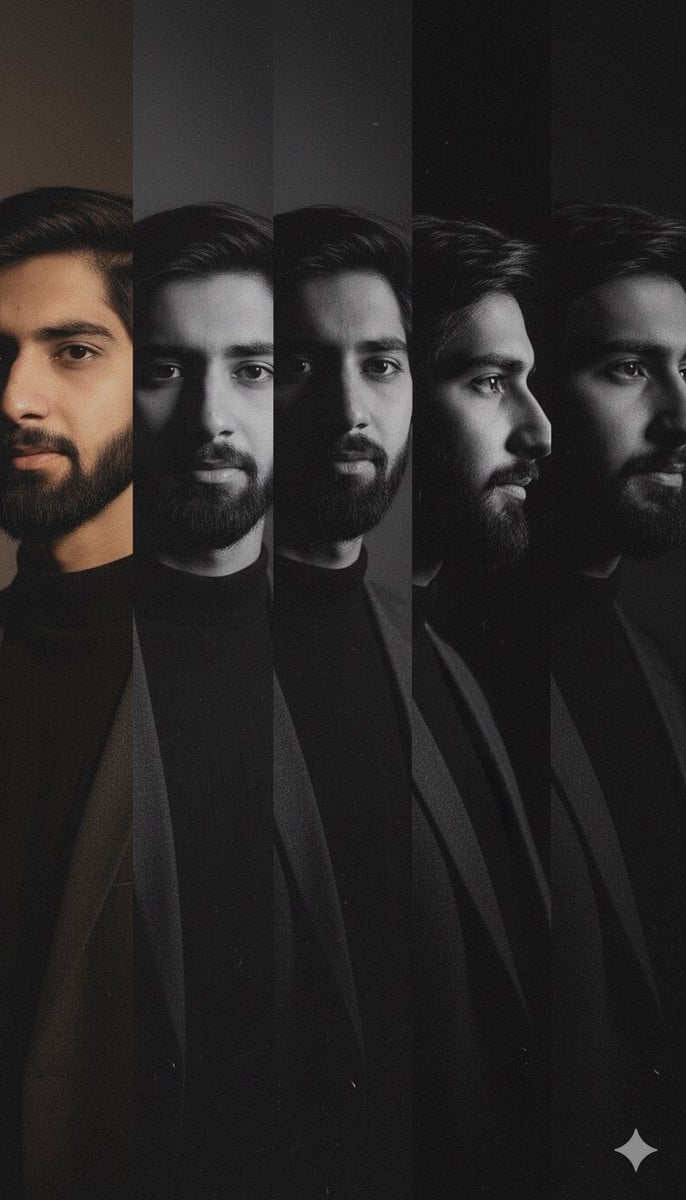
High-Contrast Noir Portrait Collage with Color Shifts
Browse template categories
Gold Leaf Artistic Portrait questions
How do I use the Gold Leaf Artistic Portrait template?
Add your photo if the template asks for one, edit the prompt if you like — the template's model and format are already selected — and press Generate. Your version opens in PicX Studio.
Can I customize the Gold Leaf Artistic Portrait template?
Yes. You can change the subject, setting, lighting, mood, format, and available model controls before creating your image.
Is the Gold Leaf Artistic Portrait template free?
Opening and editing this template is free. Generating uses credits, shown on the Generate button when you are signed in.
Which AI model should I use?
Start with GPT Image 2, which is the model associated with this template. You can compare another compatible model for a different finish.
Looking for something else? Browse all templates.

Your photo, any look
Thousands of ready templates for every top image and video model, from one credit balance.