How do I use the Photorealistic Izakaya Portrait template?
Edit the prompt in the box under the preview — the template's model and format are already selected — and press Generate. Your version appears right on this page.
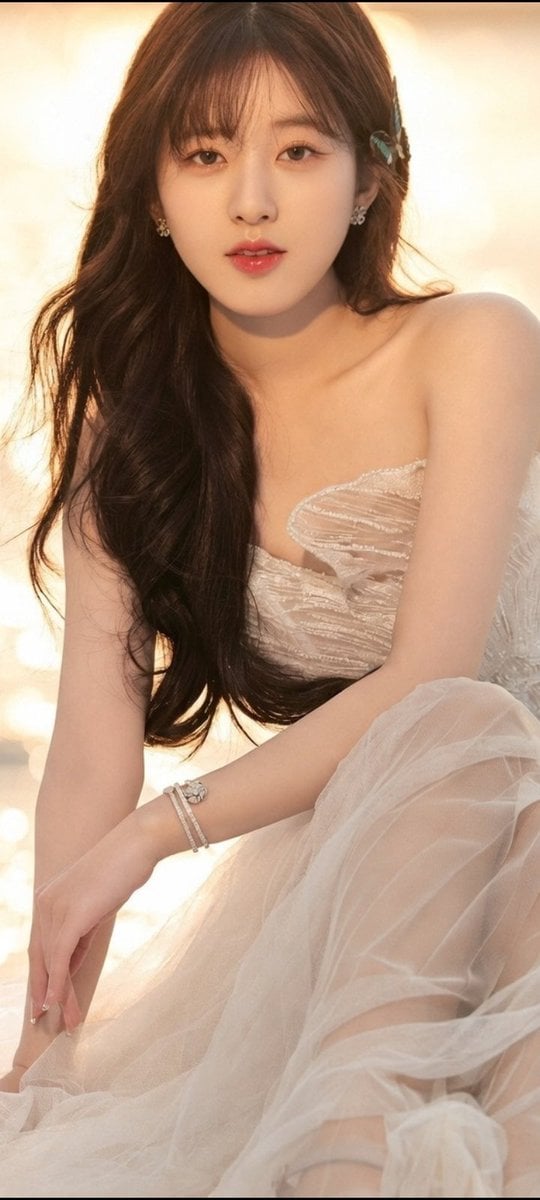
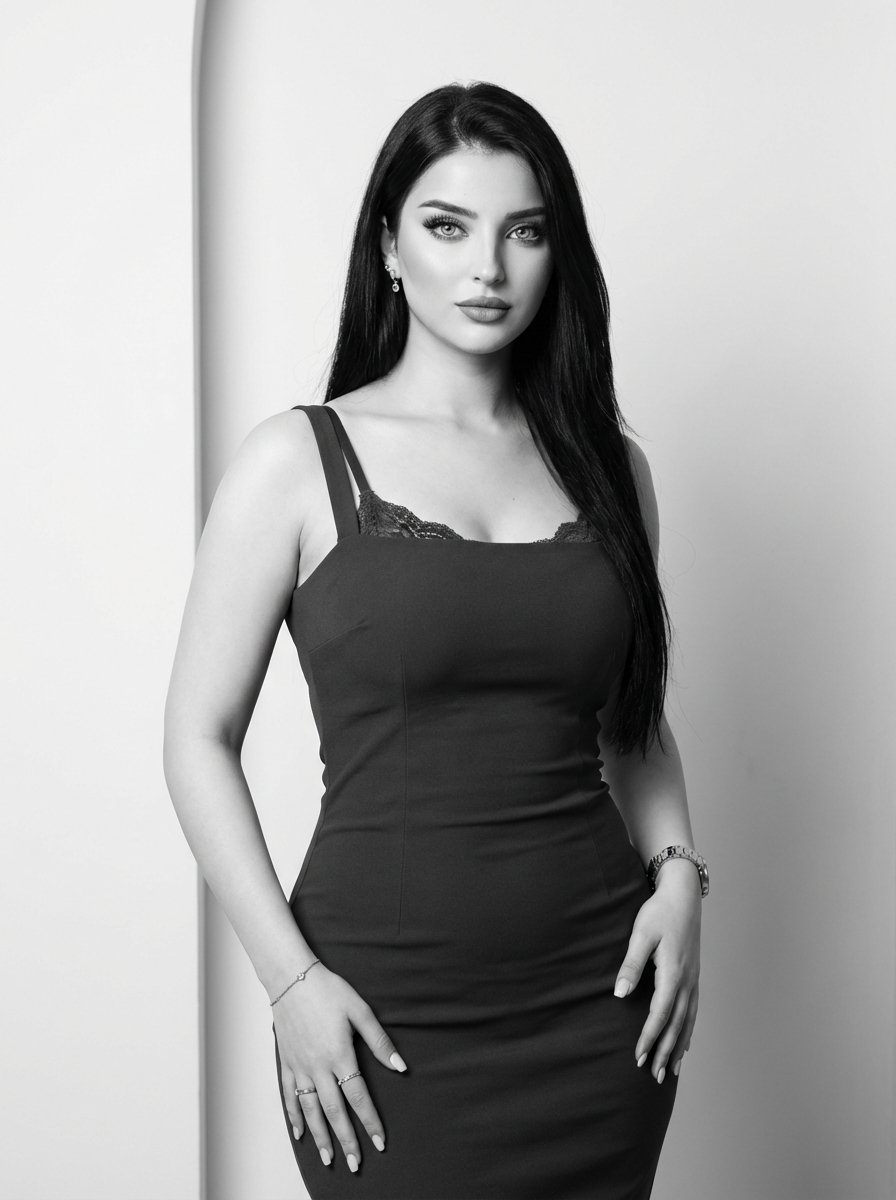
Generates a photorealistic portrait of a subject sitting at a bar, ideal for lifestyle or character photography.

This template uses your photo — add one with the + button.
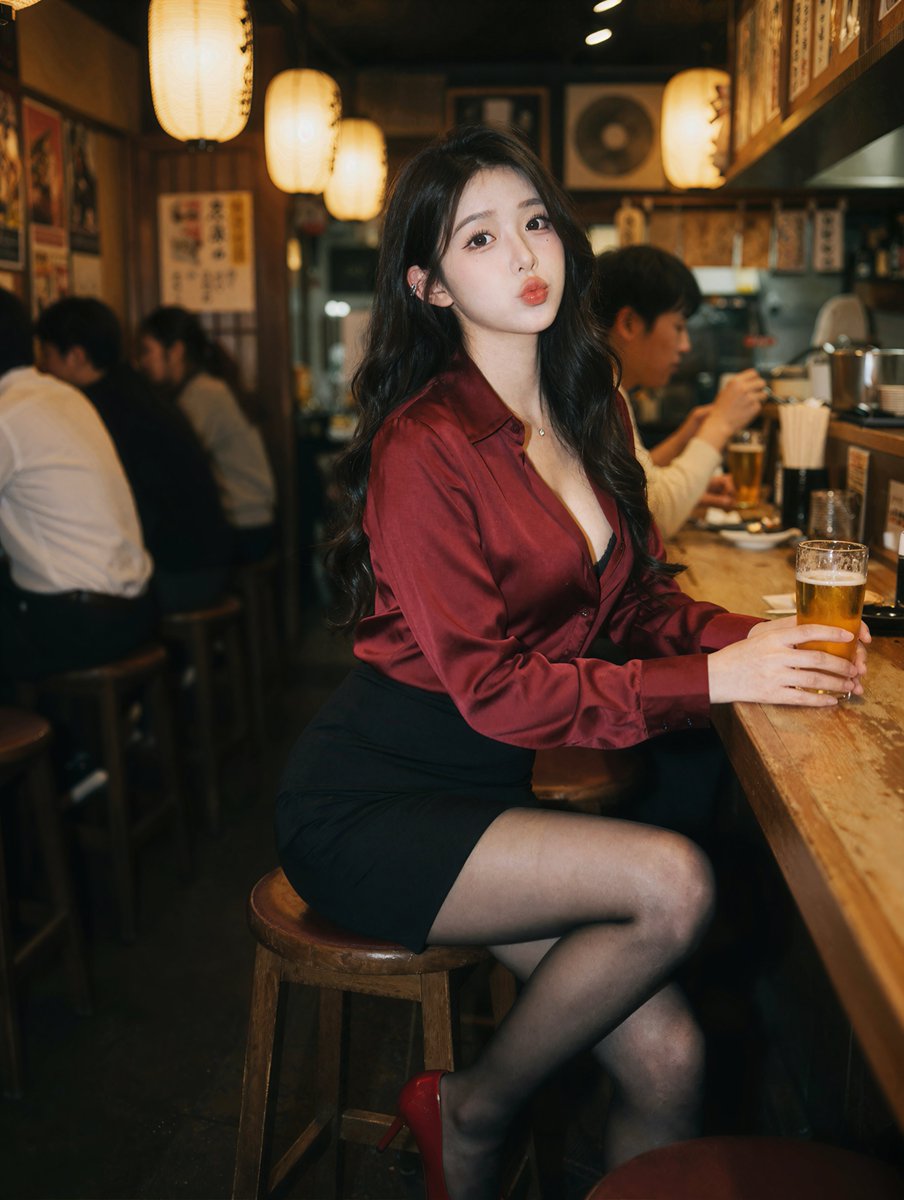
A photorealistic portrait of a {argument name="subject description" default="young East Asian woman"} sitting at a wooden counter in a {argument name="setting" default="dimly lit izakaya"}. She has long wavy black hair and wears a {argument name="top clothing" default="deep red silk button-down shirt"}, a black mini skirt, sheer black tights, and red high heels. She holds a {argument name="drink" default="glass of beer"} and looks at the camera with a slight pout. The background features blurred patrons and warm glowing {argument name="lighting source" default="paper lanterns"}. Cinematic lighting, shallow depth of field.
A photorealistic portrait of a {argument name="subject description" default="young East Asian woman"} sitting at a wooden counter in a {argument name="setting" default="dimly lit izakaya"}. She has long wavy black hair and wears a {argument name="top clothing" default="deep red silk button-down shirt"}, a black mini skirt, sheer black tights, and red high heels. She holds a {argument name="drink" default="glass of beer"} and looks at the camera with a slight pout. The background features blurred patrons and warm glowing {argument name="lighting source" default="paper lanterns"}. Cinematic lighting, shallow depth of field.
Photorealistic Izakaya Portrait needs input media to work. Open it in the studio and these load alongside the prompt — pick whichever ones your chosen model can take.
Edit the prompt in the box under the preview — the template's model and format are already selected — and press Generate. Your version appears right on this page.
Yes. You can change the subject, setting, lighting, mood, format, and available model controls before creating your image.
Opening and editing this template is free. Generating uses credits, shown on the Generate button when you are signed in.
Start with GPT Image 2, which is the model associated with this template. You can compare another compatible model for a different finish.
Follow a topic to a crawlable collection of related PicX Studio templates.