
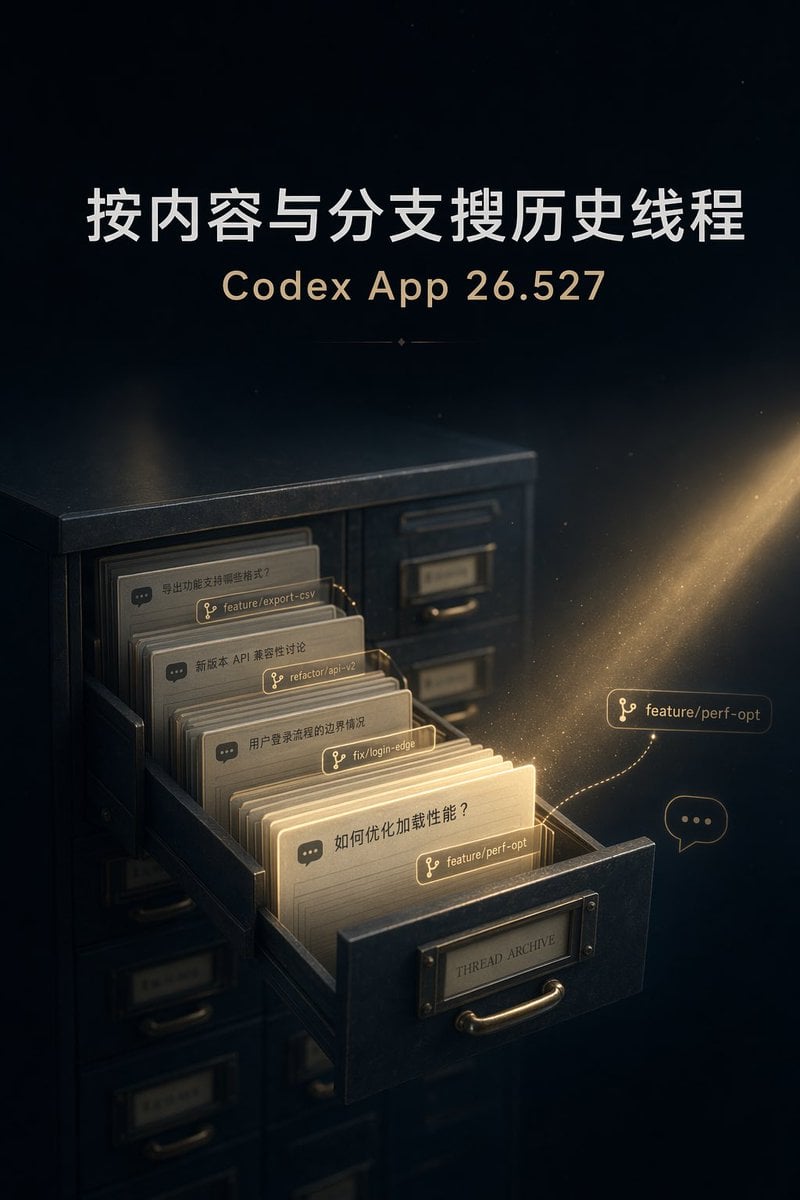
Cinematic Thread Archive Search Poster
A premium dark tech poster visualizing content and branch-based history search through a glowing archive drawer of developer conversation threads.
- Prompt included
- Model and format preset
- Free template
The prompt behind this image
Copy the exact prompt behind Cinematic Thread Archive Search Poster, or open it in the studio and make it yours.
Goal: Create a cinematic vertical tech poster about searching historical conversation threads by content and branch name in a developer app. Canvas: Vertical 2:3 composition, dark premium editorial style, deep navy-black background with subtle star-like dust and a warm golden beam of light entering from the upper right. Main text: At the top center, large bold Chinese headline {argument name="headline text" default="按内容与分支搜历史线程"}. Below it, centered smaller gold subtitle {argument name="app version" default="Codex App 26.527"}. Add a tiny decorative divider line with a small diamond under the subtitle. Main subject: In the lower half, show an old dark metal archive filing cabinet at a three-quarter angle, with one drawer pulled open toward the viewer. The drawer front has a brass label plate reading “THREAD ARCHIVE” and a curved brass handle. The cabinet surface should feel heavy, matte, slightly worn, and realistic, with shallow depth of field. Drawer contents: Inside the open drawer, show exactly 4 prominent stacked paper thread cards, each like an archival index card with rounded corners, warm ivory paper, and a small dark chat-bubble icon at the left. The visible card texts are: 1) “导出功能支持哪些格式?” with branch tag “feature/export-csv”, 2) “新版 API 兼容性讨论” with branch tag “refactor/api-v2”, 3) “用户登录流程的边界情况” with branch tag “fix/login-edge”, 4) front glowing card “如何优化加载性能?” with branch tag {argument name="featured branch tag" default="feature/perf-opt"}. The front card should glow brightest, as if it has been found by search. Floating UI elements: Add exactly 2 floating search-result elements to the right of the drawer: one glowing branch label reading “feature/perf-opt” connected by a dotted golden path from the front card, and one small outlined chat bubble containing three dots. Add exactly 4 branch tags attached to cards in the drawer, one per card, styled as thin rounded rectangles with a branch icon. Lighting and mood: Use a warm golden particle trail and dust motes around the highlighted card and floating branch label, contrasting with the cool dark cabinet. Make the scene atmospheric, elegant, high-end, and slightly magical, like an archival search feature visualized as light finding the correct thread. Visual style: Realistic 3D illustration mixed with refined product-marketing poster design, cinematic lighting, soft bloom, shallow depth of field, crisp typography, subtle grain, no people, no extra logos, no watermark. Keep all text legible and avoid adding additional labels beyond the specified headline, subtitle, card texts, branch tags, and drawer label.
How to use Cinematic Thread Archive Search Poster in 3 steps
- 1Upload ImagePNG, JPG or paste
Add your photo
Upload the photo the template builds on. The prompt, model and format are already set.
- 2…a portrait of your subject in softgolden-hour light, 85mm…
Personalize
Edit the subject and creative details for your destination.
- 3Generate
Generate
Press Generate — your image is created in PicX Studio, so you can compare it with the original and refine one variable at a time.
More like this
Templates with the same subject, style or setup. Open one to see its prompt.

Japan Travel Brochure Poster

Cartoon TV Show Poster Pack

Trendy Cafe Drink Promo Poster

Urban Fashion Editorial Collage Streetwear Poster

Premium Fashion Editorial Cover Layout System

Polo Ralph Lauren Luxury American Heritage Fashion Campaign

Monochrome Halftone Editorial Fashion Poster

Retro Mirror Luxury Fashion Campaign Poster

Luxury Fashion Campaign Typography Poster System

Premium Fashion Editorial Campaign Poster System

Ultra-Stylized High-Fashion Streetwear Poster

Urban Fashion Editorial Collage Poster
Make it yours
Cinematic Thread Archive Search Poster works as-is. These are the safest ways to change it without losing the look.
Change one field
Copy a single group, rewrite it, and generate again so you can see what that field is doing.
Keep the frame, change the subject
Hold the composition and light of Cinematic Thread Archive Search Poster, then swap wardrobe, props or the person for a new take.
| If the result… | Why | Fix |
|---|---|---|
| The result drifts from the preview | Too many fields changed at once. | Reuse Cinematic Thread Archive Search Poster as-is first, then change one group — subject, light, or setting. |
| The model over-stylizes the scene | The prose prompt leaves finish and camera underspecified. | Add one camera or lighting sentence and stay on GPT Image 2. |
More GPT Image 2 templates
Other prompts made for GPT Image 2.

Six VTuber Japanese Logo Sheet

Realistic Portrait of Woman and Deer

The Vista Modular Condo Poster

AI Model Routing Comparison Infographic

2.5D Anime Art Board

Isometric Productivity Desk Scene

New York Double Exposure Poster

Four-Panel AI Landscape Comparison

Japanese Tatami Lifestyle Magazine Cover

NESCAFÉ Coffee Map Poster
More image prompts
Fresh picks from across the catalog.
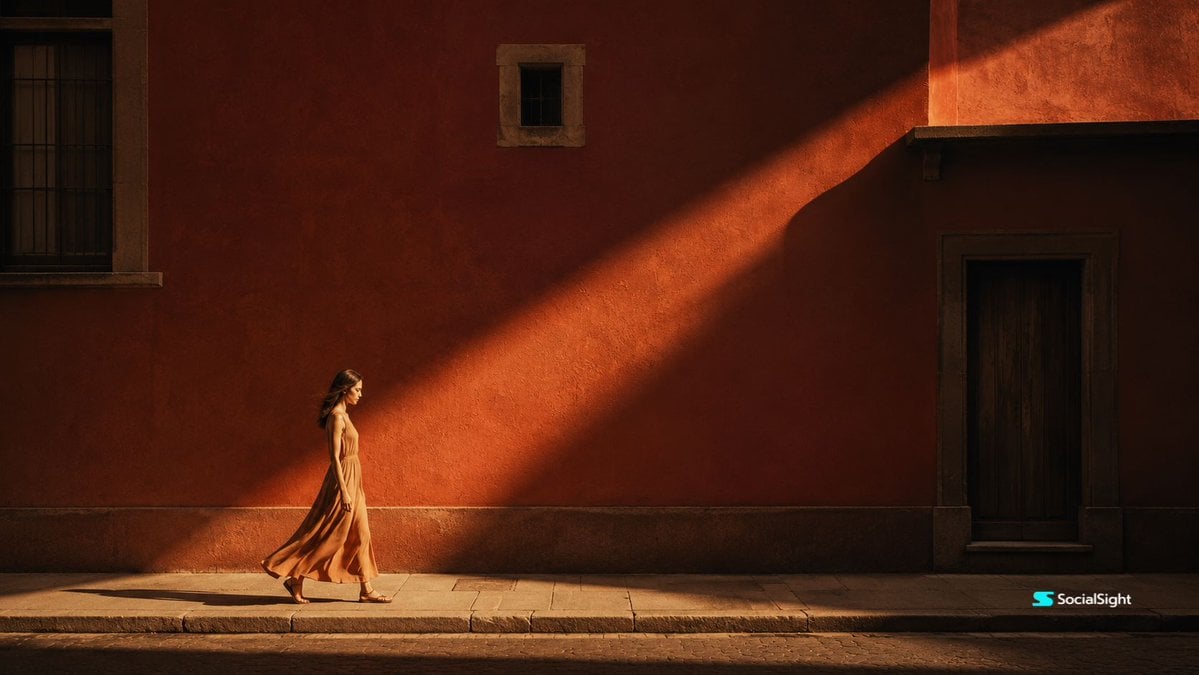
Cinematic Editorial Urban Golden Hour
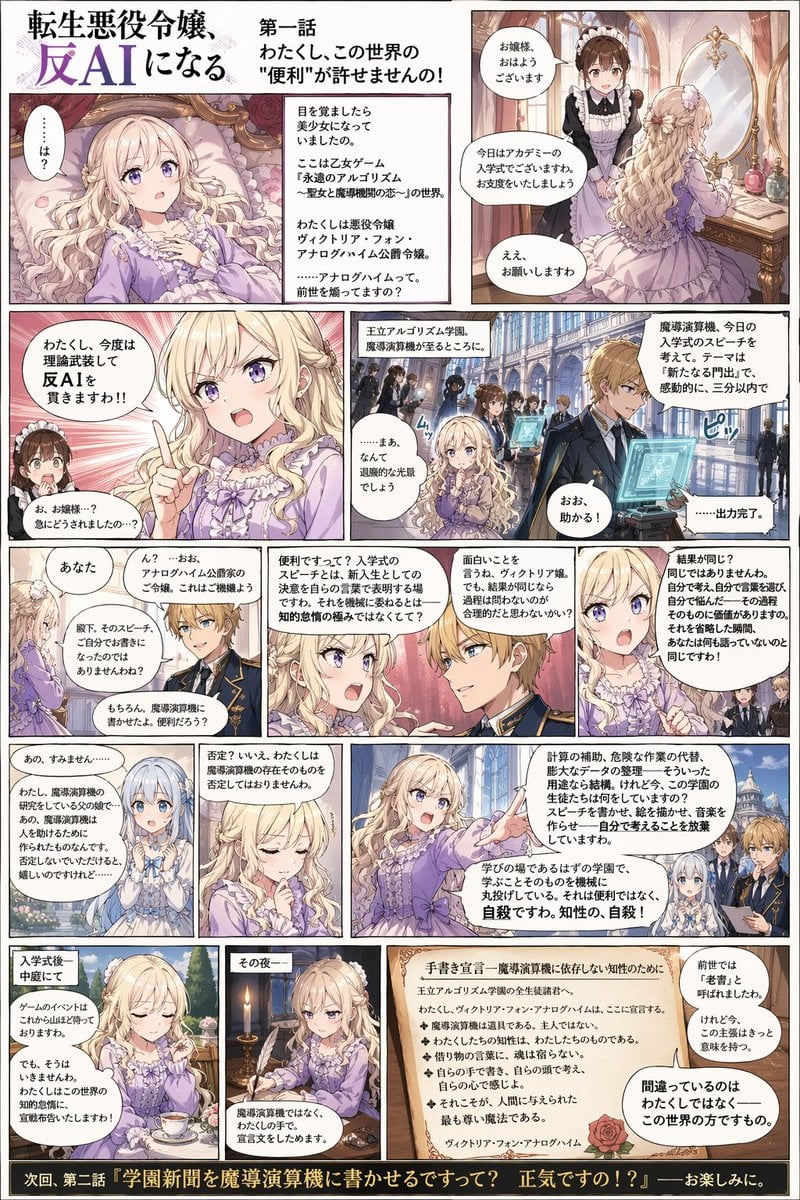
Anti-AI Villainess Manga Poster

Nine-Panel Vegetable Anime Comic
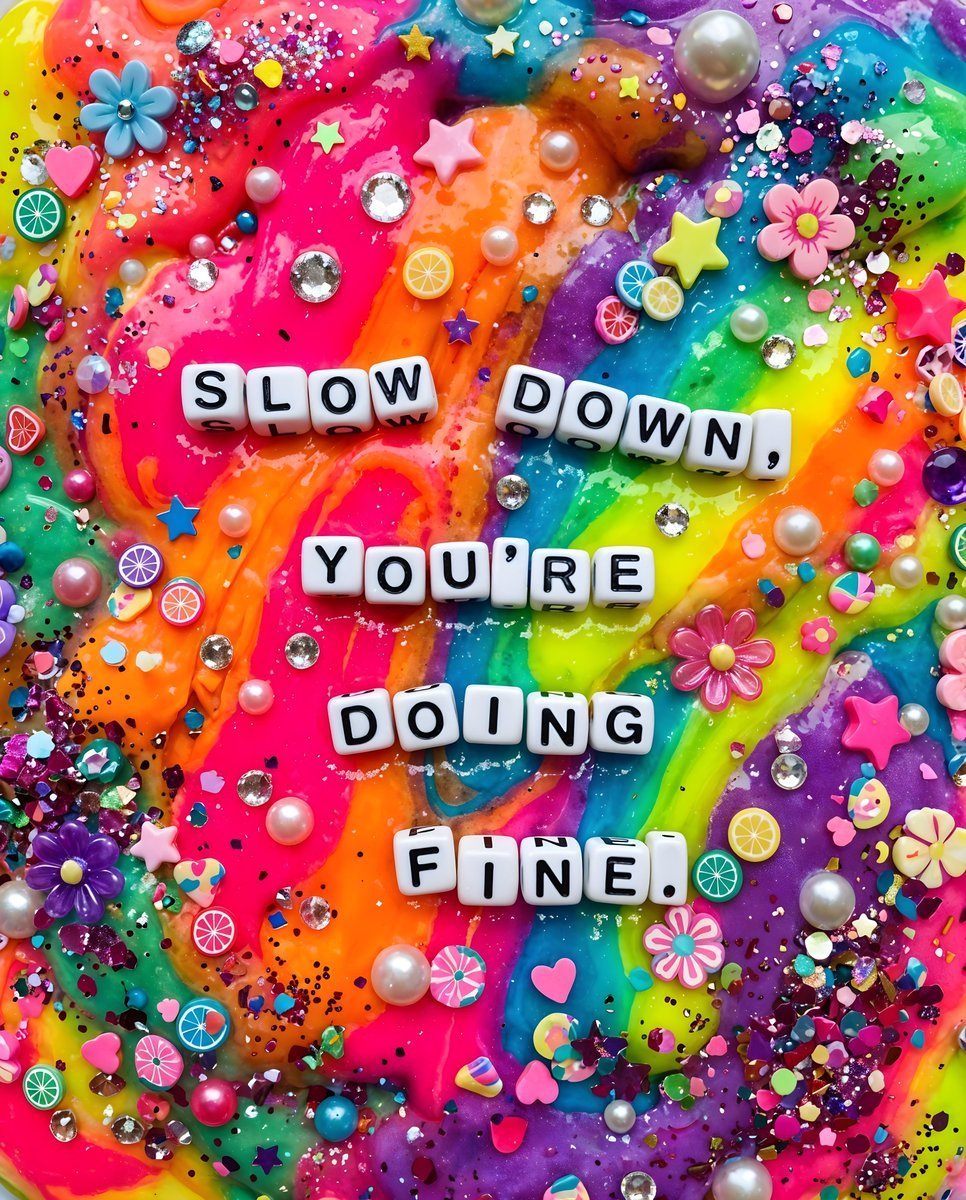
Vibrant Chaotic Slime Collage

Glamorous Vintage Car Portrait Prompt (Identity Locked)

Instagram/X Aesthetic Photo Prompt

Winter Fashion Portrait with Face Consistency

Multi-Angle, Face-Obscured Shot Generation Prompt for Nano Banana Pro

Image and Video Prompt for Nano Banana 2 + Kling 3.0
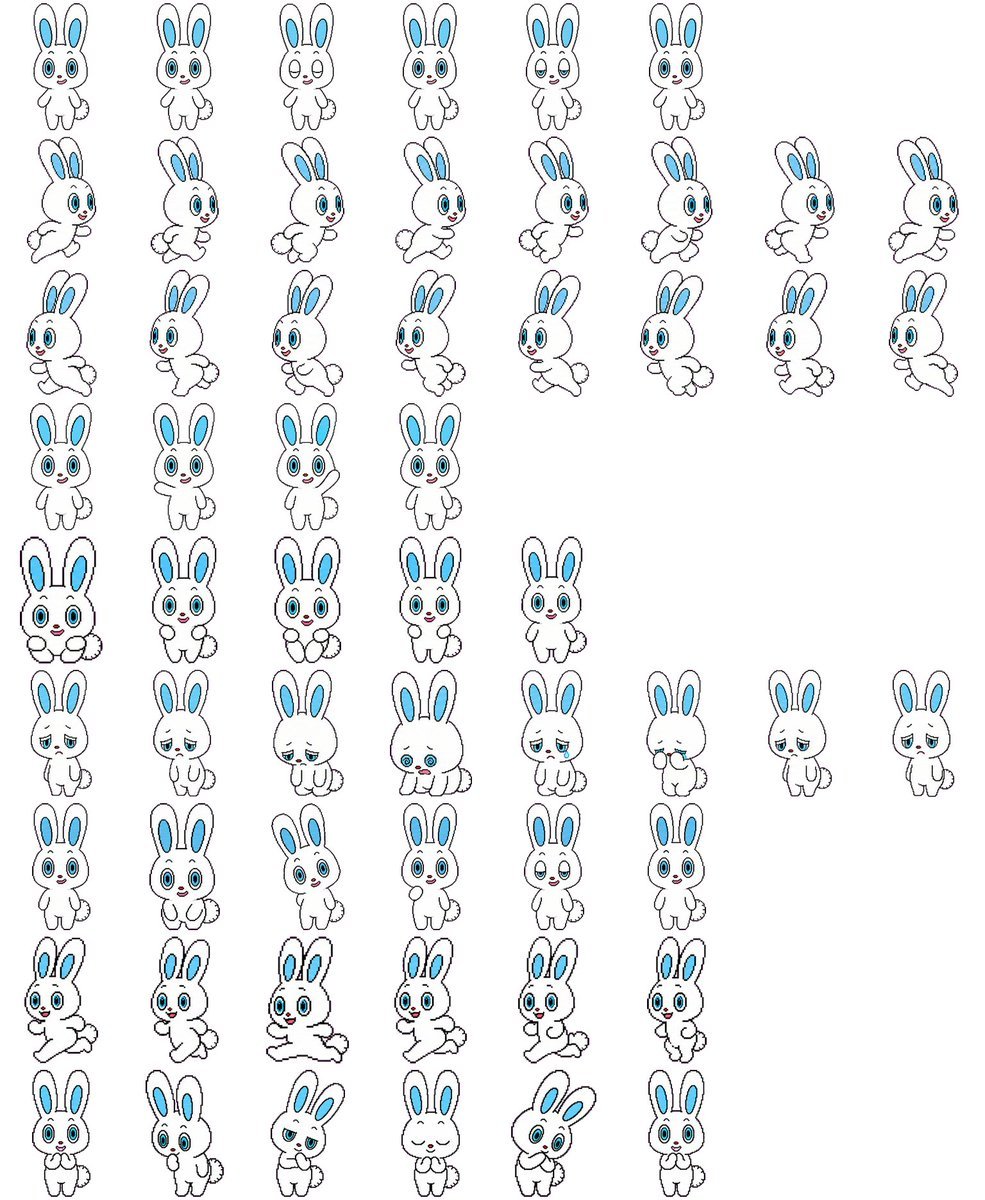
Rabbit Character Sprite Sheet
Browse template categories
Cinematic Thread Archive Search Poster questions
How do I use the Cinematic Thread Archive Search Poster template?
Add your photo if the template asks for one, edit the prompt if you like — the template's model and format are already selected — and press Generate. Your version opens in PicX Studio.
Can I customize the Cinematic Thread Archive Search Poster template?
Yes. You can change the subject, setting, lighting, mood, format, and available model controls before creating your image.
Is the Cinematic Thread Archive Search Poster template free?
Opening and editing this template is free. Generating uses credits, shown on the Generate button when you are signed in.
Which AI model should I use?
Start with GPT Image 2, which is the model associated with this template. You can compare another compatible model for a different finish.
Looking for something else? Browse all templates.

Your photo, any look
Thousands of ready templates for every top image and video model, from one credit balance.