
Moody Wide Macro Mushroom Cluster
Generates a dark ultra-wide macro nature photograph of textured forest mushrooms for cinematic banners or atmospheric backgrounds.
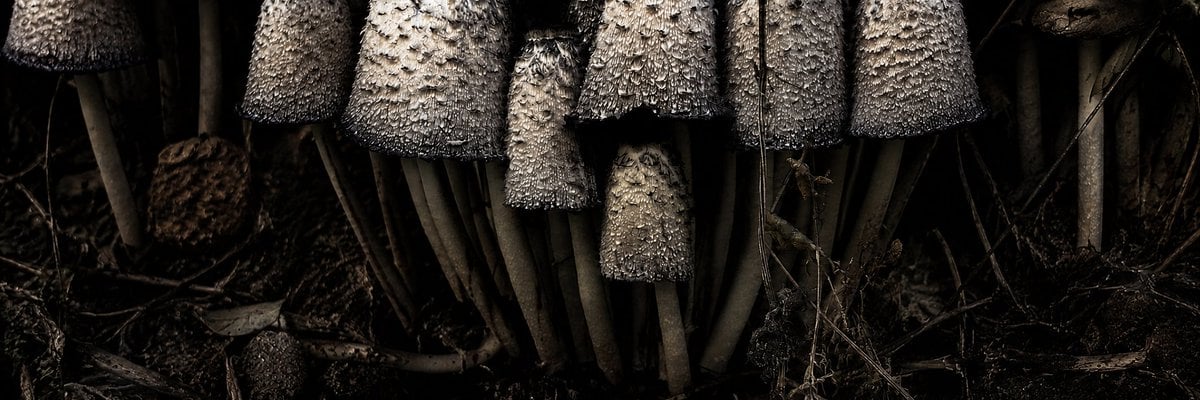
- Prompt included
- Model and format preset
- Free template
The prompt behind this image
Copy the exact prompt behind Moody Wide Macro Mushroom Cluster, or open it in the studio and make it yours.
Create an ultra-wide 3:1 cinematic macro photograph of a dense cluster of tall shaggy ink cap mushrooms growing in a dark forest floor. The mushrooms have long pale gray stems and bell-shaped caps covered in rough, scaly, granular texture, with caps ranging from cream to smoky charcoal and blackened edges. Compose the cluster across the full width of the frame, cropped tightly so several mushroom caps extend beyond the top edge, with the central group brightest and most detailed. Surround them with damp soil, dead leaves, thin twigs, tangled roots, and shadowy undergrowth. Use {argument name="lighting style" default="low-key moody natural light"}, deep contrast, muted earthy colors, crisp tactile detail on the caps, dark vignetted corners, shallow depth of field, and a gritty realistic nature-documentary look. The overall mood should feel mysterious, damp, and slightly eerie, like a hidden fungal colony discovered at ground level in the woods.
How to use Moody Wide Macro Mushroom Cluster in 3 steps
- 1Upload ImagePNG, JPG or paste
Add your photo
Upload the photo the template builds on. The prompt, model and format are already set.
- 2…a portrait of your subject in softgolden-hour light, 85mm…
Personalize
Edit the subject and creative details for your destination.
- 3Generate
Generate
Press Generate — your image is created in PicX Studio, so you can compare it with the original and refine one variable at a time.
More like this
Templates with the same subject, style or setup. Open one to see its prompt.
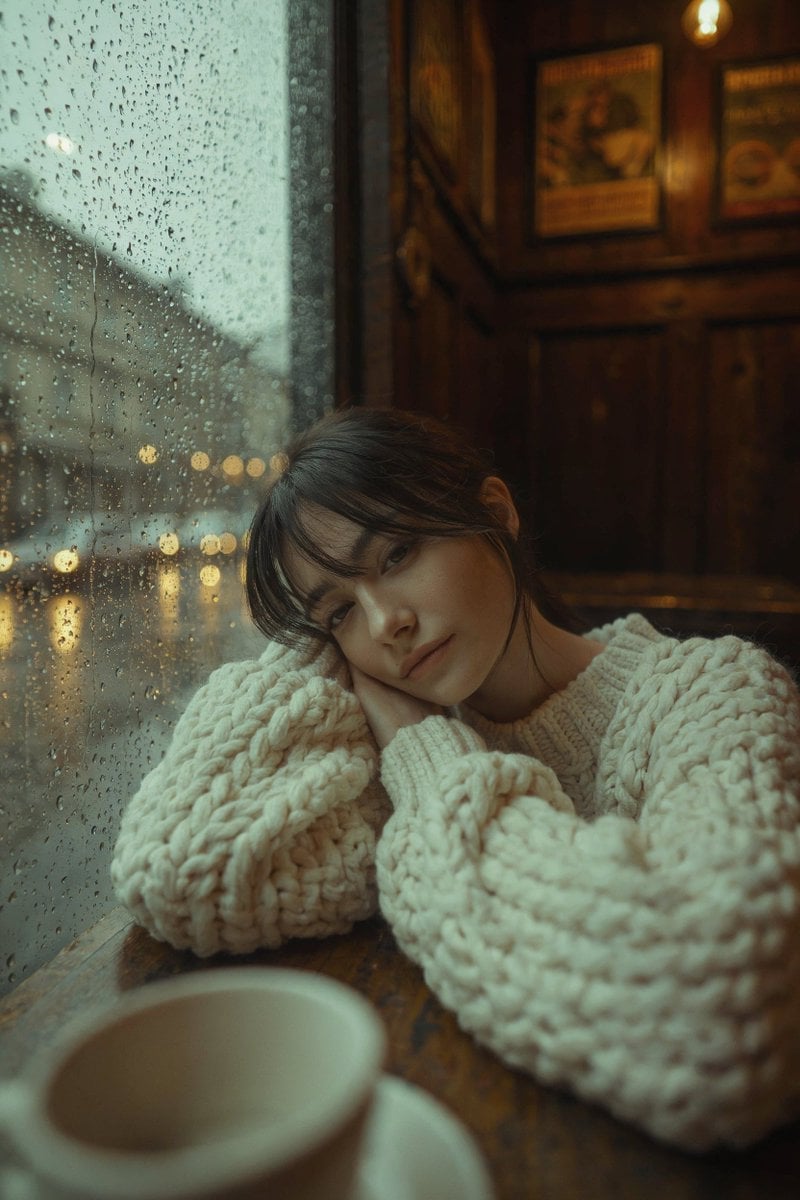
Rainy Café Window Moody Portrait

Editorial Concept Study Product Design
Rainy Café Window Moody Portrait
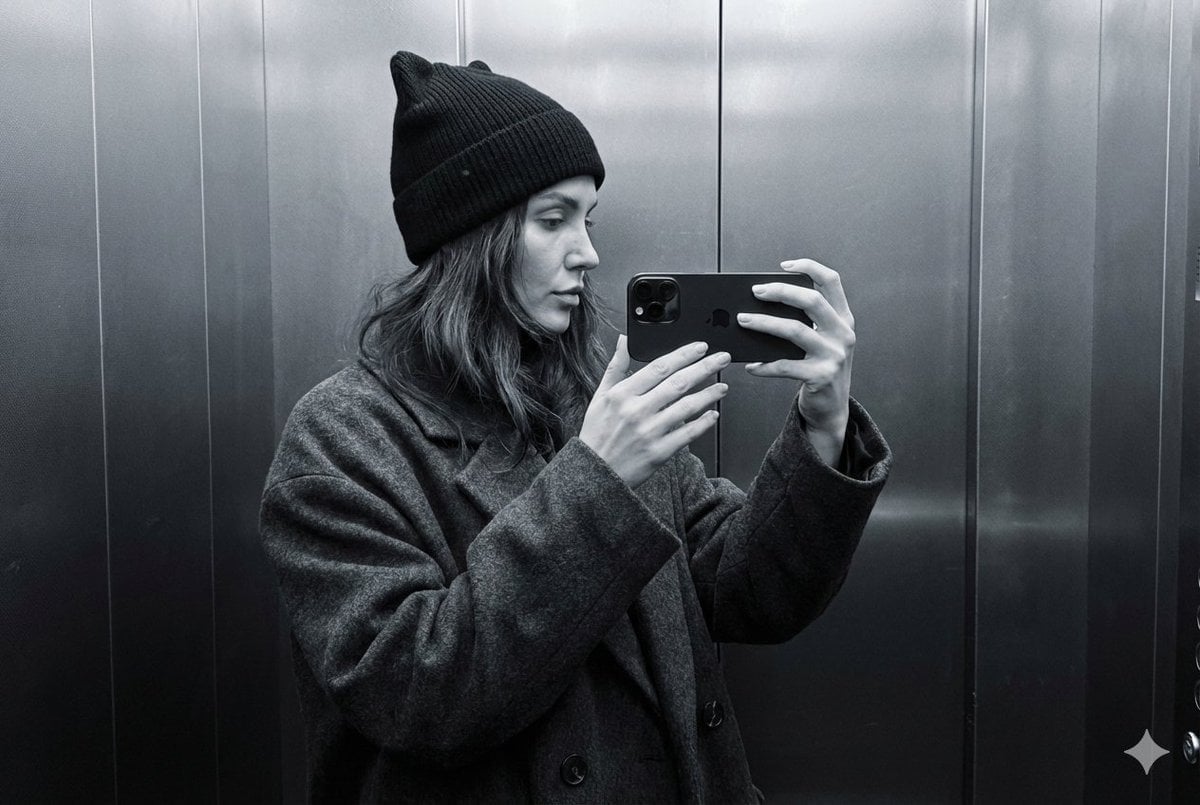
Monochrome Elevator Profile Cat Ear Selfie
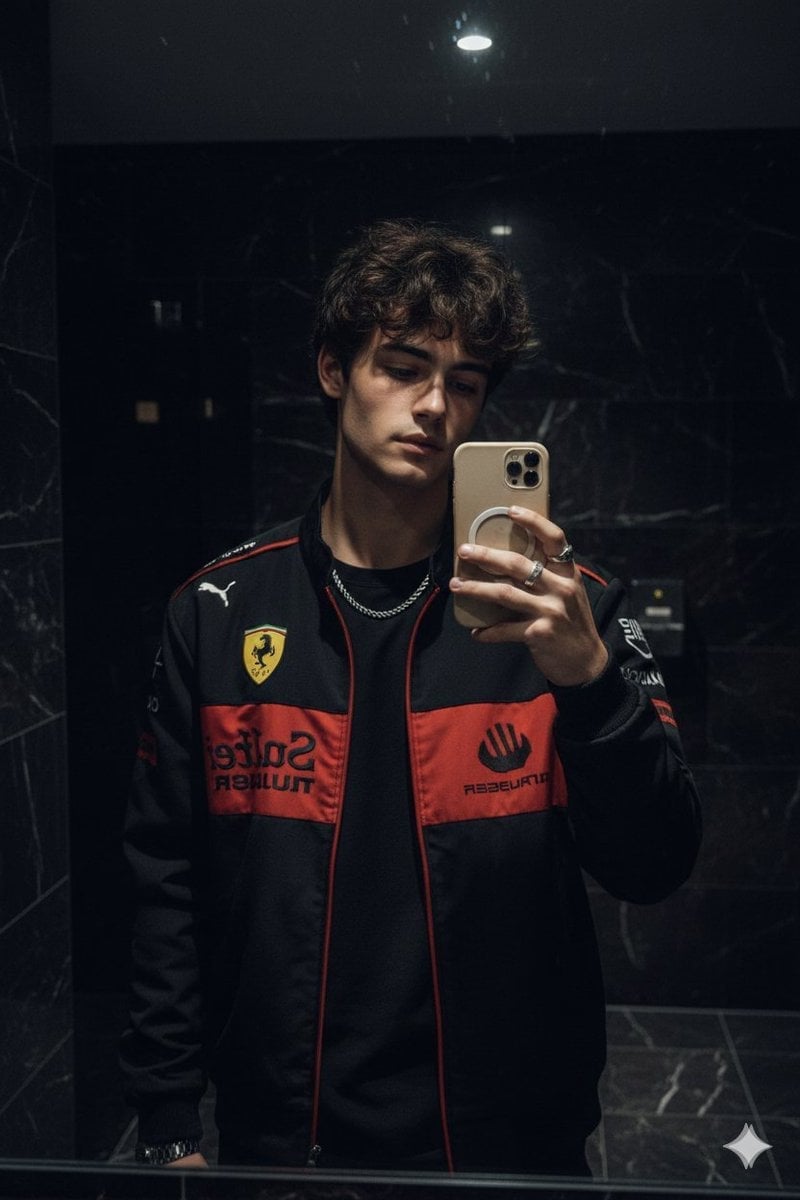
Dark Marble Bathroom Racing Jacket Mirror Selfie
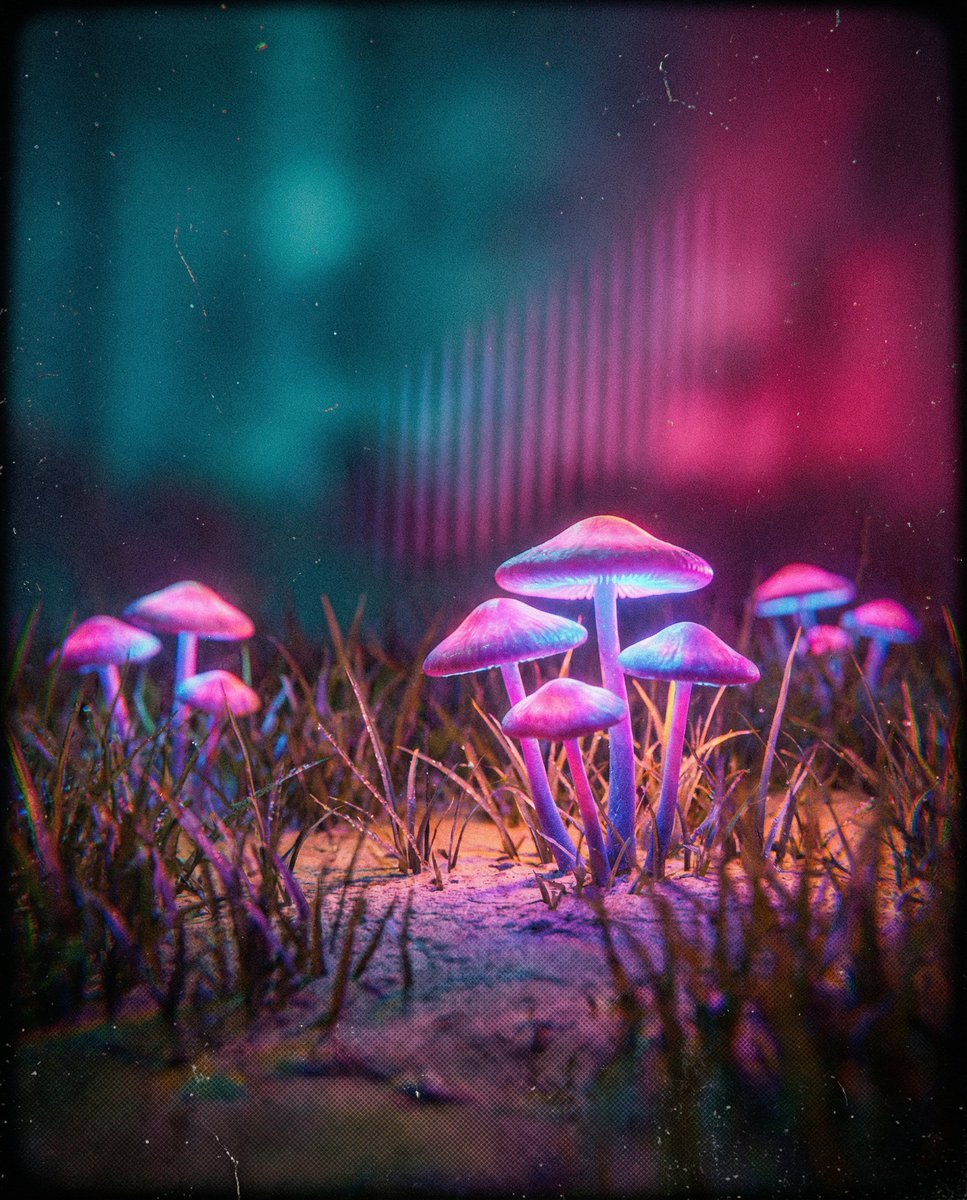
Bioluminescent Mushroom Cluster in Retro Sci-Fi Style

Firefly Pixar Spill — Nano Banana Pro
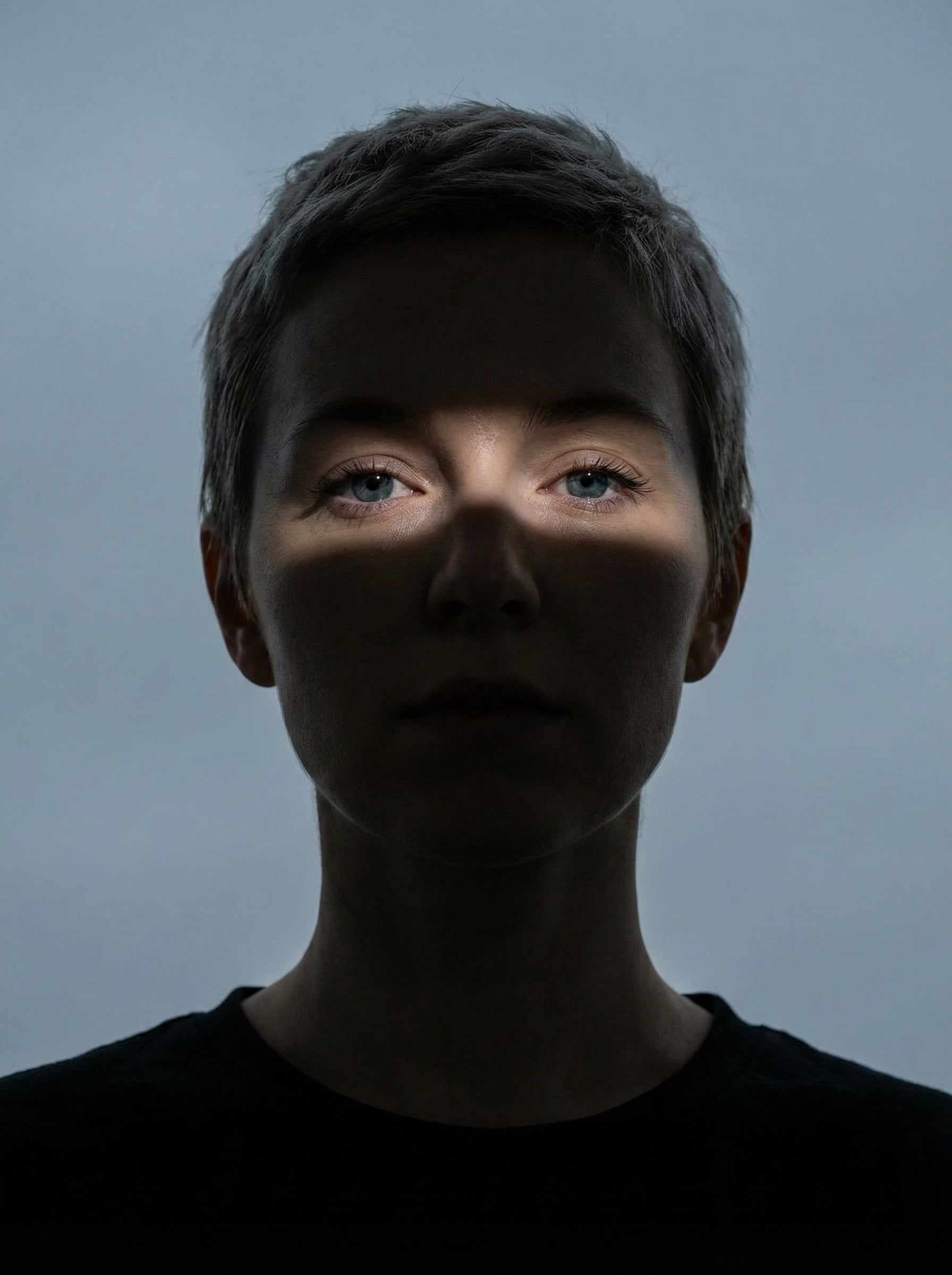
Nano Banana Pro Eyes in Shadow
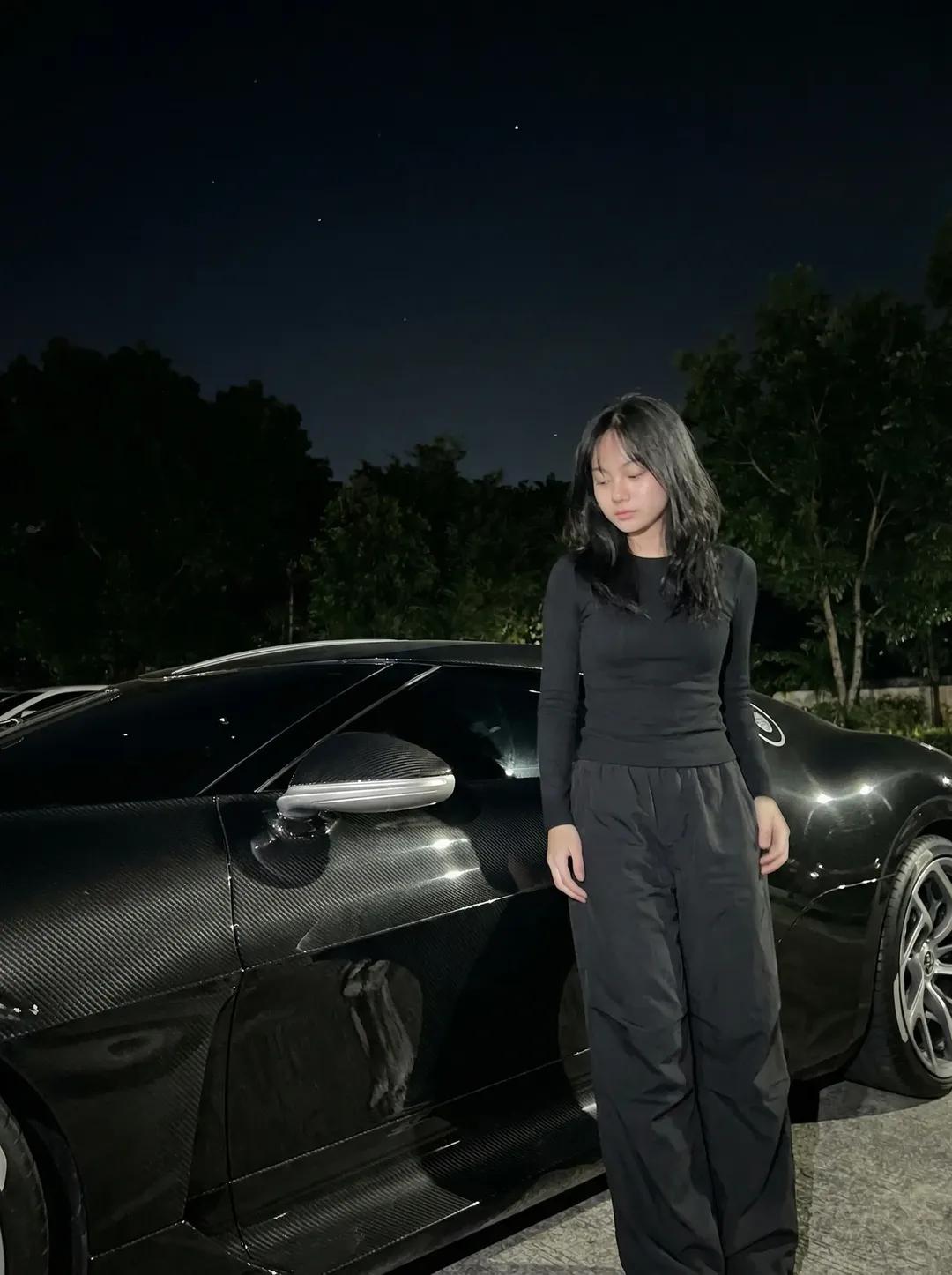
Night Sports Car Portrait — Cinematic Moody
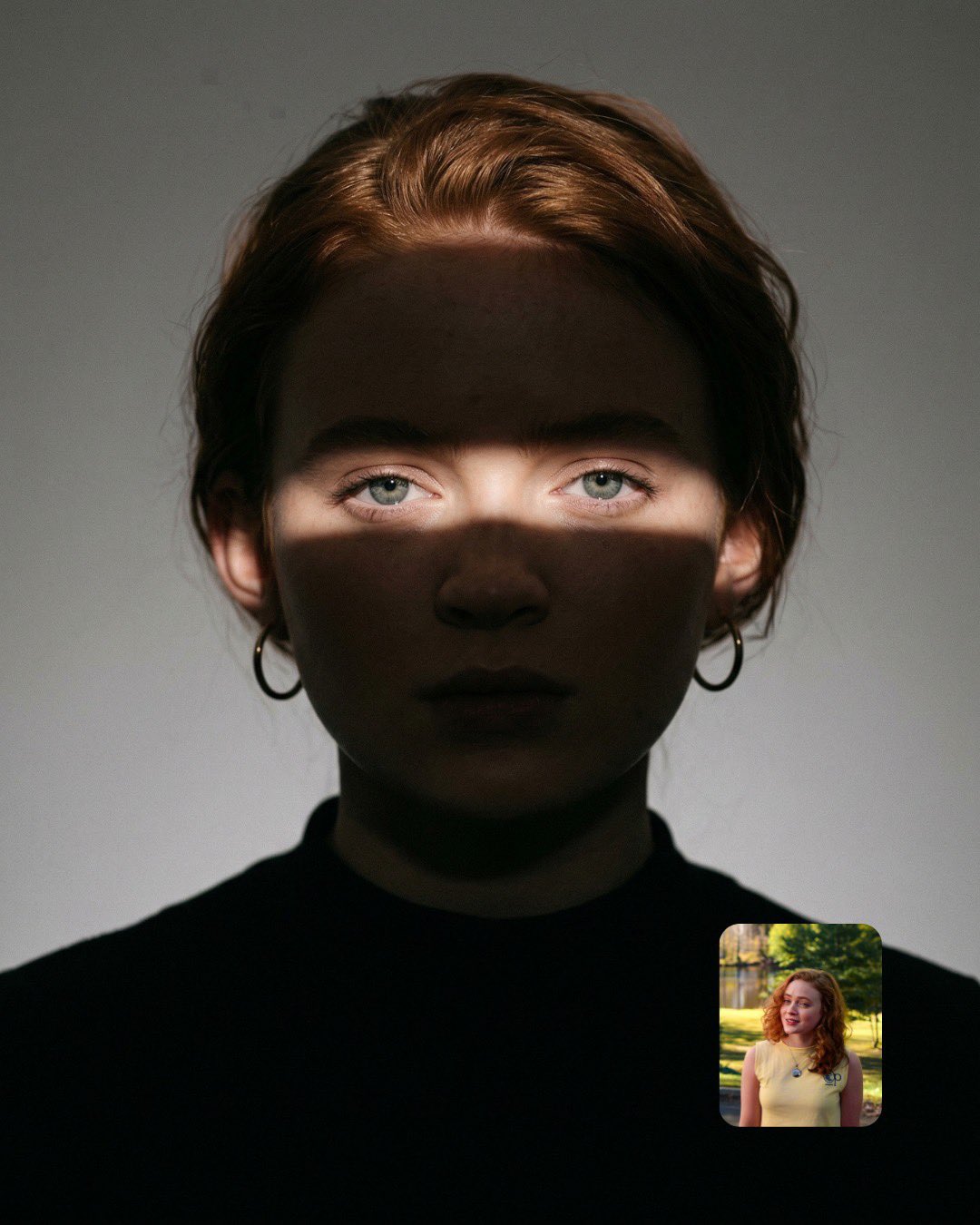
Cinematic Eye Light Portraits — 3 Nano Banana Prompts
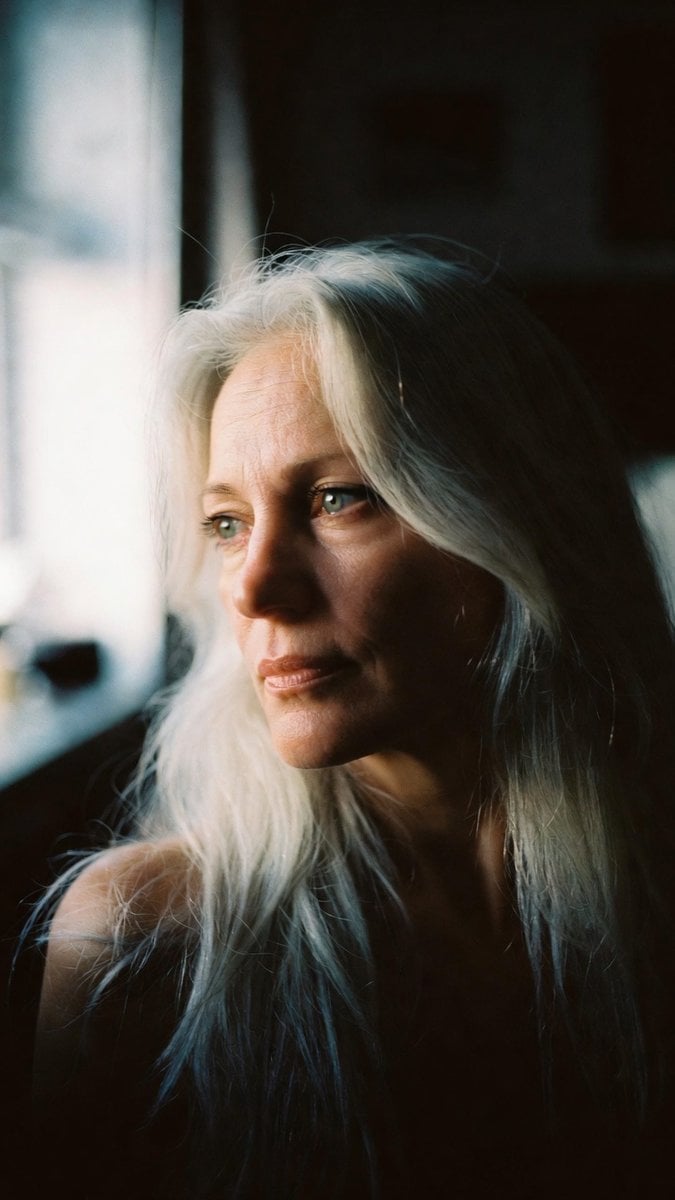
Portrait - Silver Hair Lady
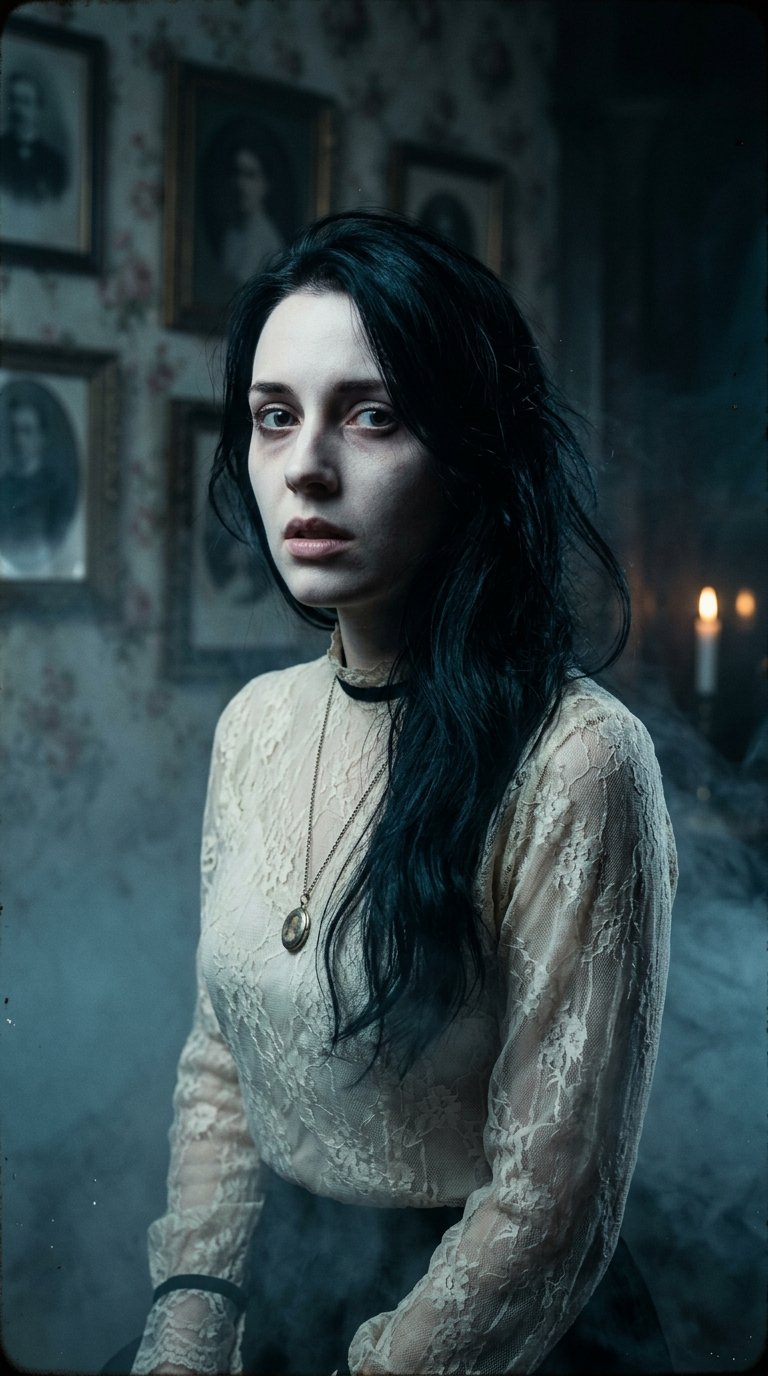
Horror Cinematic Portrait
Make it yours
Moody Wide Macro Mushroom Cluster works as-is. These are the safest ways to change it without losing the look.
Change one field
Copy a single group, rewrite it, and generate again so you can see what that field is doing.
Keep the frame, change the subject
Hold the composition and light of Moody Wide Macro Mushroom Cluster, then swap wardrobe, props or the person for a new take.
| If the result… | Why | Fix |
|---|---|---|
| The result drifts from the preview | Too many fields changed at once. | Reuse Moody Wide Macro Mushroom Cluster as-is first, then change one group — subject, light, or setting. |
| The model over-stylizes the scene | The prose prompt leaves finish and camera underspecified. | Add one camera or lighting sentence and stay on GPT Image 2. |
More GPT Image 2 templates
Other prompts made for GPT Image 2.

Six VTuber Japanese Logo Sheet

Realistic Portrait of Woman and Deer

The Vista Modular Condo Poster

AI Model Routing Comparison Infographic

2.5D Anime Art Board

Isometric Productivity Desk Scene

New York Double Exposure Poster

Four-Panel AI Landscape Comparison

Japanese Tatami Lifestyle Magazine Cover

NESCAFÉ Coffee Map Poster
More image prompts
Fresh picks from across the catalog.

Nano Banana Pro Cinematic Night Romcom Ride Prompt
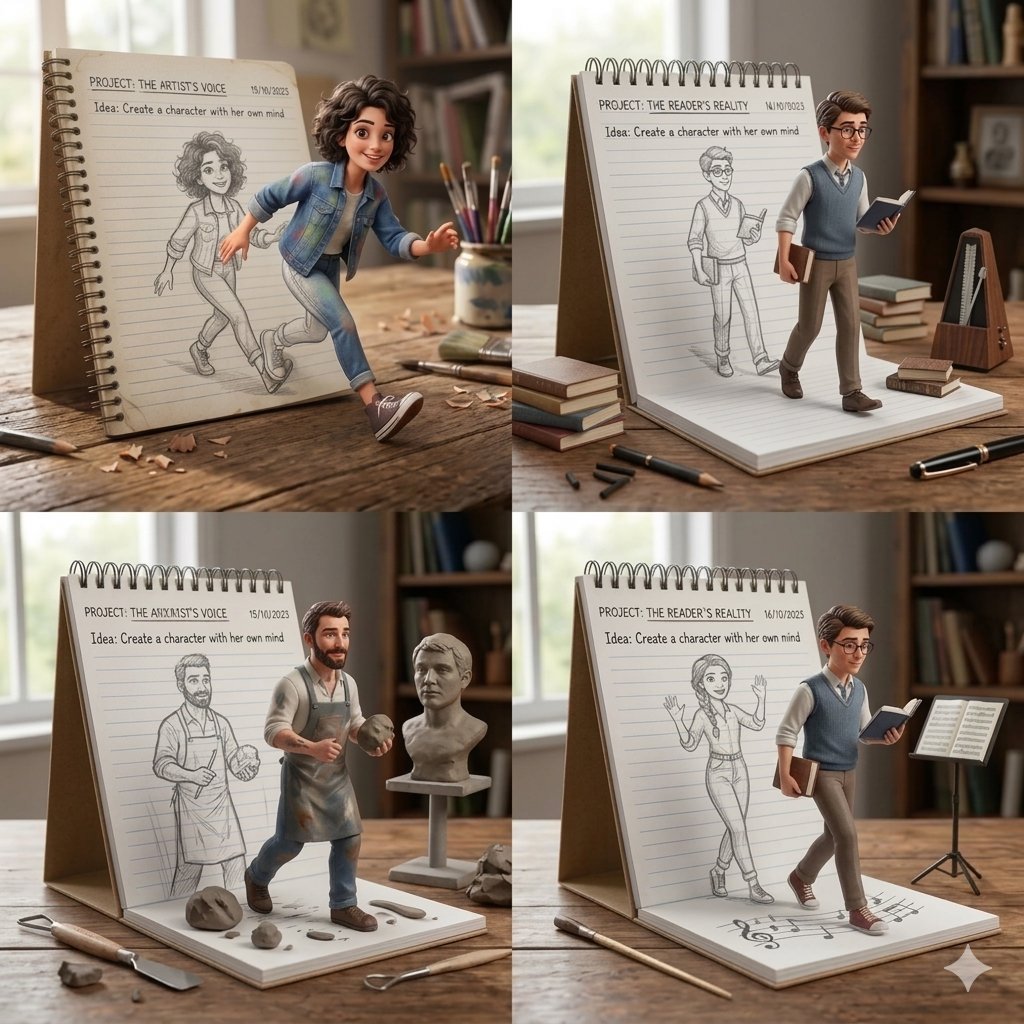
Creative Concept of Hand-Drawn Characters Coming to Life
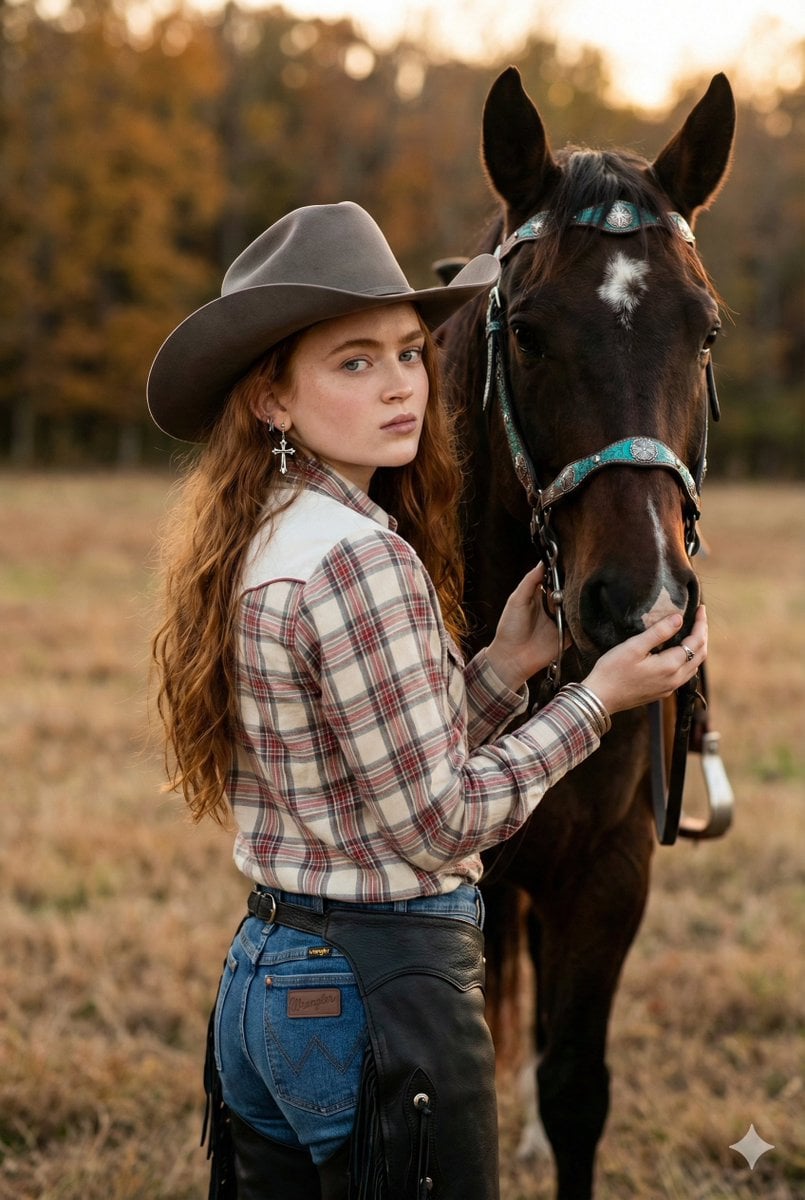
Rustic Cowgirl Portrait with Horse
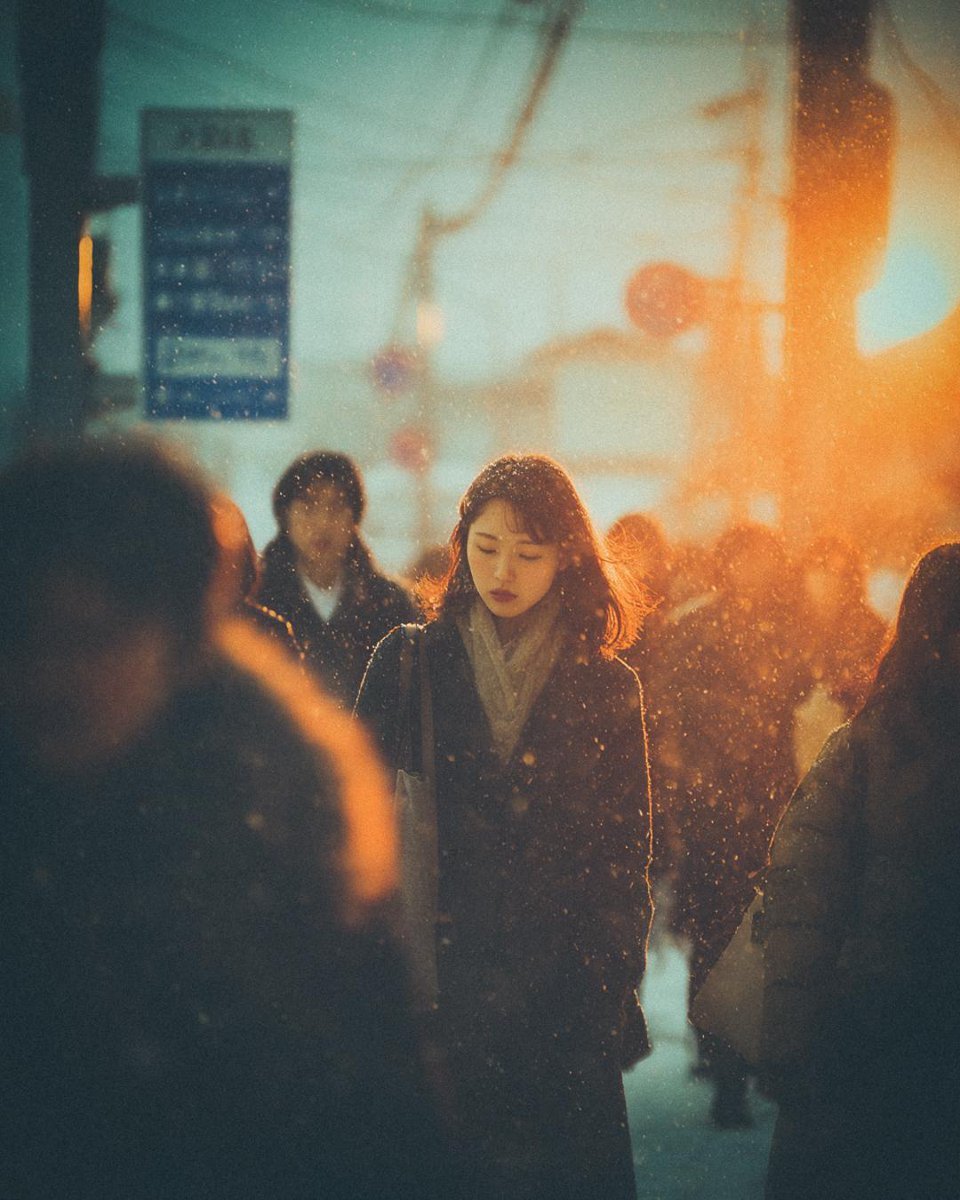
Cinematic Moody Street Photography Prompt
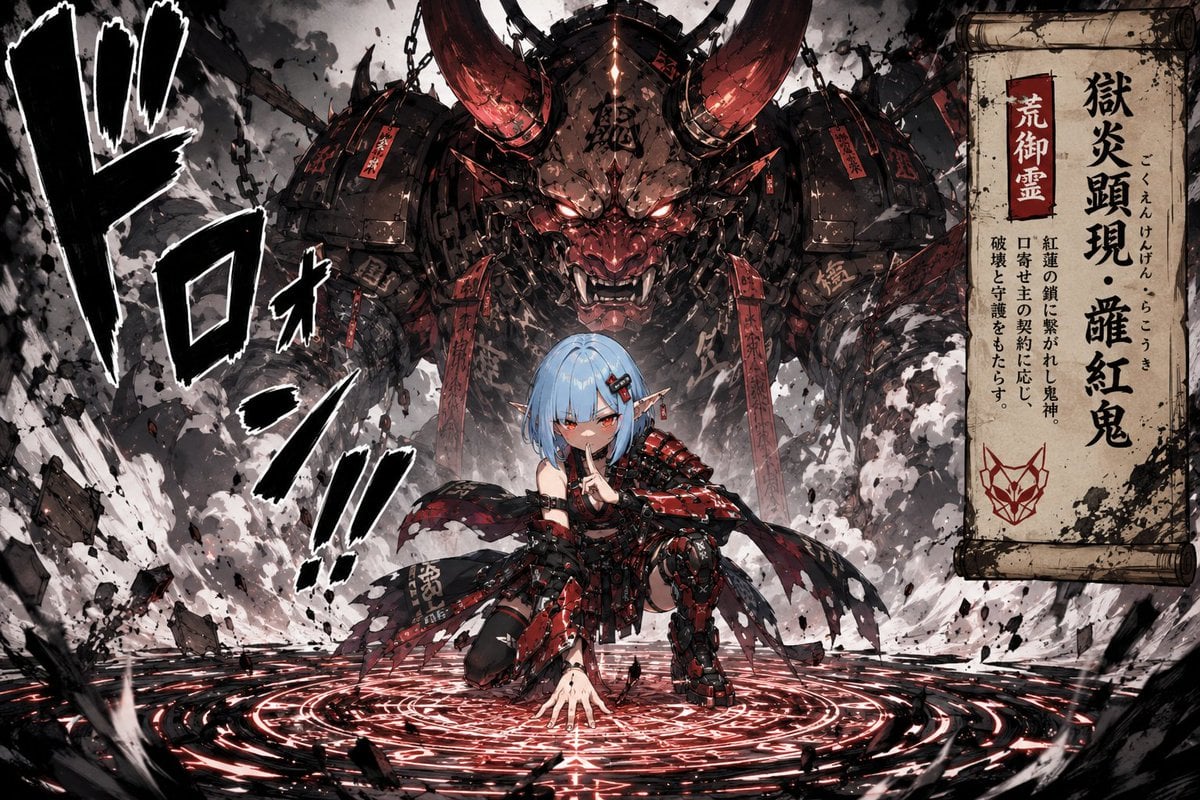
Summoning Jutsu i2i Manga Prompt

Traveling Alchemist at Misty Ruins
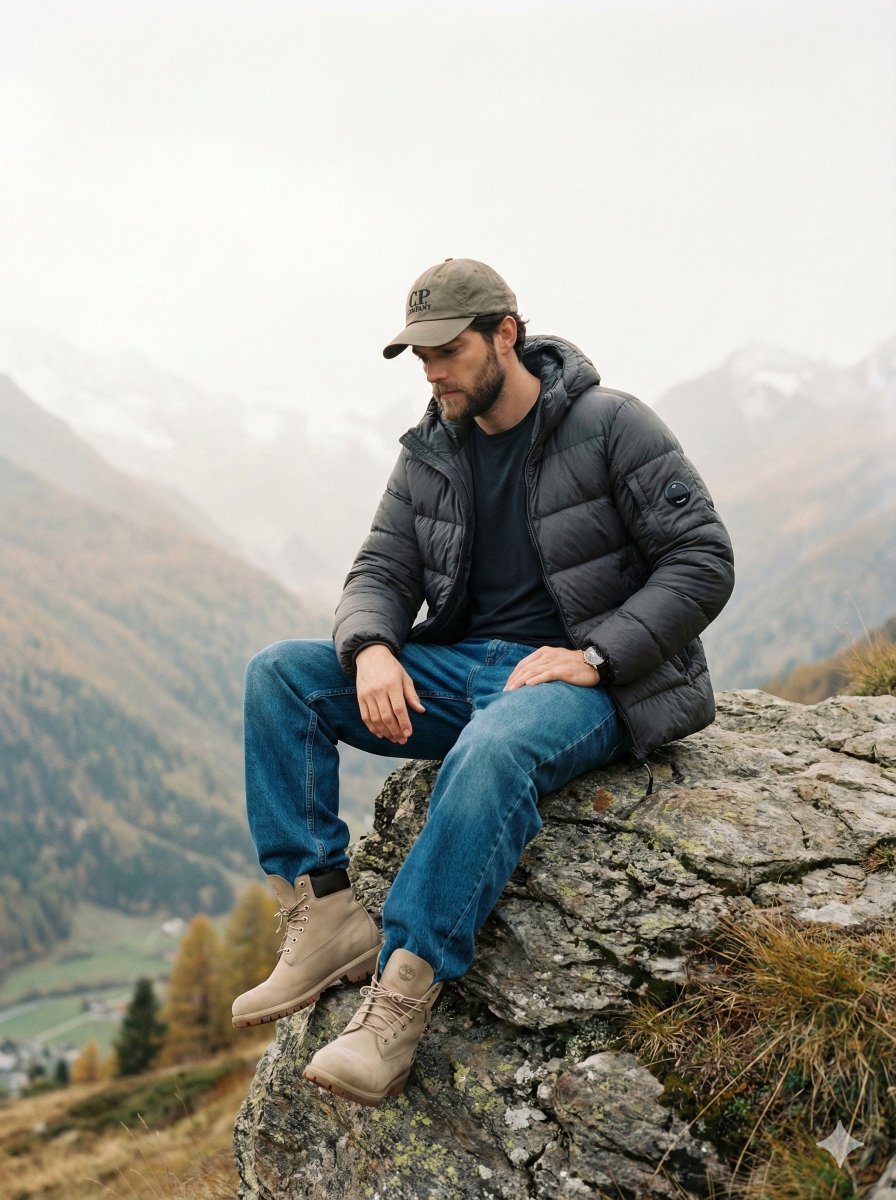
Cinematic Fashion Editorial Image Prompt for Male Subject in Swiss Alps

Chocolate Brand Advertisement Poster

Realistic Korean Schoolgirl Portrait
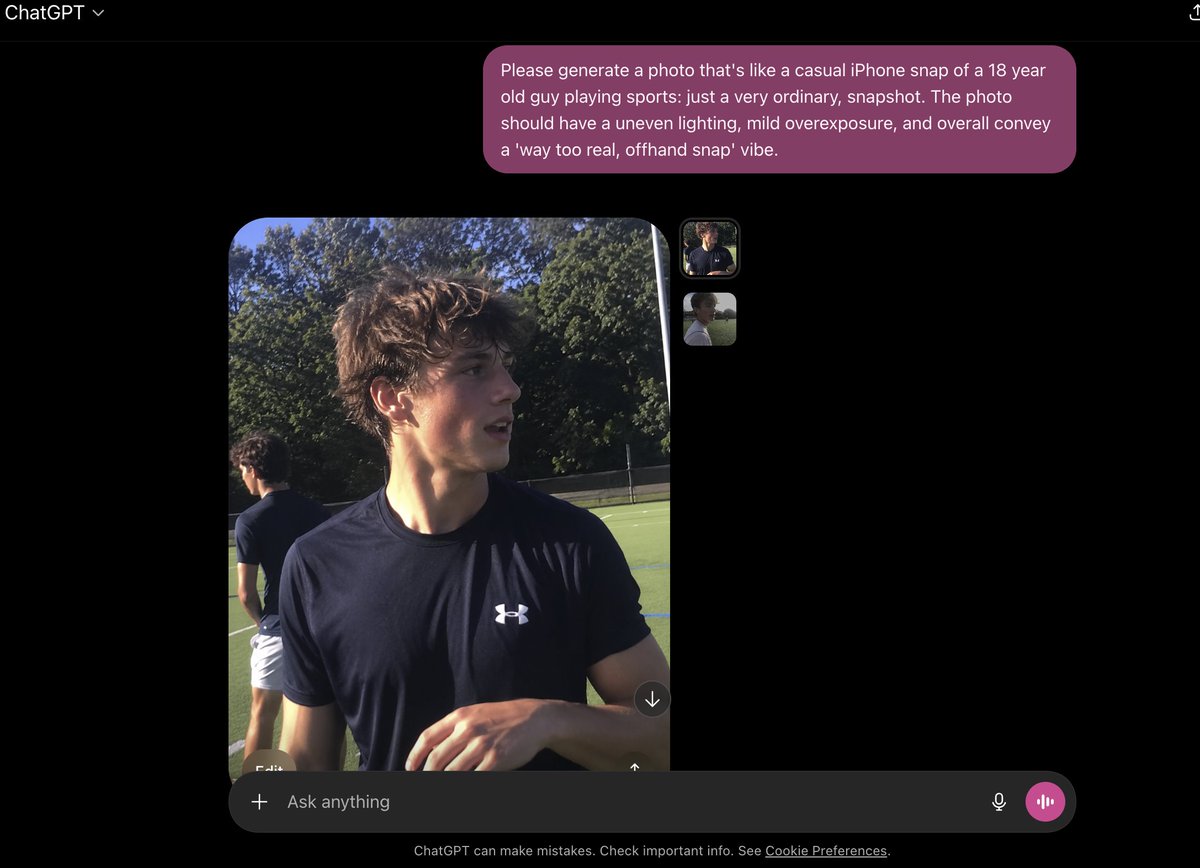
Base prompt: Please generate a photo that's lik
Browse template categories
Moody Wide Macro Mushroom Cluster questions
How do I use the Moody Wide Macro Mushroom Cluster template?
Add your photo if the template asks for one, edit the prompt if you like — the template's model and format are already selected — and press Generate. Your version opens in PicX Studio.
Can I customize the Moody Wide Macro Mushroom Cluster template?
Yes. You can change the subject, setting, lighting, mood, format, and available model controls before creating your image.
Is the Moody Wide Macro Mushroom Cluster template free?
Opening and editing this template is free. Generating uses credits, shown on the Generate button when you are signed in.
Which AI model should I use?
Start with GPT Image 2, which is the model associated with this template. You can compare another compatible model for a different finish.
Looking for something else? Browse all templates.

Your photo, any look
Thousands of ready templates for every top image and video model, from one credit balance.