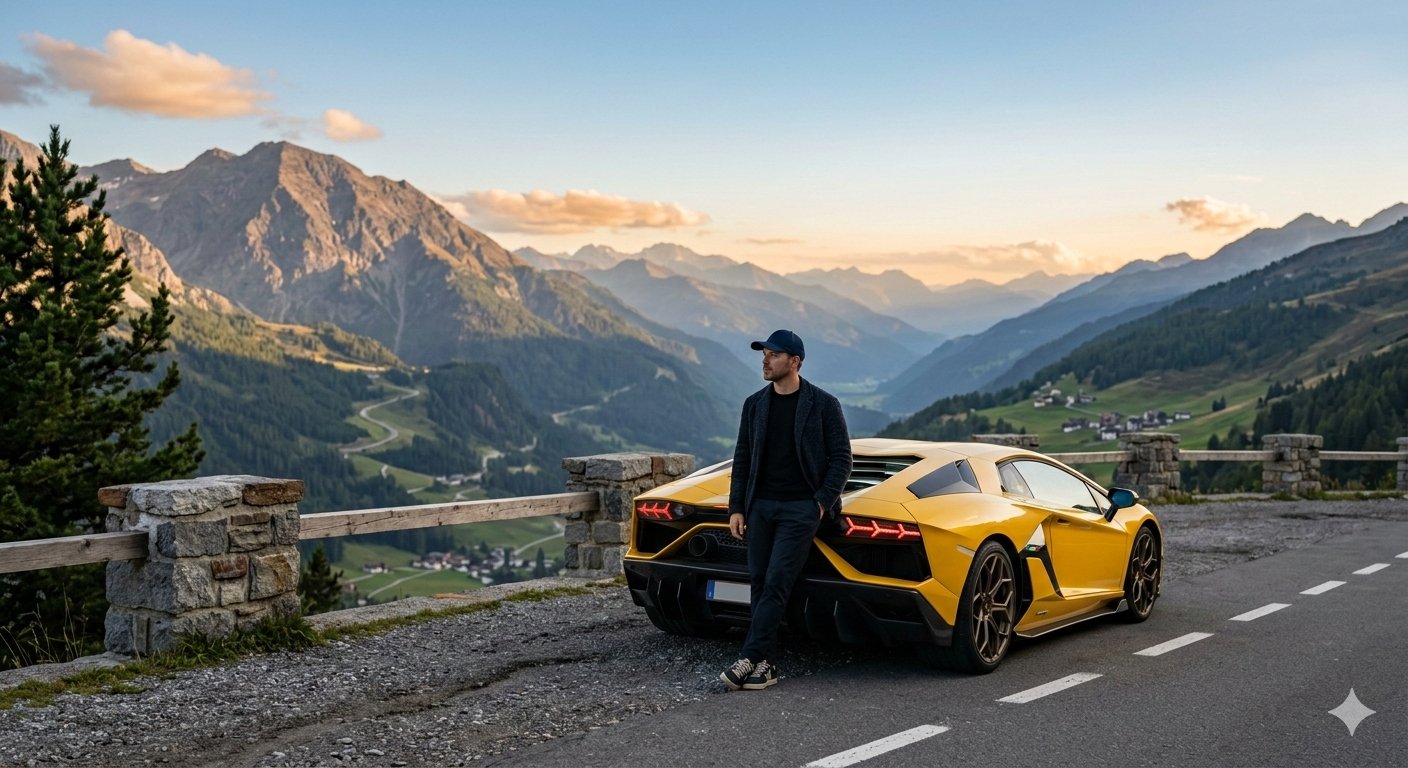
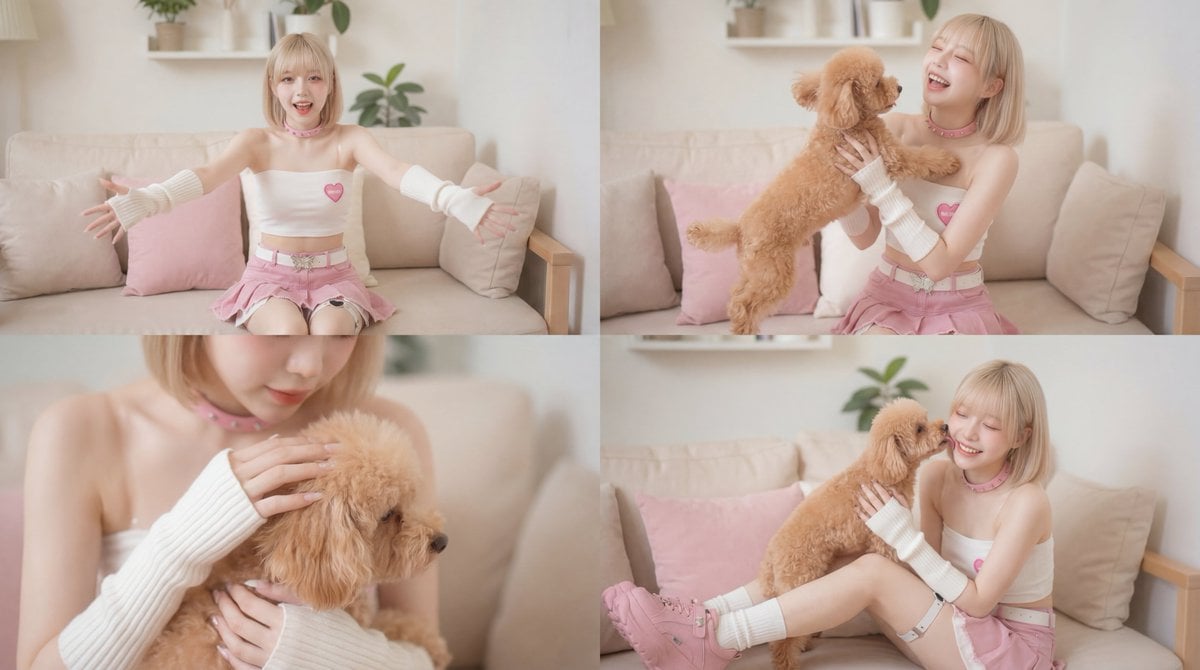
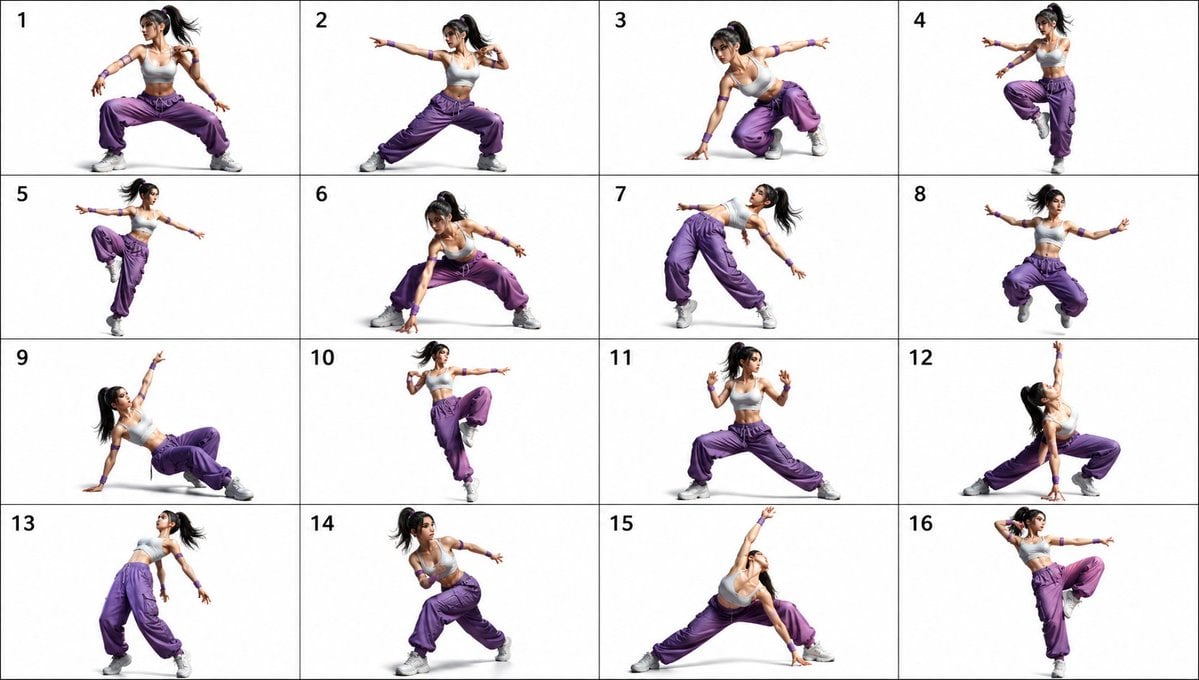
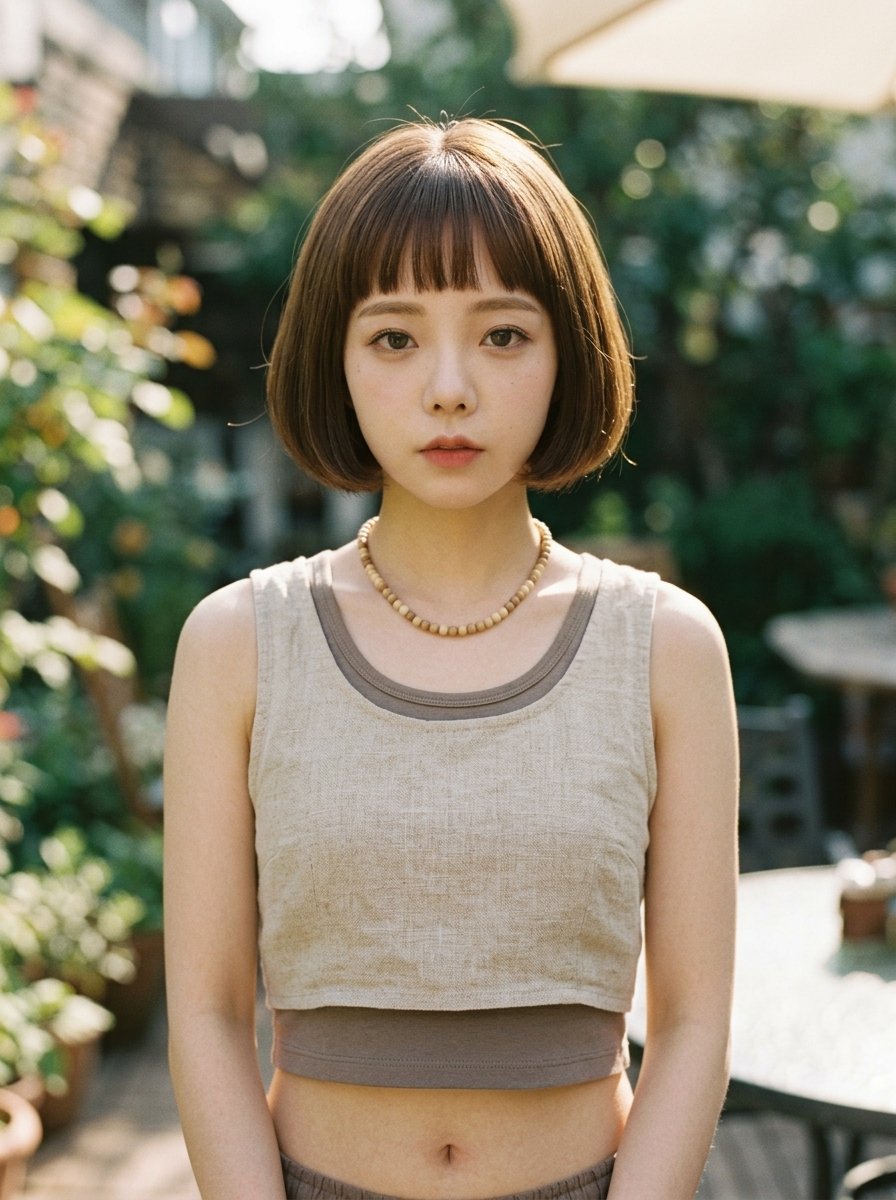
How do I use the Pixar Style 3D Character Portrait template?
Edit the prompt in the box under the preview — the template's model and format are already selected — and press Generate. Your version appears right on this page.
A high-resolution, cinema-quality prompt for creating a cute 3D character portrait in the style of Pixar, featuring soft lighting and a gradient background.

A Pixar-style 3D character portrait, {argument name="subject description" default="a young person with fine, delicate skin, big expressive blue eyes, soft facial features, wearing clear round-frame glasses"}. {argument name="hairstyle" default="a modern short hairstyle"}, wearing {argument name="outfit" default="a simple hoodie"}, head tilted slightly, with a warm, friendly smile. The image is minimalist and clean, {argument name="background color" default="an orange-pink gradient background"}, soft studio lighting, with pronounced rim lighting, cinematic depth of field, ultra-detailed, 8K resolution, Octane render effect.
A Pixar-style 3D character portrait, {argument name="subject description" default="a young person with fine, delicate skin, big expressive blue eyes, soft facial features, wearing clear round-frame glasses"}. {argument name="hairstyle" default="a modern short hairstyle"}, wearing {argument name="outfit" default="a simple hoodie"}, head tilted slightly, with a warm, friendly smile. The image is minimalist and clean, {argument name="background color" default="an orange-pink gradient background"}, soft studio lighting, with pronounced rim lighting, cinematic depth of field, ultra-detailed, 8K resolution, Octane render effect.
Edit the prompt in the box under the preview — the template's model and format are already selected — and press Generate. Your version appears right on this page.
Yes. You can change the subject, setting, lighting, mood, format, and available model controls before creating your image.
Opening and editing this template is free. Generating uses credits, shown on the Generate button when you are signed in.
Start with GPT Image 2, which is the model associated with this template. You can compare another compatible model for a different finish.
Follow a topic to a crawlable collection of related PicX Studio templates.