
3D Jungle Adventure Poster
A vibrant and energetic 3D vertical poster featuring a cheerful cartoon explorer in a lush tropical jungle filled with oversized flora and fauna.
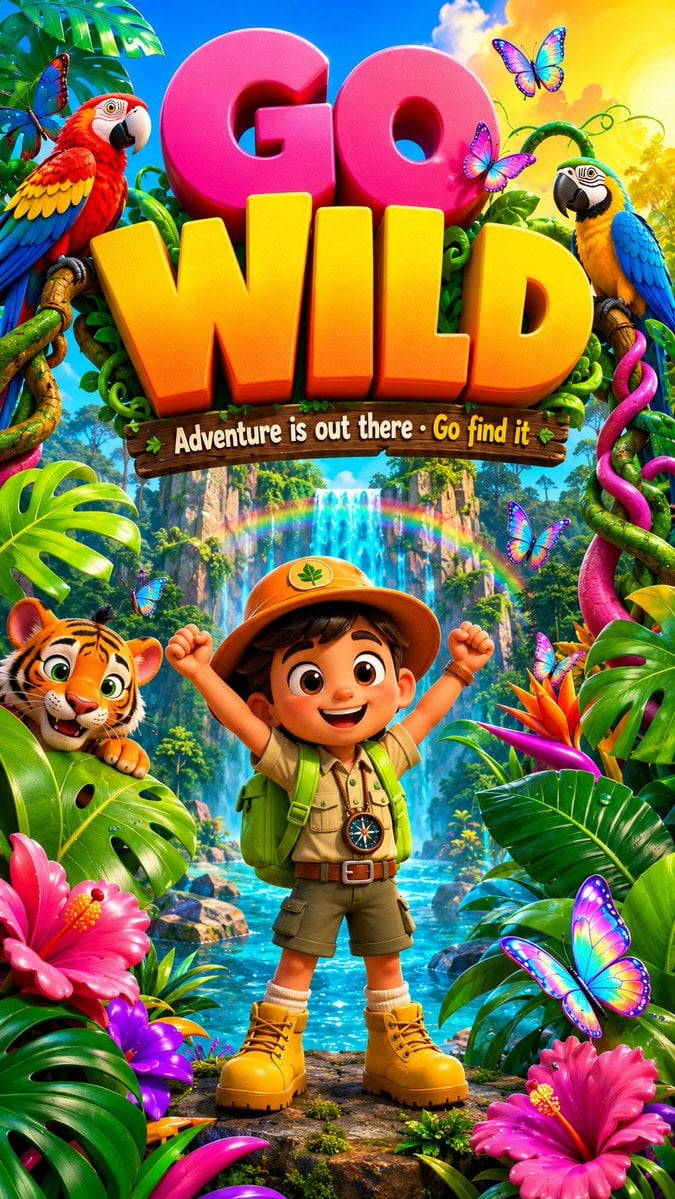
- Prompt included
- Model and format preset
- Free template
The prompt behind this image
Copy the exact prompt behind 3D Jungle Adventure Poster, or open it in the studio and make it yours.
A wildly colorful and adventurous vertical poster bursting with tropical jungle energy, a brave little 3D {argument name="character" default="cartoon explorer character"} at the center — a cheerful boy with a oversized round head wearing a bright orange safari hat a lime green backpack and chunky yellow boots, standing confidently with both arms raised in excitement, surrounding him an explosion of giant oversized 3D jungle elements — enormous glossy tropical leaves in ten shades of vivid emerald and lime green, gigantic exotic flowers in hot pink magenta and electric violet, oversized colorful 3D parrots in red yellow and cobalt blue perched on thick candy-colored vines, a friendly cartoon tiger cub in vivid orange with bold black stripes peeking playfully from behind a giant leaf, a waterfall of sparkling turquoise water cascading in the background catching rainbow light, the sky above a vivid gradient from electric blue to warm golden yellow, floating 3D butterflies in iridescent holographic colors fluttering across the composition, bold chunky rounded typography at the top reading "{argument name="main text" default="GO WILD"}" in massive gradient letters from hot pink to sunny yellow, smaller playful subtitle below "{argument name="subtitle" default="Adventure is out there · Go find it"}", ultra-saturated tropical colors throughout, premium 3D illustration quality, 9:16 vertical ratio
How to use 3D Jungle Adventure Poster in 3 steps
- 1
Open
The prompt is already in the box next to the preview, with the template's model and format selected.
- 2…a portrait of your subject in softgolden-hour light, 85mm…
Personalize
Edit the subject and creative details for your destination.
- 3Generate
Generate
Press Generate — your image is created in PicX Studio, so you can compare it with the original and refine one variable at a time.
More like this
Templates with the same subject, style or setup. Open one to see its prompt.

Japan Travel Brochure Poster

Cartoon TV Show Poster Pack

Trendy Cafe Drink Promo Poster

Urban Fashion Editorial Collage Streetwear Poster

Premium Fashion Editorial Cover Layout System

Polo Ralph Lauren Luxury American Heritage Fashion Campaign

Monochrome Halftone Editorial Fashion Poster

Retro Mirror Luxury Fashion Campaign Poster

Luxury Fashion Campaign Typography Poster System

Premium Fashion Editorial Campaign Poster System

Ultra-Stylized High-Fashion Streetwear Poster

Urban Fashion Editorial Collage Poster
Make it yours
3D Jungle Adventure Poster works as-is. These are the safest ways to change it without losing the look.
Change one field
Copy a single group, rewrite it, and generate again so you can see what that field is doing.
Keep the frame, change the subject
Hold the composition and light of 3D Jungle Adventure Poster, then swap wardrobe, props or the person for a new take.
| If the result… | Why | Fix |
|---|---|---|
| The result drifts from the preview | Too many fields changed at once. | Reuse 3D Jungle Adventure Poster as-is first, then change one group — subject, light, or setting. |
| The model over-stylizes the scene | The prose prompt leaves finish and camera underspecified. | Add one camera or lighting sentence and stay on GPT Image 2. |
More GPT Image 2 templates
Other prompts made for GPT Image 2.

Six VTuber Japanese Logo Sheet

Realistic Portrait of Woman and Deer

The Vista Modular Condo Poster

AI Model Routing Comparison Infographic

2.5D Anime Art Board

Isometric Productivity Desk Scene

New York Double Exposure Poster

Four-Panel AI Landscape Comparison

Japanese Tatami Lifestyle Magazine Cover

NESCAFÉ Coffee Map Poster
More image prompts
Fresh picks from across the catalog.
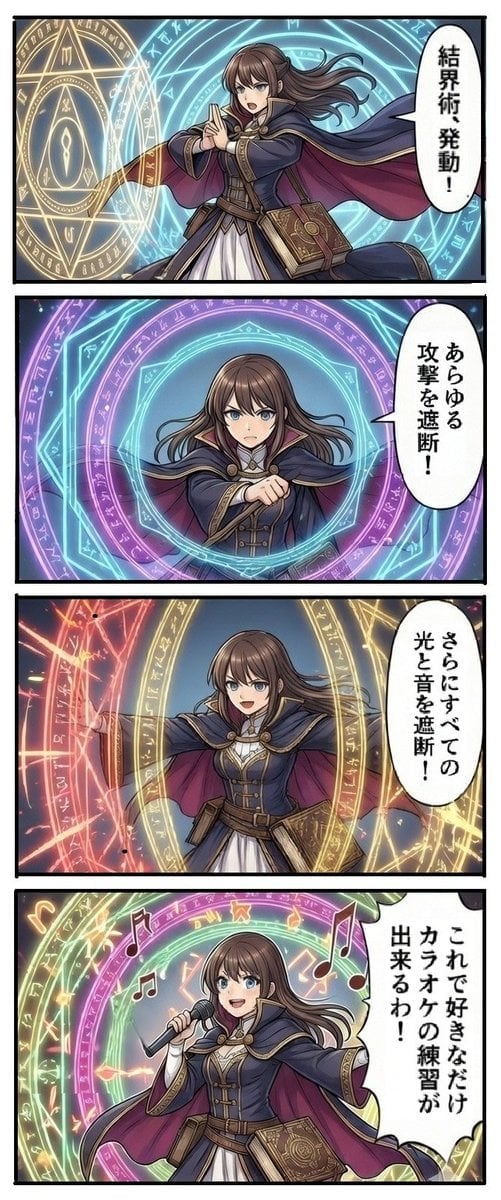
Magic Barrier Technique Drawing Test
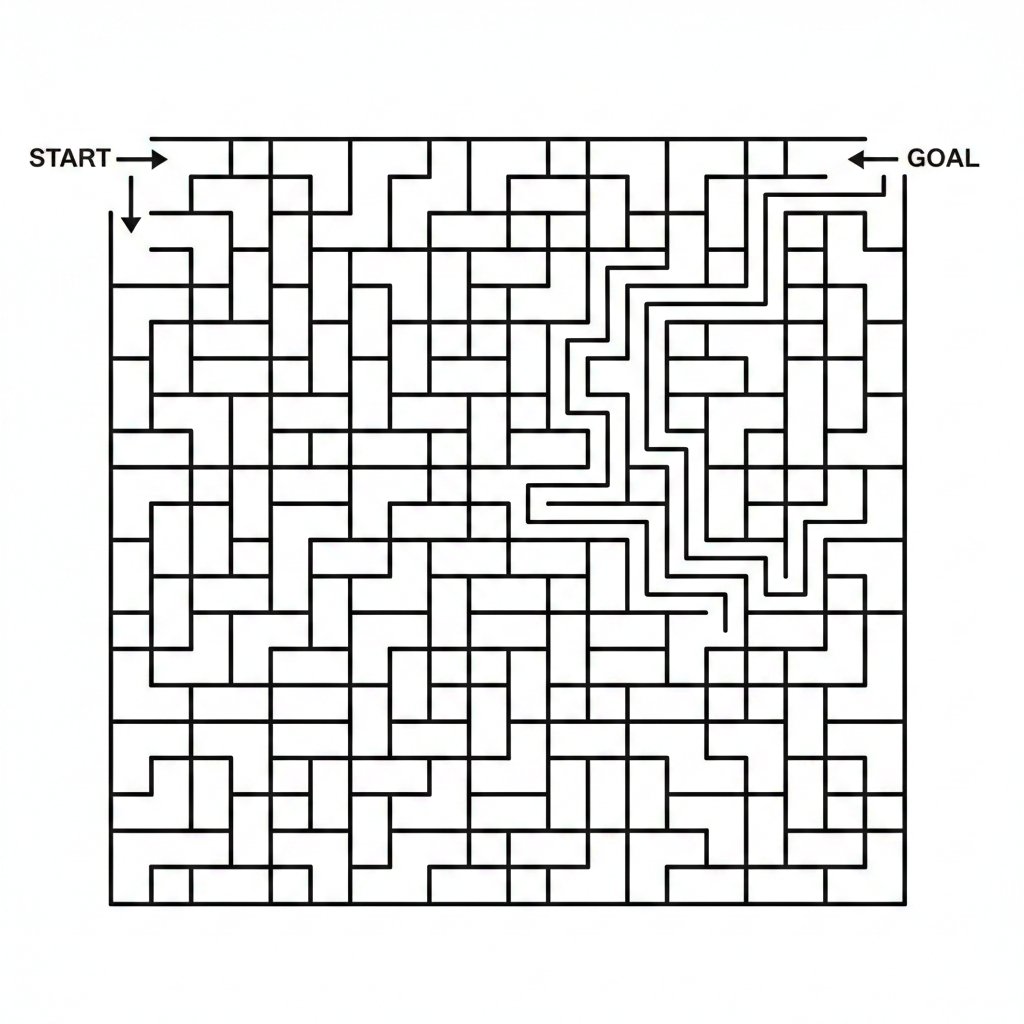
Maze Generation Failure in Nano Banana

Generating a Korean Idol Style Image
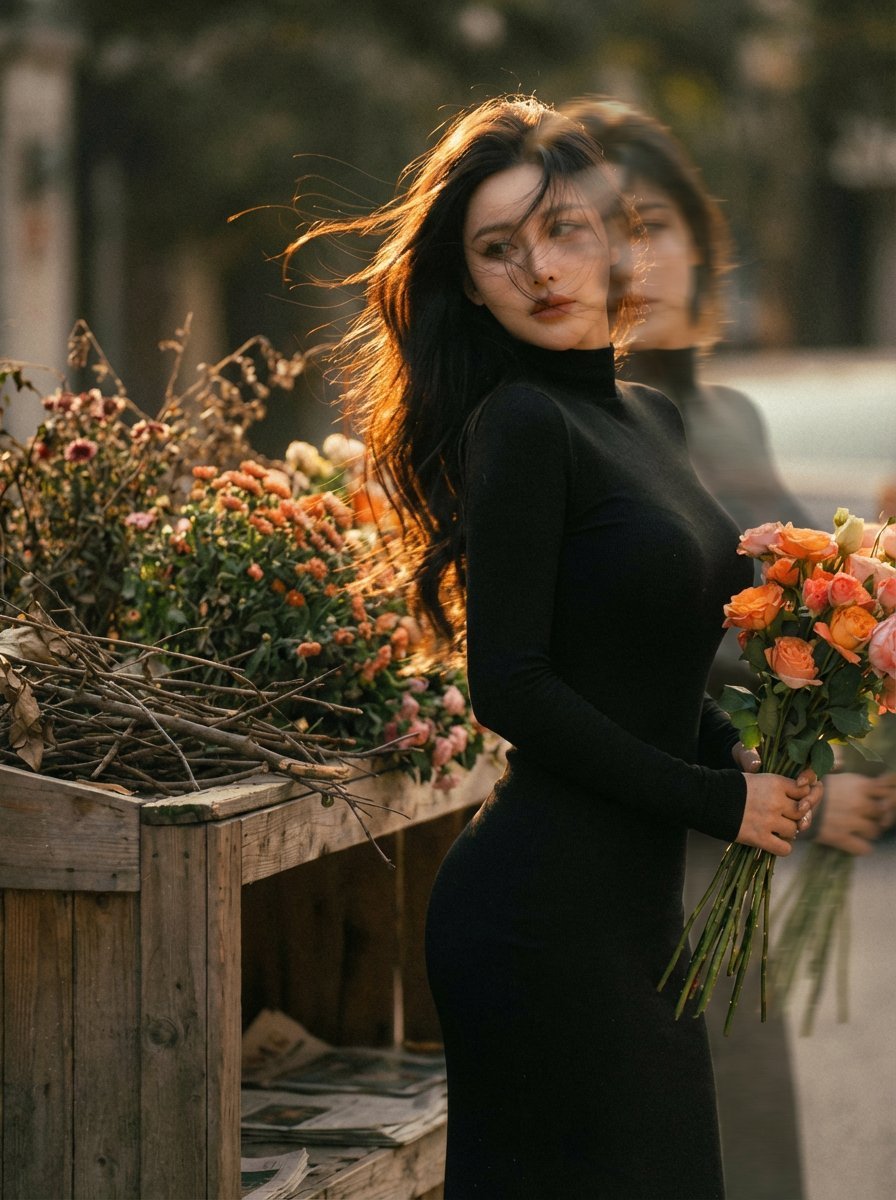
Dreamy Double Exposure Portrait with Sunset Light
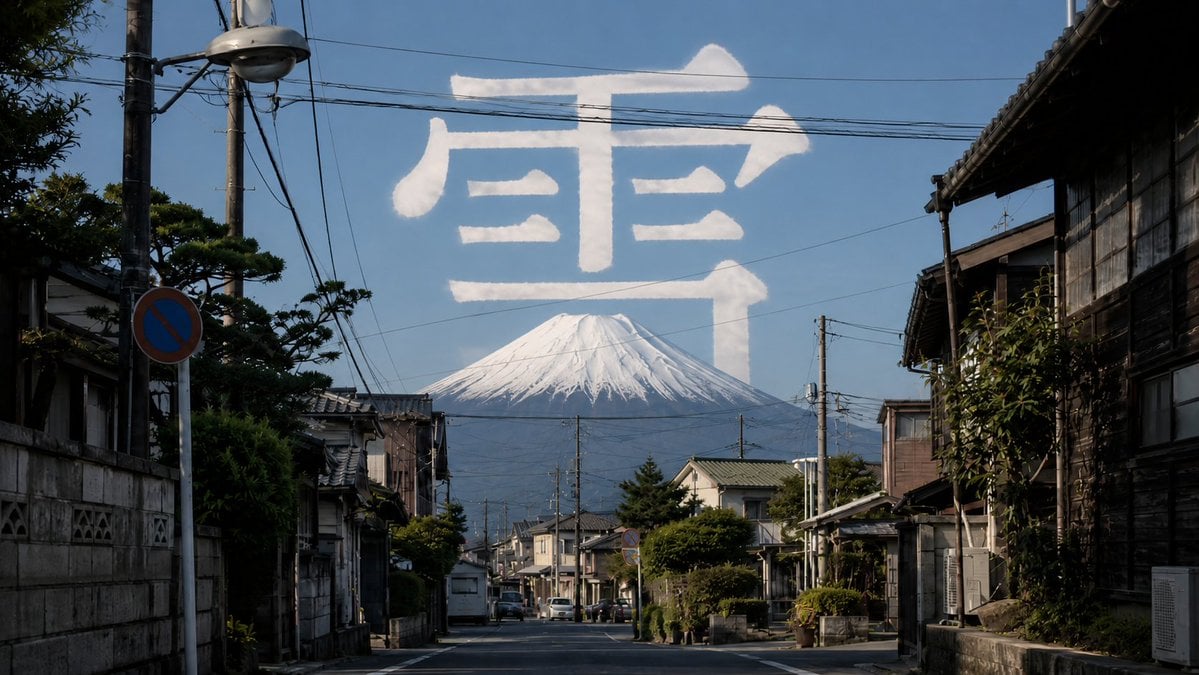
Mount Fuji Street With Cloud Kanji
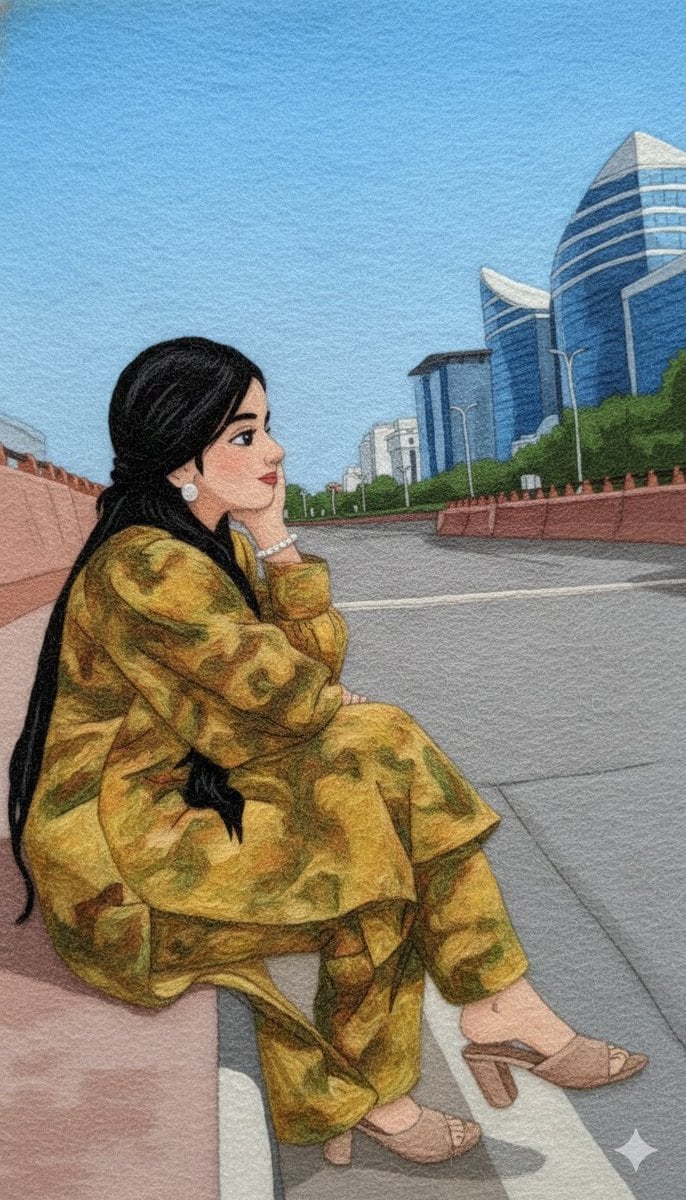
Wool Yarn Wrap Art Style Transfer Prompt
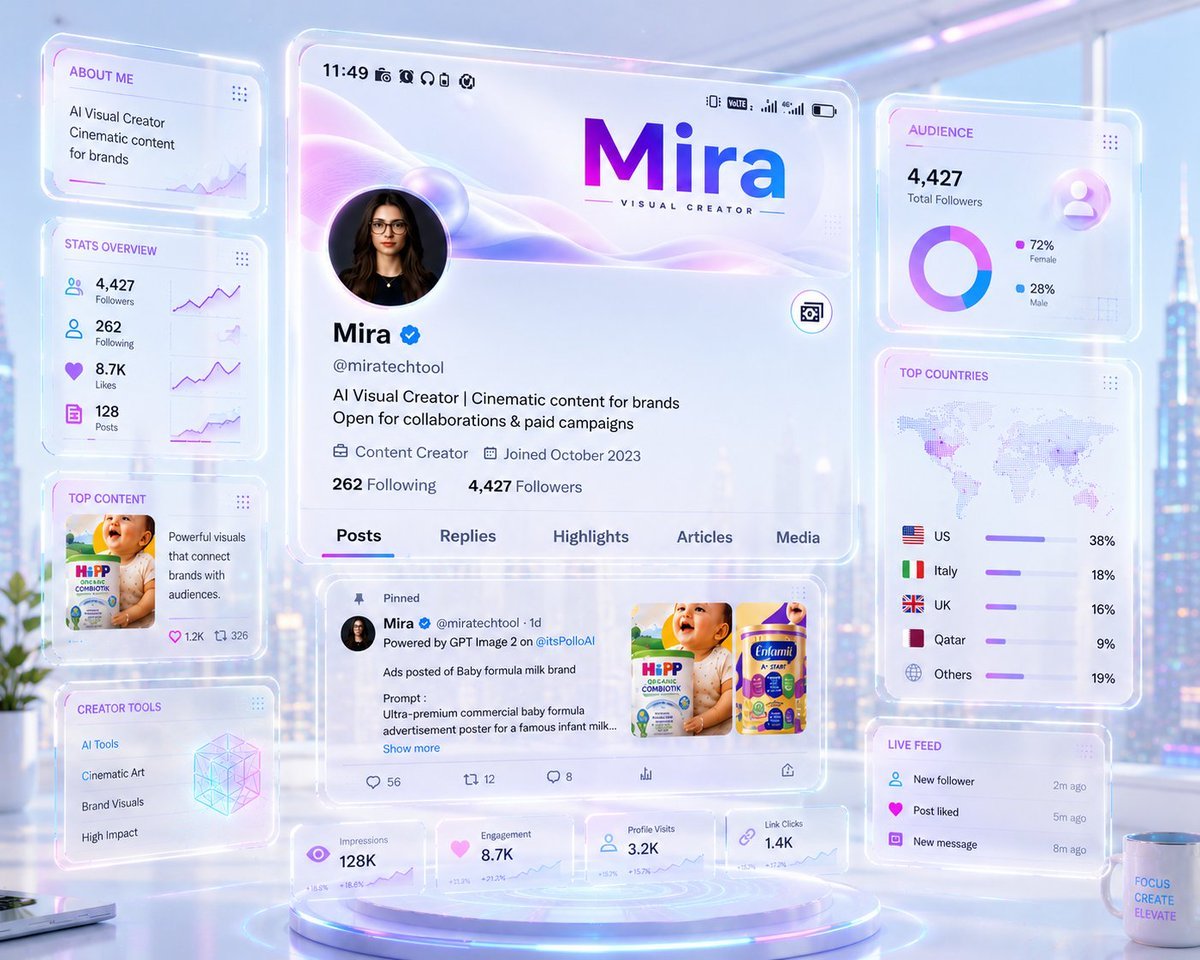
Futuristic Holographic Dashboard

Creative Fashion Photography with Distorted Perspective
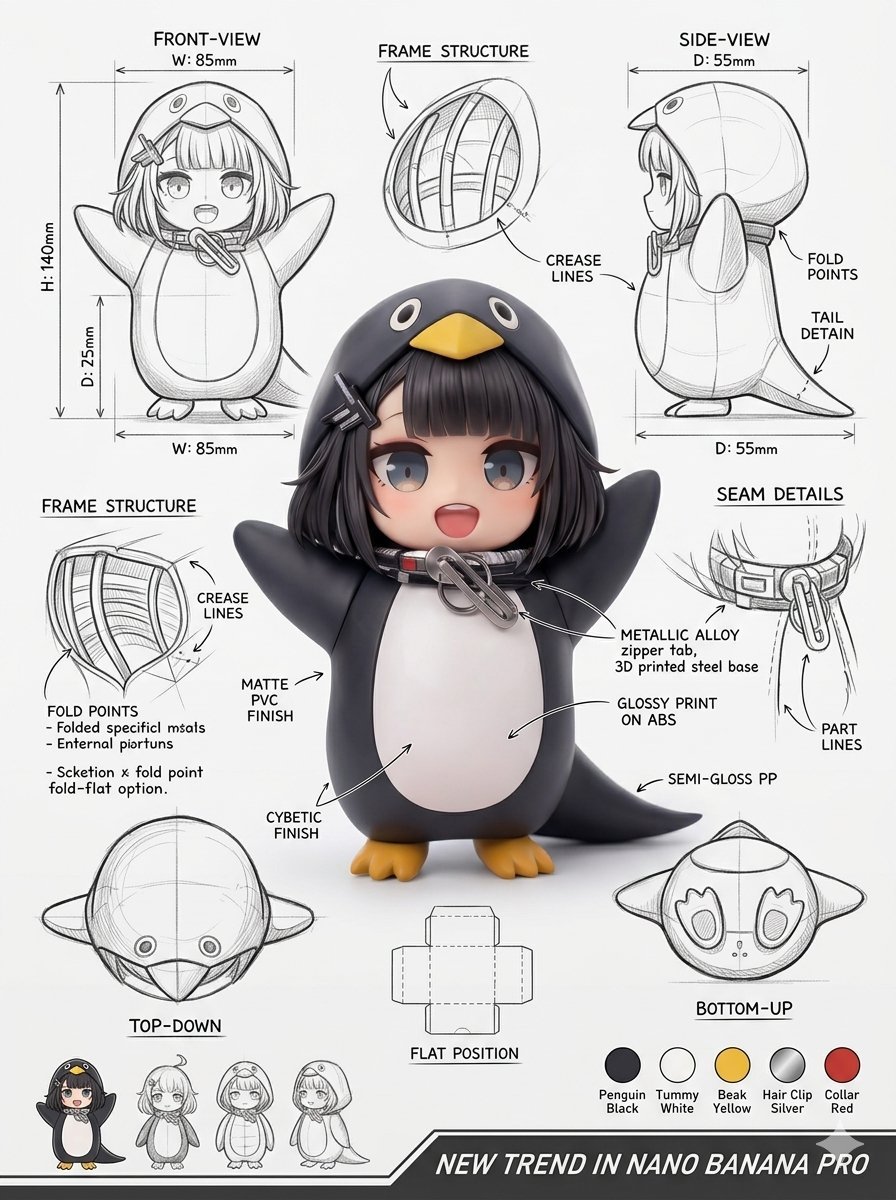
Industrial Packaging Design Sheet
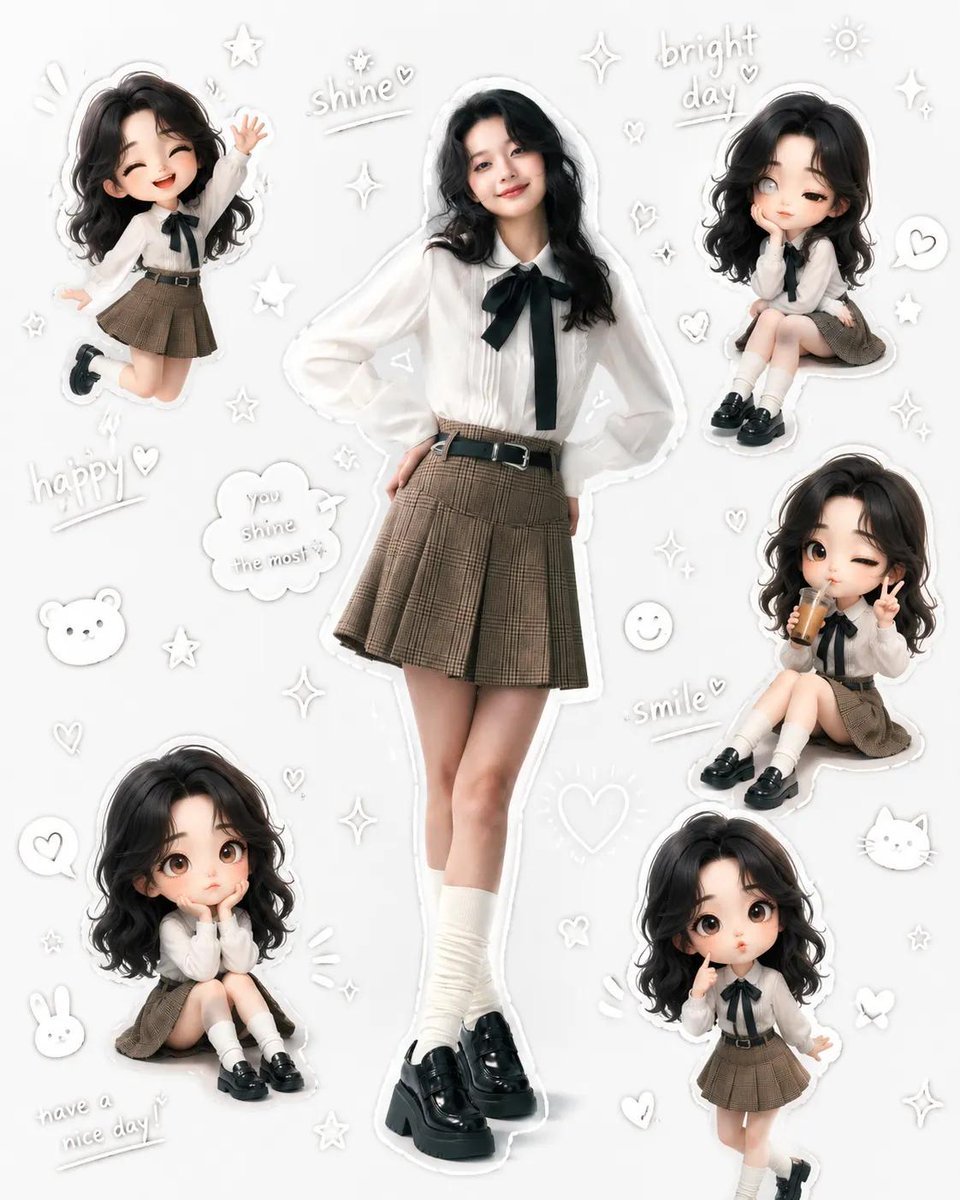
Kawaii School Girl Aesthetic Collage
Browse template categories
3D Jungle Adventure Poster questions
How do I use the 3D Jungle Adventure Poster template?
Add your photo if the template asks for one, edit the prompt if you like — the template's model and format are already selected — and press Generate. Your version opens in PicX Studio.
Can I customize the 3D Jungle Adventure Poster template?
Yes. You can change the subject, setting, lighting, mood, format, and available model controls before creating your image.
Is the 3D Jungle Adventure Poster template free?
Opening and editing this template is free. Generating uses credits, shown on the Generate button when you are signed in.
Which AI model should I use?
Start with GPT Image 2, which is the model associated with this template. You can compare another compatible model for a different finish.
Looking for something else? Browse all templates.

Your photo, any look
Thousands of ready templates for every top image and video model, from one credit balance.