
Cat Wearing Yoga Pants
Transforms the reference cat photo by realistically adding dark gray yoga pants while preserving the original scene.
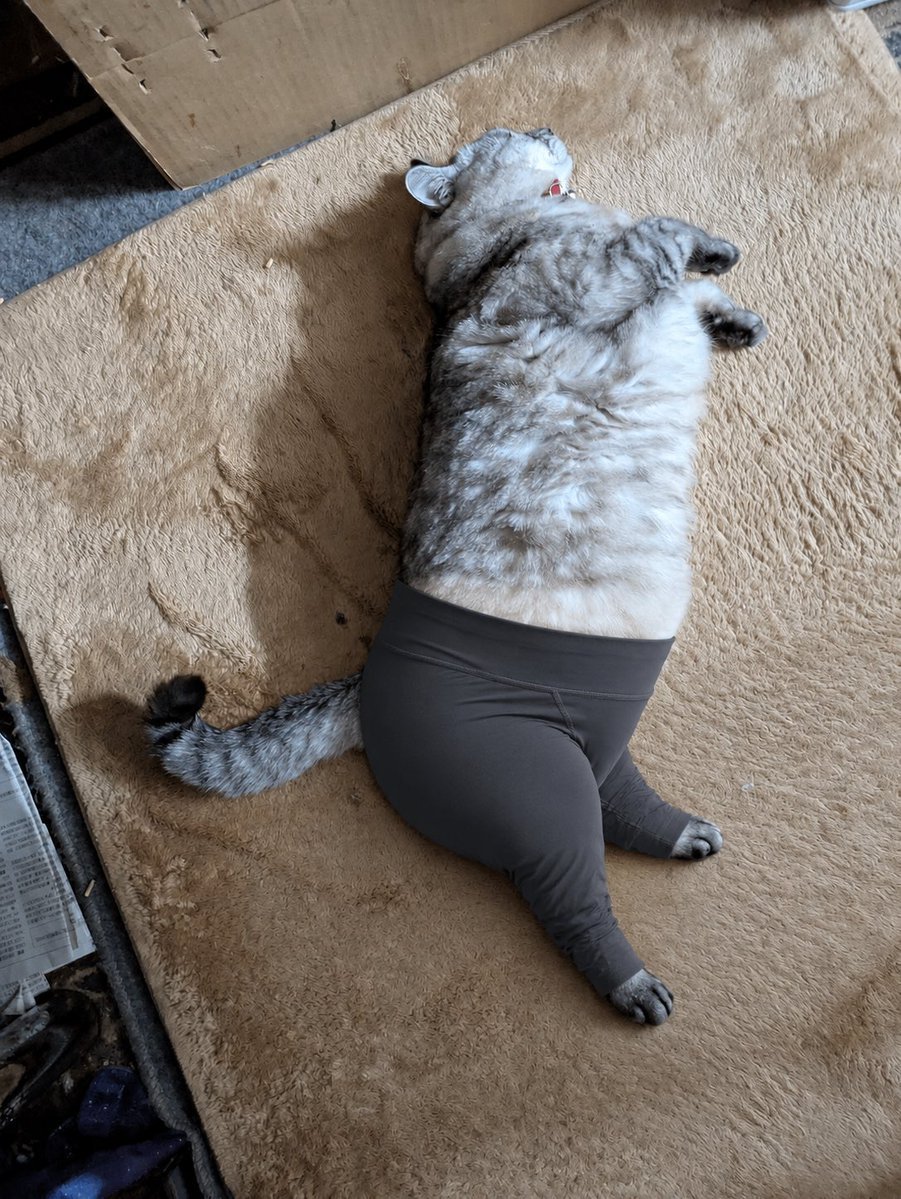
- Prompt included
- Model and format preset
- Free template
The prompt behind this image
Copy the exact prompt behind Cat Wearing Yoga Pants, or open it in the studio and make it yours.
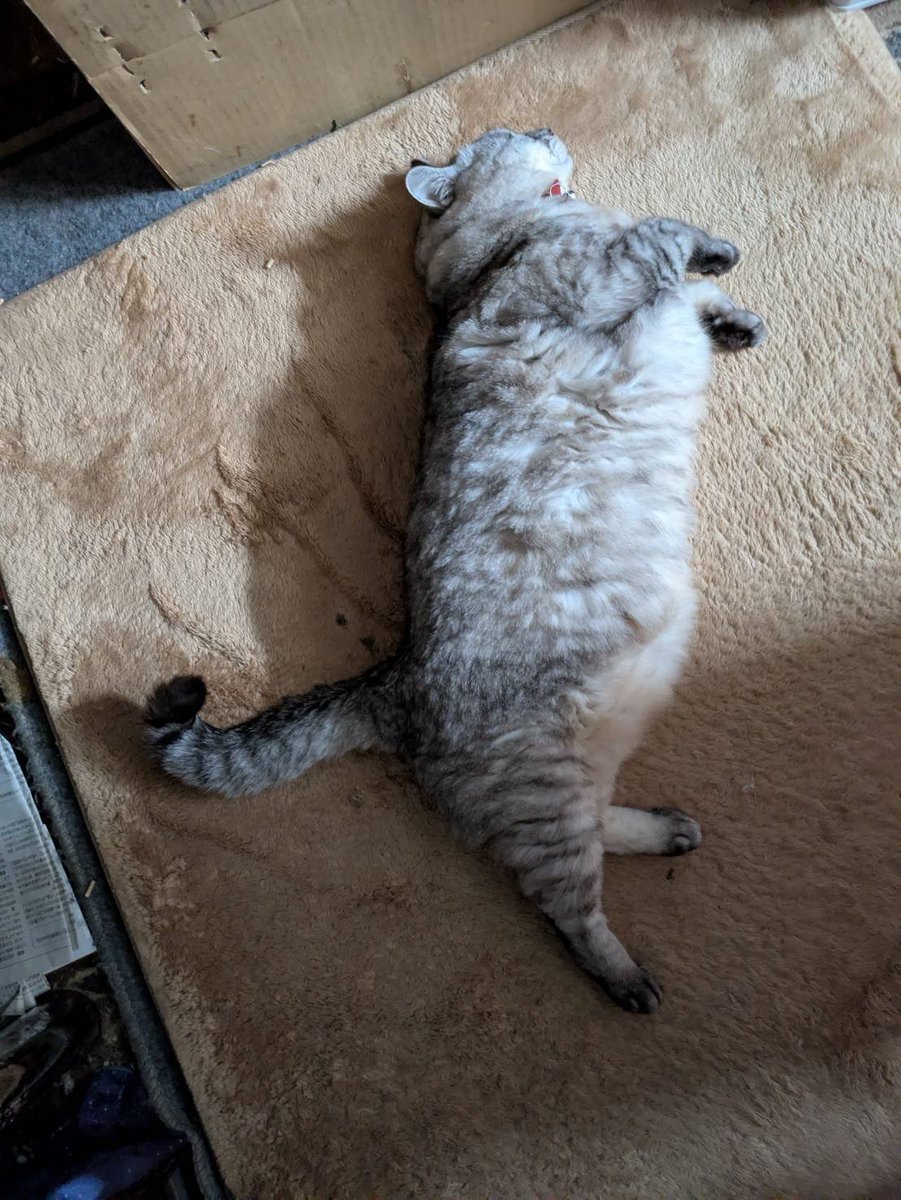
Using REFERENCE_0, edit only the cat’s lower body by adding snug dark gray yoga pants/leggings. Keep the cat’s pose, head, upper torso, fur pattern, tail, collar, floor mat, cardboard, lighting, camera angle, and photo-realistic quality unchanged. The leggings should start around the cat’s waist/belly area with a wide waistband, wrap naturally around the hips and hind legs, include realistic fabric stretch, seams, folds, and shadows, and leave the tail visible outside the pants. Do not alter the rest of the image.
Reference images included
Cat Wearing Yoga Pants needs input media to work. They load alongside the prompt when you open it in the studio.
How to use Cat Wearing Yoga Pants in 3 steps
- 1Upload ImagePNG, JPG or paste
Add your photo
Upload the photo the template builds on. The prompt, model and format are already set.
- 2…a portrait of your subject in softgolden-hour light, 85mm…
Personalize
Edit the subject and creative details for your destination.
- 3Generate
Generate
Press Generate — your image is created in PicX Studio, so you can compare it with the original and refine one variable at a time.
More like this
Templates with the same subject, style or setup. Open one to see its prompt.
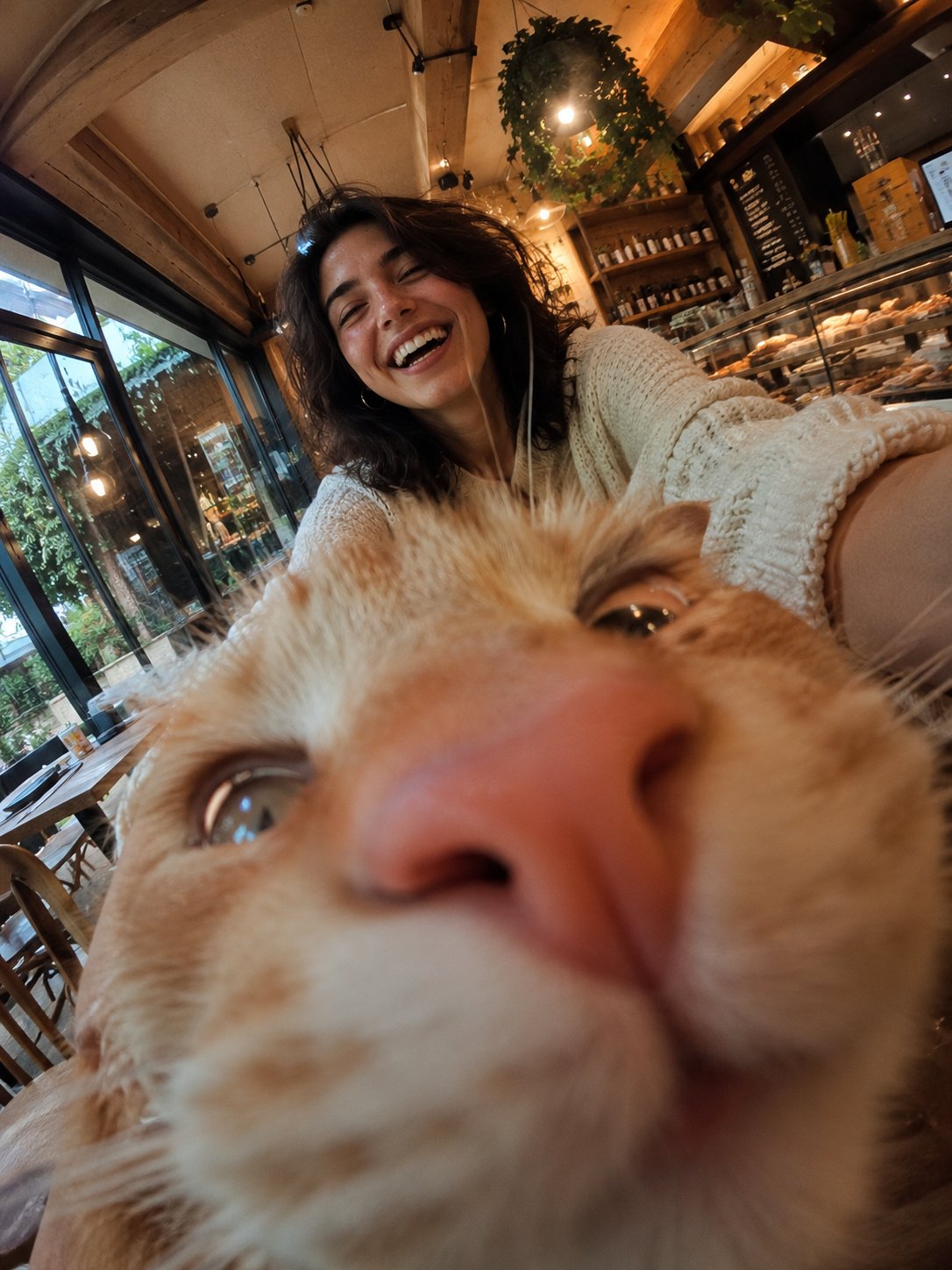
Cat Photobomb Selfie — 0.5x Wide Angle Café Chaos
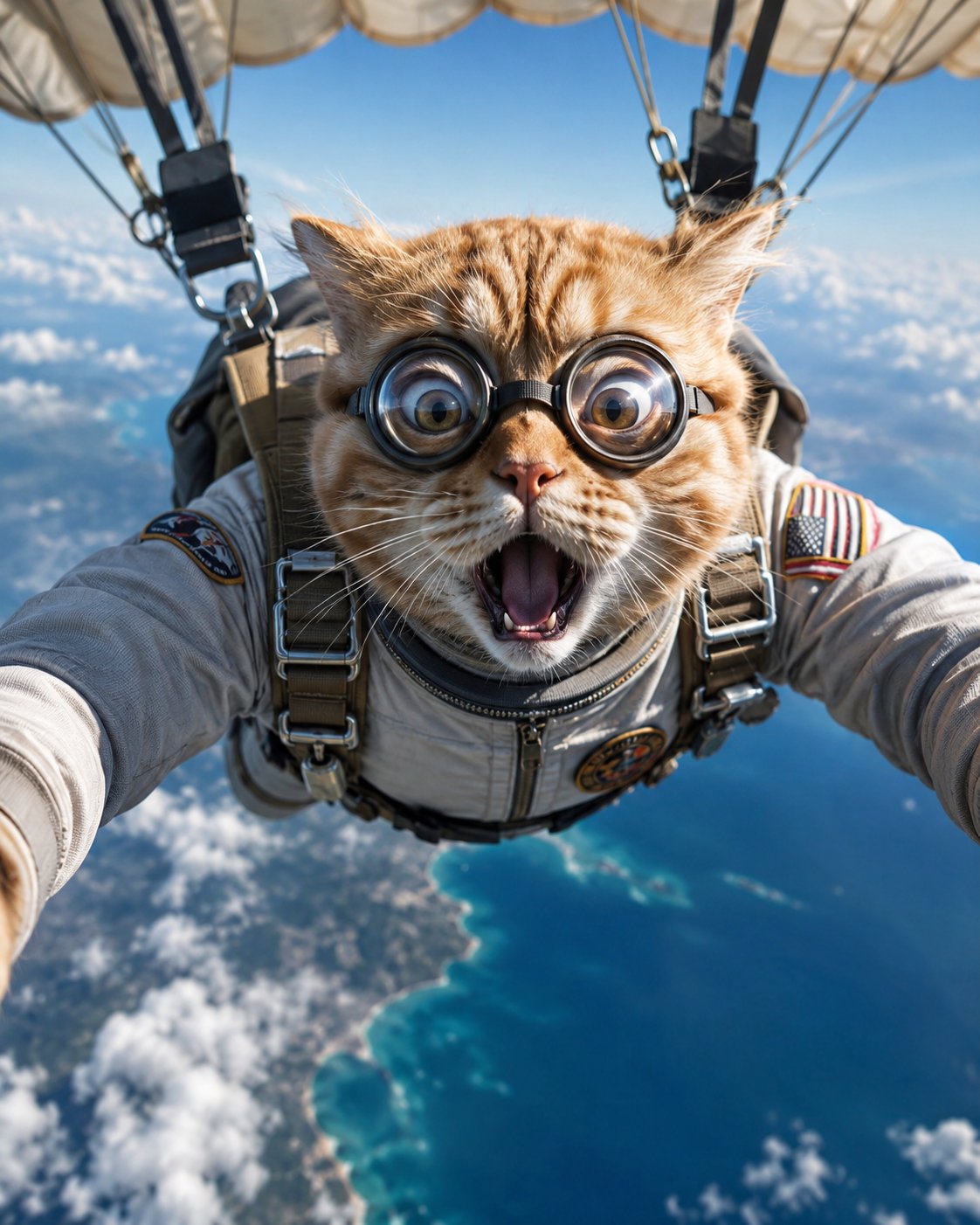
Surreal Cat Astronaut — Humanoid Face Freefall
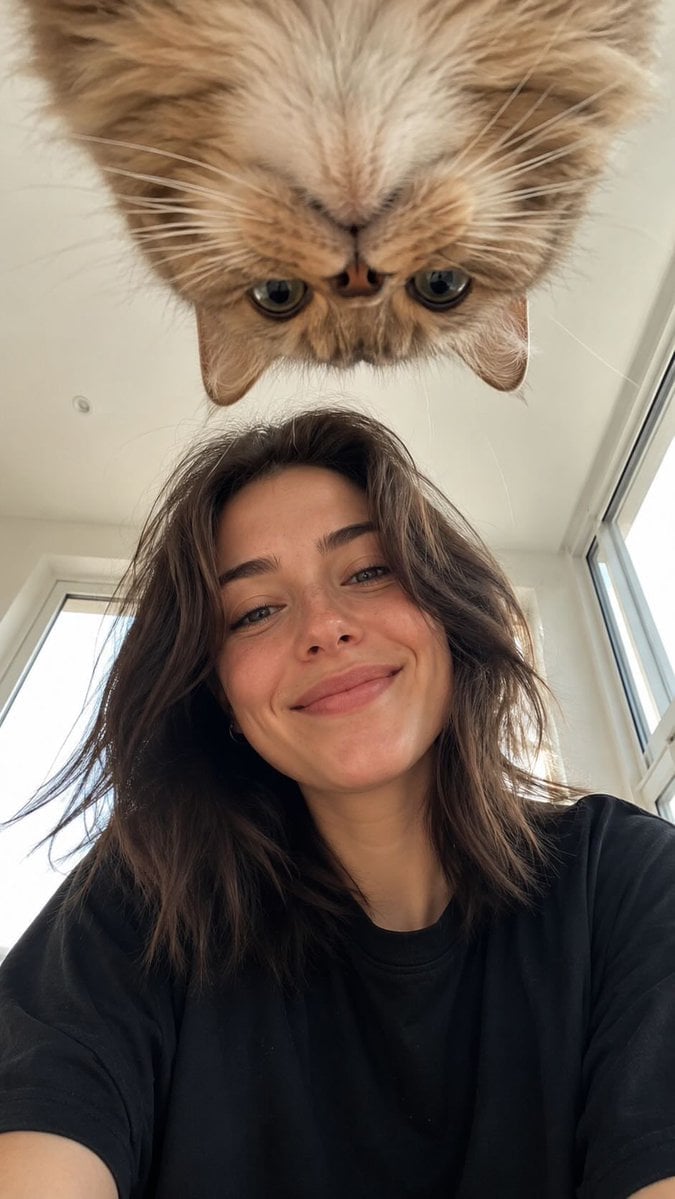
Low Angle Floor Selfie With Upside Down Cat
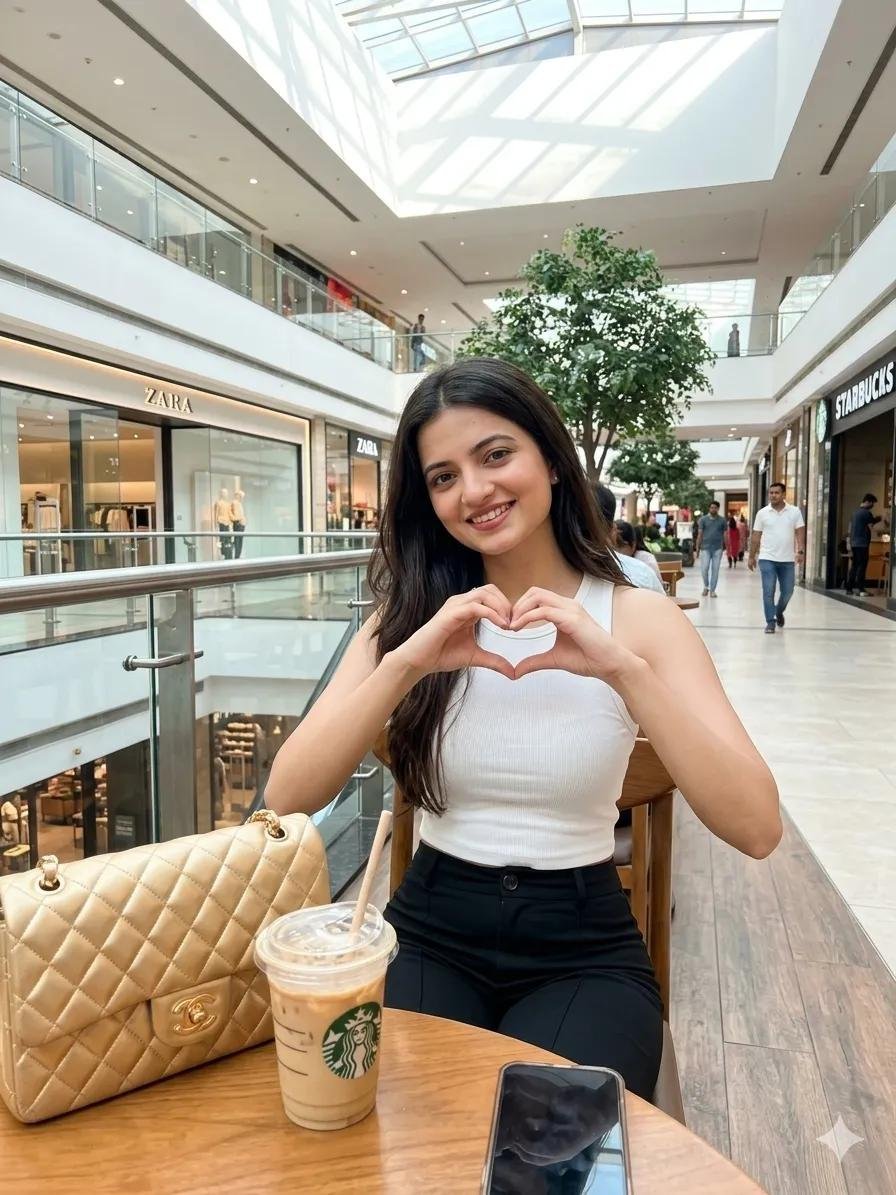
Woman in Mall with Chanel Bag - Heart Gesture
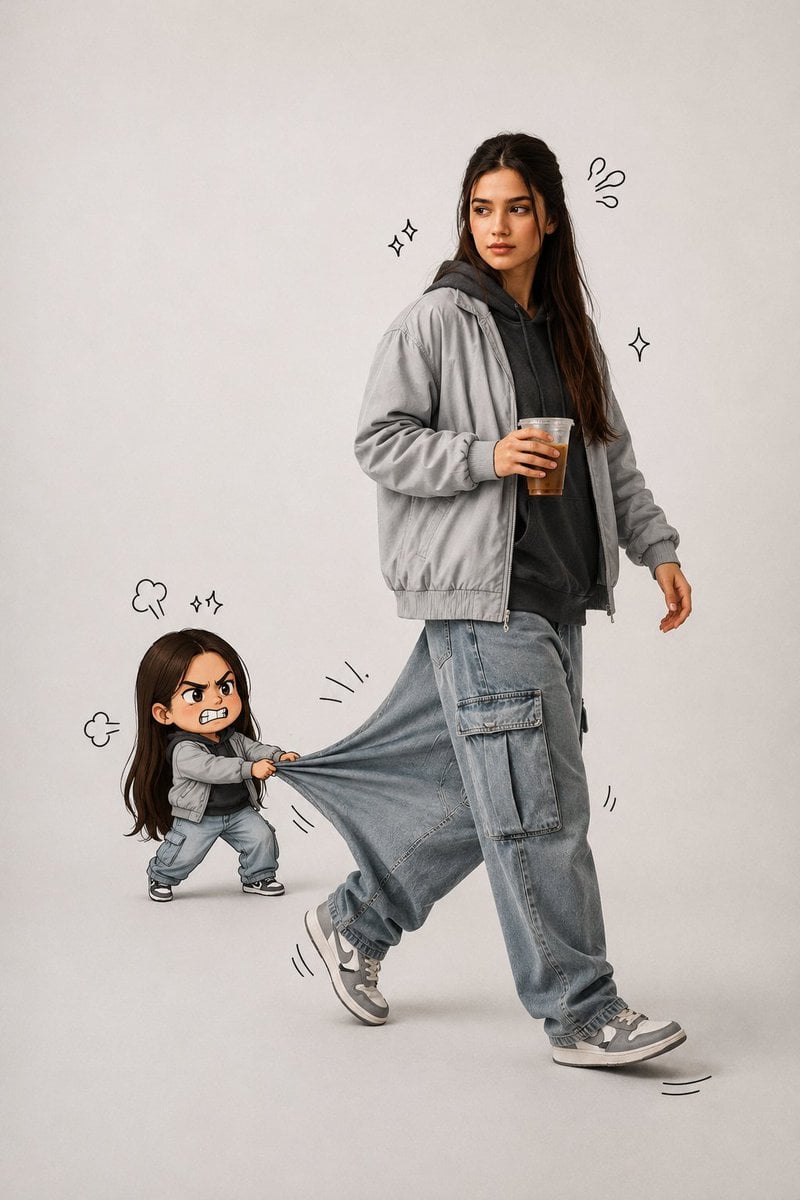
Forced Perspective Chibi Pants Pull Portrait
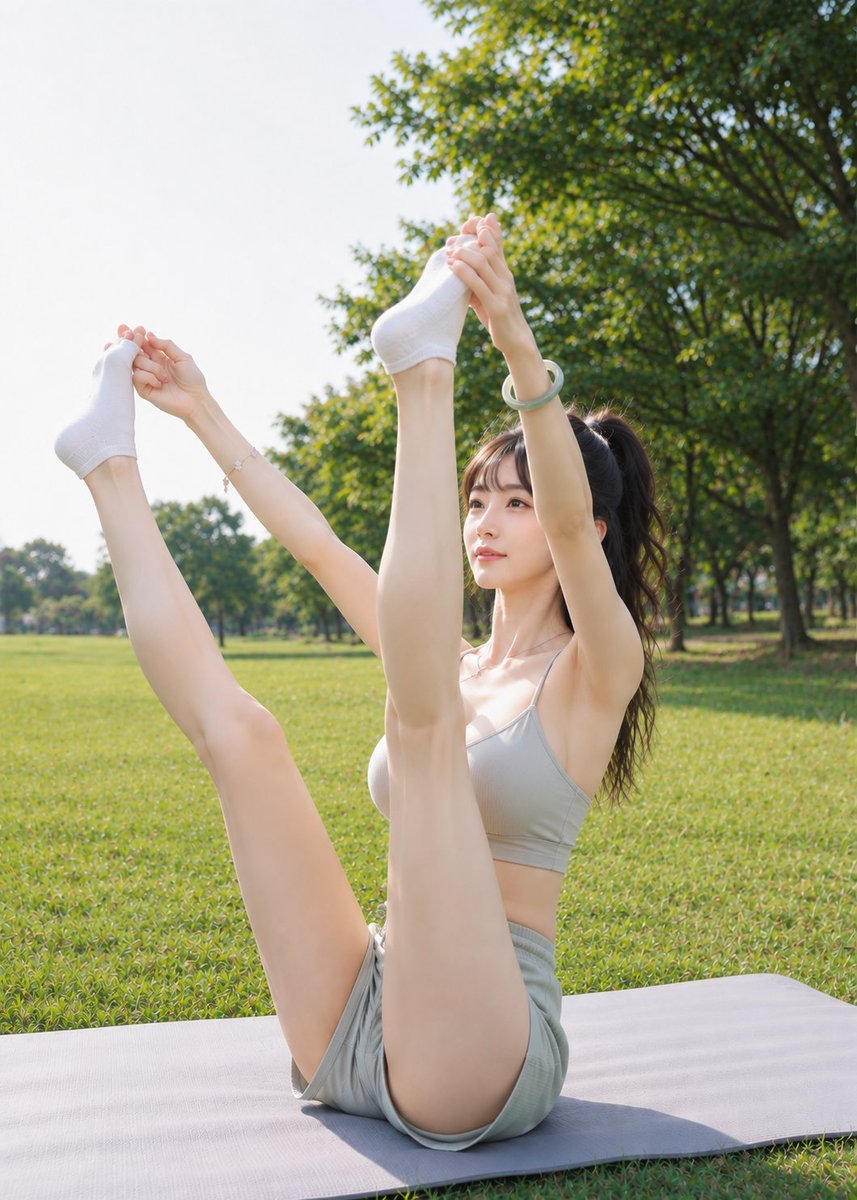
Outdoor Park Yoga Stretch
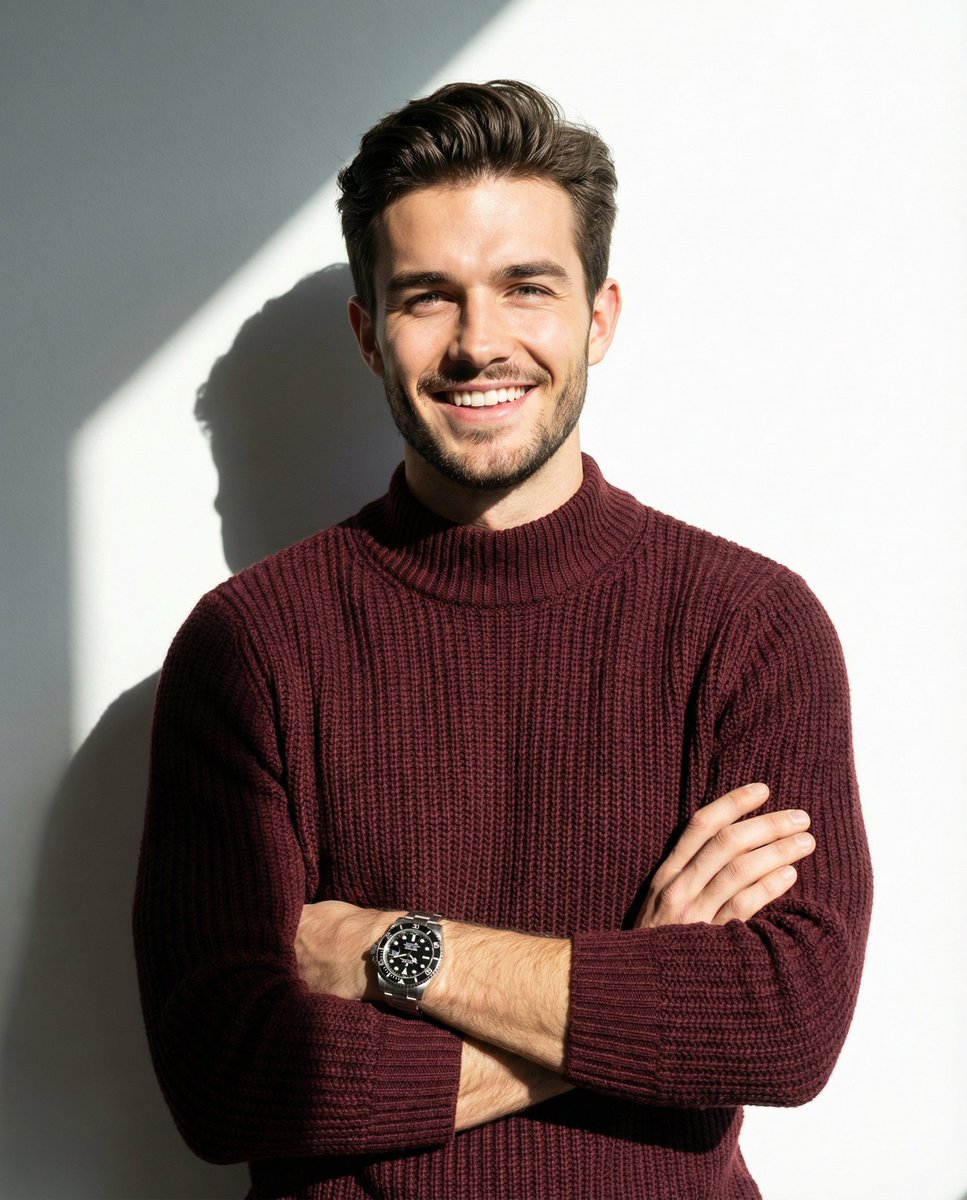
A man smiling and posing with his arms crossed, wearing a maroon knitted
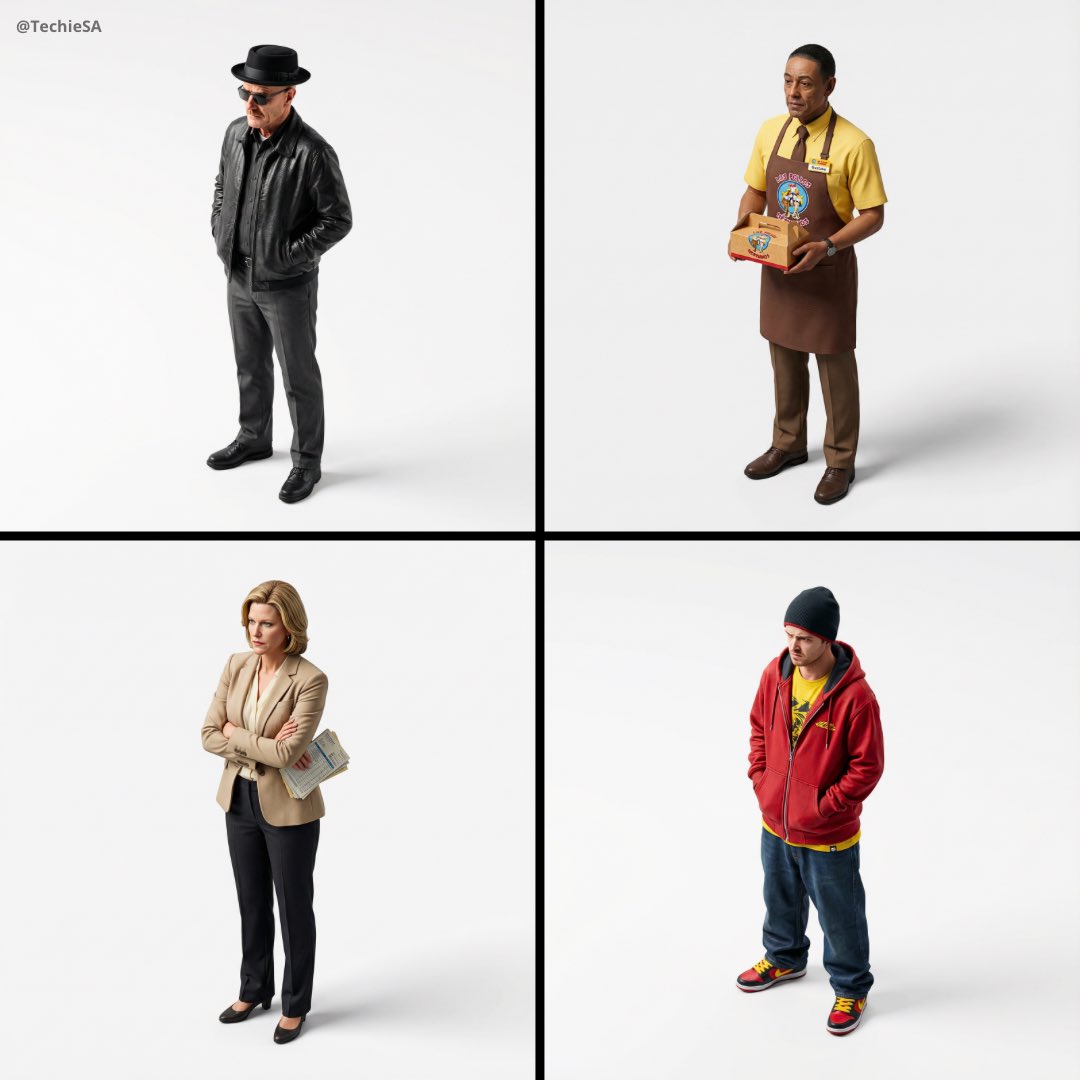
Miniature, full-body, isometric, ultra-realistic figurine wearing their
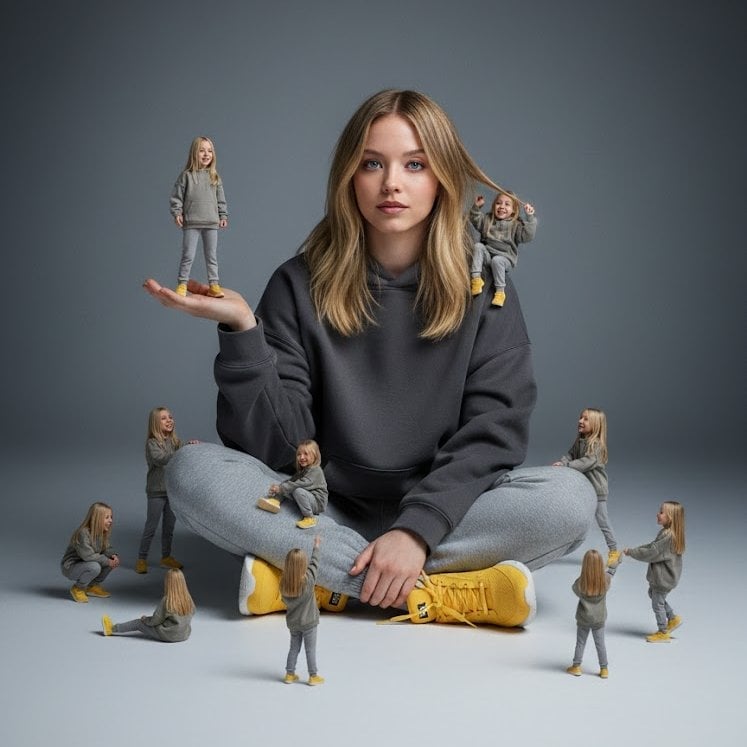
A creative surreal image of a woman sitting on the ground, wearing
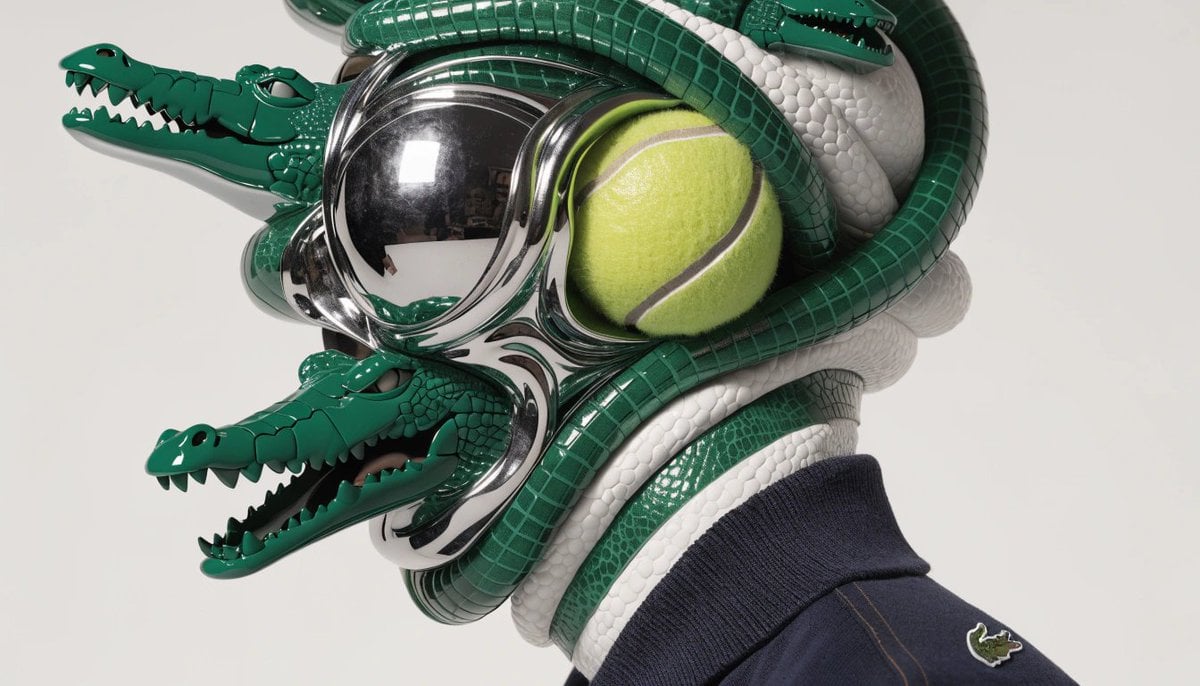
A hyperrealistic editorial photo of a figure wearing a unique helmet
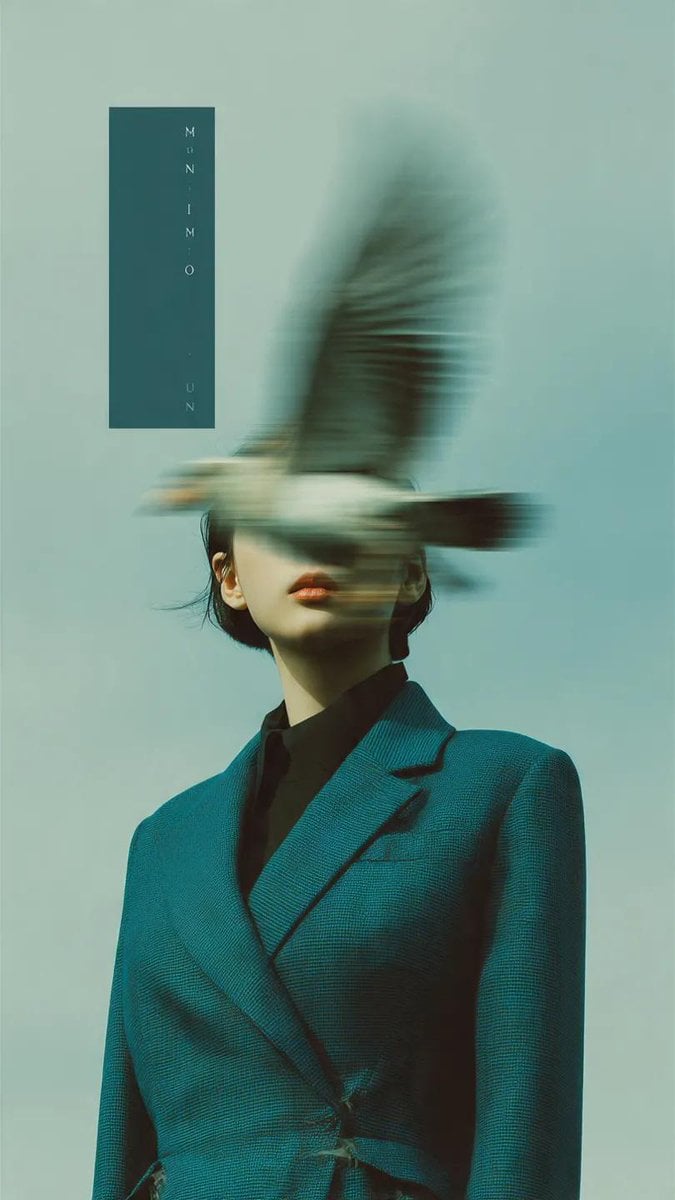
Editorial photography, a woman wearing a structured deep teal blazer
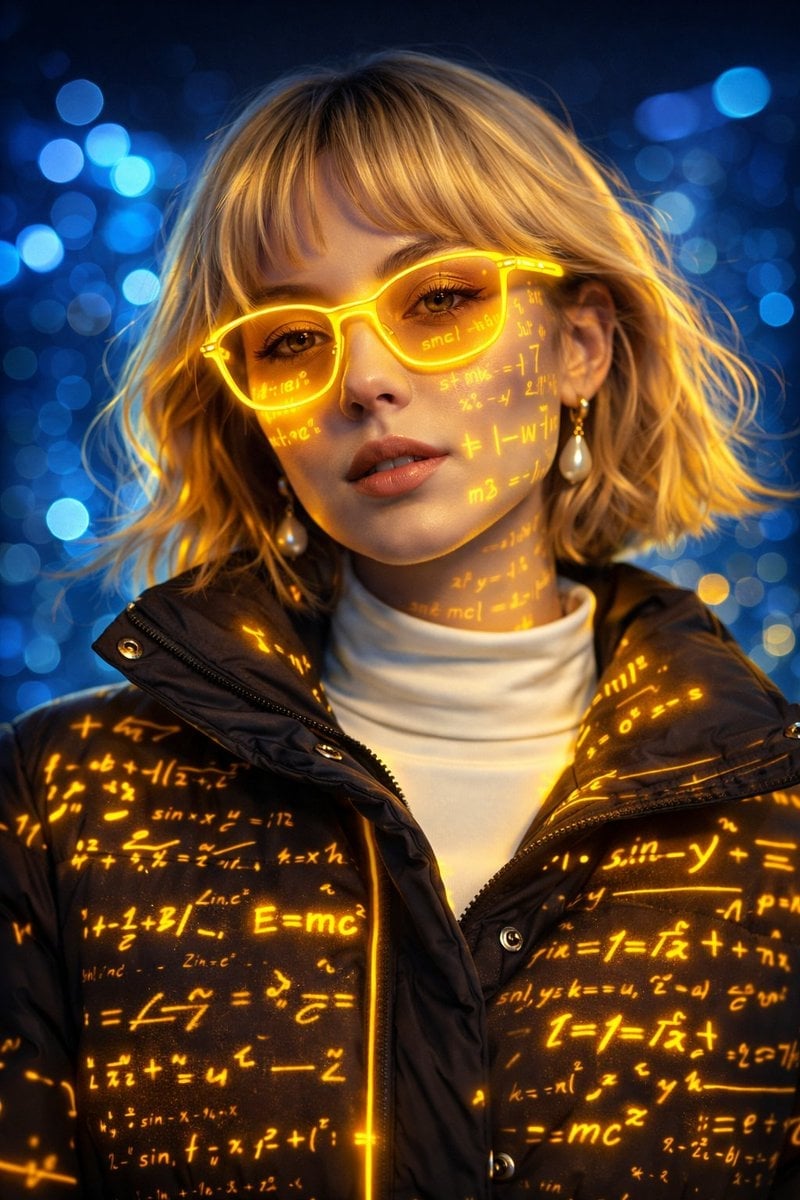
A futuristic cyber-aesthetic portrait of a young woman wearing glowing
Make it yours
Cat Wearing Yoga Pants works as-is. These are the safest ways to change it without losing the look.
Change one field
Copy a single group, rewrite it, and generate again so you can see what that field is doing.
Keep the frame, change the subject
Hold the composition and light of Cat Wearing Yoga Pants, then swap wardrobe, props or the person for a new take.
| If the result… | Why | Fix |
|---|---|---|
| The result drifts from the preview | Too many fields changed at once. | Reuse Cat Wearing Yoga Pants as-is first, then change one group — subject, light, or setting. |
| The model over-stylizes the scene | The prose prompt leaves finish and camera underspecified. | Add one camera or lighting sentence and stay on GPT Image 2. |
More GPT Image 2 templates
Other prompts made for GPT Image 2.

Six VTuber Japanese Logo Sheet

Realistic Portrait of Woman and Deer

The Vista Modular Condo Poster

AI Model Routing Comparison Infographic

2.5D Anime Art Board

Isometric Productivity Desk Scene

New York Double Exposure Poster

Four-Panel AI Landscape Comparison

Japanese Tatami Lifestyle Magazine Cover

NESCAFÉ Coffee Map Poster
More image prompts
Fresh picks from across the catalog.
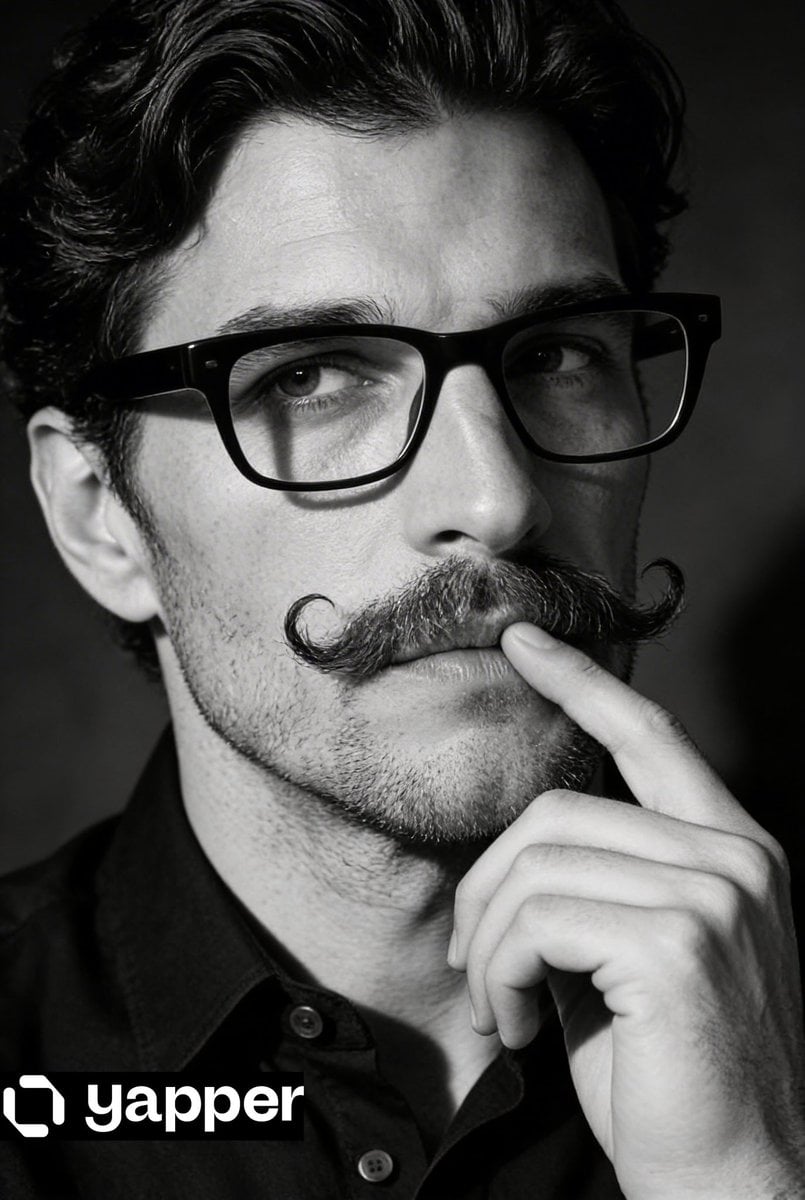
Black and White Contemplative Portrait
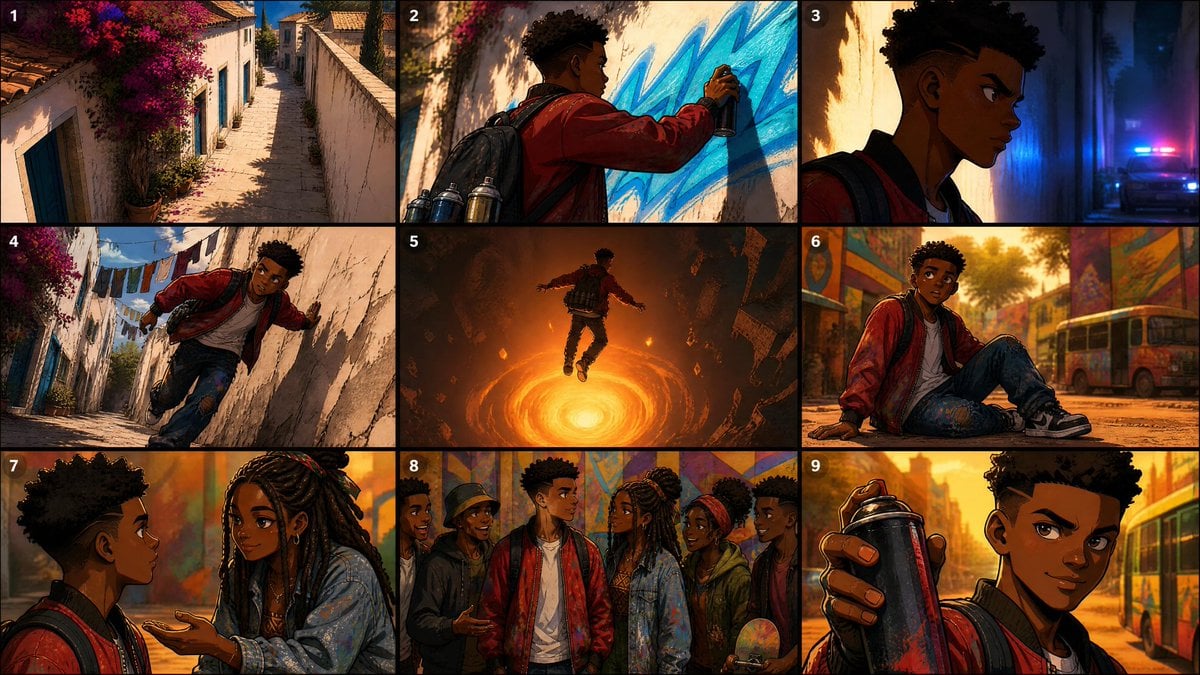
Seedance Prompt: Create a 2.5D animation, cinemat
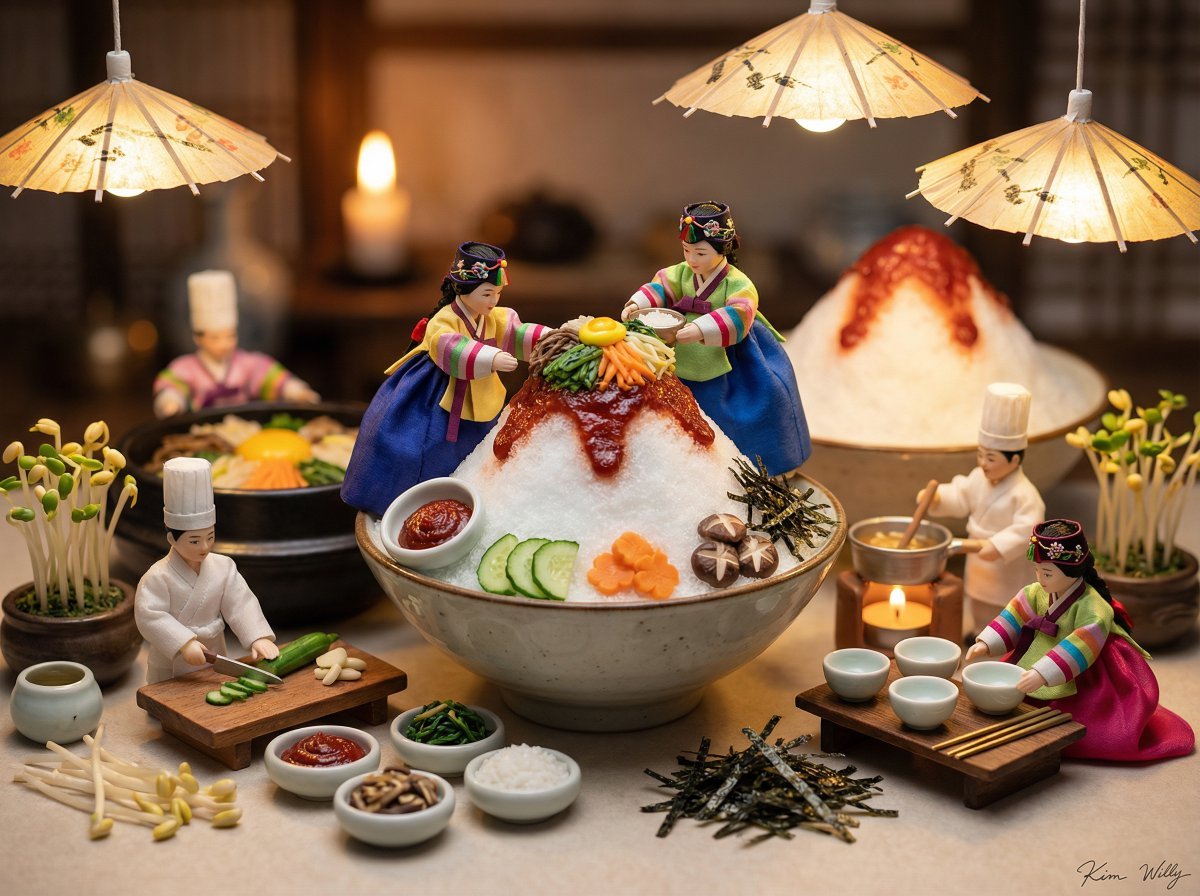
Micro Diorama of Joseon Dynasty Chefs Making Bibimbap

Bad vs Good Slide Design Infographic
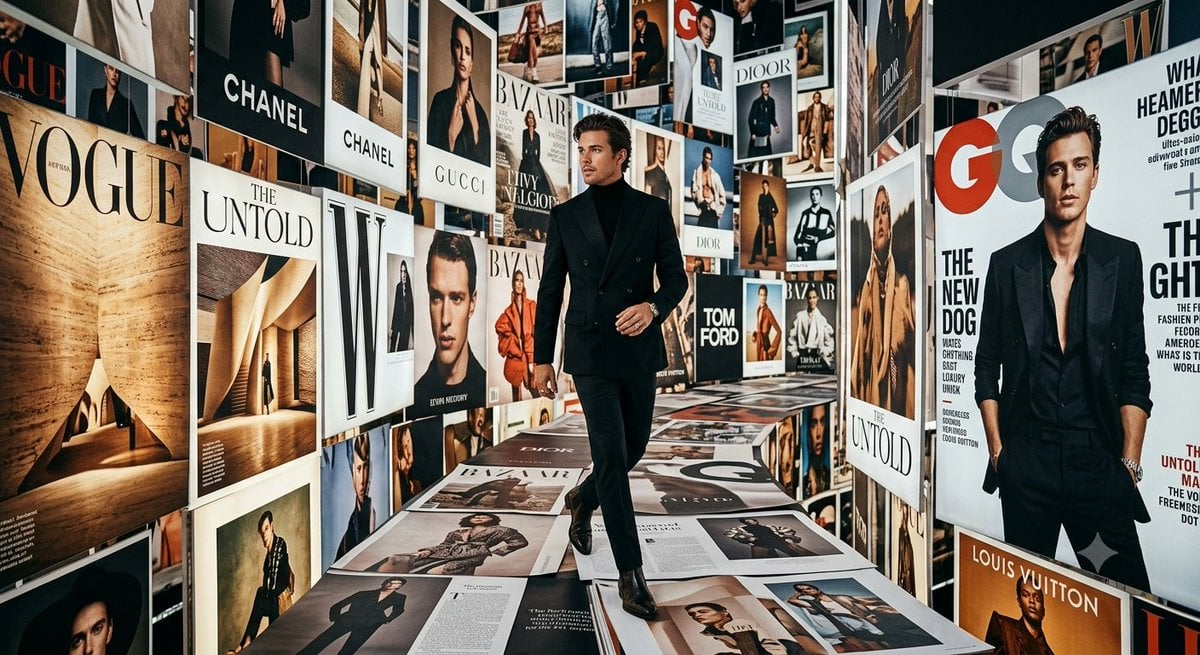
Luxury Fashion Magazine Corridor

Microsoft Office Parody Banner
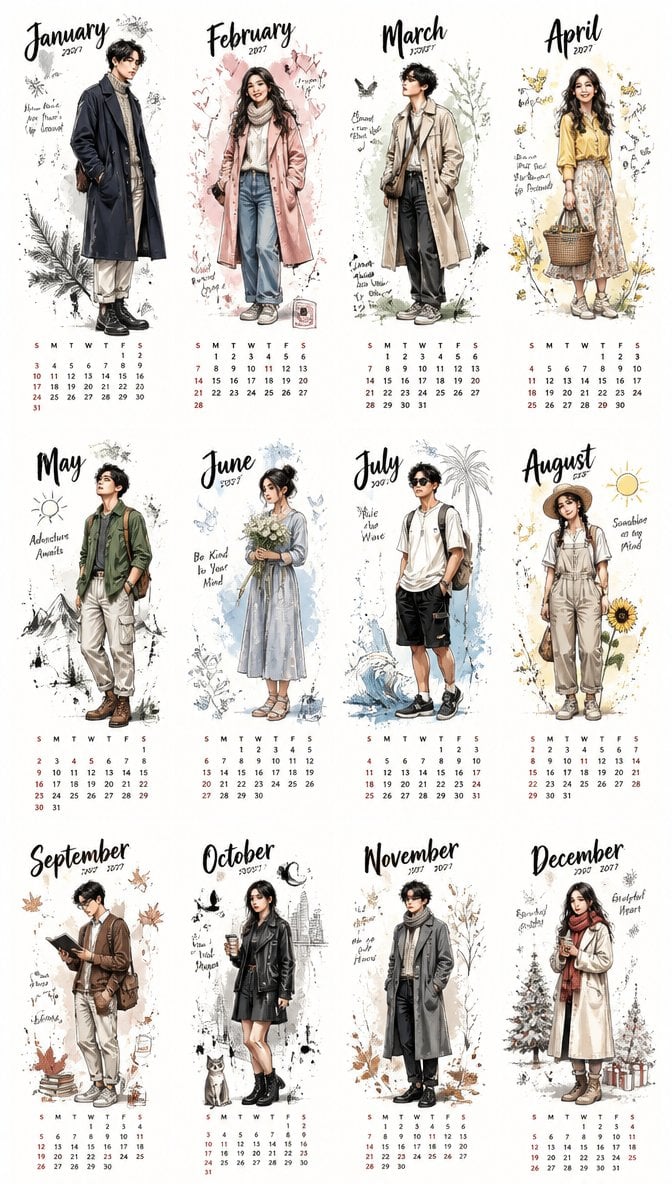
Aesthetic 2027 Desk Calendar

Anime Schoolgirl Full-Body Portrait
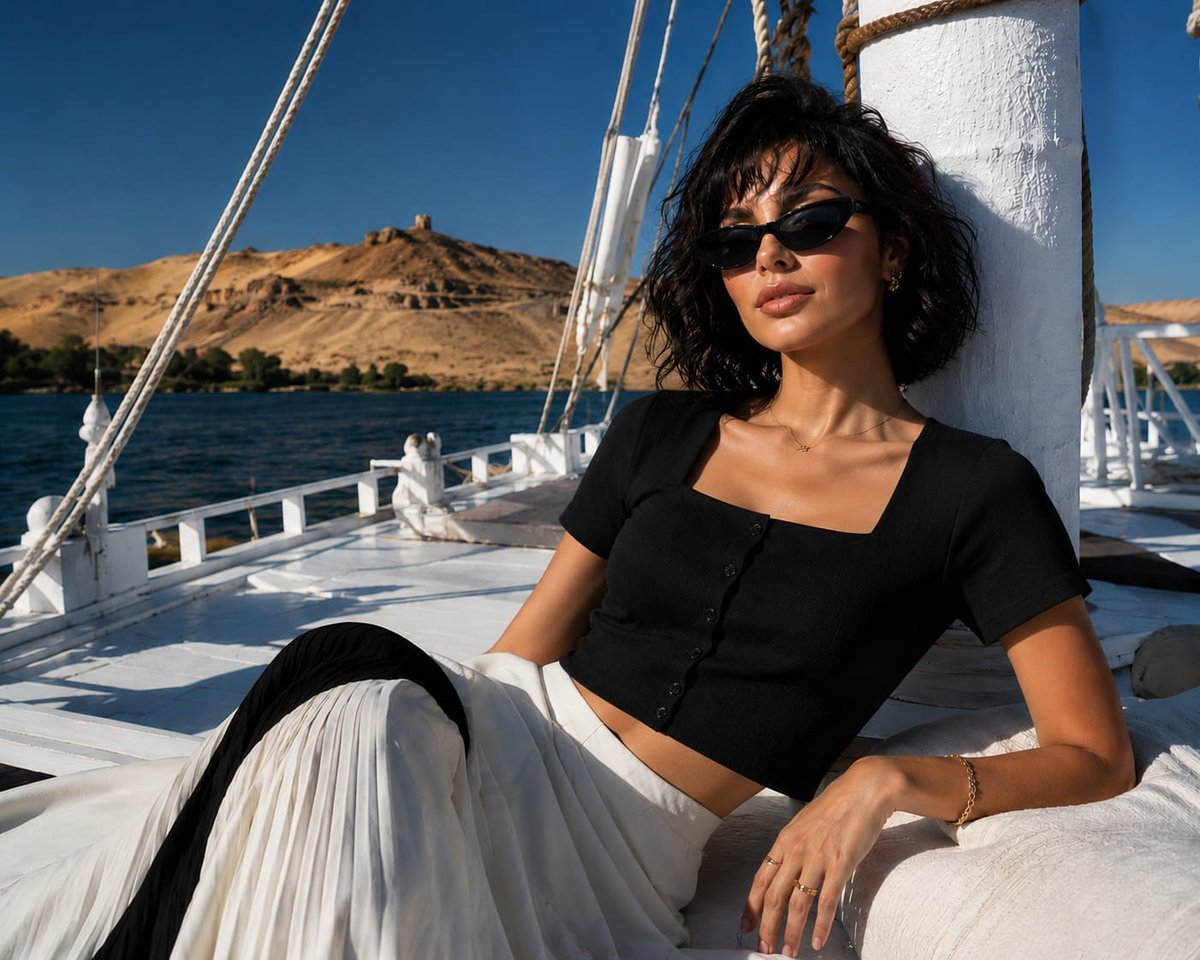
Nile River Fashion Editorial
National Team Jersey Fashion Portrait
Browse template categories
Cat Wearing Yoga Pants questions
How do I use the Cat Wearing Yoga Pants template?
Add your photo if the template asks for one, edit the prompt if you like — the template's model and format are already selected — and press Generate. Your version opens in PicX Studio.
Can I customize the Cat Wearing Yoga Pants template?
Yes. You can change the subject, setting, lighting, mood, format, and available model controls before creating your image.
Is the Cat Wearing Yoga Pants template free?
Opening and editing this template is free. Generating uses credits, shown on the Generate button when you are signed in.
Which AI model should I use?
Start with GPT Image 2, which is the model associated with this template. You can compare another compatible model for a different finish.
Looking for something else? Browse all templates.

Your photo, any look
Thousands of ready templates for every top image and video model, from one credit balance.