
Faceless Phoenix Knight Queen
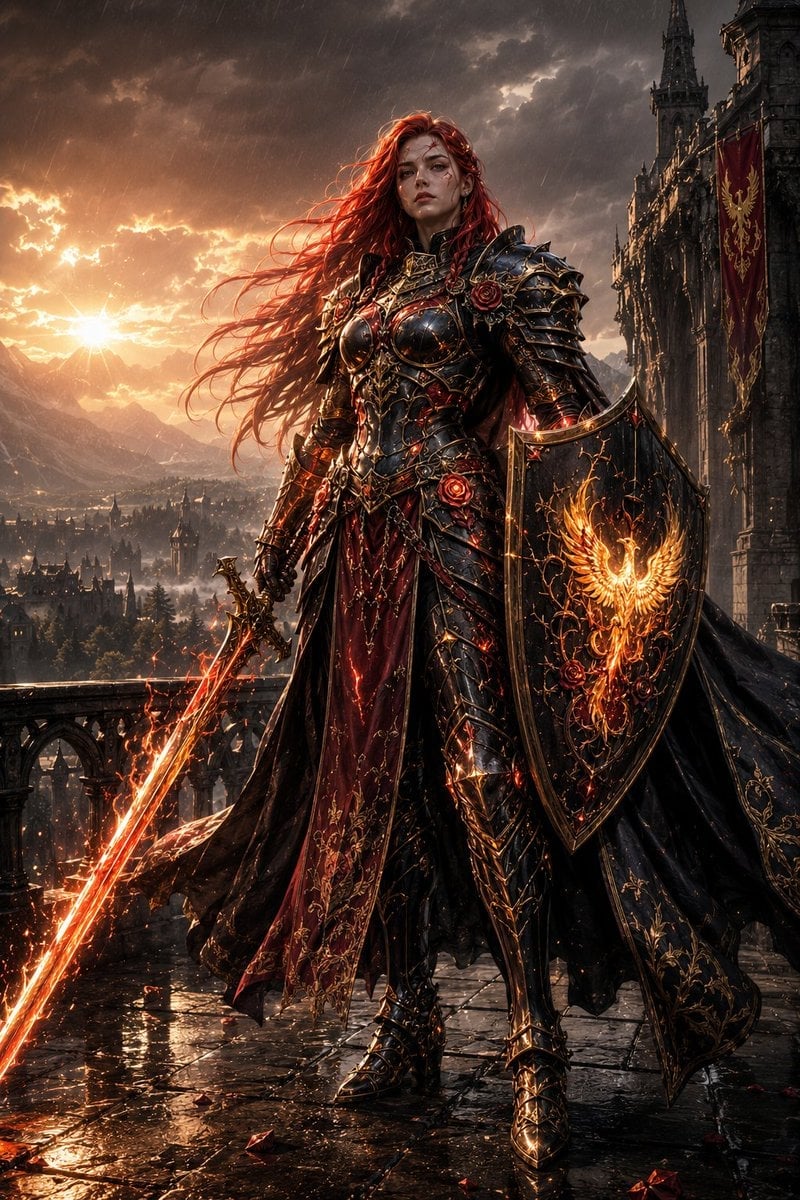
A cinematic dark fantasy portrait of a faceless armored queen with a flaming sword and phoenix shield on a stormy gothic balcony.
- Prompt included
- Model and format preset
- Free template
The prompt behind this image
Copy the exact prompt behind Faceless Phoenix Knight Queen, or open it in the studio and make it yours.
Create a dark epic fantasy full-body portrait of {argument name="character name" default="a faceless female knight queen"} standing powerfully on a rain-soaked gothic castle balcony at sunset. She has very long windblown {argument name="hair color" default="fiery red hair"}, with the face intentionally obscured by a smooth featureless shadowed mask/blurred blank face. She wears ornate blackened steel plate armor with gold filigree, sharp layered pauldrons, engraved chestplate, chain details, ruby-red roses and glowing ember accents, over a deep crimson embroidered gown and a long black cloak lined with gold floral patterns. In her right hand she holds a flaming longsword angled down toward the wet stone floor, emitting bright orange sparks and molten light; in her left arm she carries a large black kite shield decorated with intricate gold tracery, red roses, and a blazing golden phoenix emblem. The background shows a sprawling medieval city and distant mountains under dramatic storm clouds, heavy rain streaks, and a low golden sun breaking through clouds on the left; a tall gothic cathedral or castle tower rises on the right with one visible crimson banner bearing a gold heraldic bird. Use cinematic high-fantasy realism, ultra-detailed armor, dramatic rim lighting, wet reflective cobblestones, glowing embers, volumetric sunset rays, dark romantic color palette of black, burgundy, gold, and fire orange. Vertical 2:3 composition, low slightly upward heroic angle, centered figure, sharp focus on the knight, no text, no watermark.
How to use Faceless Phoenix Knight Queen in 3 steps
- 1Upload ImagePNG, JPG or paste
Add your photo
Upload the photo the template builds on. The prompt, model and format are already set.
- 2…a portrait of your subject in softgolden-hour light, 85mm…
Personalize
Edit the subject and creative details for your destination.
- 3Generate
Generate
Press Generate — your image is created in PicX Studio, so you can compare it with the original and refine one variable at a time.
More like this
Templates with the same subject, style or setup. Open one to see its prompt.
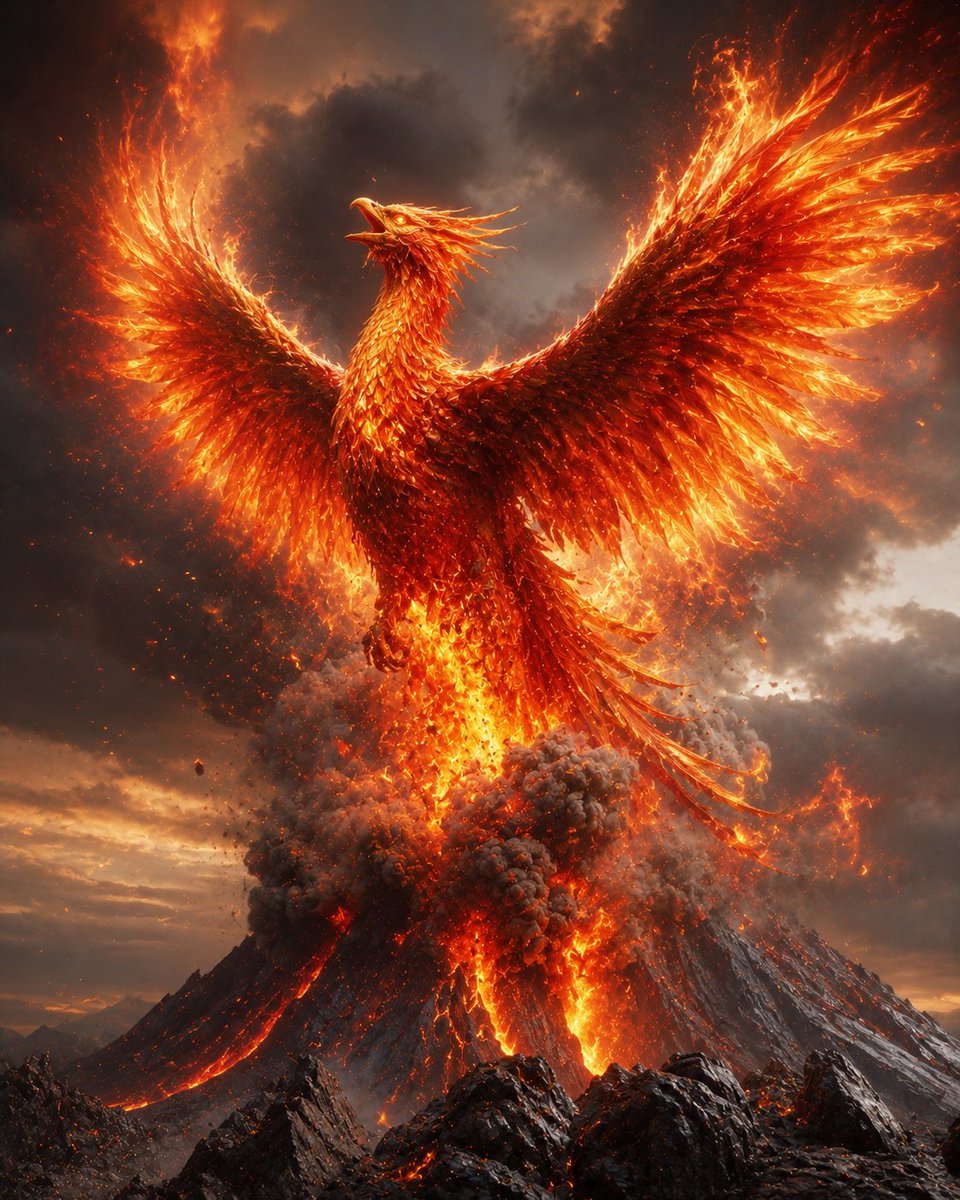
Phoenix Rising from Volcano
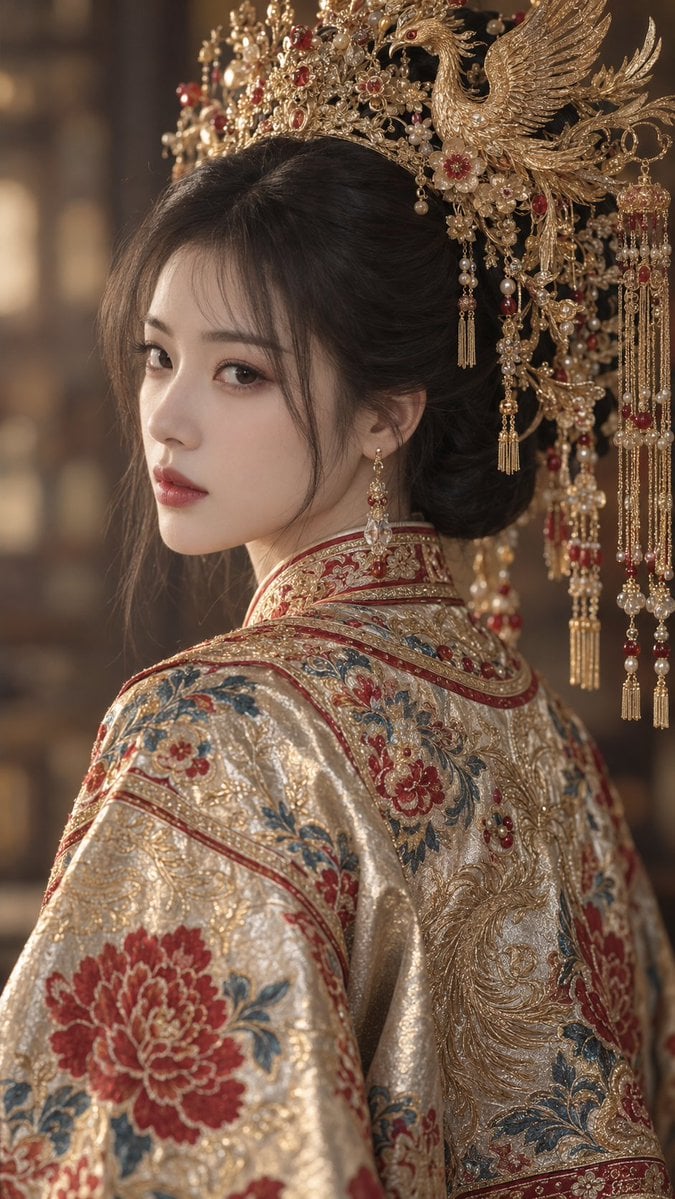
Golden Phoenix Crown Guofeng Portrait
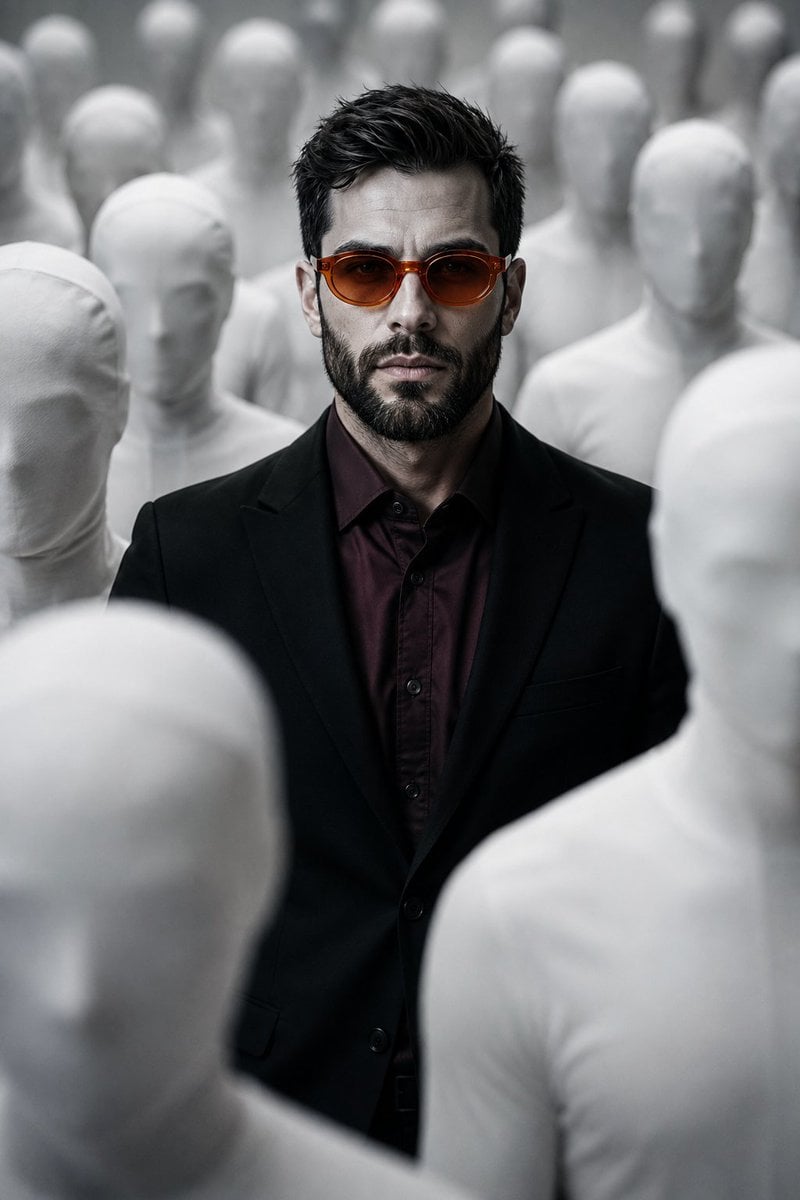
Surreal Faceless Figures Portrait
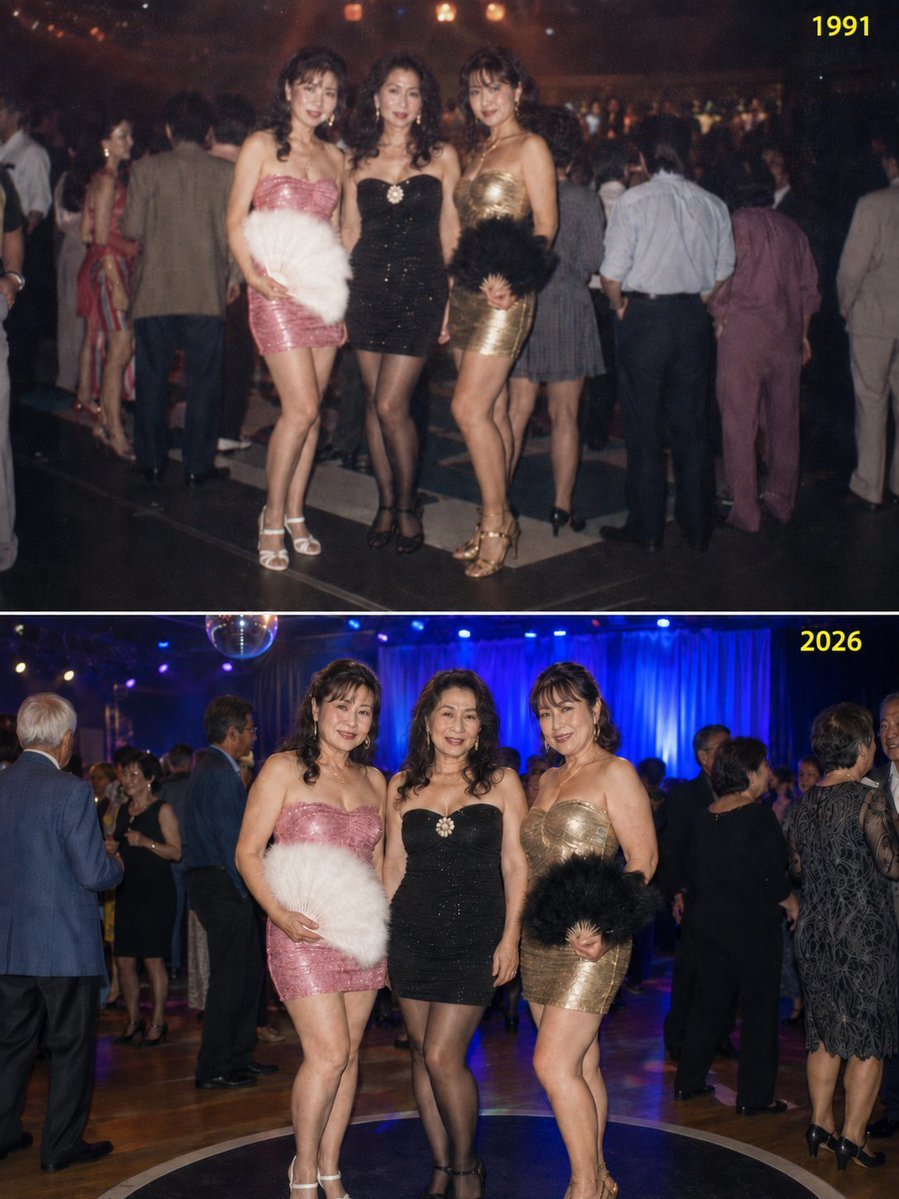
Disco Queens 35-Year Reunion
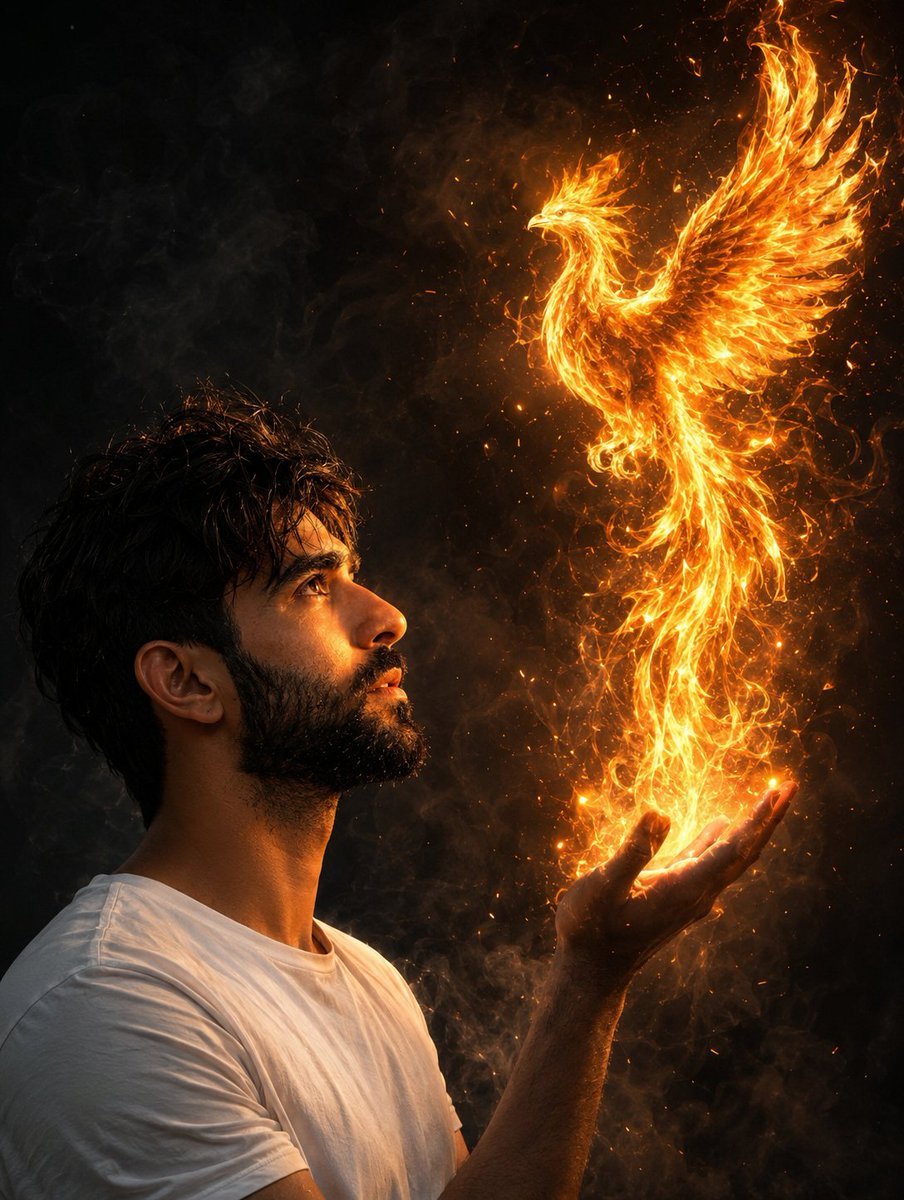
Man Summoning Fiery Phoenix
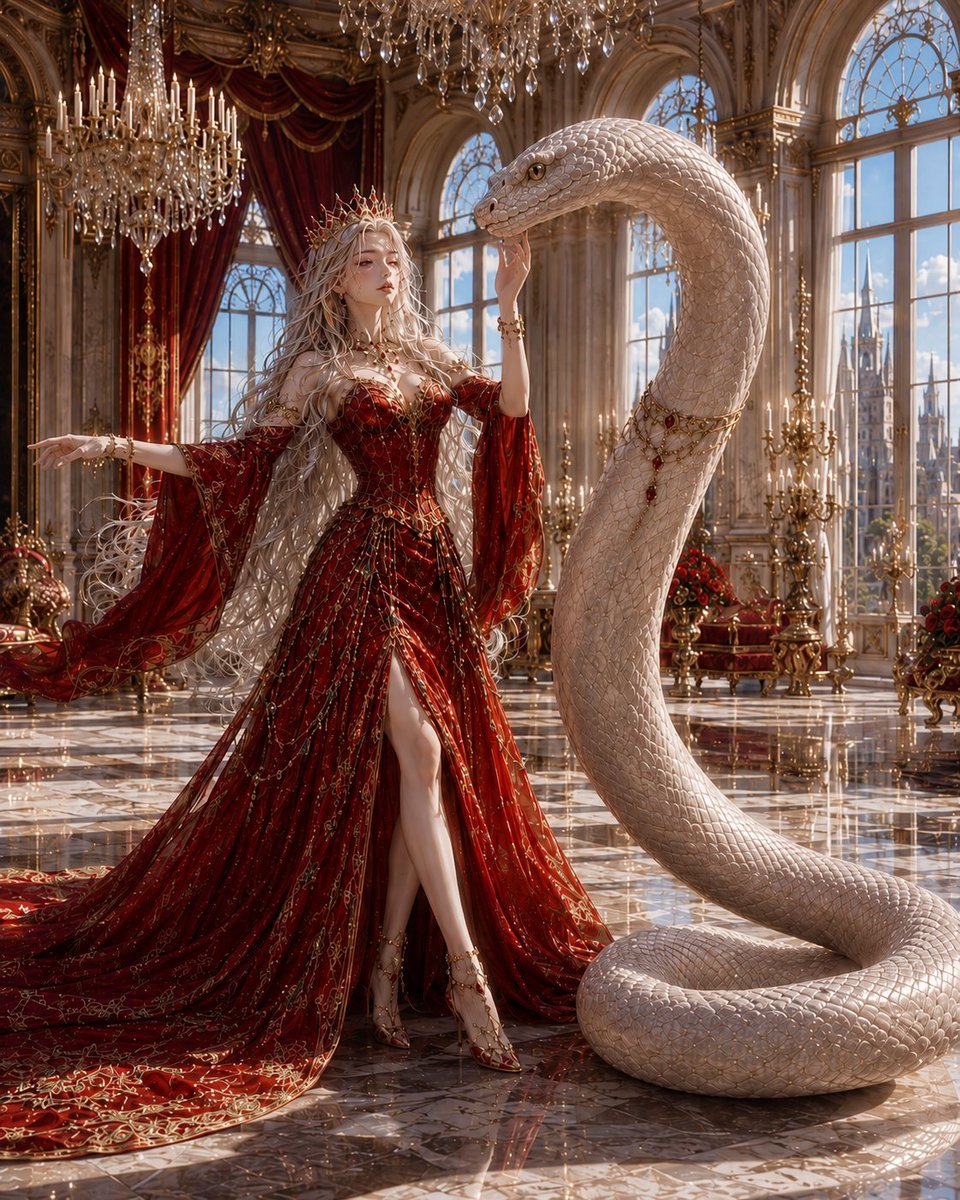
Queen and Snake Portrait
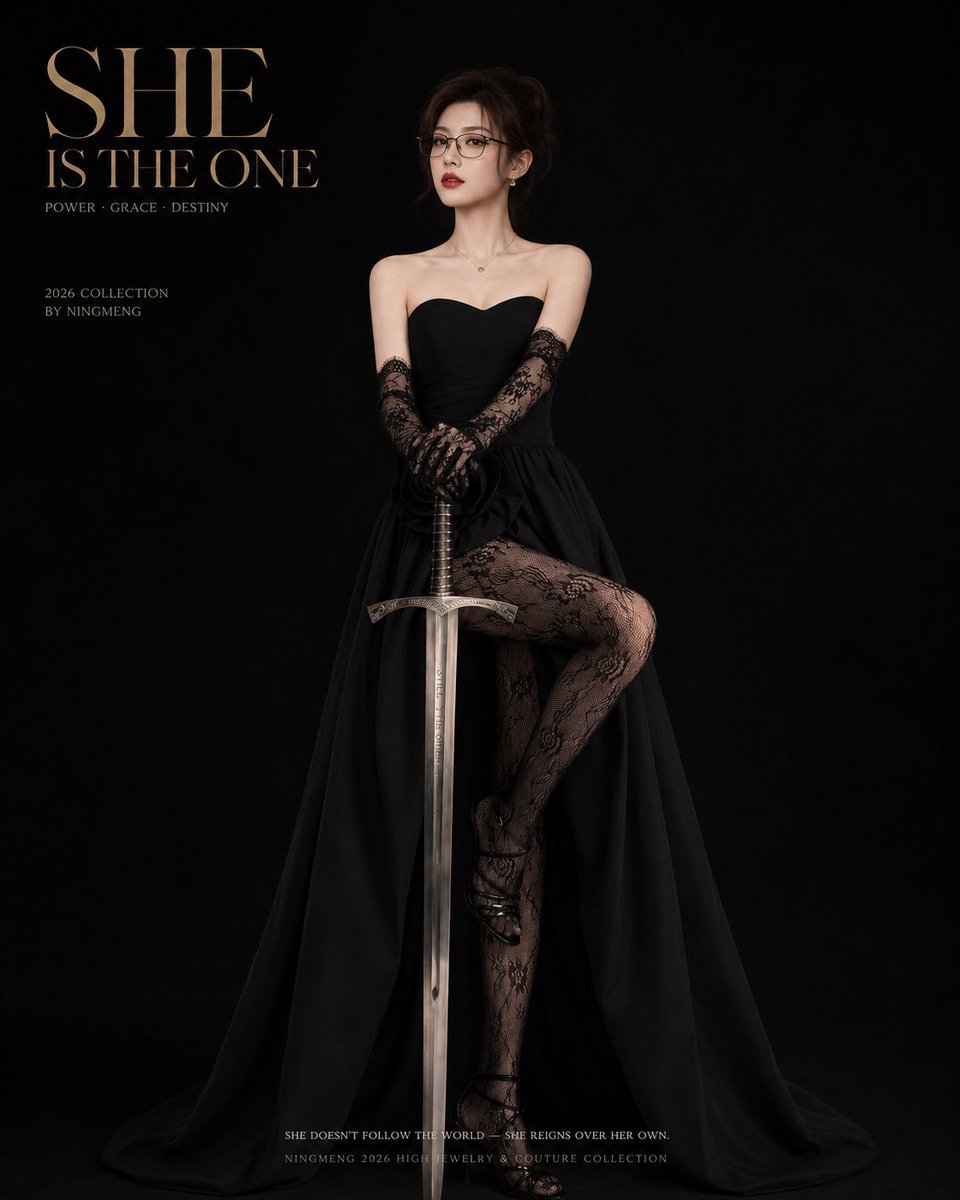
Dark Queen Aesthetic Fashion Elements
Sci-Fi Knight of the Order
Faceless Wolf Cut Fashion Portrait
Gothic Lion Queen Portrait
Faceless Art Nouveau Fantasy Princess
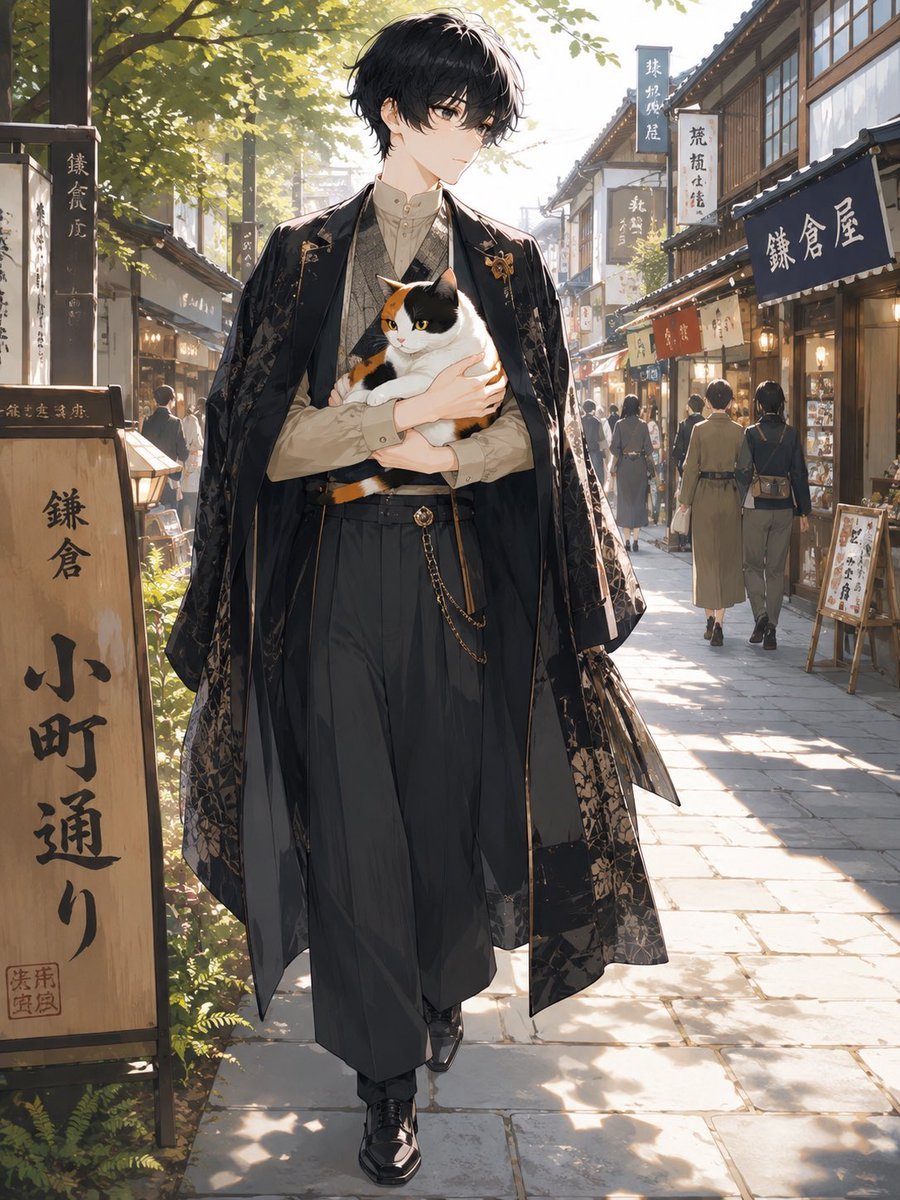
Faceless Anime Man Holding Calico Cat
Make it yours
Faceless Phoenix Knight Queen works as-is. These are the safest ways to change it without losing the look.
Change one field
Copy a single group, rewrite it, and generate again so you can see what that field is doing.
Keep the frame, change the subject
Hold the composition and light of Faceless Phoenix Knight Queen, then swap wardrobe, props or the person for a new take.
| If the result… | Why | Fix |
|---|---|---|
| The result drifts from the preview | Too many fields changed at once. | Reuse Faceless Phoenix Knight Queen as-is first, then change one group — subject, light, or setting. |
| The model over-stylizes the scene | The prose prompt leaves finish and camera underspecified. | Add one camera or lighting sentence and stay on GPT Image 2. |
More GPT Image 2 templates
Other prompts made for GPT Image 2.

Six VTuber Japanese Logo Sheet

Realistic Portrait of Woman and Deer

The Vista Modular Condo Poster

AI Model Routing Comparison Infographic

2.5D Anime Art Board

Isometric Productivity Desk Scene

New York Double Exposure Poster

Four-Panel AI Landscape Comparison

Japanese Tatami Lifestyle Magazine Cover

NESCAFÉ Coffee Map Poster
More image prompts
Fresh picks from across the catalog.

Michael Saylor Shonen Jump Manga Style
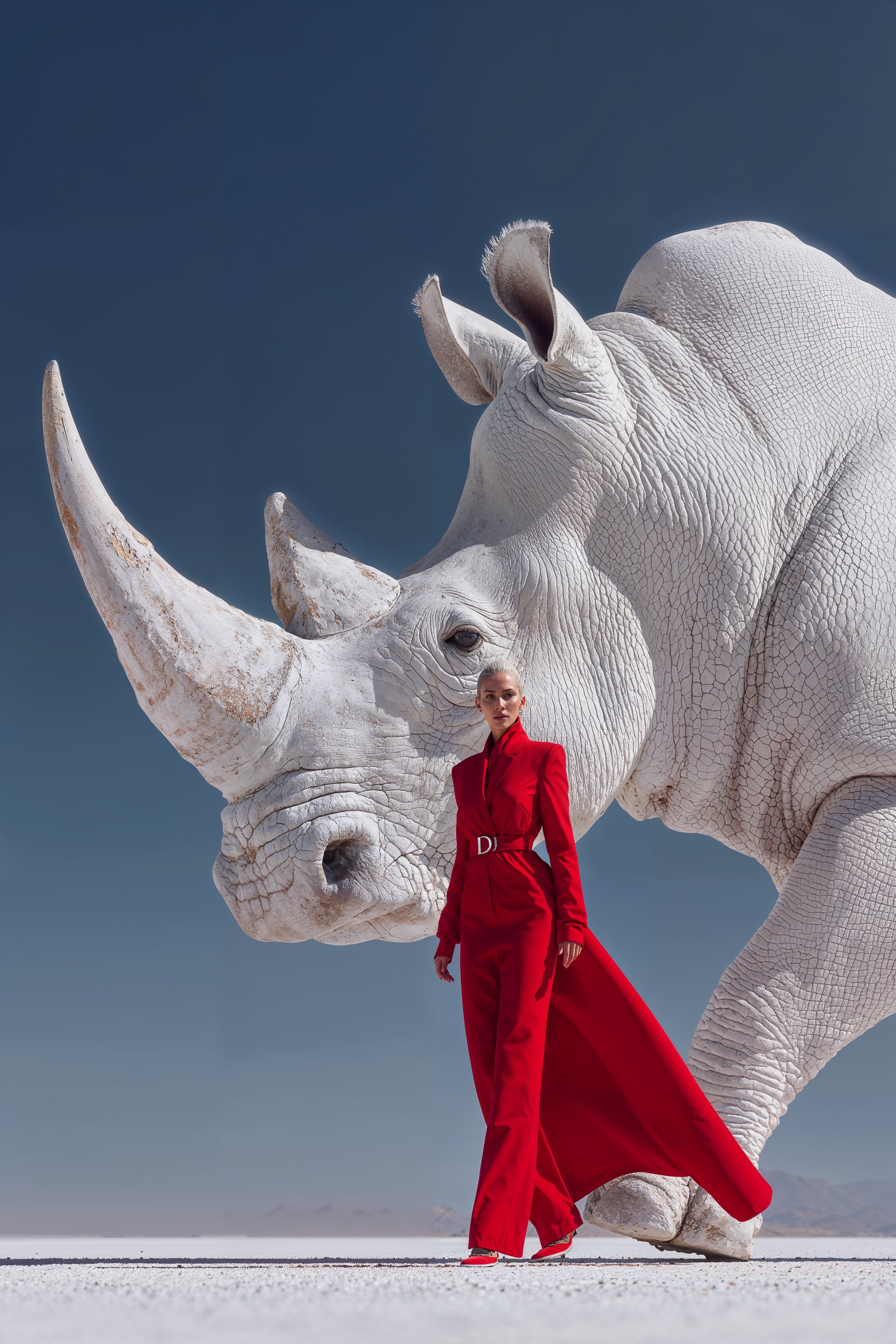
Midjourney Magnific Power Couple
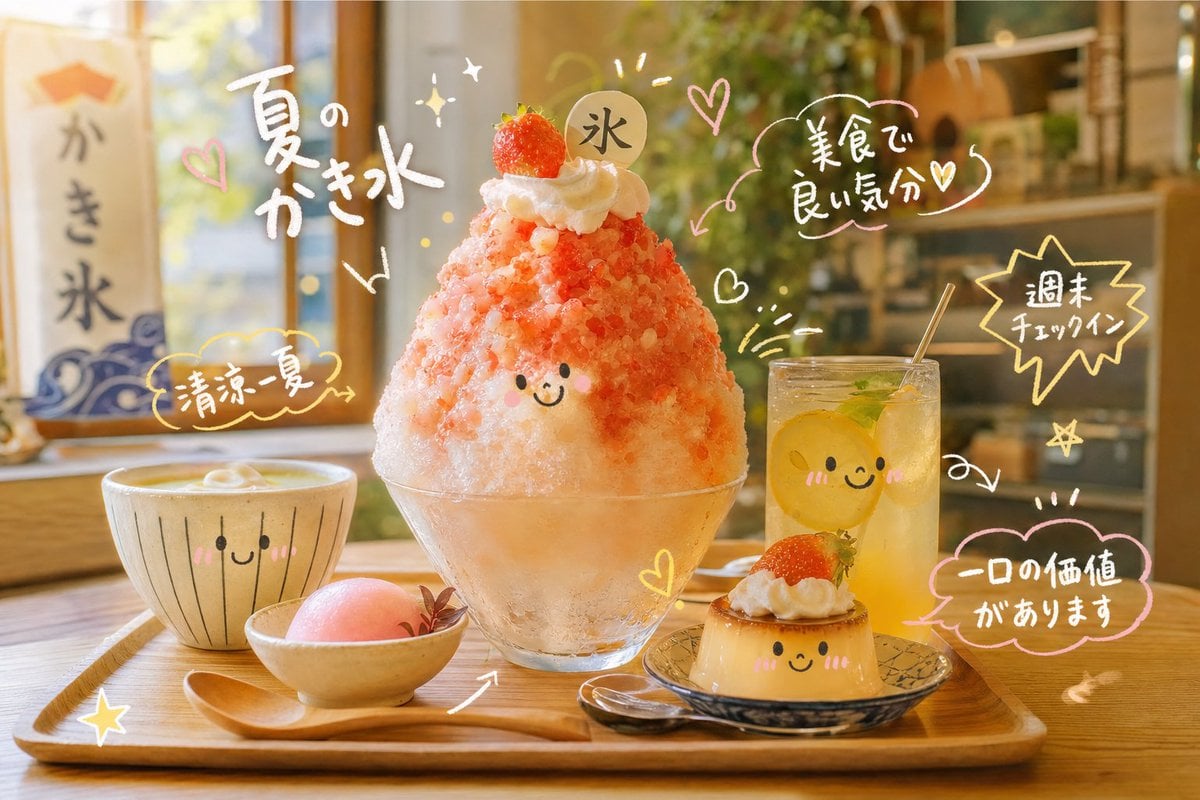
Cute Doodle Japanese Café Dessert Photo
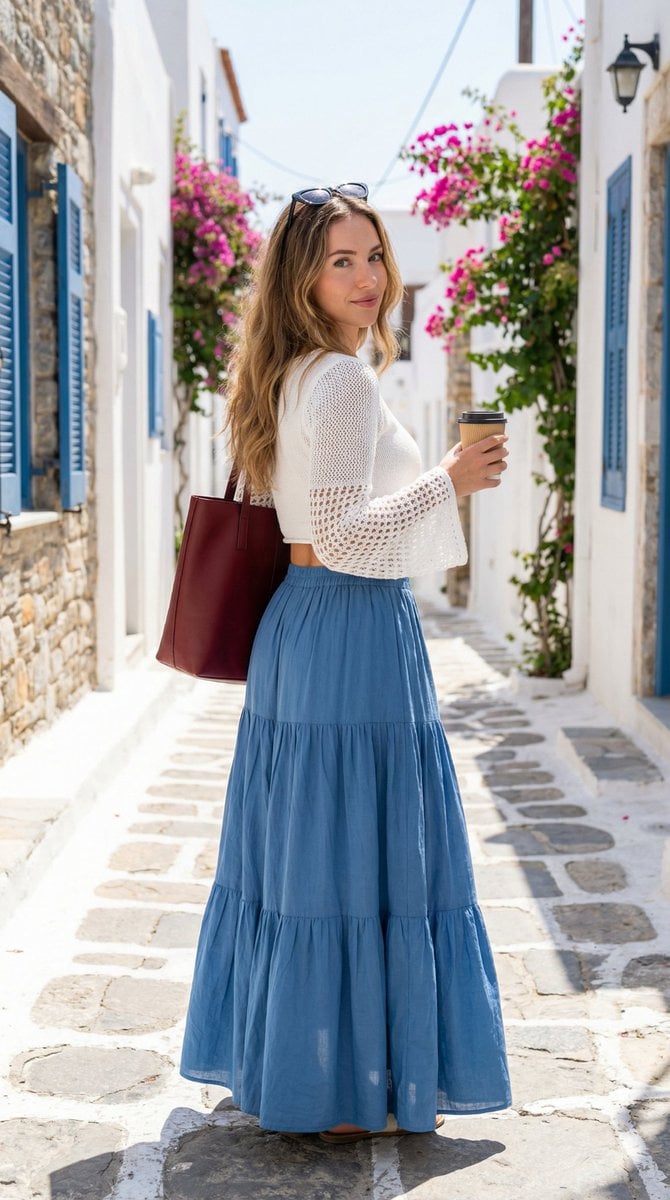
Mediterranean Fashion Lifestyle Portrait Prompt
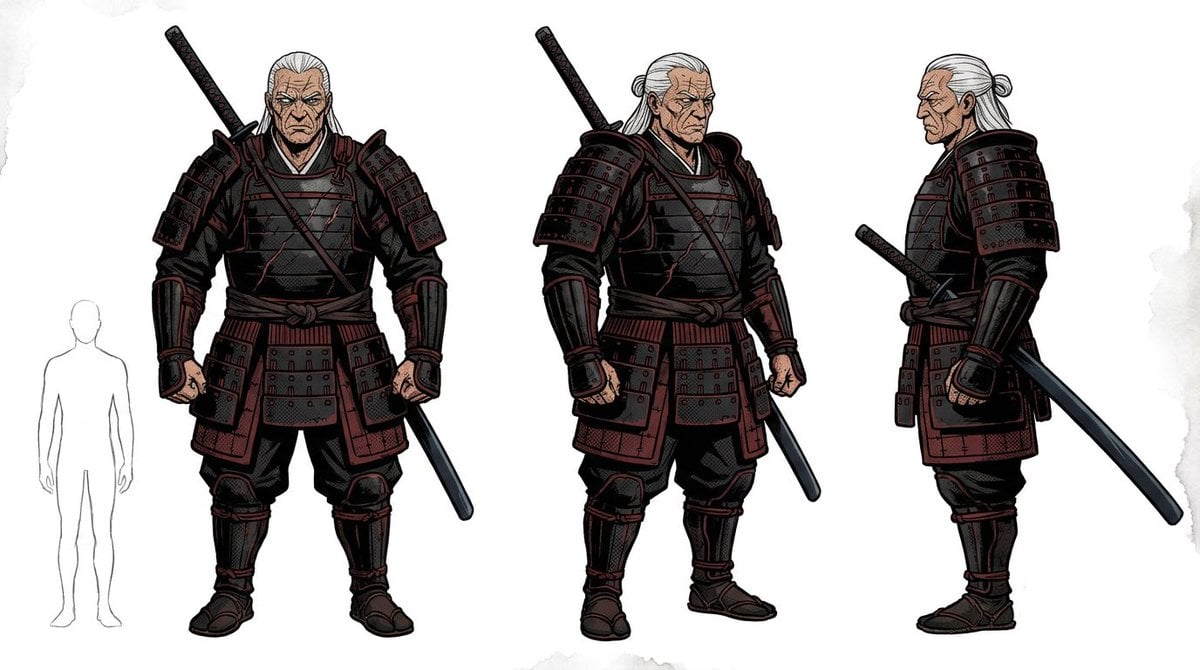
Samurai Armor Turnaround Sheet
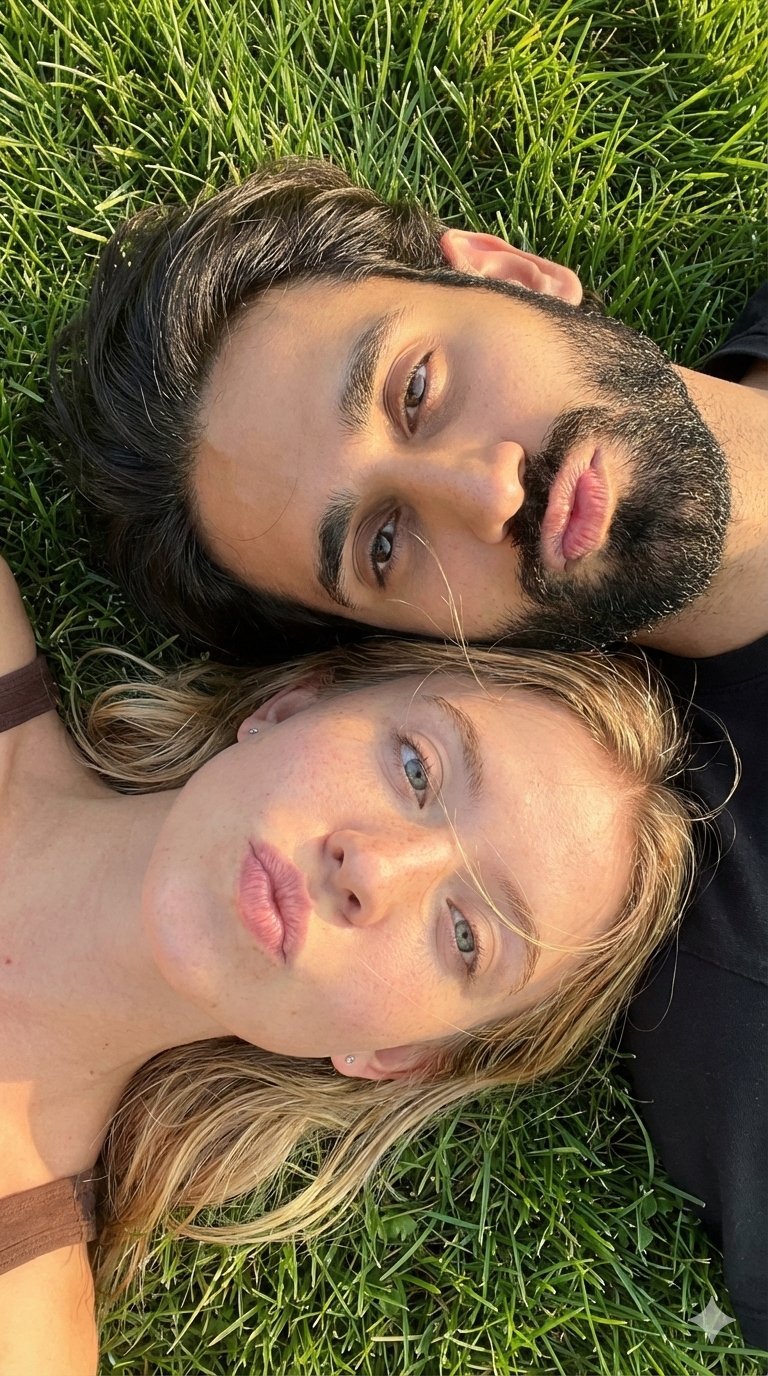
Selfie with Sydney Sweeney and Ana De Ar
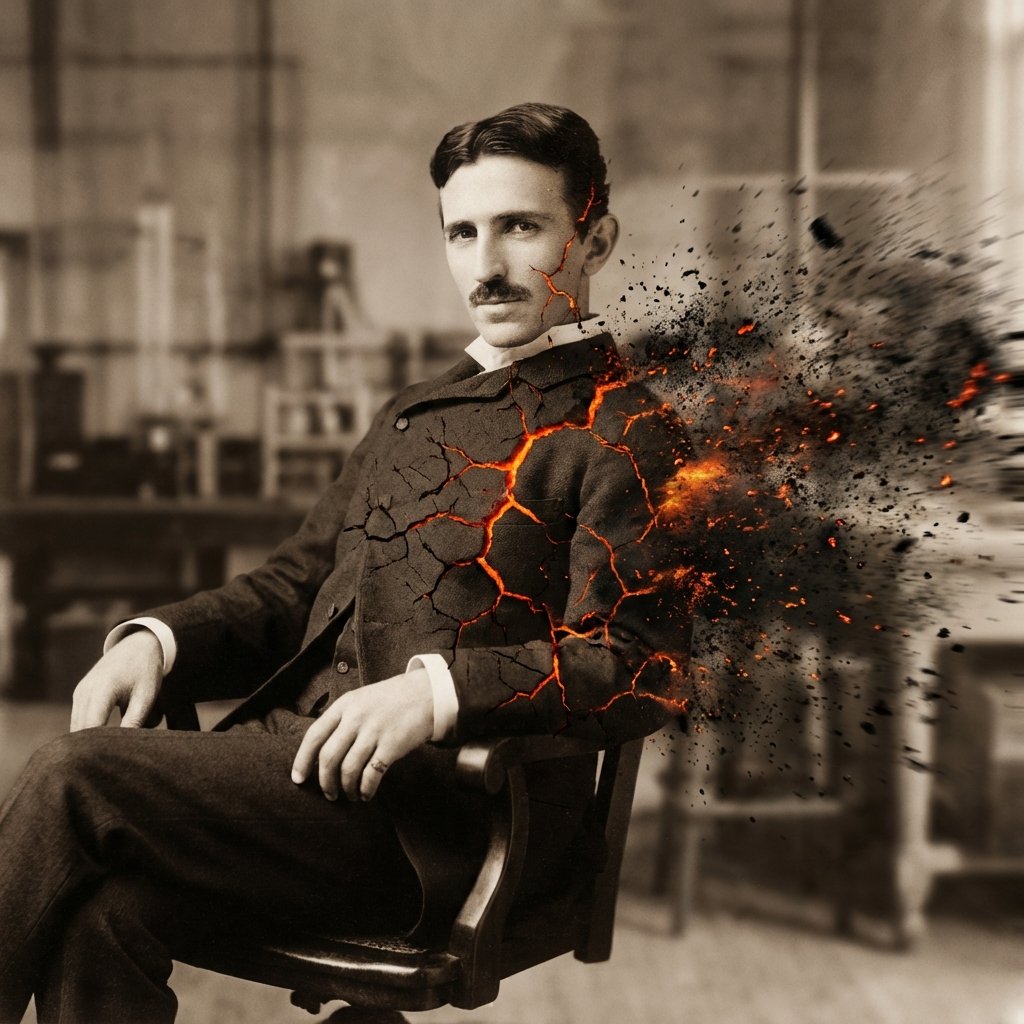
Disintegration Effect Function Prompt
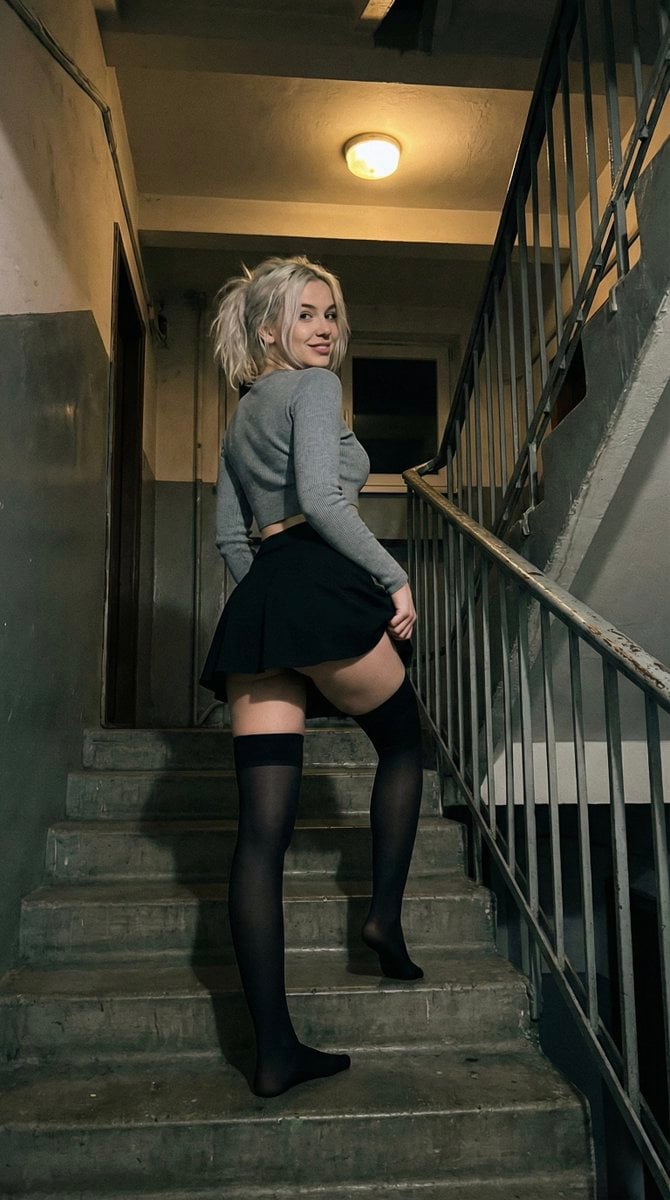
Suggestive Stairwell Candid Photo
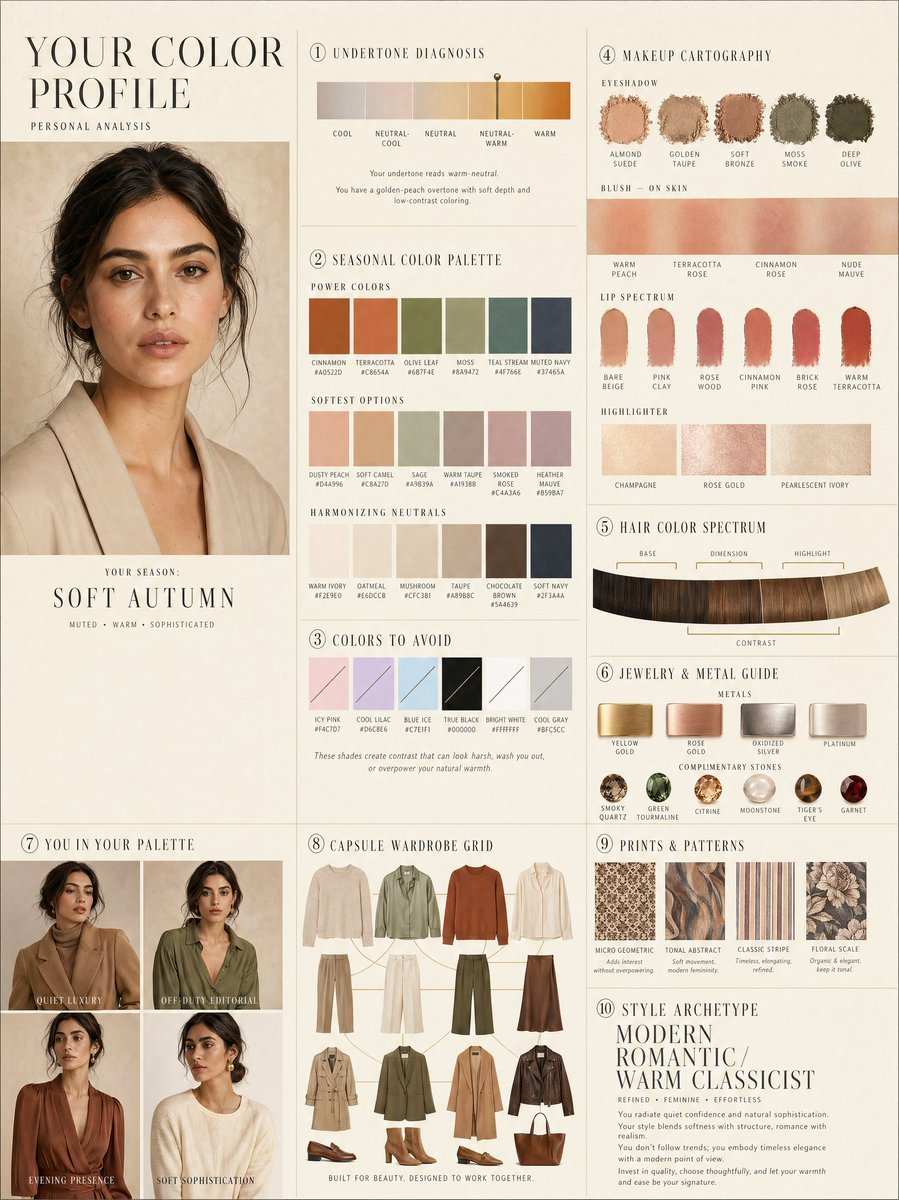
Luxury personal color profile layout
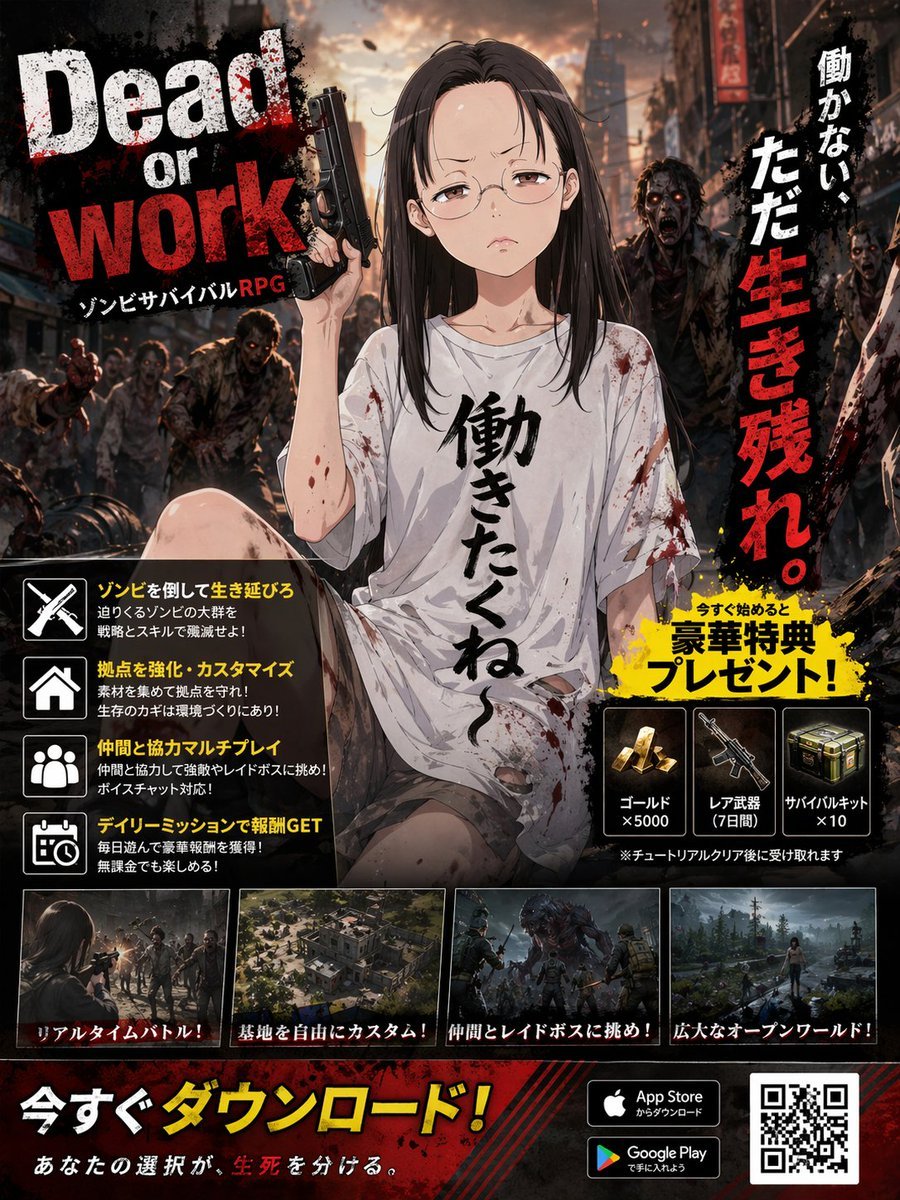
Zombie Survival RPG Anime Ad Poster
Browse template categories
Faceless Phoenix Knight Queen questions
How do I use the Faceless Phoenix Knight Queen template?
Add your photo if the template asks for one, edit the prompt if you like — the template's model and format are already selected — and press Generate. Your version opens in PicX Studio.
Can I customize the Faceless Phoenix Knight Queen template?
Yes. You can change the subject, setting, lighting, mood, format, and available model controls before creating your image.
Is the Faceless Phoenix Knight Queen template free?
Opening and editing this template is free. Generating uses credits, shown on the Generate button when you are signed in.
Which AI model should I use?
Start with GPT Image 2, which is the model associated with this template. You can compare another compatible model for a different finish.
Looking for something else? Browse all templates.

Your photo, any look
Thousands of ready templates for every top image and video model, from one credit balance.