
Cinematic Backlit Portrait with Bubbles and Flowers
A highly detailed prompt for creating a cinematic, hyper-realistic portrait featuring soft backlighting, soap bubbles, and delicate floral elements.
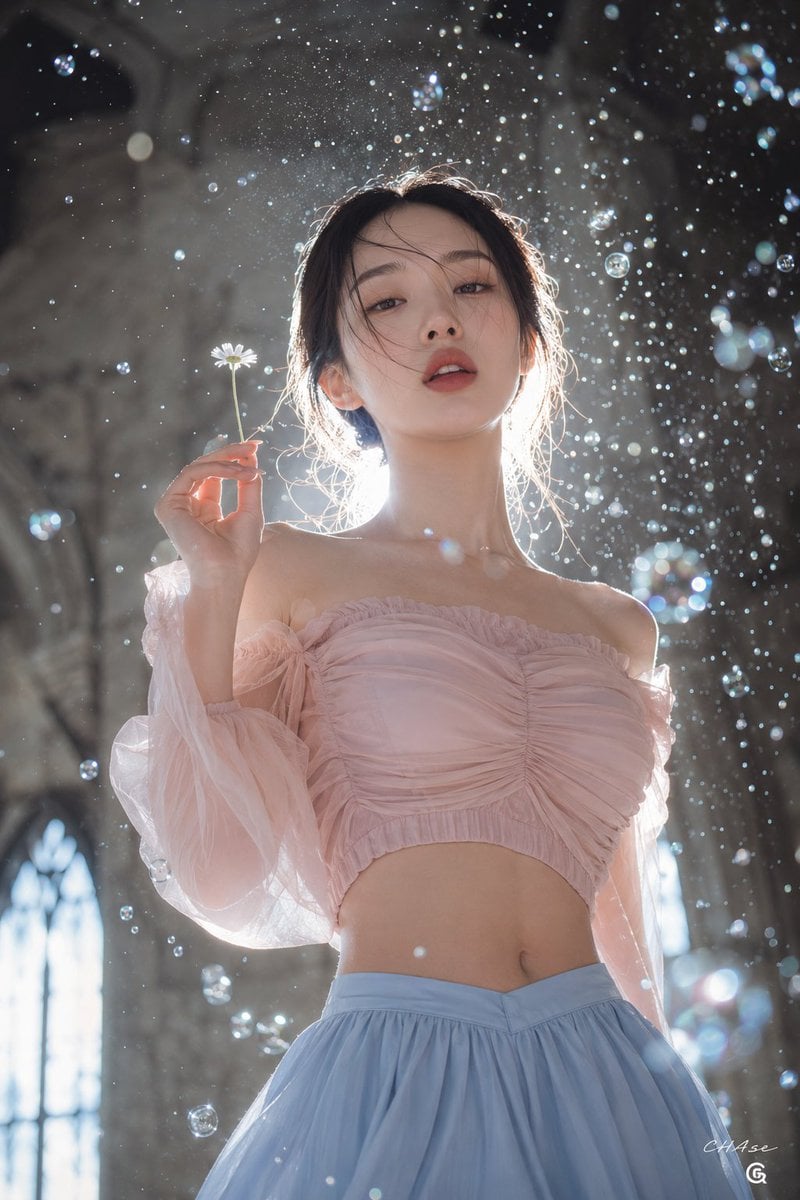
- Prompt included
- Model and format preset
- Free template
The prompt behind this image
Copy the exact prompt behind Cinematic Backlit Portrait with Bubbles and Flowers, or open it in the studio and make it yours.
[Person reference] {argument name="reference image" default="Image 1, Image 2"} [Key point] Hyper-realistic [Subject's pose and expression] With a low-angle gaze looking slightly down at the camera, she wears a mysterious, dreamlike expression with her lips slightly parted. Her eyes are only about 70% open. She raises her right hand to shoulder height, delicately holding a single wild chrysanthemum, and her upper body is slightly turned in an elegant, dynamic pose that reveals her waistline. [Outfit] The subject is wearing a midriff-baring [{argument name="top style" default="pastel pink off-shoulder"}] top, along with a [{argument name="bottom style" default="pastel blue"}] skirt. [Subject's hairstyle and makeup details] Her black hair is naturally tied up, with a few strands of her bangs fluttering in the wind and moisture, lightly covering her face. The makeup centers on a clear, clean skin finish, naturally enhancing the eyes, with moist red lips adding vitality. [Lighting and light direction — important] This is perfect backlighting, shining intensely from behind the subject. This strong light creates a dazzling halo effect and rim light along the edges of her hair, and makes the fine droplets of water and soap bubbles floating in the air glow white. The front of the subject is softly rendered with gentle reflected light. [Texture and color mood — important] It is a mysterious, cinematic mood in which the calm pale blue and white tones of the outfit contrast with the dark stone background. The fabric texture of the top blends with the three-dimensional texture of the water droplets shattering in the air, creating an artistic, dramatic atmosphere. [Film and camera lens depth of field, angle] This is a low-angle composition looking up at the subject from below, shot with a shallow depth of field. While the subject's face and the shirring details of the outfit are sharply in focus, the soap bubbles in the foreground and the Gothic-style arched windows in the background are softly out of focus, giving a sense of depth. It is shot as a cowboy shot. [Background elements (optional)] The background is the wall of a dark gray stone building reminiscent of the interior of an old Gothic-style cathedral. Behind the lower part of the subject, arched windows letting in light are visible, blurred, and the air is filled with transparent, glowing soap bubbles and fine water droplets scattered in all directions. [Signature] In the bottom right, the Threads logo (operated by Meta) is placed small, and above it, "CHAse" is written small in white cursive script, like a signature. The image is in a 2:3 ratio.
How to use Cinematic Backlit Portrait with Bubbles and Flowers in 3 steps
- 1Upload ImagePNG, JPG or paste
Add your photo
Upload the photo the template builds on. The prompt, model and format are already set.
- 2…a portrait of your subject in softgolden-hour light, 85mm…
Personalize
Edit the subject and creative details for your destination.
- 3Generate
Generate
Press Generate — your image is created in PicX Studio, so you can compare it with the original and refine one variable at a time.
More like this
Templates with the same subject, style or setup. Open one to see its prompt.

Found Photograph: Us, 1970

80s Couple Studio Portrait

80s Bollywood Star

80s Golden Hour Cinema

Me in 1985

1985 Studio Portrait

Hyper-Realistic Minecraft POV Portrait

Rooftop Fisheye — Cat-Ear Balaclava at Golden Hour

Rainy Café Window Moody Portrait

untitled

2025 Aesthetic Photography

Nano Banana Is So Addictive
Make it yours
Cinematic Backlit Portrait with Bubbles and Flowers works as-is. These are the safest ways to change it without losing the look.
Change one field
Copy a single group, rewrite it, and generate again so you can see what that field is doing.
Keep the frame, change the subject
Hold the composition and light of Cinematic Backlit Portrait with Bubbles and Flowers, then swap wardrobe, props or the person for a new take.
| If the result… | Why | Fix |
|---|---|---|
| The result drifts from the preview | Too many fields changed at once. | Reuse Cinematic Backlit Portrait with Bubbles and Flowers as-is first, then change one group — subject, light, or setting. |
| The model over-stylizes the scene | The prose prompt leaves finish and camera underspecified. | Add one camera or lighting sentence and stay on GPT Image 2. |
More GPT Image 2 templates
Other prompts made for GPT Image 2.

Six VTuber Japanese Logo Sheet

Realistic Portrait of Woman and Deer

The Vista Modular Condo Poster

AI Model Routing Comparison Infographic

2.5D Anime Art Board

Isometric Productivity Desk Scene

New York Double Exposure Poster

Four-Panel AI Landscape Comparison

Japanese Tatami Lifestyle Magazine Cover

NESCAFÉ Coffee Map Poster
More image prompts
Fresh picks from across the catalog.
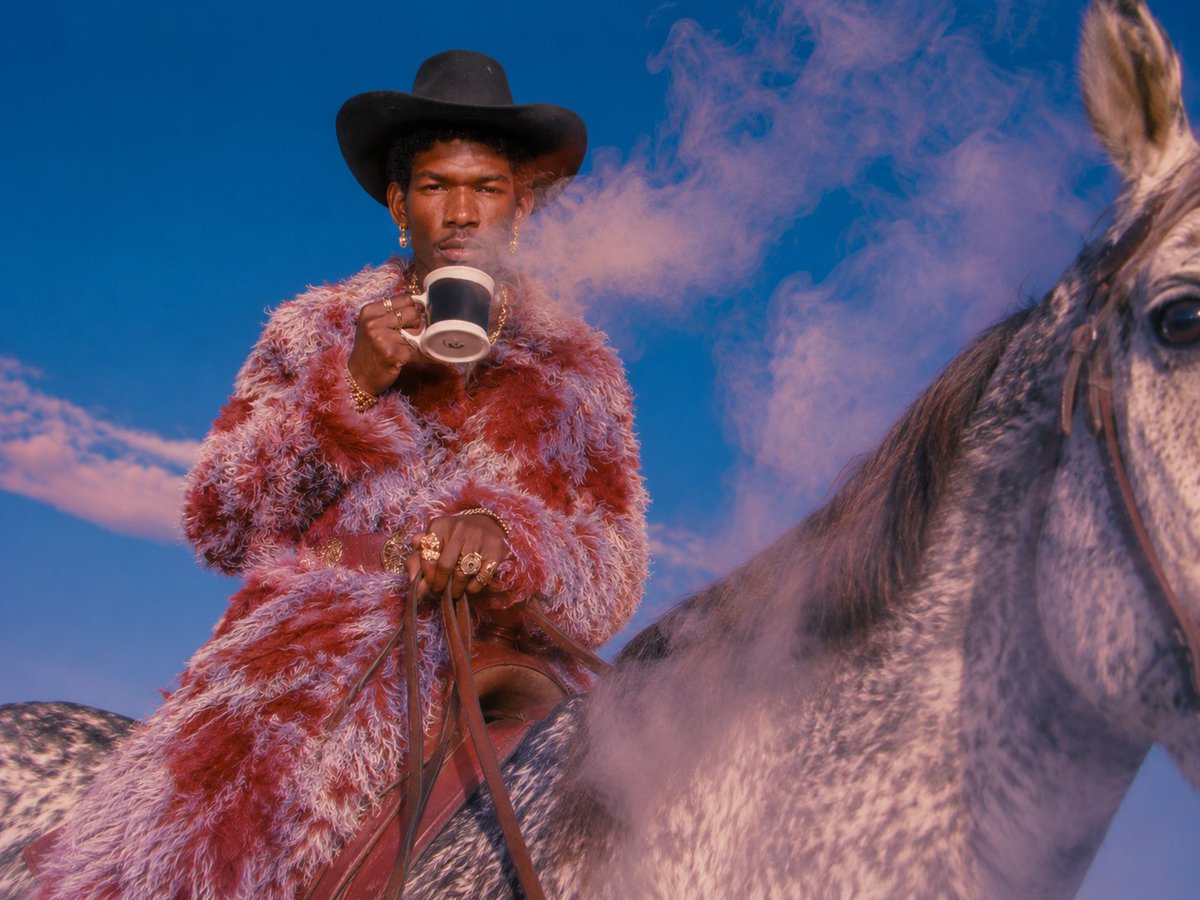
Surreal Cowboy Fashion Editorial
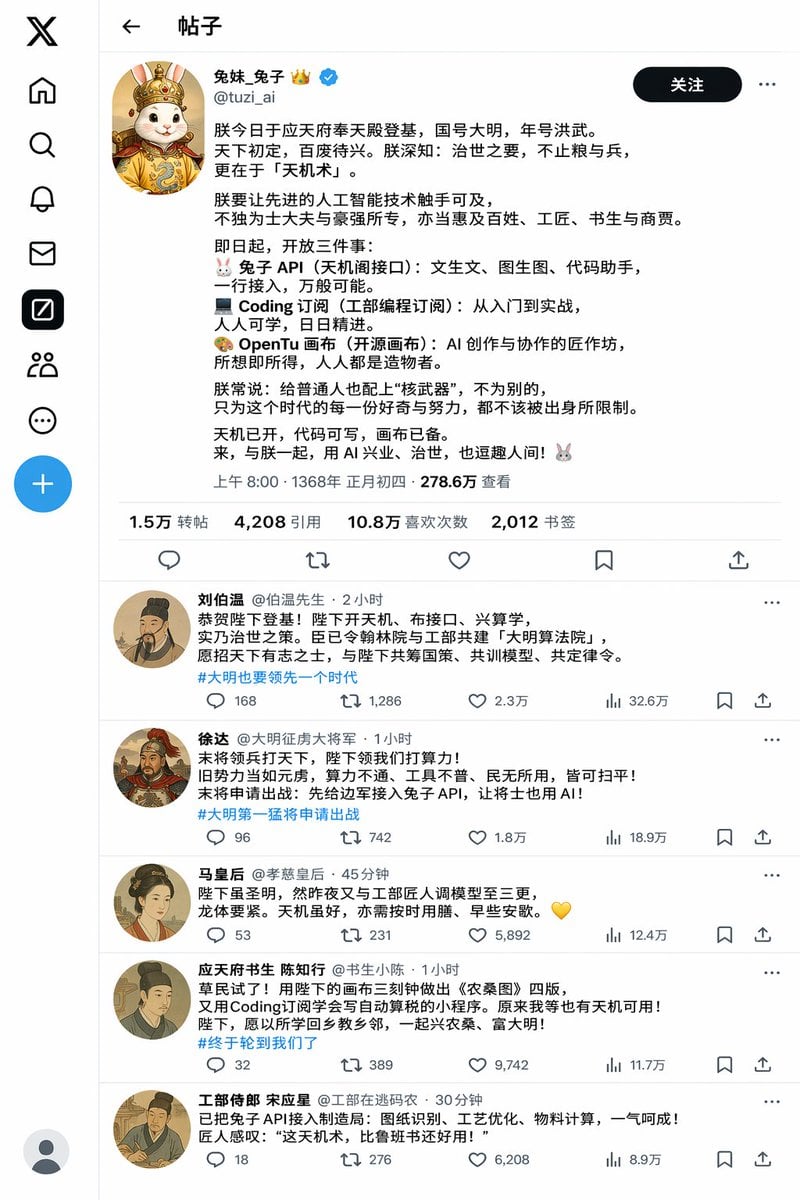
Historical Rabbit King Social Media Page

Cute Google Fonts Japanese Infographic
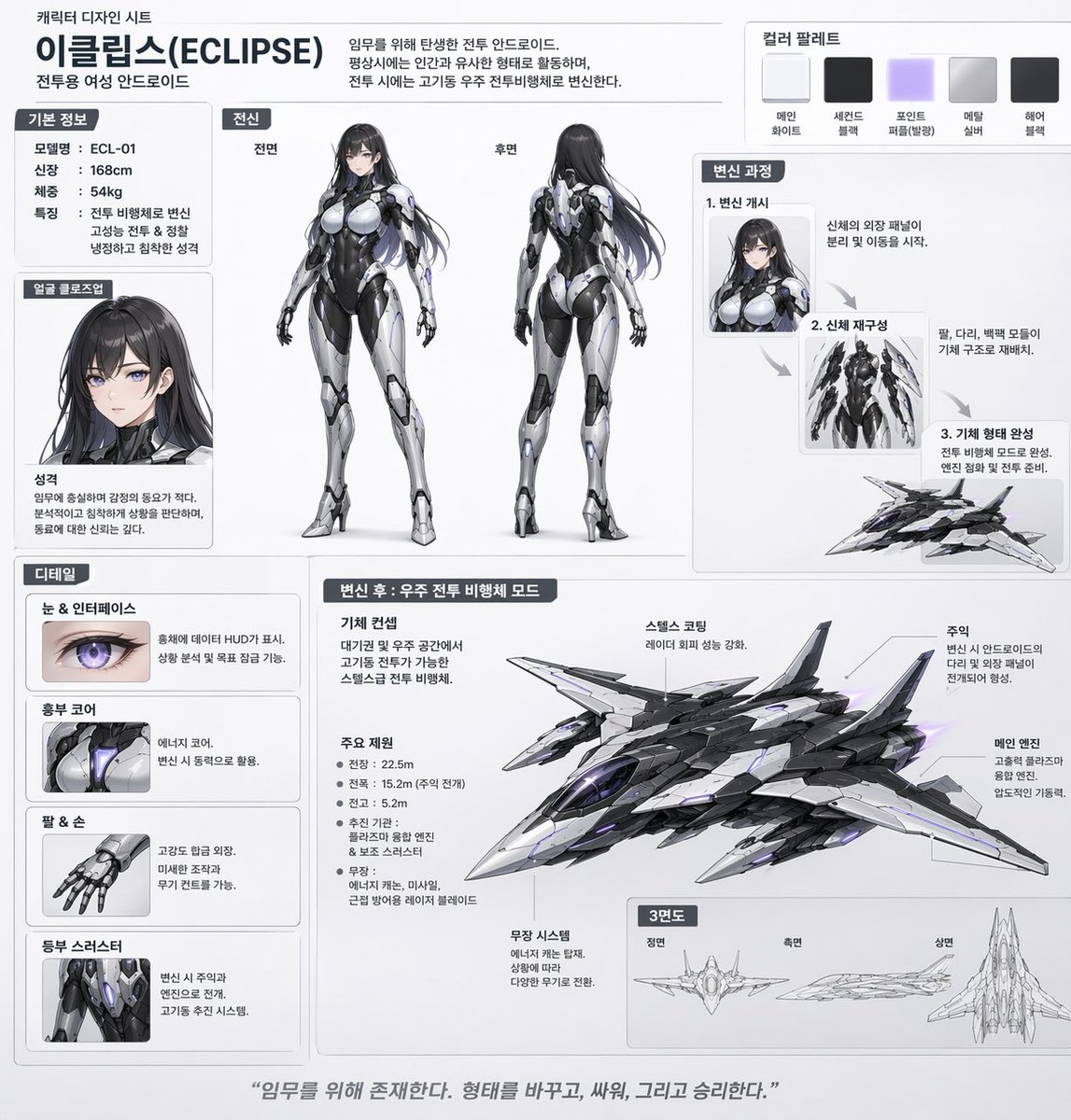
Mecha-Girl Character Design Sheet
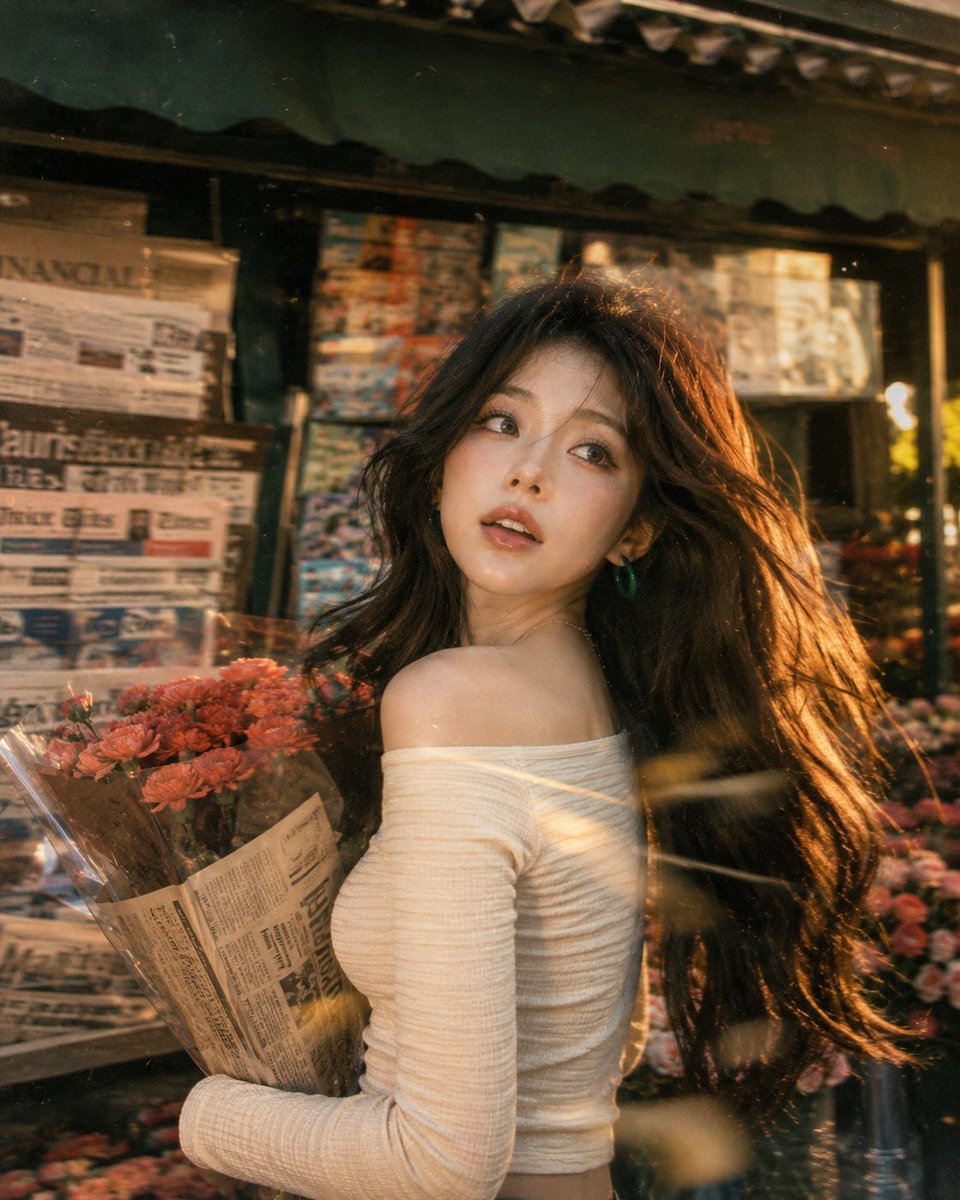
Vintage Fujifilm Film Portrait
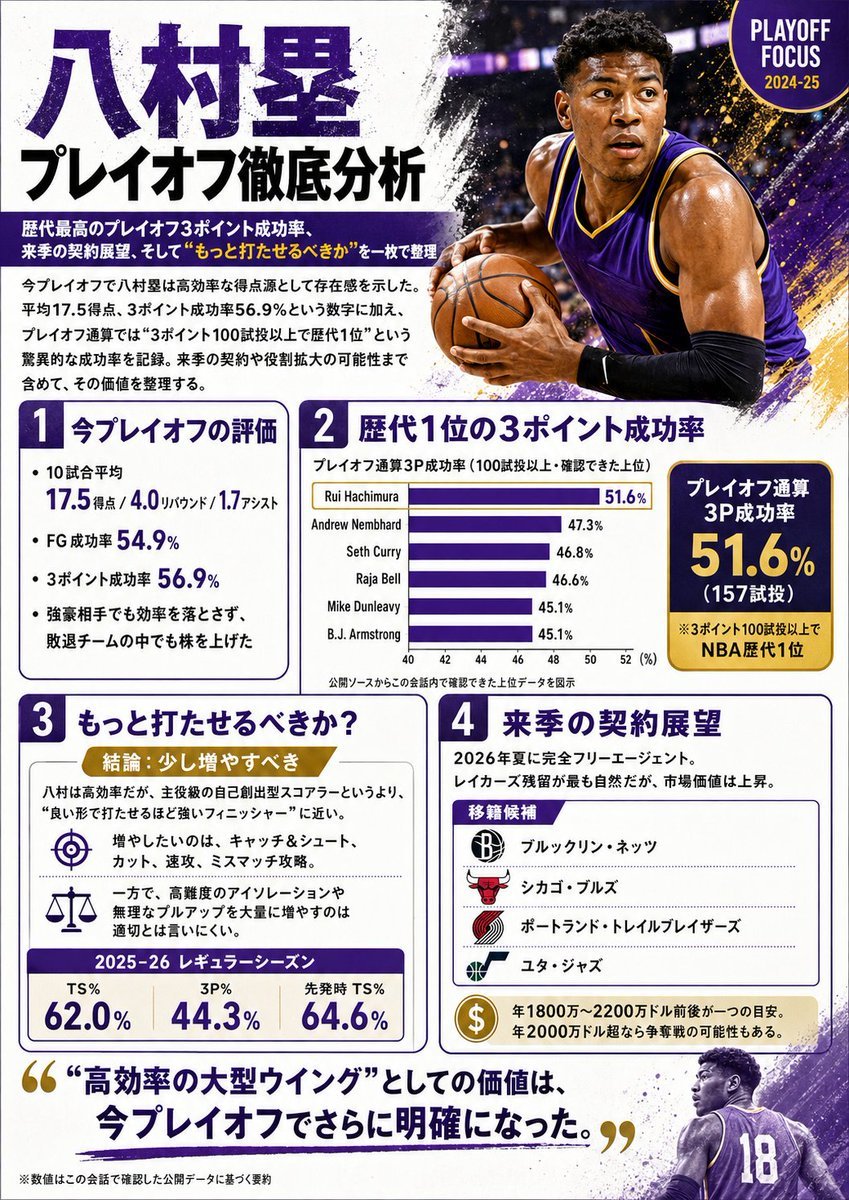
Japanese NBA Playoff Analysis Infographic
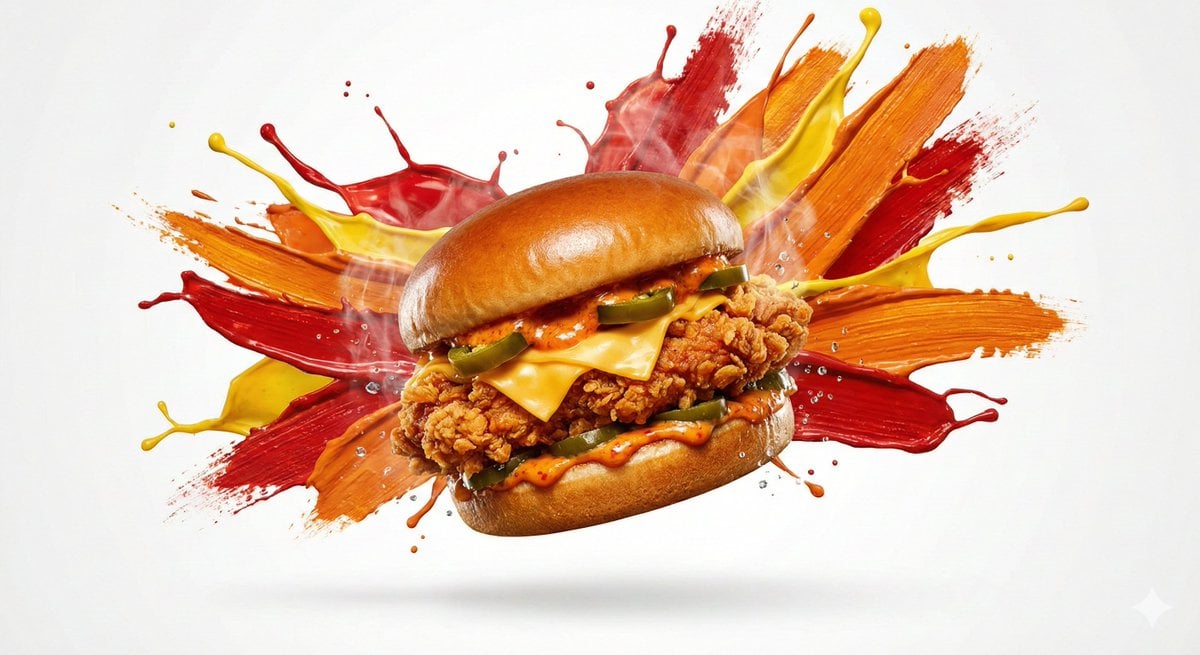
Color Splash Food Advertisement

Anime Protagonist and Companion Generator
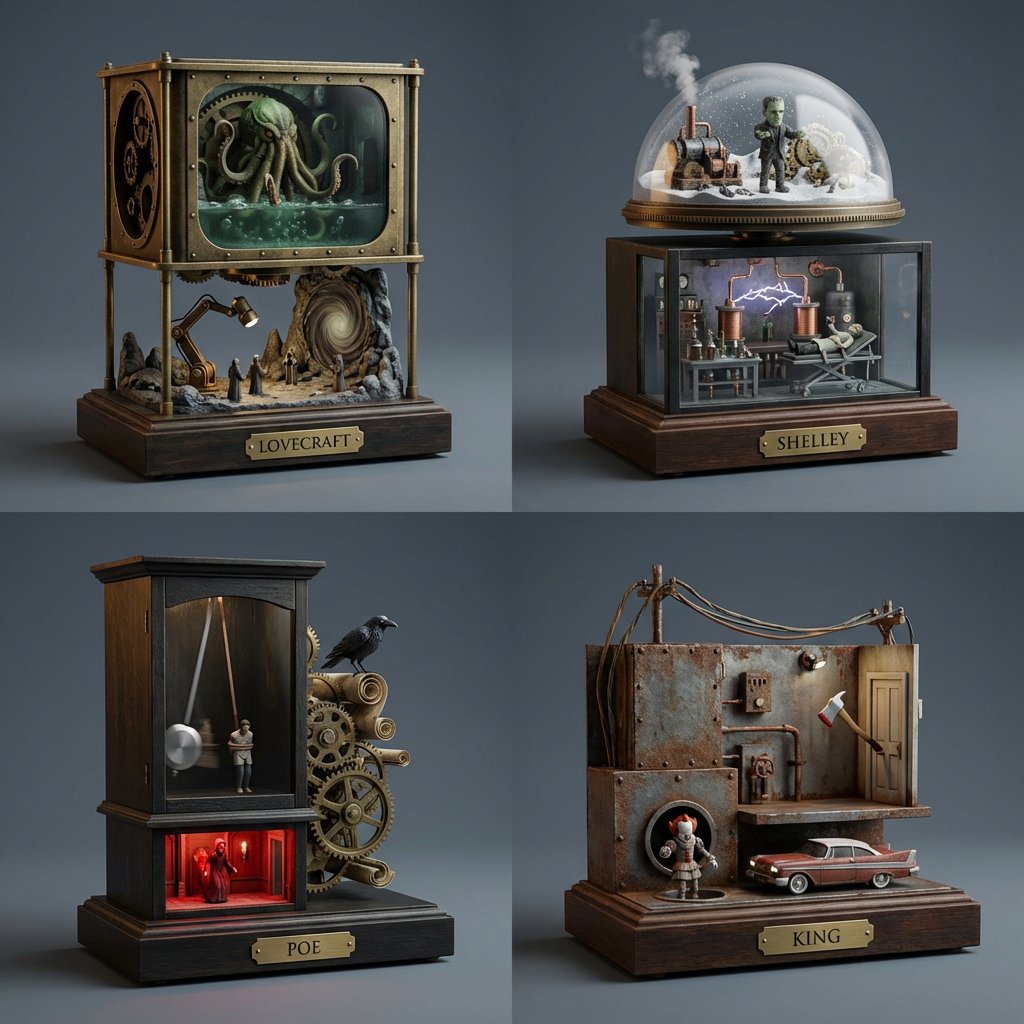
Horror Author Universe Kinetic Sculptures Grid
3D CG Pink Maid Illustration
Browse template categories
Cinematic Backlit Portrait with Bubbles and Flowers questions
How do I use the Cinematic Backlit Portrait with Bubbles and Flowers template?
Add your photo if the template asks for one, edit the prompt if you like — the template's model and format are already selected — and press Generate. Your version opens in PicX Studio.
Can I customize the Cinematic Backlit Portrait with Bubbles and Flowers template?
Yes. You can change the subject, setting, lighting, mood, format, and available model controls before creating your image.
Is the Cinematic Backlit Portrait with Bubbles and Flowers template free?
Opening and editing this template is free. Generating uses credits, shown on the Generate button when you are signed in.
Which AI model should I use?
Start with GPT Image 2, which is the model associated with this template. You can compare another compatible model for a different finish.
Looking for something else? Browse all templates.

Your photo, any look
Thousands of ready templates for every top image and video model, from one credit balance.