
Cyberpunk AI Typeface Poster
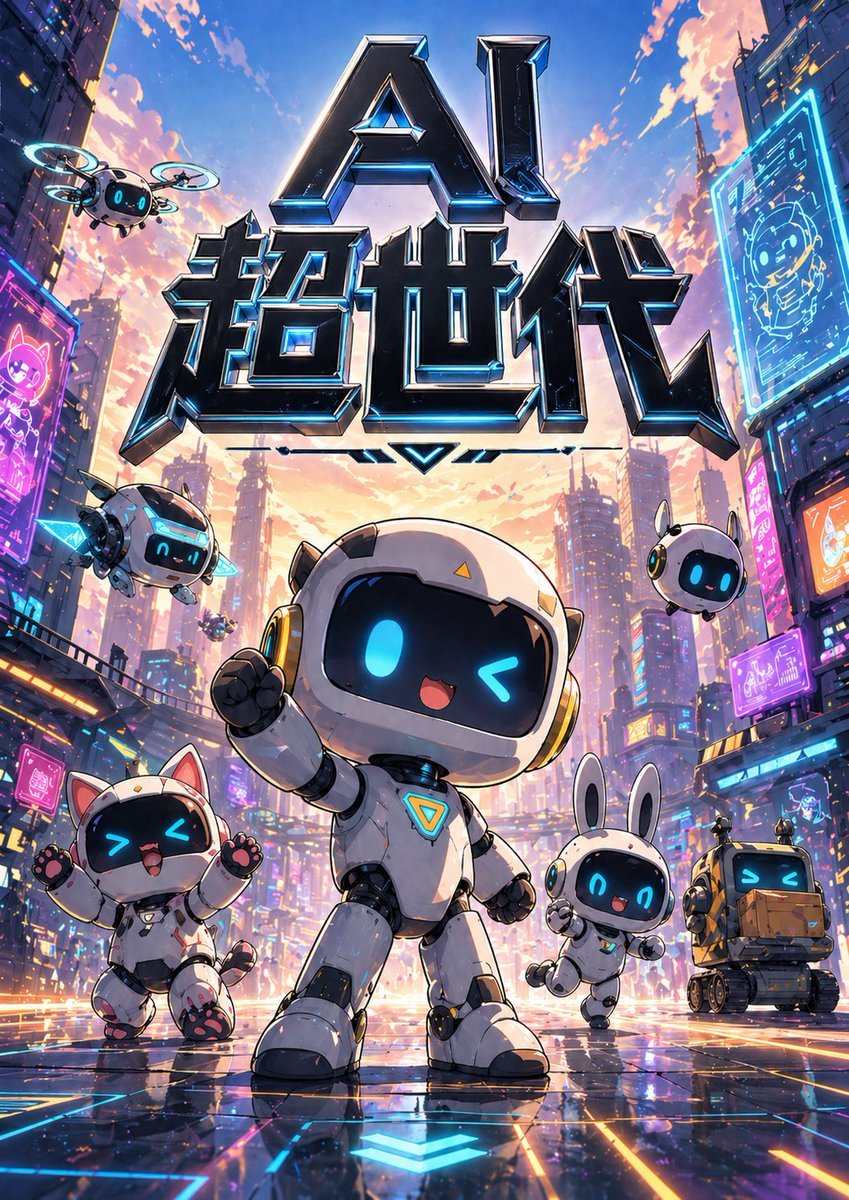
A vibrant futuristic poster featuring giant mecha-style title lettering and cute robot mascots, ideal for showcasing custom sci-fi typography or AI-themed branding.
- Prompt included
- Model and format preset
- Premium template
The prompt behind this image
Copy the exact prompt behind Cyberpunk AI Typeface Poster, or open it in the studio and make it yours.
A vertical cyberpunk promotional poster for a custom sci-fi display typeface, set in a neon-drenched future city at sunset. The composition is dominated at the top by huge metallic 3D title text reading AI 超世代, with the English letters "AI" above the Chinese characters, all rendered in a heavy steel mecha-style black font with beveled edges, chrome reflections, deep gunmetal surfaces, electric blue inner glow, cyan rim lighting, and sharp industrial geometry. Below the title, in the foreground, a cute chibi robot mascot stands heroically in the center, white armored body with black joints, glossy black digital face screen, bright cyan glowing eyes with one eye winking, open smiling mouth, gold headphone-like ear discs, and a glowing triangular chest emblem, raising one fist triumphantly while stepping forward. Surrounding it are 6 supporting robot characters and drones: 1 cat-eared chibi robot at bottom left with pink paw pads and joyful glowing face, 1 rabbit-eared chibi robot at bottom right running forward, 1 boxy utility robot vehicle at far bottom right with a small digital face, 1 spherical drone at upper left, 1 spherical drone at upper right, and 1 larger flying robot at mid-left. The background is a dense futuristic city canyon with tall skyscrapers on both sides, elevated roads, holographic billboards, glowing signage, and atmospheric perspective fading into the bright center. Include 3 clearly visible billboard screens: 1 pink neon cat-themed billboard on the left, 1 blue holographic robot schematic billboard on the upper right, and 1 purple neon billboard on the lower right. The street is glossy and reflective with luminous circuit-like lane markings and cyan-magenta light streaks. Use a dramatic low-angle perspective, centered symmetrical poster layout, high contrast, vibrant cyan, magenta, purple, orange, and gold lighting, polished anime-meets-3D illustration style, cinematic sunset clouds, energetic, playful, futuristic, adorable yet epic tech-branding aesthetic.
How to use Cyberpunk AI Typeface Poster in 3 steps
- 1Upload ImagePNG, JPG or paste
Add your photo
Upload the photo the template builds on. The prompt, model and format are already set.
- 2…a portrait of your subject in softgolden-hour light, 85mm…
Personalize
Edit the subject and creative details for your destination.
- 3Generate
Generate
Press Generate — your image is created in PicX Studio, so you can compare it with the original and refine one variable at a time.
More like this
Templates with the same subject, style or setup. Open one to see its prompt.

Neon Glitch Cyber Symbiote Music Poster
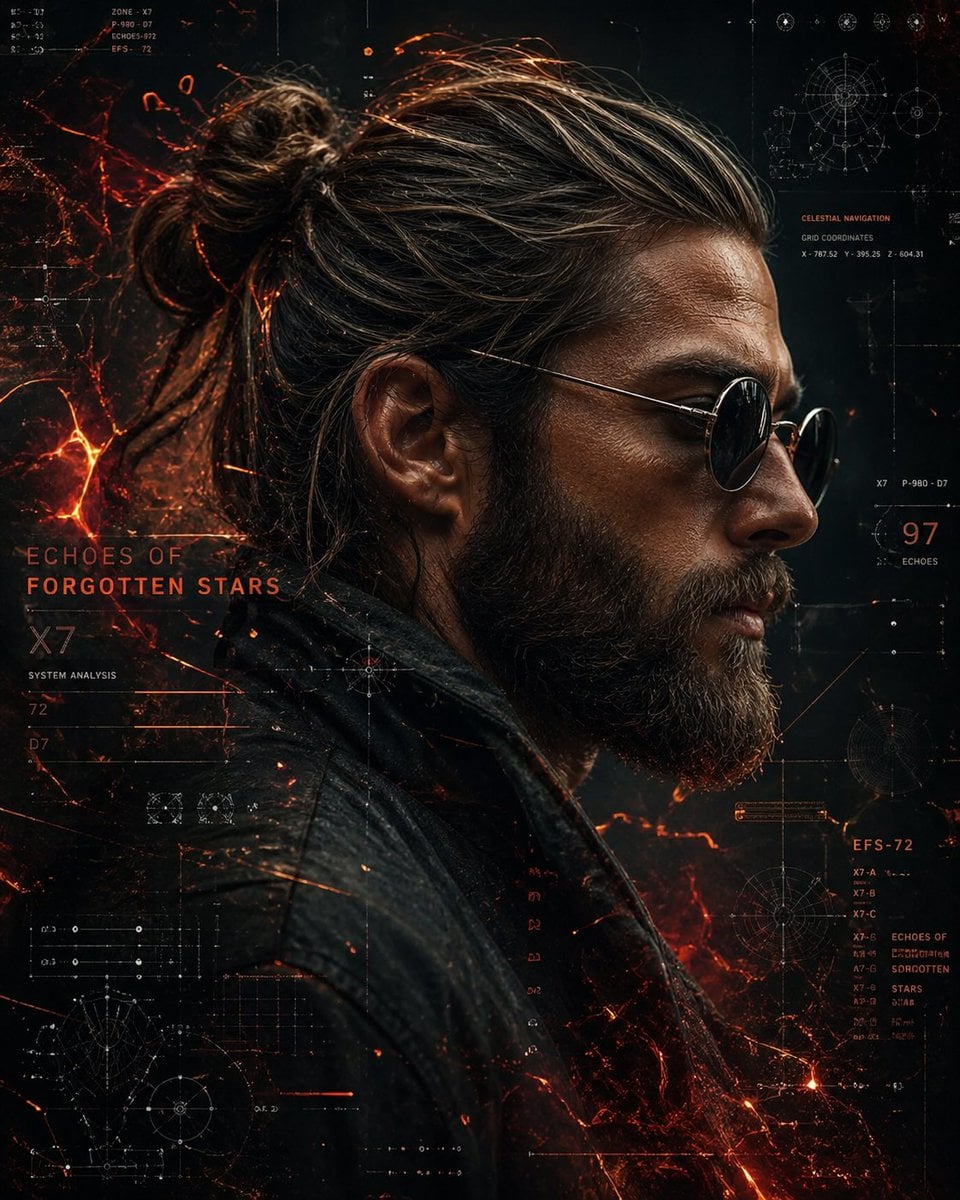
Cinematic Side Profile Cyberpunk Hero Poster
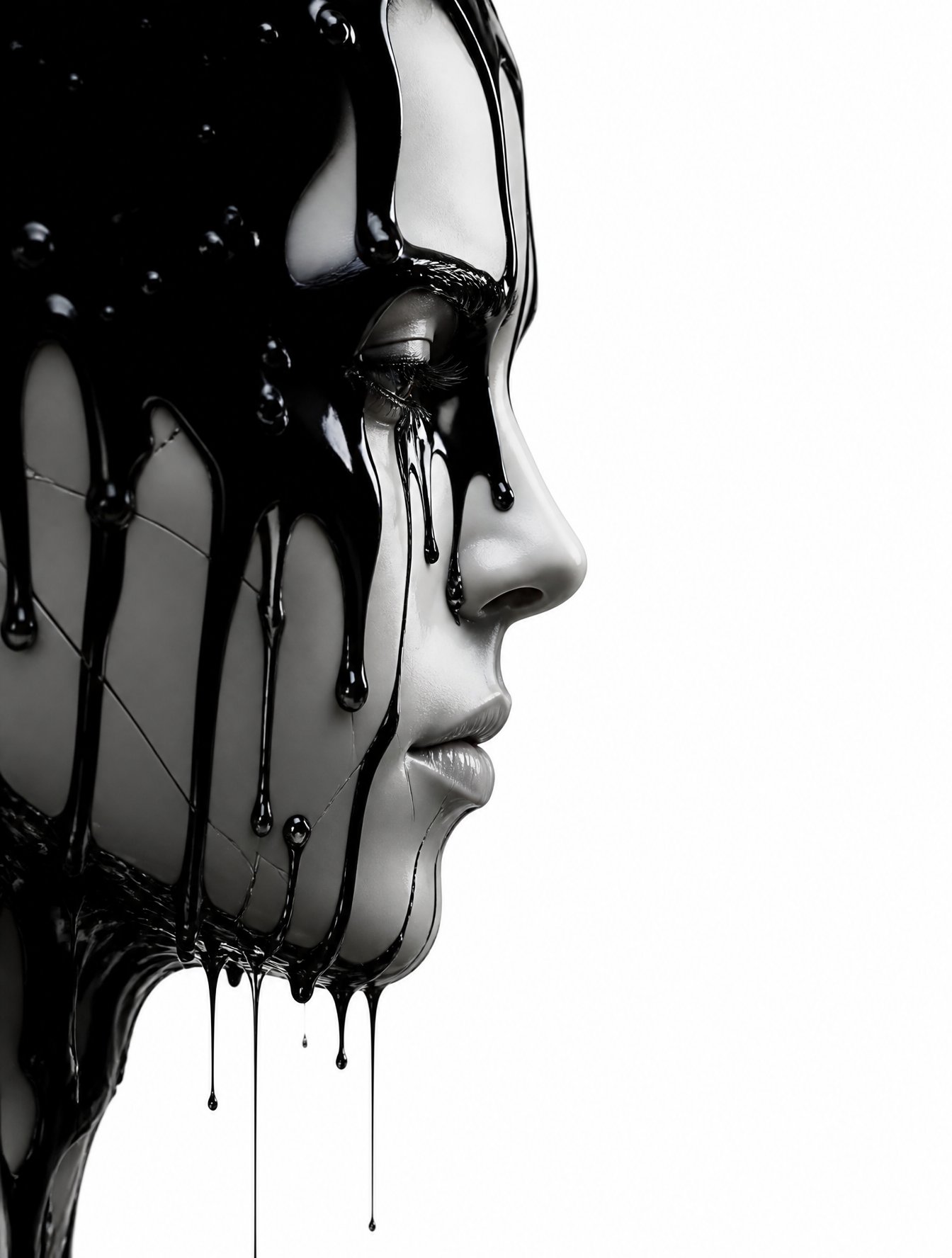
Black Liquid Cyberpunk Portrait Poster

Japan Travel Brochure Poster

Cartoon TV Show Poster Pack

Trendy Cafe Drink Promo Poster

Urban Fashion Editorial Collage Streetwear Poster

Premium Fashion Editorial Cover Layout System

Polo Ralph Lauren Luxury American Heritage Fashion Campaign

Monochrome Halftone Editorial Fashion Poster

Retro Mirror Luxury Fashion Campaign Poster
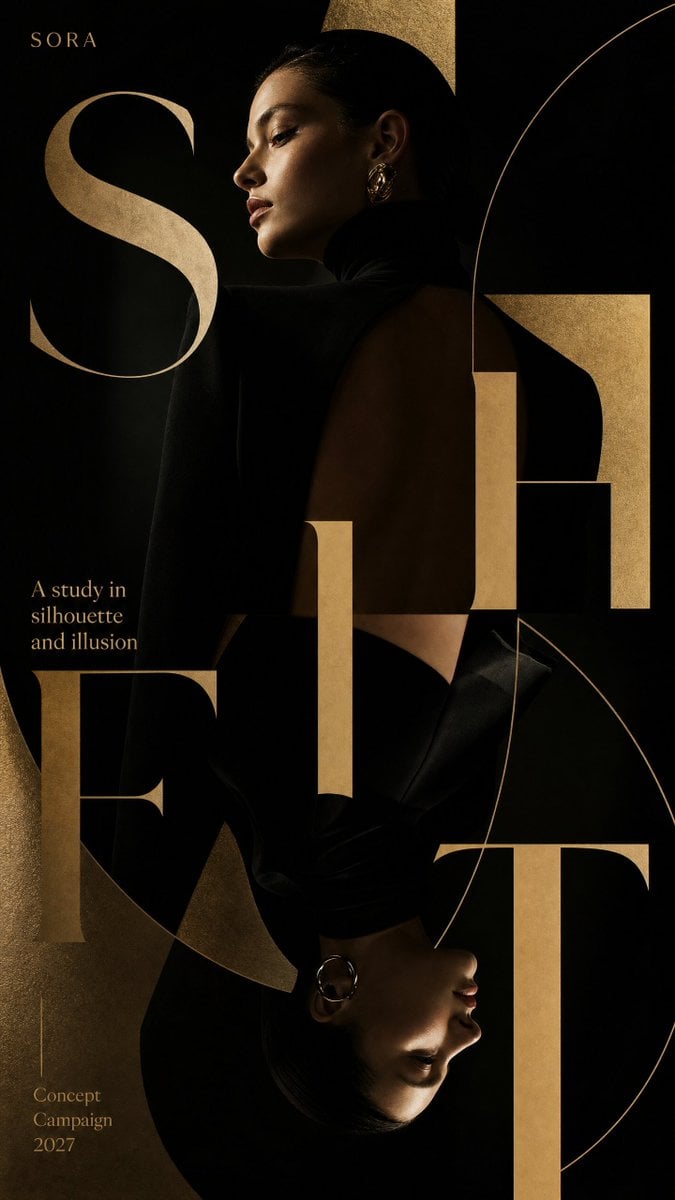
Luxury Fashion Campaign Typography Poster System
Make it yours
Cyberpunk AI Typeface Poster works as-is. These are the safest ways to change it without losing the look.
Change one field
Copy a single group, rewrite it, and generate again so you can see what that field is doing.
Keep the frame, change the subject
Hold the composition and light of Cyberpunk AI Typeface Poster, then swap wardrobe, props or the person for a new take.
| If the result… | Why | Fix |
|---|---|---|
| The result drifts from the preview | Too many fields changed at once. | Reuse Cyberpunk AI Typeface Poster as-is first, then change one group — subject, light, or setting. |
| The model over-stylizes the scene | The prose prompt leaves finish and camera underspecified. | Add one camera or lighting sentence and stay on GPT Image 2. |
More GPT Image 2 templates
Other prompts made for GPT Image 2.

Six VTuber Japanese Logo Sheet

Realistic Portrait of Woman and Deer

The Vista Modular Condo Poster

AI Model Routing Comparison Infographic

2.5D Anime Art Board

Isometric Productivity Desk Scene

New York Double Exposure Poster

Four-Panel AI Landscape Comparison

Japanese Tatami Lifestyle Magazine Cover

NESCAFÉ Coffee Map Poster
More image prompts
Fresh picks from across the catalog.
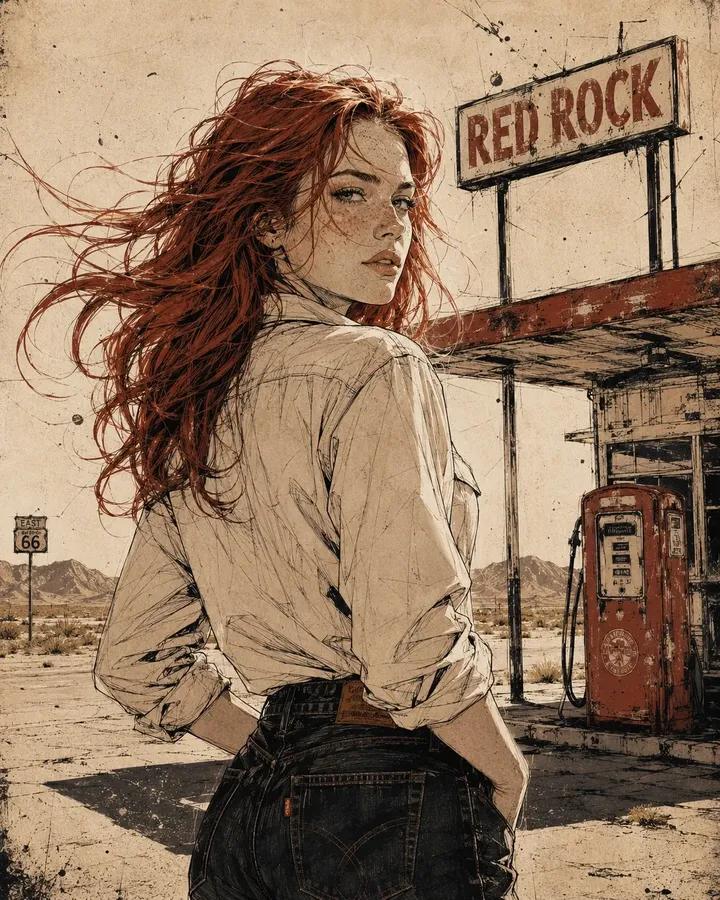
Vintage Americana Desert Illustration
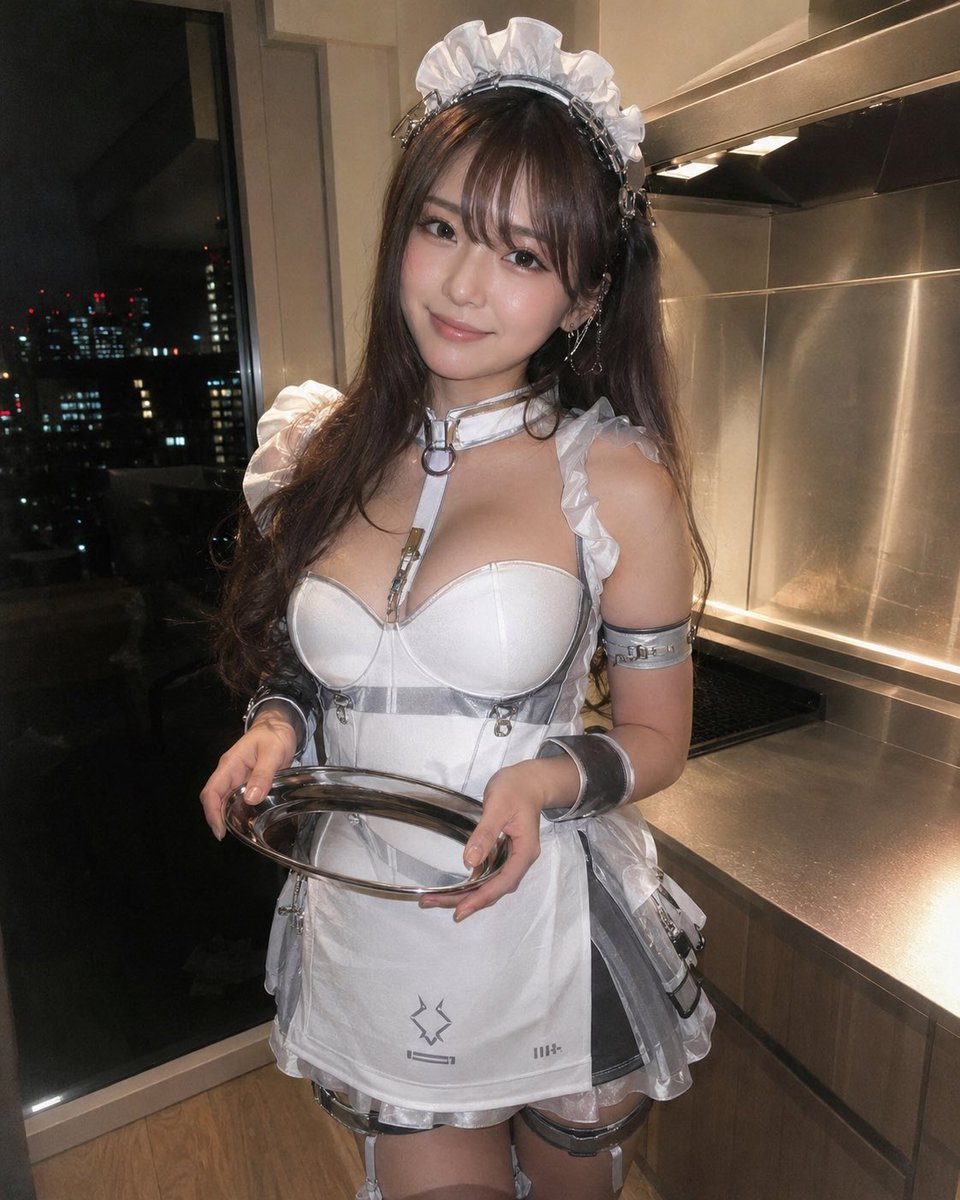
Cyber Maid Cosplay Flash Portrait
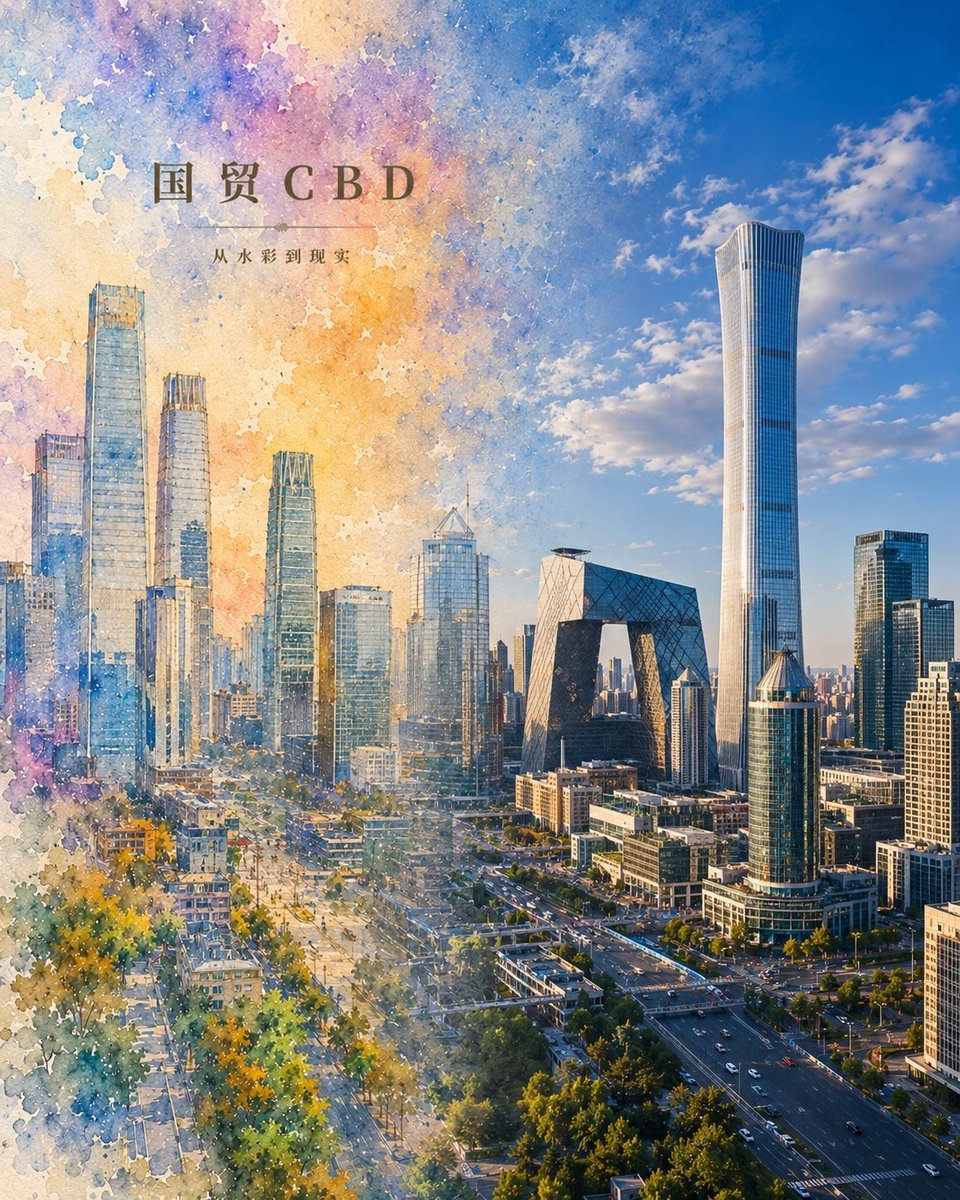
Watercolor to Reality Beijing CBD Poster
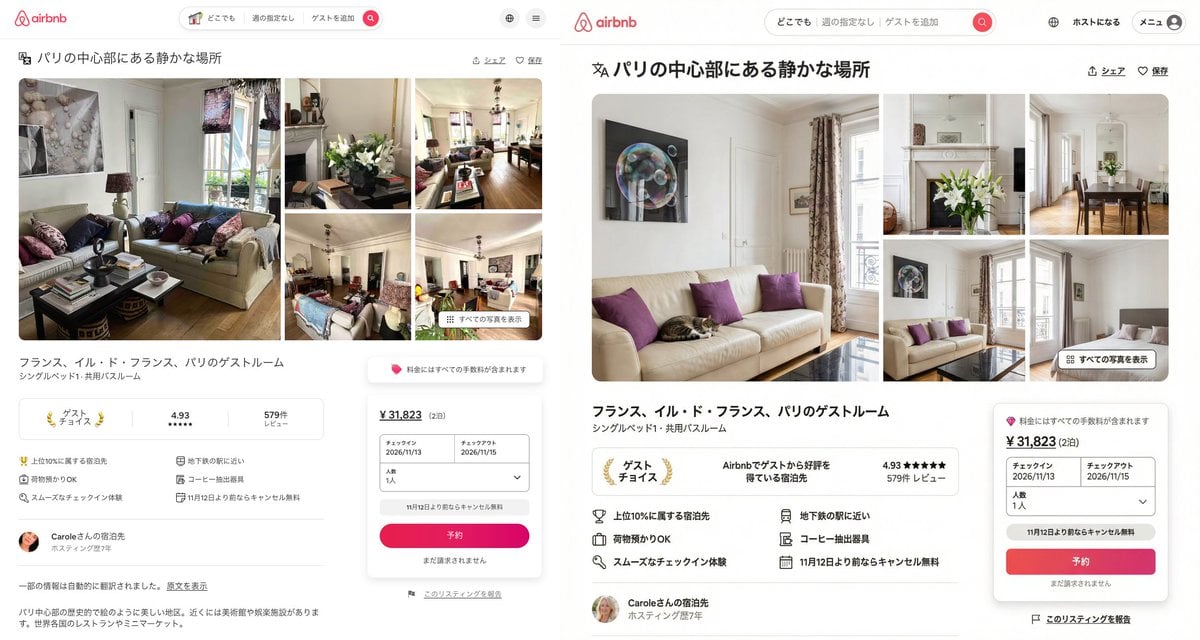
Recreating Airbnb UI with Image-to-Text and Nano Banana Pro
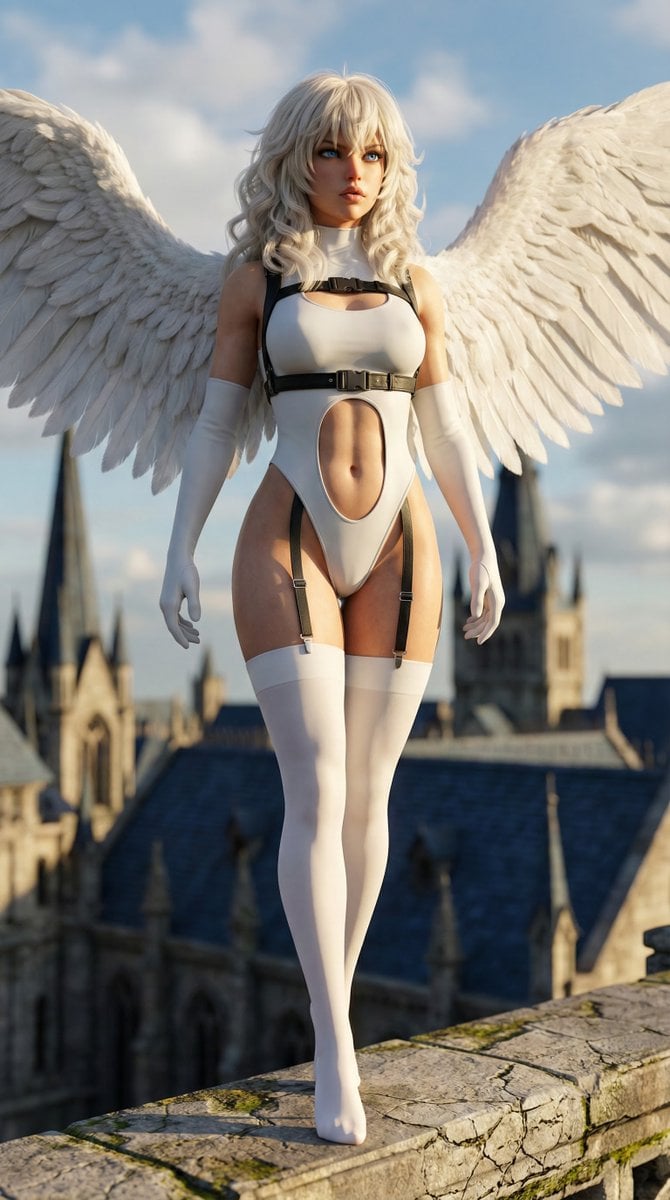
Hyper-realistic anime warrior portrait with tactical gear
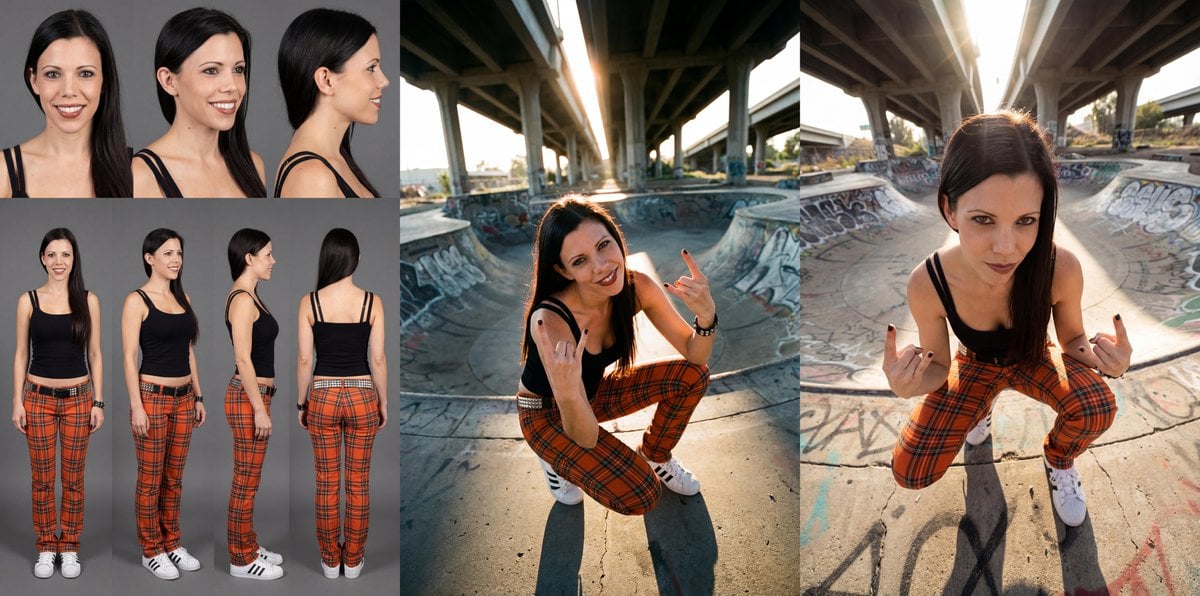
DSLR Character Sheet for Profiles
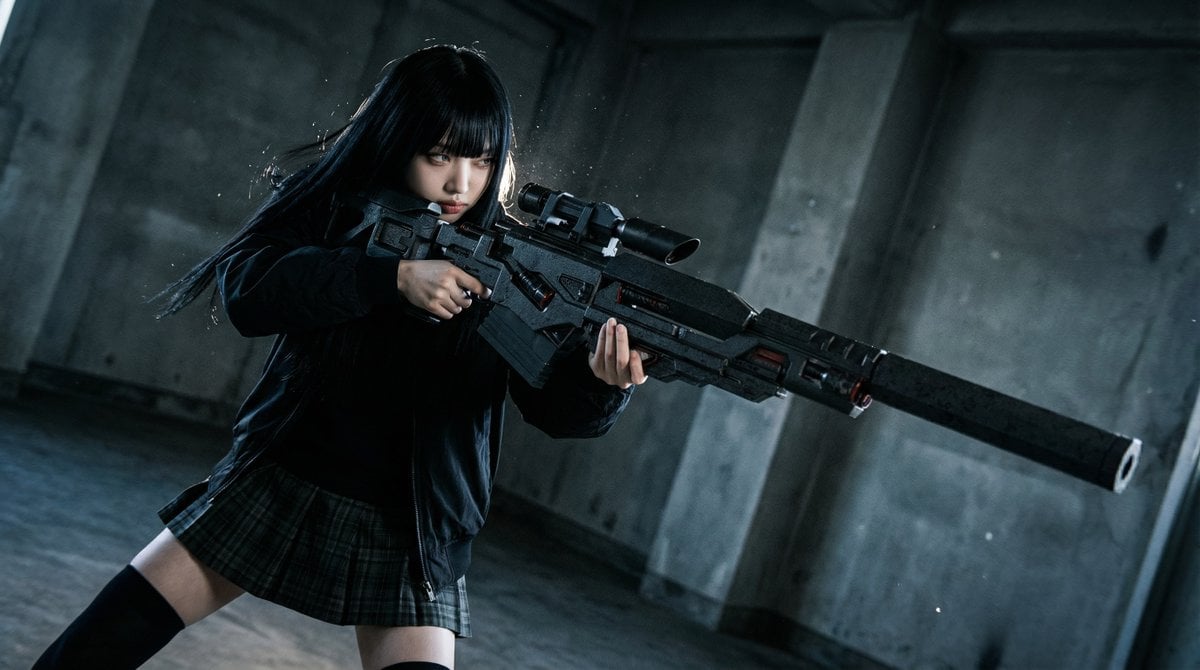
Ultimate Weapon Mastery Cinematic Pose Prompt
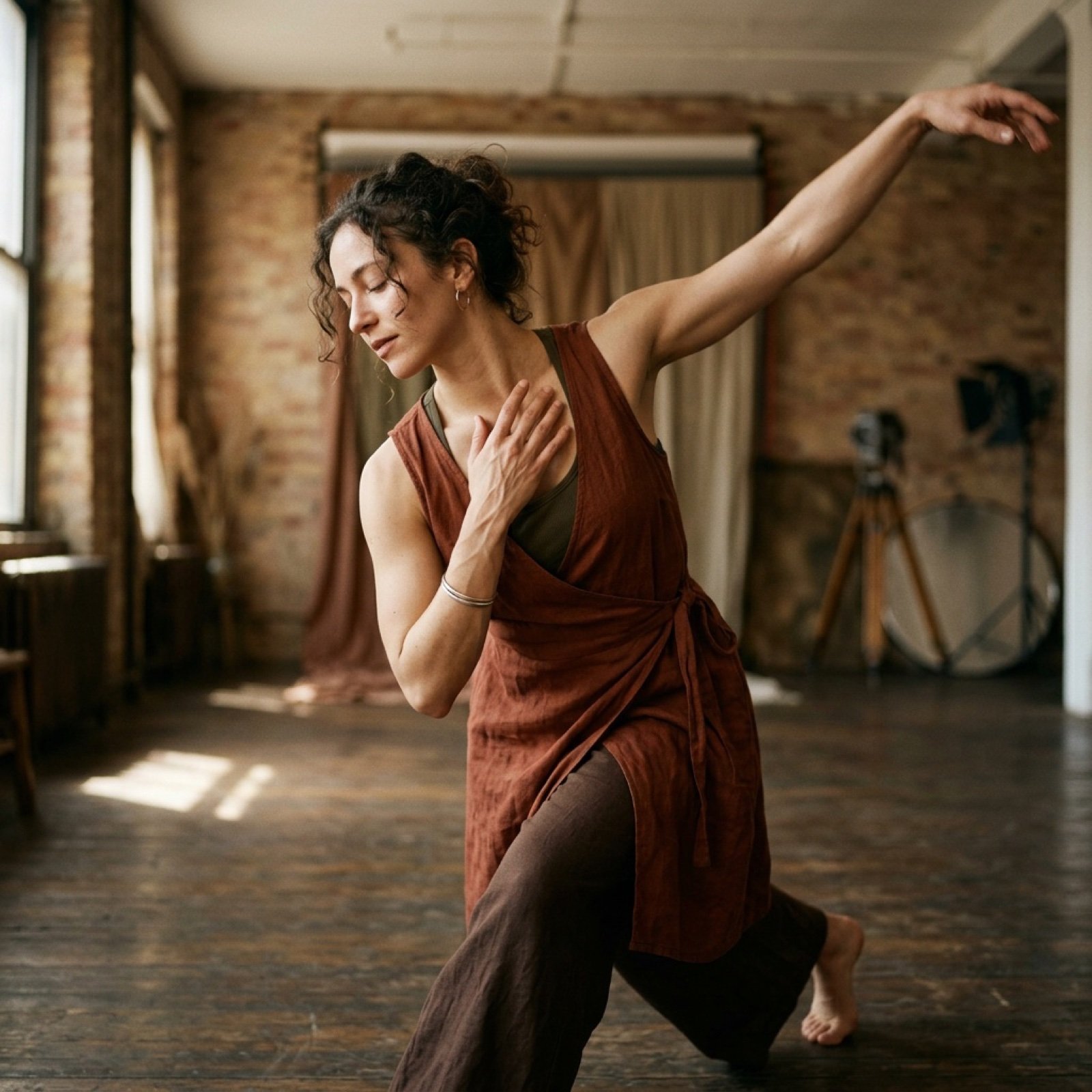
Cinematic Dance Video Prompt (Image and Video Generation)

Vintage Photo Restoration and Upscaling Prompt
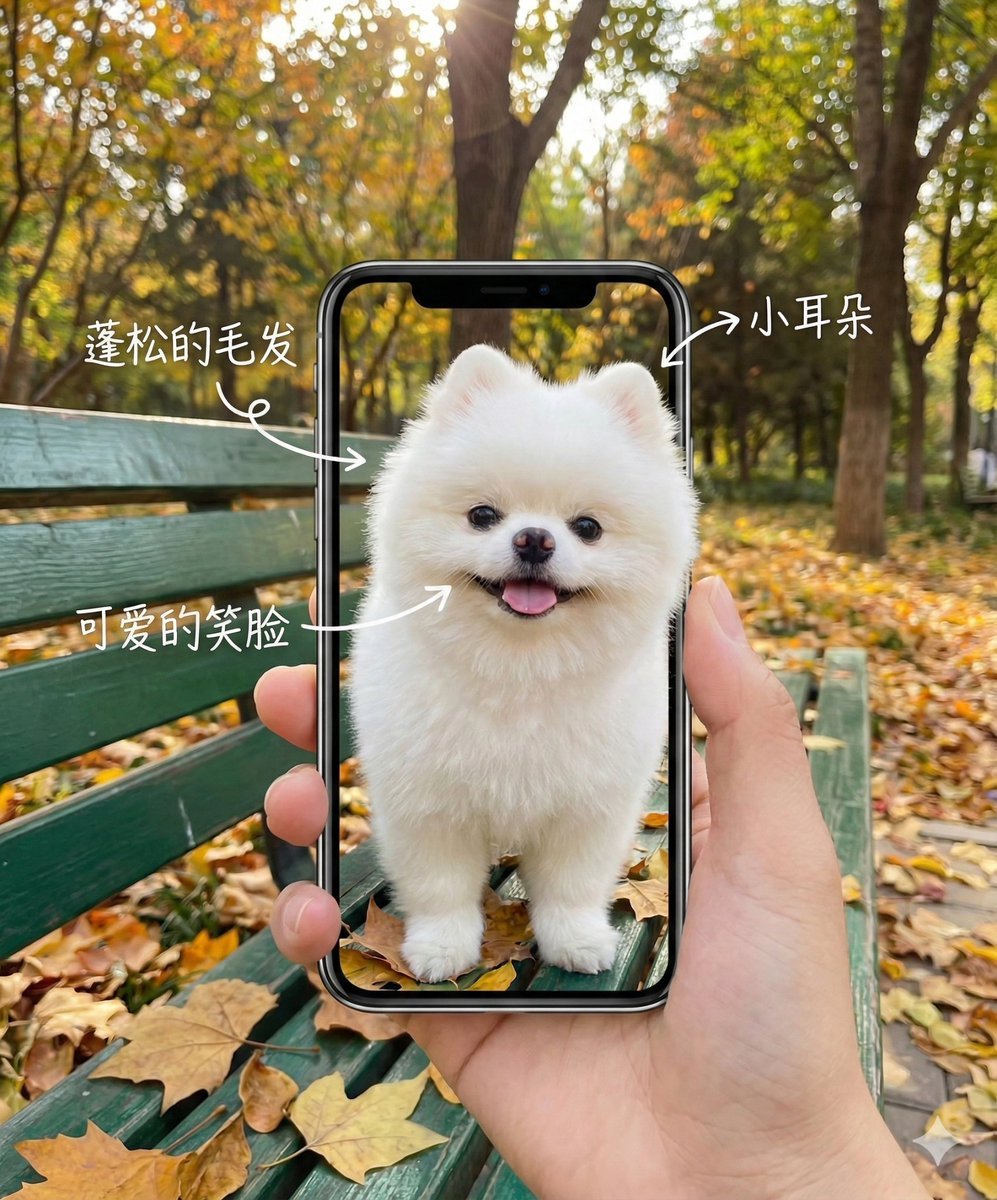
Smartphone Screen Illusion Portrait Template
Browse template categories
Cyberpunk AI Typeface Poster questions
How do I use the Cyberpunk AI Typeface Poster template?
Add your photo if the template asks for one, edit the prompt if you like — the template's model and format are already selected — and press Generate. Your version opens in PicX Studio.
Can I customize the Cyberpunk AI Typeface Poster template?
Yes. You can change the subject, setting, lighting, mood, format, and available model controls before creating your image.
Is the Cyberpunk AI Typeface Poster template free?
Opening and editing this template is free. Generating uses credits, shown on the Generate button when you are signed in.
Which AI model should I use?
Start with GPT Image 2, which is the model associated with this template. You can compare another compatible model for a different finish.
Looking for something else? Browse all templates.

Your photo, any look
Thousands of ready templates for every top image and video model, from one credit balance.