How do I use the Gifu Yanagase Arcade Travel Poster template?
Choose the primary action to open PicX Studio with the available template settings. Review the model and format, personalize the creative direction, and generate when ready.
Generates a vintage green line-art tourism poster of Gifu's Yanagase shopping arcade for city travel, print, or editorial use. Change the subject, setting, or lighting one variable at a time.

Create a clean vintage travel poster illustration of {argument name="city name" default="GIFU"} in Japan, drawn as detailed monochrome line art in deep forest green ink on a warm ivory paper background. The composition is vertical and symmetrical, with one huge minimalist sans-serif headline reading {argument name="headline text" default="GIFU"} across the top, a detailed street-level view of the Yanagase covered shopping arcade below it, and one small bottom caption reading {argument name="bottom caption" default="岐阜市 JAPAN"}. Show the arcade entrance centered in perspective, with the main sign reading {argument name="arcade sign text" default="柳ヶ瀬"}, a long glass-and-metal arched roof receding into the distance, dense storefronts on both sides, hanging shop signs, traffic lights, utility poles, crosswalk stripes in the foreground, and mountains plus a small Japanese castle silhouette rising behind the buildings. Include a lively city scene with pedestrians, two schoolgirls with backpacks walking into the arcade at center foreground, one cyclist crossing left to right in the foreground, café seating on the left, and a woman in a skirt carrying a shopping bag on the right. Use fine architectural drafting lines, delicate hatching, manga-inspired urban detail, flat two-color printmaking style, no shadows except ink line texture, nostalgic tourism-poster mood, centered perspective, crisp typography, and a calm refined Japanese city-travel aesthetic. Add visible Japanese storefront signage including bookshop, coffee shop, Yanagase-dori, and small vertical shop signs, while keeping the overall palette limited to dark green and ivory.
Choose the primary action to open PicX Studio with the available template settings. Review the model and format, personalize the creative direction, and generate when ready.
Yes. You can change the subject, setting, lighting, mood, format, and available model controls before creating your image.
This template is free to open and customize. Generation usage is shown in PicX Studio before you create.
Start with GPT Image 2, which is the model associated with this template. You can compare another compatible model for a different finish.
Follow a topic to a crawlable collection of related PicX Studio templates.
43,474 public templates available. Verified via the PicX Studio public templates API; refreshed hourly.
![Japan Travel Brochure Poster — Create a vertical vintage travel-brochure infographic poster titled “[COUNTRY/DESTINATION]: [TAGLINE]”, using a warm parchment-pa](/_next/image?url=https%3A%2F%2Fcdn.picxstudio.com%2Fuploads%2Fp0_982bf820-bb34-4c43-8a6d-42d799d7282b.jpg&w=828&q=100)
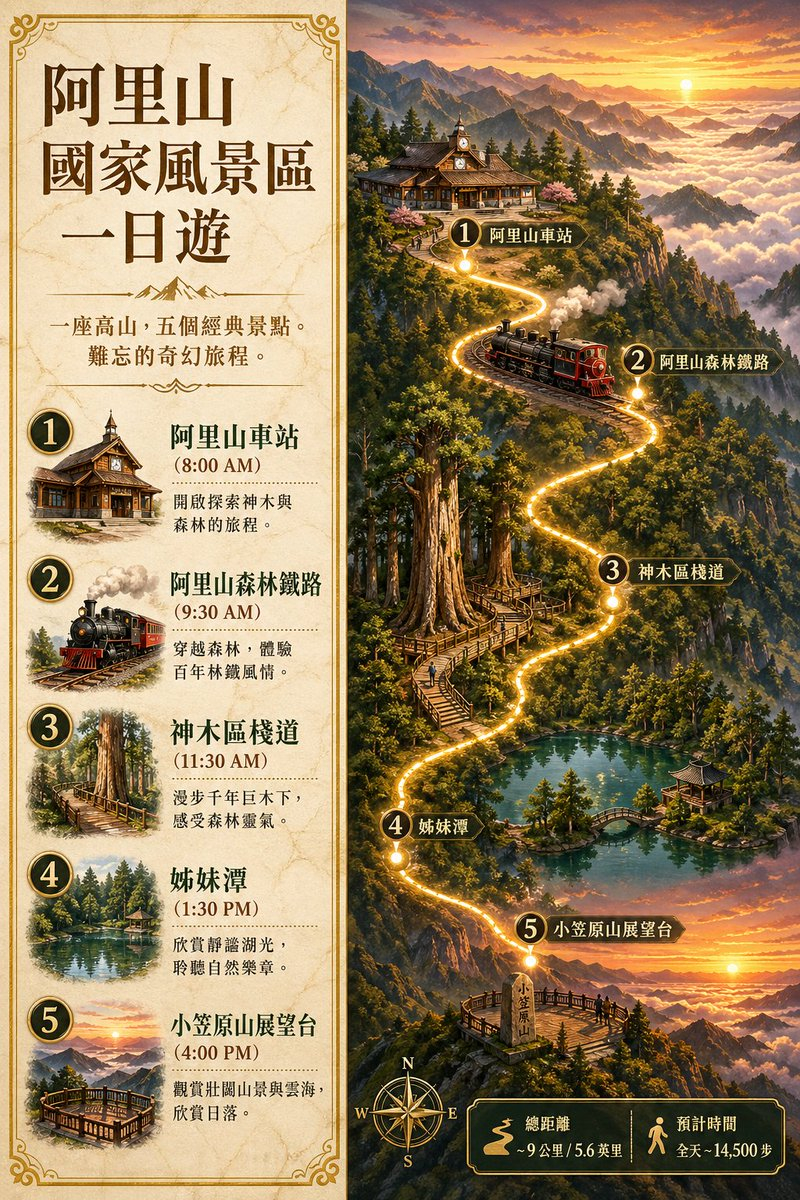
![Miniature Travel Diorama Postcard — concept: A charming miniature 3D travel diorama inspired by [DESTINATION], designed as an elegant ha…](/_next/image?url=https%3A%2F%2Fcdn.picxstudio.com%2Fuploads%2Fimg_0_b80c9f3e-4b84-4274-aa58-1e173a5f99cc.jpg&w=828&q=100)
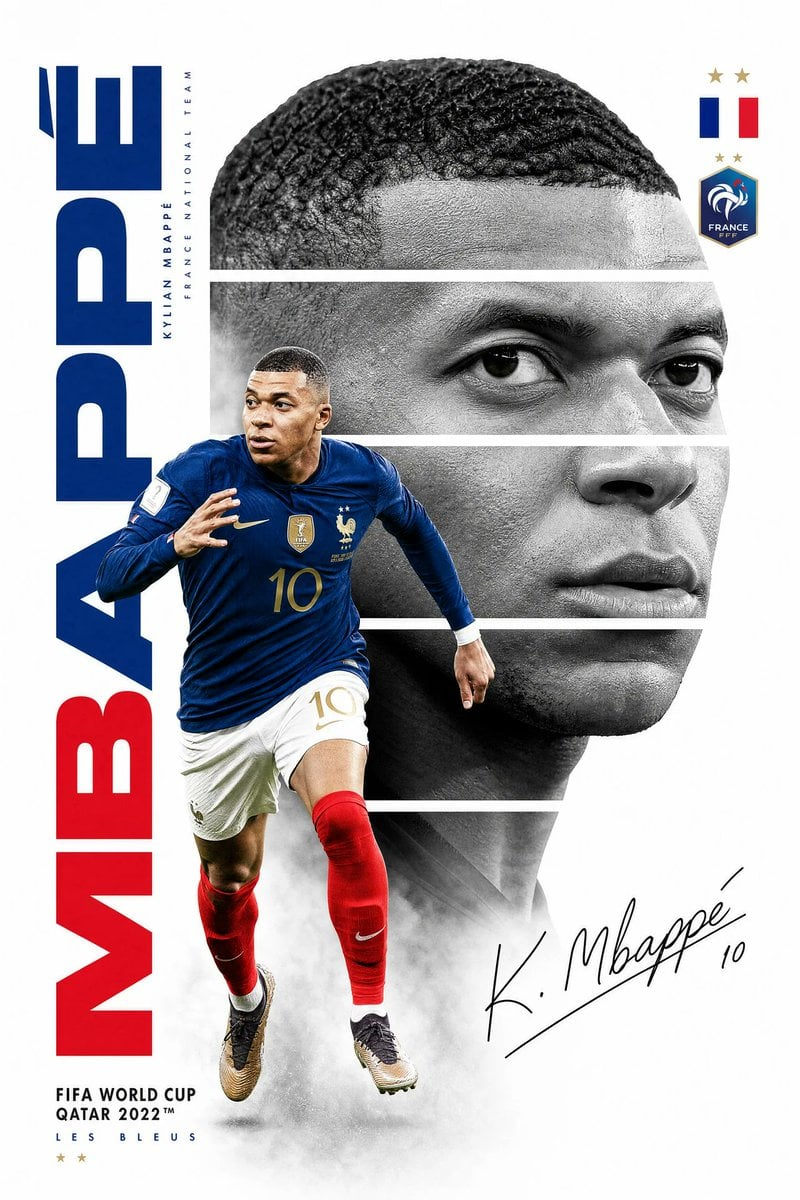
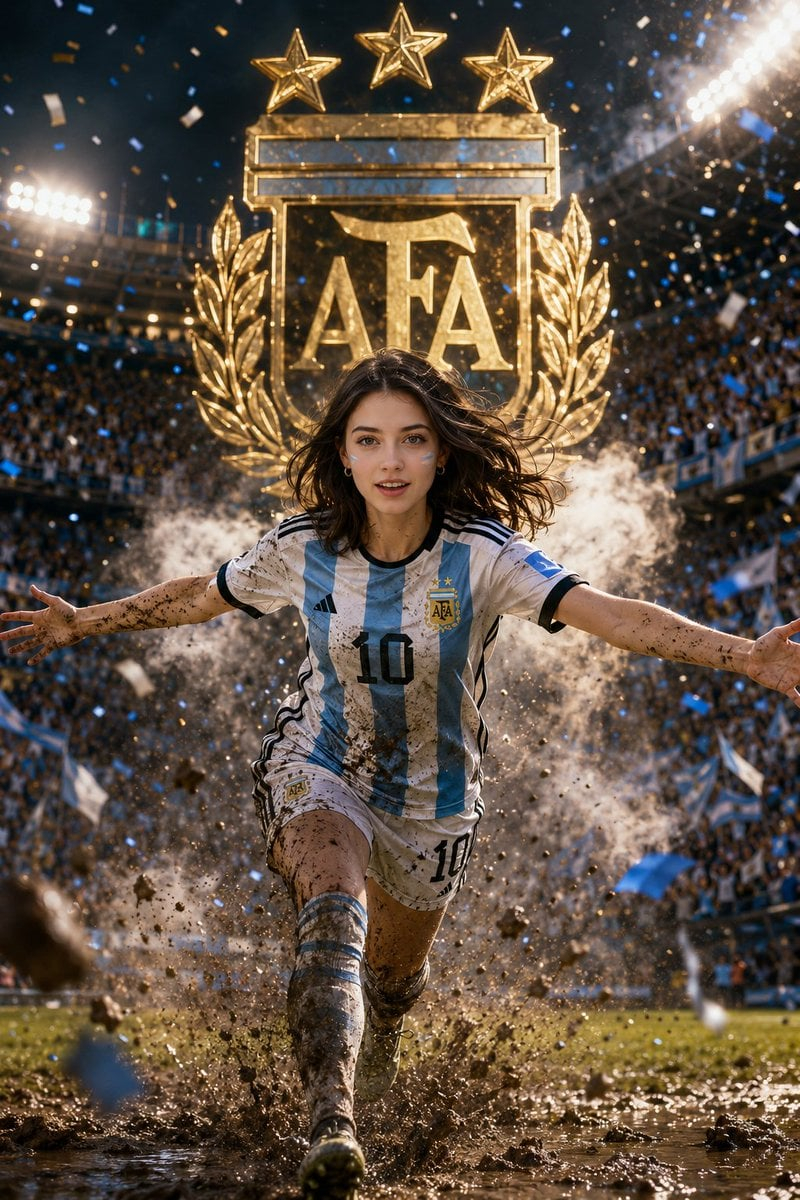
![vertical-football-star-campaign-poster — Create a vertical 9:16 high-resolution football star campaign poster.
Player: [Player Name]
Player concept: [football](/_next/image?url=https%3A%2F%2Fcdn.picxstudio.com%2Fuploads%2Fmeigen_996a192156cb_45d1d198-bb81-4272-be3f-df0eda9f0a74.jpg&w=828&q=100)

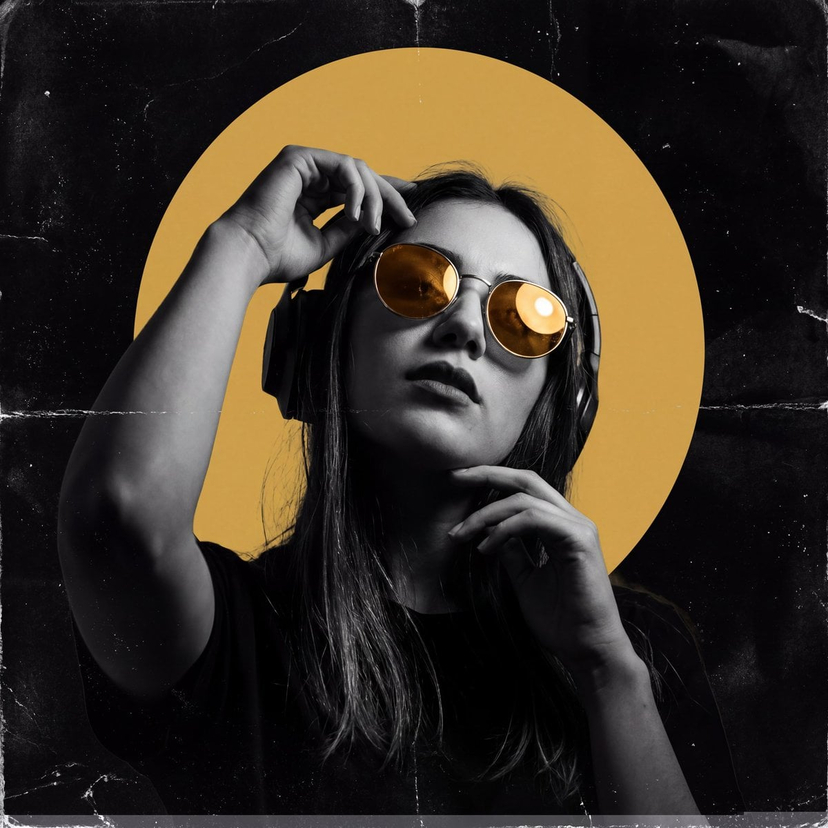
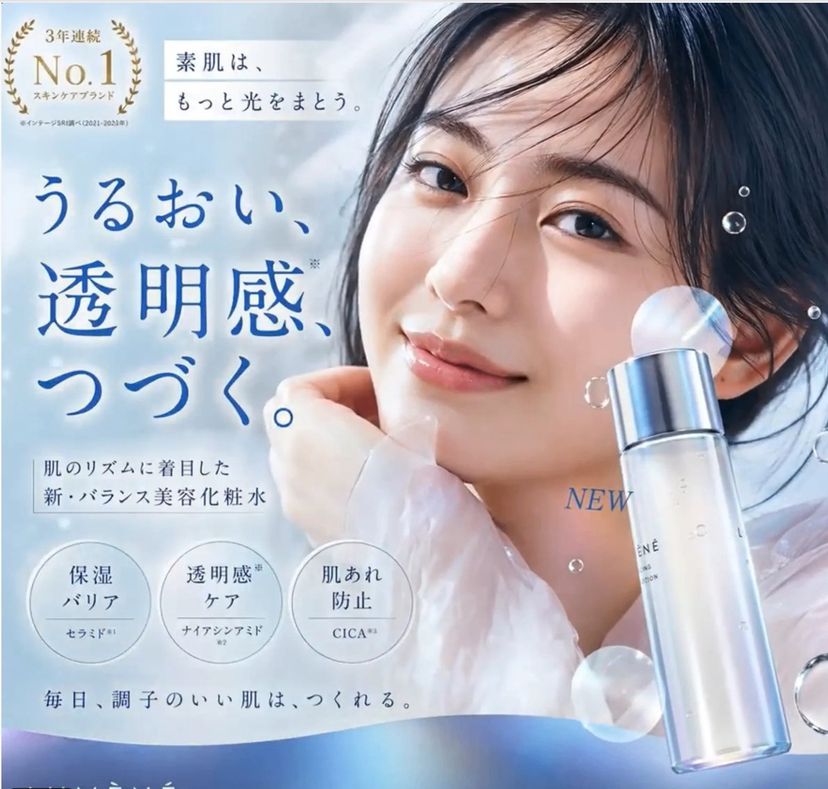
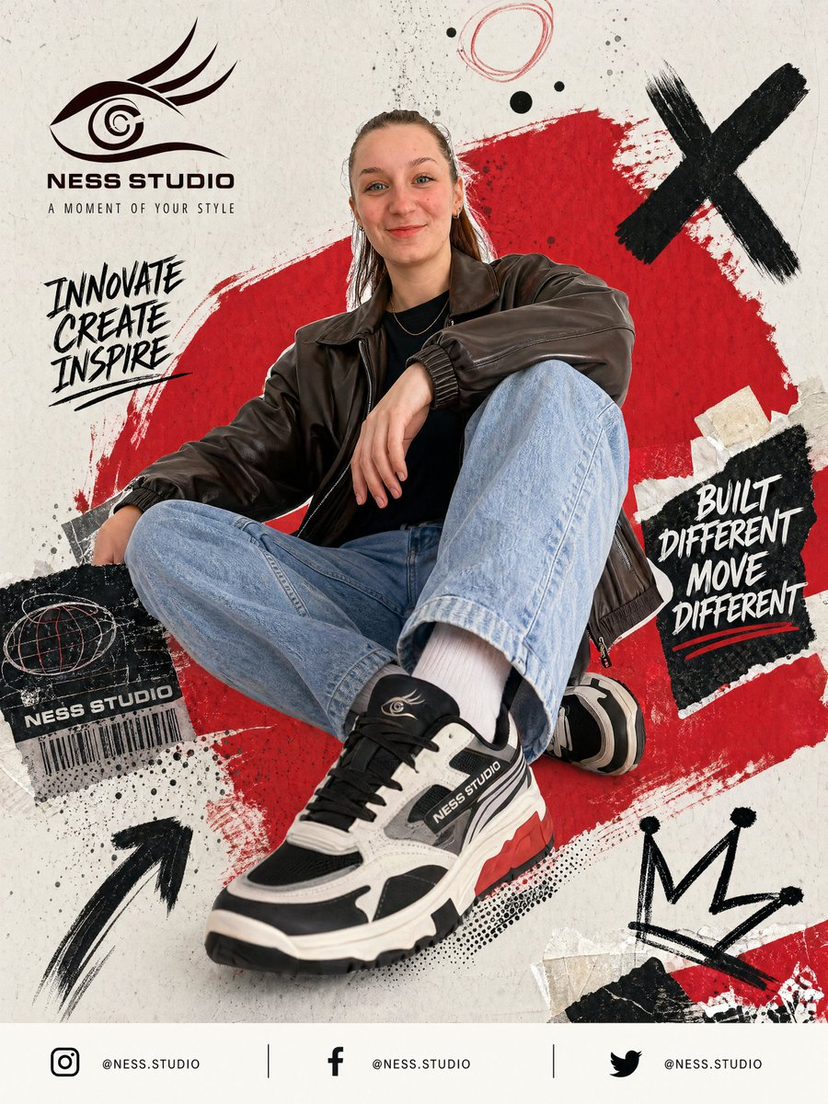
![travel-poster-graphic-collage — Create a stylized travel poster / graphic collage for [country]. The main subject should be a stylish international tourist visi](https://pbs.twimg.com/media/HGwXN0JbgAAY5vm?format=jpg&name=large)
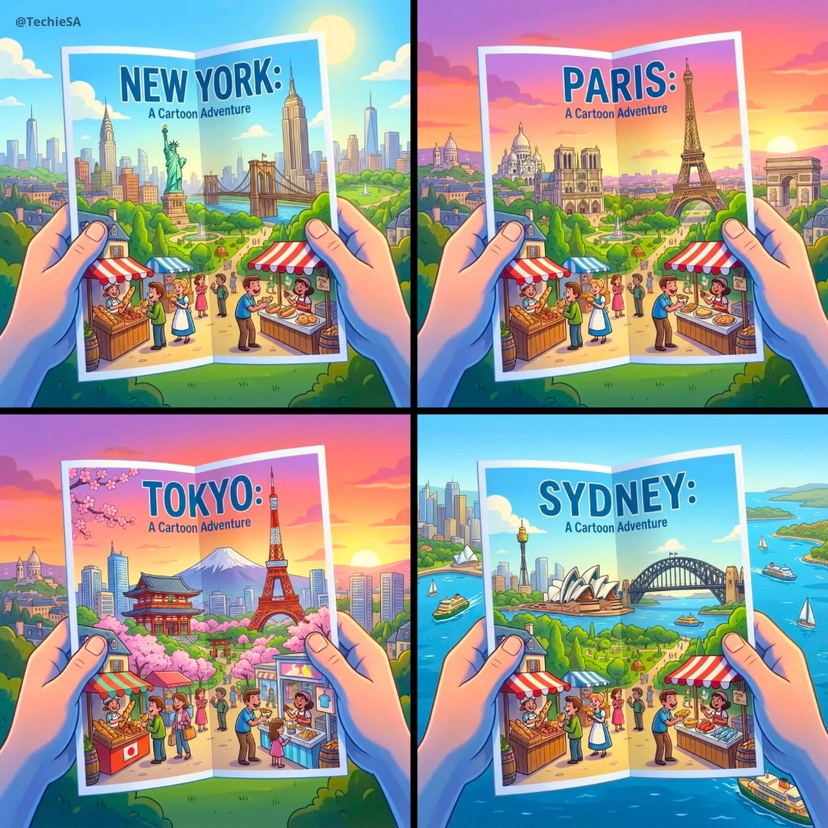



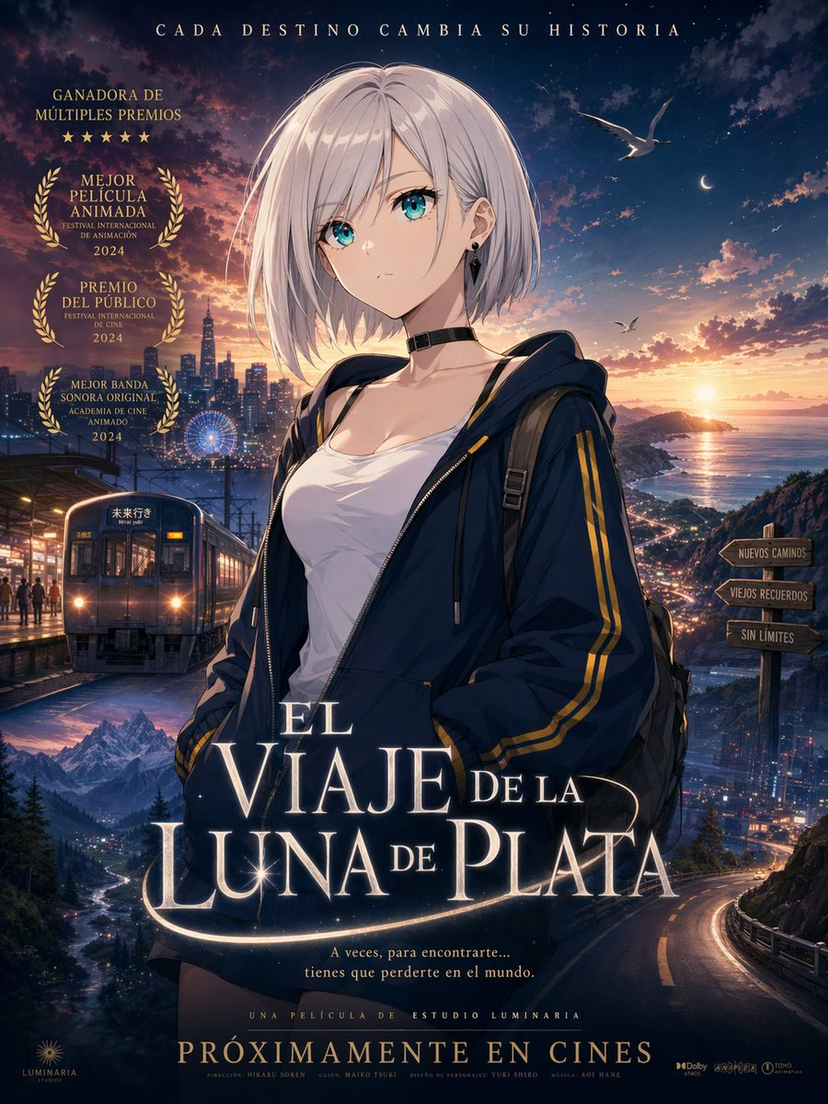
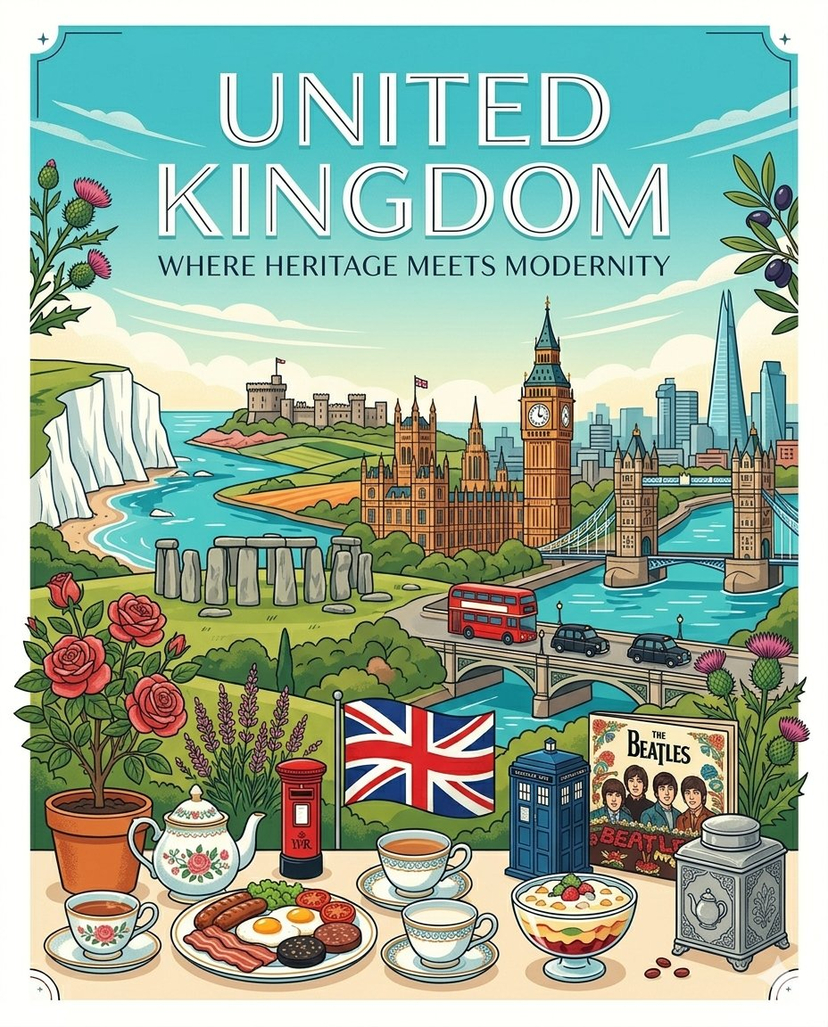
![Cartoon TV Show Poster Pack — A bold Cartoon Network-style promotional poster for [SHOW], featuring the main characters in a flat 2D illustrated style with thic](/_next/image?url=https%3A%2F%2Fcdn.picxstudio.com%2Fuploads%2Fimg0_107064d3-b797-488a-a32e-d75dea9d3b4c.jpg&w=828&q=100)

![Vintage Lithograph Retro World Cup Poster — A vintage lithograph poster of a [Subject], printed with textured [Color One] and [Color Two] inks,…](/_next/image?url=https%3A%2F%2Fcdn.picxstudio.com%2Fuploads%2Fmeigen_fa8d27d0258f_0e65c622-b45f-4228-99dd-3fe01ad8ffbf.jpg&w=828&q=100)
![Anime Streetwear Character Poster — Create a stylized illustration of [character_name] from [franchise].
Character Analysis:
Derive the character's core perso](/_next/image?url=https%3A%2F%2Fcdn.picxstudio.com%2Fuploads%2Fmeigen_2b91784d559f_87c1672f-c0f4-427c-b45d-4d6358f7ace4.jpg&w=828&q=100)
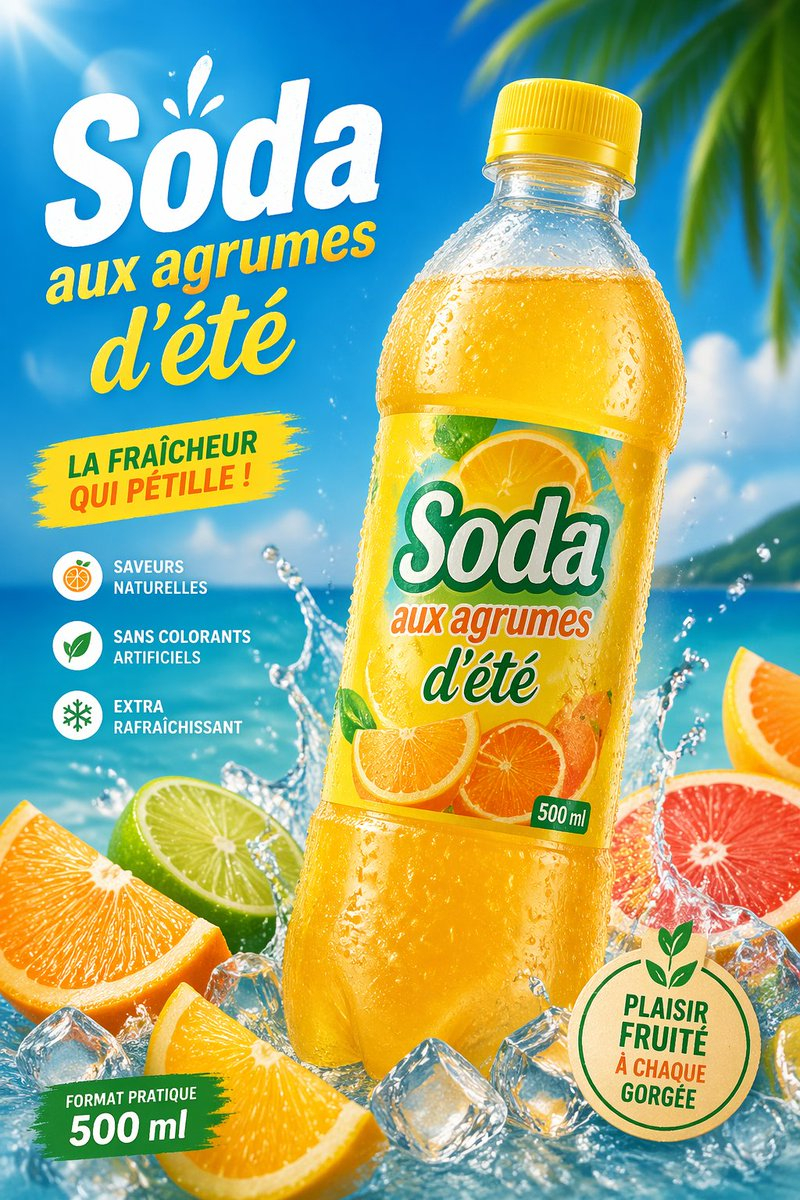
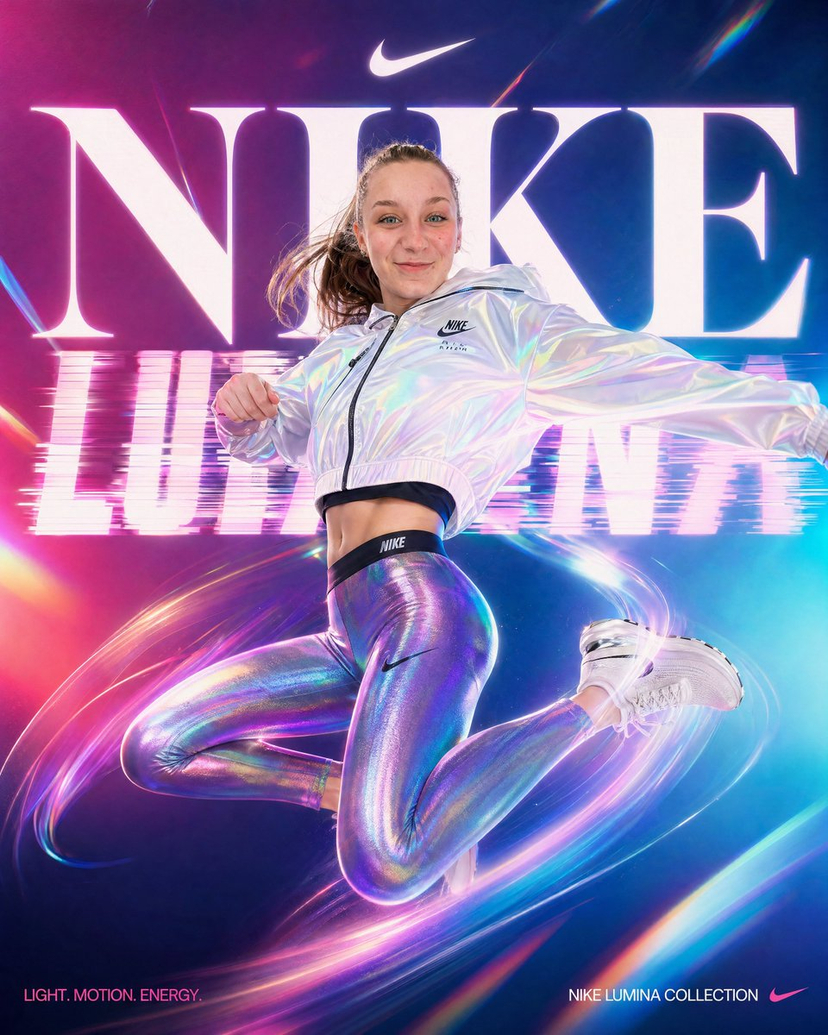


![Minimalist Flat Vector Travel Poster — Premium minimalist flat-vector travel poster for {argument name="city name" default="[CITY_NAME]"}, 3:4 vertical format.](https://cms-assets.youmind.com/media/1787917359711_3ug846_HQX205cbMAA6F6S-300x400.jpg)
























![Cute Amigurumi Wizard Plush — {argument name="animal" default="[animal]"} {argument name="color" default="[color]"} very cute amig…](https://pbs.twimg.com/media/HE_oVh6WEAAxjwc.jpg)








![Macro Food Photography Prompt with Dripping Liquid — a stack of three {argument name="food item" default="[FOOD ITEM]"} with {argument name="liquid" default="[L](https://pbs.twimg.com/media/G-t0mfzbQAMbE4W.jpg)