
Custom Branded Black Plastic Bag
A photorealistic studio mockup of a glossy black plastic bag with a white company logo, brand name, and slogan printed on the front.
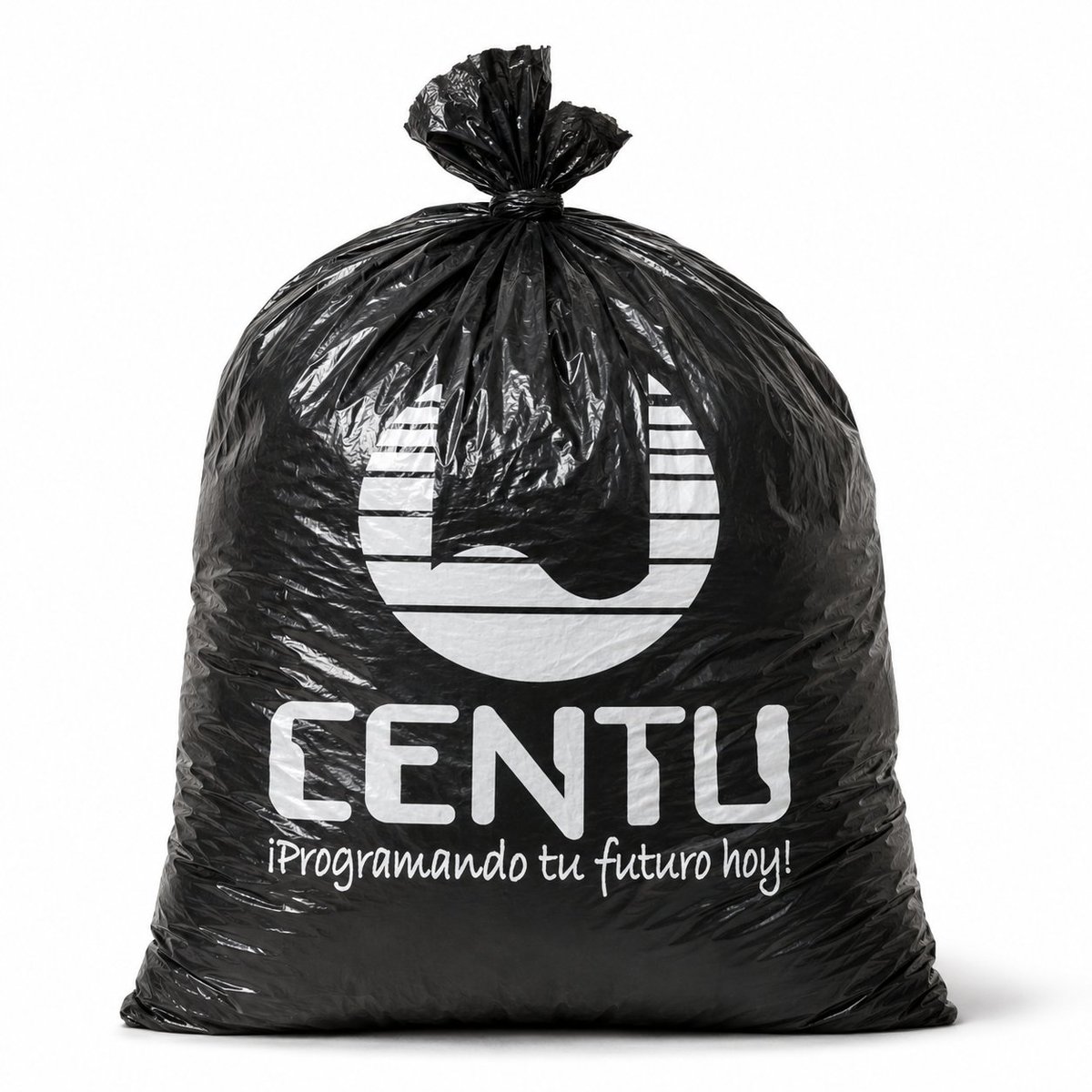
- Prompt included
- Model and format preset
- Free template
The prompt behind this image
Copy the exact prompt behind Custom Branded Black Plastic Bag, or open it in the studio and make it yours.
Create a realistic studio product mockup of a single large black plastic garbage bag standing upright on a clean white background. The bag is full and rounded with a squared base, glossy crinkled polyethylene texture, visible wrinkles, folds, highlights, and a tied knot at the top with gathered plastic flaring upward. Center the bag in the frame with soft, even lighting and a subtle gray shadow beneath it. Print a white custom company design on the front of the bag, consisting of exactly 3 visible printed elements: a large abstract circular logo at the upper center, the bold rounded uppercase brand name {argument name="brand name" default="CENTU"} below it, and a handwritten-style Spanish slogan {argument name="slogan text" default="¡Programando tu futuro hoy!"} underneath. Use high-contrast white ink that follows the creases and distortions of the plastic surface, making the print look physically applied to the bag rather than floating. Photorealistic commercial mockup, front-facing composition, minimal background, sharp details, natural reflections, premium branded packaging presentation.
How to use Custom Branded Black Plastic Bag in 3 steps
- 1Upload ImagePNG, JPG or paste
Add your photo
Upload the photo the template builds on. The prompt, model and format are already set.
- 2…a portrait of your subject in softgolden-hour light, 85mm…
Personalize
Edit the subject and creative details for your destination.
- 3Generate
Generate
Press Generate — your image is created in PicX Studio, so you can compare it with the original and refine one variable at a time.
More like this
Templates with the same subject, style or setup. Open one to see its prompt.
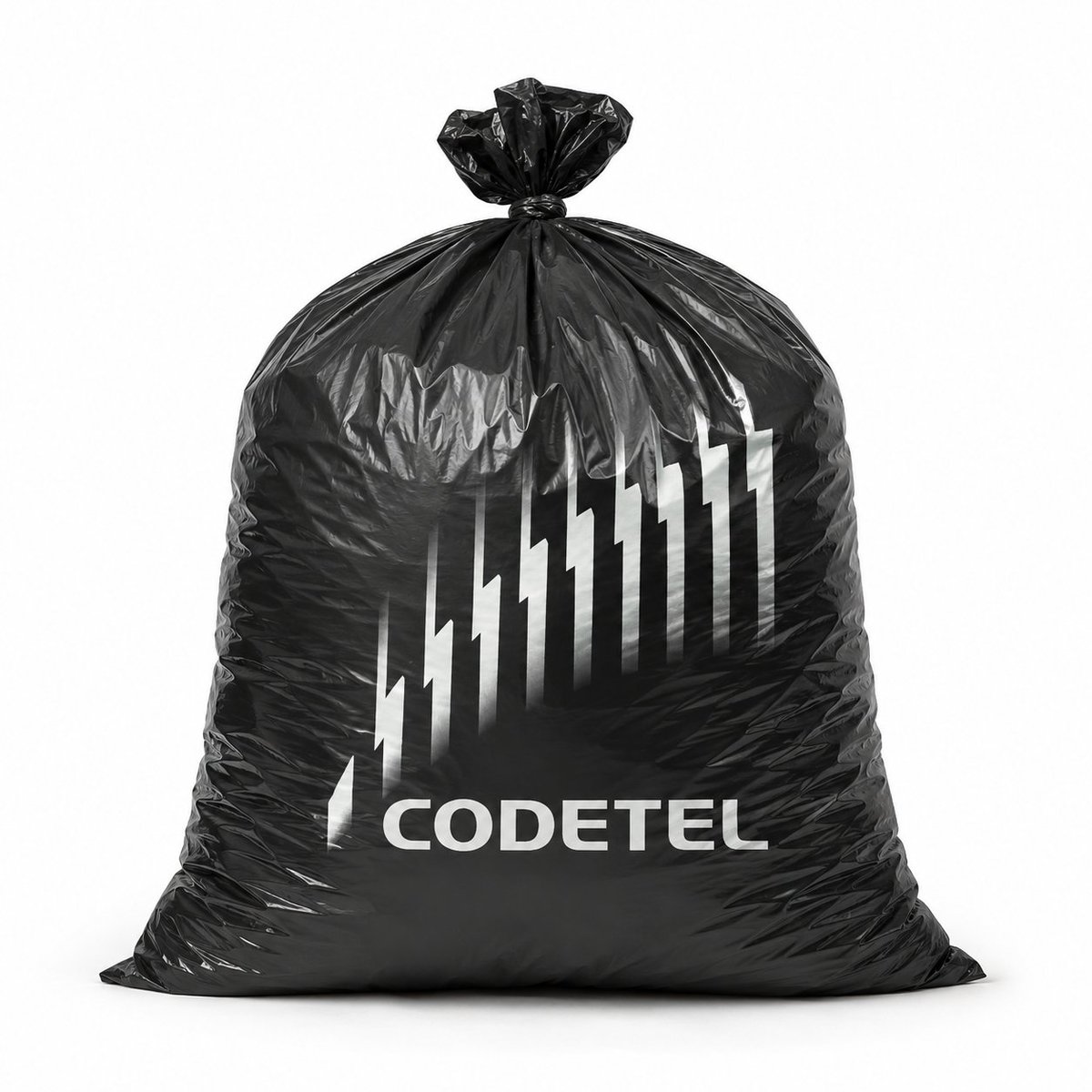
Custom Branded Black Plastic Bag
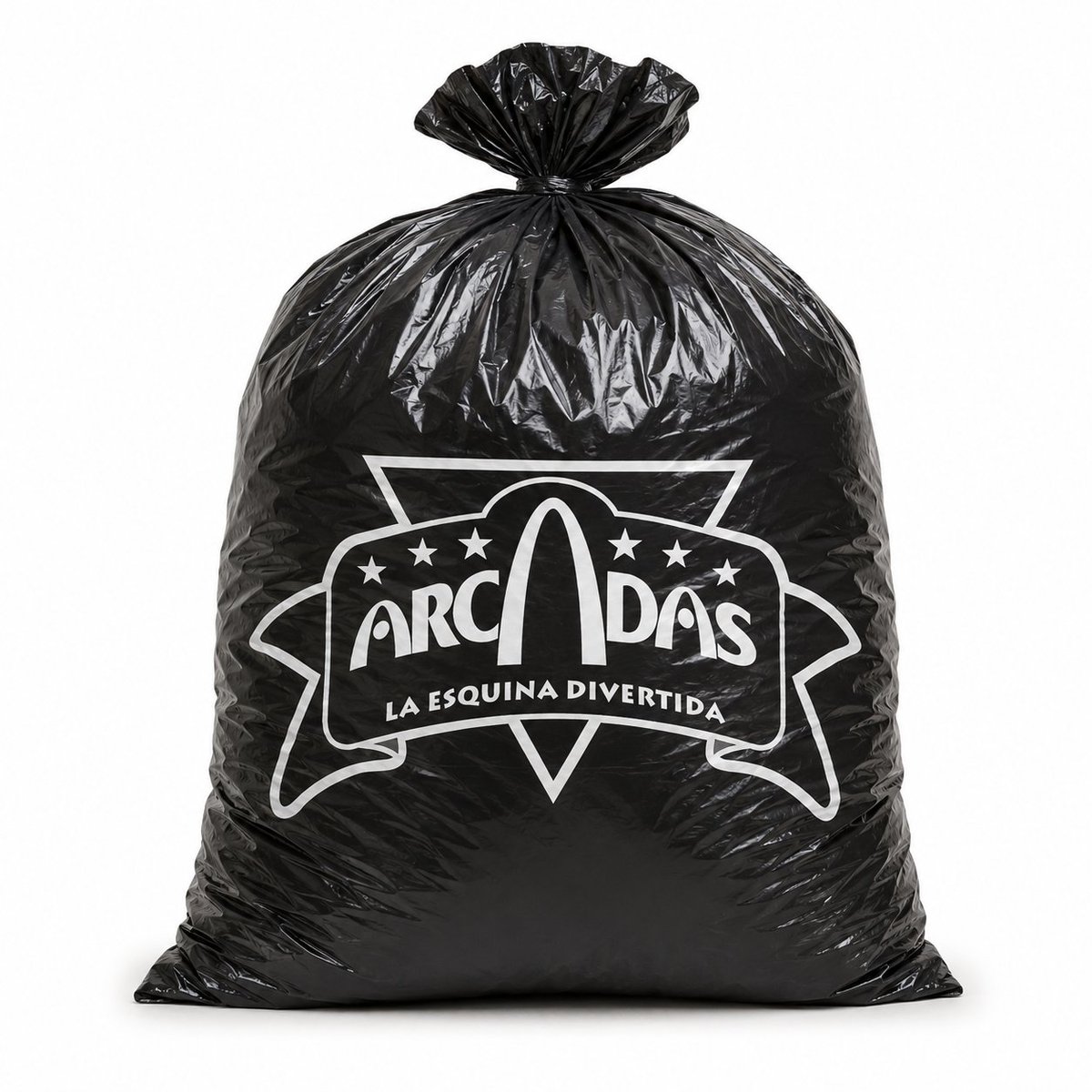
Custom Logo Black Plastic Bag
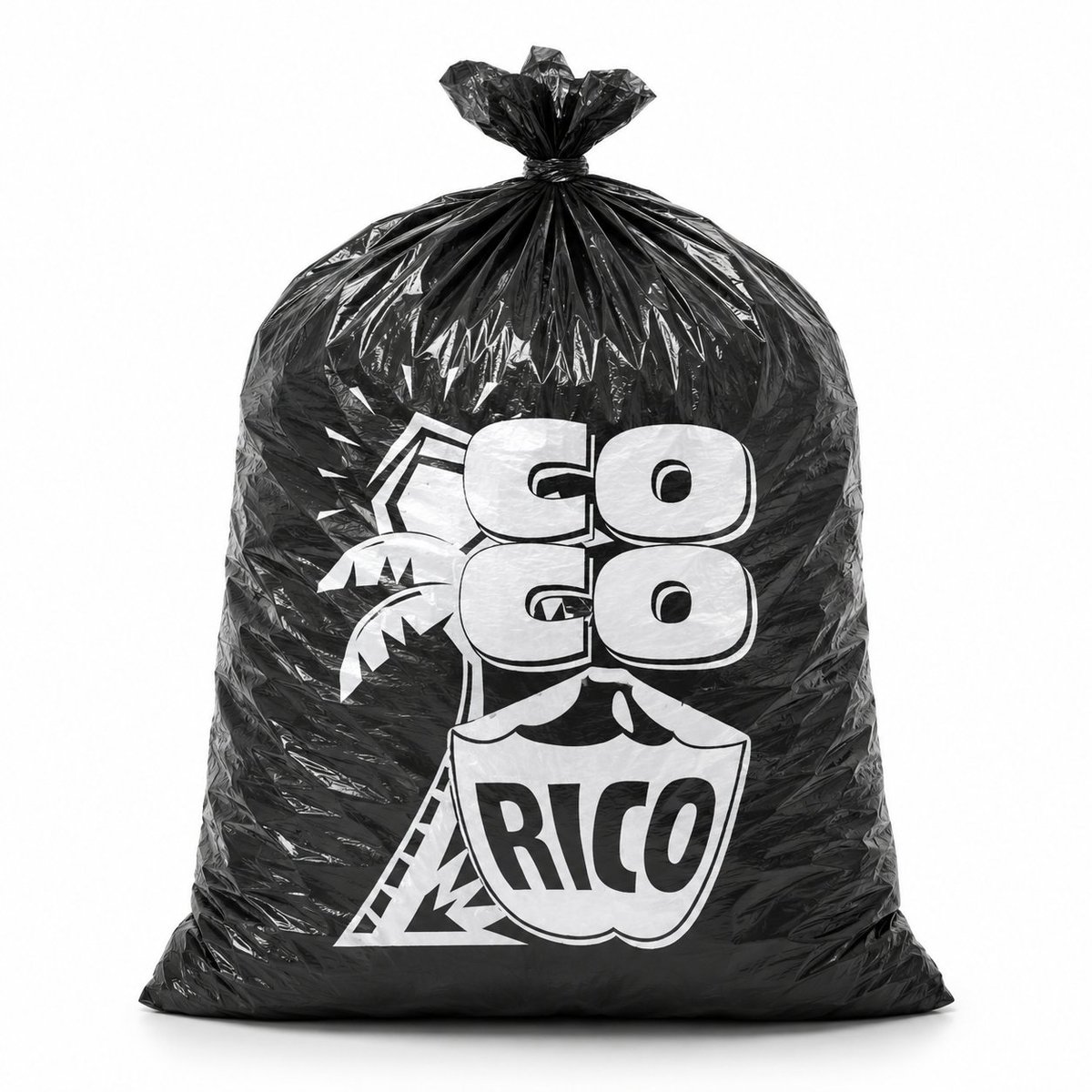
Custom Branded Black Garbage Bag

Woman in Mall with Chanel Bag - Heart Gesture

Dark Runway Luxury Fashion Magazine Cover

Black Liquid Cyberpunk Portrait Poster
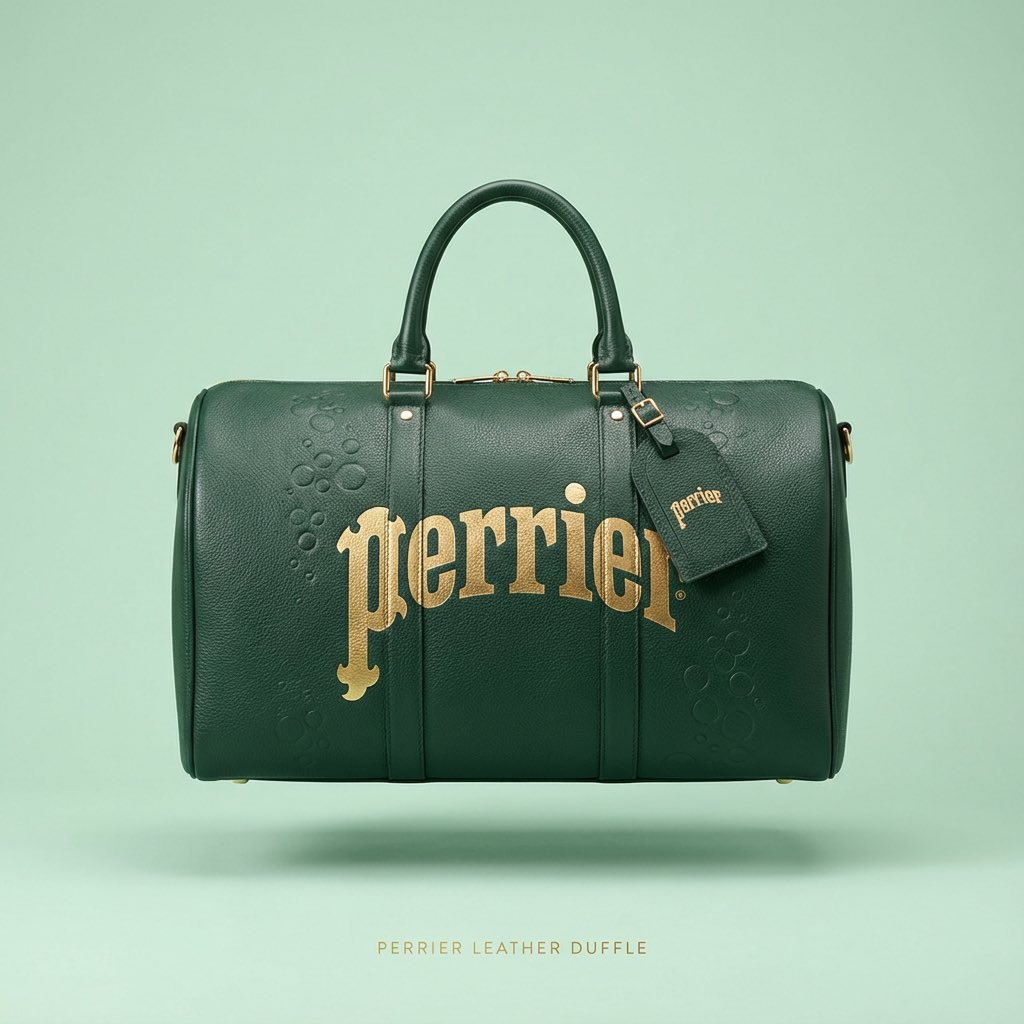
Nano Banana Prompt for Minimalist Branded Bag Concept
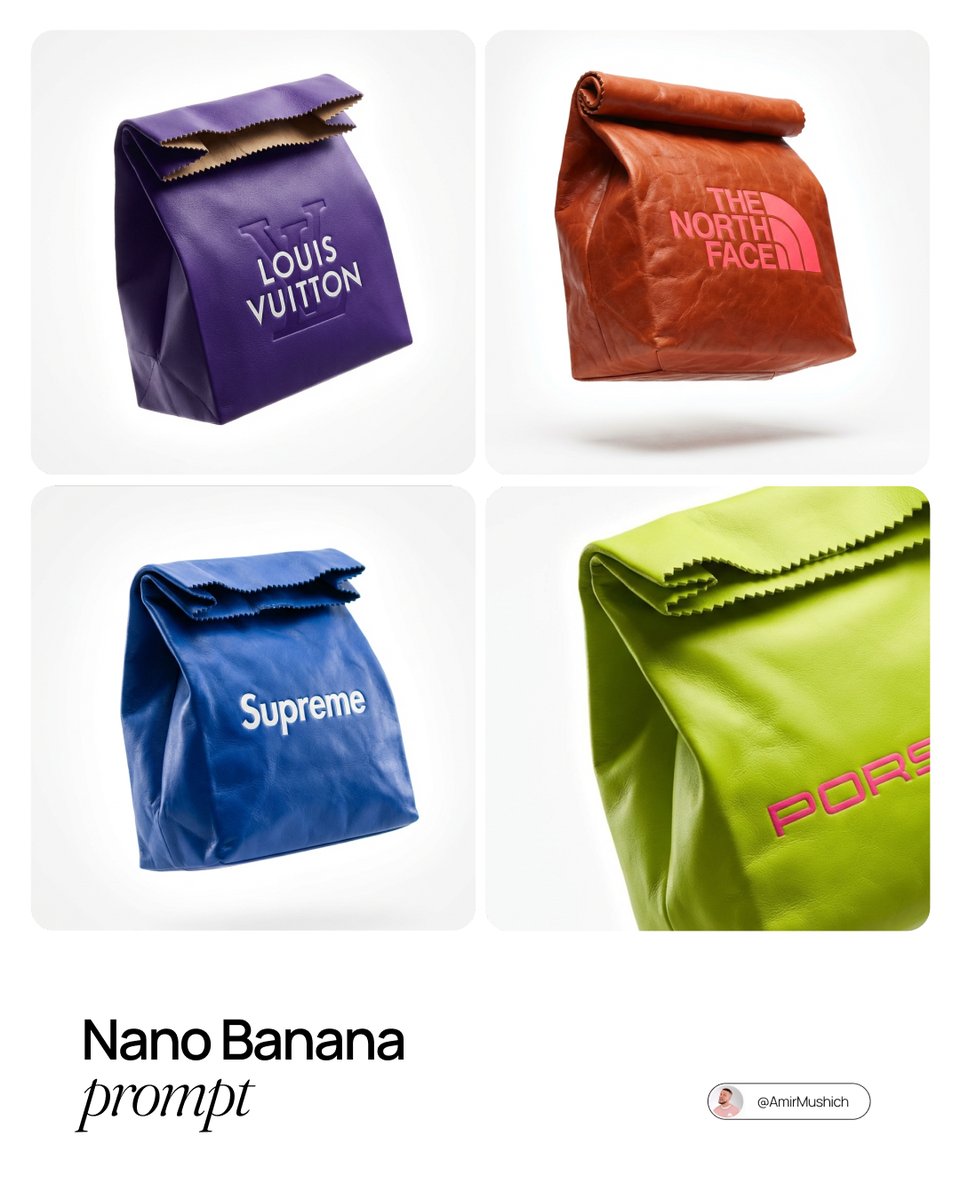
Branded Fast Food Leather Bag

Professional Branded Business Portrait
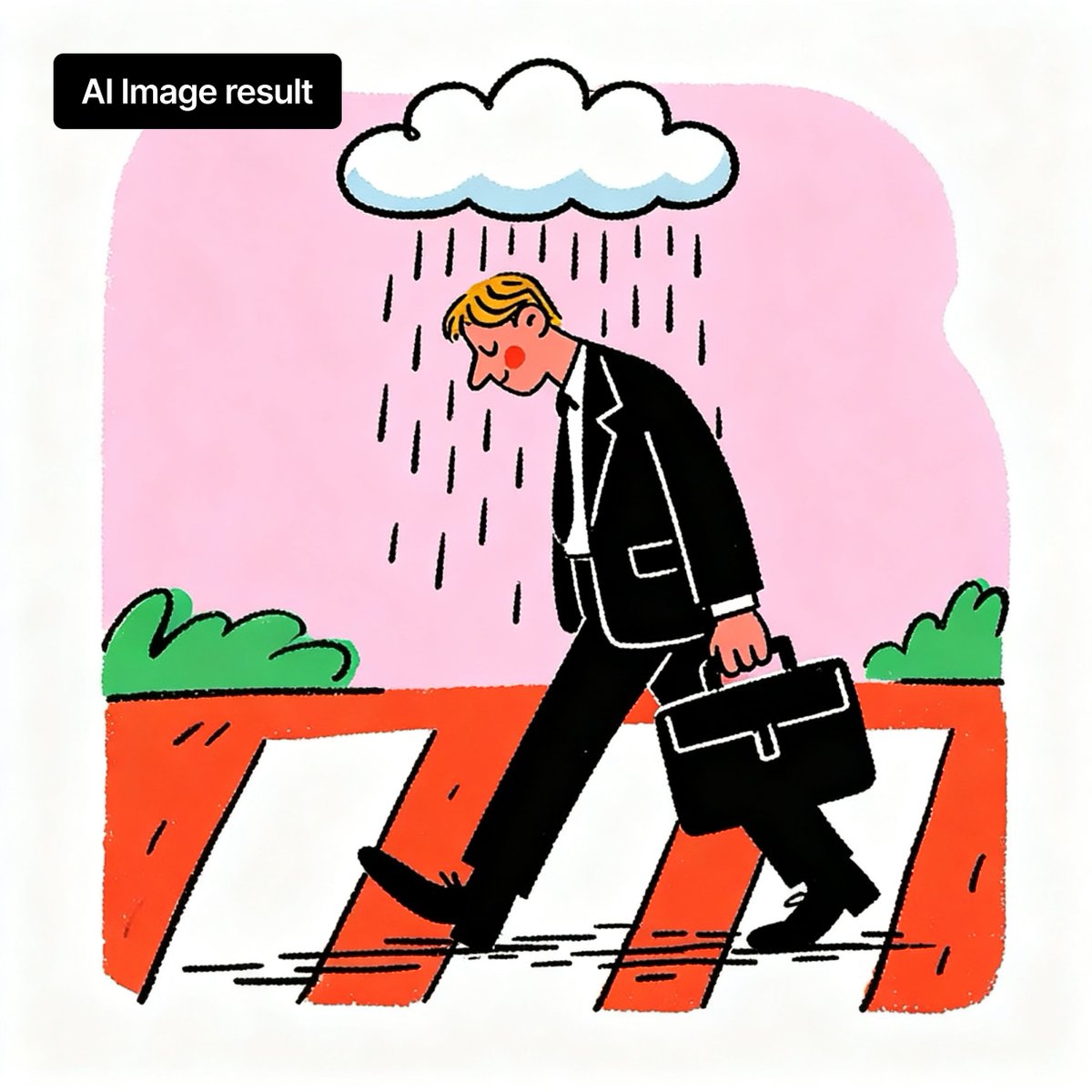
Branded Rainy Office Worker Illustration
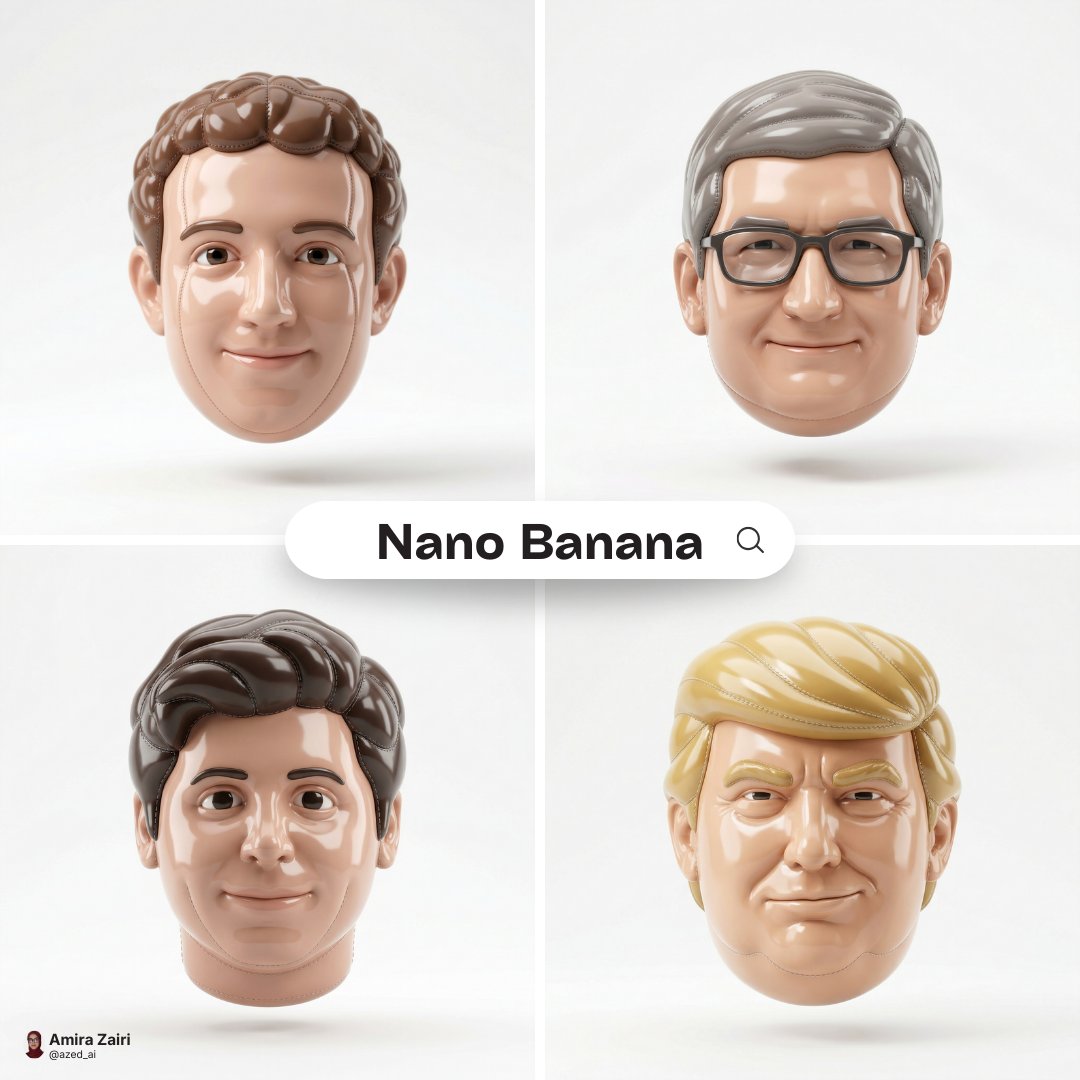
Made of smooth inflated glossy vinyl plastic, ultra-realistic 3D render
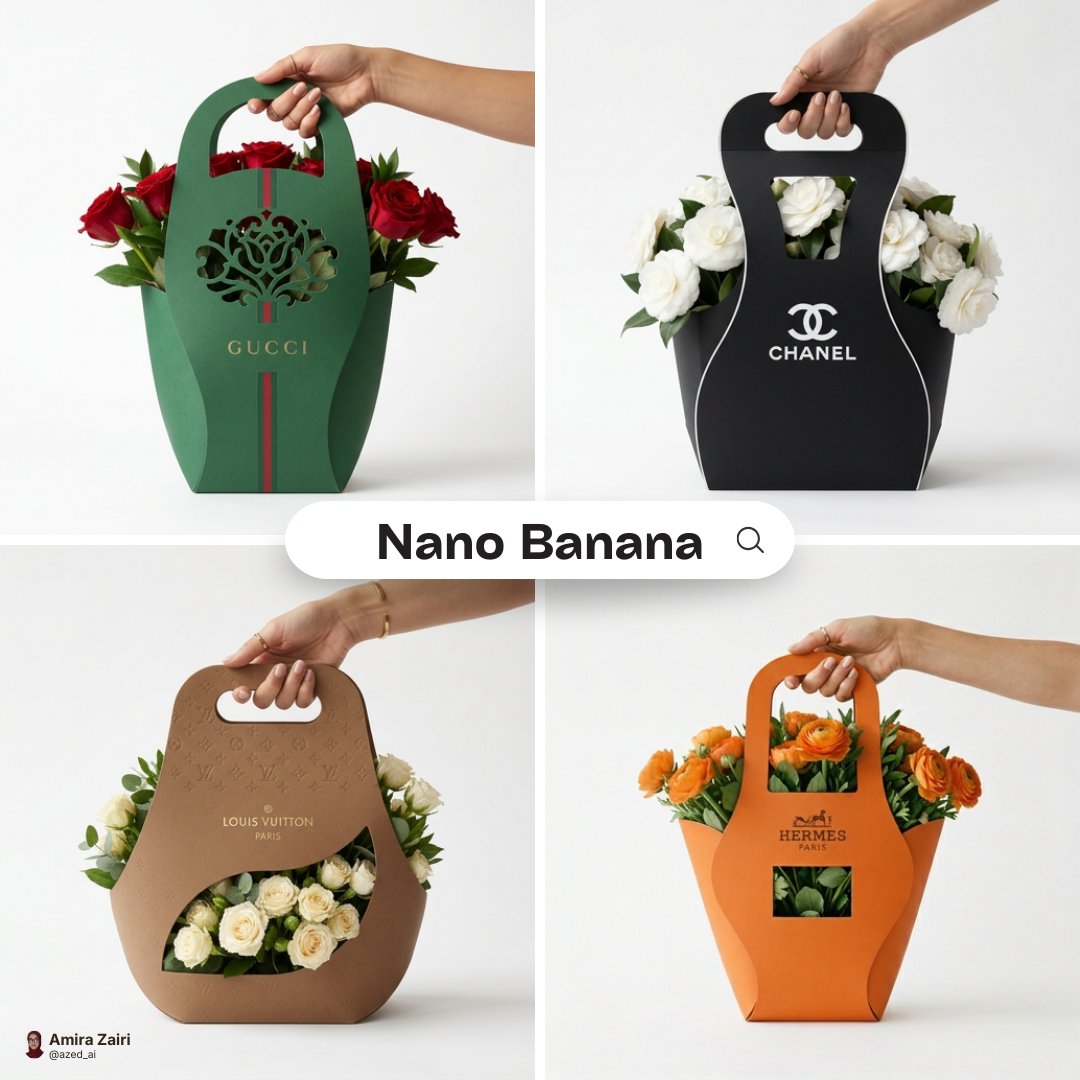
Minimalist branded flower packaging design eco-friendly cardboard sleeve
Make it yours
Custom Branded Black Plastic Bag works as-is. These are the safest ways to change it without losing the look.
Change one field
Copy a single group, rewrite it, and generate again so you can see what that field is doing.
Keep the frame, change the subject
Hold the composition and light of Custom Branded Black Plastic Bag, then swap wardrobe, props or the person for a new take.
| If the result… | Why | Fix |
|---|---|---|
| The result drifts from the preview | Too many fields changed at once. | Reuse Custom Branded Black Plastic Bag as-is first, then change one group — subject, light, or setting. |
| The model over-stylizes the scene | The prose prompt leaves finish and camera underspecified. | Add one camera or lighting sentence and stay on GPT Image 2. |
More GPT Image 2 templates
Other prompts made for GPT Image 2.

Six VTuber Japanese Logo Sheet

Realistic Portrait of Woman and Deer

The Vista Modular Condo Poster

AI Model Routing Comparison Infographic

2.5D Anime Art Board

Isometric Productivity Desk Scene

New York Double Exposure Poster

Four-Panel AI Landscape Comparison

Japanese Tatami Lifestyle Magazine Cover

NESCAFÉ Coffee Map Poster
More image prompts
Fresh picks from across the catalog.

Chunkydog Hot Dog Mascot Logo

3D Cartoon Caricature with Identity Preservation
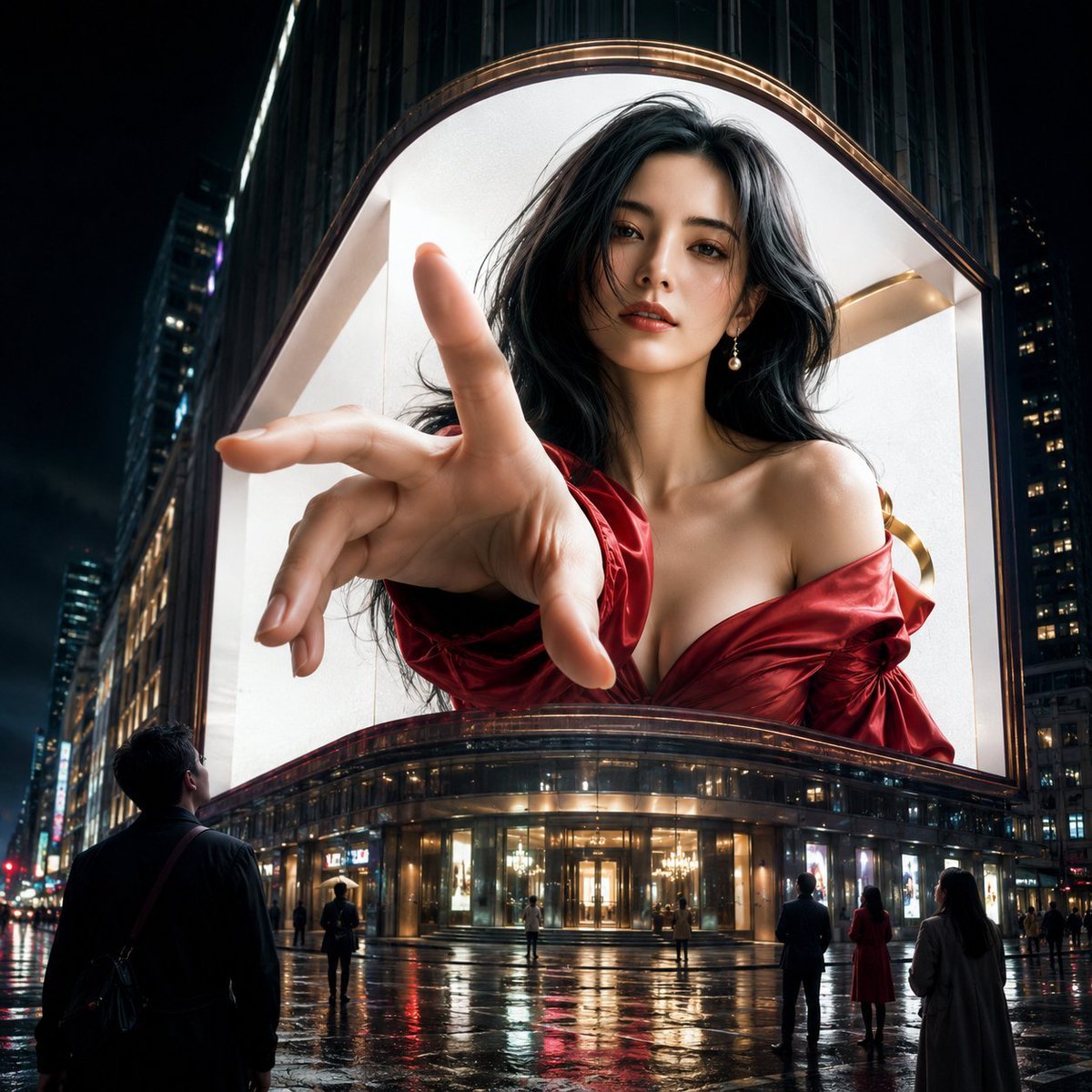
Anamorphic 3D Fashion Model Billboard
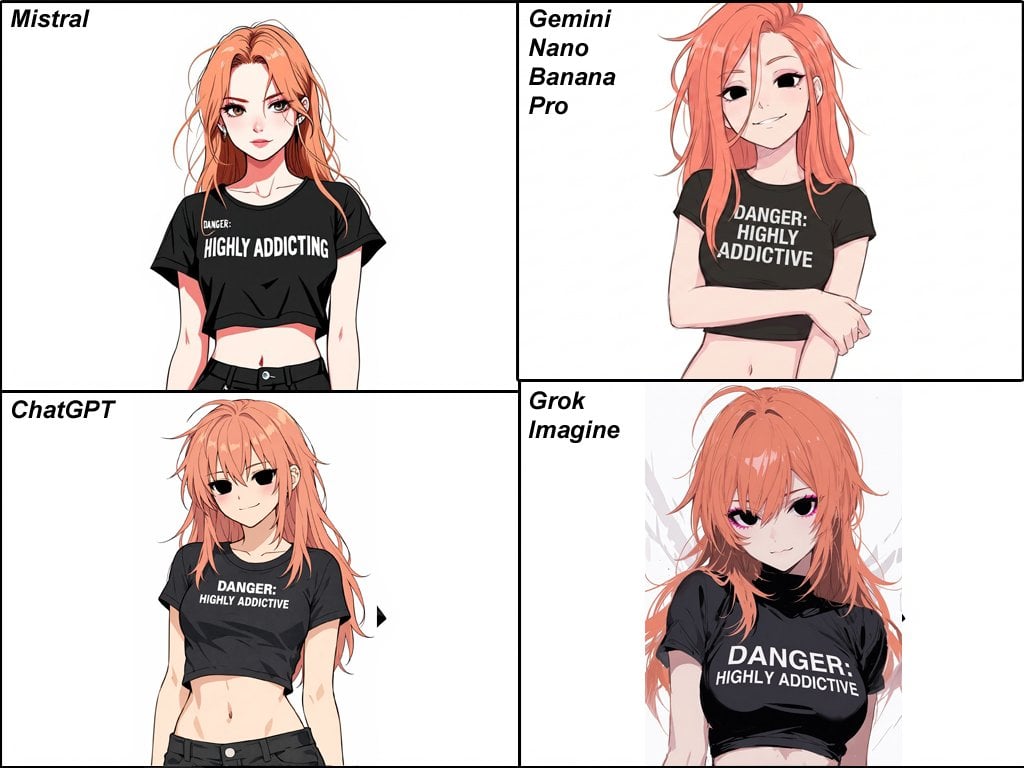
Anime Egirl Illustration Prompt Shootout
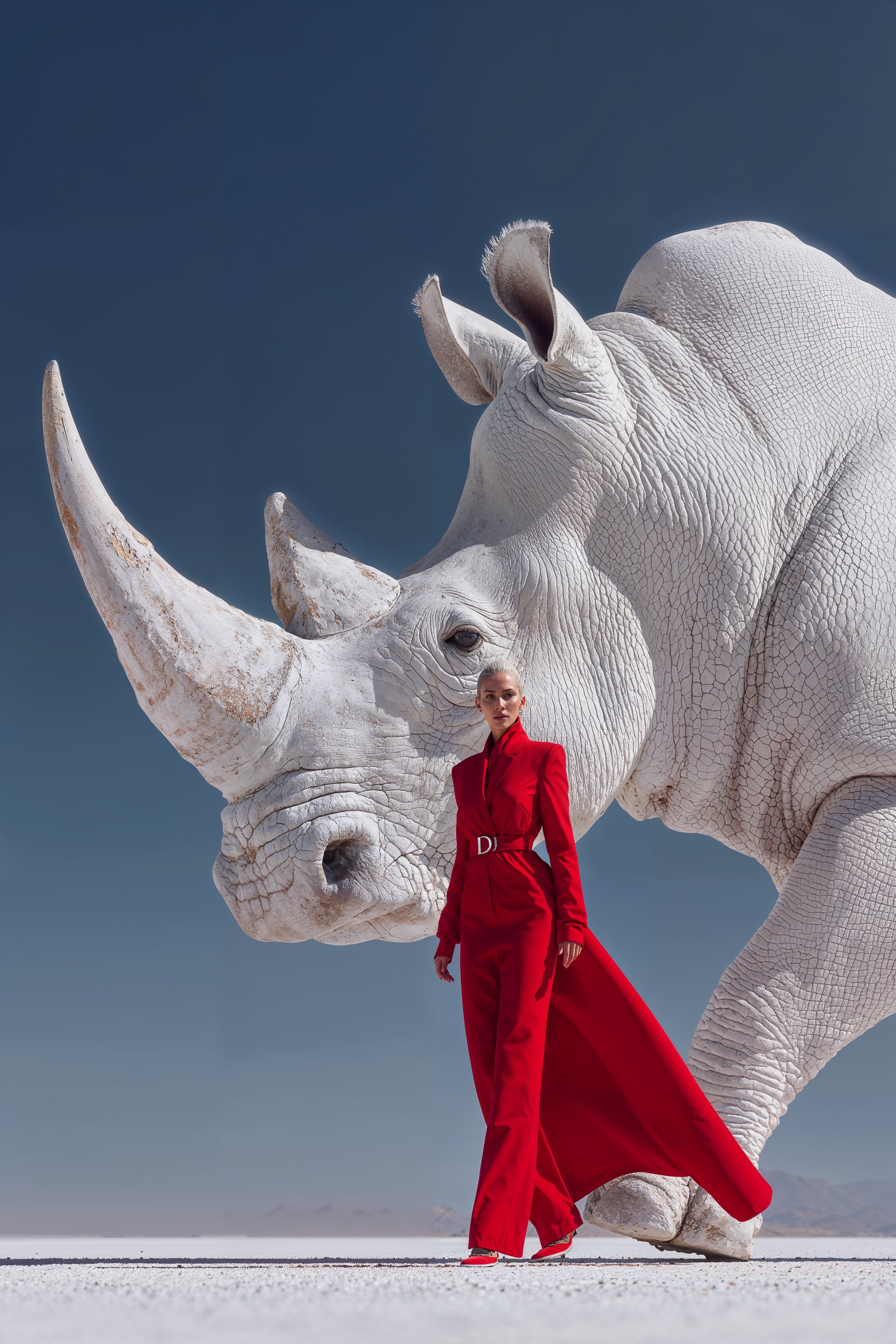
Midjourney Magnific Power Couple
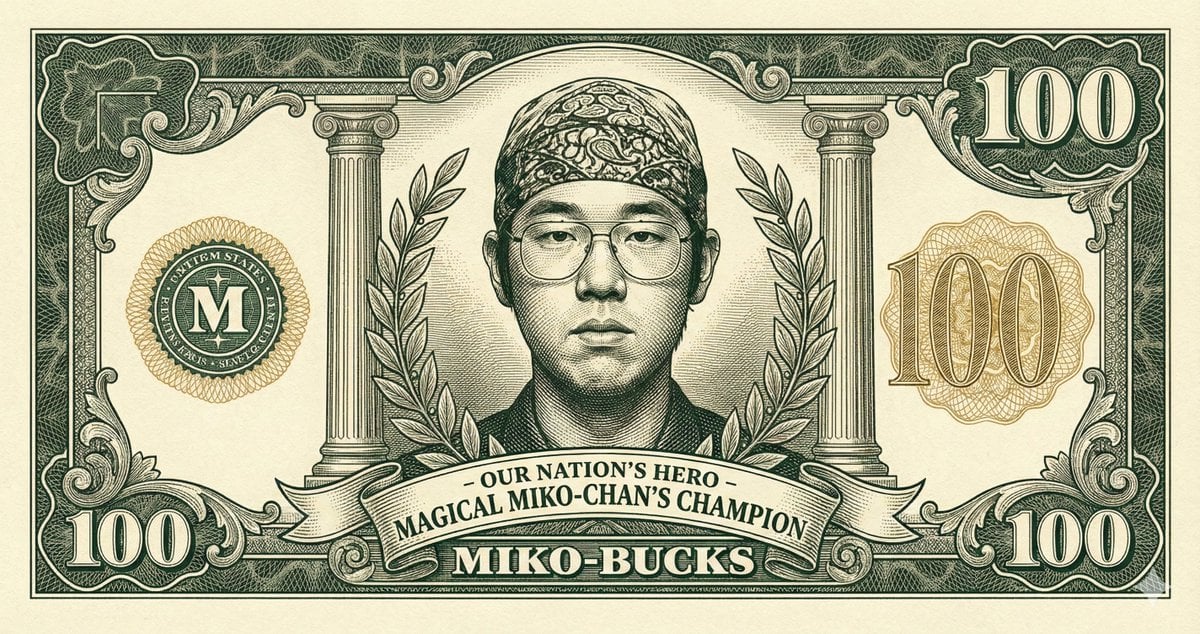
Classic Anime Nerd Otaku in the Style of Currency
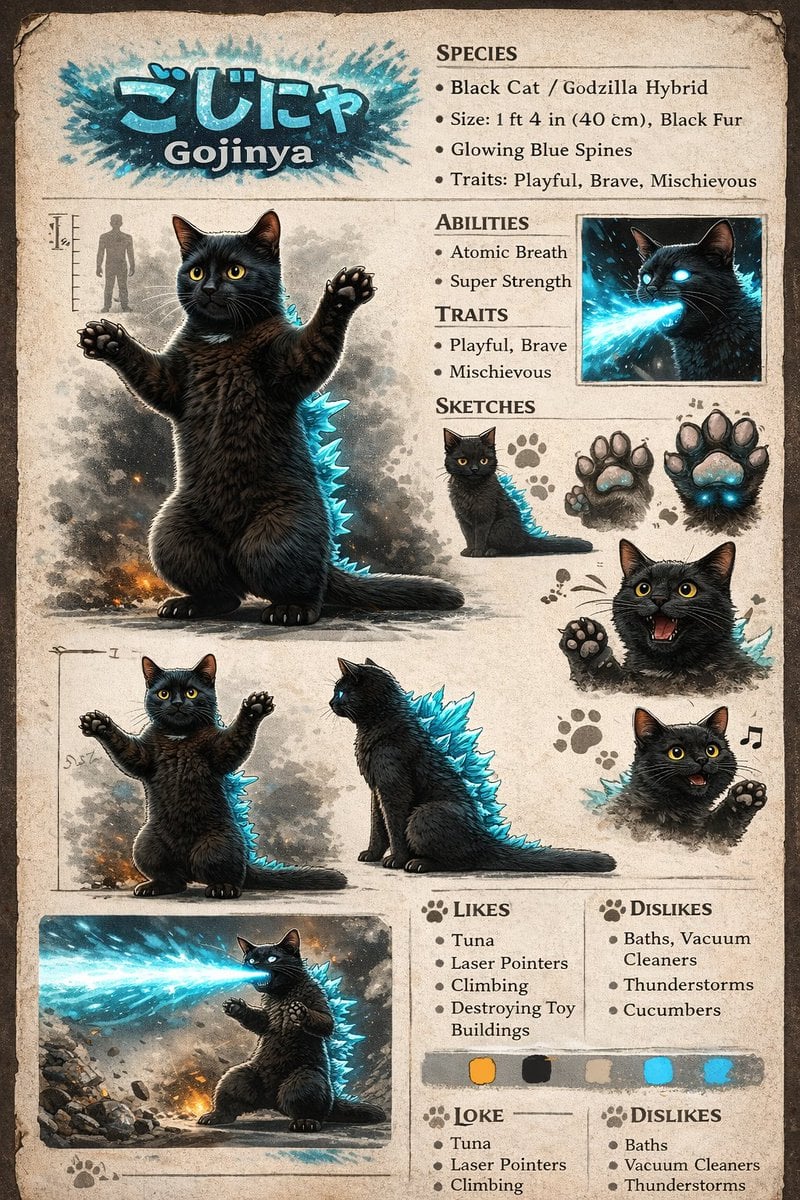
Creature Concept Reference Sheet
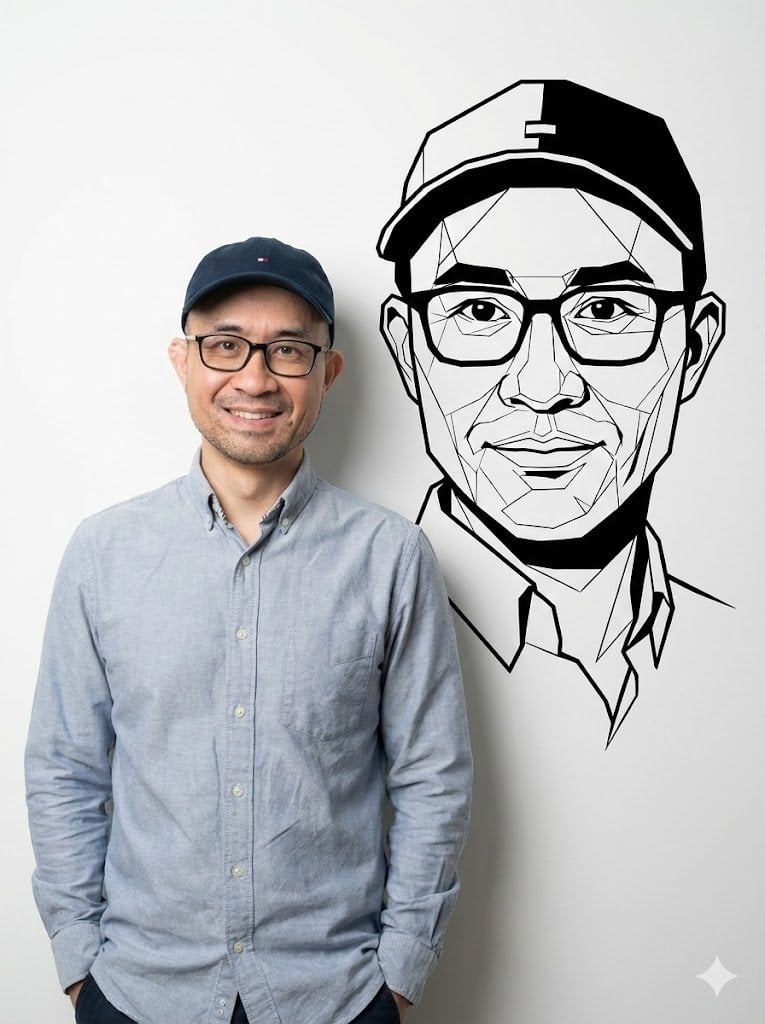
Photorealistic Half-Body Portrait with Vector Graphic Overlay (Chinese Version)
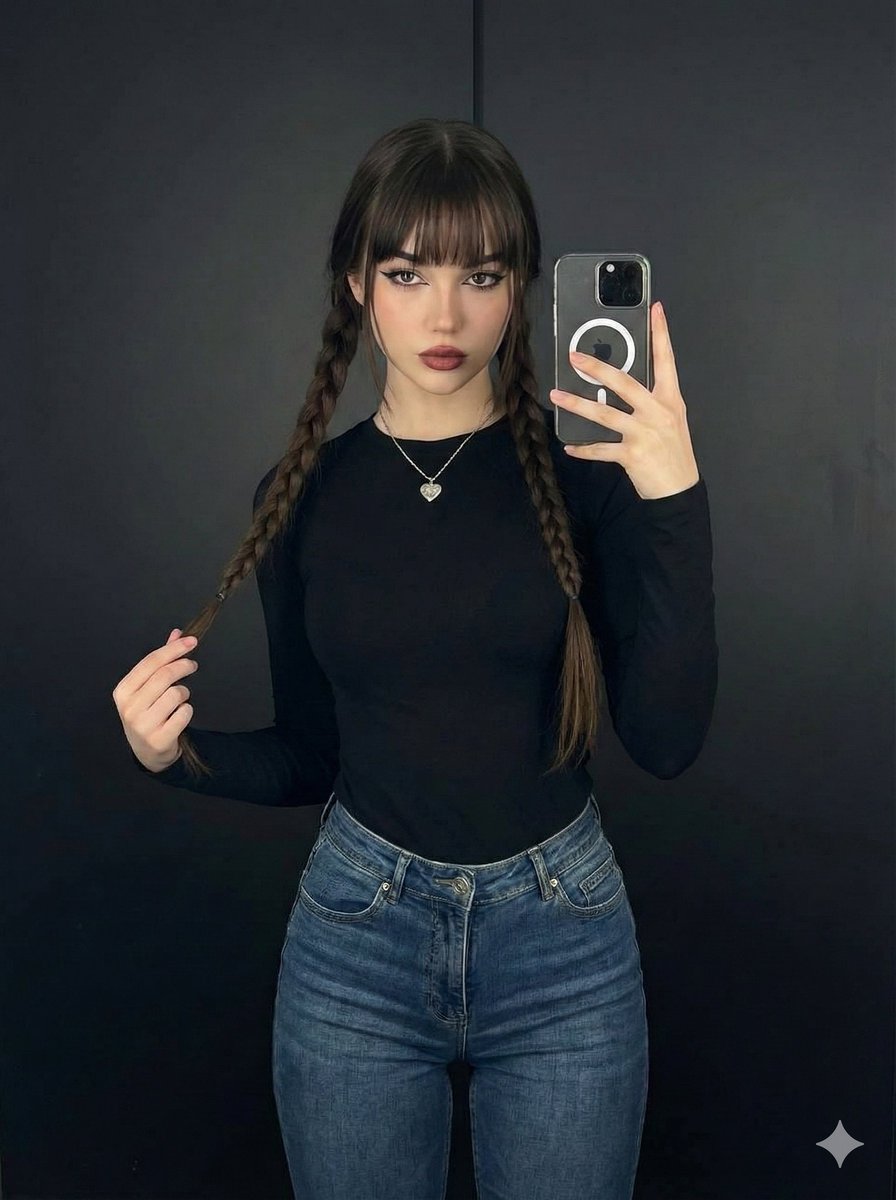
Photorealistic Full-Length Selfie with Identity Preservation (JSON)
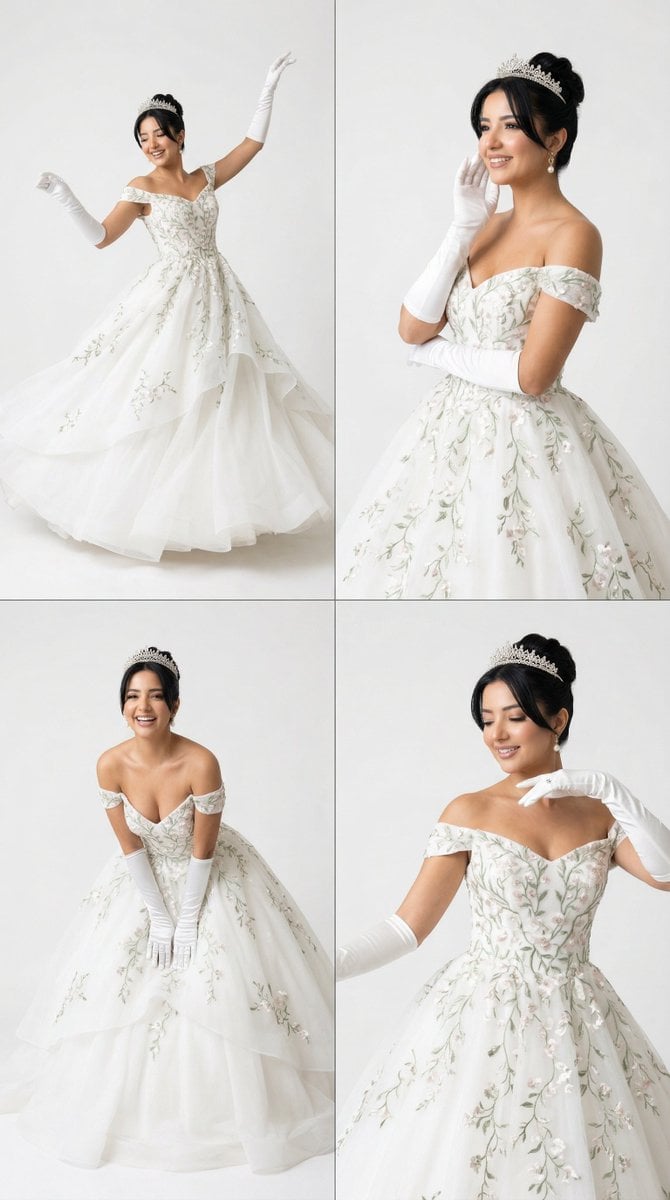
White Ballroom Dance Editorial Grid (2x2)
Browse template categories
Custom Branded Black Plastic Bag questions
How do I use the Custom Branded Black Plastic Bag template?
Add your photo if the template asks for one, edit the prompt if you like — the template's model and format are already selected — and press Generate. Your version opens in PicX Studio.
Can I customize the Custom Branded Black Plastic Bag template?
Yes. You can change the subject, setting, lighting, mood, format, and available model controls before creating your image.
Is the Custom Branded Black Plastic Bag template free?
Opening and editing this template is free. Generating uses credits, shown on the Generate button when you are signed in.
Which AI model should I use?
Start with GPT Image 2, which is the model associated with this template. You can compare another compatible model for a different finish.
Looking for something else? Browse all templates.

Your photo, any look
Thousands of ready templates for every top image and video model, from one credit balance.