
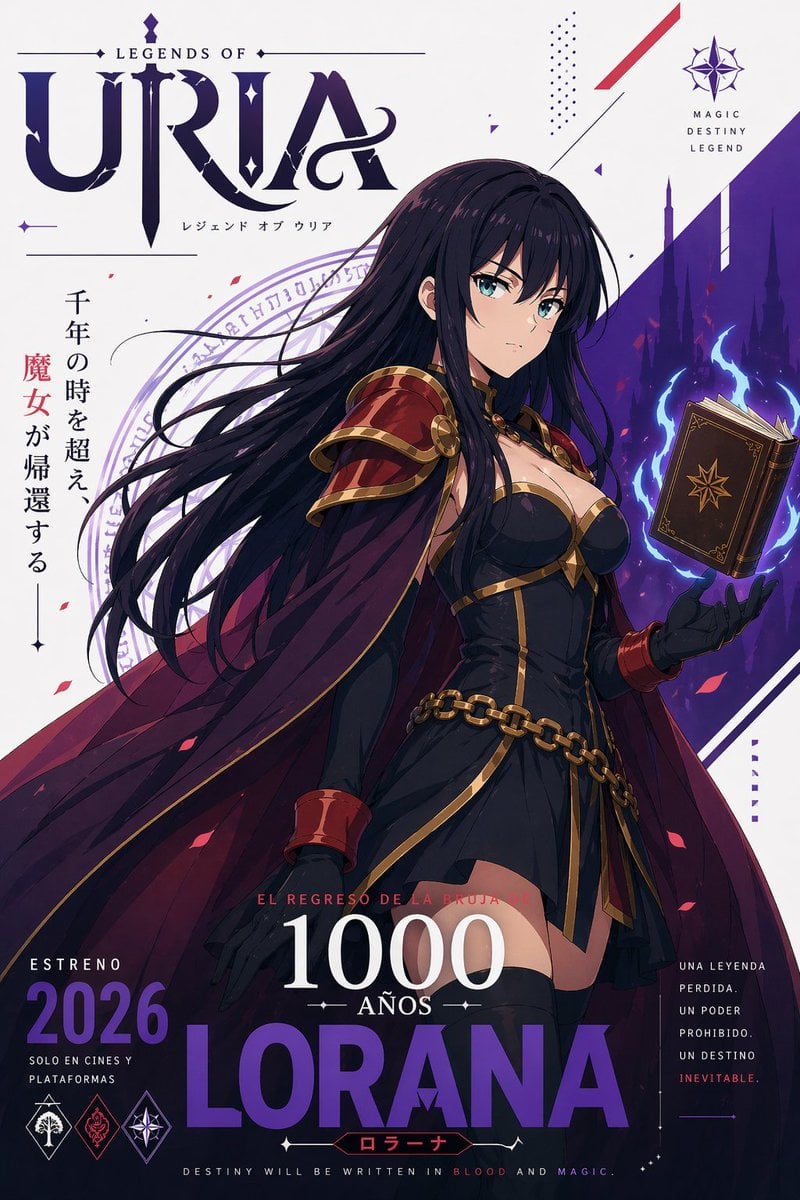
Fantasy Anime Witch Movie Poster
A cinematic vertical anime poster of a dark sorceress with a floating spellbook, designed for fantasy franchise promotions, teaser art, and coming-soon campaign visuals.
- Prompt included
- Model and format preset
- Free template
The prompt behind this image
Copy the exact prompt behind Fantasy Anime Witch Movie Poster, or open it in the studio and make it yours.
Create a dramatic vertical fantasy anime movie poster for {argument name="franchise title" default="LEGENDS OF URIA"}, with a clean white background, bold royal-purple graphic accents, and premium cinematic key art styling. The central figure is {argument name="character name" default="LORANA"}, a tall elegant dark witch shown from mid-thigh up in a heroic three-quarter pose, facing slightly right, with her face partially obscured by flowing long black hair. She has extremely long windblown hair streaming leftward across the composition, pale skin, a confident mysterious presence, and a dark sorceress design. Her outfit is a fitted black mini dress with structured gold trim, a sweetheart bustier, long black gloves, thigh-high black stockings, a heavy gold chain belt draped around the hips, and a large crimson cape lined in deep purple. She wears ornate red metallic shoulder armor with gold edging and matching red bracers. In her raised right hand, she levitates an old brown spellbook with gold corner details and an eight-pointed star emblem, surrounded by vivid blue magical flames and glowing energy. Behind her, place a diagonal purple panel on the right side with silhouettes of gothic spires and castles fading into the background, plus a faint circular magic sigil behind her hair and shoulders. Add small red flower petals drifting through the scene, thin black decorative lines, tiny diamond icons, dotted texture clusters, and angular red-and-purple motion graphics for a modern fantasy poster layout. At the top left, include the large stylized title text {argument name="series logo text" default="URIA"} in ornate serif fantasy lettering, with smaller text above reading "LEGENDS OF" and small Japanese subtitle text below reading "レジェンド オブ ウリア". Add 1 vertical Japanese tagline on the left side: "千年の時を超え、魔女が帰還する" with the single word "魔女" highlighted in red. At the top right, include 1 compass-like emblem and stacked small text reading "MAGIC DESTINY LEGEND". At the bottom center, add layered Spanish and English release typography: 1 red line reading "EL REGRESO DE LA BRUJA", 1 huge white number reading {argument name="year count text" default="1000"}, 1 smaller white word "AÑOS", and 1 massive purple character name reading {argument name="main name text" default="LORANA"}, with 1 small red katakana label "ローラーナ" beneath it. At the bottom left, include 1 release block with "ESTRENO 2026" and smaller text "SOLO EN CINES Y PLATAFORMAS", plus 3 small fantasy faction-style emblems. At the bottom right, include 1 stacked tagline block with five lines: "UNA LEYENDA", "PERDIDA.", "UN PODER", "PROHIBIDO.", "UN DESTINO", "INEVITABLE." At the very bottom center, add the line "DESTINY WILL BE WRITTEN IN BLOOD AND MAGIC." Use high-detail anime illustration, glossy shading, elegant fantasy poster composition, strong contrast, luxurious crimson, black, gold, and violet palette, with a polished theatrical coming-soon feel.
How to use Fantasy Anime Witch Movie Poster in 3 steps
- 1Upload ImagePNG, JPG or paste
Add your photo
Upload the photo the template builds on. The prompt, model and format are already set.
- 2…a portrait of your subject in softgolden-hour light, 85mm…
Personalize
Edit the subject and creative details for your destination.
- 3Generate
Generate
Press Generate — your image is created in PicX Studio, so you can compare it with the original and refine one variable at a time.
More like this
Templates with the same subject, style or setup. Open one to see its prompt.

Captain Tsubasa Anime World Cup Poster
Epic Anime Movie Poster from Photo
Retro Fake Anime Movie Poster
Horror Anime Movie Poster
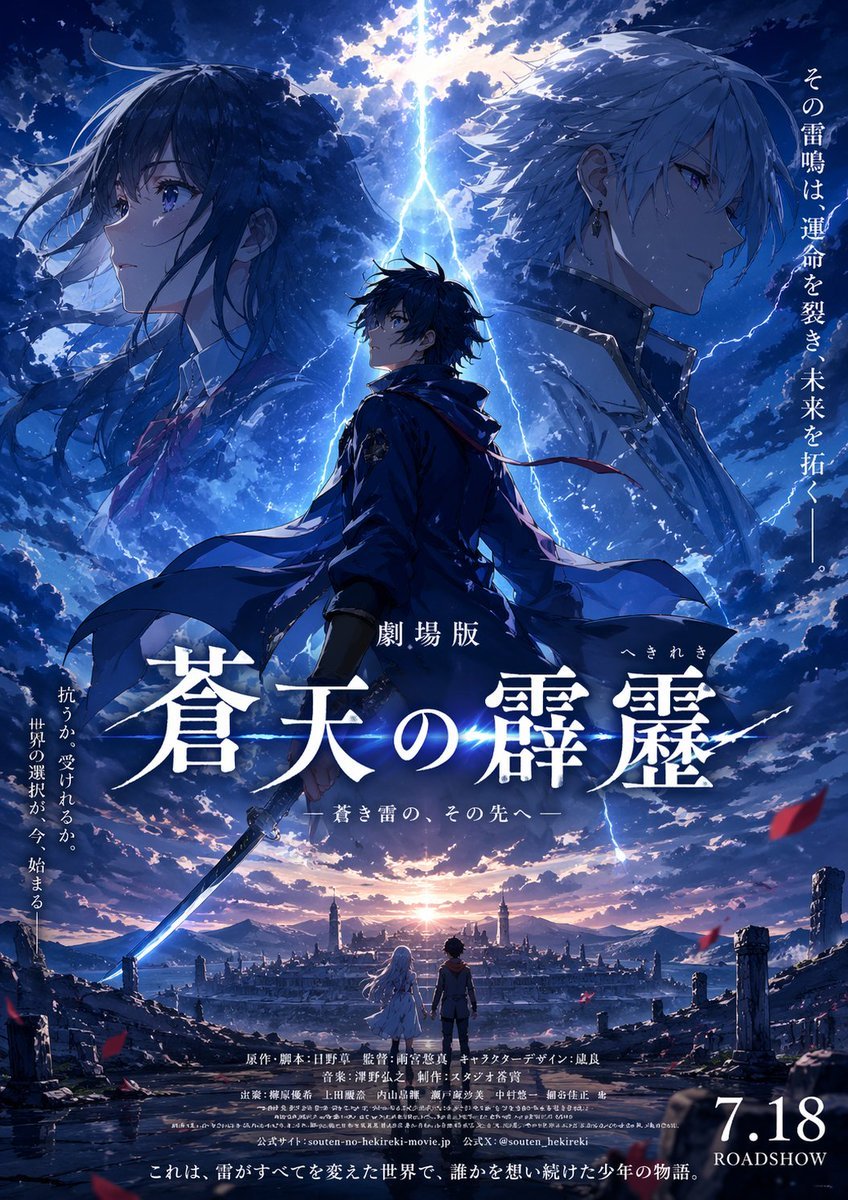
Fictional Anime Movie Poster
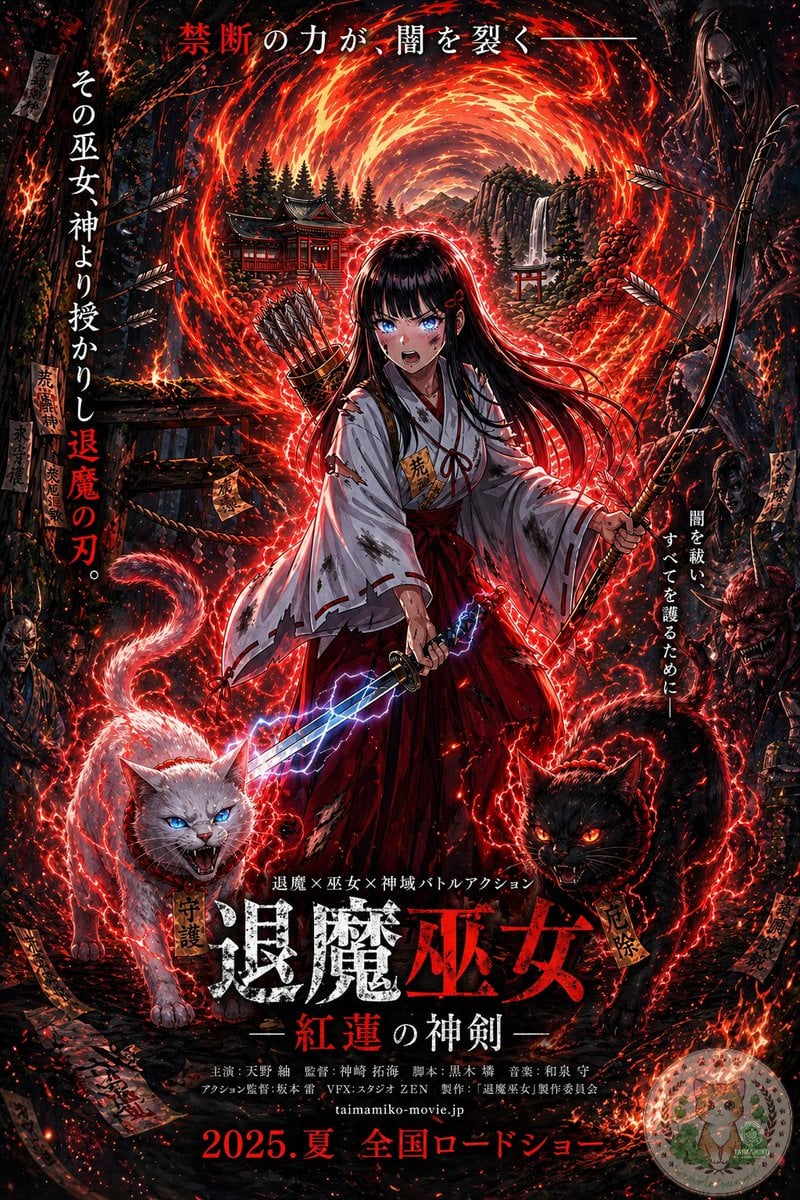
Anime Shrine Maiden Movie Poster
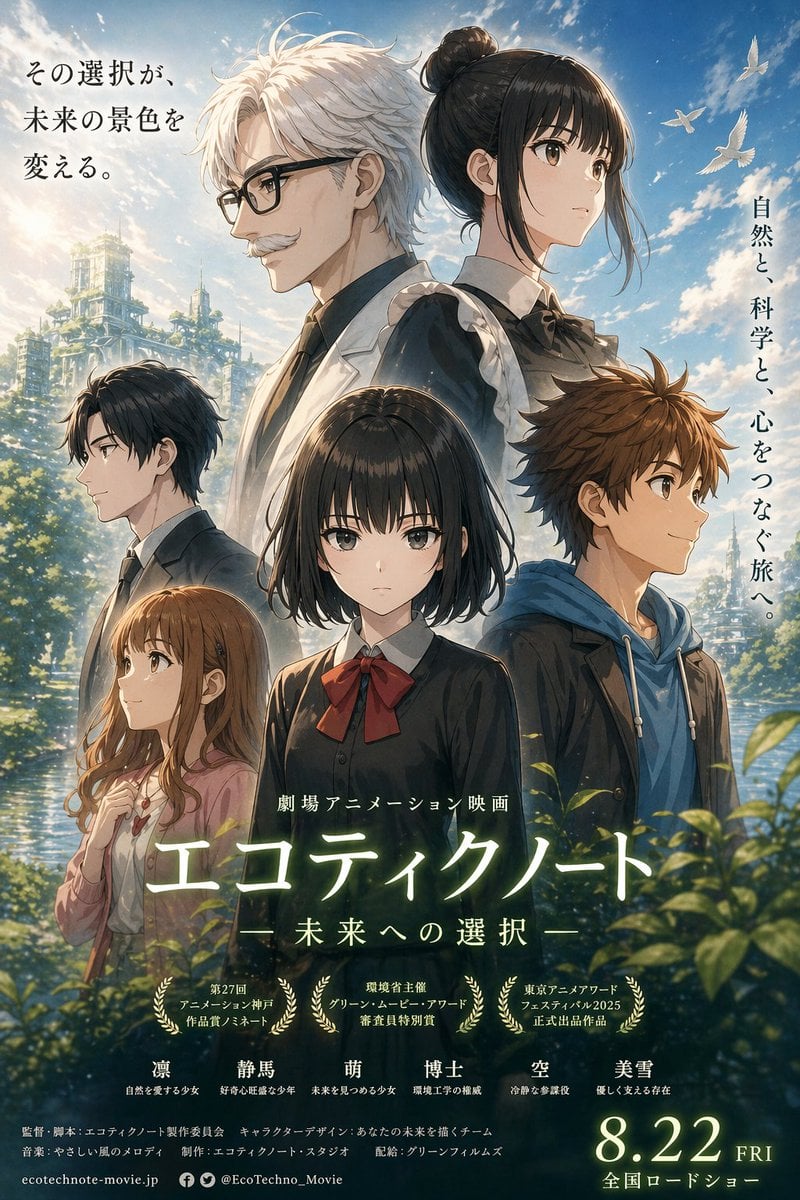
Anime Ensemble Movie Poster
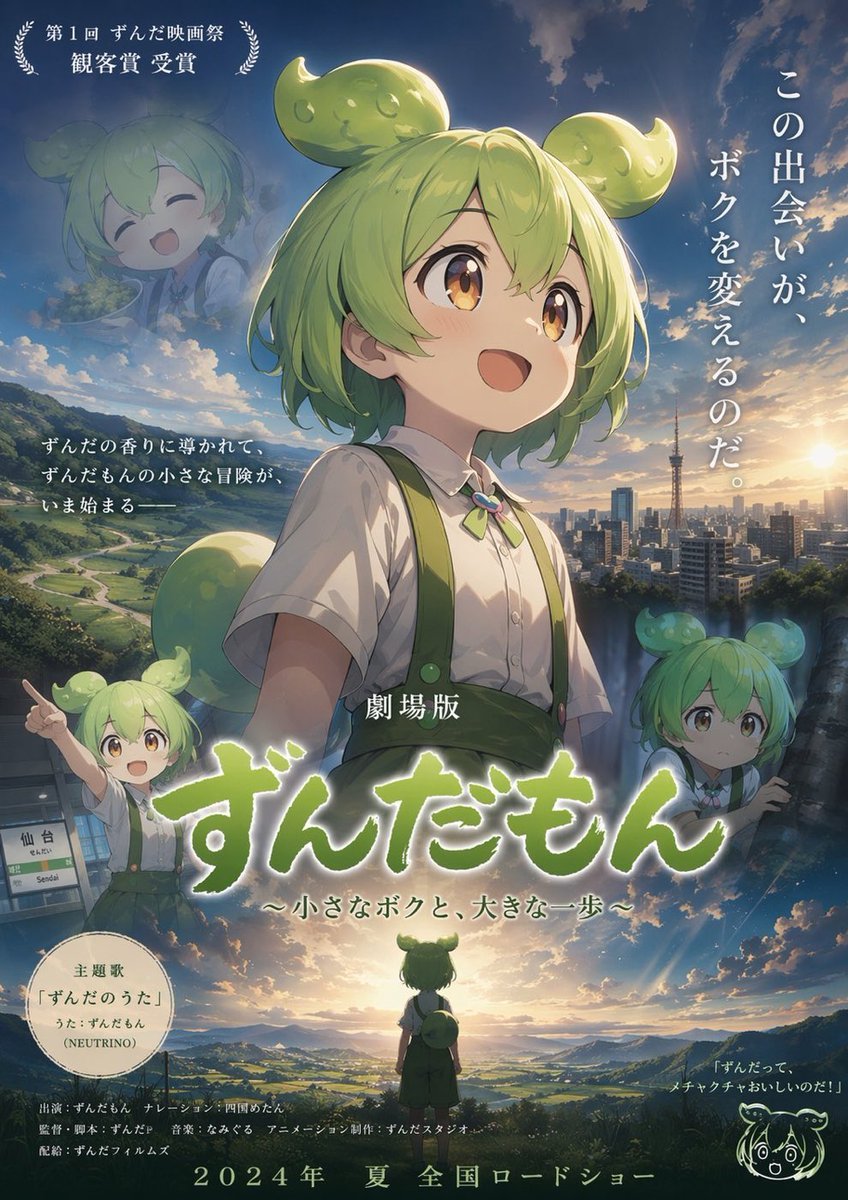
Anime Movie Poster Layout
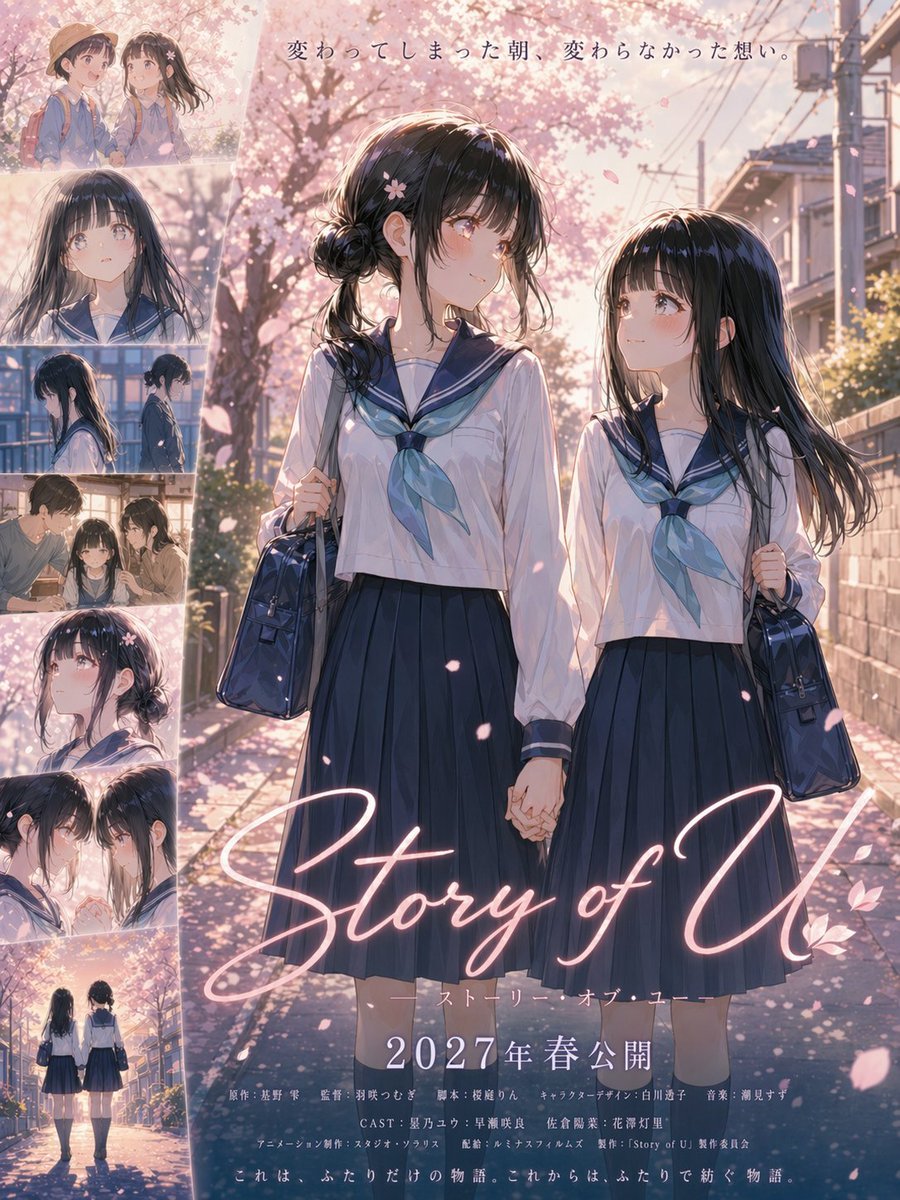
Anime Sakura Movie Poster
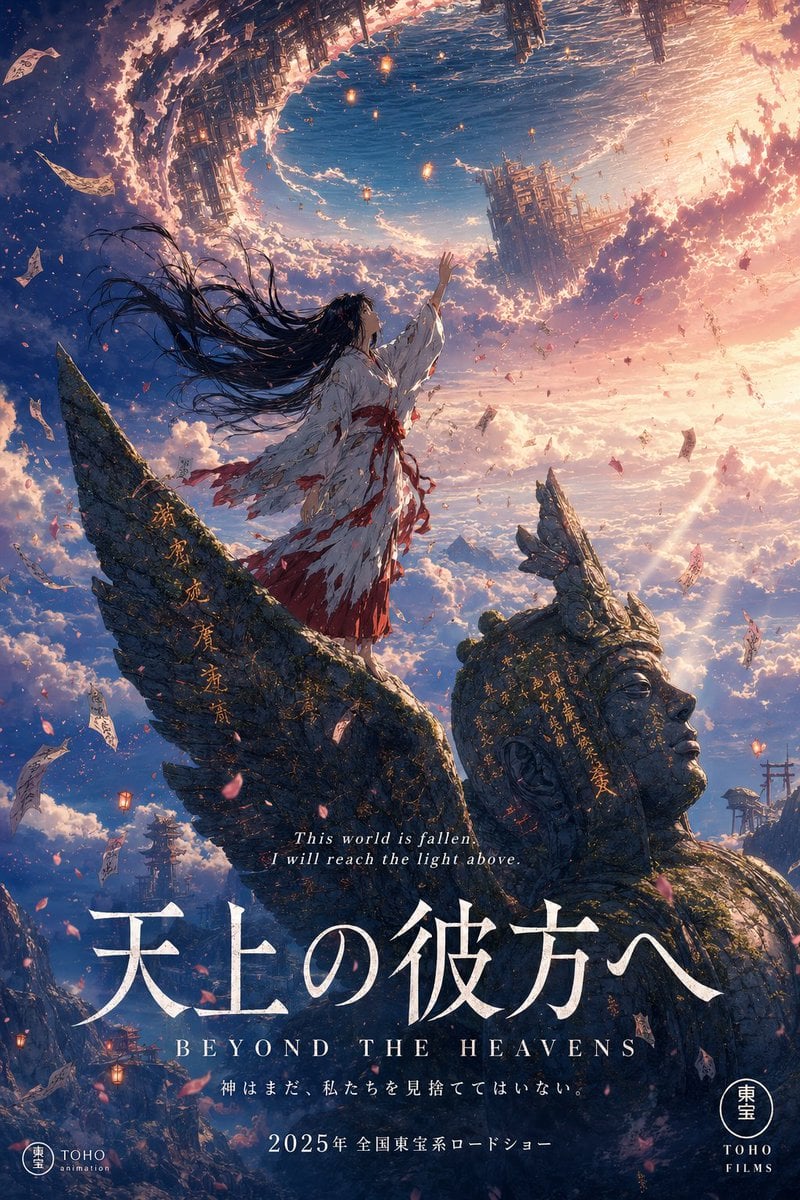
Anime Theatrical Movie Poster

Gpt2 Youtube Thumbnail Wuxia Movie Character Posters

Gpt2 Youtube Thumbnail Anime Music Bootcamp Promo Poster
Make it yours
Fantasy Anime Witch Movie Poster works as-is. These are the safest ways to change it without losing the look.
Change one field
Copy a single group, rewrite it, and generate again so you can see what that field is doing.
Keep the frame, change the subject
Hold the composition and light of Fantasy Anime Witch Movie Poster, then swap wardrobe, props or the person for a new take.
| If the result… | Why | Fix |
|---|---|---|
| The result drifts from the preview | Too many fields changed at once. | Reuse Fantasy Anime Witch Movie Poster as-is first, then change one group — subject, light, or setting. |
| The model over-stylizes the scene | The prose prompt leaves finish and camera underspecified. | Add one camera or lighting sentence and stay on GPT Image 2. |
More GPT Image 2 templates
Other prompts made for GPT Image 2.

Six VTuber Japanese Logo Sheet

Realistic Portrait of Woman and Deer

The Vista Modular Condo Poster

AI Model Routing Comparison Infographic

2.5D Anime Art Board

Isometric Productivity Desk Scene

New York Double Exposure Poster

Four-Panel AI Landscape Comparison

Japanese Tatami Lifestyle Magazine Cover

NESCAFÉ Coffee Map Poster
More image prompts
Fresh picks from across the catalog.
Watercolor Dreamscape — Nano Banana
Elven Woman with Ornate Chain Dress

Mango Coconut Dessert Poster
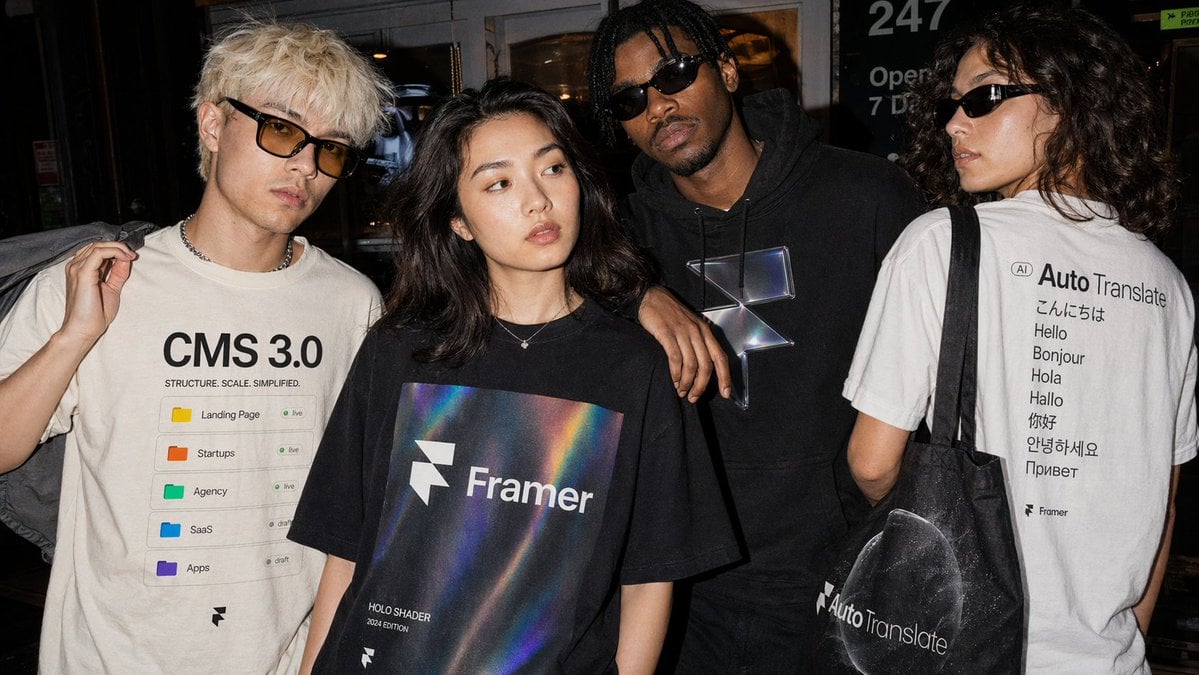
Editorial Streetwear Lifestyle Merch
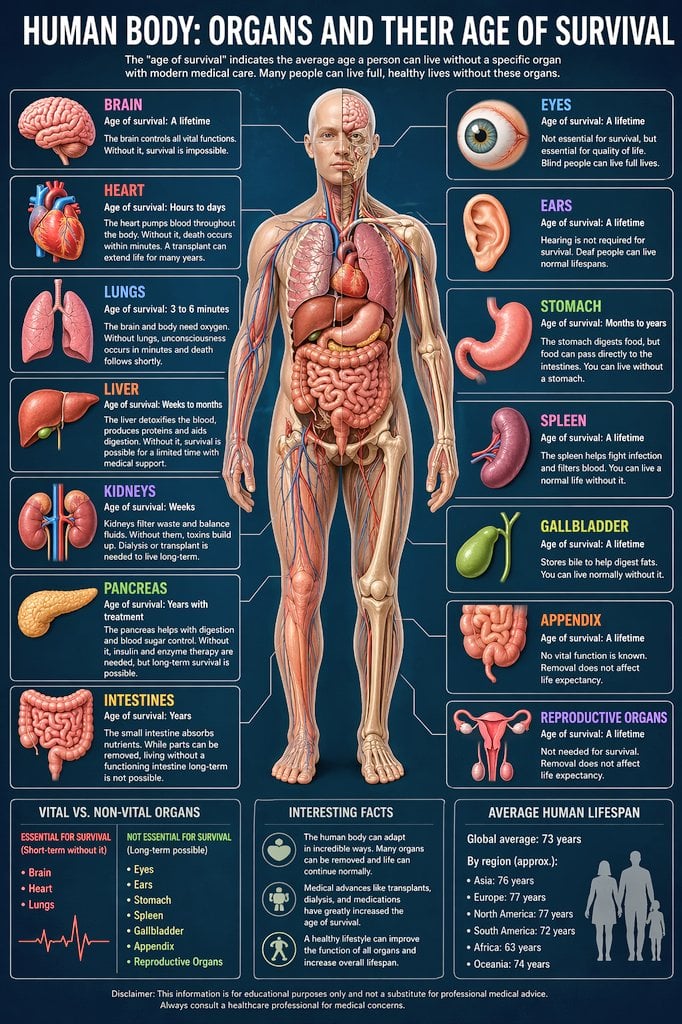
Medical Infographic Prompt
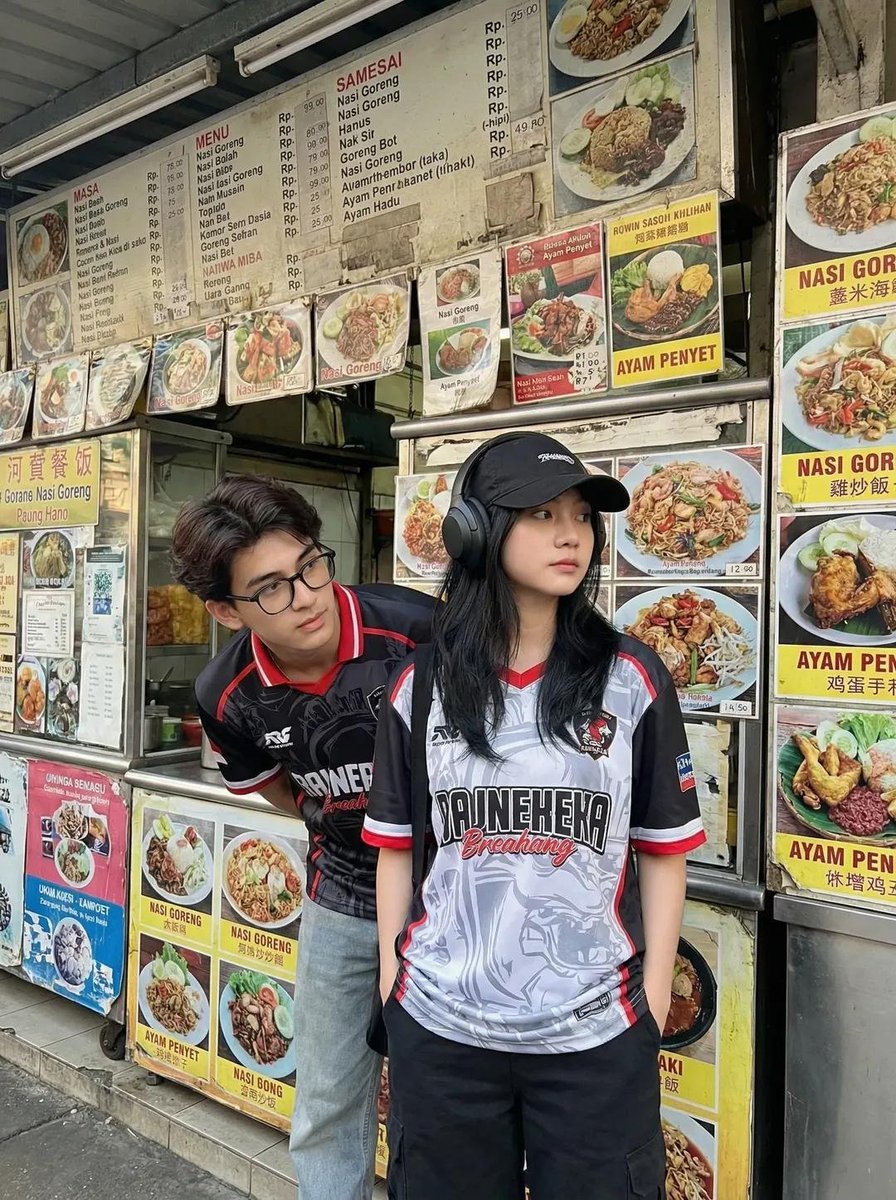
Candid Street Photography of Young Adults at a Southeast Asian Food Stall
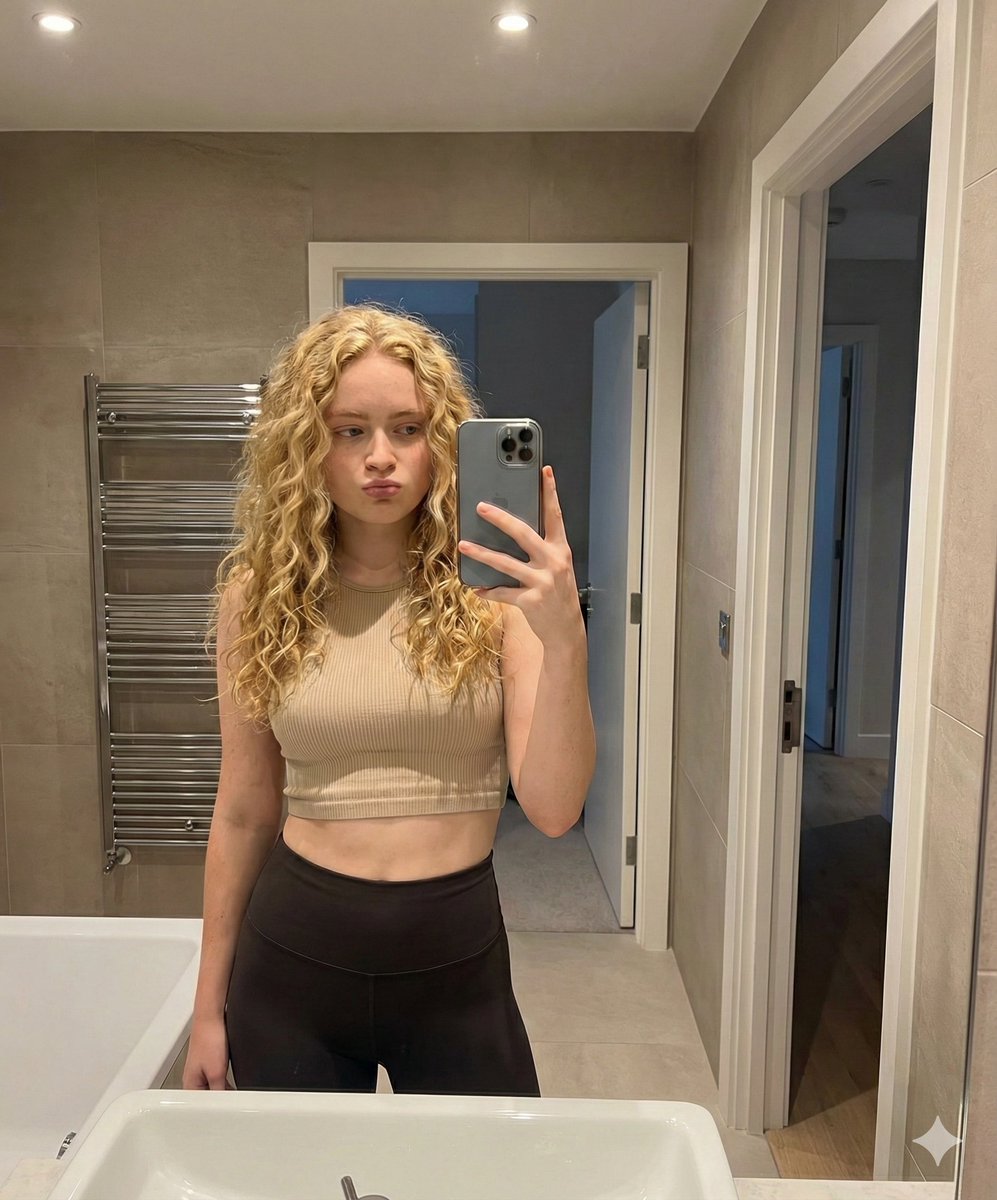
Mirror Selfie in Modern Bathroom Prompt
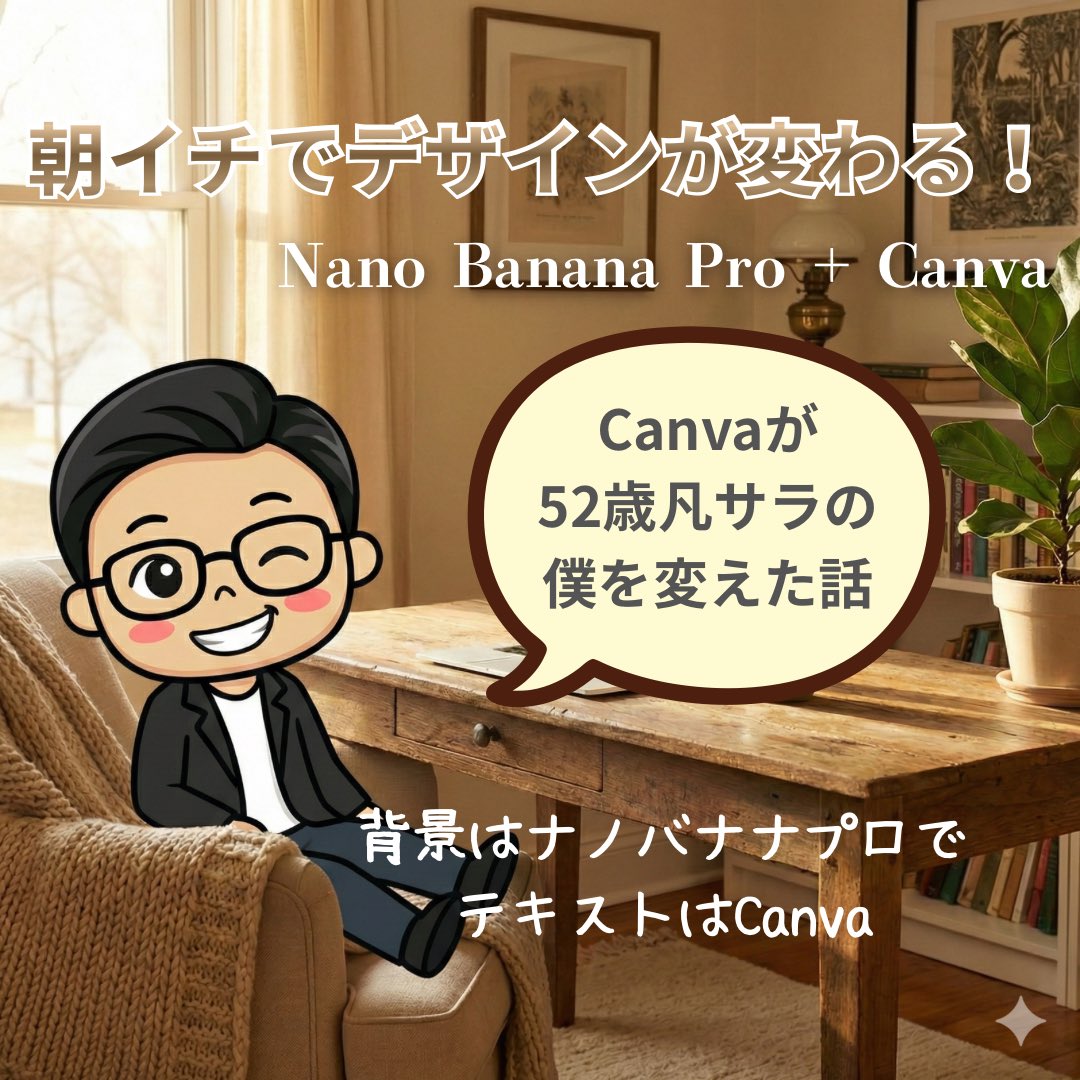
High-Quality Background for Social Media Posts (Thought Mode Pro)
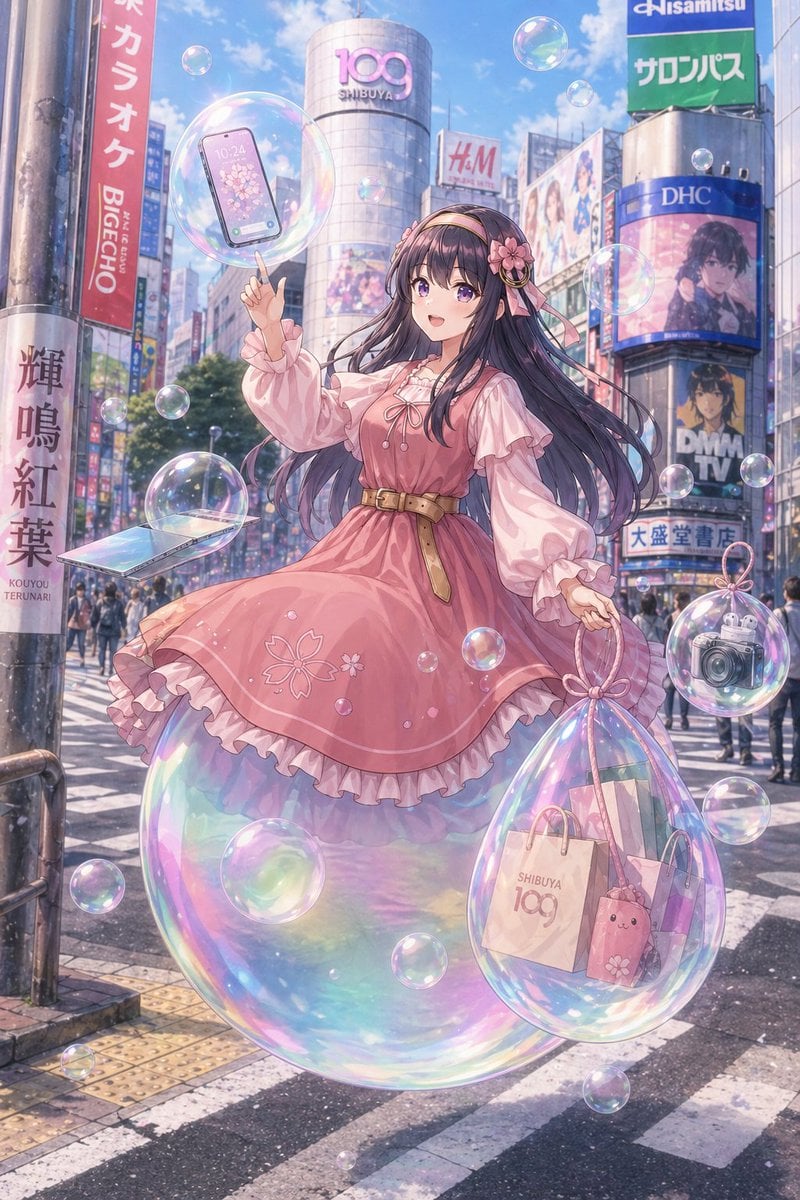
Gpt2 Comic Storyboard Dreamy Shibuya Bubble Girl

Panel Advertising Concept Grid
Browse template categories
Fantasy Anime Witch Movie Poster questions
How do I use the Fantasy Anime Witch Movie Poster template?
Add your photo if the template asks for one, edit the prompt if you like — the template's model and format are already selected — and press Generate. Your version opens in PicX Studio.
Can I customize the Fantasy Anime Witch Movie Poster template?
Yes. You can change the subject, setting, lighting, mood, format, and available model controls before creating your image.
Is the Fantasy Anime Witch Movie Poster template free?
Opening and editing this template is free. Generating uses credits, shown on the Generate button when you are signed in.
Which AI model should I use?
Start with GPT Image 2, which is the model associated with this template. You can compare another compatible model for a different finish.
Looking for something else? Browse all templates.

Your photo, any look
Thousands of ready templates for every top image and video model, from one credit balance.