How do I use the Tokyo Watercolor Travel Poster template?
Edit the prompt in the box under the preview — the template's model and format are already selected — and press Generate. Your version appears right on this page.
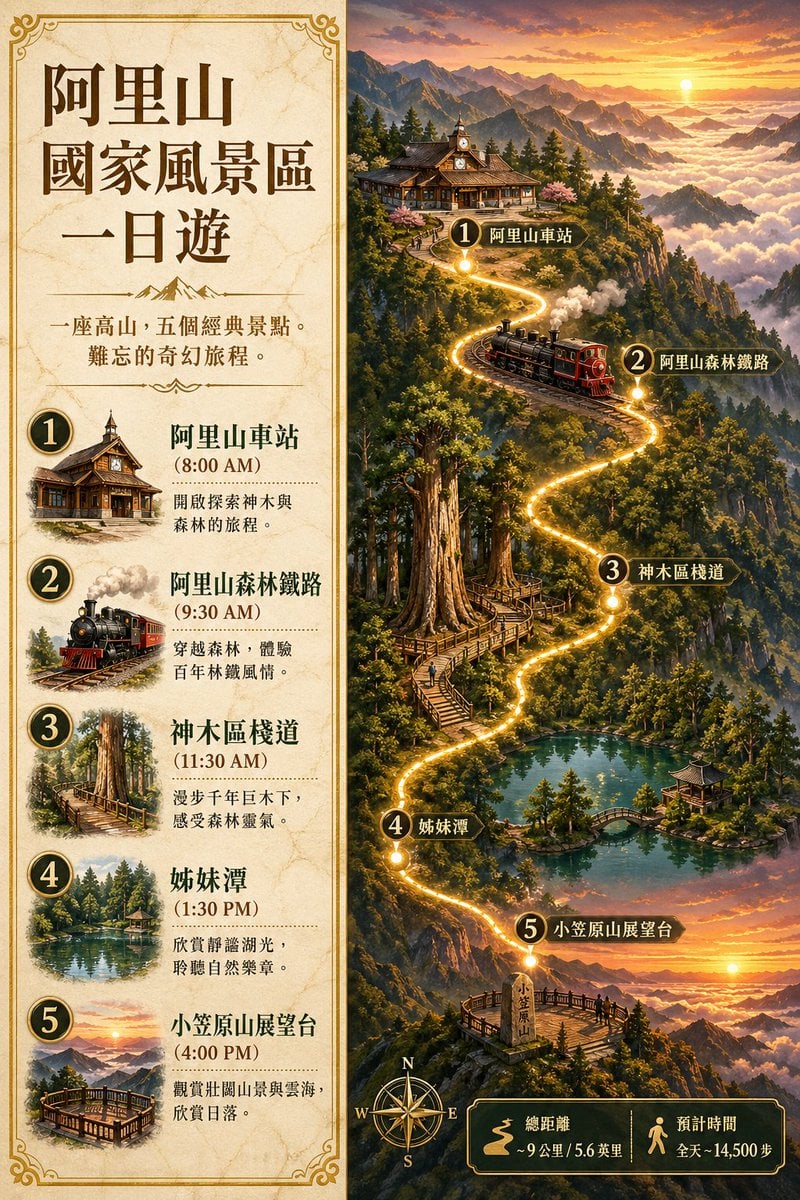
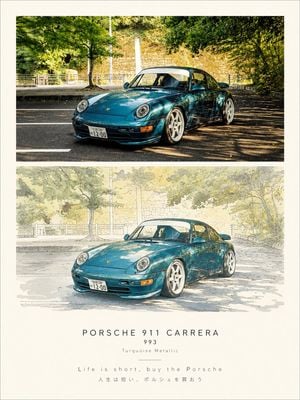
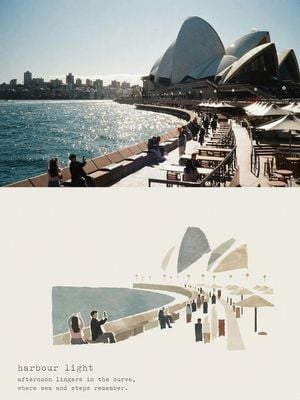
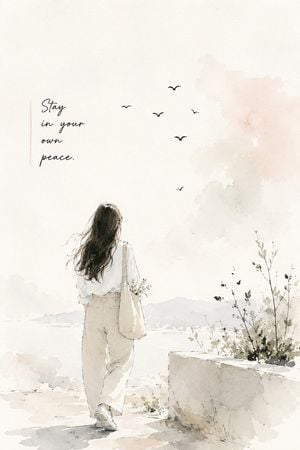
A comprehensive prompt for a vertical travel poster of Tokyo featuring a watercolor and collage aesthetic with twilight colors and urban elements.

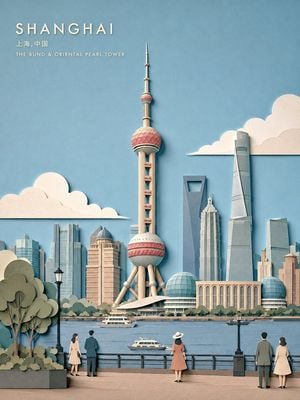
{argument name="テーマ" default="東京"}をテーマにした、水彩画+コラージュ風トラベルポスター。縦構図。柔らかなパステルカラーと、夕暮れのゴールデンアワーを感じる暖色系カラー。 シーン: 夕暮れ時の{argument name="テーマ" default="東京"}ウォーターフロント。右側には近未来的なゆりかもめ電車、左側には自転車を押しながら歩く人物。遊歩道には散歩する人々。背景には{argument name="テーマ" default="東京"}のスカイライン、東京タワー、東京スカイツリー、高層ビル群。遠景にはレインボーブリッジと東京湾、屋形船や小型フェリー。空にはカモメが飛び、遊歩道沿いには並木。穏やかな水面が夕陽を反射している。 デザイン要素: 左上に大きく「{argument name="都市名" default="TOKYO"} {argument name="年" default="2026"}」 その下に小さく「Neon Breeze Quiet Motion Eastern Metropolis」 右上に縦書きの日本語テキスト その下に小さな英字で「{argument name="都市名" default="TOKYO"} JAPAN」 左下に座標「35.6762° N 139.6503° E」 その下に「{argument name="都市名" default="TOKYO"} JAPAN」、波アイコン 下中央に手書き風スクリプトで「Tokyo」 右下に縦並びテキスト 「City Light Bay Train People Slow Life」 および縦書き日本語テキスト 半透明の幾何学図形、水彩の飛沫、ティールとベージュ系の質感レイヤーを重ねる スタイル: 現代的な旅行ポスターと水彩画を融合したスタイル。空気感があり開放的。イラストとフォトコラージュを自然にブレンド。暖かく静かな雰囲気。超高精細、高ディテール。
{argument name="テーマ" default="東京"}をテーマにした、水彩画+コラージュ風トラベルポスター。縦構図。柔らかなパステルカラーと、夕暮れのゴールデンアワーを感じる暖色系カラー。 シーン: 夕暮れ時の{argument name="テーマ" default="東京"}ウォーターフロント。右側には近未来的なゆりかもめ電車、左側には自転車を押しながら歩く人物。遊歩道には散歩する人々。背景には{argument name="テーマ" default="東京"}のスカイライン、東京タワー、東京スカイツリー、高層ビル群。遠景にはレインボーブリッジと東京湾、屋形船や小型フェリー。空にはカモメが飛び、遊歩道沿いには並木。穏やかな水面が夕陽を反射している。 デザイン要素: 左上に大きく「{argument name="都市名" default="TOKYO"} {argument name="年" default="2026"}」 その下に小さく「Neon Breeze Quiet Motion Eastern Metropolis」 右上に縦書きの日本語テキスト その下に小さな英字で「{argument name="都市名" default="TOKYO"} JAPAN」 左下に座標「35.6762° N 139.6503° E」 その下に「{argument name="都市名" default="TOKYO"} JAPAN」、波アイコン 下中央に手書き風スクリプトで「Tokyo」 右下に縦並びテキスト 「City Light Bay Train People Slow Life」 および縦書き日本語テキスト 半透明の幾何学図形、水彩の飛沫、ティールとベージュ系の質感レイヤーを重ねる スタイル: 現代的な旅行ポスターと水彩画を融合したスタイル。空気感があり開放的。イラストとフォトコラージュを自然にブレンド。暖かく静かな雰囲気。超高精細、高ディテール。
Edit the prompt in the box under the preview — the template's model and format are already selected — and press Generate. Your version appears right on this page.
Yes. You can change the subject, setting, lighting, mood, format, and available model controls before creating your image.
Opening and editing this template is free. Generating uses credits, shown on the Generate button when you are signed in.
Start with GPT Image 2, which is the model associated with this template. You can compare another compatible model for a different finish.
Follow a topic to a crawlable collection of related PicX Studio templates.