
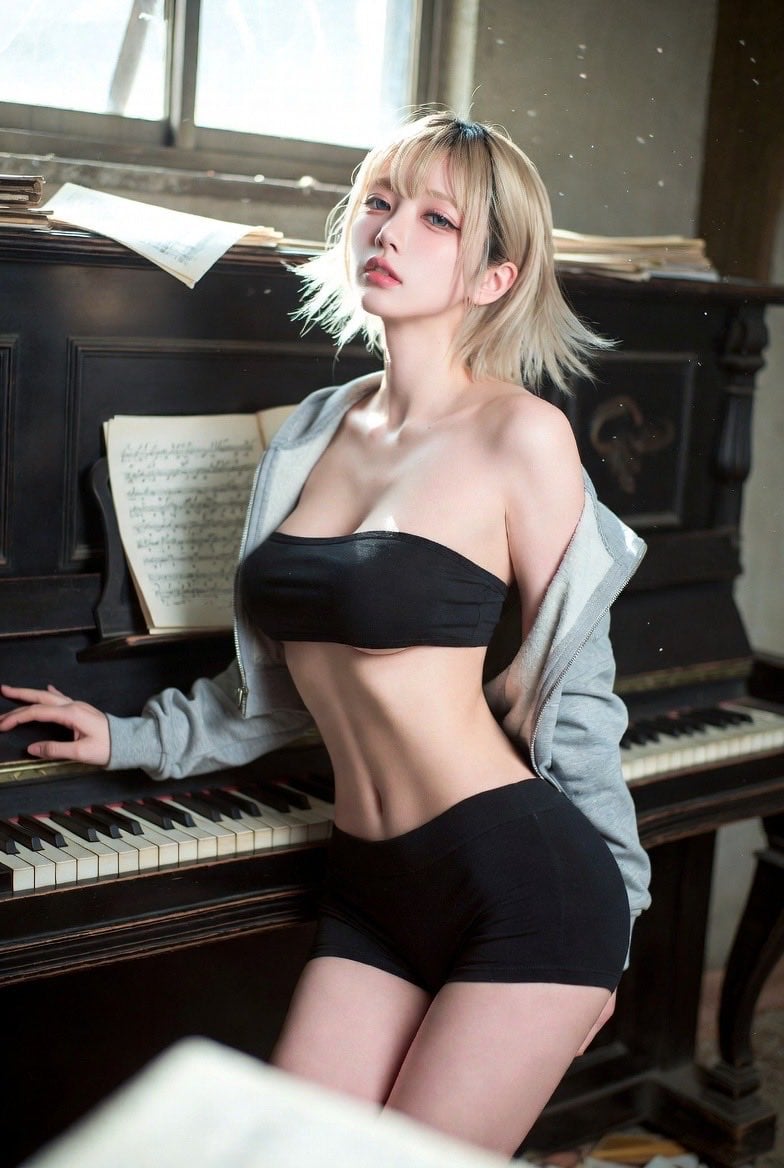
Cinematic Abandoned Music Room Portrait
A highly detailed prompt for creating a realistic, cinematic portrait of a woman in an abandoned music room with vintage aesthetics and dramatic lighting.
- Prompt included
- Model and format preset
- Free template
The prompt behind this image
Copy the exact prompt behind Cinematic Abandoned Music Room Portrait, or open it in the studio and make it yours.
{argument name="年齢" default="20歳"}女性。上品で美しく、背が高く華奢な体型。完璧なサンドグラスシルエット、引き締まった柔らかなウエスト、自然で滑らかな曲線美、均整の取れた丸みのあるヒップ、長く整った脚、軽やかでタイトなボディライン。骨格感のある高い頬骨、彫刻のように成熟した洗練された顔立ち。深く魅惑的なアーモンドアイ。冷たさとラグジュアリー感の中にセクシーな緊張感を纏う雰囲気。軽やかなシースルーバング、羽毛のように柔らかい毛先。 ポーズ:古いアップライトピアノの横に浅く腰掛けた姿勢。スナップ写真のような自然な動き。頭を後ろへ振り返りカメラを見る。身体はわずかに前傾し、リラックスしながらも視線のインタラクションと色気を感じさせる。 衣装:{argument name="衣装の色" default="ブラック"}のハイウエスト・タイトスポーツショーツ、ブラックのベアトップインナー、ライトグレーのルーズなショート丈レザージャケット。ジャケットの肩線は自然に落ち、肩と鎖骨を覗かせる。 シーン:高度に作り込まれた{argument name="シーン" default="廃墟の旧音楽室"}。背後には大型ヴィンテージのアップライトピアノ。散乱した譜面台と楽譜。割れた窓から差し込む光。空中には細かな埃が舞う。古びた木製フロア。薄暗くシネマティックな室内光。暖色と寒色の光が交差し、強い映画的コントラストを形成。光柱の中で塵が漂い、空間全体に豊富なディテール。 構図:全身構図。アイレベル視点。右側からのサイドアングル。人物と背景空間をどちらも明確に映す。50mmレンズ。自然な被写界深度。柔らかな前景ボケ。軽い前景遮蔽物あり。背景環境は鮮明で立体感を持つ。 画質・美学:Fujifilm Classic Chromeカラー。柔らかなシネマカラー。低コントラスト。ドキュメンタリー映画のようなリアルな空気感。低彩度のブルー&レッドトーン。旅行フィルムの質感。自然光ディテール。布地の質感まで鮮明。顔のディテールは繊細。リアルな空間奥行き。超高精細。映画級ライティング。
How to use Cinematic Abandoned Music Room Portrait in 3 steps
- 1
Open
The prompt is already in the box next to the preview, with the template's model and format selected.
- 2…a portrait of your subject in softgolden-hour light, 85mm…
Personalize
Edit the subject and creative details for your destination.
- 3Generate
Generate
Press Generate — your image is created in PicX Studio, so you can compare it with the original and refine one variable at a time.
More like this
Templates with the same subject, style or setup. Open one to see its prompt.
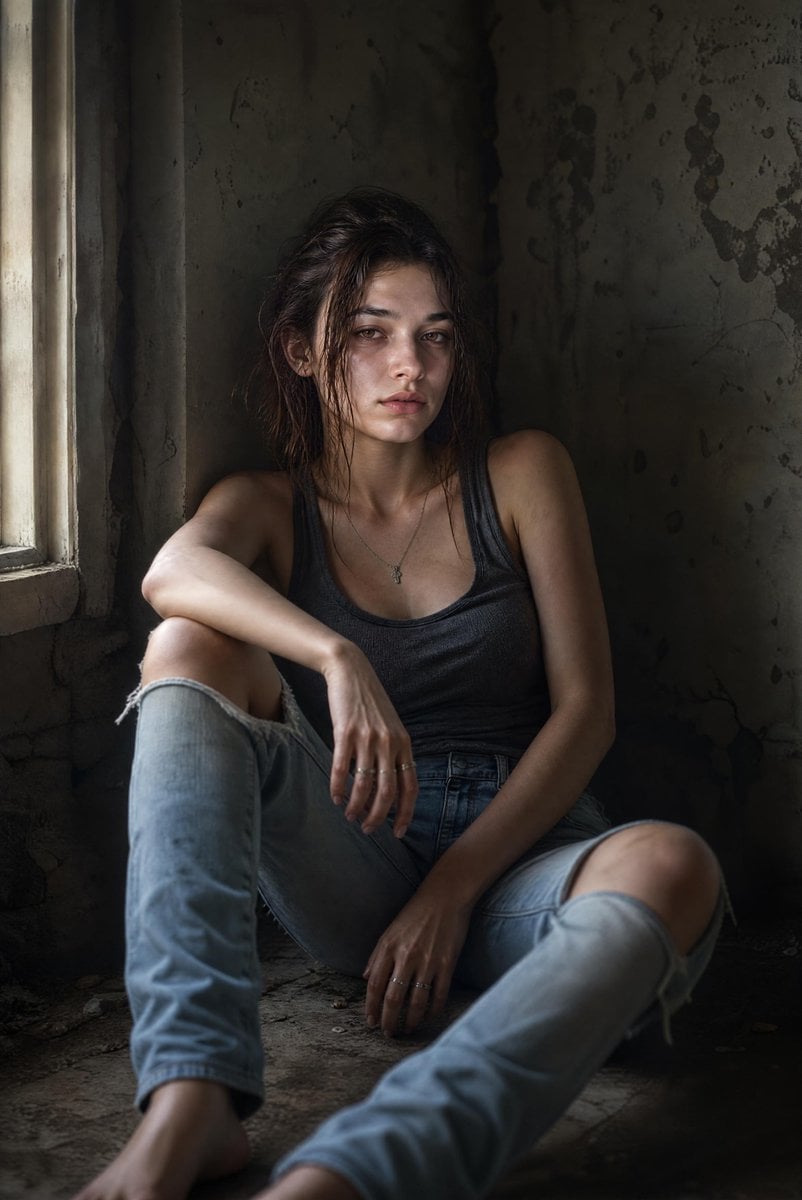
Cinematic Abandoned Room Portrait

Found Photograph: Us, 1970

Our Song was on a Cassette

80s Couple Studio Portrait

80s Bollywood Star

80s Golden Hour Cinema

Me in 1985

1985 Studio Portrait

White Wing Nurse Break Room Portrait
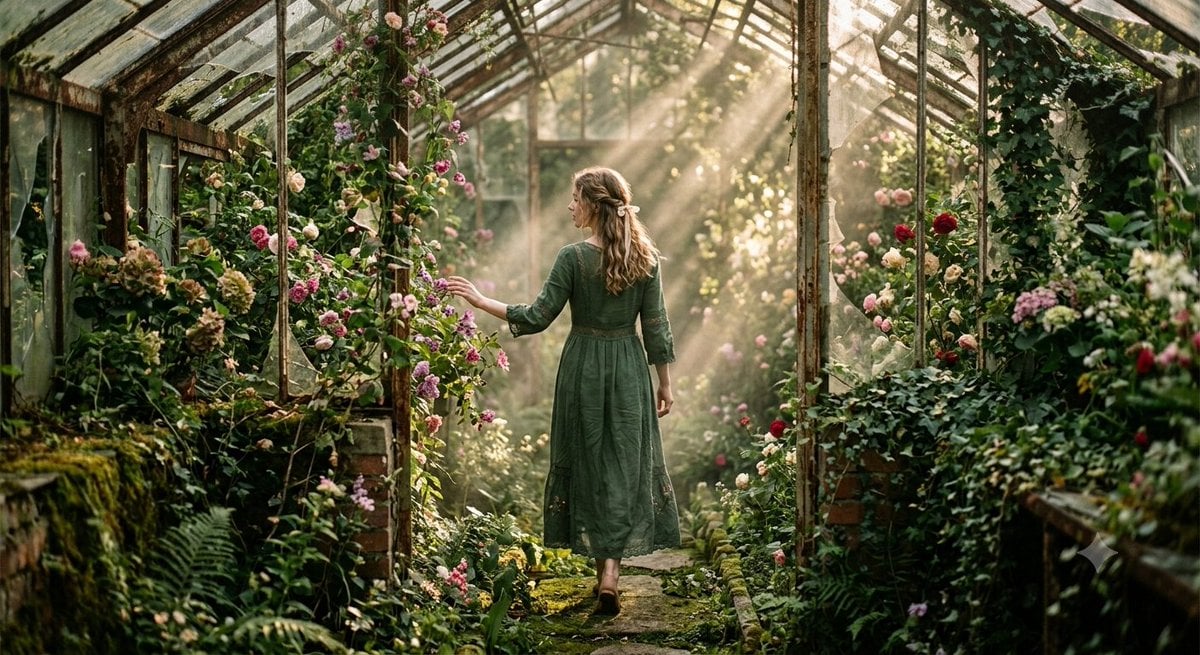
Abandoned Greenhouse Cinematic Portrait

Hyper-Realistic Minecraft POV Portrait

Minecraft Japanese Research Lab Exploration
Make it yours
Cinematic Abandoned Music Room Portrait works as-is. These are the safest ways to change it without losing the look.
Change one field
Copy a single group, rewrite it, and generate again so you can see what that field is doing.
Keep the frame, change the subject
Hold the composition and light of Cinematic Abandoned Music Room Portrait, then swap wardrobe, props or the person for a new take.
| If the result… | Why | Fix |
|---|---|---|
| The result drifts from the preview | Too many fields changed at once. | Reuse Cinematic Abandoned Music Room Portrait as-is first, then change one group — subject, light, or setting. |
| The model over-stylizes the scene | The prose prompt leaves finish and camera underspecified. | Add one camera or lighting sentence and stay on GPT Image 2. |
More GPT Image 2 templates
Other prompts made for GPT Image 2.

Six VTuber Japanese Logo Sheet

Realistic Portrait of Woman and Deer

The Vista Modular Condo Poster

AI Model Routing Comparison Infographic

2.5D Anime Art Board

Isometric Productivity Desk Scene

New York Double Exposure Poster

Four-Panel AI Landscape Comparison

Japanese Tatami Lifestyle Magazine Cover

NESCAFÉ Coffee Map Poster
More image prompts
Fresh picks from across the catalog.
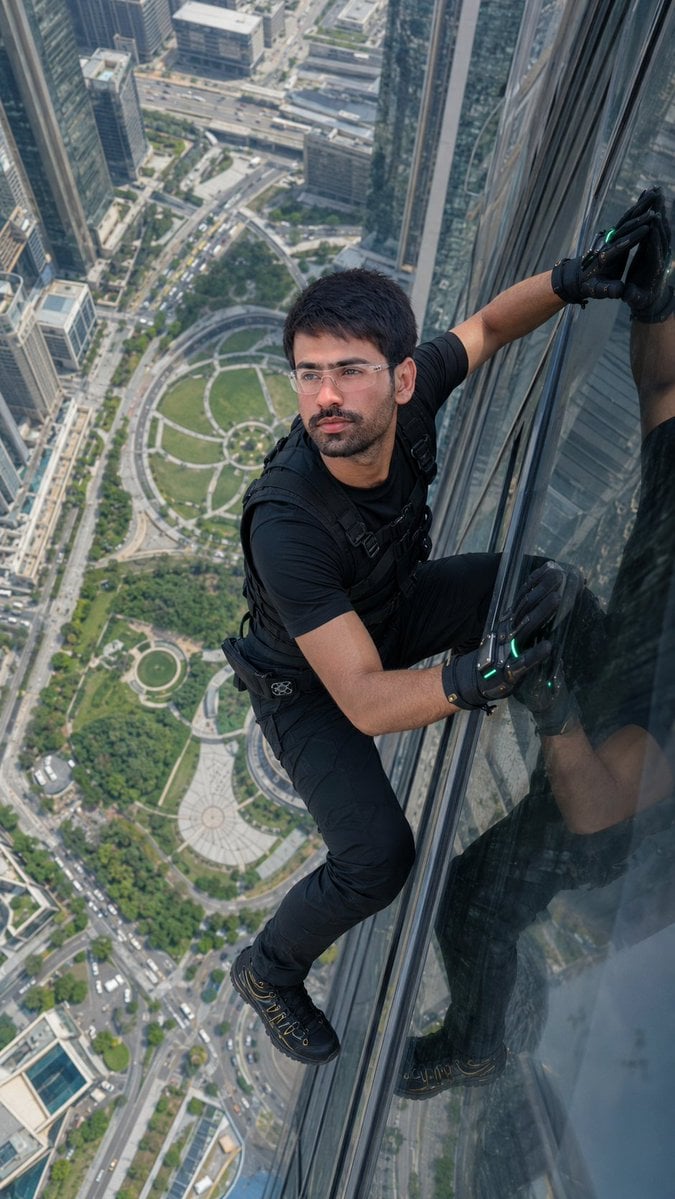
Skyscraper Climbing Action Shot
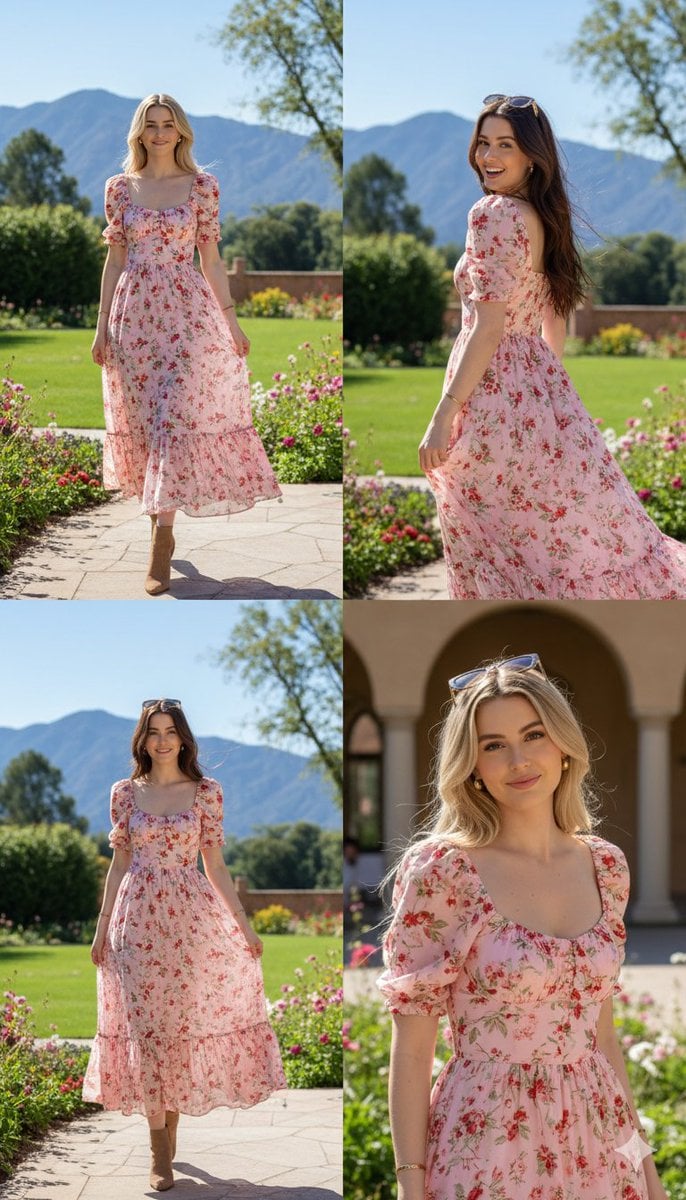
Photorealistic fashion collage of Polina Gagarina

Luxury Fast Food Chef Advertisement

Miniature Diorama Prompt for Visualizing the Historical Journey of Calculus
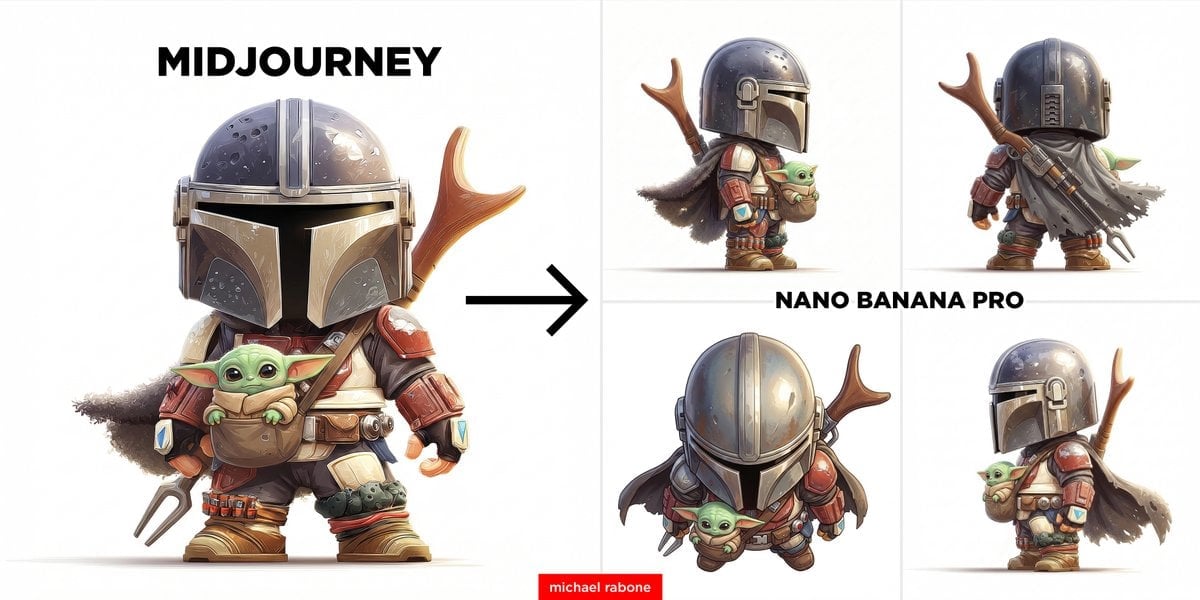
Image-to-Image View Generation Prompt
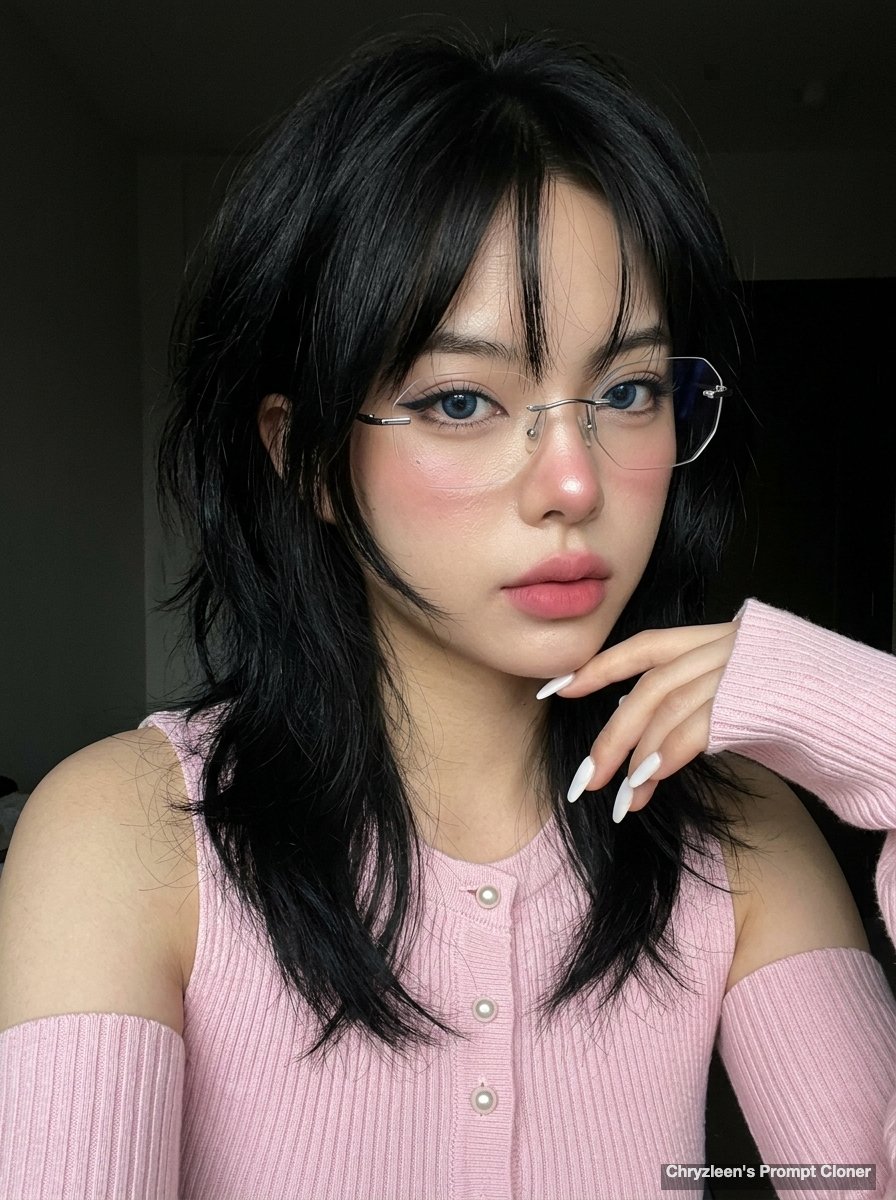
Hyper-realistic iPhone Photo Prompt (Gemini Nano Banana)

Vibrant Automotive Poster Design
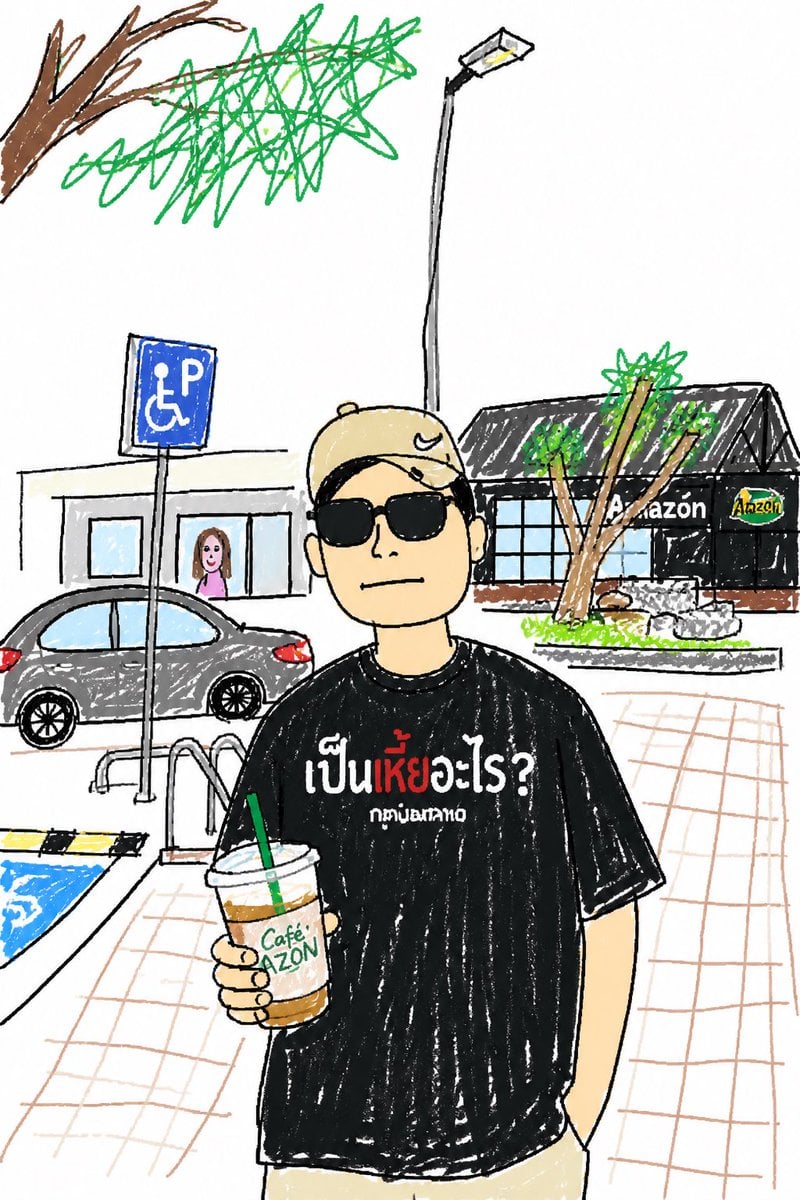
Childlike Sketch Photo Transform

Commercial Food Photography Poster
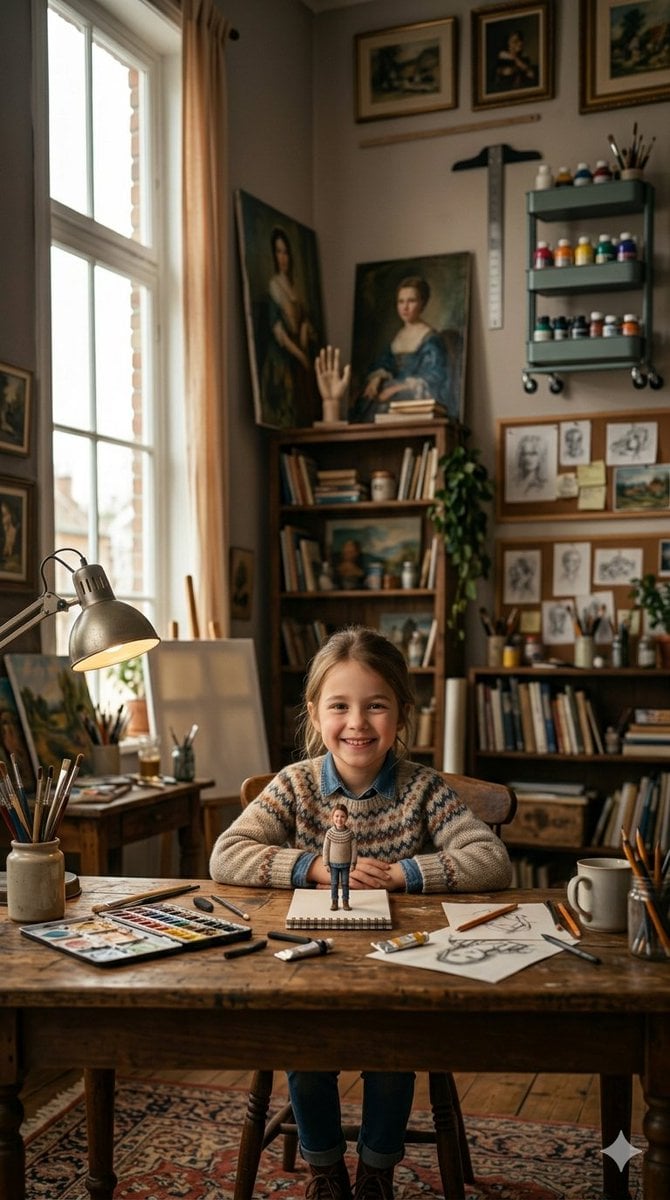
3D Miniature Clay Figurine Illusion in an Artist's Studio
Browse template categories
Cinematic Abandoned Music Room Portrait questions
How do I use the Cinematic Abandoned Music Room Portrait template?
Add your photo if the template asks for one, edit the prompt if you like — the template's model and format are already selected — and press Generate. Your version opens in PicX Studio.
Can I customize the Cinematic Abandoned Music Room Portrait template?
Yes. You can change the subject, setting, lighting, mood, format, and available model controls before creating your image.
Is the Cinematic Abandoned Music Room Portrait template free?
Opening and editing this template is free. Generating uses credits, shown on the Generate button when you are signed in.
Which AI model should I use?
Start with GPT Image 2, which is the model associated with this template. You can compare another compatible model for a different finish.
Looking for something else? Browse all templates.

Your photo, any look
Thousands of ready templates for every top image and video model, from one credit balance.