
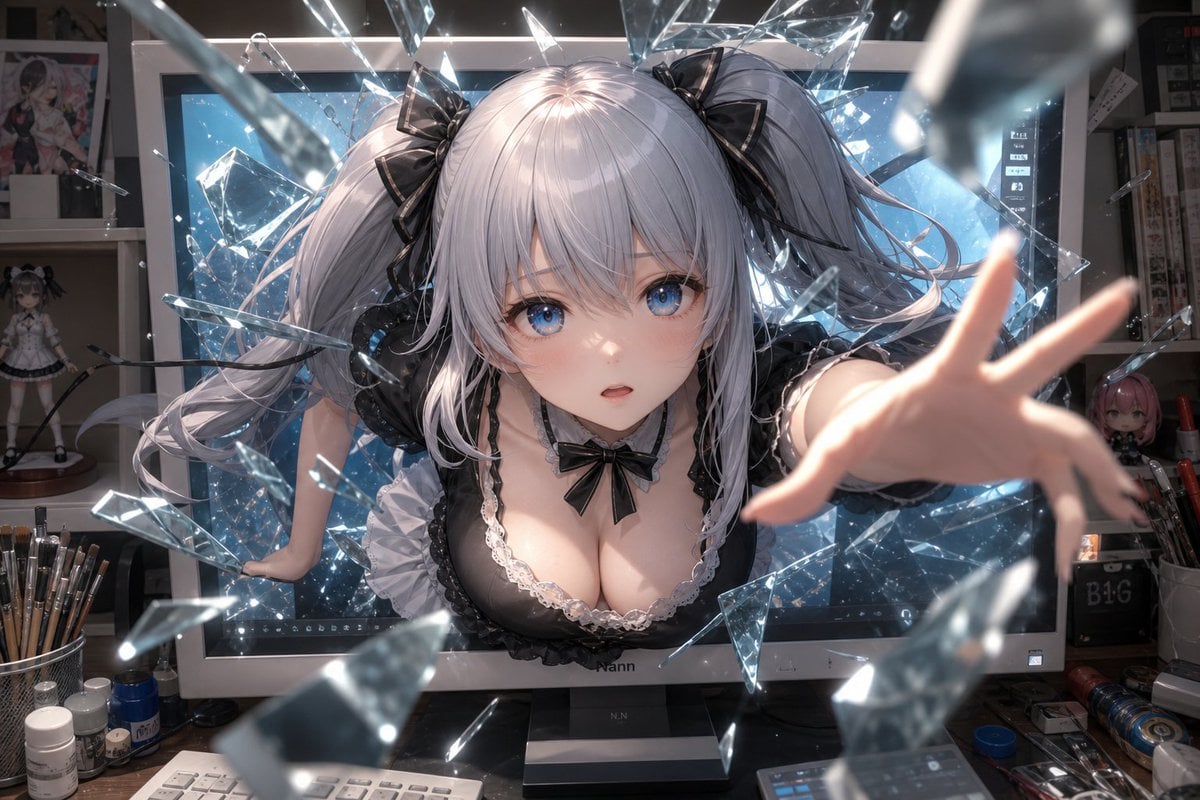
Anime Girl Breaking Out of Monitor
Generates a cinematic anime wallpaper of a silver-haired character bursting through a computer screen amid glass shards in a cluttered art studio.
- Prompt included
- Model and format preset
- Free template
The prompt behind this image
Copy the exact prompt behind Anime Girl Breaking Out of Monitor, or open it in the studio and make it yours.
Create a dramatic high-detail anime-style wallpaper of an {argument name="character type" default="adult silver-haired twin-tail anime girl"} bursting forward out of a large desktop monitor in an artist’s studio, as if breaking the screen into many sharp floating glass shards. The character has long pale silver hair in voluminous twin ponytails tied with glossy black ribbon bows, black frilly gothic-lolita maid-inspired clothing with white lace trim and a small black bow at the chest, and one arm reaching directly toward the viewer with strong foreshortening while the other hand braces against the monitor frame. Place a flat opaque {argument name="face censor color" default="muted gray-pink"} square over the face, centered and covering the facial features. The background is a cluttered digital art workspace: a large monitor glowing icy blue behind her, shelves with anime figures and posters, paintbrushes in cups, small bottles, pens, cables, and desk tools scattered around. Use cinematic lighting with bright blue screen glow, sparkling reflections on transparent glass fragments, shallow depth of field, motion blur on the closest shards and reaching hand, ultra-detailed hair strands, glossy fabric, realistic studio clutter, dynamic perspective, and a 16:9 desktop wallpaper composition at 1152×768 resolution. Overall mood: surreal, energetic, immersive, as though the anime character is escaping from the digital screen into the real world.
How to use Anime Girl Breaking Out of Monitor in 3 steps
- 1Upload ImagePNG, JPG or paste
Add your photo
Upload the photo the template builds on. The prompt, model and format are already set.
- 2…a portrait of your subject in softgolden-hour light, 85mm…
Personalize
Edit the subject and creative details for your destination.
- 3Generate
Generate
Press Generate — your image is created in PicX Studio, so you can compare it with the original and refine one variable at a time.
More like this
Templates with the same subject, style or setup. Open one to see its prompt.

Teen Girl Alpine Lake Mountain View
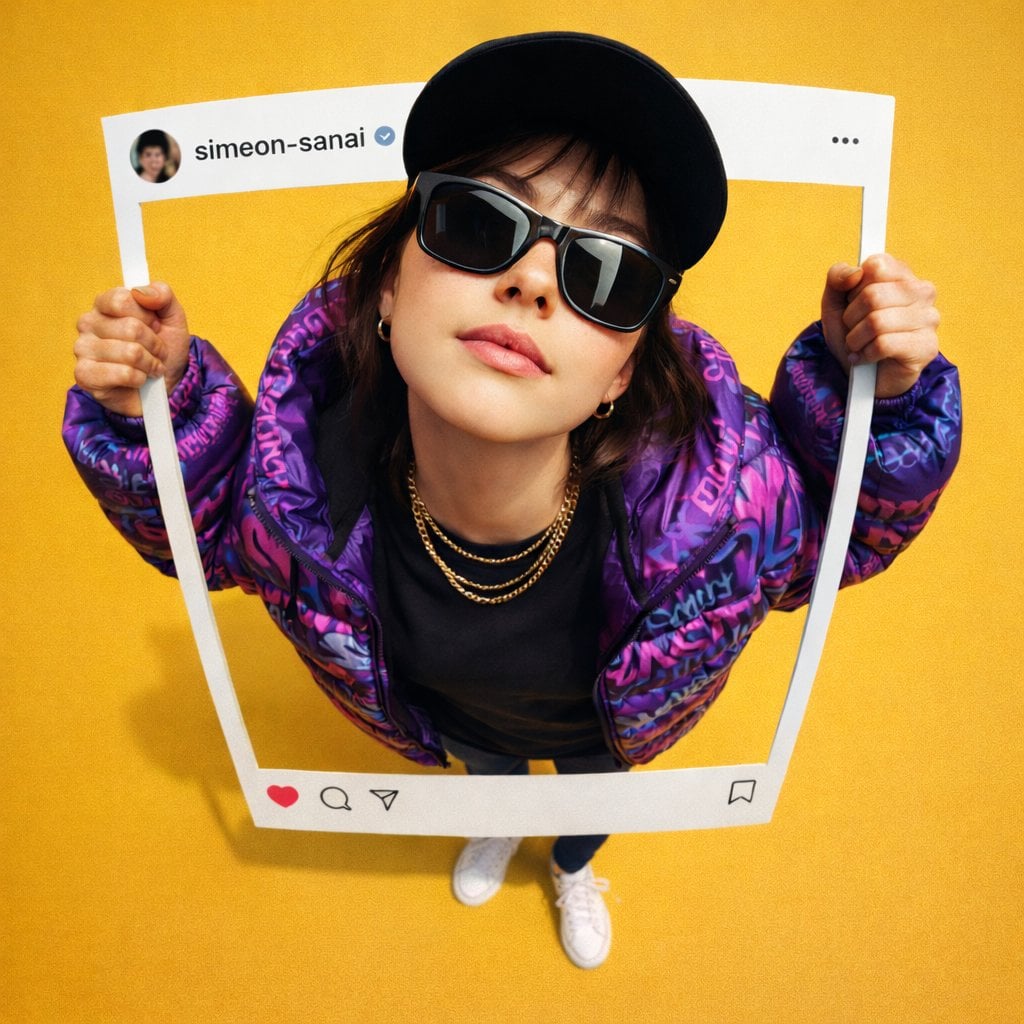
Ultra-realistic photo composite of uploaded person breaking out
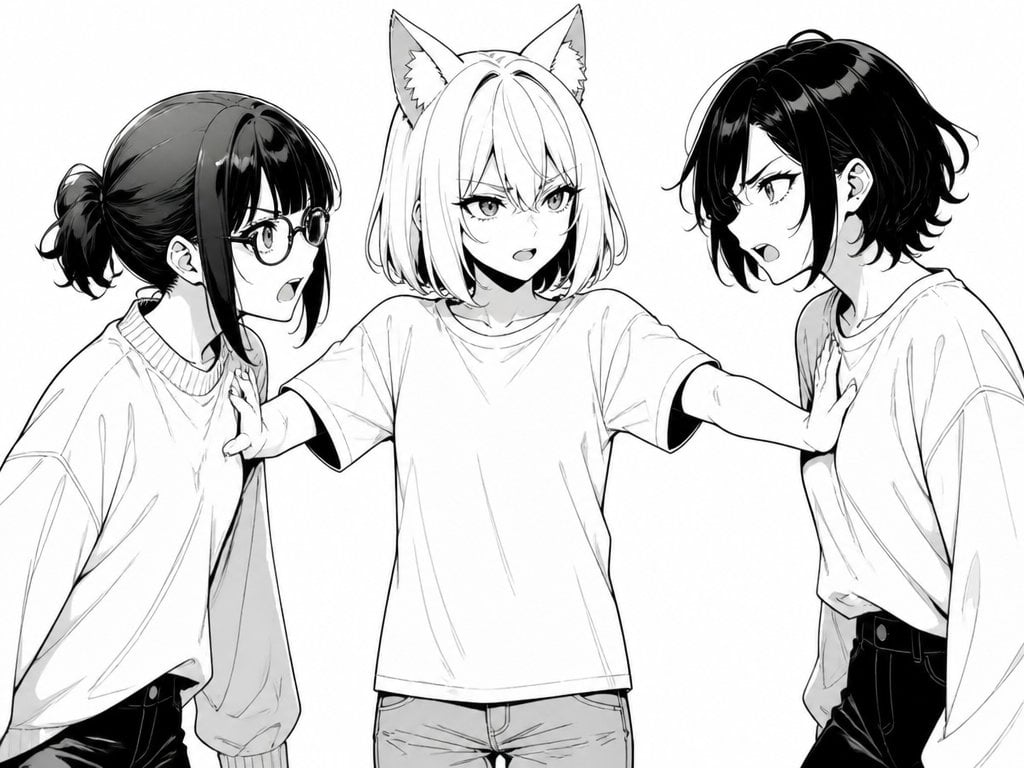
Manga Cat-Eared Girl Breaking Up Fight

Cel 2D Finale Fireworks

Cel 2D Garden Maze

Cel 2D Rooftop Concert

Cel 2D Bicycle Coast

Cel 2D Castle Gate

Cel 2D Kitchen Chaos

Cel 2D Carnival Ride

Cel 2D Rainy Bus Stop

Cel 2D Space Dock
Make it yours
Anime Girl Breaking Out of Monitor works as-is. These are the safest ways to change it without losing the look.
Change one field
Copy a single group, rewrite it, and generate again so you can see what that field is doing.
Keep the frame, change the subject
Hold the composition and light of Anime Girl Breaking Out of Monitor, then swap wardrobe, props or the person for a new take.
| If the result… | Why | Fix |
|---|---|---|
| The result drifts from the preview | Too many fields changed at once. | Reuse Anime Girl Breaking Out of Monitor as-is first, then change one group — subject, light, or setting. |
| The model over-stylizes the scene | The prose prompt leaves finish and camera underspecified. | Add one camera or lighting sentence and stay on GPT Image 2. |
More GPT Image 2 templates
Other prompts made for GPT Image 2.

Six VTuber Japanese Logo Sheet

Realistic Portrait of Woman and Deer

The Vista Modular Condo Poster

AI Model Routing Comparison Infographic

2.5D Anime Art Board

Isometric Productivity Desk Scene

New York Double Exposure Poster

Four-Panel AI Landscape Comparison

Japanese Tatami Lifestyle Magazine Cover

NESCAFÉ Coffee Map Poster
More image prompts
Fresh picks from across the catalog.
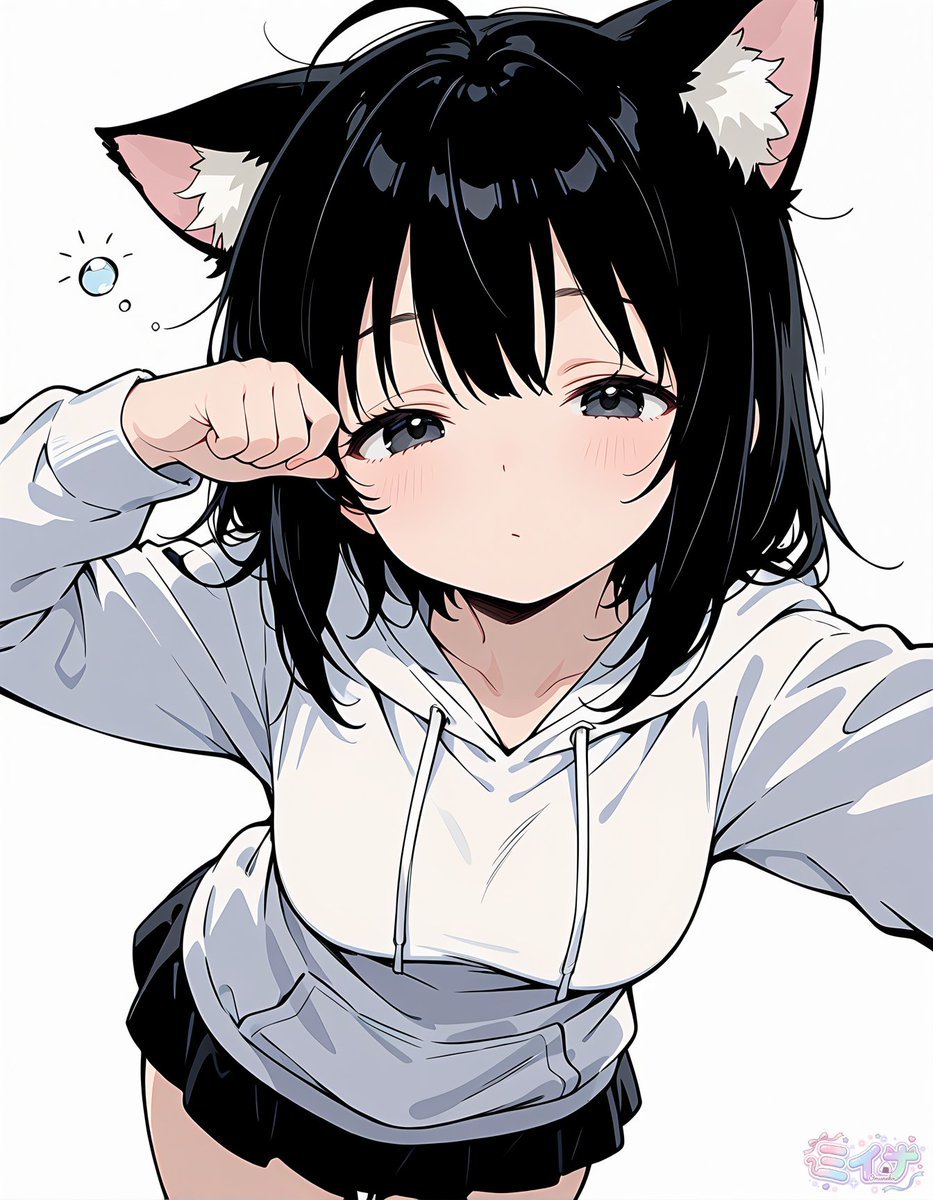
Sleepy Cat-Eared Anime Girl
Ultra-realistic photo from retro game interface
JSON Prompt for Architectural Product Design Catalog Layout
Street Fashion Editorial in European City
Stained Glass Window Art Prompt
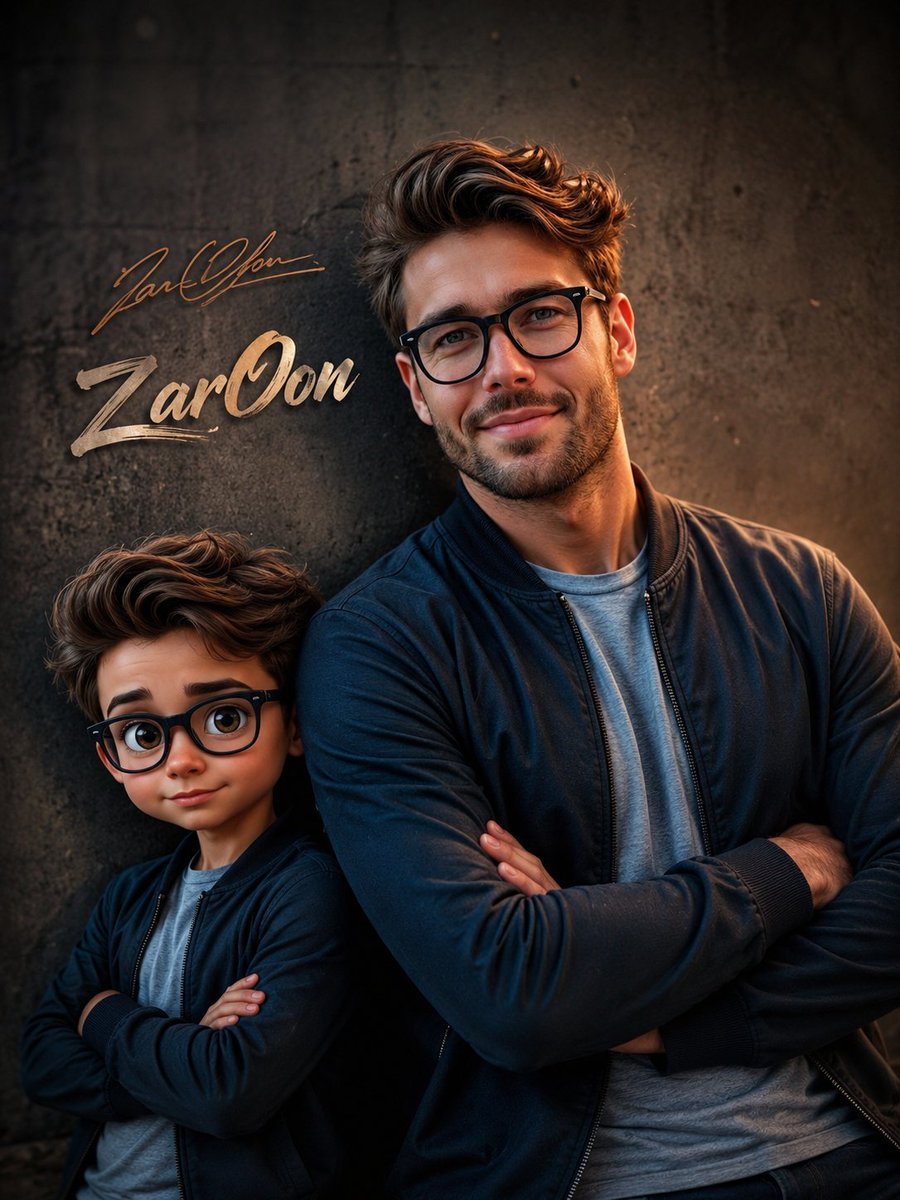
Cinematic Boy and Miniature Version
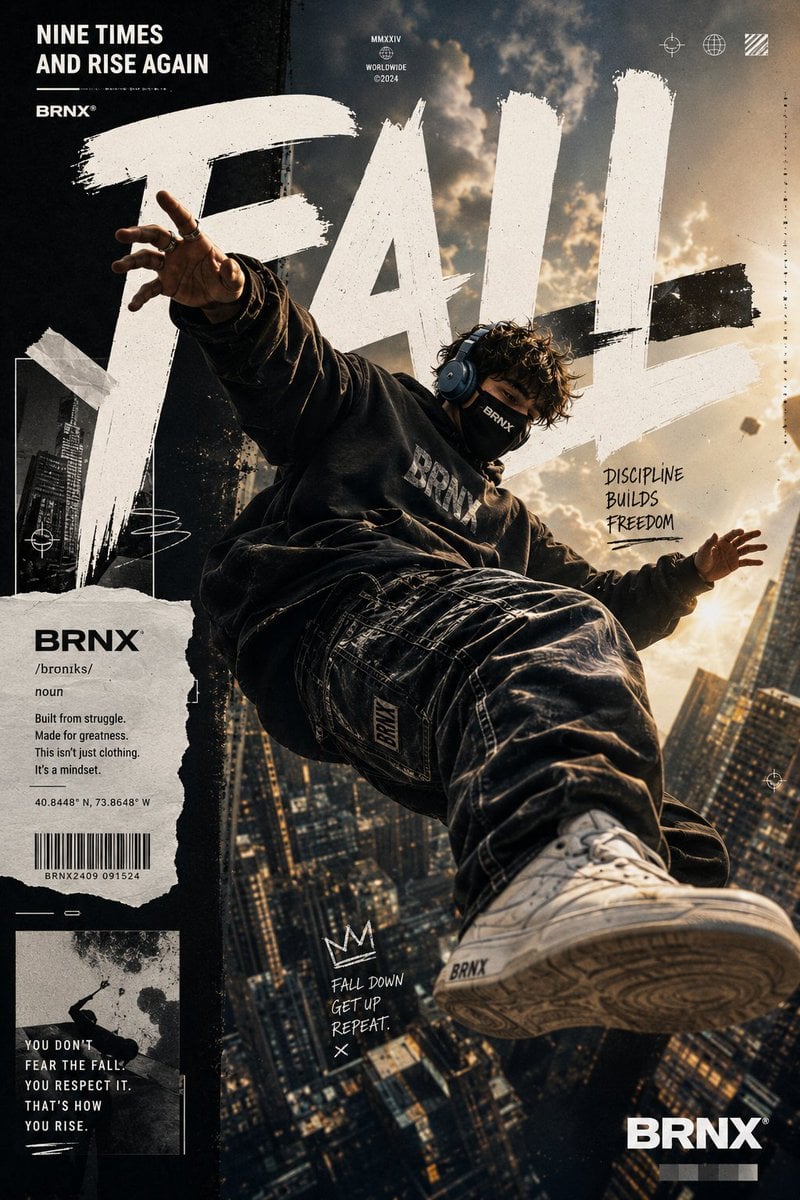
Streetwear Floating Poster Design
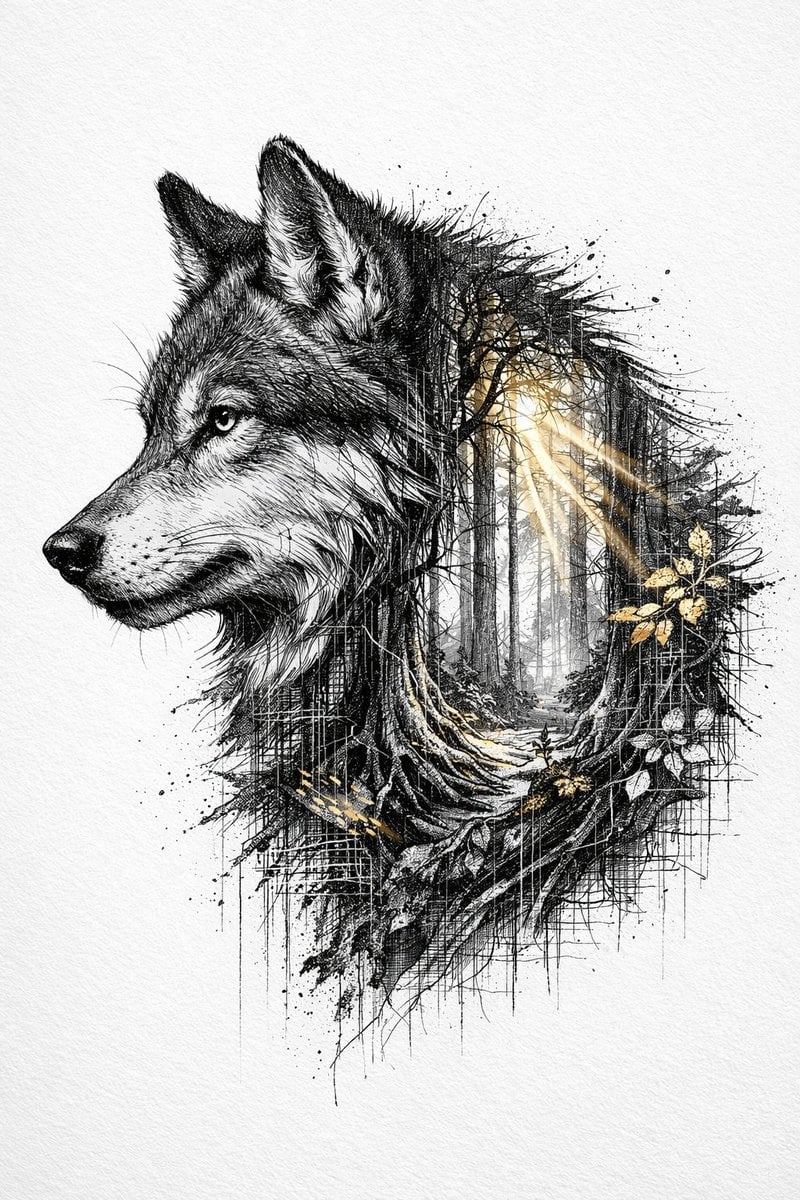
Cinematic Ink-Style Double-Exposure Wolf Portrait
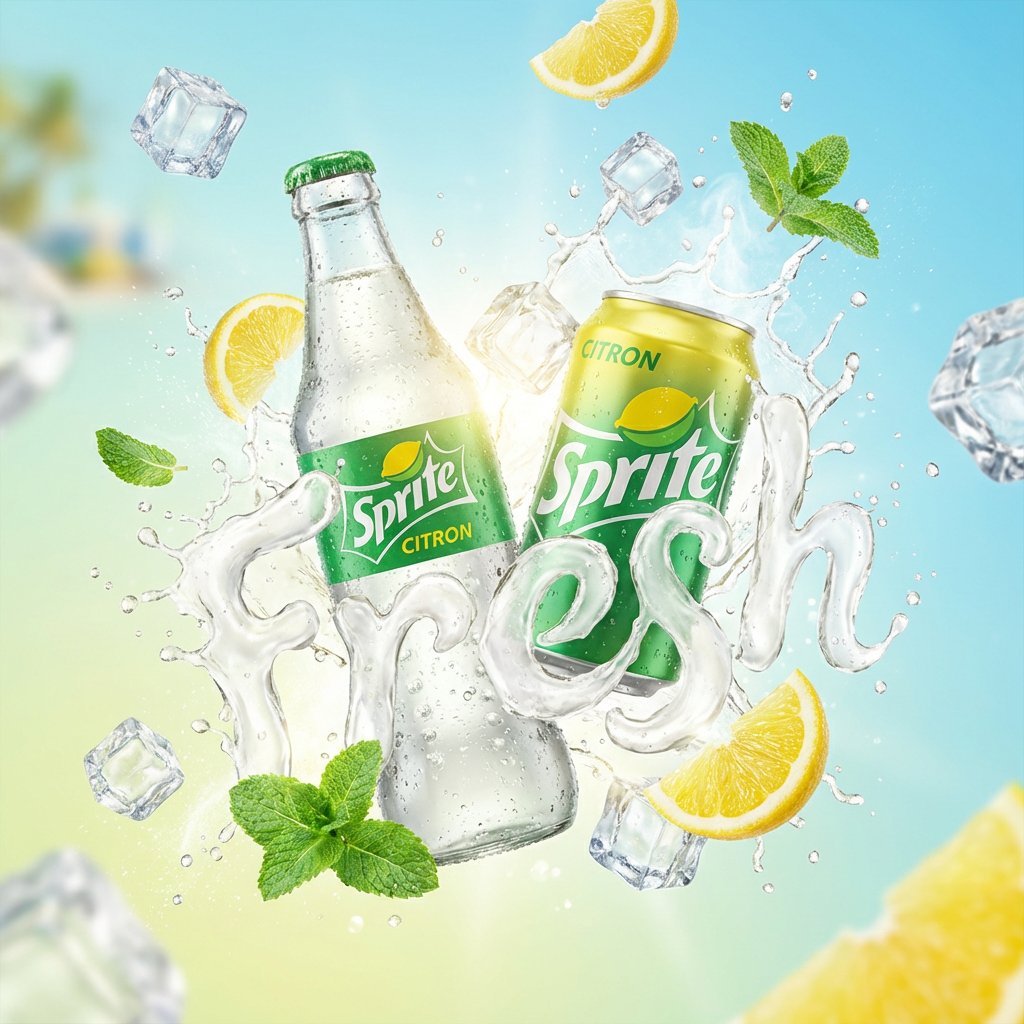
High-End Soda Advertising Visual
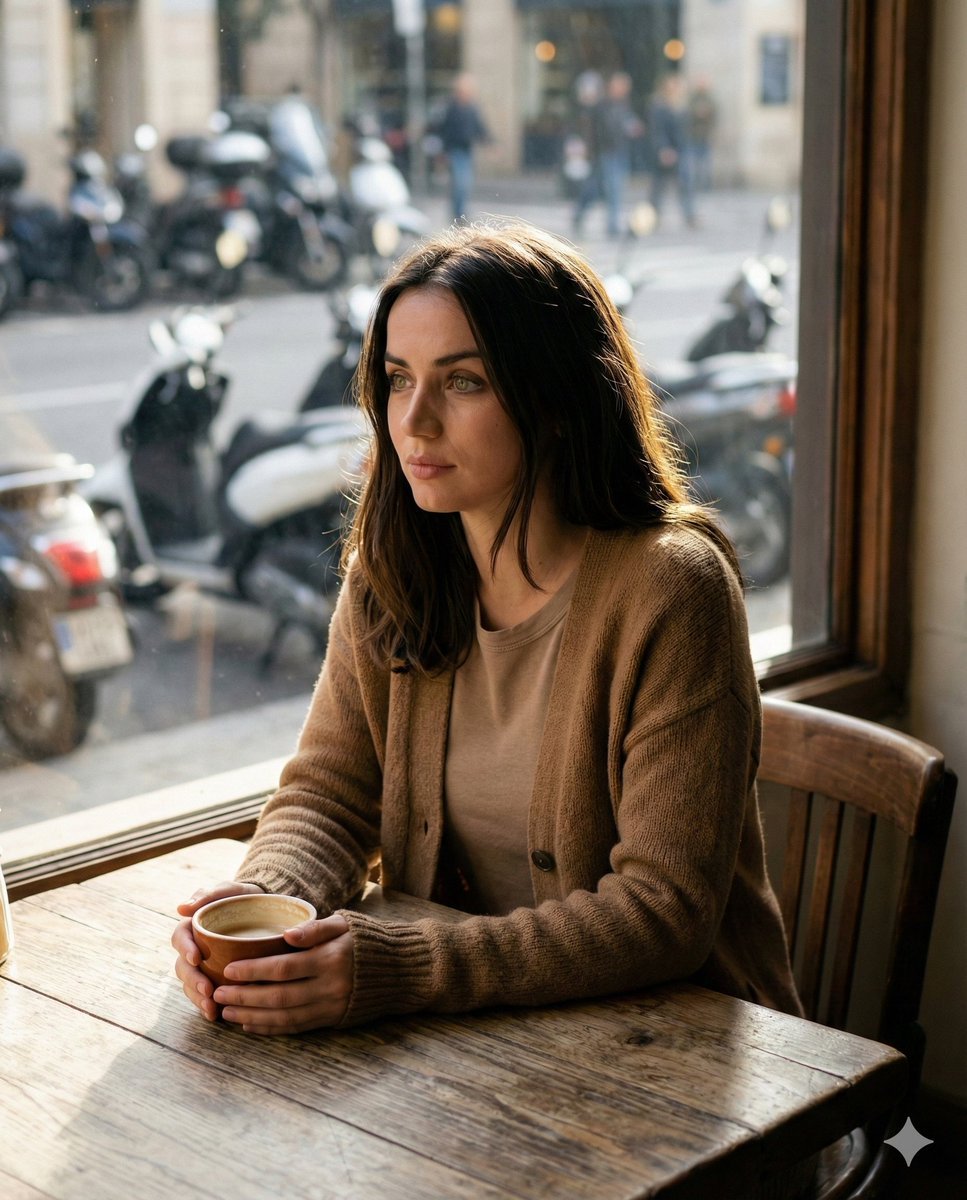
Cinematic Portrait in a Cozy Cafe
Browse template categories
Anime Girl Breaking Out of Monitor questions
How do I use the Anime Girl Breaking Out of Monitor template?
Add your photo if the template asks for one, edit the prompt if you like — the template's model and format are already selected — and press Generate. Your version opens in PicX Studio.
Can I customize the Anime Girl Breaking Out of Monitor template?
Yes. You can change the subject, setting, lighting, mood, format, and available model controls before creating your image.
Is the Anime Girl Breaking Out of Monitor template free?
Opening and editing this template is free. Generating uses credits, shown on the Generate button when you are signed in.
Which AI model should I use?
Start with GPT Image 2, which is the model associated with this template. You can compare another compatible model for a different finish.
Looking for something else? Browse all templates.

Your photo, any look
Thousands of ready templates for every top image and video model, from one credit balance.