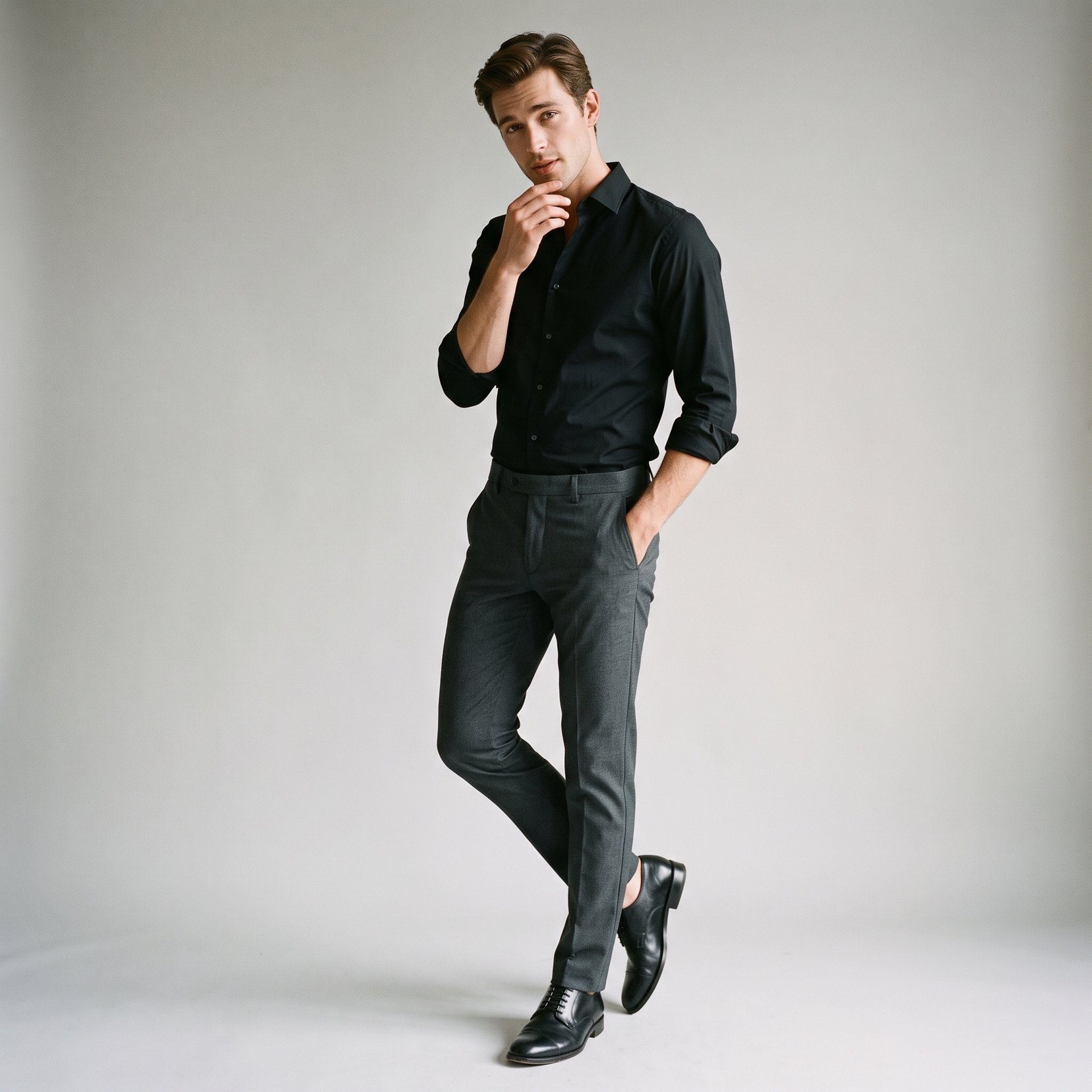
How do I use the Retro Hand-Inked Manga Comic Transformation template?
Edit the prompt in the box under the preview — the template's model and format are already selected — and press Generate. Your version appears right on this page.
A detailed prompt that transforms a reference photo into a three-panel retro hand-inked manga comic strip with a positive narrative twist.

This template uses your photo — add one with the + button.
Create a wholly original, {argument name="style" default="simple black-and-white comic strip"} in a {argument name="art style" default="retro hand-inked manga style"}. Use {argument name="panel count" default="2-3 horizontal panels"}. Treat the uploaded image as the character reference; redraw the character entirely in manga form with consistent line work and shading across every panel. Interpret the person as the main character and, based on their appearance, generate an uplifting encounter with a clear “setup-reinforce-turnaround” structure: the first panel establishes context, the second develops the situation, and the third delivers a surprise twist. Keep the dialogue short, natural, and upbeat. No technology.
Create a wholly original, {argument name="style" default="simple black-and-white comic strip"} in a {argument name="art style" default="retro hand-inked manga style"}. Use {argument name="panel count" default="2-3 horizontal panels"}. Treat the uploaded image as the character reference; redraw the character entirely in manga form with consistent line work and shading across every panel. Interpret the person as the main character and, based on their appearance, generate an uplifting encounter with a clear “setup-reinforce-turnaround” structure: the first panel establishes context, the second develops the situation, and the third delivers a surprise twist. Keep the dialogue short, natural, and upbeat. No technology.
Edit the prompt in the box under the preview — the template's model and format are already selected — and press Generate. Your version appears right on this page.
Yes. You can change the subject, setting, lighting, mood, format, and available model controls before creating your image.
Opening and editing this template is free. Generating uses credits, shown on the Generate button when you are signed in.
Start with GPT Image 2, which is the model associated with this template. You can compare another compatible model for a different finish.
Follow a topic to a crawlable collection of related PicX Studio templates.