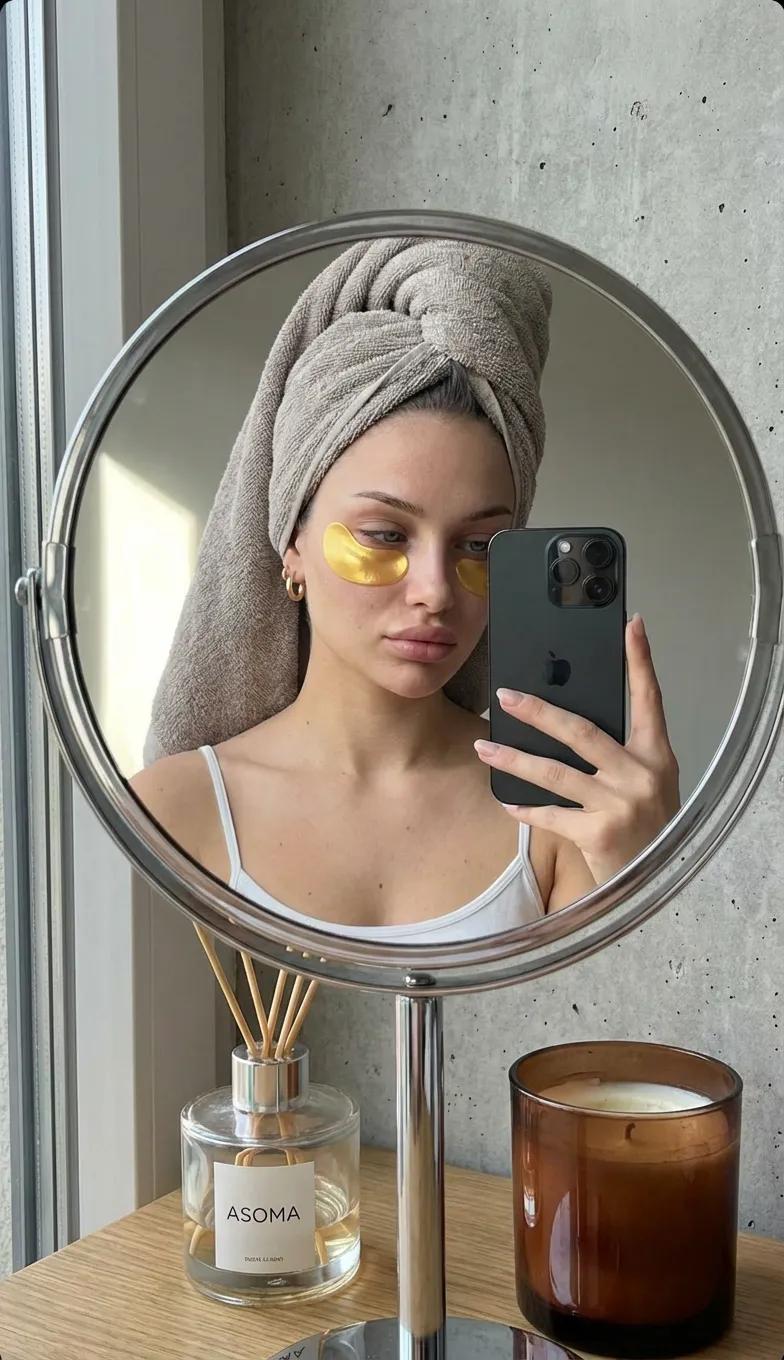
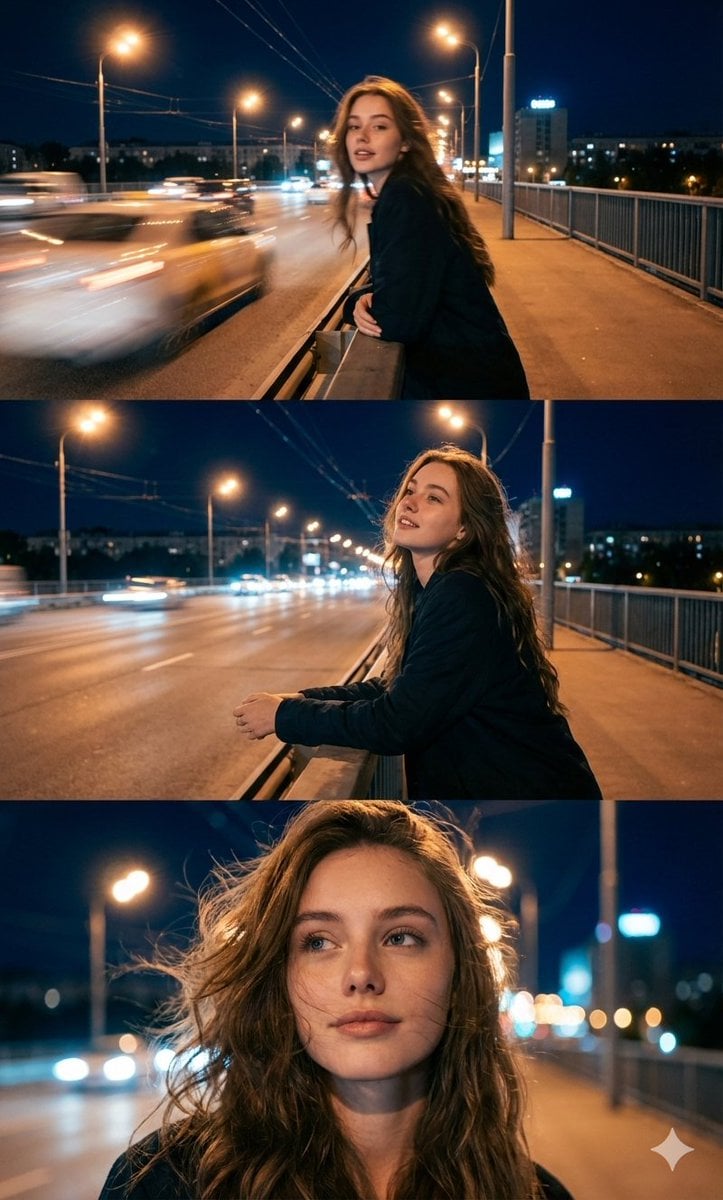
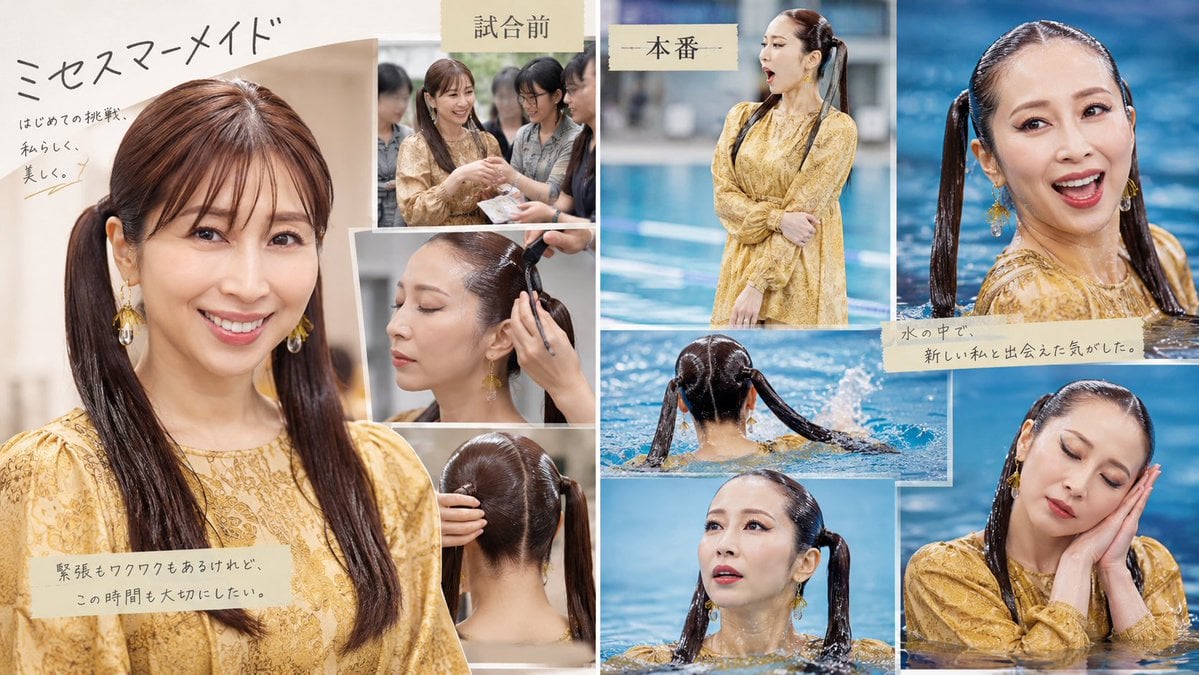
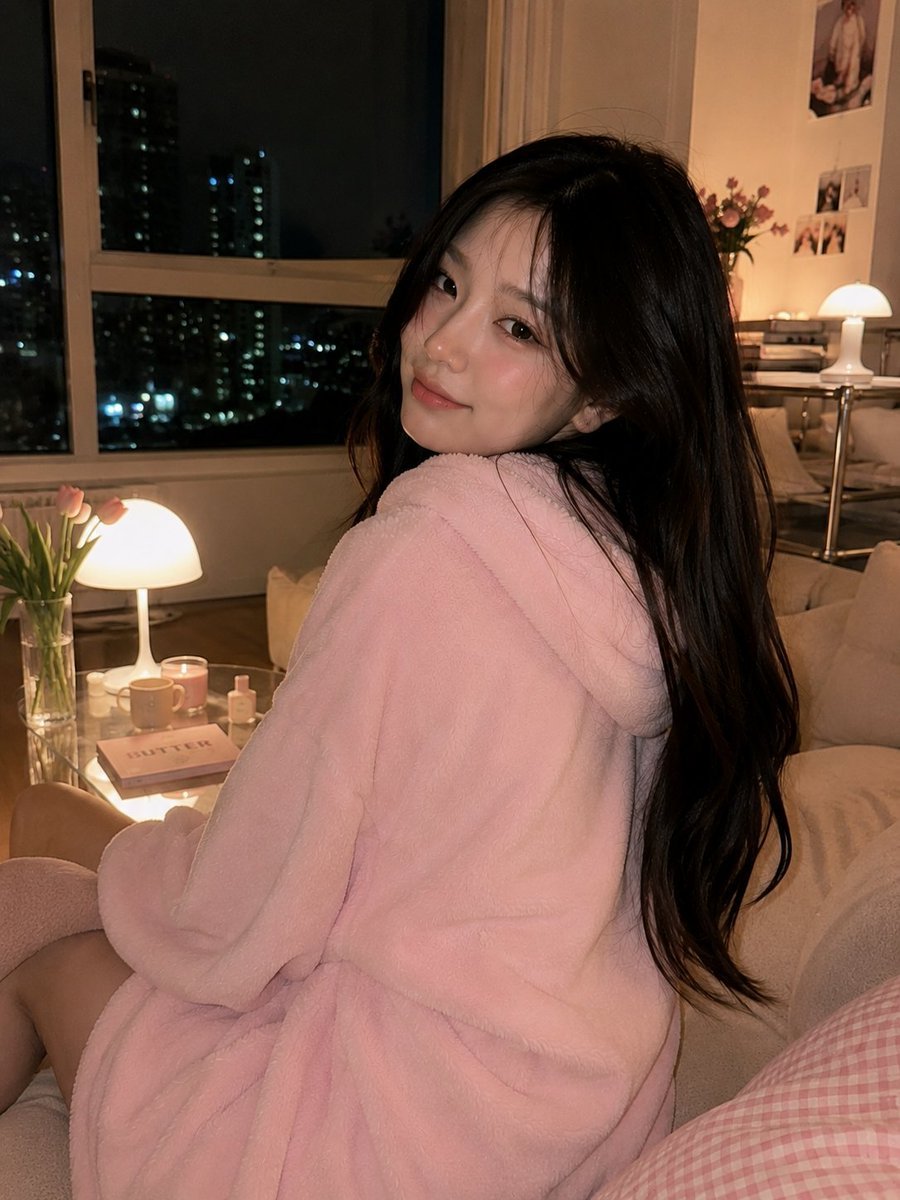
How do I use the Skincare Split Ad Layout template?
Edit the prompt in the box under the preview — the template's model and format are already selected — and press Generate. Your version appears right on this page.
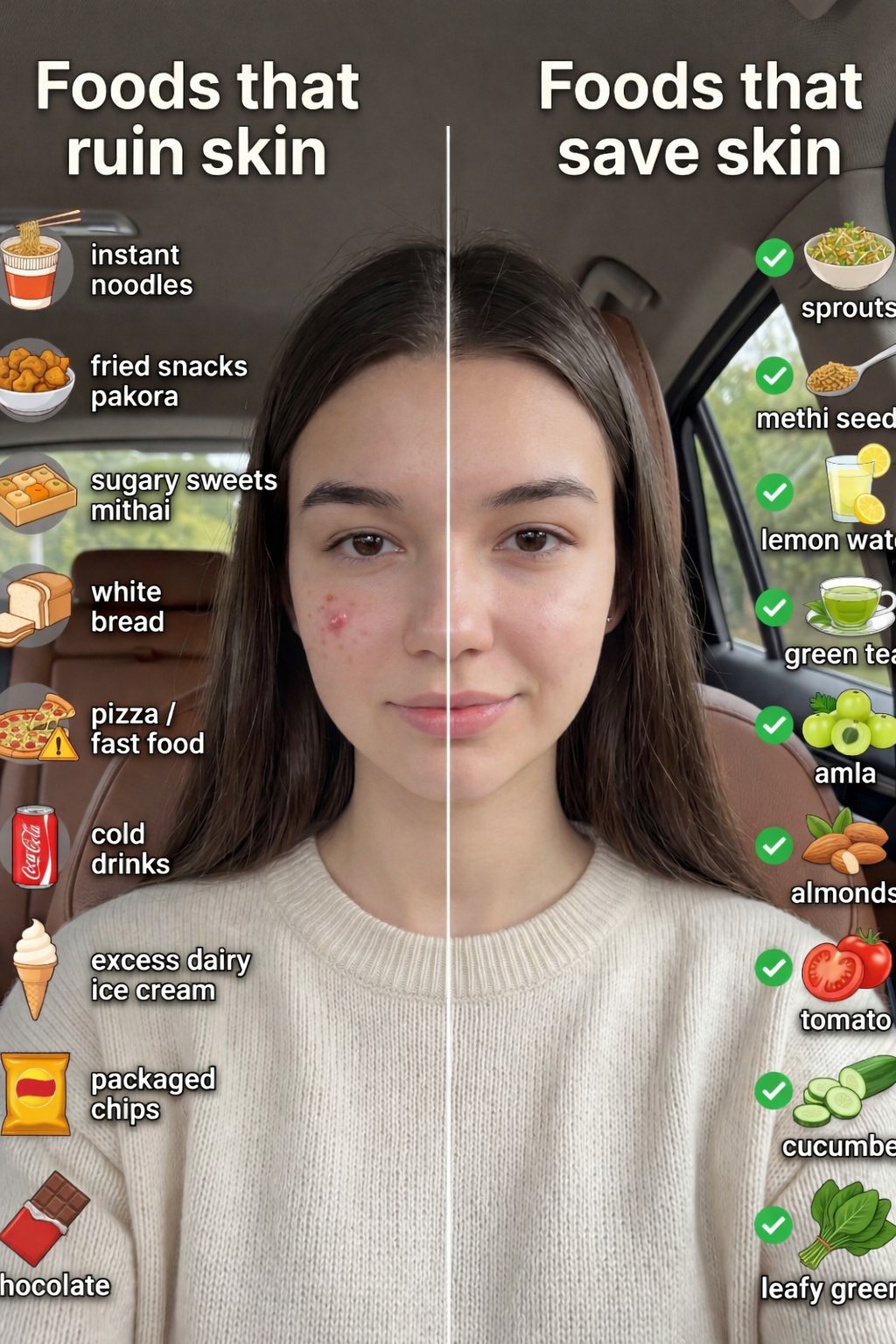
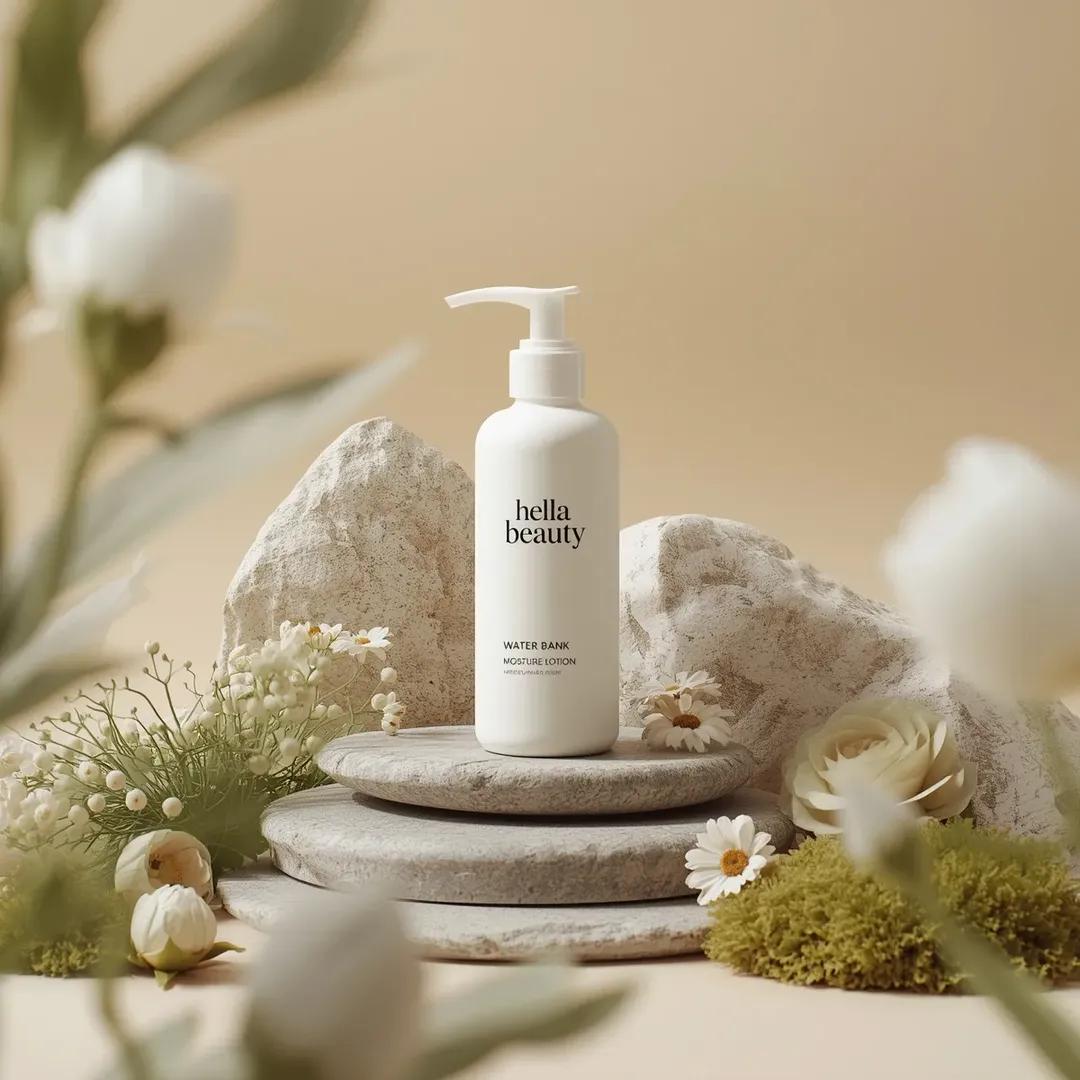
Generates a professional clinical skincare advertisement using a clean split-screen layout to compare 'problems' vs 'solutions' with high-end product styling.

This template uses your photo — add one with the + button.
High-end skincare advertisement in a clean split-layout composition. Background: soft light neutral (off-white or very light beige) with subtle gradient and minimal texture. A thin vertical divider line splits the composition into two equal sections. LEFT SIDE (Problems): Top-left heading: “Your Problems”. Below it, floating chat-style message bubbles: “Acne & breakouts”, “Redness & inflammation”, “Uneven skin texture”, “Dark spots & marks”, “Oily, congested skin”. Use soft grey and muted blue tones for bubbles. RIGHT SIDE (Solution): Top-right heading: “Our Solution”. Below it, place the {argument name="product name" default="GLAIMIZ 10% Azelaic Acid Toner"} bottle (exact design, label, colors, pump, and proportions must remain 100% unchanged). Product styling: Slightly elevated or softly shadowed base, Clean studio lighting, Realistic reflections on bottle, Premium, clinical skincare aesthetic. BOTTOM: Minimal clean text: “Clearer, calmer, balanced skin with {argument name="brand" default="GLAIMIZ"}”. Lighting & Style: Soft diffused studio lighting, Apple-style clean layout, High-end skincare brand feel, Ultra sharp, photorealistic, 4K. “Do not alter product label, typography, colors, or structure.”
High-end skincare advertisement in a clean split-layout composition. Background: soft light neutral (off-white or very light beige) with subtle gradient and minimal texture. A thin vertical divider line splits the composition into two equal sections. LEFT SIDE (Problems): Top-left heading: “Your Problems”. Below it, floating chat-style message bubbles: “Acne & breakouts”, “Redness & inflammation”, “Uneven skin texture”, “Dark spots & marks”, “Oily, congested skin”. Use soft grey and muted blue tones for bubbles. RIGHT SIDE (Solution): Top-right heading: “Our Solution”. Below it, place the {argument name="product name" default="GLAIMIZ 10% Azelaic Acid Toner"} bottle (exact design, label, colors, pump, and proportions must remain 100% unchanged). Product styling: Slightly elevated or softly shadowed base, Clean studio lighting, Realistic reflections on bottle, Premium, clinical skincare aesthetic. BOTTOM: Minimal clean text: “Clearer, calmer, balanced skin with {argument name="brand" default="GLAIMIZ"}”. Lighting & Style: Soft diffused studio lighting, Apple-style clean layout, High-end skincare brand feel, Ultra sharp, photorealistic, 4K. “Do not alter product label, typography, colors, or structure.”
Edit the prompt in the box under the preview — the template's model and format are already selected — and press Generate. Your version appears right on this page.
Yes. You can change the subject, setting, lighting, mood, format, and available model controls before creating your image.
Opening and editing this template is free. Generating uses credits, shown on the Generate button when you are signed in.
Start with GPT Image 2, which is the model associated with this template. You can compare another compatible model for a different finish.
Follow a topic to a crawlable collection of related PicX Studio templates.