
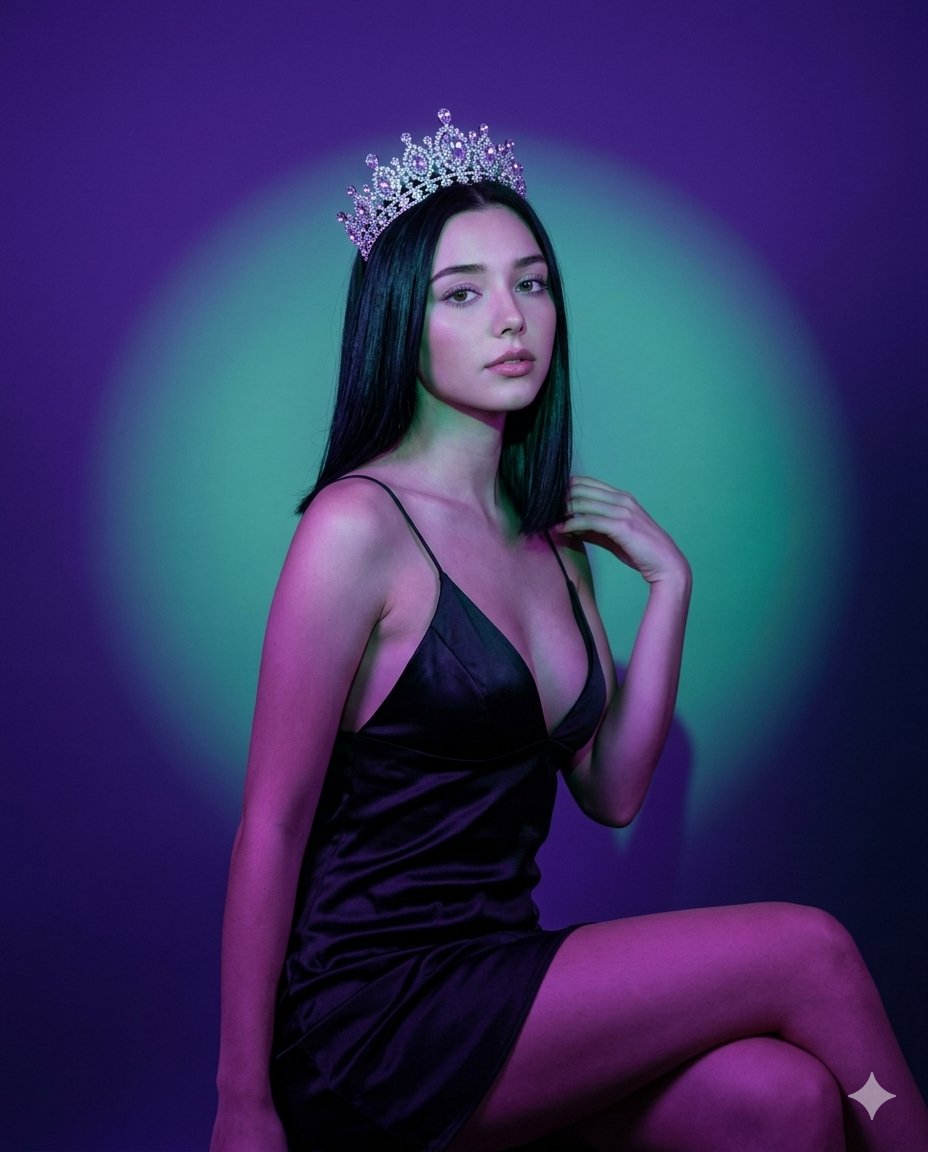
Neon Crown Fashion Portrait
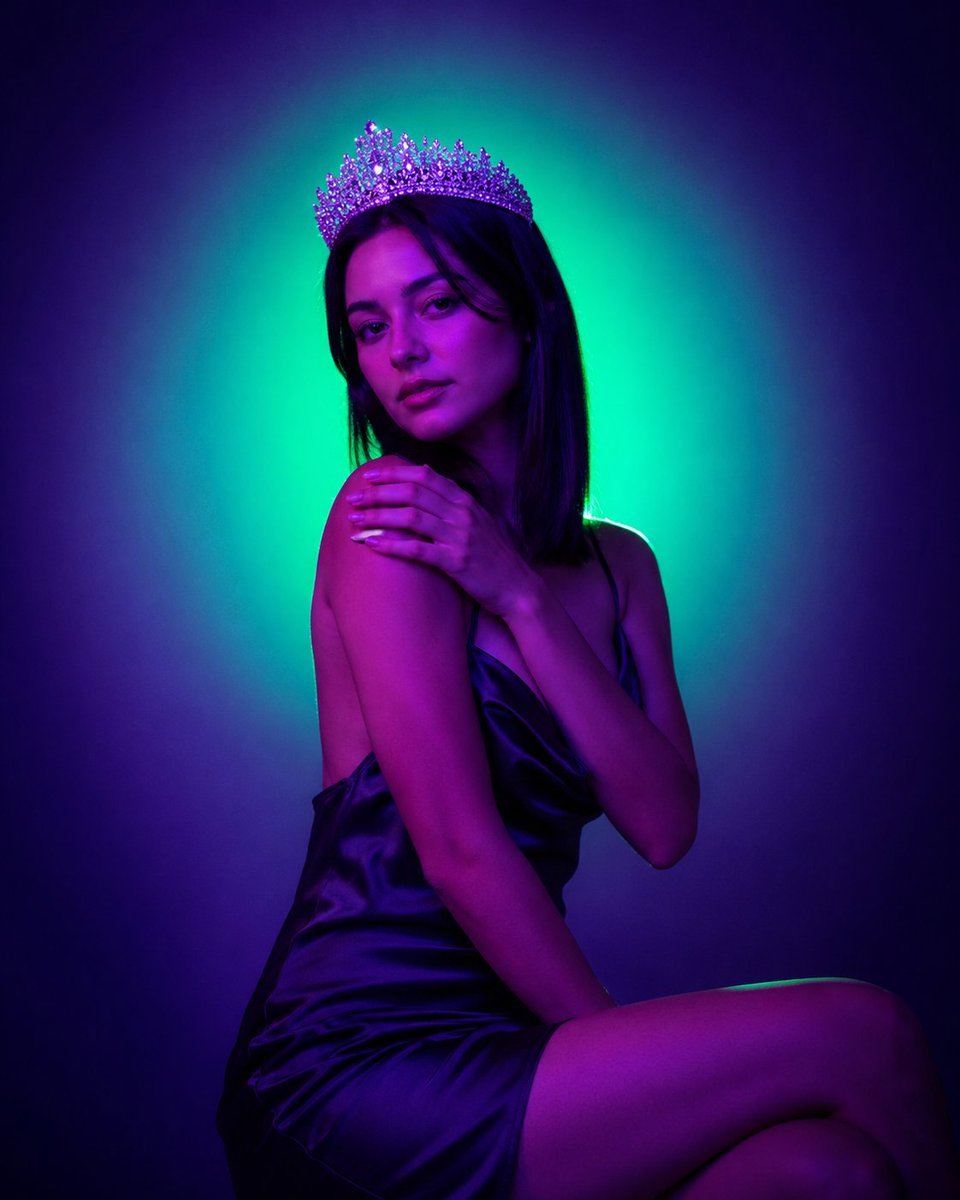
Generates a moody neon studio fashion portrait of a crowned woman with a censored face and dramatic teal-magenta lighting.
- Prompt included
- Model and format preset
- Free template
The prompt behind this image
Copy the exact prompt behind Neon Crown Fashion Portrait, or open it in the studio and make it yours.
Create a cinematic studio portrait of a glamorous young woman seated in a three-quarter pose against a dark purple background with a vivid teal-green circular halo glow behind her head. She wears an ornate sparkling crystal tiara in {argument name="crown color" default="violet silver"} and a silky satin slip dress in {argument name="dress color" default="deep midnight purple"} with thin straps, the fabric catching glossy highlights. Her {argument name="hair style" default="straight shoulder-length black hair"} frames her face, but the face is intentionally covered by a solid square censor block in {argument name="censor block color" default="dark purple"}, centered over the facial area. She sits elegantly with one leg bent across the lower foreground, one hand resting on her opposite shoulder, long pale nails visible, and her body lit by dramatic magenta and violet light with teal rim lighting along the edges. Use a moody neon fashion-photography aesthetic, high contrast, soft atmospheric glow, smooth skin highlights, shallow depth of field, centered composition, vertical portrait framing, luxurious nightclub color palette, realistic photographic detail.
How to use Neon Crown Fashion Portrait in 3 steps
- 1Upload ImagePNG, JPG or paste
Add your photo
Upload the photo the template builds on. The prompt, model and format are already set.
- 2…a portrait of your subject in softgolden-hour light, 85mm…
Personalize
Edit the subject and creative details for your destination.
- 3Generate
Generate
Press Generate — your image is created in PicX Studio, so you can compare it with the original and refine one variable at a time.
More like this
Templates with the same subject, style or setup. Open one to see its prompt.
Nano Banana 2 High Fashion Sports Campai
Couture Fashion Editorial Woman and Drag
Ive Yujin Fashion Portrait in Blue
Nano Banana 2 Editorial Fashion Portrait
Caution Tape Fashion — Industrial Editorial
Neon Crowned Fashion Portrait
Miniature Self Portrait Collage

Found Photograph: Us, 1970

80s Couple Studio Portrait
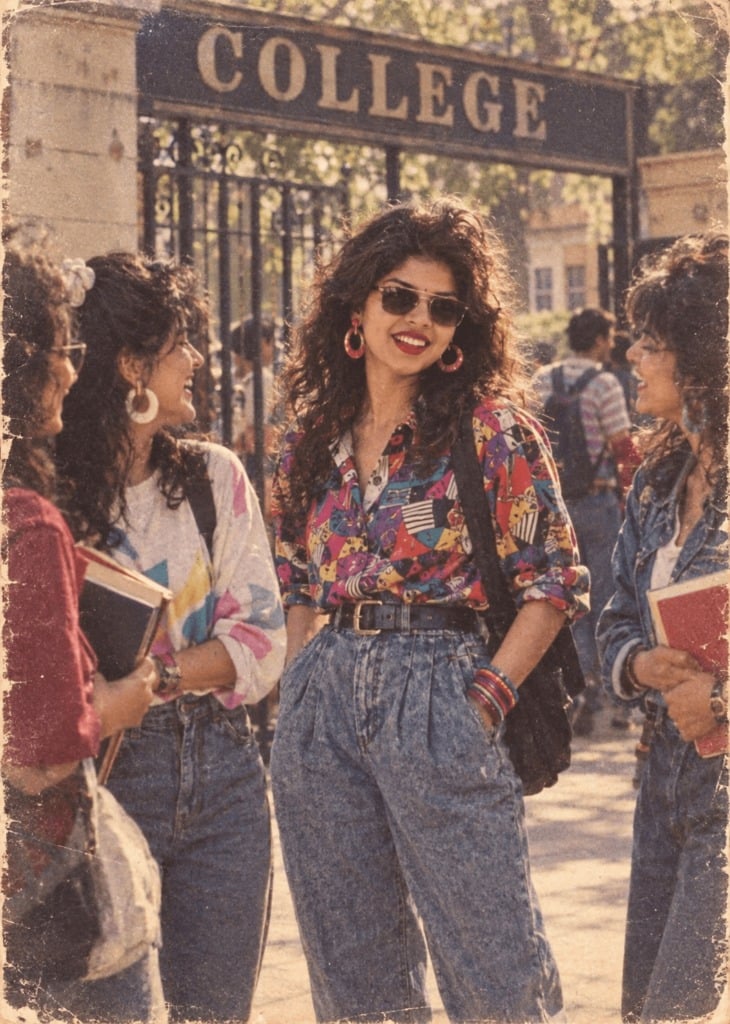
80s College Gate
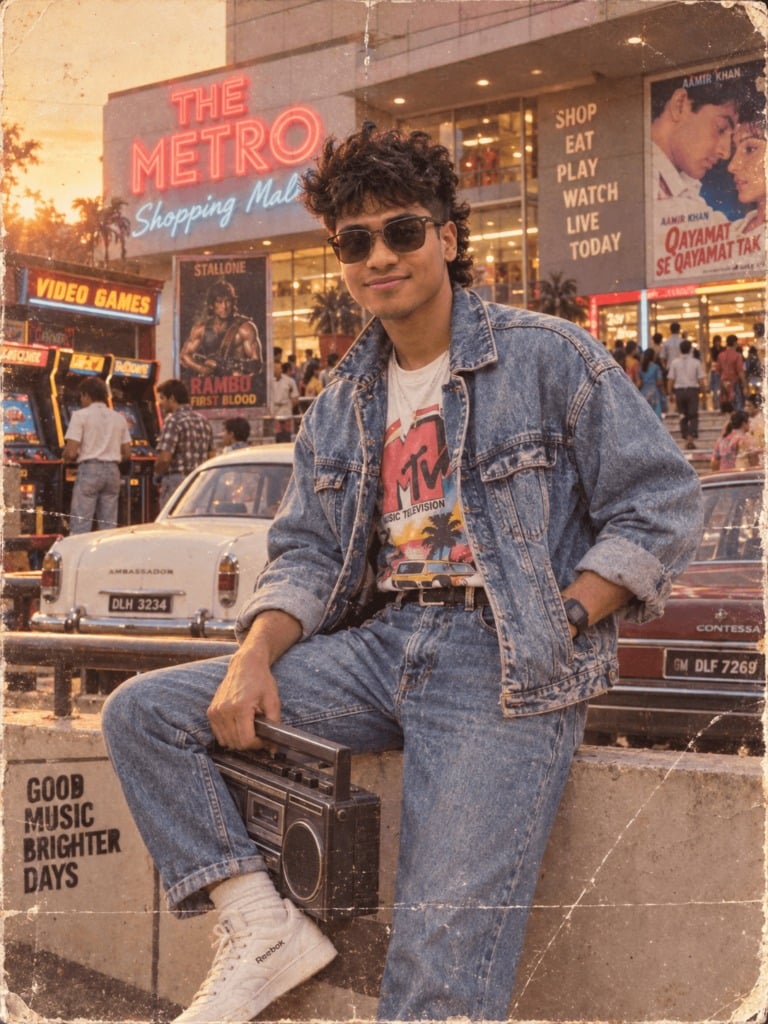
1988 Mall Style
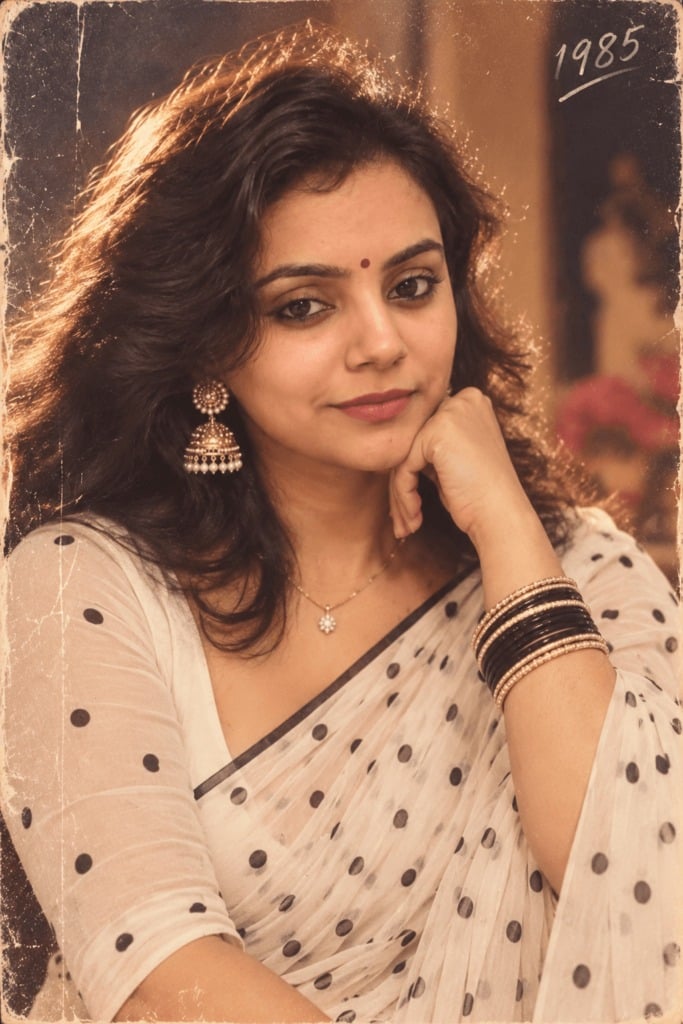
80s Polka Dot Saree
Make it yours
Neon Crown Fashion Portrait works as-is. These are the safest ways to change it without losing the look.
Change one field
Copy a single group, rewrite it, and generate again so you can see what that field is doing.
Keep the frame, change the subject
Hold the composition and light of Neon Crown Fashion Portrait, then swap wardrobe, props or the person for a new take.
| If the result… | Why | Fix |
|---|---|---|
| The result drifts from the preview | Too many fields changed at once. | Reuse Neon Crown Fashion Portrait as-is first, then change one group — subject, light, or setting. |
| The model over-stylizes the scene | The prose prompt leaves finish and camera underspecified. | Add one camera or lighting sentence and stay on GPT Image 2. |
More GPT Image 2 templates
Other prompts made for GPT Image 2.

Six VTuber Japanese Logo Sheet

Realistic Portrait of Woman and Deer

The Vista Modular Condo Poster

AI Model Routing Comparison Infographic

2.5D Anime Art Board

Isometric Productivity Desk Scene

New York Double Exposure Poster

Four-Panel AI Landscape Comparison

Japanese Tatami Lifestyle Magazine Cover

NESCAFÉ Coffee Map Poster
More image prompts
Fresh picks from across the catalog.
Product-Inspired Fashion Design
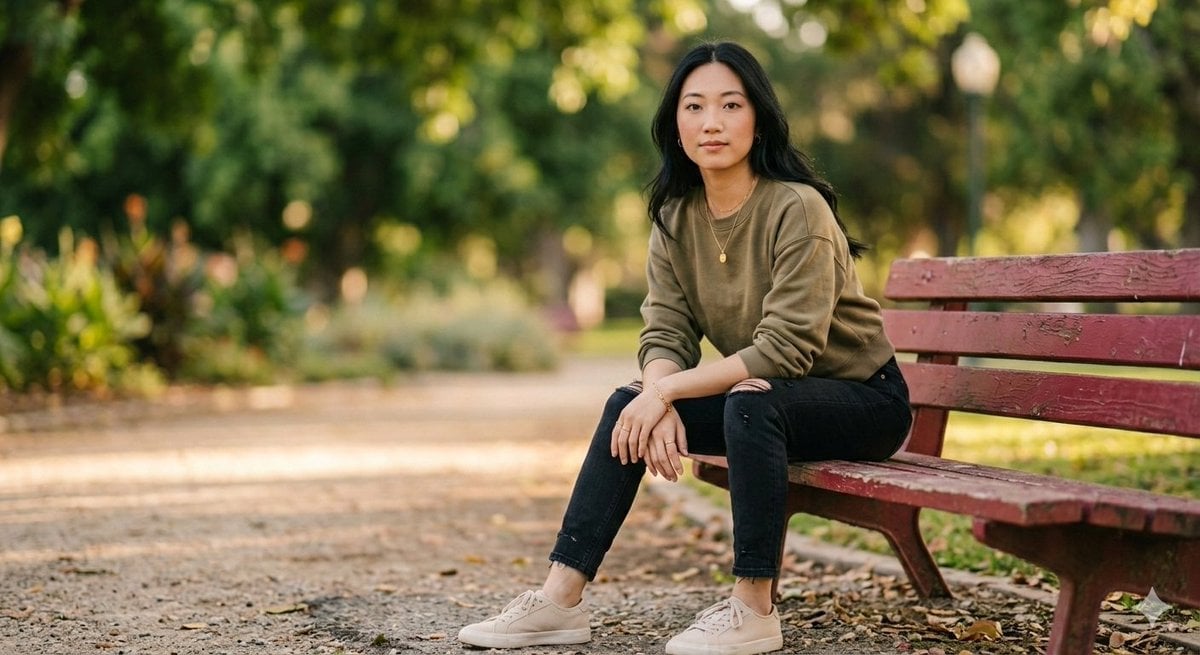
Fashionable Young Woman in Park Setting Prompt
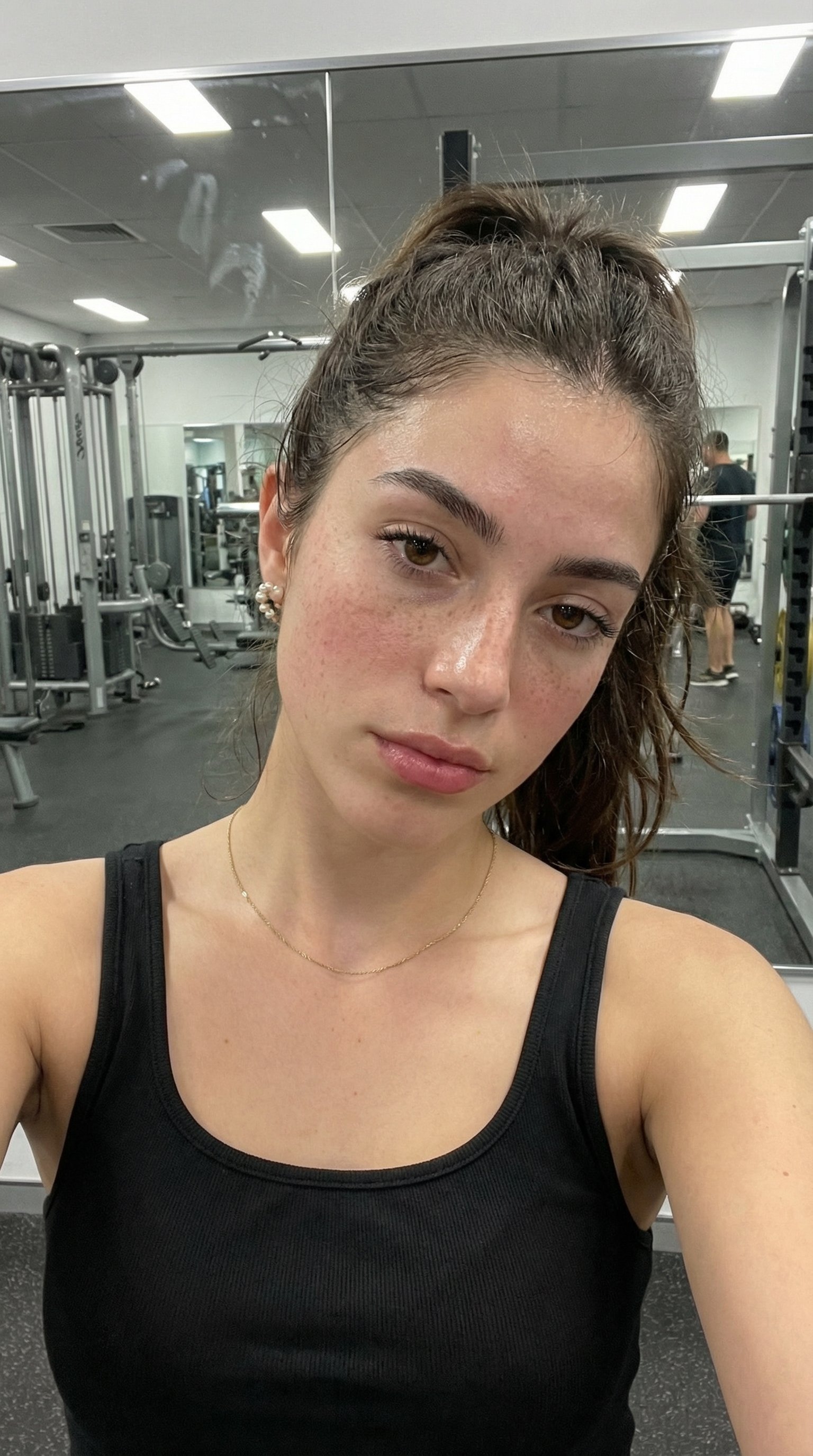
Aria
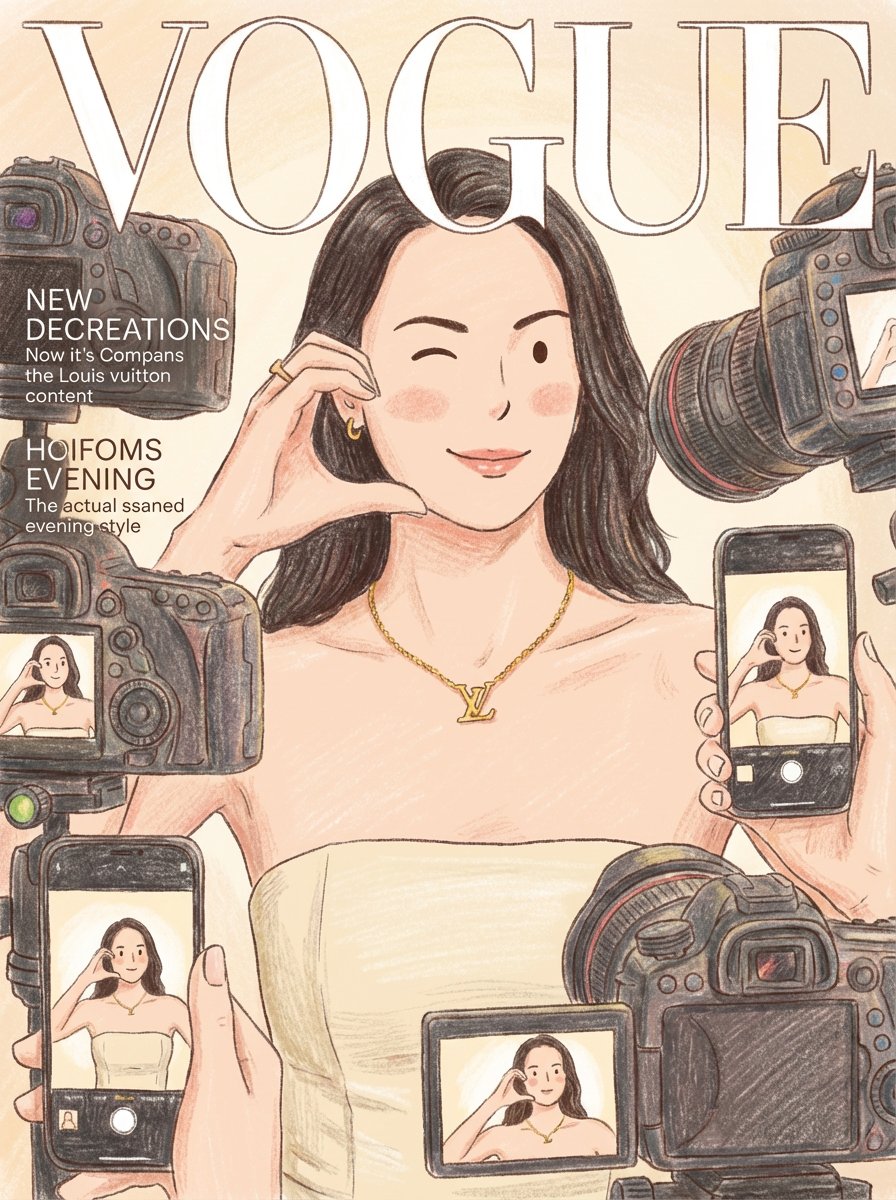
Cozy Storybook Illustration Style Prompt
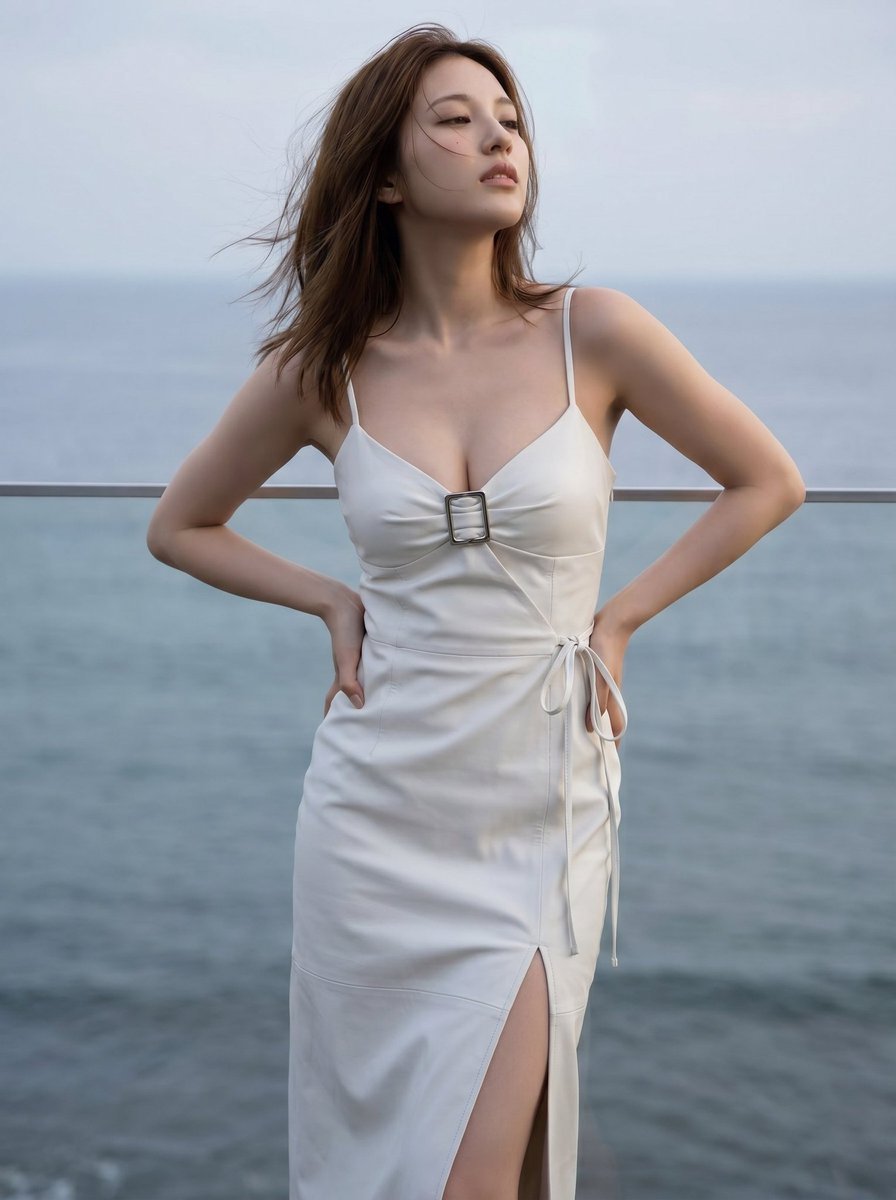
Coastal Fashion Editorial Portrait
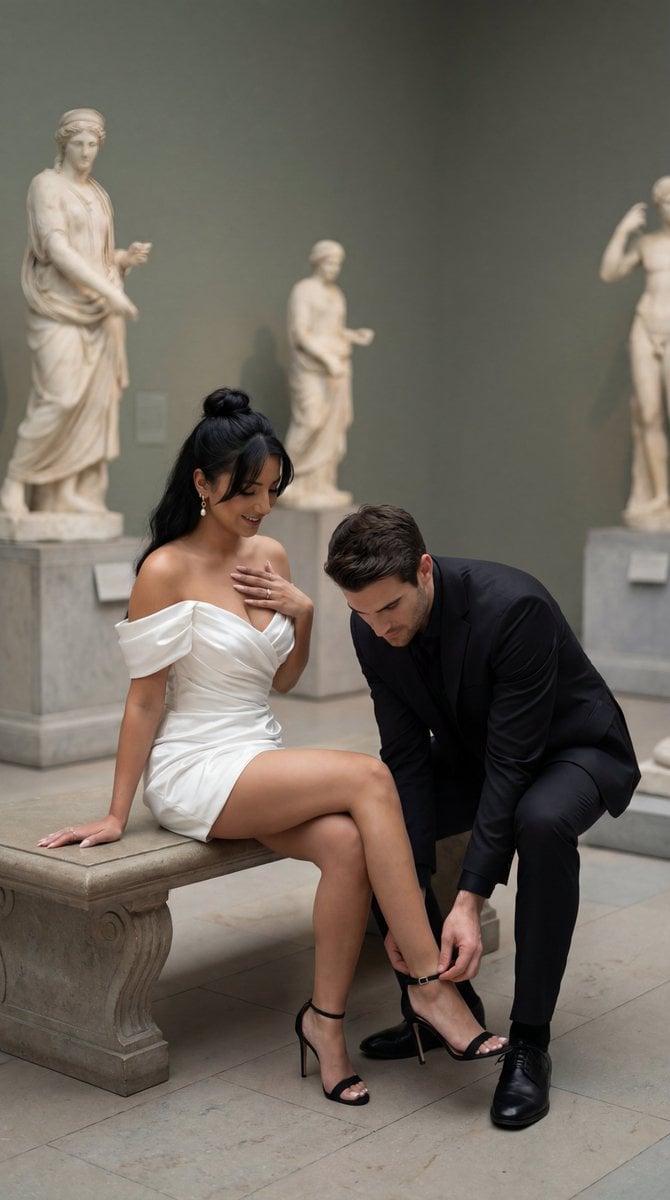
High-Fashion Editorial Couple in Museum Prompt
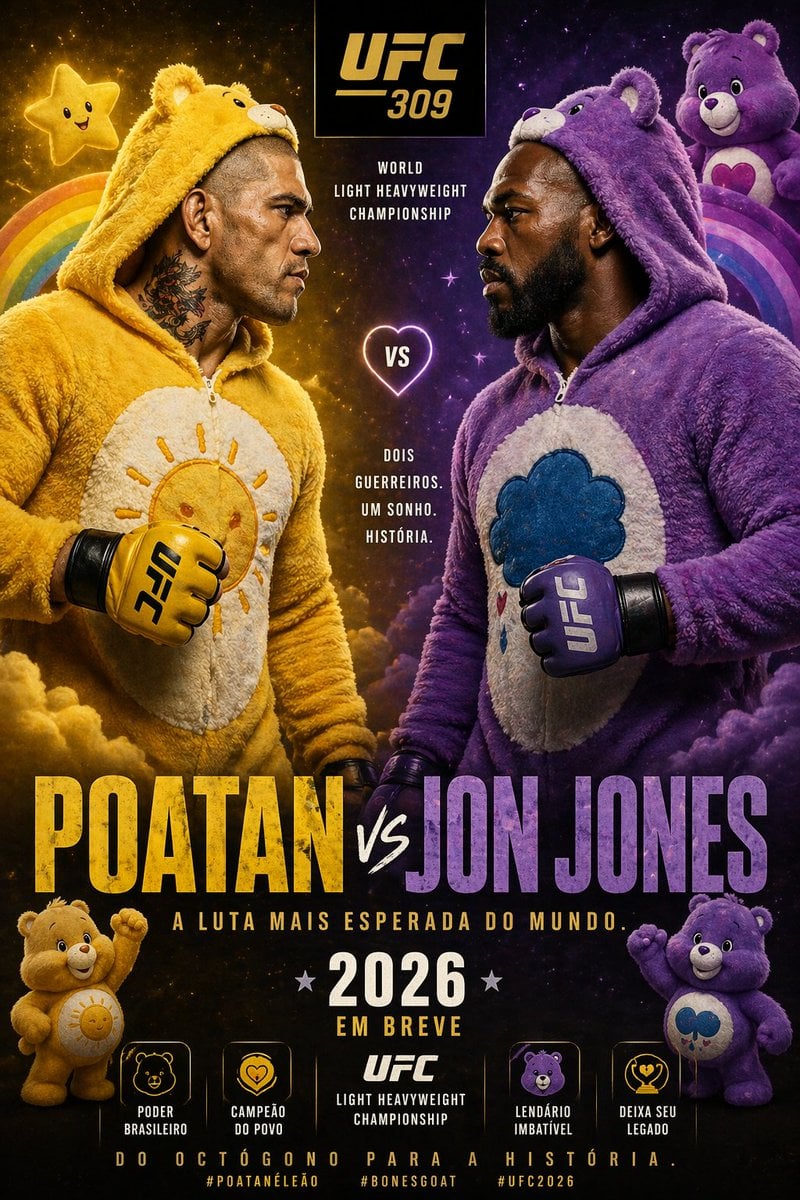
Jon Jones vs Poatan Care Bears Style
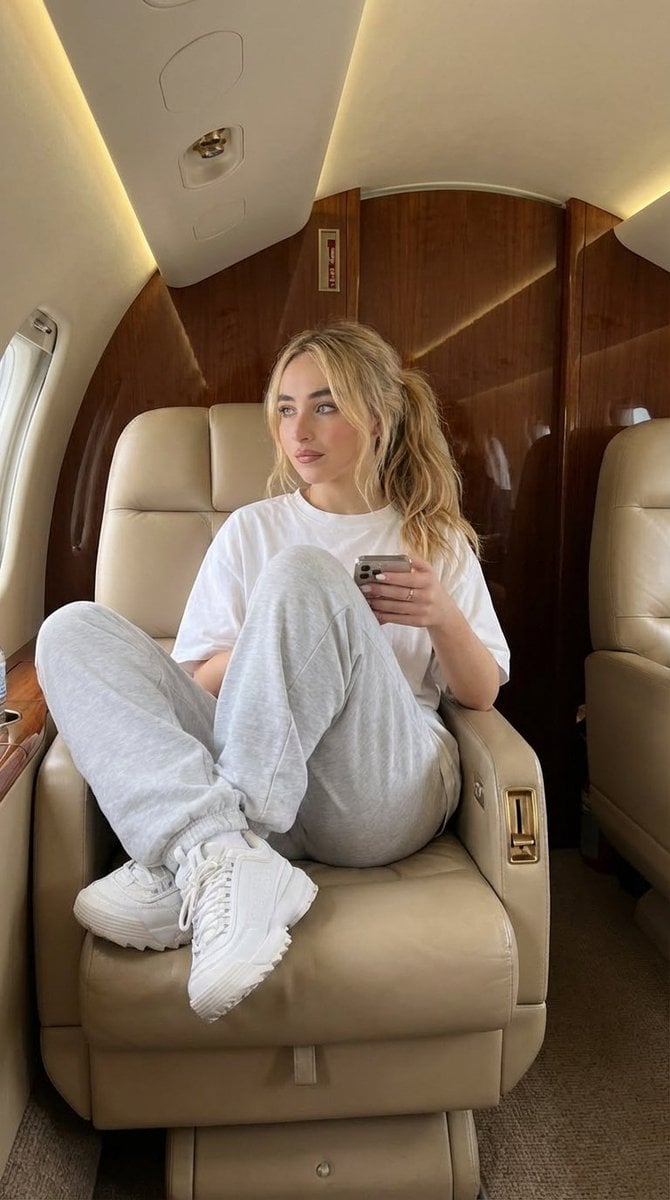
Luxury Private Jet Photoshoot Prompt for Stylish Young Woman
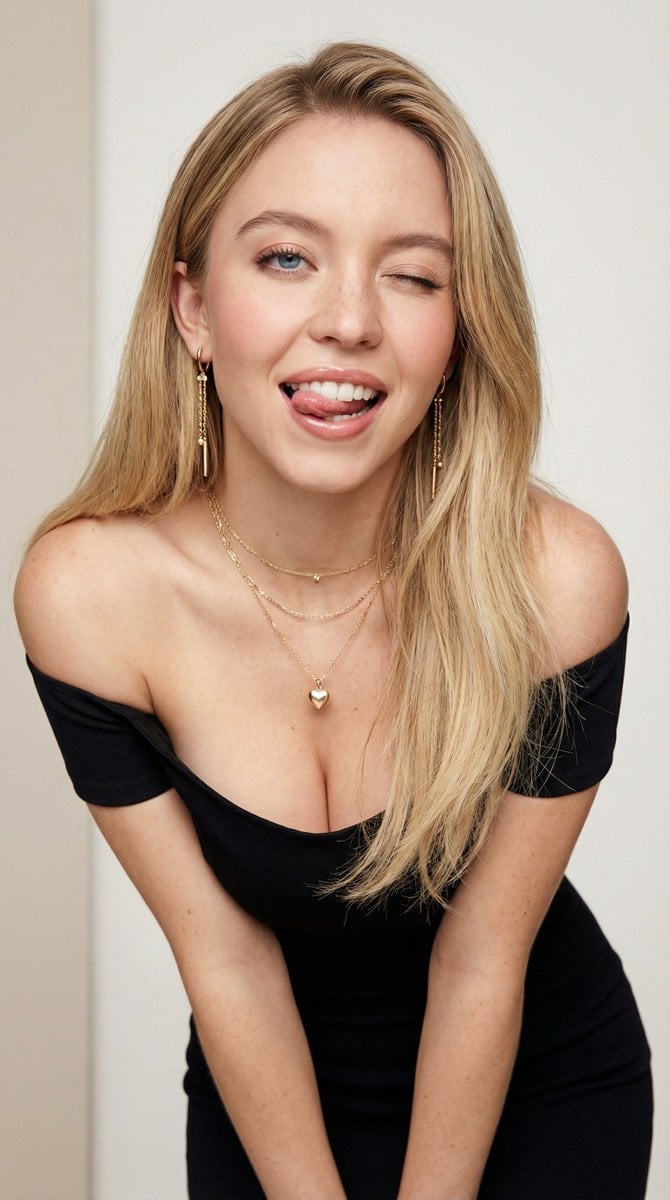
Flirty Studio Portrait Prompt with Wink and Tongue Out
Premium Beverage Product Photography: Golden Peach Fizz
Browse template categories
Neon Crown Fashion Portrait questions
How do I use the Neon Crown Fashion Portrait template?
Add your photo if the template asks for one, edit the prompt if you like — the template's model and format are already selected — and press Generate. Your version opens in PicX Studio.
Can I customize the Neon Crown Fashion Portrait template?
Yes. You can change the subject, setting, lighting, mood, format, and available model controls before creating your image.
Is the Neon Crown Fashion Portrait template free?
Opening and editing this template is free. Generating uses credits, shown on the Generate button when you are signed in.
Which AI model should I use?
Start with GPT Image 2, which is the model associated with this template. You can compare another compatible model for a different finish.
Looking for something else? Browse all templates.

Your photo, any look
Thousands of ready templates for every top image and video model, from one credit balance.