
Vintage Kyoto Travel Poster
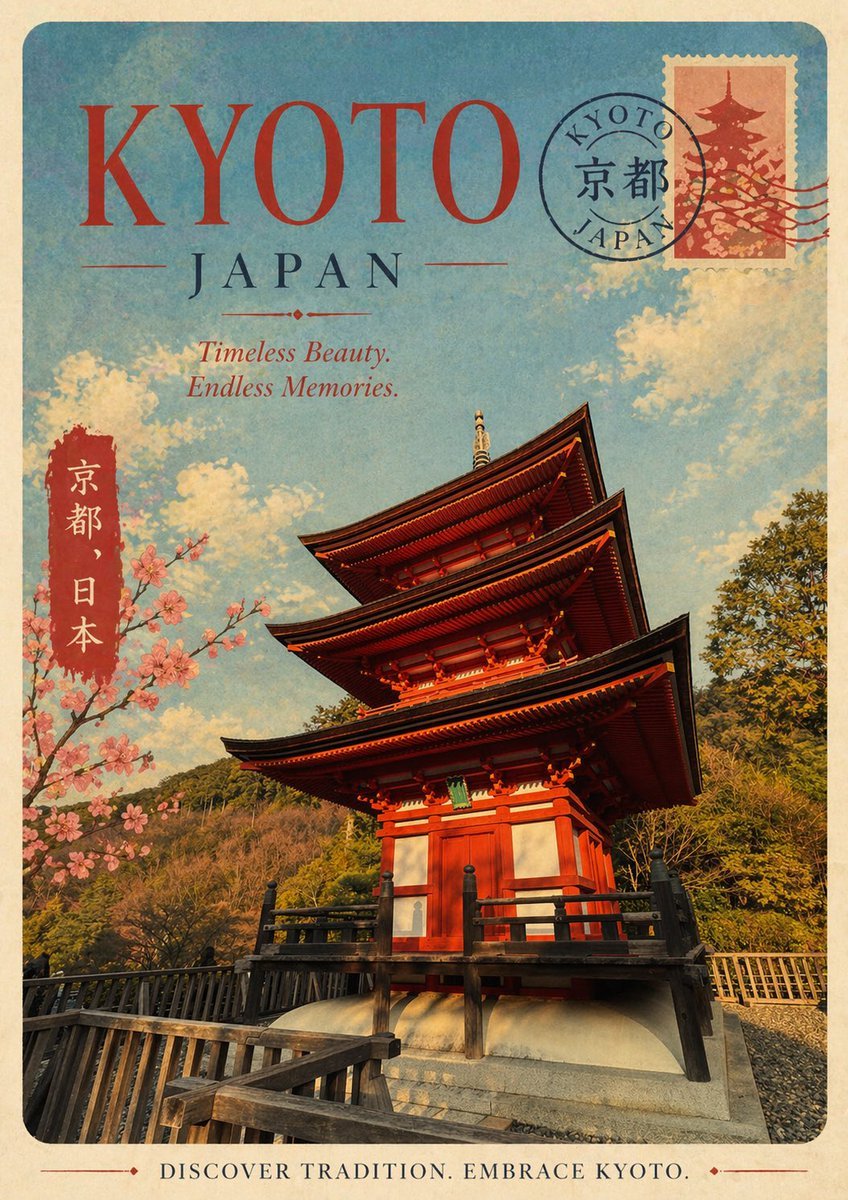
This prompt generates a retro-style Kyoto tourism poster, ideal for travel art prints, editorial covers, or destination-themed wall decor.
- Prompt included
- Model and format preset
- Free template
The prompt behind this image
Copy the exact prompt behind Vintage Kyoto Travel Poster, or open it in the studio and make it yours.
A vintage travel poster for {argument name="destination name" default="KYOTO"}, Japan, designed in a nostalgic mid-century tourism style with a faded paper texture, softly worn edges, and warm sun-aged colors. Use a vertical poster layout with rounded corners and a cream border. At the top, place the large headline {argument name="headline text" default="KYOTO"} in oversized elegant red serif letters, with “JAPAN” centered below in dark blue serif type and thin decorative divider lines. Add an italic tagline beneath it reading {argument name="tagline text" default="Timeless Beauty. Endless Memories."}. The main image should show a dramatic low-angle view of a traditional five-story Japanese pagoda in vivid vermilion red with dark wooden eaves and black railings, standing on a stone base with a wooden walkway in the foreground. Surround the pagoda with green wooded hills, a bright blue sky, and soft cream-colored clouds. On the left side, include a vertical red label with white Japanese characters reading “京都、日本”. Also add a blooming cherry blossom branch entering from the left, with clusters of pale pink flowers. In the upper right corner, include a postage stamp featuring a pagoda silhouette in muted red tones, partially overlapped by a circular postal cancellation mark reading “KYOTO JAPAN” with the kanji “京都” in the center and a few wavy postmark lines extending rightward. At the bottom, add a centered vintage footer slogan in serif capitals reading {argument name="footer text" default="DISCOVER TRADITION. EMBRACE KYOTO."}. The overall look should feel romantic, collectible, slightly distressed, and like a classic Japanese tourism print from the 1950s or 1960s.
How to use Vintage Kyoto Travel Poster in 3 steps
- 1Upload ImagePNG, JPG or paste
Add your photo
Upload the photo the template builds on. The prompt, model and format are already set.
- 2…a portrait of your subject in softgolden-hour light, 85mm…
Personalize
Edit the subject and creative details for your destination.
- 3Generate
Generate
Press Generate — your image is created in PicX Studio, so you can compare it with the original and refine one variable at a time.
More like this
Templates with the same subject, style or setup. Open one to see its prompt.

Japan Travel Brochure Poster

Premium Vintage Travel Poster Landscape
Vintage Patagonia Travel Poster

Paper Cut Vintage Travel Poster
Vintage Alexandria Travel Poster
Vintage Mumbai Travel Poster
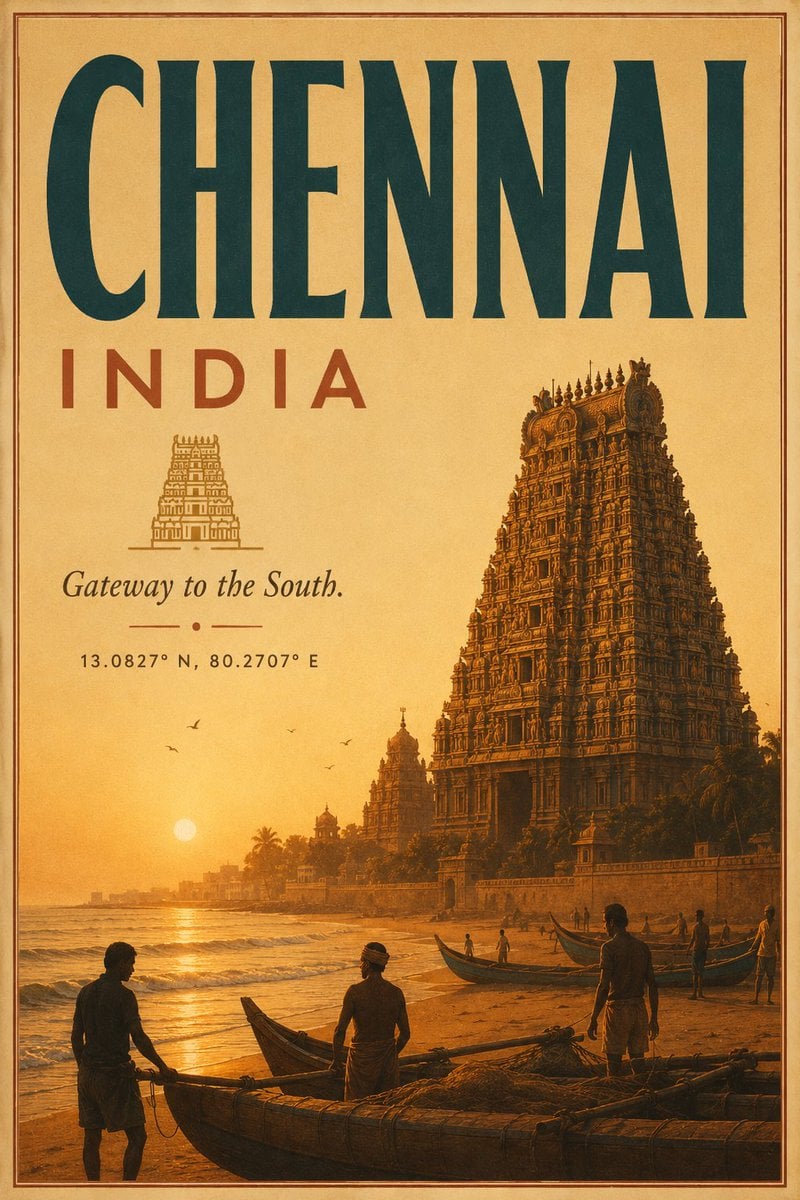
Vintage Chennai Travel Poster
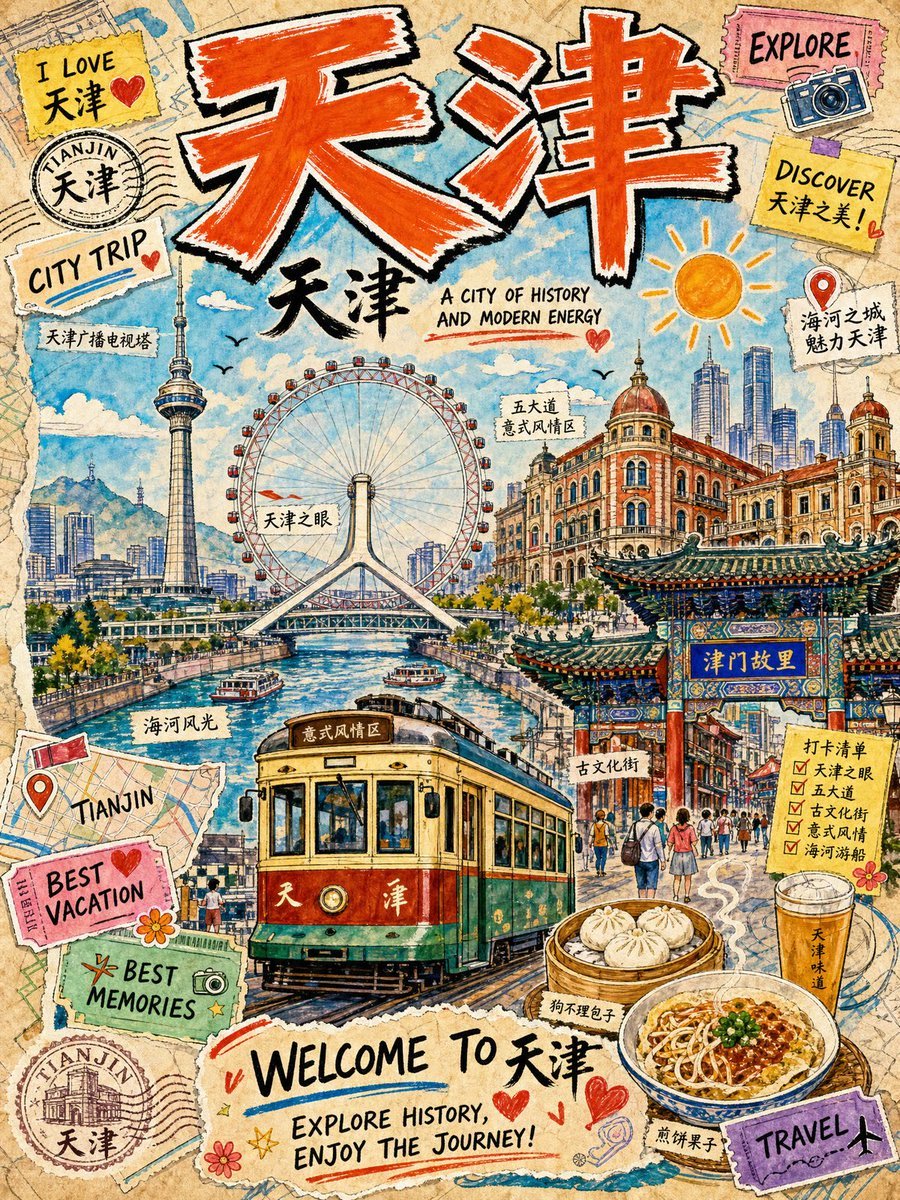
Vintage Tianjin Travel Poster

City Posters by Nano Banana Pro

Sunday Afternoon, 1988

Two Tickets, One Night

If We Met in 1985
Make it yours
Vintage Kyoto Travel Poster works as-is. These are the safest ways to change it without losing the look.
Change one field
Copy a single group, rewrite it, and generate again so you can see what that field is doing.
Keep the frame, change the subject
Hold the composition and light of Vintage Kyoto Travel Poster, then swap wardrobe, props or the person for a new take.
| If the result… | Why | Fix |
|---|---|---|
| The result drifts from the preview | Too many fields changed at once. | Reuse Vintage Kyoto Travel Poster as-is first, then change one group — subject, light, or setting. |
| The model over-stylizes the scene | The prose prompt leaves finish and camera underspecified. | Add one camera or lighting sentence and stay on GPT Image 2. |
More GPT Image 2 templates
Other prompts made for GPT Image 2.

Six VTuber Japanese Logo Sheet

Realistic Portrait of Woman and Deer

The Vista Modular Condo Poster

AI Model Routing Comparison Infographic

2.5D Anime Art Board

Isometric Productivity Desk Scene

New York Double Exposure Poster

Four-Panel AI Landscape Comparison

Japanese Tatami Lifestyle Magazine Cover

NESCAFÉ Coffee Map Poster
More image prompts
Fresh picks from across the catalog.

Toy Story Selfie with Identity Lock Prompt

Abstract Expressionist Boxing Match
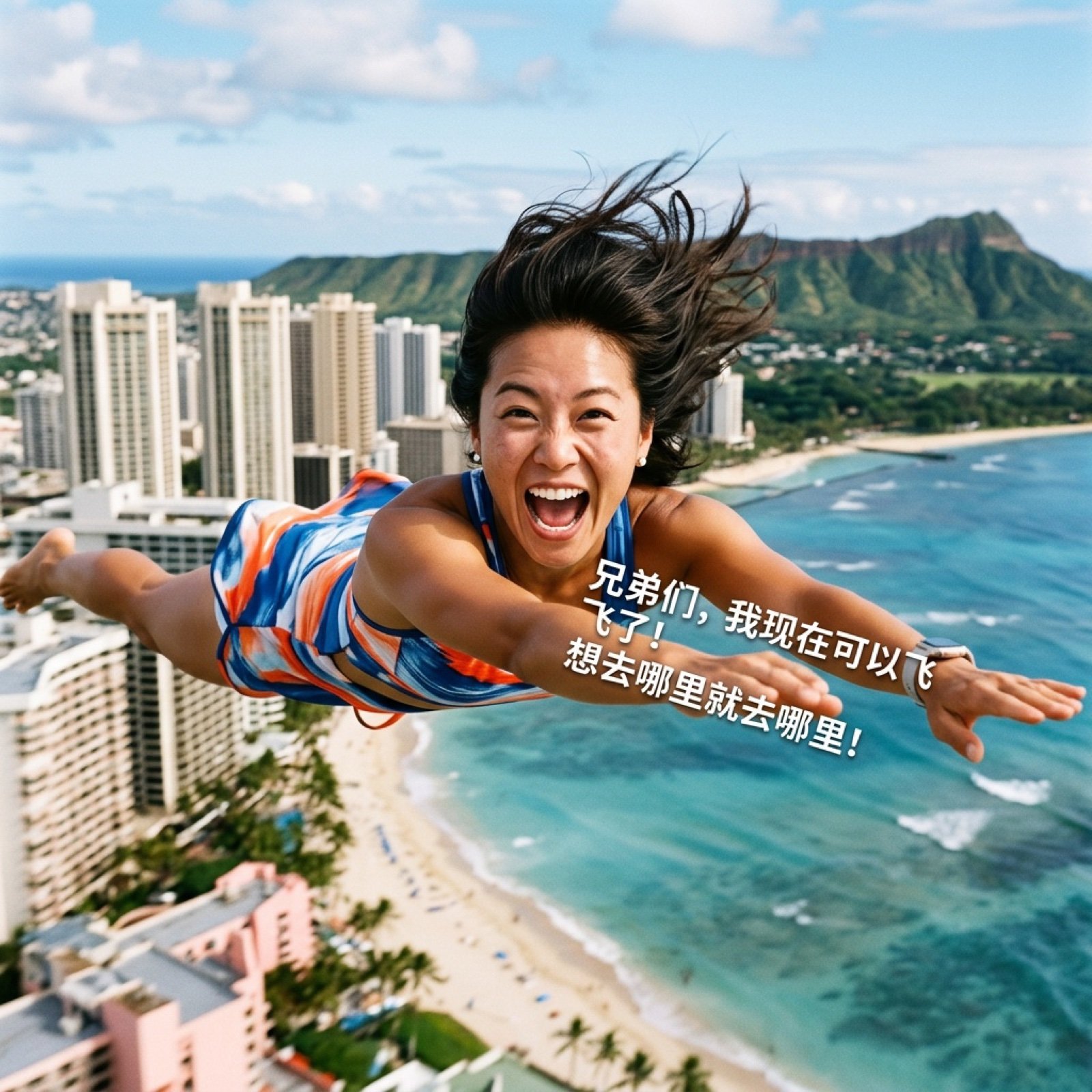
AI Video Generation Prompt for Flying Superhero

Stunning Glamorous Photo Prompt for Gemini Nano Banana

Natural Editorial Portrait of a Man in a Garden
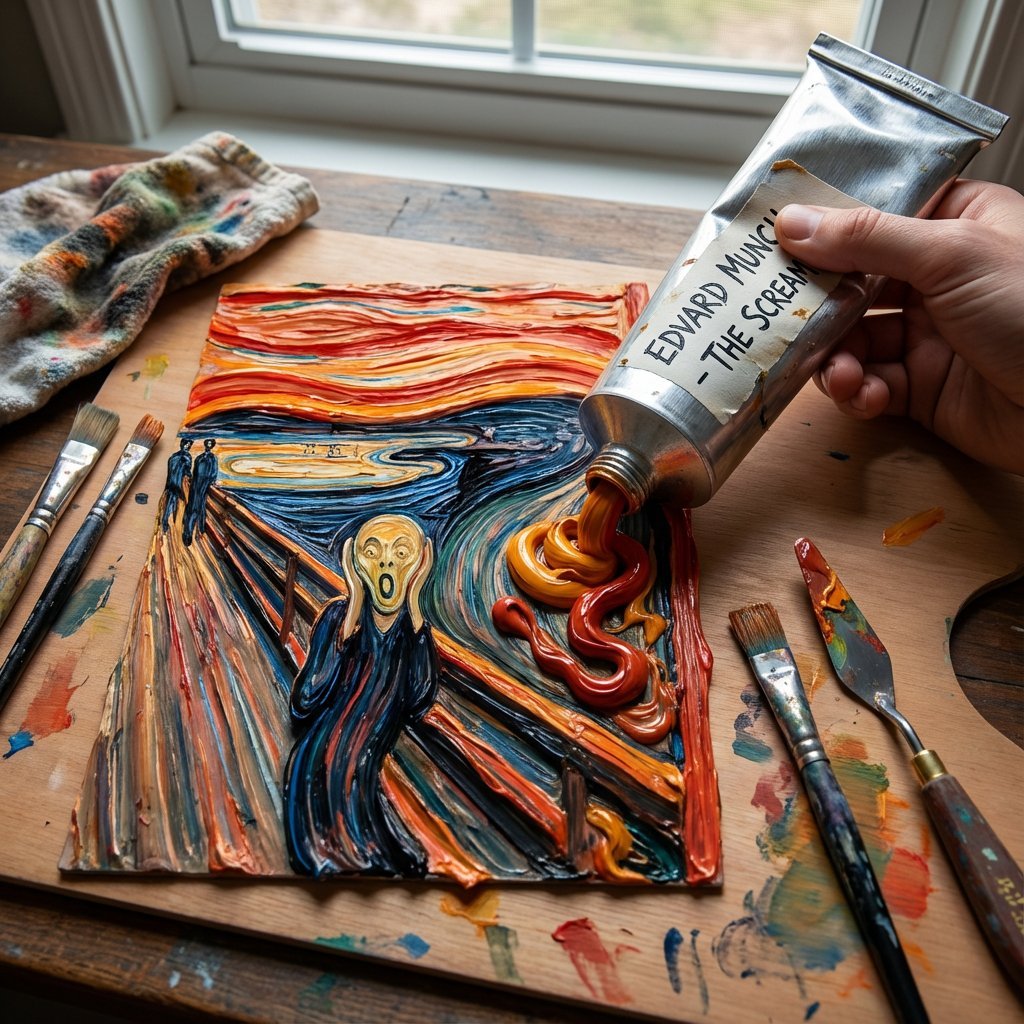
Paint Tube Squeeze: Famous Asian Painting in 3D Relief

Dramatic Cinematic Portrait of a Rugged Young Man

High-Contrast Monochrome Studio Portrait

X Sheldon056 Ultra Realistic Fashion Campaign Poster Featuring

Transparent Filter Portrait Prompt
Browse template categories
Vintage Kyoto Travel Poster questions
How do I use the Vintage Kyoto Travel Poster template?
Add your photo if the template asks for one, edit the prompt if you like — the template's model and format are already selected — and press Generate. Your version opens in PicX Studio.
Can I customize the Vintage Kyoto Travel Poster template?
Yes. You can change the subject, setting, lighting, mood, format, and available model controls before creating your image.
Is the Vintage Kyoto Travel Poster template free?
Opening and editing this template is free. Generating uses credits, shown on the Generate button when you are signed in.
Which AI model should I use?
Start with GPT Image 2, which is the model associated with this template. You can compare another compatible model for a different finish.
Looking for something else? Browse all templates.

Your photo, any look
Thousands of ready templates for every top image and video model, from one credit balance.