How do I use the Surreal Marine Tentacle Portrait template?
Edit the prompt in the box under the preview — the template's model and format are already selected — and press Generate. Your version appears right on this page.
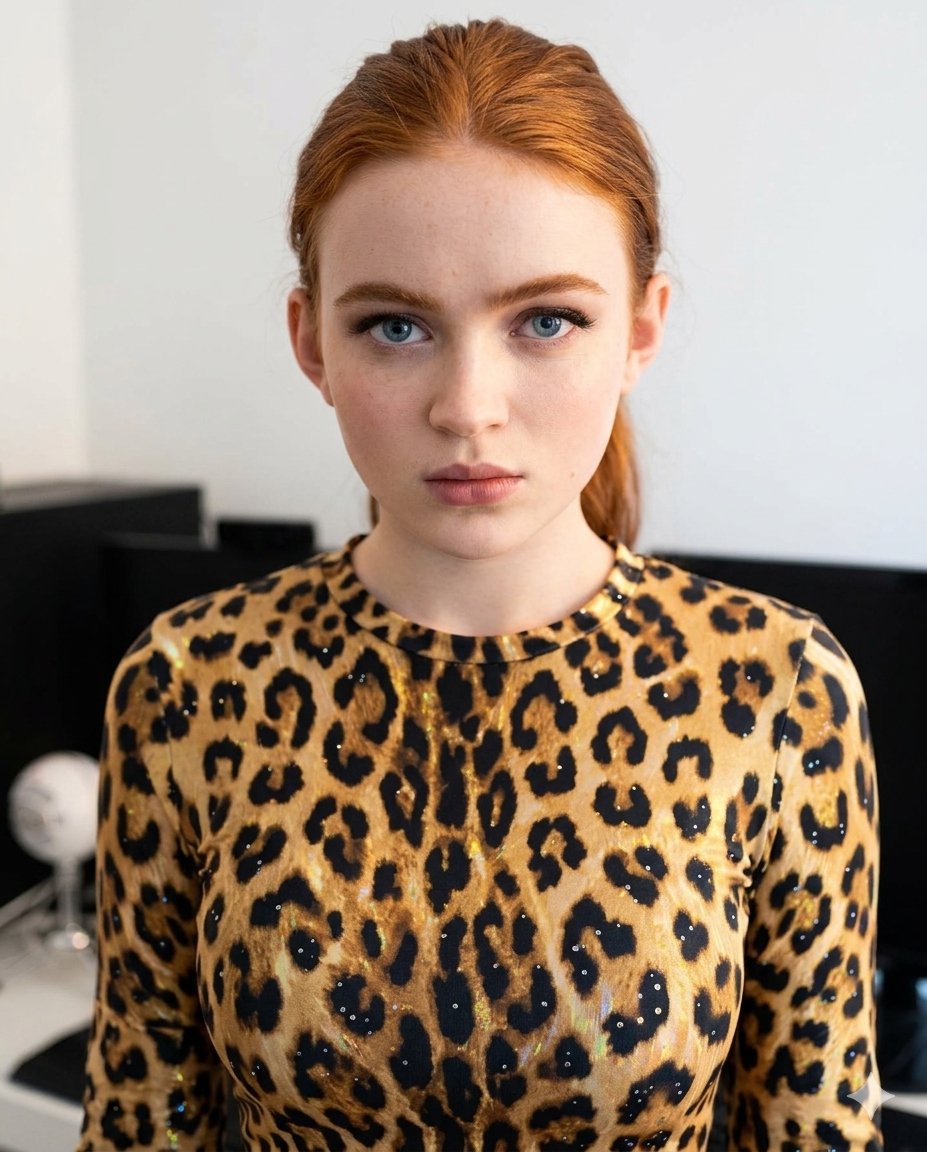
A prompt for transforming a user photo into a cinematic surreal portrait where the subject is wrapped in detailed octopus tentacles.

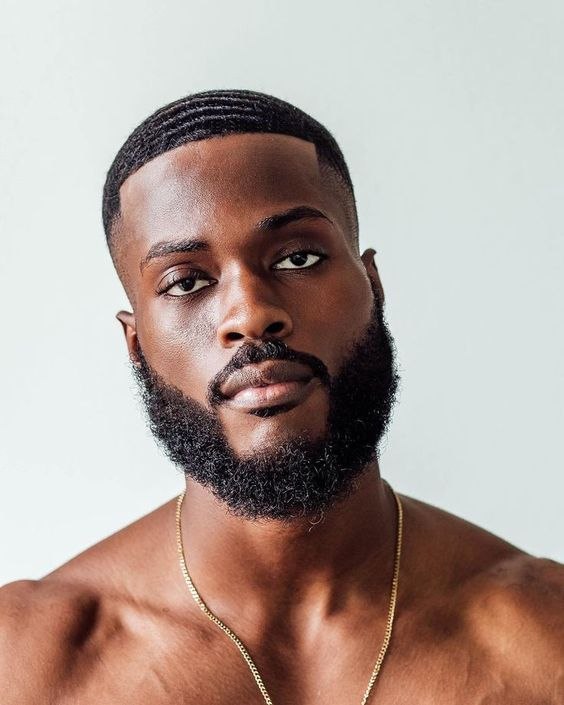
This template uses your photo — add one with the + button.
A surreal cinematic portrait of [Upload] wearing an {argument name="accessory" default="anchor-shaped earring"}, enveloped by massive {argument name="creature" default="green octopus tentacles"}. The tentacles coil around his shoulders, chest, and neck, their textured surfaces glistening under dramatic lighting. The contrast between human skin and marine creature detail creates a fantastical, otherworldly atmosphere. Shadows and highlights emphasize the tension and mystery, while the composition feels like a movie poster moment—blending realism with mythic transformation. The scene evokes themes of power, struggle, and connection to the sea, rendered in sharp photorealism with a dramatic, cinematic aura, without describing facial features. Same person and don't change my face.
A surreal cinematic portrait of [Upload] wearing an {argument name="accessory" default="anchor-shaped earring"}, enveloped by massive {argument name="creature" default="green octopus tentacles"}. The tentacles coil around his shoulders, chest, and neck, their textured surfaces glistening under dramatic lighting. The contrast between human skin and marine creature detail creates a fantastical, otherworldly atmosphere. Shadows and highlights emphasize the tension and mystery, while the composition feels like a movie poster moment—blending realism with mythic transformation. The scene evokes themes of power, struggle, and connection to the sea, rendered in sharp photorealism with a dramatic, cinematic aura, without describing facial features. Same person and don't change my face.
Surreal Marine Tentacle Portrait needs input media to work. Open it in the studio and these load alongside the prompt — pick whichever ones your chosen model can take.
Edit the prompt in the box under the preview — the template's model and format are already selected — and press Generate. Your version appears right on this page.
Yes. You can change the subject, setting, lighting, mood, format, and available model controls before creating your image.
Opening and editing this template is free. Generating uses credits, shown on the Generate button when you are signed in.
Start with GPT Image 2, which is the model associated with this template. You can compare another compatible model for a different finish.
Follow a topic to a crawlable collection of related PicX Studio templates.