
Cinematic Hotel Portrait Prompt
A detailed prompt for generating a realistic and cinematic portrait of a woman in a silver sequin dress at a modern hotel staircase.
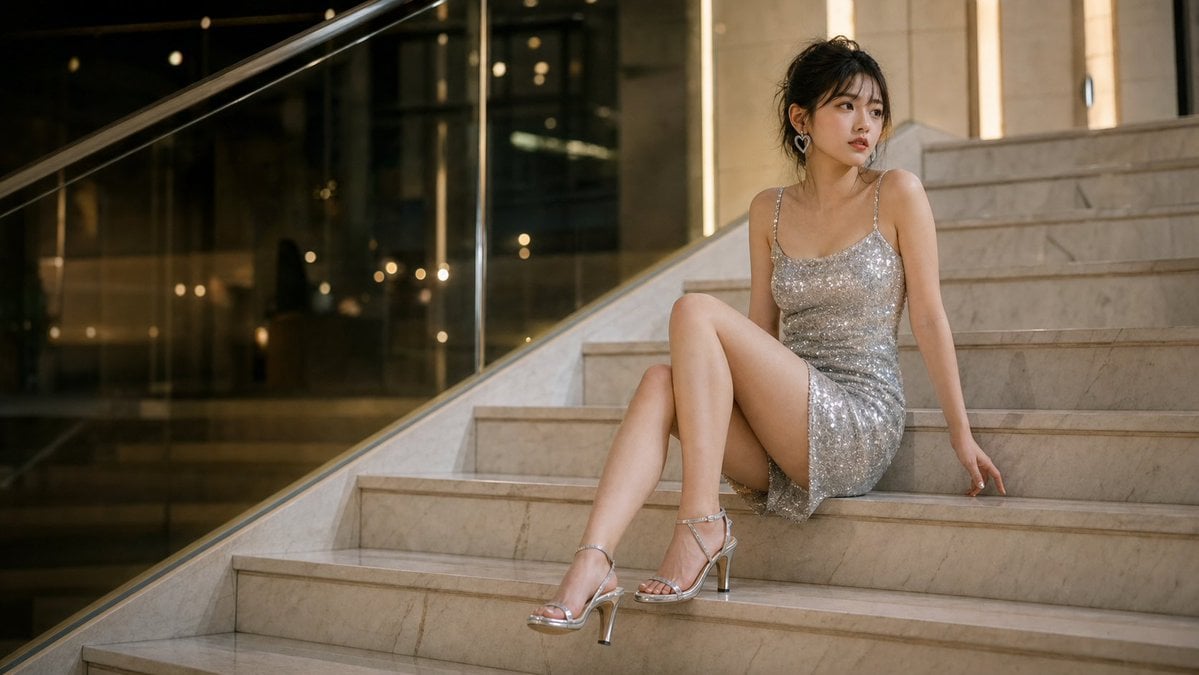
- Prompt included
- Model and format preset
- Premium template
The prompt behind this image
Copy the exact prompt behind Cinematic Hotel Portrait Prompt, or open it in the studio and make it yours.
写実的で映画的なポートレート。夜のモダンなホテルの大理石階段に、{argument name="年齢" default="20歳前後"}の架空の{argument name="人種" default="日本人女性"}が座っている。{argument name="衣装" default="銀色のスパンコールミニドレス"}、銀色のストラップ付きハイヒールサンダル、銀色のハート型イヤリング。脚を自然に組み、少し右を向いた落ち着いた表情。ラフにまとめた髪、自然な肌質、リアルな手指と身体のバランス。 16:9の横長構図。被写体は画面右側に配置し、左側には暗いガラス背景と柔らかなボケの余白を残す。暖かい室内光と柔らかなサイドライトで、ドレスやサンダルの銀色の反射を上品に見せる。大理石の質感、ガラスの手すり、夜の静かな高級感を丁寧に描写。 画像内に文字、ロゴ、透かし、ブランド名、意味不明な記号を入れない。過度な美肌加工、AI合成感、変形した指、余分な手足、低解像度、過度なシャープ化を避ける。
How to use Cinematic Hotel Portrait Prompt in 3 steps
- 1
Open
The prompt is already in the box next to the preview, with the template's model and format selected.
- 2…a portrait of your subject in softgolden-hour light, 85mm…
Personalize
Edit the subject and creative details for your destination.
- 3Generate
Generate
Press Generate — your image is created in PicX Studio, so you can compare it with the original and refine one variable at a time.
More like this
Templates with the same subject, style or setup. Open one to see its prompt.

Found Photograph: Us, 1970

80s Couple Studio Portrait

80s Bollywood Star

80s Golden Hour Cinema

Me in 1985

1985 Studio Portrait

Hyper-Realistic Minecraft POV Portrait

Rooftop Fisheye — Cat-Ear Balaclava at Golden Hour
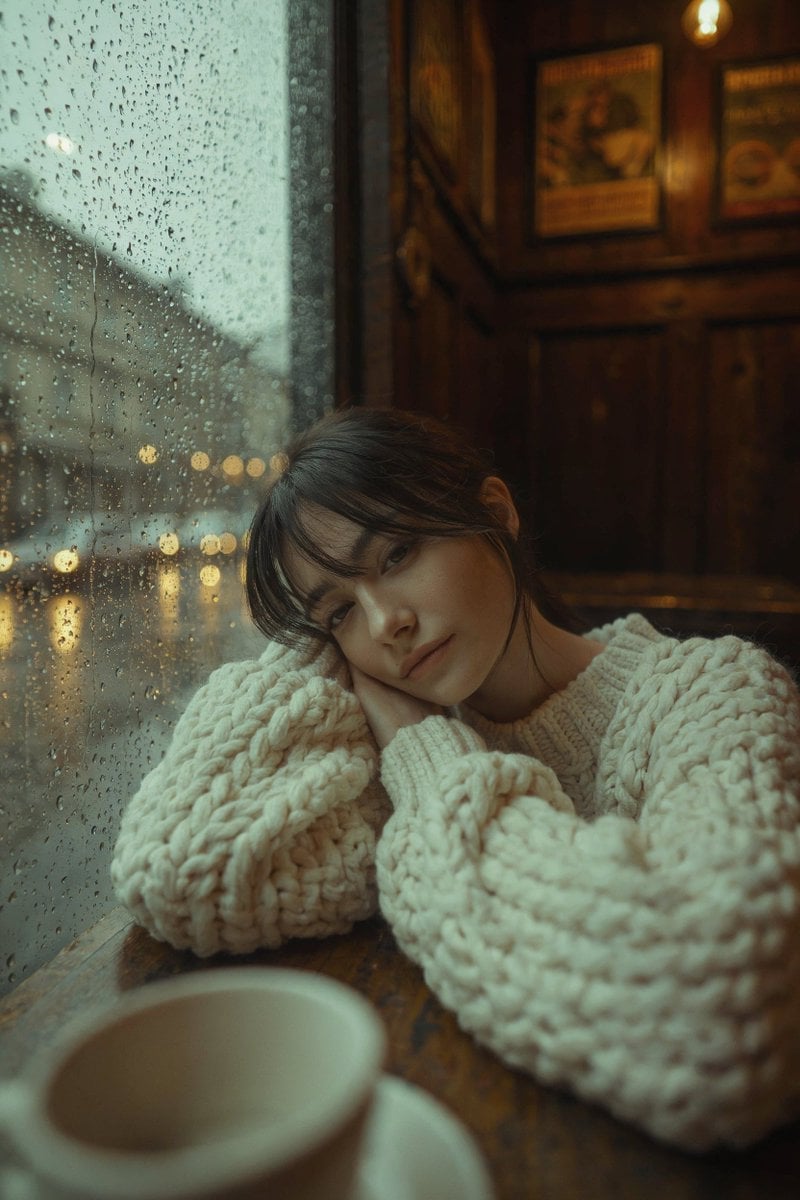
Rainy Café Window Moody Portrait
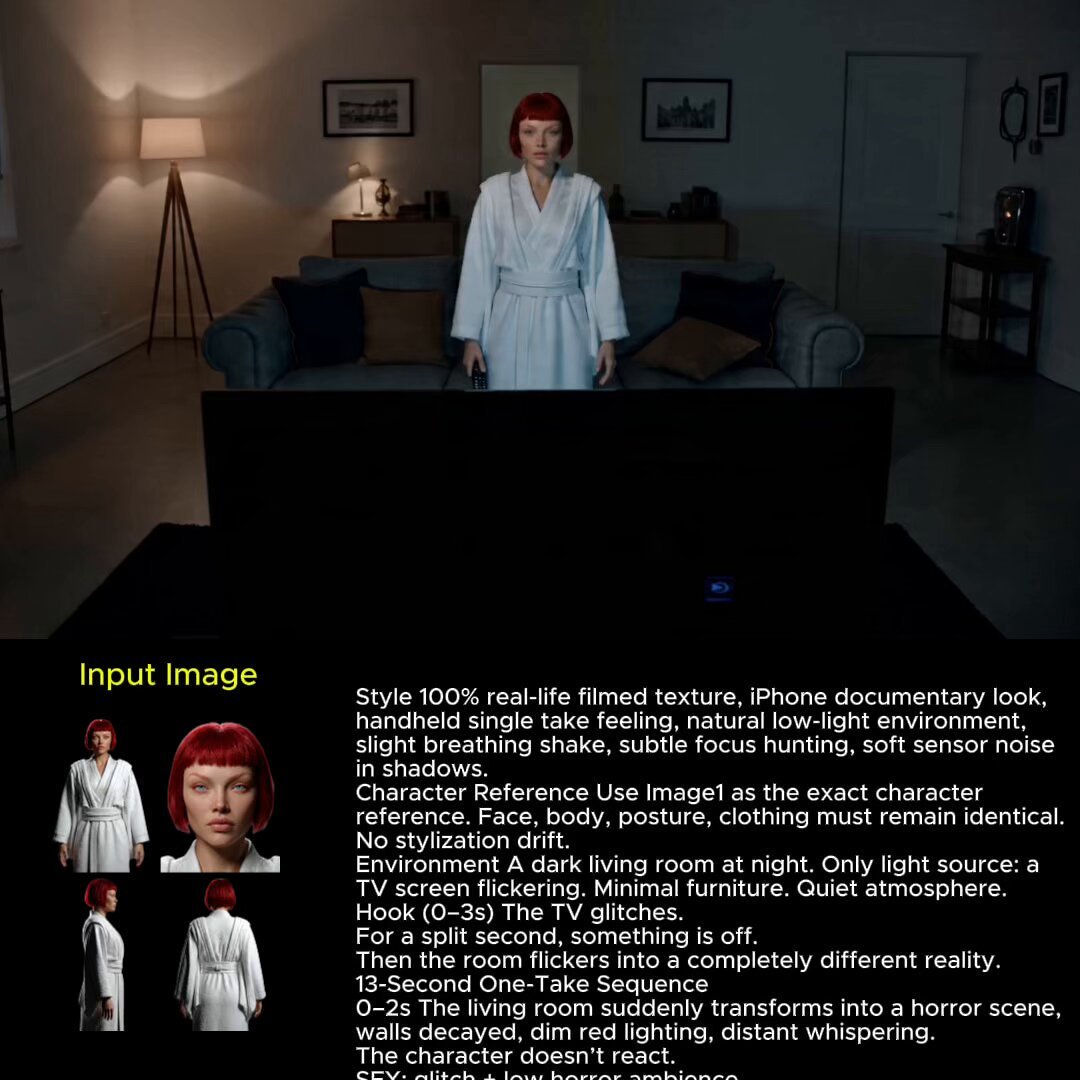
2025 Aesthetic Photography
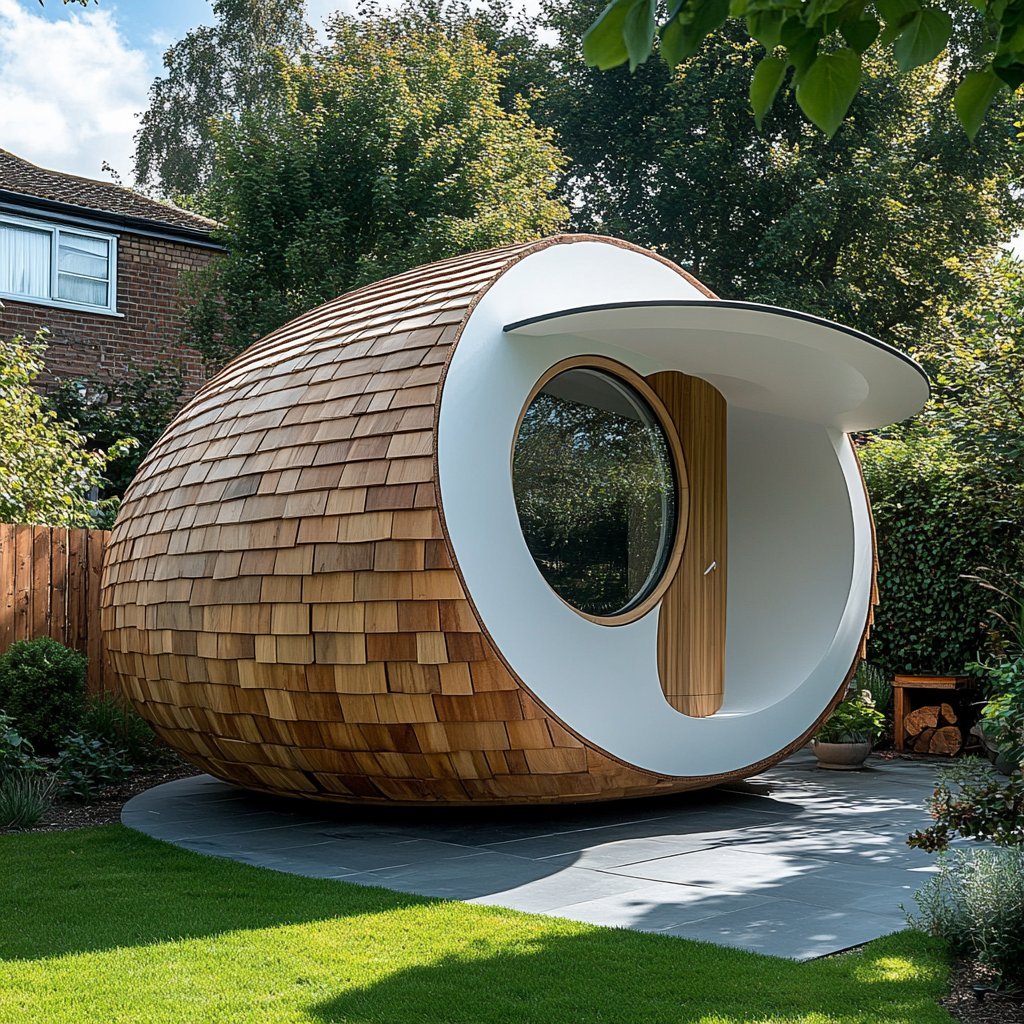
Nano Banana Is So Addictive
Transformation the Burger Seedance 2 0 a
Make it yours
Cinematic Hotel Portrait Prompt works as-is. These are the safest ways to change it without losing the look.
Change one field
Copy a single group, rewrite it, and generate again so you can see what that field is doing.
Keep the frame, change the subject
Hold the composition and light of Cinematic Hotel Portrait Prompt, then swap wardrobe, props or the person for a new take.
| If the result… | Why | Fix |
|---|---|---|
| The result drifts from the preview | Too many fields changed at once. | Reuse Cinematic Hotel Portrait Prompt as-is first, then change one group — subject, light, or setting. |
| The model over-stylizes the scene | The prose prompt leaves finish and camera underspecified. | Add one camera or lighting sentence and stay on GPT Image 2. |
More GPT Image 2 templates
Other prompts made for GPT Image 2.

Six VTuber Japanese Logo Sheet

Realistic Portrait of Woman and Deer

The Vista Modular Condo Poster

AI Model Routing Comparison Infographic

2.5D Anime Art Board

Isometric Productivity Desk Scene

New York Double Exposure Poster

Four-Panel AI Landscape Comparison

Japanese Tatami Lifestyle Magazine Cover

NESCAFÉ Coffee Map Poster
More image prompts
Fresh picks from across the catalog.
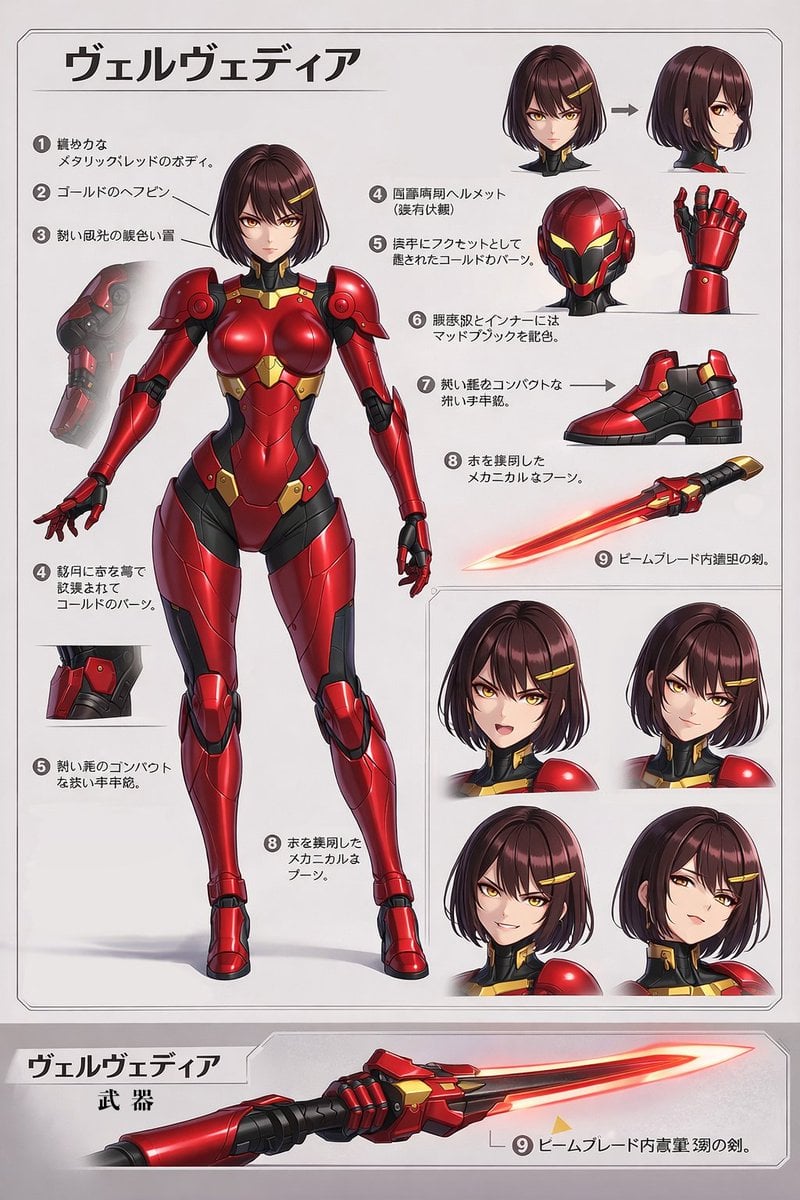
Velvedia Character Reference Sheet

Tokaido Anime Travel Poster
Editorial Nightlife Candid on a Billiards Table
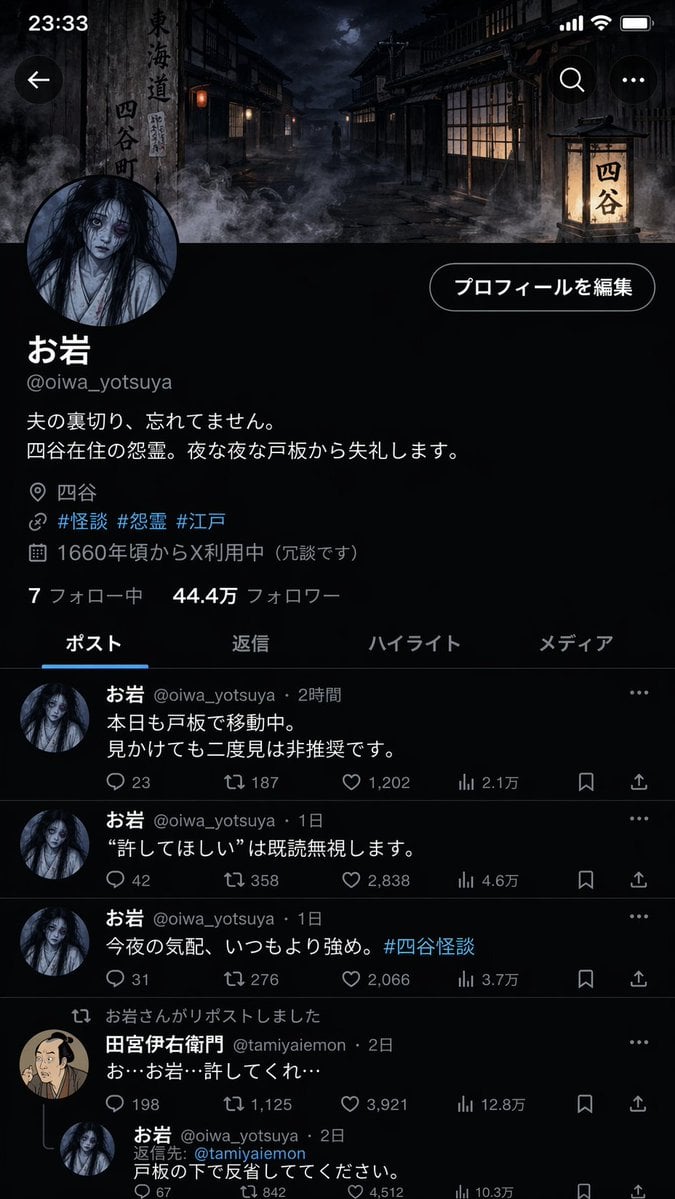
Folklore Character Social Media Profile
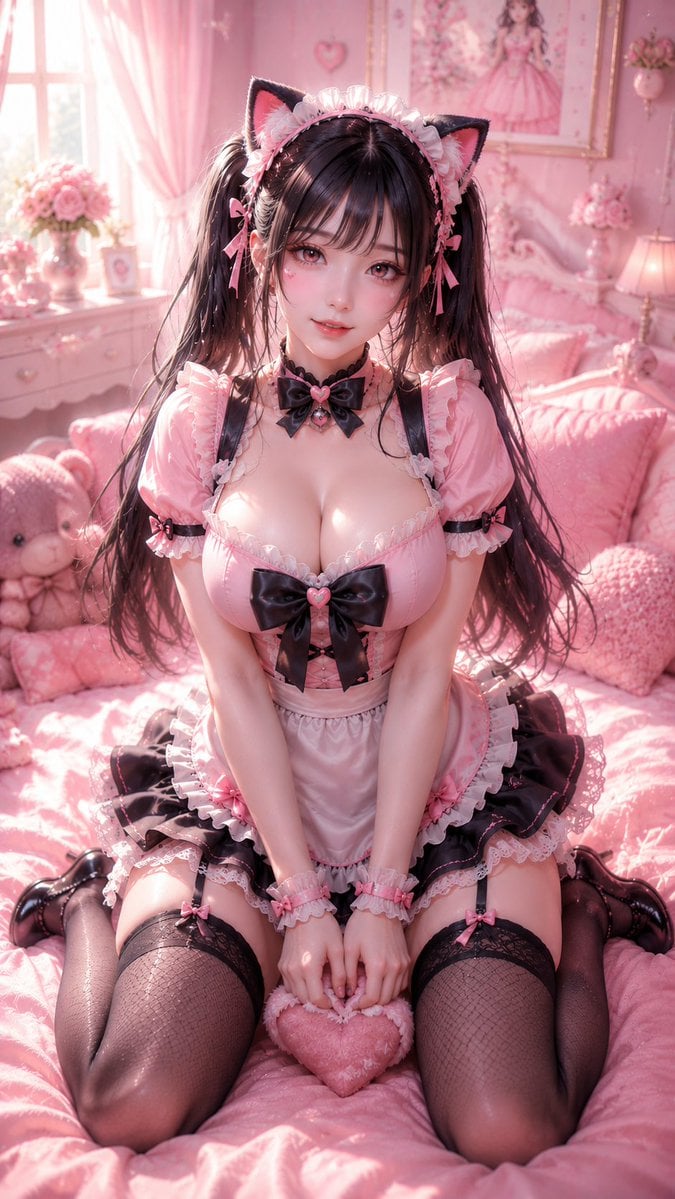
3D CG Pink Maid Illustration
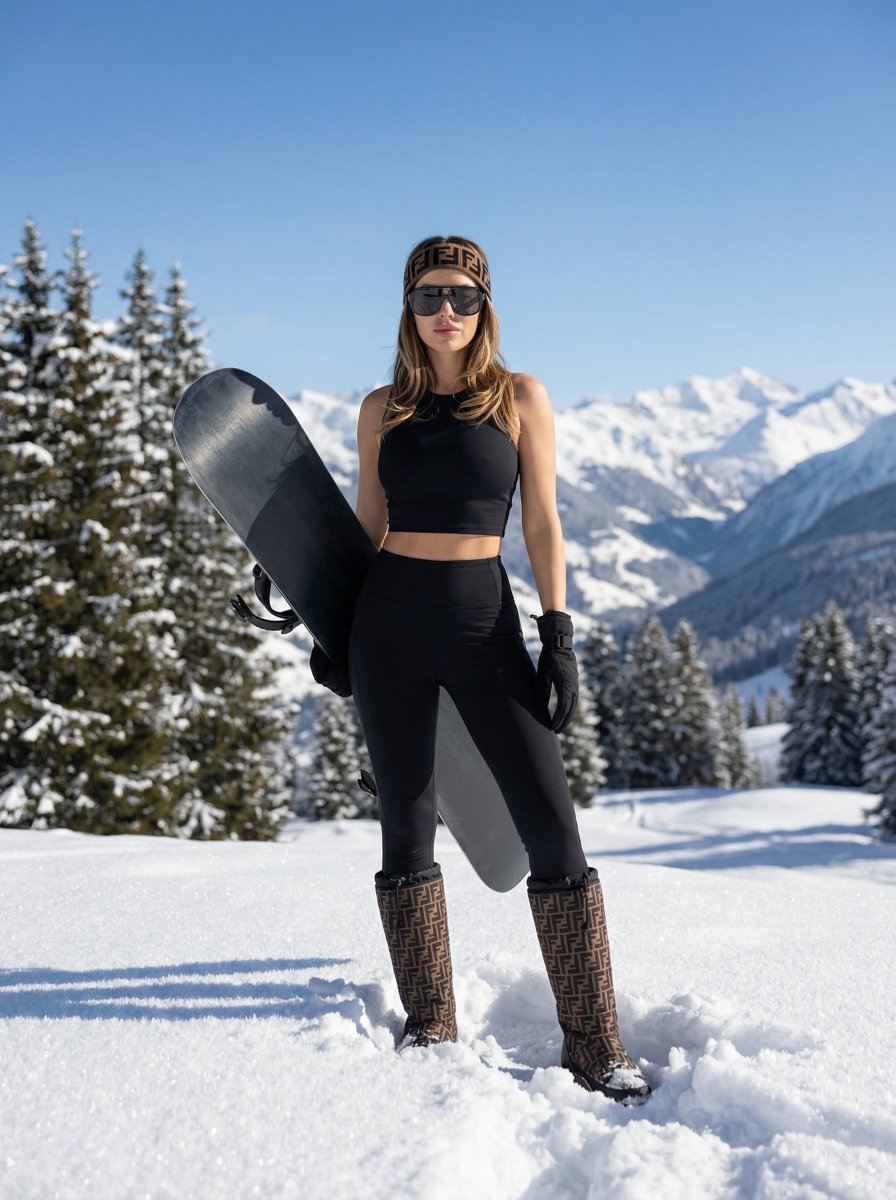
High-End Sporty Fashion Editorial Skiing
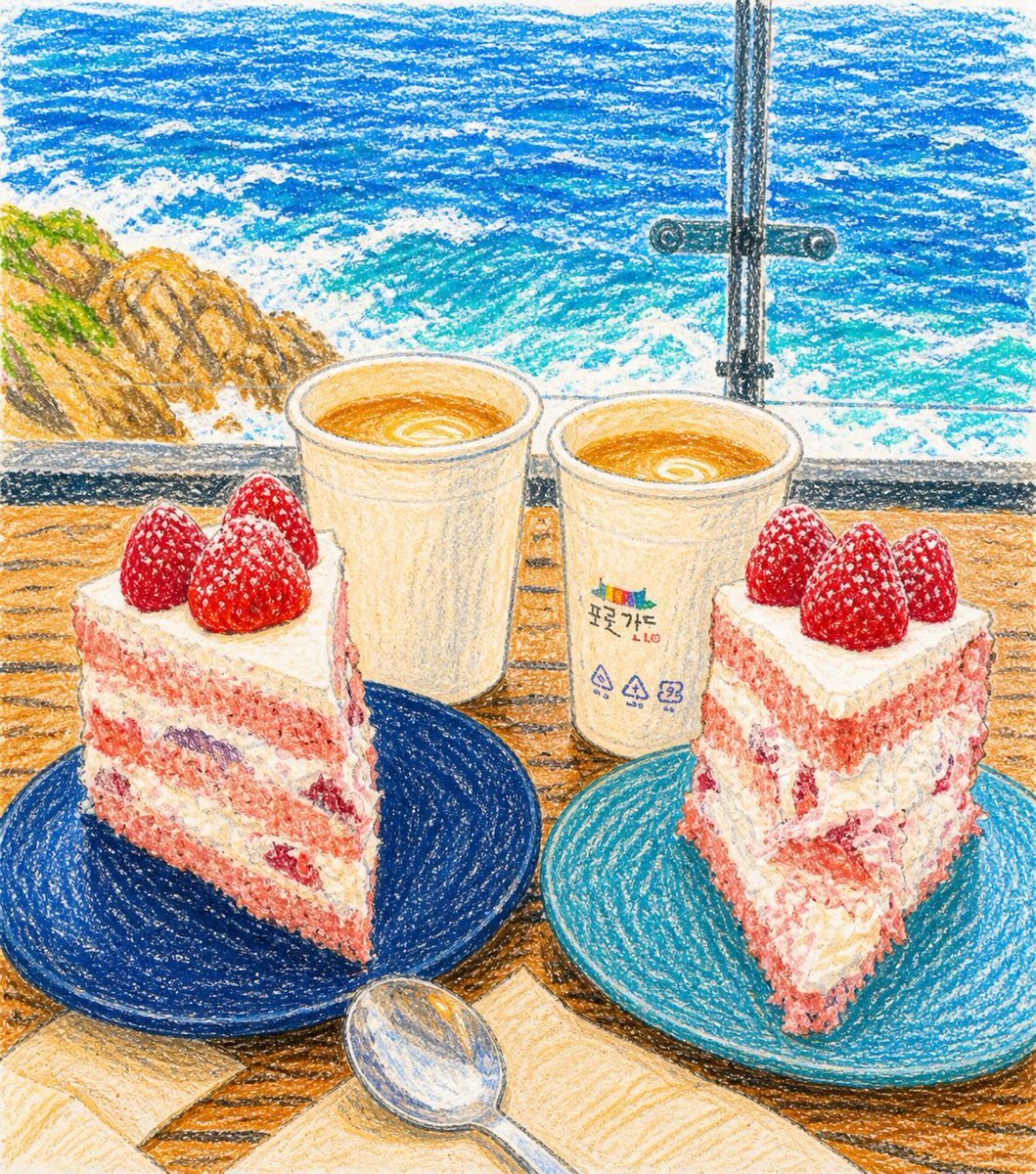
Crayon Drawing Transformation
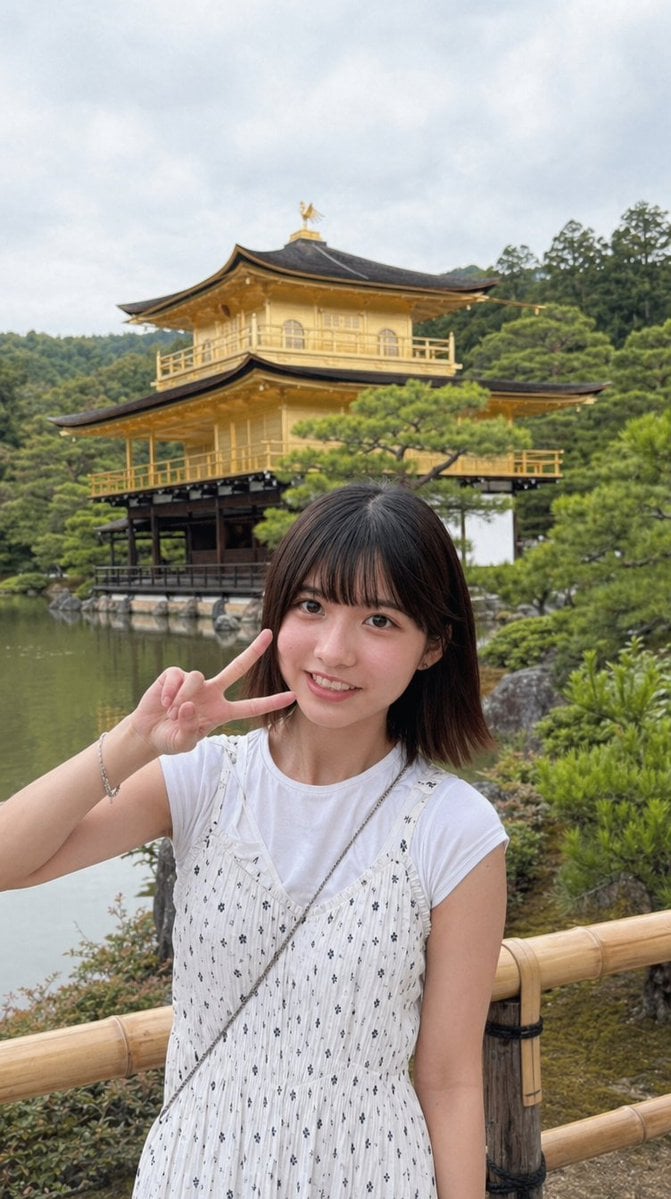
Arcade Portrait to Kyoto Travel Photo
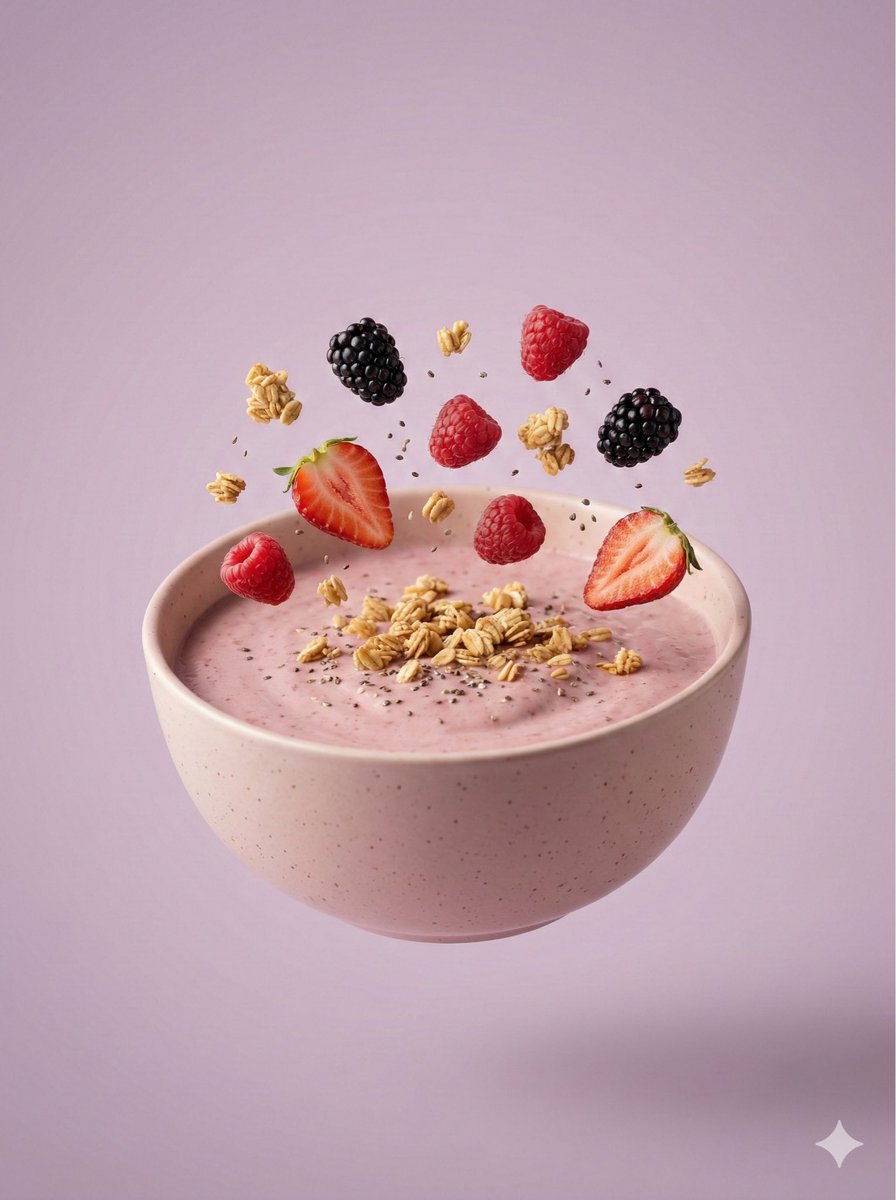
Hyper-Realistic Floating Smoothie Bowl
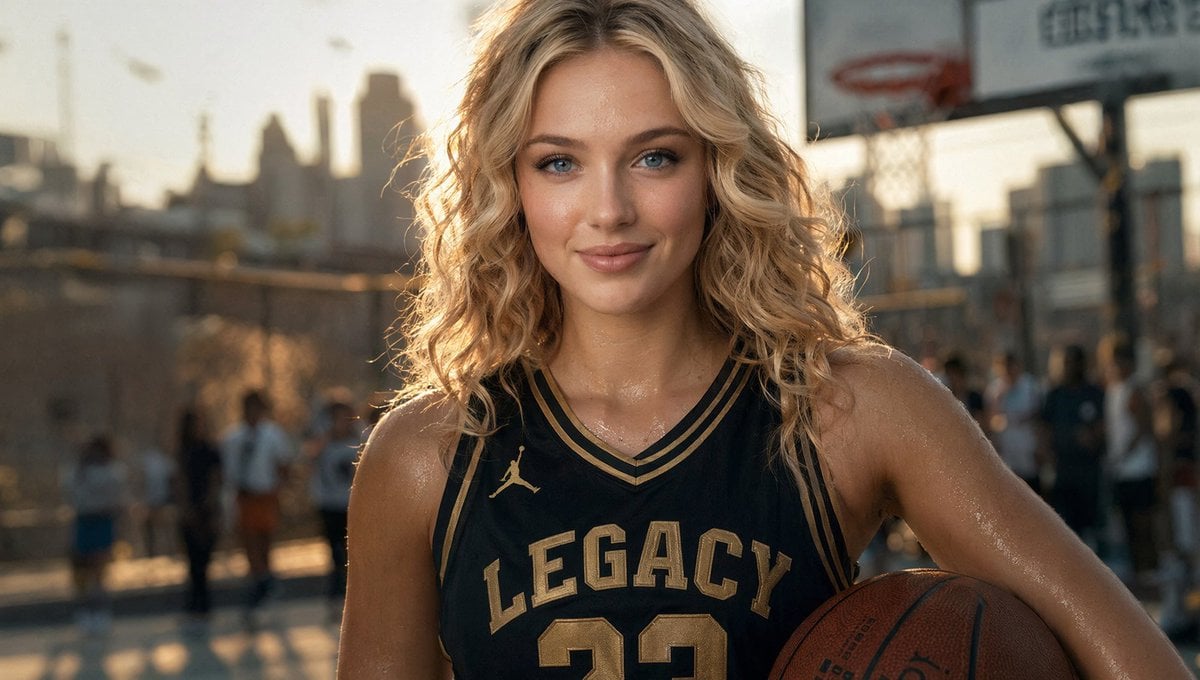
Cinematic Portrait of a Blonde Athlete
Browse template categories
Cinematic Hotel Portrait Prompt questions
How do I use the Cinematic Hotel Portrait Prompt template?
Add your photo if the template asks for one, edit the prompt if you like — the template's model and format are already selected — and press Generate. Your version opens in PicX Studio.
Can I customize the Cinematic Hotel Portrait Prompt template?
Yes. You can change the subject, setting, lighting, mood, format, and available model controls before creating your image.
Is the Cinematic Hotel Portrait Prompt template free?
Opening and editing this template is free. Generating uses credits, shown on the Generate button when you are signed in.
Which AI model should I use?
Start with GPT Image 2, which is the model associated with this template. You can compare another compatible model for a different finish.
Looking for something else? Browse all templates.

Your photo, any look
Thousands of ready templates for every top image and video model, from one credit balance.