
Japanese Tablet Brand Concept Sheet
Creates a watercolor Japanese concept art board for a tablet brand with fashion character studies, product notes, palette swatches, and annotated design panels.
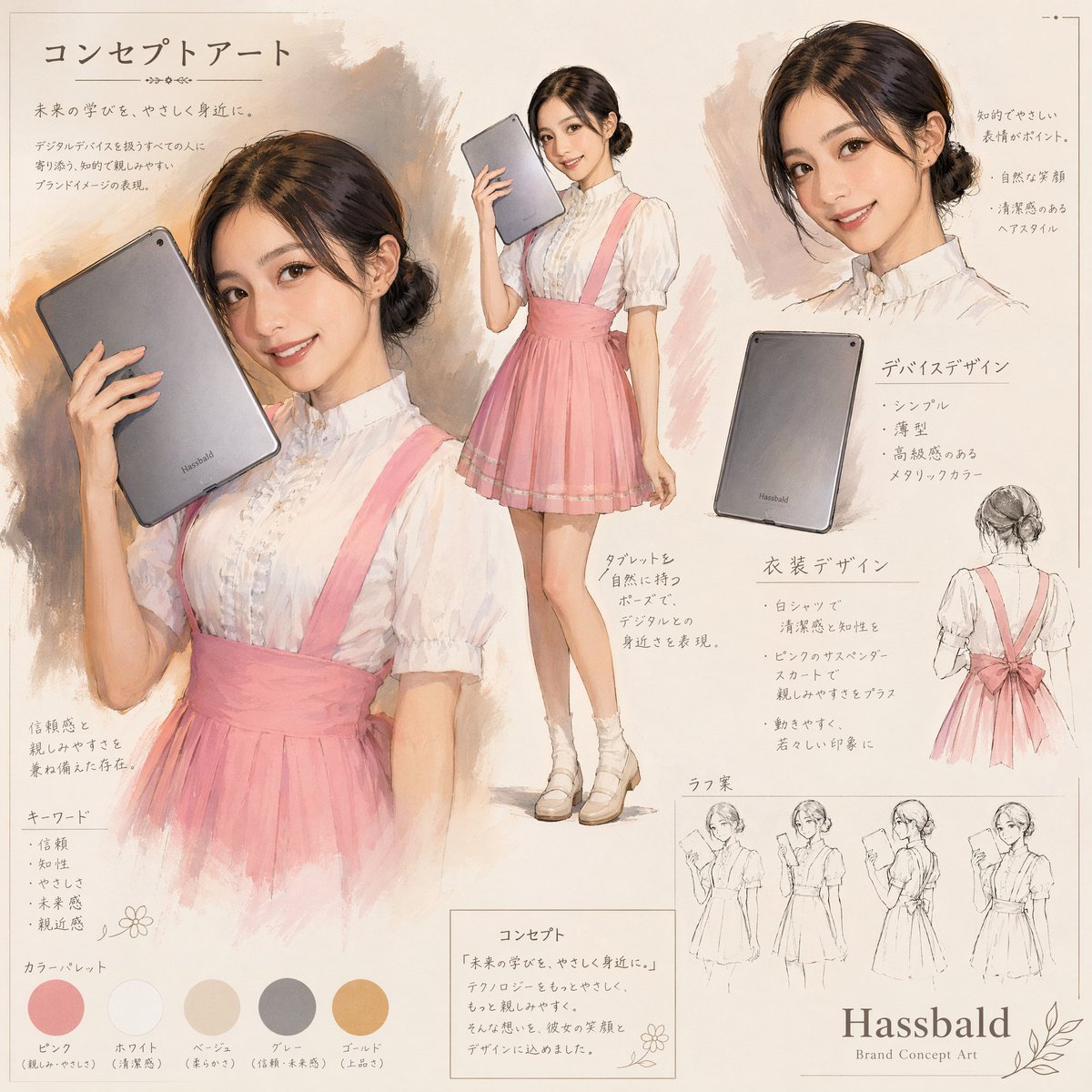
- Prompt included
- Model and format preset
- Free template
The prompt behind this image
Copy the exact prompt behind Japanese Tablet Brand Concept Sheet, or open it in the studio and make it yours.
- Type
- Japanese fashion product concept art sheet
- Format
- single-page vertical concept board on warm off-white paper
- Overall Style
- soft watercolor and pencil illustration, delicate hand-drawn fashion design rendering, muted beige background washes, fine ink annotations, editorial concept-art layout, gentle natural lighting, premium lifestyle branding
- Language
- Japanese visible headings and notes
- Main Subject › Character
- young woman model with intentionally obscured facial features using smooth skin-tone rectangular masks, no visible eyes or mouth
- Main Subject › Hair
- {argument name="hair color" default="dark brown"} hair parted center and gathered into a low messy bun
- Main Subject › Outfit
- {argument name="outfit description" default="white puff-sleeve blouse with lace front, pink suspender pinafore dress with pleated mini skirt, white ankle socks, beige Mary Jane shoes"}
- Main Subject › Pose
- standing gracefully while holding a thin tablet beside her face, calm friendly school-to-lifestyle brand mood
- Product › Device
- {argument name="device name" default="Hassbald"} thin tablet
- Product › Appearance
- simple sleek metallic gray tablet, rounded corners, small camera dot, subtle logo on back
- Product › Theme
- future learning device that feels close, gentle, and easy to use
- Layout › Title Area › Position
- top left
- Layout › Title Area › Main Title
- コンセプトアート
- Layout › Title Area › Subtitle
- 未来の学びを、やさしく身近に。
- Layout › Title Area › Notes
- small handwritten Japanese concept copy under the title
- Layout › Centerpiece
- full-body front view of the woman in the pink dress holding the tablet upright near her head
- Layout › Large Left Illustration
- cropped bust portrait of the same woman holding the gray tablet close to her face, occupying the left half of the page
- Layout › Right Top Portrait
- head-and-shoulders study of the same character with obscured face and low bun hairstyle, surrounded by beige brush wash
- Layout › Right Middle Device Panel › Title
- デバイスデザイン
- Layout › Right Middle Device Panel › Position
- middle right
- Layout › Right Middle Device Panel › Count
- 1
- Layout › Right Middle Device Panel › Labels
- シンプル, 薄型, 高級感のあるメタリックカラー
- Layout › Right Middle Outfit Panel › Title
- 衣装デザイン
- Layout › Right Middle Outfit Panel › Position
- lower middle right
Raw JSON
{"type":"Japanese fashion product concept art sheet","format":"single-page vertical concept board on warm off-white paper","overall_style":"soft watercolor and pencil illustration, delicate hand-drawn fashion design rendering, muted beige background washes, fine ink annotations, editorial concept-art layout, gentle natural lighting, premium lifestyle branding","language":"Japanese visible headings and notes","main_subject":{"character":"young woman model with intentionally obscured facial features using smooth skin-tone rectangular masks, no visible eyes or mouth","hair":"{argument name=\"hair color\" default=\"dark brown\"} hair parted center and gathered into a low messy bun","outfit":"{argument name=\"outfit description\" default=\"white puff-sleeve blouse with lace front, pink suspender pinafore dress with pleated mini skirt, white ankle socks, beige Mary Jane shoes\"}","pose":"standing gracefully while holding a thin tablet beside her face, calm friendly school-to-lifestyle brand mood"},"product":{"device":"{argument name=\"device name\" default=\"Hassbald\"} thin tablet","appearance":"simple sleek metallic gray tablet, rounded corners, small camera dot, subtle logo on back","theme":"future learning device that feels close, gentle, and easy to use"},"layout":{"title_area":{"position":"top left","main_title":"コンセプトアート","subtitle":"未来の学びを、やさしく身近に。","notes":"small handwritten Japanese concept copy under the title"},"centerpiece":"full-body front view of the woman in the pink dress holding the tablet upright near her head","large_left_illustration":"cropped bust portrait of the same woman holding the gray tablet close to her face, occupying the left half of the page","right_top_portrait":"head-and-shoulders study of the same character with obscured face and low bun hairstyle, surrounded by beige brush wash","right_middle_device_panel":{"title":"デバイスデザイン","position":"middle right","count":1,"labels":["シンプル","薄型","高級感のあるメタリックカラー"]},"right_middle_outfit_panel":{"title":"衣装デザイン","position":"lower middle right","count":1,"labels":["白シャツで清潔感と知性を","ピンクのサスペンダースカートで親しみやすさをプラス","動きやすく若々しい印象に"]},"back_view_panel":"small rear-view fashion sketch showing crossed pink suspenders tied in a bow over the white blouse and pleated skirt","rough_sketch_panel":{"title":"ラフ案","position":"bottom right","count":4,"labels":["front pose holding tablet","front pose relaxed","back pose holding tablet","plain back pose"]},"keyword_panel":{"title":"キーワード","position":"lower left","count":5,"labels":["信頼","知性","やさしさ","未来感","親近感"]},"color_palette":{"title":"カラーパレット","position":"bottom left","count":5,"swatches":["ピンク(親しみ・やさしさ)","ホワイト(清潔感)","ベージュ(柔らかさ)","グレー(信頼・未来感)","ゴールド(上品さ)"]},"concept_box":{"title":"コンセプト","position":"bottom center","text":"{argument name=\"concept quote\" default=\"未来の学びを、やさしく身近に。テクノロジーをもっとやさしく、もっと親しみやすく。そんな想いを、彼女の笑顔とデザインに込めました。\"}"},"brand_lockup":{"position":"bottom right","text":"{argument name=\"brand name\" default=\"Hassbald\"}","subtext":"Brand Concept Art","decoration":"small olive branch line art"}},"composition_details":"thin border corner marks, scattered pencil guide lines, handwritten Japanese annotations, soft blush and beige watercolor brush strokes behind figures, balanced magazine-style product-design sheet; keep all text legible and arranged like a professional concept art presentation"}How to use Japanese Tablet Brand Concept Sheet in 3 steps
- 1Upload ImagePNG, JPG or paste
Add your photo
Upload the photo the template builds on. The prompt, model and format are already set.
- 2…a portrait of your subject in softgolden-hour light, 85mm…
Personalize
Edit the subject and creative details for your destination.
- 3Generate
Generate
Press Generate — your image is created in PicX Studio, so you can compare it with the original and refine one variable at a time.
More like this
Templates with the same subject, style or setup. Open one to see its prompt.
Glass Brand Logo Volcanic Landscape
Minimalist Luxury Brand Concept
High-Fashion Character Concept Art Sheet

Six VTuber Japanese Logo Sheet
Minecraft Japanese Research Lab Exploration
Brand Sticker Sheet Monoline Vector

Futuristic Anime Tactical Concept Sheet
Retro Manga StackChan Concept Sheet
Japanese Architectural Concrete Studio Fashion Campaign
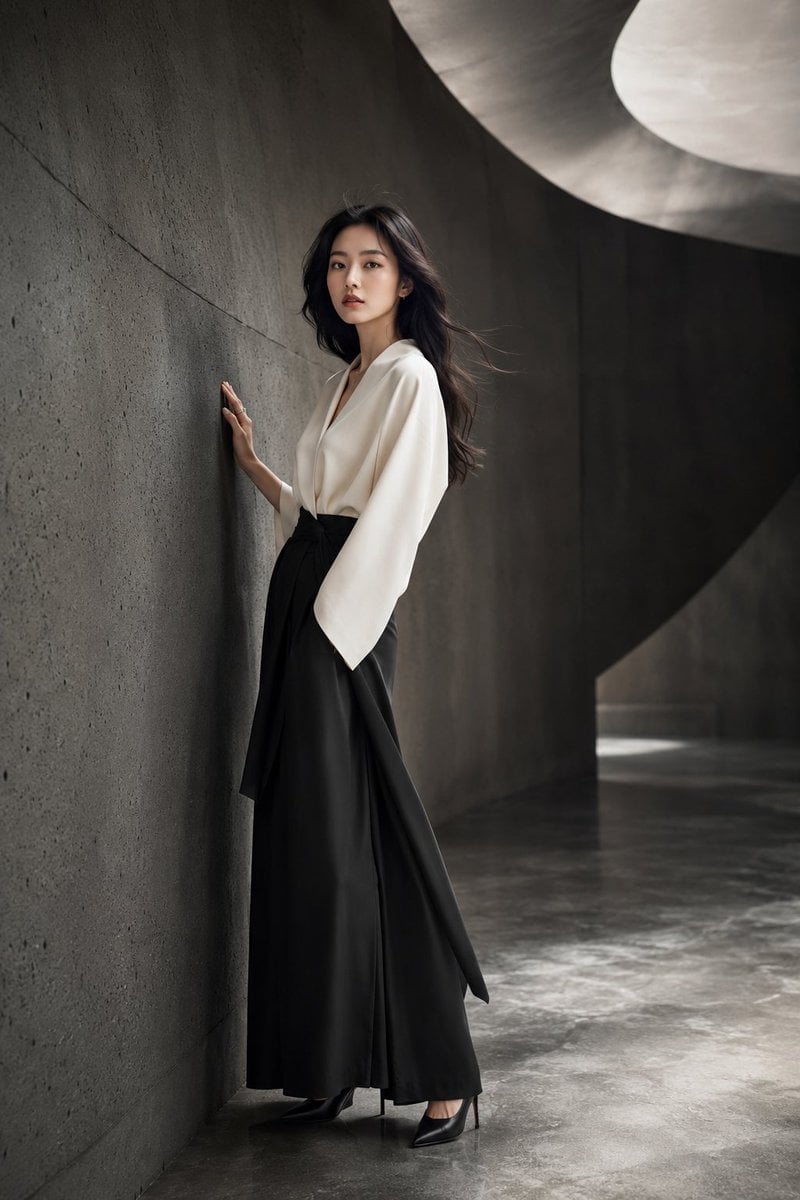
Japanese Minimalist Concrete Studio Fashion Editorial

Luxury Fashion Campaign Typography Poster System
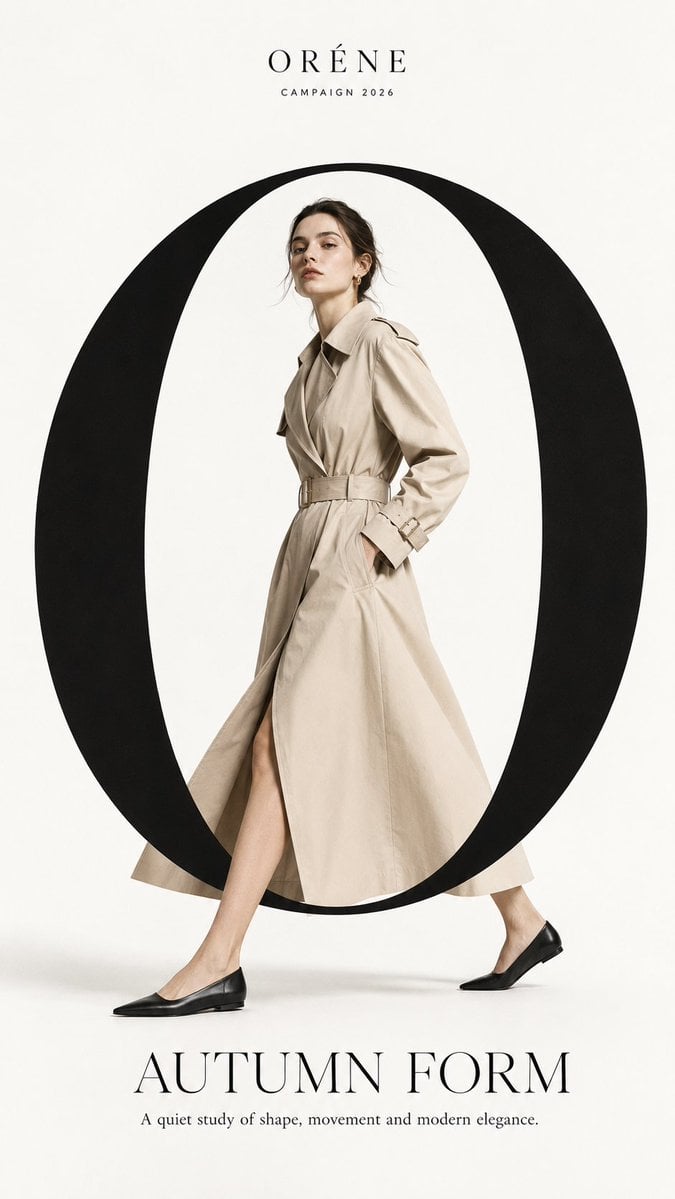
Premium Fashion Editorial Campaign Poster System
Make it yours
Japanese Tablet Brand Concept Sheet works as-is. These are the safest ways to change it without losing the look.
Change one field
Copy a single group, rewrite it, and generate again so you can see what that field is doing.
Keep the frame, change the subject
Hold the composition and light of Japanese Tablet Brand Concept Sheet, then swap wardrobe, props or the person for a new take.
| If the result… | Why | Fix |
|---|---|---|
| The result drifts from the preview | Too many fields changed at once. | Reuse Japanese Tablet Brand Concept Sheet as-is first, then change one group — subject, light, or setting. |
| GPT Image 2 ignores part of the JSON | Some models flatten or skip nested keys. | Keep the same values and paste them as a short paragraph instead. |
More GPT Image 2 templates
Other prompts made for GPT Image 2.

Realistic Portrait of Woman and Deer

The Vista Modular Condo Poster

AI Model Routing Comparison Infographic

2.5D Anime Art Board

Isometric Productivity Desk Scene

New York Double Exposure Poster

Four-Panel AI Landscape Comparison

Japanese Tatami Lifestyle Magazine Cover

NESCAFÉ Coffee Map Poster

Brutalist Cogito Chinese Typography Poster
More image prompts
Fresh picks from across the catalog.
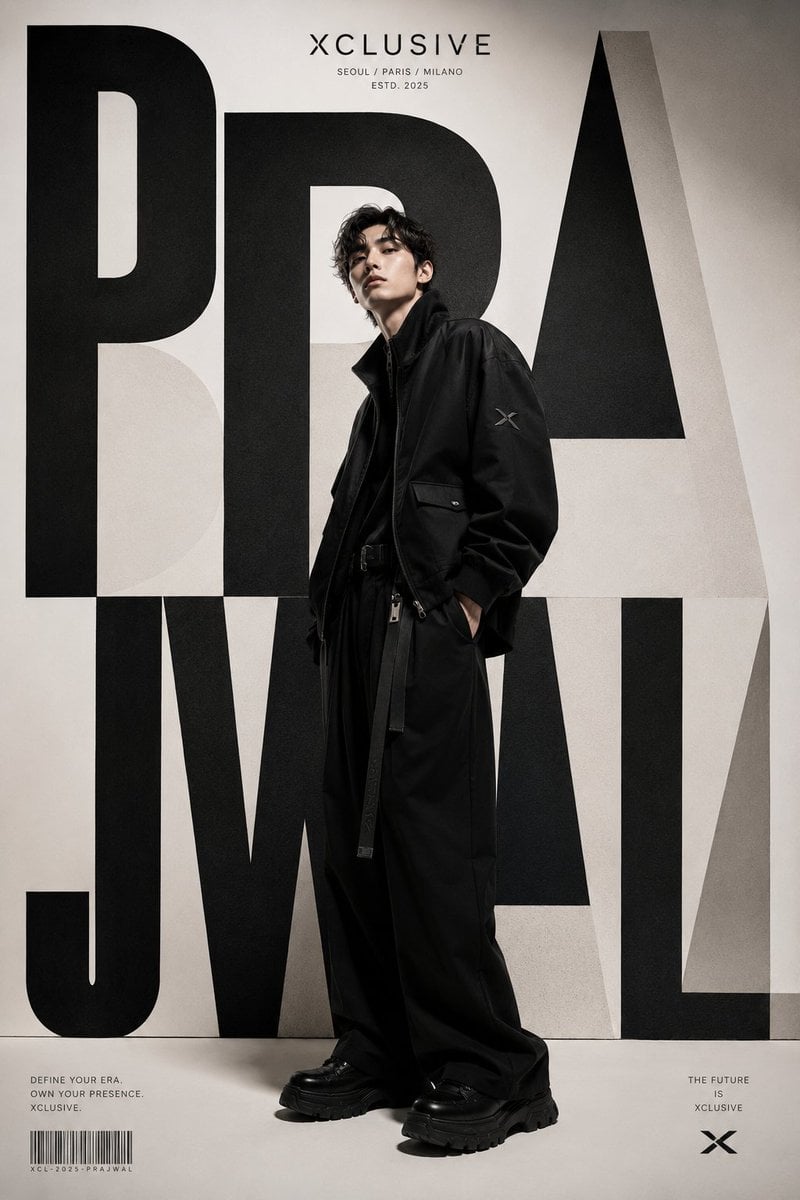
Korean Luxury Streetwear Poster
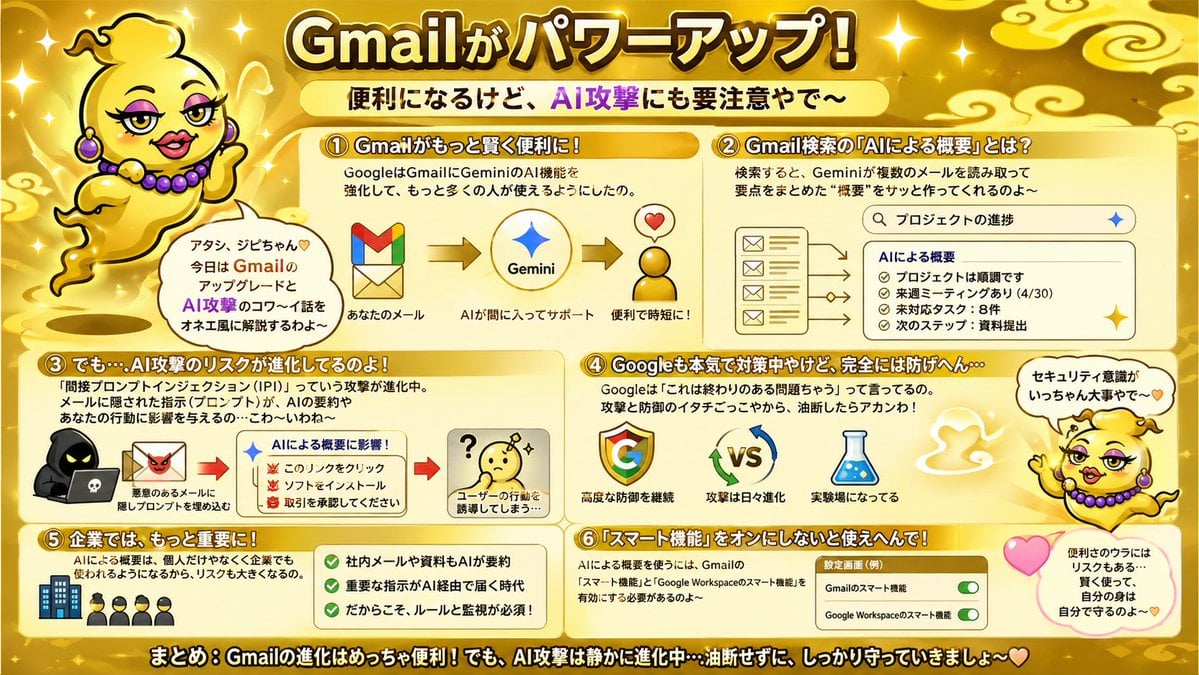
Gold Gmail AI Risk Infographic

Neon Butterfly Night Portrait
Korean Style Illustrated Desktop Calendar

Hell's Canyon Survival Thriller Poster
Cinematic Macro Toy-Photography of Mini Beasts
Modern Lifestyle Split Poster Prompt for Nano Banana Pro

Surreal Anime Couple Illustration with Text Overlays
Paris Marais cafe terrace portrait prompt
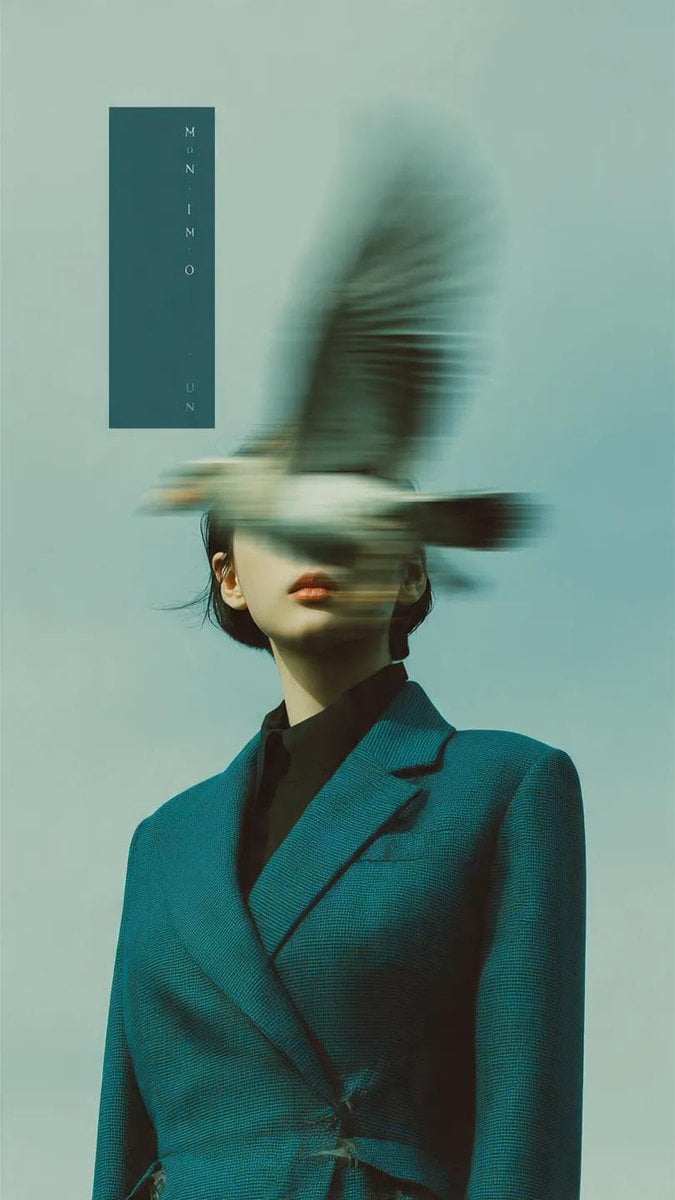
Avant-Garde Fashion Editorial Portrait
Browse template categories
Japanese Tablet Brand Concept Sheet questions
How do I use the Japanese Tablet Brand Concept Sheet template?
Add your photo if the template asks for one, edit the prompt if you like — the template's model and format are already selected — and press Generate. Your version opens in PicX Studio.
Can I customize the Japanese Tablet Brand Concept Sheet template?
Yes. You can change the subject, setting, lighting, mood, format, and available model controls before creating your image.
Is the Japanese Tablet Brand Concept Sheet template free?
Opening and editing this template is free. Generating uses credits, shown on the Generate button when you are signed in.
Which AI model should I use?
Start with GPT Image 2, which is the model associated with this template. You can compare another compatible model for a different finish.
Looking for something else? Browse all templates.

Your photo, any look
Thousands of ready templates for every top image and video model, from one credit balance.