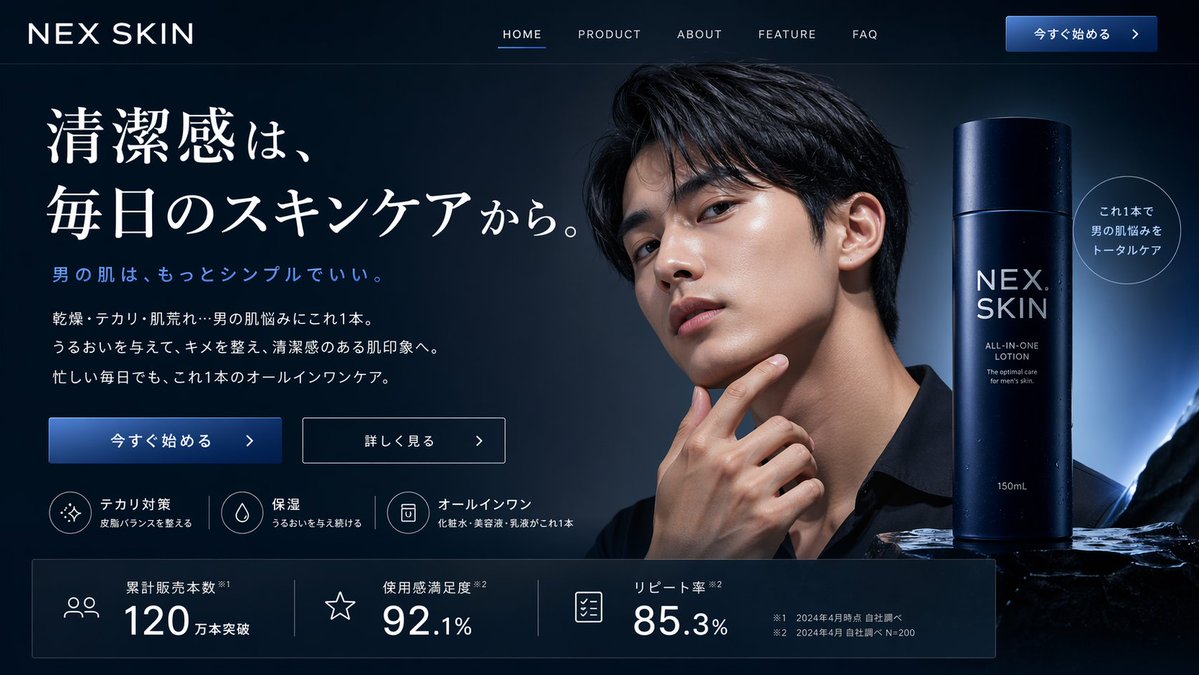
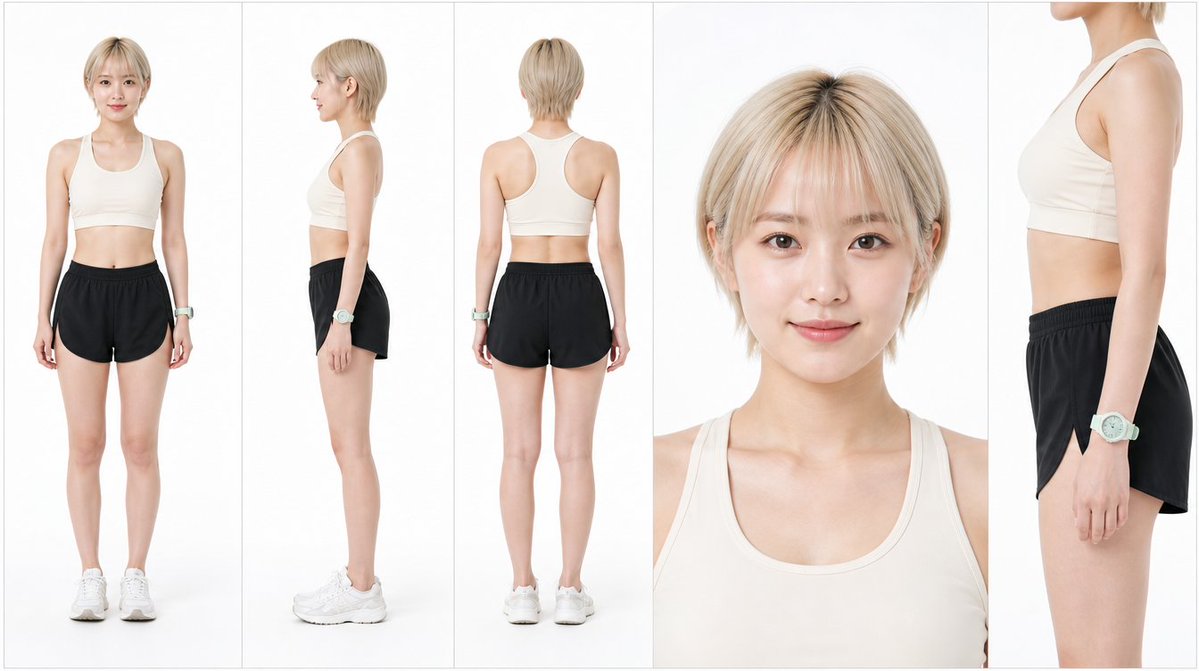
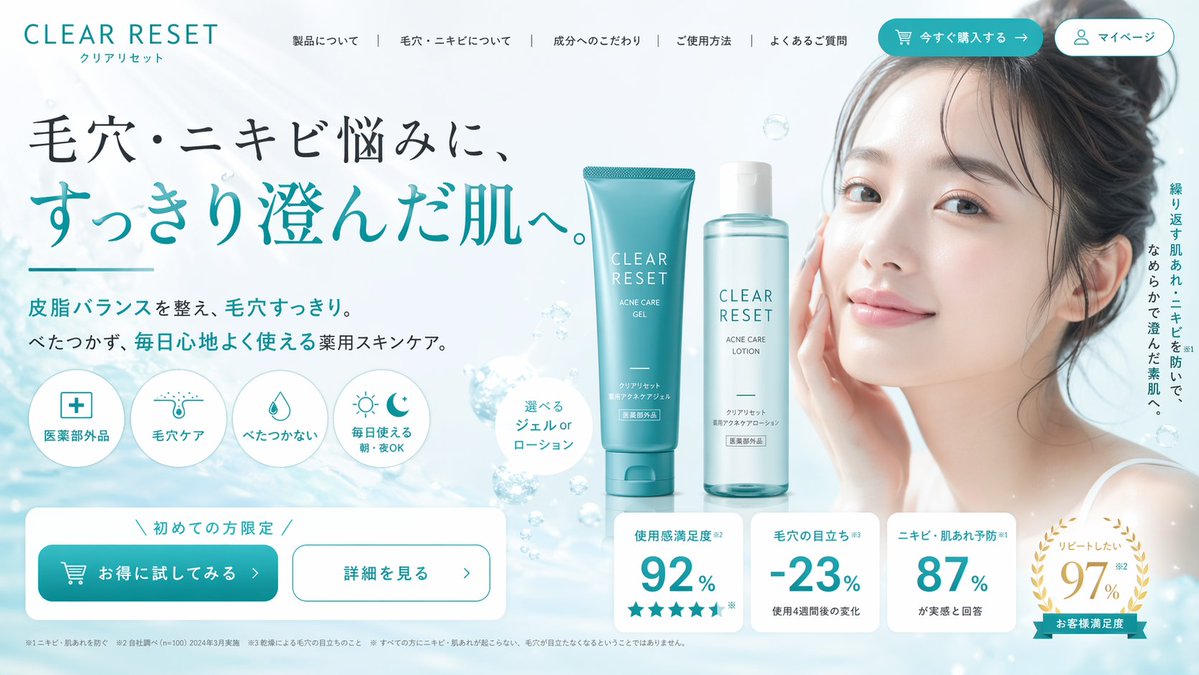
How do I use the Close-Up Southeast Asian Woman Selfie template?
Choose the primary action to open PicX Studio with the available template settings. Review the model and format, personalize the creative direction, and generate when ready.
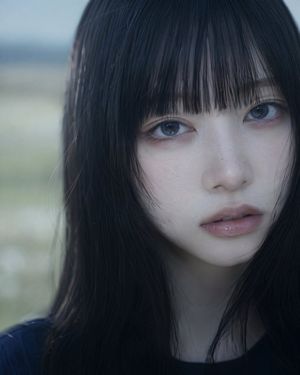
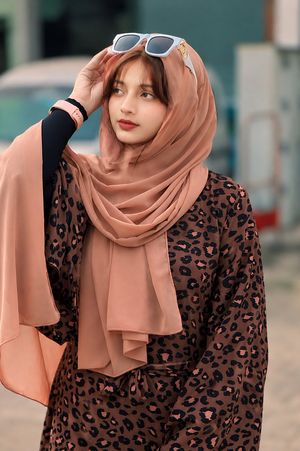
A softly lit, detailed close-up selfie prompt focusing on facial features and a natural aesthetic for a Southeast Asian woman. Change the subject, setting, or lighting one variable at a time.
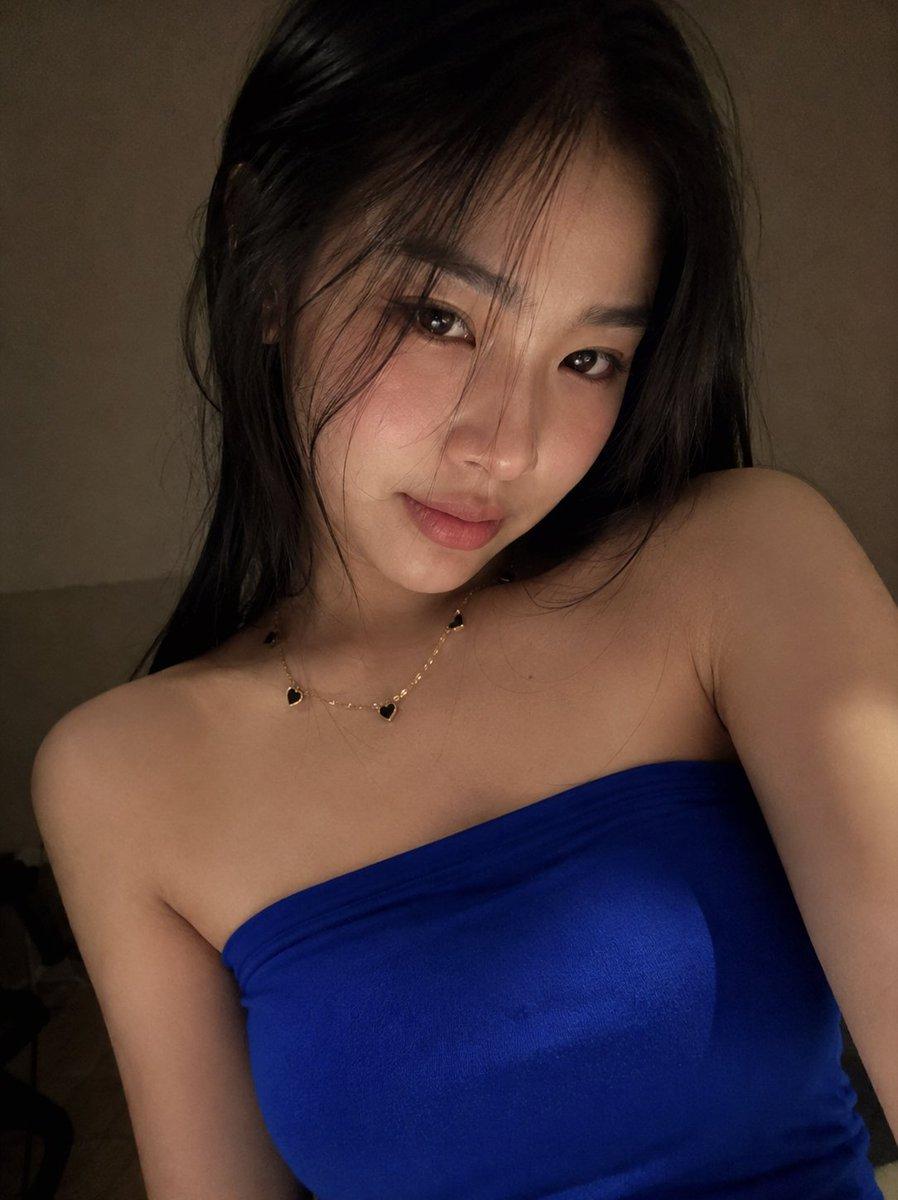
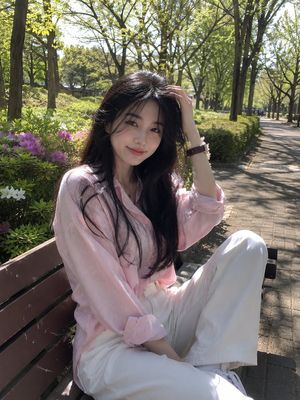
A softly lit close-up selfie captures a {argument name="subject" default="young Southeast Asian woman"} with long {argument name="hair color" default="jet-black"} hair and delicate model-like facial features, including almond-shaped eyes, flushed cheeks, a small nose, and full {argument name="lip color" default="pink"} lips.
Choose the primary action to open PicX Studio with the available template settings. Review the model and format, personalize the creative direction, and generate when ready.
Yes. You can change the subject, setting, lighting, mood, format, and available model controls before creating your image.
This template is free to open and customize. Generation usage is shown in PicX Studio before you create.
Start with GPT Image 2, which is the model associated with this template. You can compare another compatible model for a different finish.
Follow a topic to a crawlable collection of related PicX Studio templates.
43,474 public templates available. Verified via the PicX Studio public templates API; refreshed hourly.










![Minimalist Flat Vector Travel Poster — Premium minimalist flat-vector travel poster for {argument name="city name" default="[CITY_NAME]"}, 3:4 vertical format.](https://cms-assets.youmind.com/media/1787917359711_3ug846_HQX205cbMAA6F6S-300x400.jpg)