
Traditional Southeast Asian Portrait
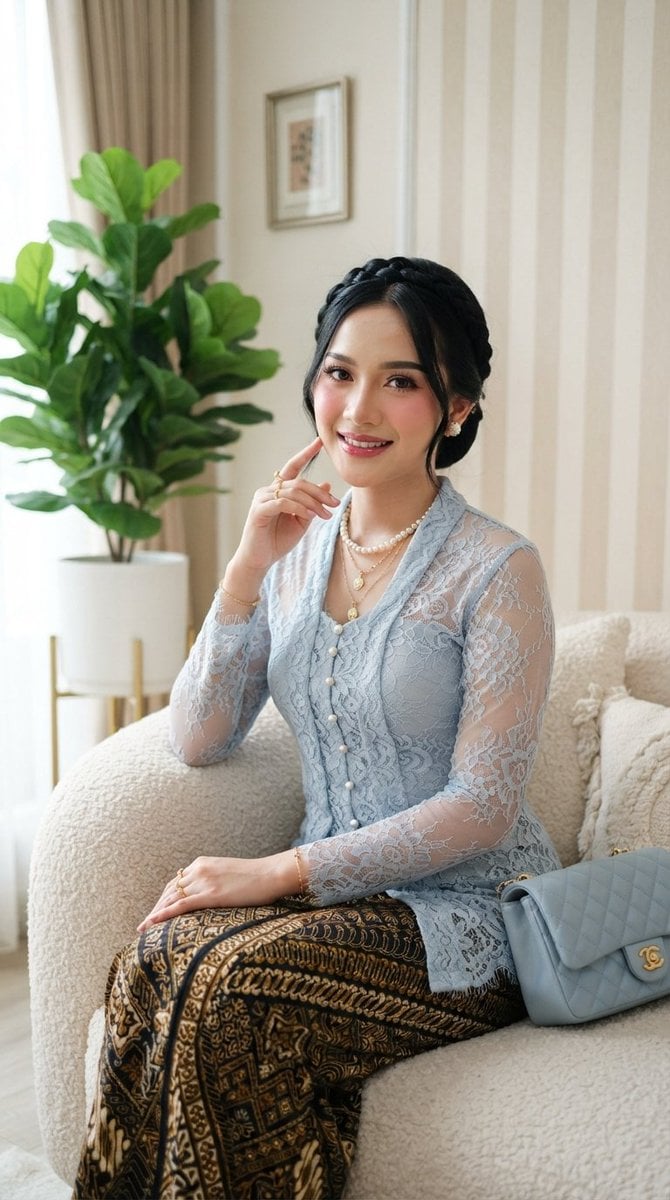
A sophisticated prompt for generating a portrait of a woman in a traditional kebaya, blending cultural heritage with modern studio lighting.
- Prompt included
- Model and format preset
- Free template
The prompt behind this image
Copy the exact prompt behind Traditional Southeast Asian Portrait, or open it in the studio and make it yours.
ar 9:16 High A beautiful {argument name="subject" default="young Southeast Asian woman (Indonesian features)"} sitting gracefully on a {argument name="furniture" default="soft cream-colored bouclé sofa"}, looking directly at the camera with a soft, elegant smile and gentle eye contact. She has fair skin with soft pink blush on her cheeks, defined winged eyeliner, long lashes, and glossy rose-pink lips. Her dark black hair is styled in a neat, polished updo with a braided crown and a few delicate loose strands framing her face. She is wearing a {argument name="clothing" default="delicate light powder-blue kebaya"} made of intricate floral lace with sheer long sleeves, pearl buttons running down the front, and a fitted silhouette. The kebaya is paired with a traditional dark batik kain with intricate gold and cream geometric patterns. Layered jewelry includes a strand of white pearls, multiple delicate gold necklaces with small pendants, pearl stud earrings, gold rings, and a thin gold bracelet. A light blue quilted shoulder bag with a gold clasp rests on her left side. Her right hand is raised near her face in a soft, elegant pose with one finger lightly touching near her cheek, while her left arm rests naturally. Soft natural lighting highlights her features and the lace texture. Background features vertical beige-and-cream striped wallpaper and a large green leafy plant in a white ceramic pot on a gold stand to the left. Elegant, refined, traditional-modern fusion style, high detail, photorealistic, soft glam makeup, studio portrait quality.
How to use Traditional Southeast Asian Portrait in 3 steps
- 1
Open
The prompt is already in the box next to the preview, with the template's model and format selected.
- 2…a portrait of your subject in softgolden-hour light, 85mm…
Personalize
Edit the subject and creative details for your destination.
- 3Generate
Generate
Press Generate — your image is created in PicX Studio, so you can compare it with the original and refine one variable at a time.
More like this
Templates with the same subject, style or setup. Open one to see its prompt.
Traditional Colored Pencil Portrait Sketch

Avant-Garde Asian Fashion Model
East Asian Woman with Gerbera Flowers

Nano Banana Pro Photoreal Playful Couple

Underwater Macro Face Portrait

Noir Punk Street Portrait

High Contrast Cinematic Face Portrait

Monochrome Studio Portrait with Colored Lens

Ultra-Realistic Yacht Sunset Portrait

Found Photograph: Us, 1970

80s Couple Studio Portrait

80s Bollywood Star
Make it yours
Traditional Southeast Asian Portrait works as-is. These are the safest ways to change it without losing the look.
Change one field
Copy a single group, rewrite it, and generate again so you can see what that field is doing.
Keep the frame, change the subject
Hold the composition and light of Traditional Southeast Asian Portrait, then swap wardrobe, props or the person for a new take.
| If the result… | Why | Fix |
|---|---|---|
| The result drifts from the preview | Too many fields changed at once. | Reuse Traditional Southeast Asian Portrait as-is first, then change one group — subject, light, or setting. |
| The model over-stylizes the scene | The prose prompt leaves finish and camera underspecified. | Add one camera or lighting sentence and stay on Gemini 3 Pro Image Preview. |
More Gemini 3 Pro Image Preview templates
Other prompts made for Gemini 3 Pro Image Preview.

Mushroom Still Life Composition

Whimsical Anthropomorphic Friendly Insect

Cinematic Urban Night Billboard Portrait

Pop Art Summer Fruit Fashion Illustration

Ultra-Realistic iPhone Selfie with Motion Blur

Cinematic Mirror Reflection Portrait

Elegant Men's Twilight Editorial

Coastal Freedom Sunset Portrait

Ergonomic Office Chair E-commerce Mobile Detail Page

Macro Guitar Fret Dressing
More image prompts
Fresh picks from across the catalog.

Quiet Luxury Editorial Portrait with Identity Lock
Neon Temple Chase
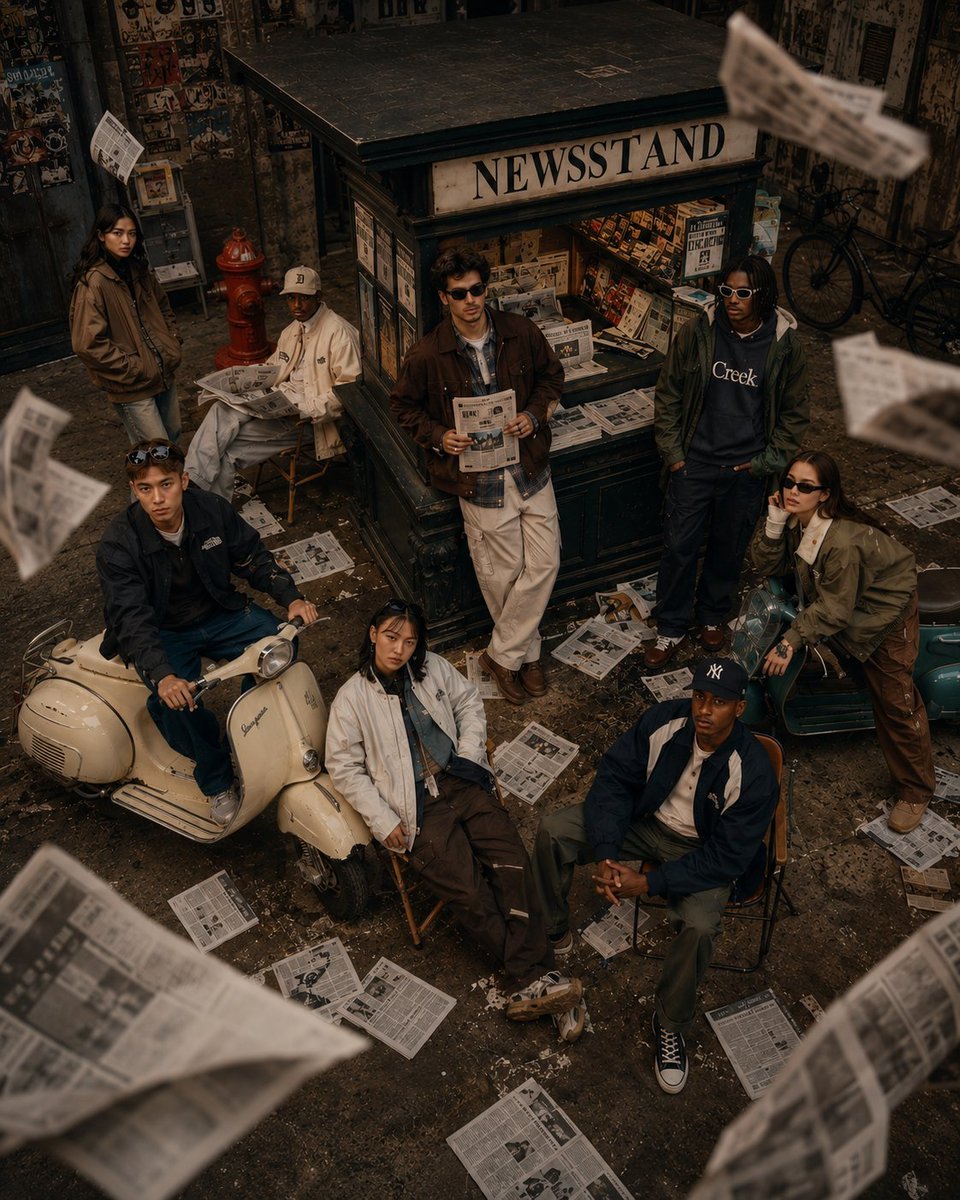
90s Retro Streetwear Fashion Editorial

Macro Product Shot of Capsules and Softgel

Vintage Cookbook Food Scene
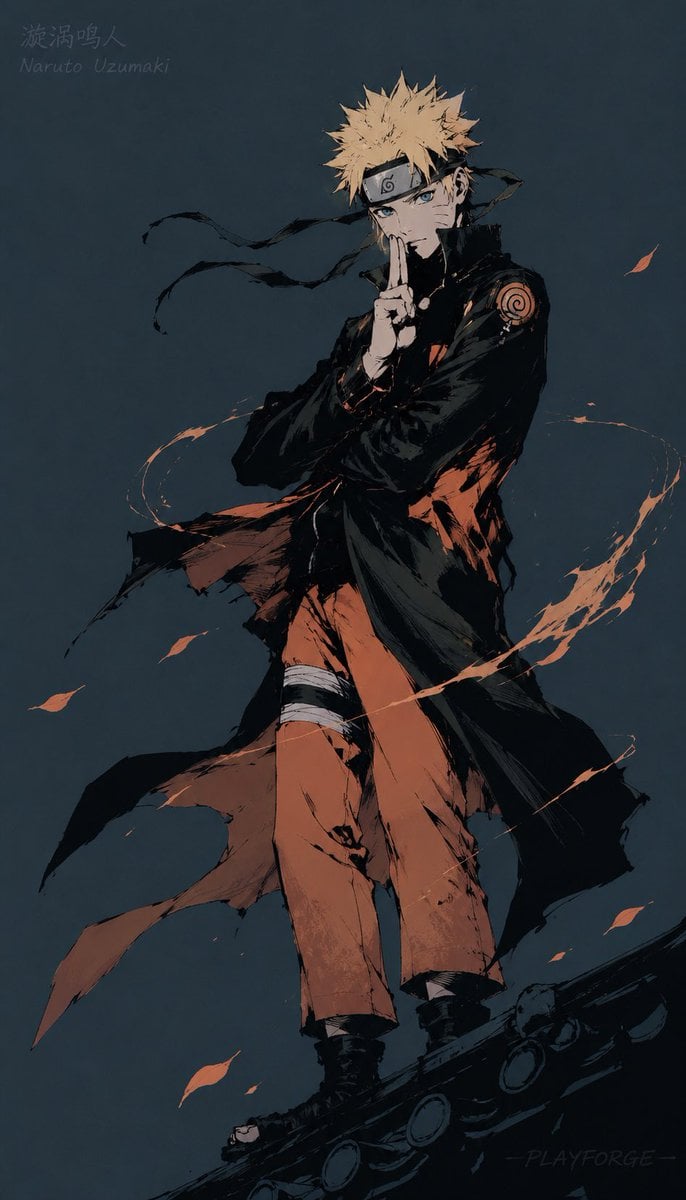
Gritty Naruto Poster Illustration
Lego-style self portrait

Pulp Comic Style Poster Design with Multiple Characters Prompt

Transformers Space Scenes Prompt
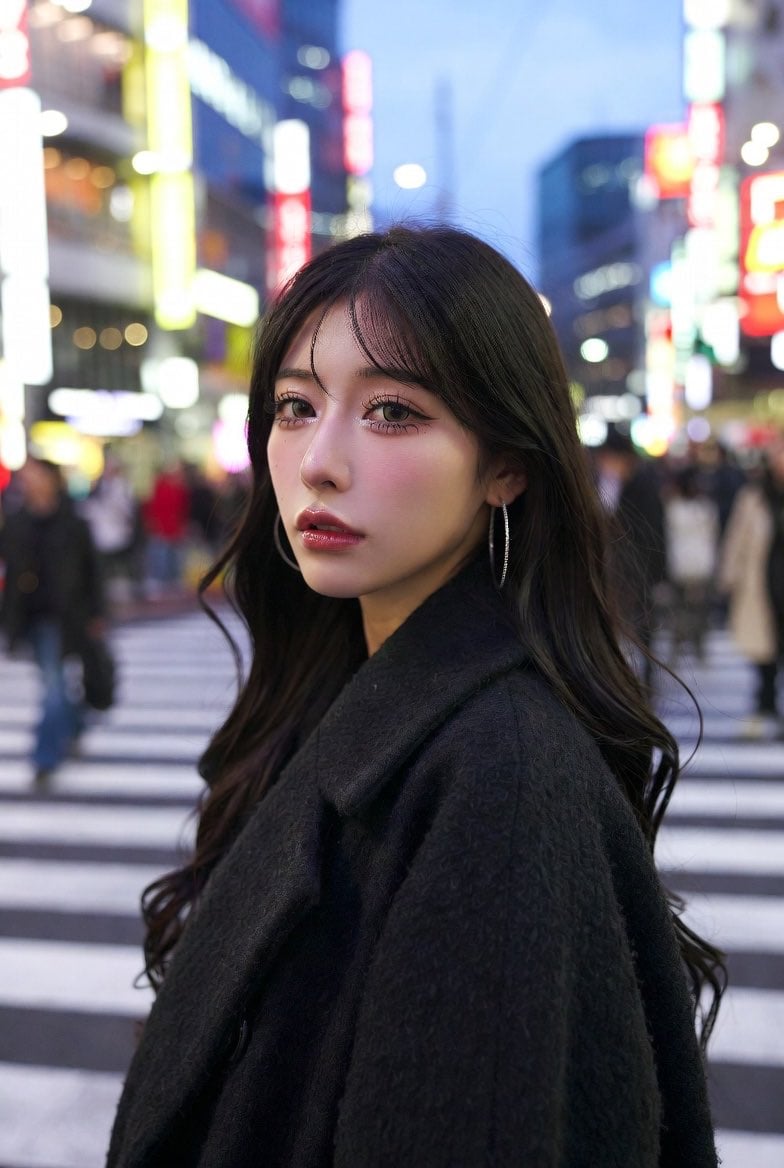
Neon City Portrait With Face Block
Browse template categories
Traditional Southeast Asian Portrait questions
How do I use the Traditional Southeast Asian Portrait template?
Add your photo if the template asks for one, edit the prompt if you like — the template's model and format are already selected — and press Generate. Your version opens in PicX Studio.
Can I customize the Traditional Southeast Asian Portrait template?
Yes. You can change the subject, setting, lighting, mood, format, and available model controls before creating your image.
Is the Traditional Southeast Asian Portrait template free?
Opening and editing this template is free. Generating uses credits, shown on the Generate button when you are signed in.
Which AI model should I use?
Start with Gemini 3 Pro Image Preview, which is the model associated with this template. You can compare another compatible model for a different finish.
Looking for something else? Browse all templates.

Your photo, any look
Thousands of ready templates for every top image and video model, from one credit balance.