
Husky Girl Expression Sheet
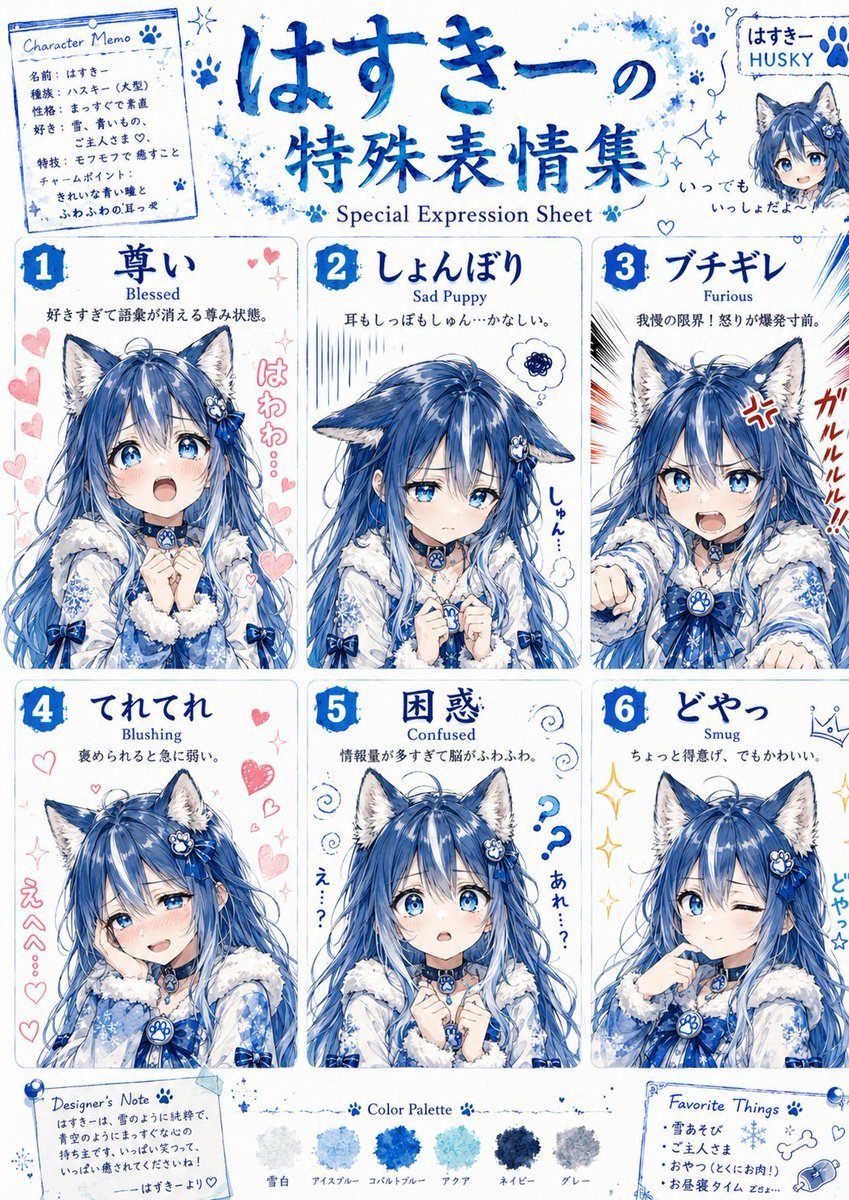
A structured prompt for generating a detailed anime husky-girl special expression sheet with six labeled emotion panels and character memo details.
- Prompt included
- Model and format preset
- Free template
The prompt behind this image
Copy the exact prompt behind Husky Girl Expression Sheet, or open it in the studio and make it yours.
Goal: Create a cute anime character special expression sheet for a blue-and-white husky dog-girl character, like a hand-drawn Japanese character memo page. The theme is {argument name="character name" default="Husky"}, with a wintery blue ink sketchbook aesthetic, paw prints, hearts, sparkles, handwritten notes, and watercolor splashes. Canvas: Portrait poster, roughly 3:4 aspect ratio, white paper background with blue watercolor stains and thin blue panel borders. Use a clean character-sheet layout with a large Japanese brush-calligraphy title at the top reading {argument name="main title" default="はすきーの特殊表情集"}, and a small English subtitle below it: “Special Expression Sheet”. Character design: A young anime kemonomimi girl with large fluffy husky ears, very long messy {argument name="hair color" default="deep cobalt blue hair"}, blue ribbons and paw-shaped hair ornaments, a fluffy white fur-trimmed blue winter outfit, snowflake patterns, a blue bow at the chest, and a round paw-print pendant. Her overall palette is navy, ice blue, white, and soft gray. Draw her face clearly in each expression card; do not obscure it. Keep the same character design consistent across all panels. Top area: On the upper left, include one tilted “Character Memo” box with a paw icon and five short Japanese-style profile lines: name, species, personality, likes, and special trait. On the upper right, include one small profile badge/card with the text “はすきー / HUSKY”, a tiny bust portrait of the character, paw prints, and small handwritten notes. Main layout: Use exactly 6 large rounded expression cards arranged in a 3-column by 2-row grid. Each card has a blue numbered badge, a large Japanese expression title, a smaller English translation, a short Japanese note line, and decorative handwritten sound effects. The six expression cards are: 1. “尊い” with English label “Blessed” — the character clasps her hands near her chest, overwhelmed with joy and tenderness, surrounded by pink hearts and soft sparkles. 2. “しょんぼり” with English label “Sad Puppy” — her husky ears droop low, shoulders slumped, hands gripping the outfit, with gloomy vertical lines and a small sad thought bubble. 3. “ブチギレ” with English label “Furious” — intense angry pose with clenched fists thrust forward, red anger marks, speed lines, and bold growling sound effects. 4. “てれてれ” with English label “Blushing” — shy bashful pose, head tilted, one hand near face, pink hearts and embarrassed handwritten marks. 5. “困惑” with English label “Confused” — uncertain expression, hands held close to chest, question marks, spiral symbols, and hesitant side notes. 6. “どやっ” with English label “Smug” — confident smug pose with one hand near chin, sparkles, a small crown doodle, and proud handwritten sound effects. Bottom strip: Add three small information sections. Left: one pinned “Designer’s Note” memo card with blue handwriting and a tiny heart signature. Center: one “Color Palette” strip with exactly 6 labeled swatches: snow white, ice blue, cobalt blue, aqua, navy, and gray. Right: one pinned “Favorite Things” memo card listing exactly 3 items: snow play, delicious food, and a favorite toy, with small icons such as a snowflake, bone, and toy capsule. Visual style: Highly detailed anime illustration, soft watercolor and colored-pencil texture, blue ballpoint pen linework, hand-drawn notebook decorations, Japanese kawaii stationery design, light paper grain, ornate but readable layout. Use mostly blue ink with small pink accents only for hearts/blush and red accents only for anger marks. Constraints: Keep exactly 6 expression panels, exactly 6 color swatches, exactly 3 favorite-things items, and one character memo box. Make all panel titles and numbers legible. No photorealism, no 3D render, no watermark, no extra panels, no unrelated characters.
How to use Husky Girl Expression Sheet in 3 steps
- 1Upload ImagePNG, JPG or paste
Add your photo
Upload the photo the template builds on. The prompt, model and format are already set.
- 2…a portrait of your subject in softgolden-hour light, 85mm…
Personalize
Edit the subject and creative details for your destination.
- 3Generate
Generate
Press Generate — your image is created in PicX Studio, so you can compare it with the original and refine one variable at a time.
More like this
Templates with the same subject, style or setup. Open one to see its prompt.
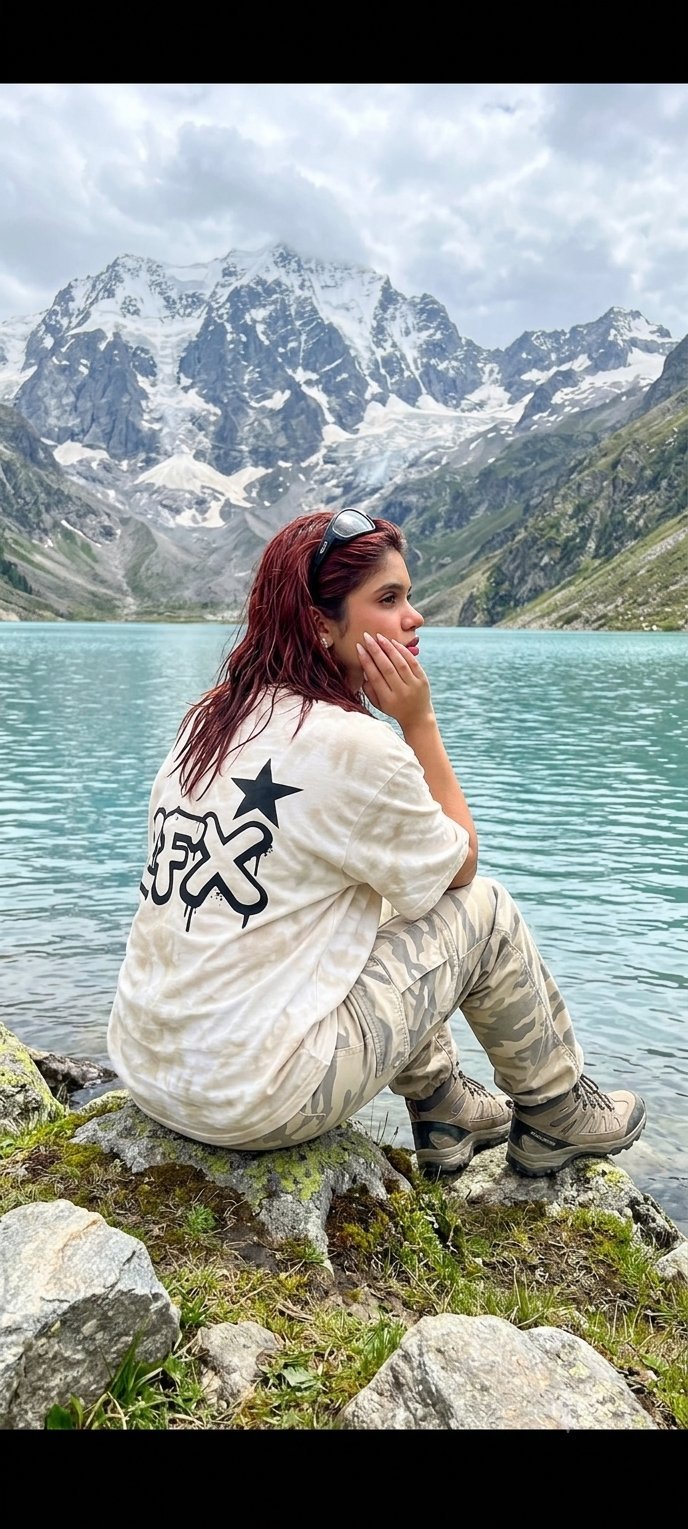
Teen Girl Alpine Lake Mountain View
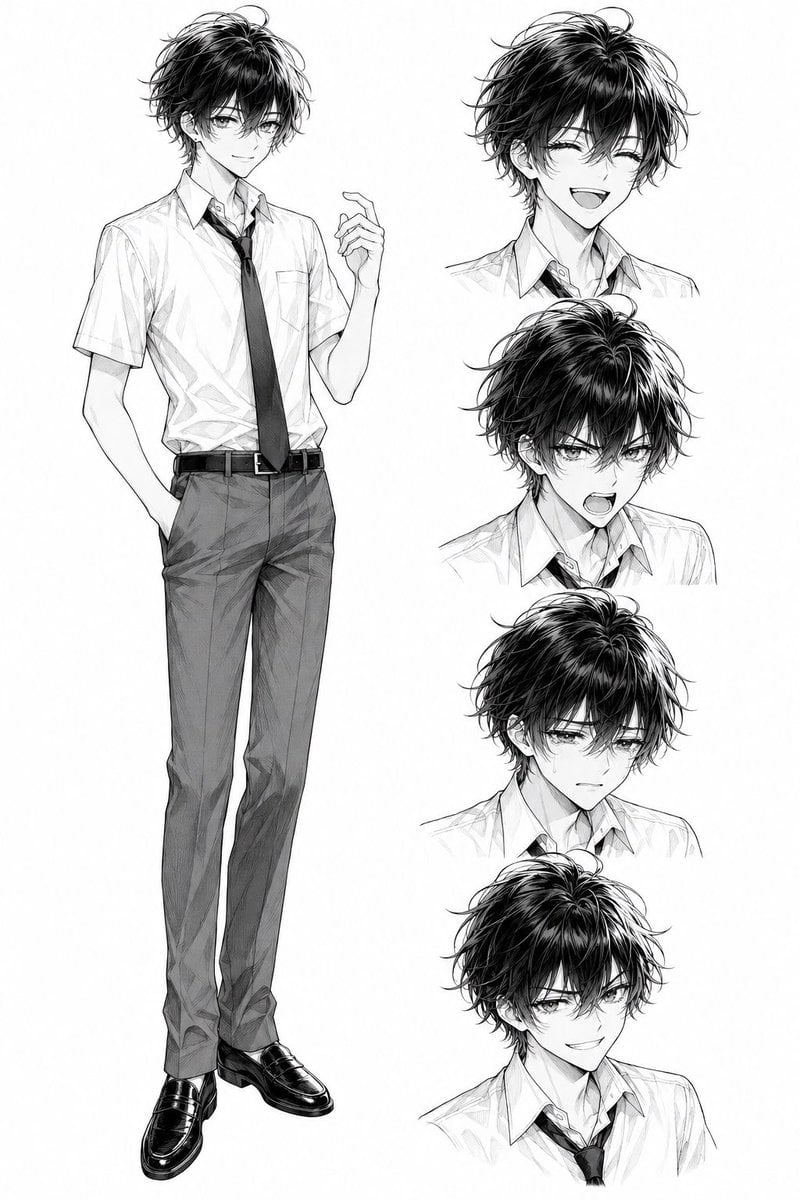
Monochrome Anime Schoolboy Expression Sheet
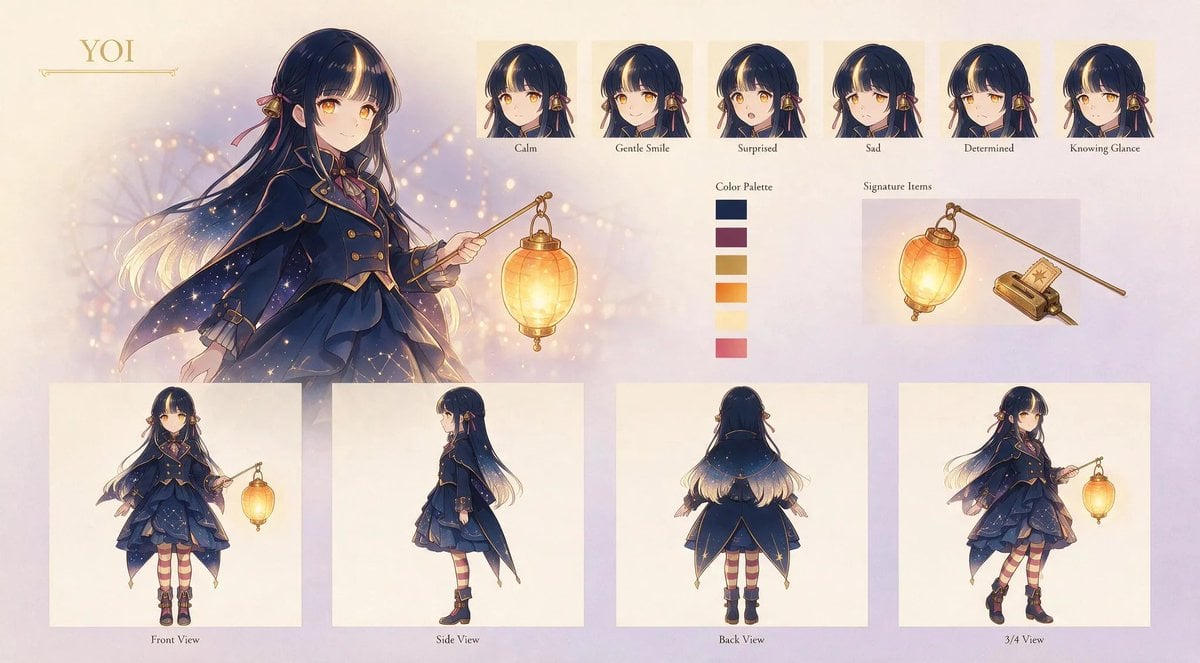
Anime Lantern Girl Character Sheet
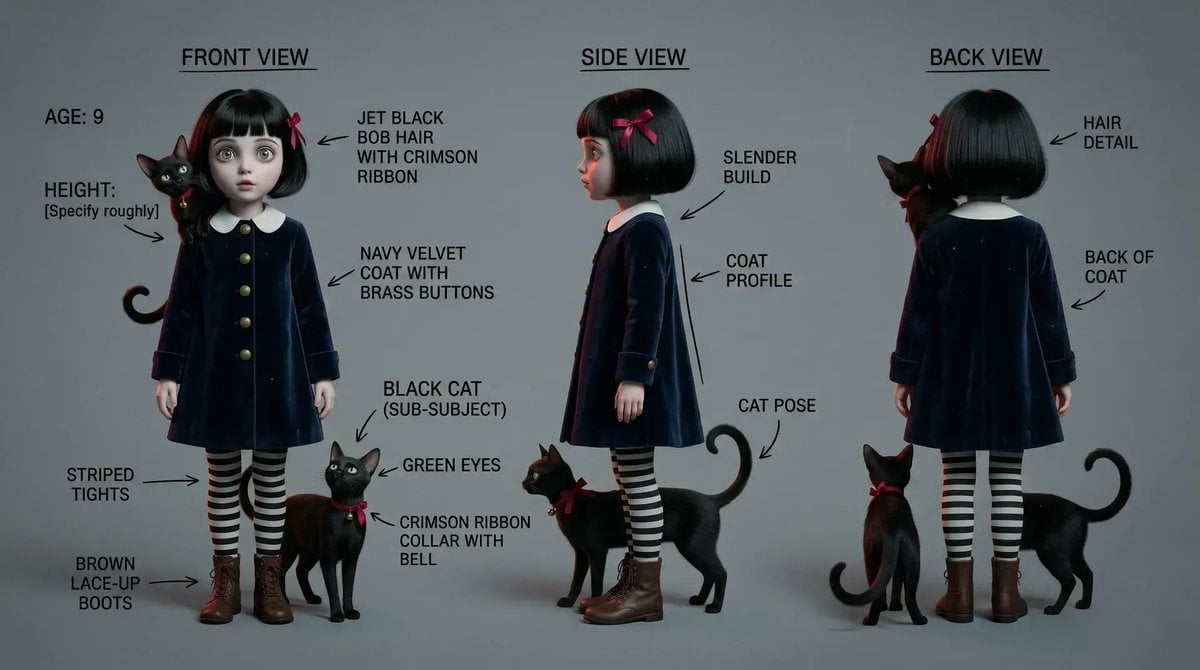
Gothic Girl Character Turnaround Sheet
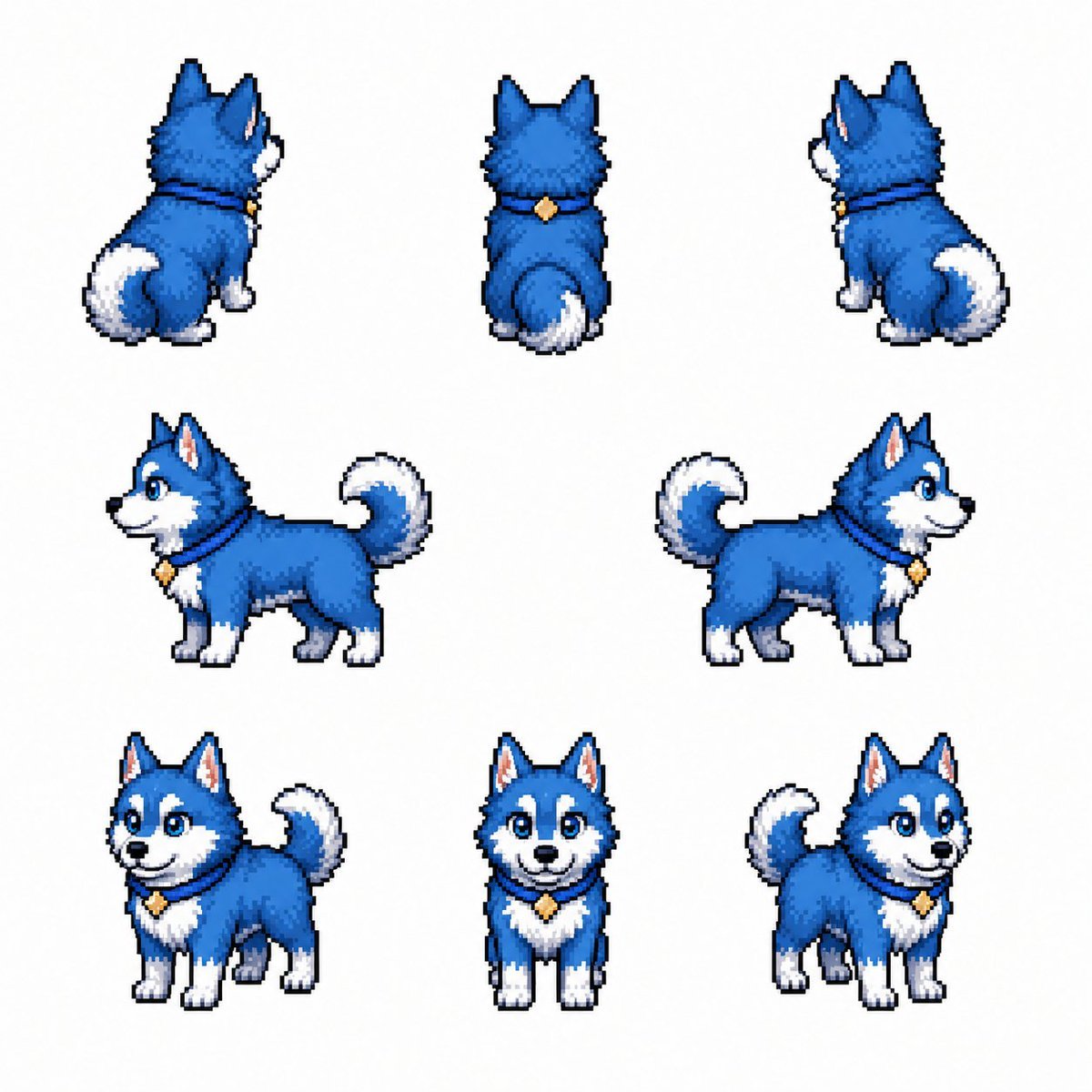
Blue Husky Pixel Sprite Sheet
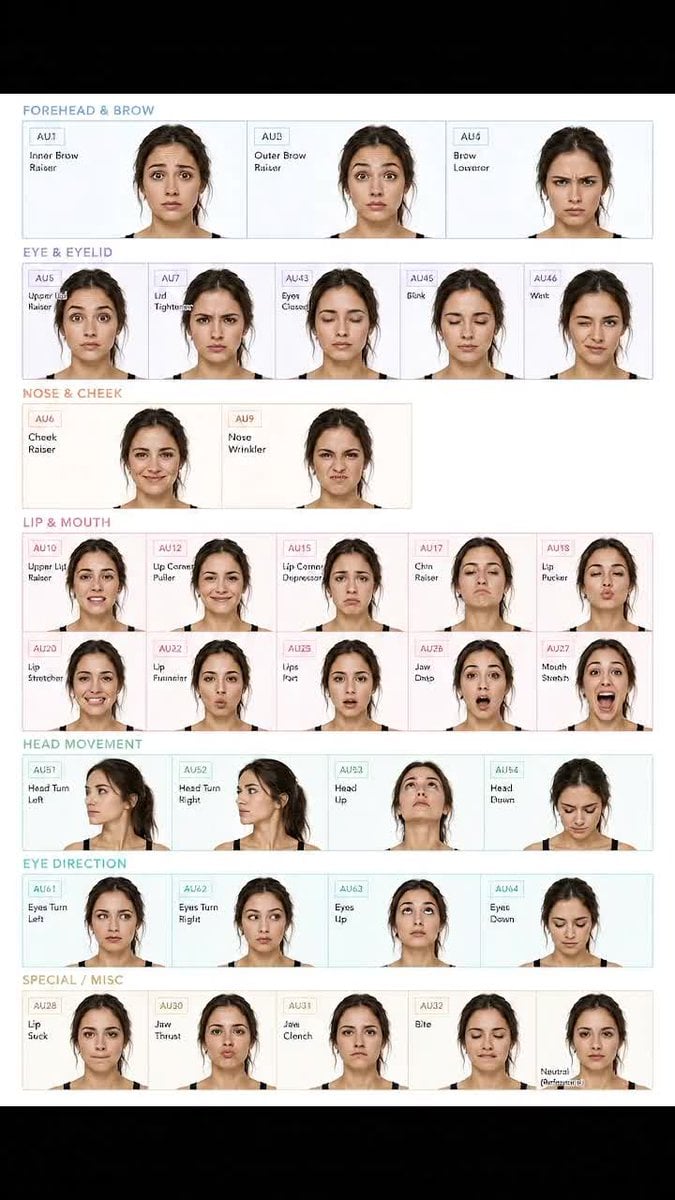
Facial Expression Anatomy Sheet
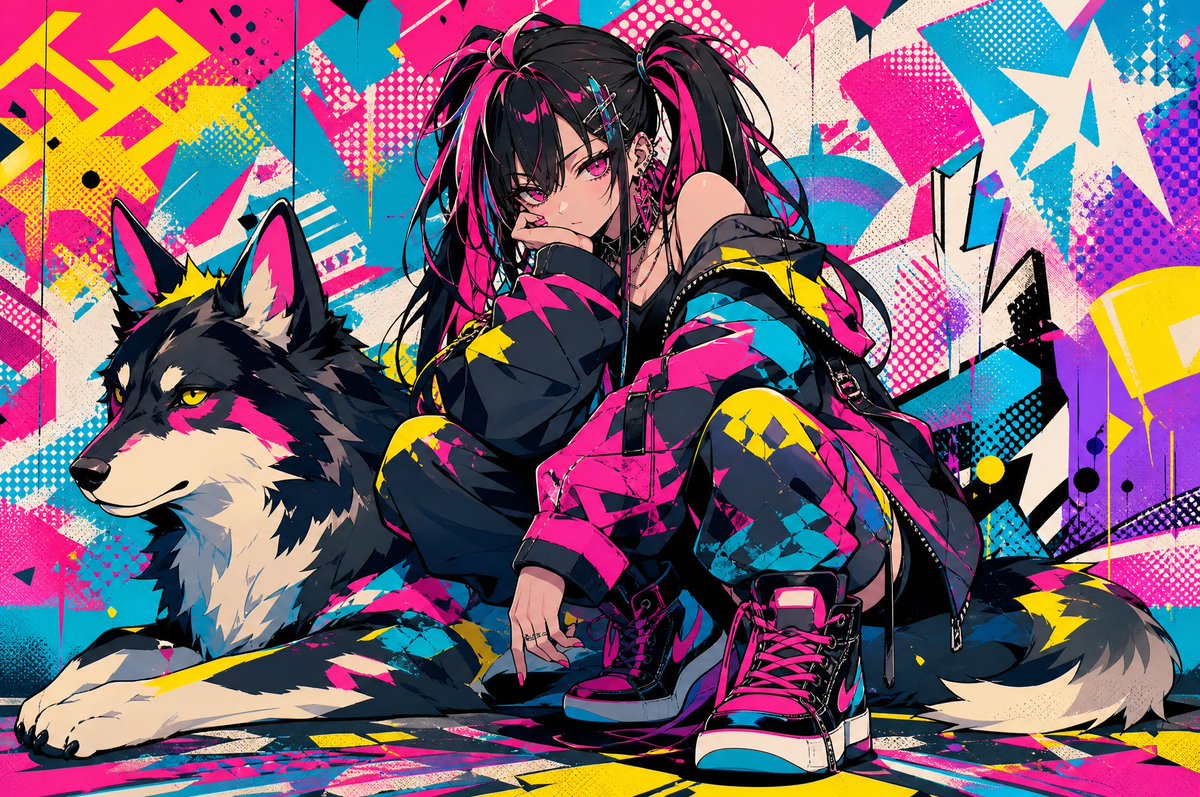
Neon Punk Girl with Husky
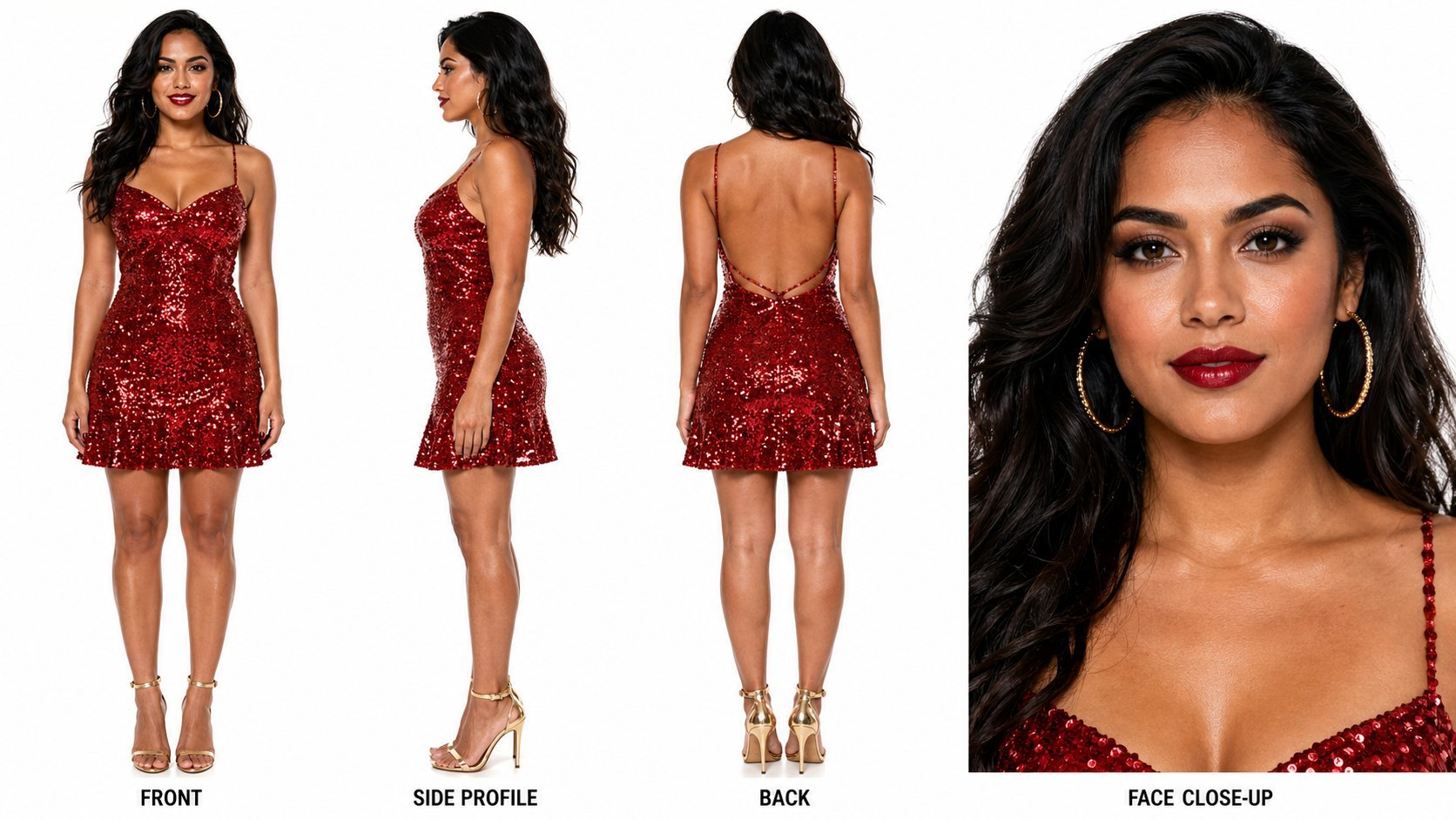
Dancer Character - Four View Reference Sheet
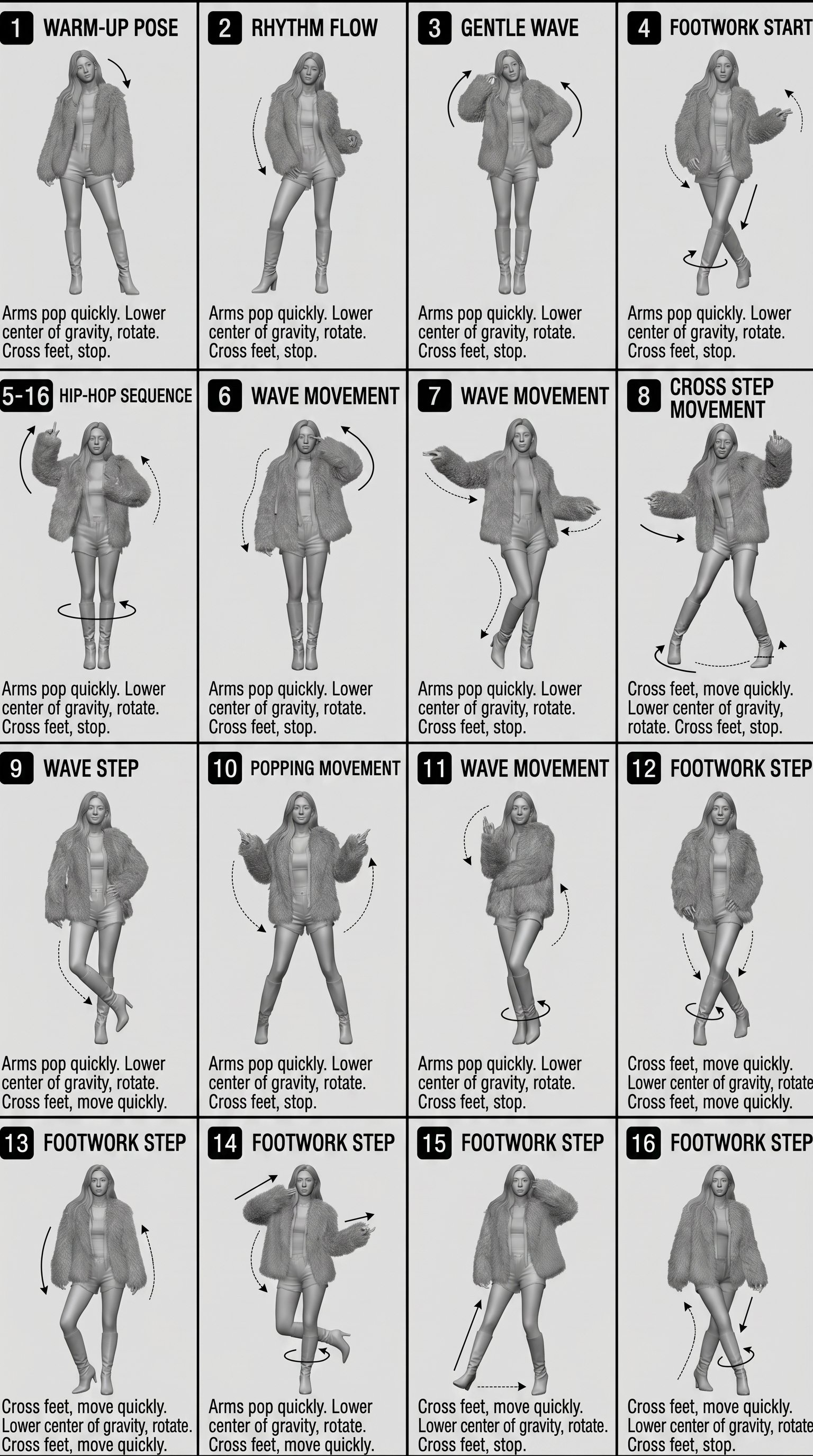
Movement Sheet - Dance Reference (Seedance 2.0)
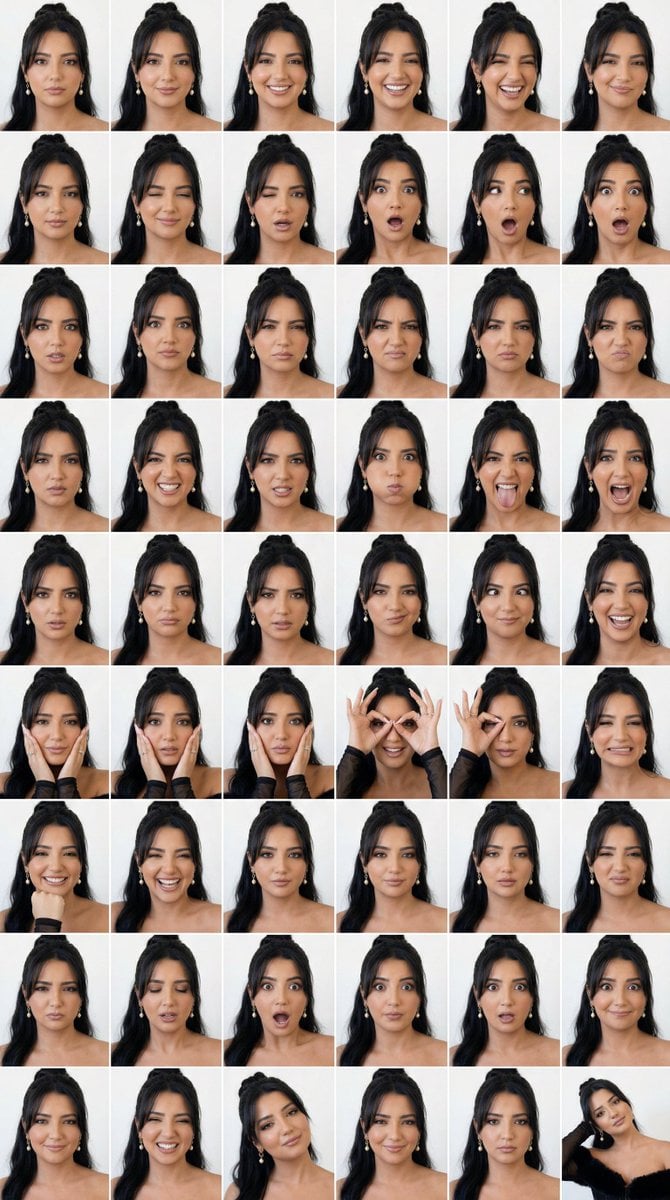
Panel Studio Expression Contact Sheet

Six VTuber Japanese Logo Sheet
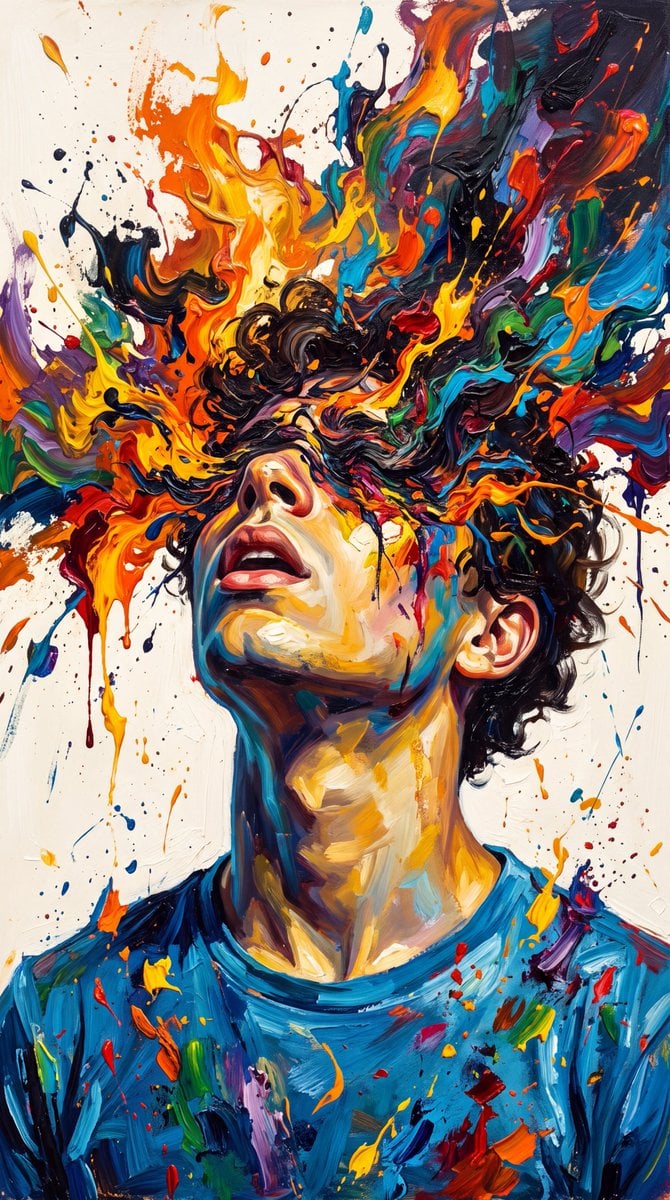
Abstract Expressionist Paint Eruption
Make it yours
Husky Girl Expression Sheet works as-is. These are the safest ways to change it without losing the look.
Change one field
Copy a single group, rewrite it, and generate again so you can see what that field is doing.
Keep the frame, change the subject
Hold the composition and light of Husky Girl Expression Sheet, then swap wardrobe, props or the person for a new take.
| If the result… | Why | Fix |
|---|---|---|
| The result drifts from the preview | Too many fields changed at once. | Reuse Husky Girl Expression Sheet as-is first, then change one group — subject, light, or setting. |
| The model over-stylizes the scene | The prose prompt leaves finish and camera underspecified. | Add one camera or lighting sentence and stay on GPT Image 2. |
More GPT Image 2 templates
Other prompts made for GPT Image 2.

Realistic Portrait of Woman and Deer

The Vista Modular Condo Poster

AI Model Routing Comparison Infographic

2.5D Anime Art Board

Isometric Productivity Desk Scene

New York Double Exposure Poster

Four-Panel AI Landscape Comparison

Japanese Tatami Lifestyle Magazine Cover

NESCAFÉ Coffee Map Poster

Brutalist Cogito Chinese Typography Poster
More image prompts
Fresh picks from across the catalog.
Generate a beautiful woman from six different angles in a single, six-panel image
Perspective Shift Card Modification
Artistic Luxury Trophy Design Poster
Google Nano Banana Pro Sound Visualizati
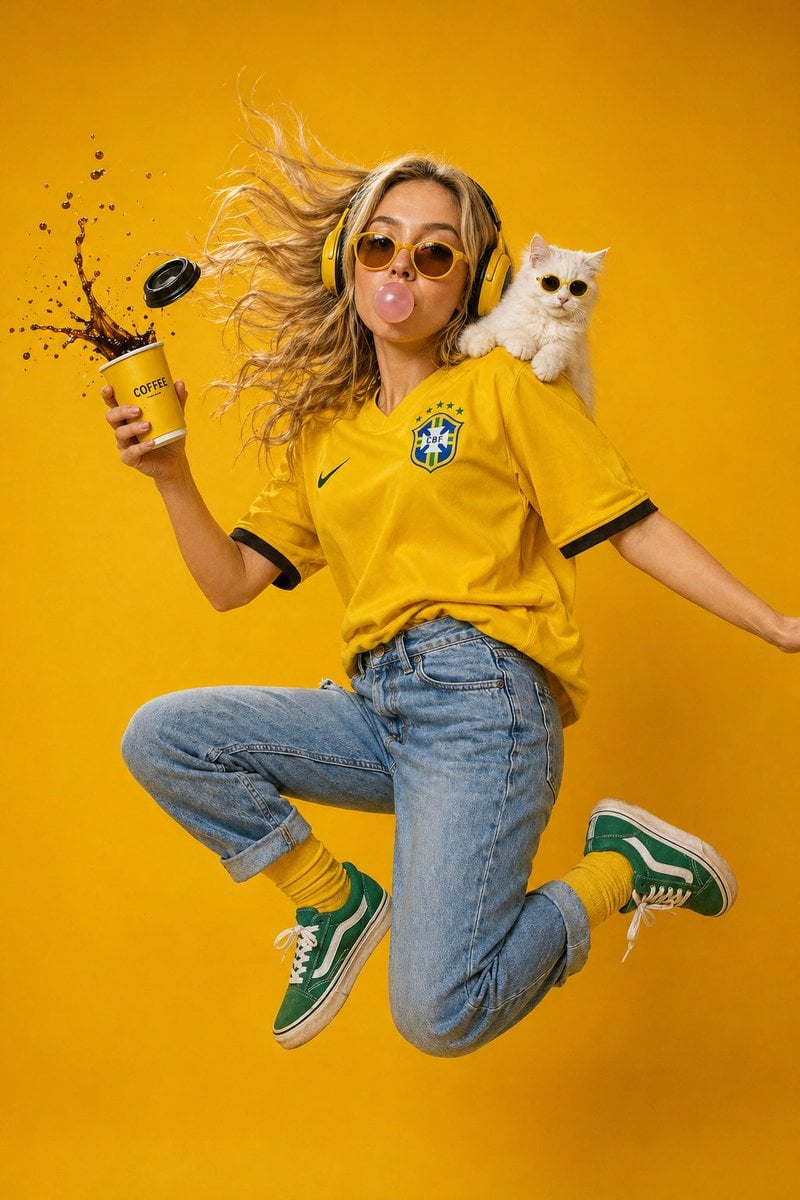
Surreal Studio Fashion Portrait
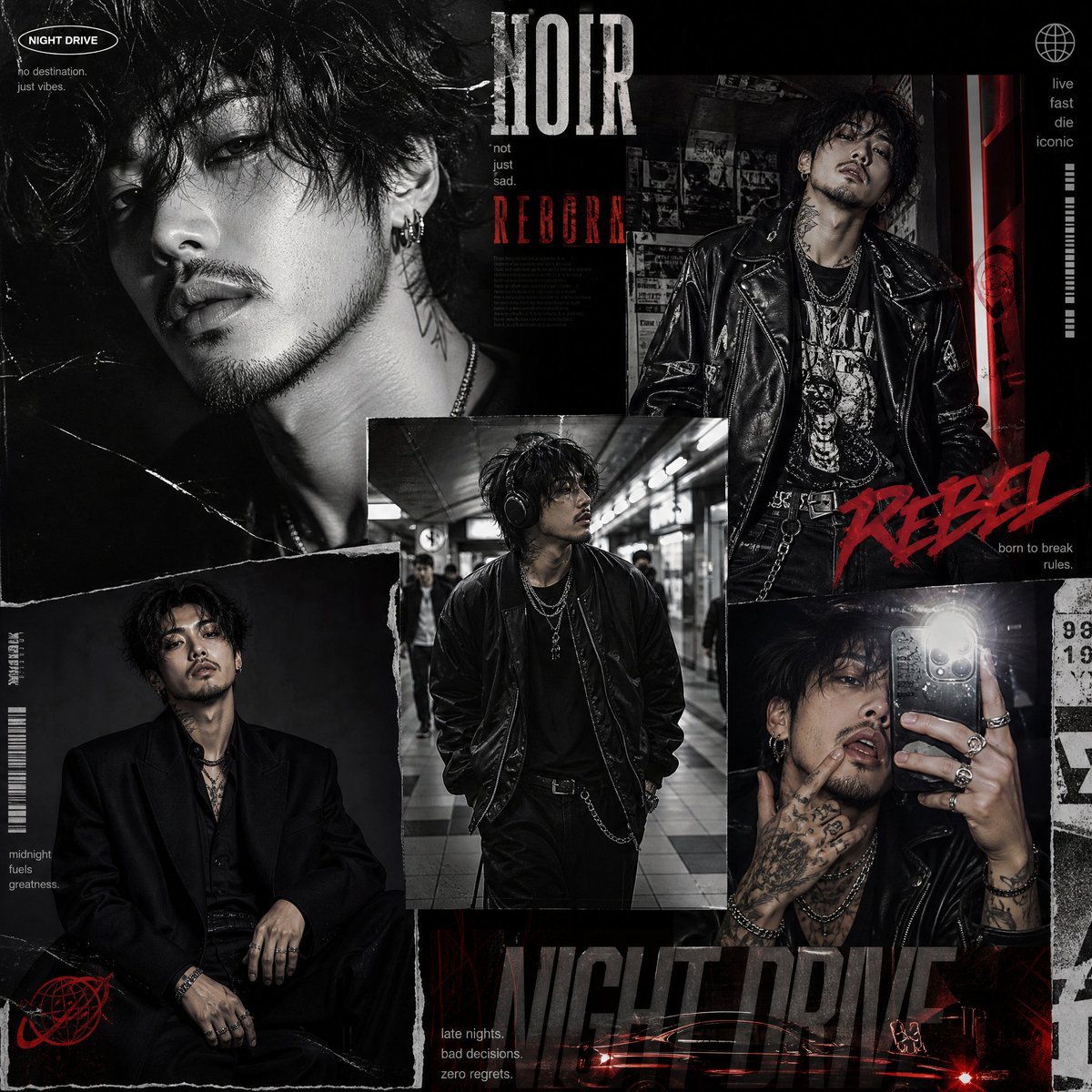
Luxury Editorial Fashion Collage
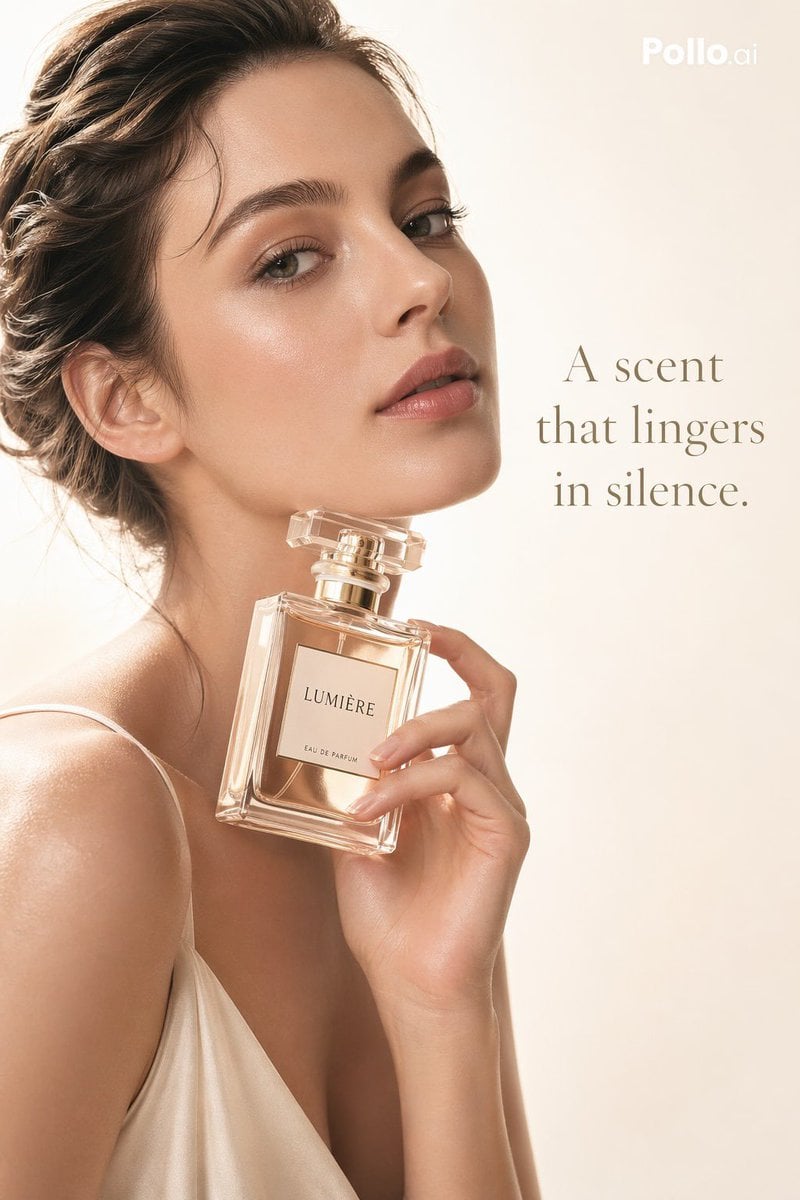
Luxury Perfume Editorial Ad
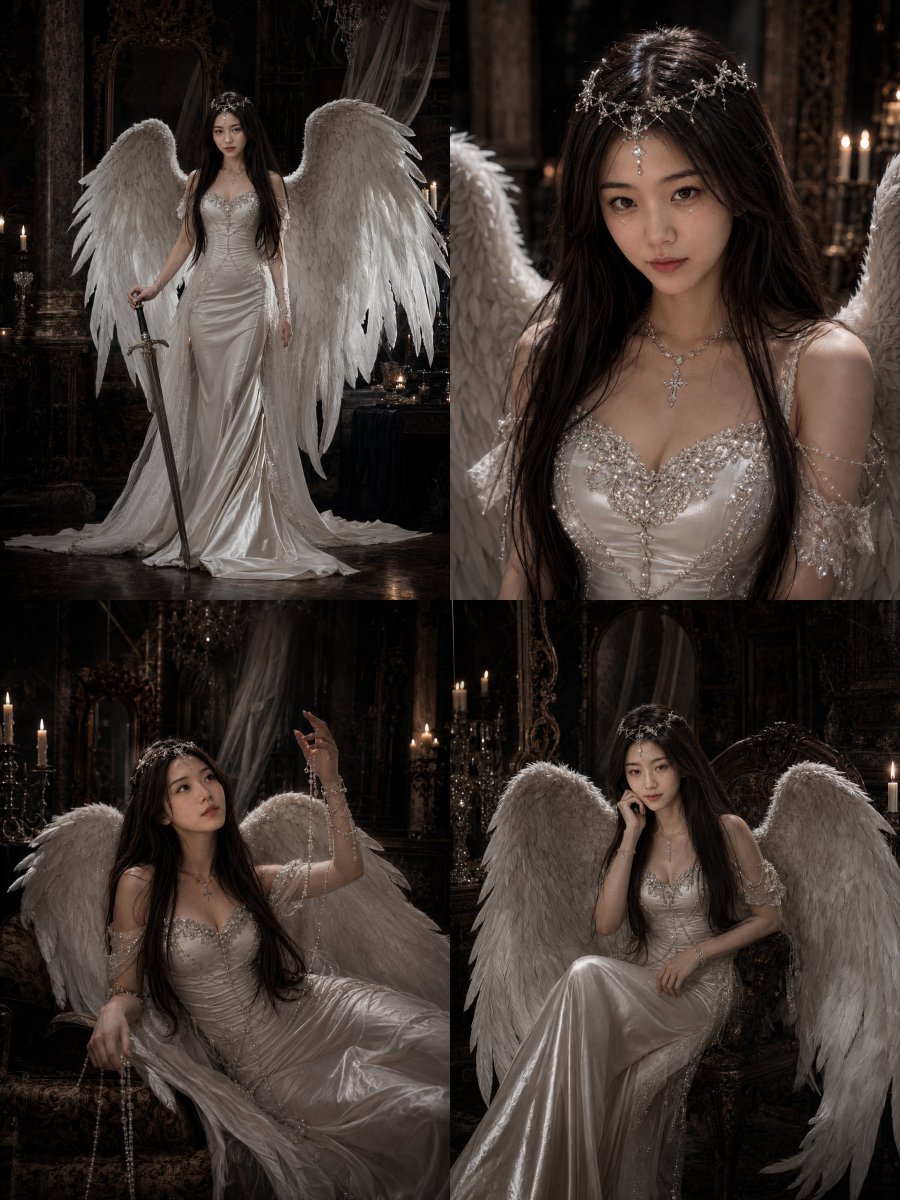
Gothic Angel Studio Portrait
Psychological Horror Selfie with Distant Anomaly

Old Photo Restoration to DSLR Quality
Browse template categories
Husky Girl Expression Sheet questions
How do I use the Husky Girl Expression Sheet template?
Add your photo if the template asks for one, edit the prompt if you like — the template's model and format are already selected — and press Generate. Your version opens in PicX Studio.
Can I customize the Husky Girl Expression Sheet template?
Yes. You can change the subject, setting, lighting, mood, format, and available model controls before creating your image.
Is the Husky Girl Expression Sheet template free?
Opening and editing this template is free. Generating uses credits, shown on the Generate button when you are signed in.
Which AI model should I use?
Start with GPT Image 2, which is the model associated with this template. You can compare another compatible model for a different finish.
Looking for something else? Browse all templates.

Your photo, any look
Thousands of ready templates for every top image and video model, from one credit balance.