
Nighttime Chic Flash Photography Style
A style-transforming prompt that applies a nighttime chic flash photography aesthetic to photos, featuring high contrast and candid editorial energy.
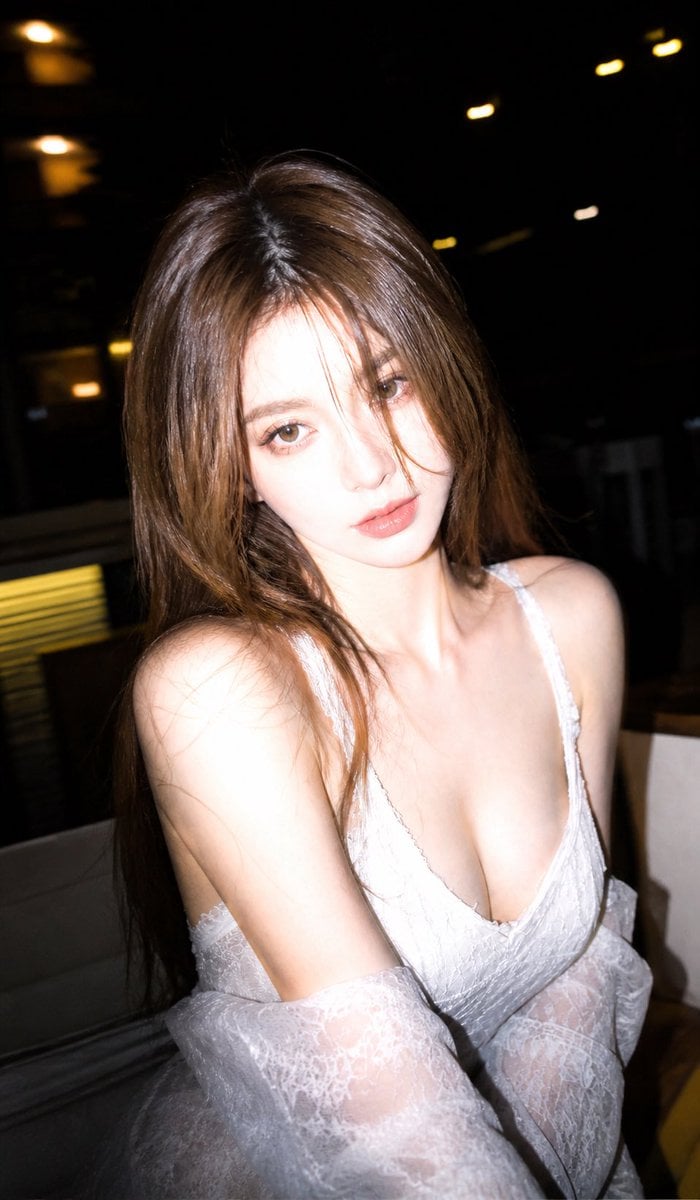
- Prompt included
- Model and format preset
- Premium template
The prompt behind this image
Copy the exact prompt behind Nighttime Chic Flash Photography Style, or open it in the studio and make it yours.
Transform the {argument name="subject" default="photo"} into {argument name="style" default="nighttime chic flash photography"}. Use harsh direct on-camera flash with {argument name="lighting" default="strong highlights, deep shadows"}, and slight overexposure on the subject. Set the scene at night with a dark, moody background while keeping realistic colors and textures. Add a candid, editorial feel, slightly imperfect framing, motion energy, and spontaneous expression. Emphasize high contrast, glossy skin highlights, and subtle film grain for a raw, fashion-nightlife aesthetic.
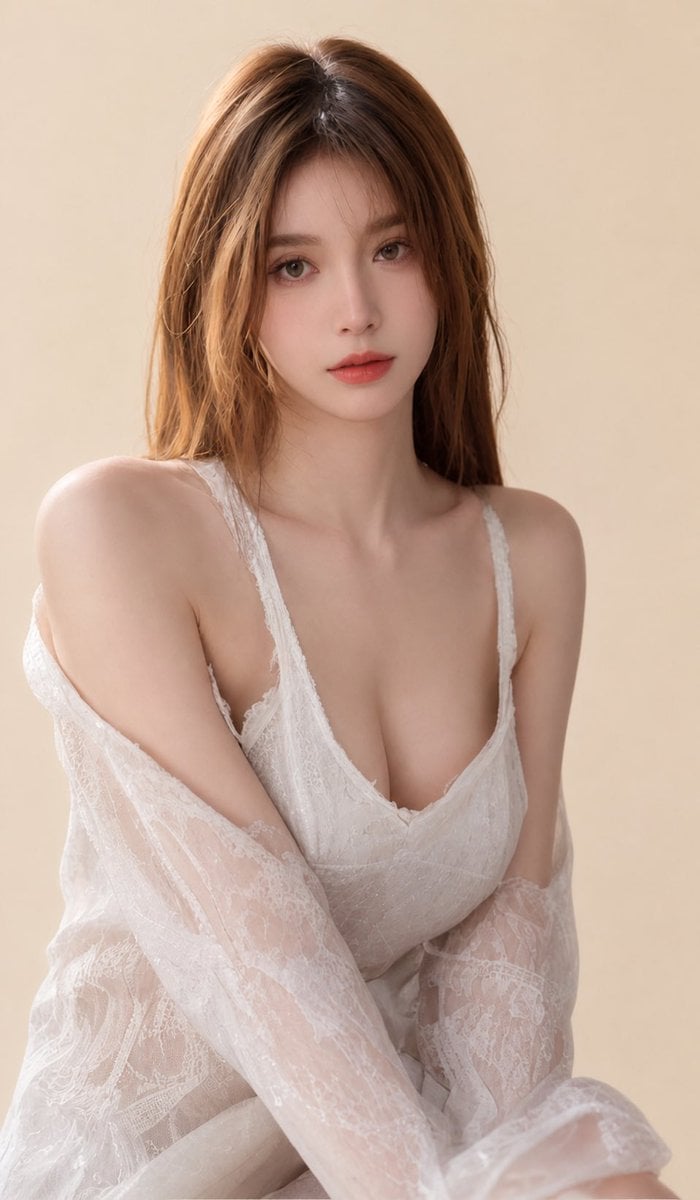
Reference images included
Nighttime Chic Flash Photography Style needs input media to work. They load alongside the prompt when you open it in the studio.
How to use Nighttime Chic Flash Photography Style in 3 steps
- 1Upload ImagePNG, JPG or paste
Add your photo
Upload the photo the template builds on. The prompt, model and format are already set.
- 2…a portrait of your subject in softgolden-hour light, 85mm…
Personalize
Edit the subject and creative details for your destination.
- 3Generate
Generate
Press Generate — your image is created in PicX Studio, so you can compare it with the original and refine one variable at a time.
More like this
Templates with the same subject, style or setup. Open one to see its prompt.
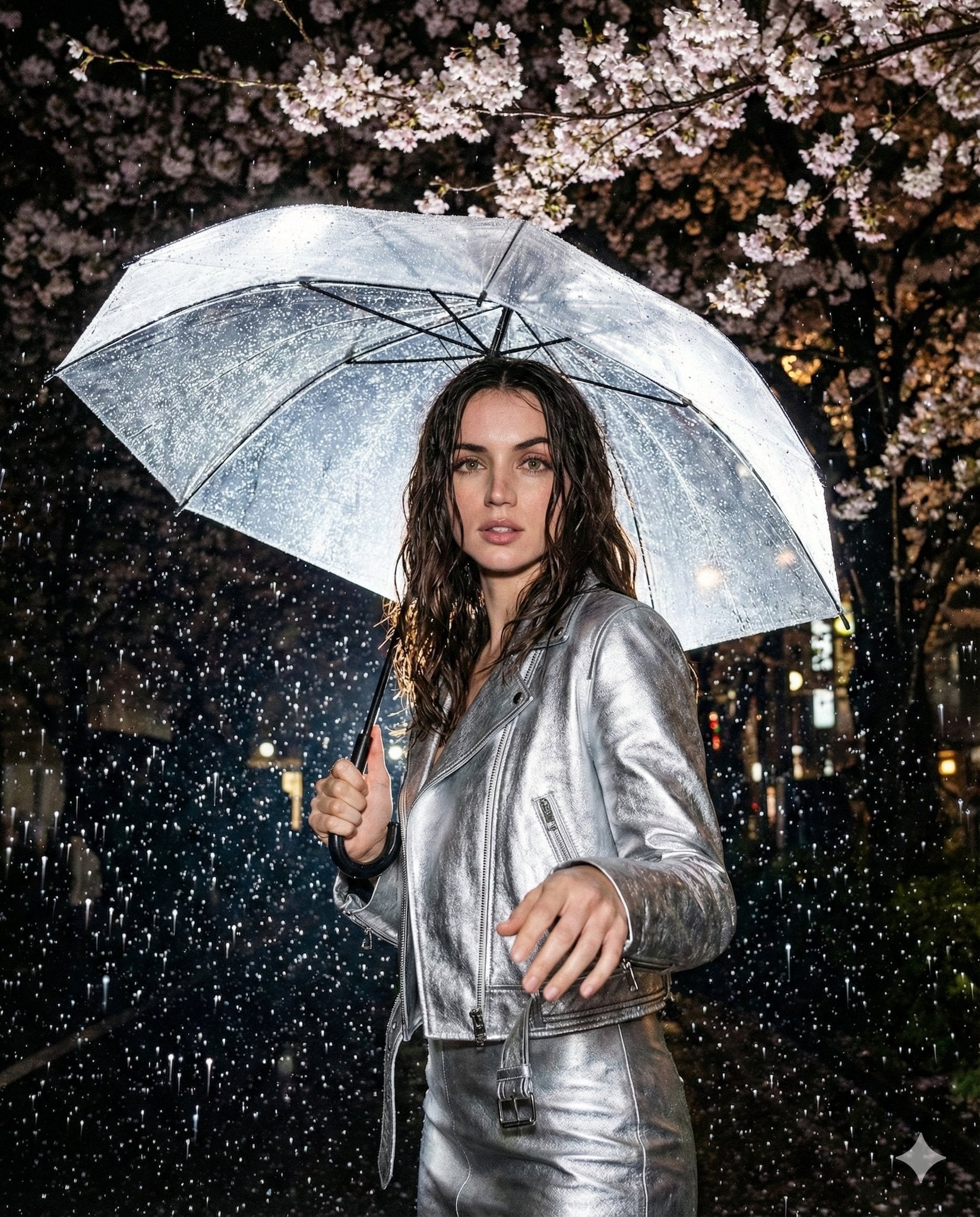
High-resolution nighttime editorial portrait shot with on-camera flash
Mirror Selfie Chibi Characters Pixar Style
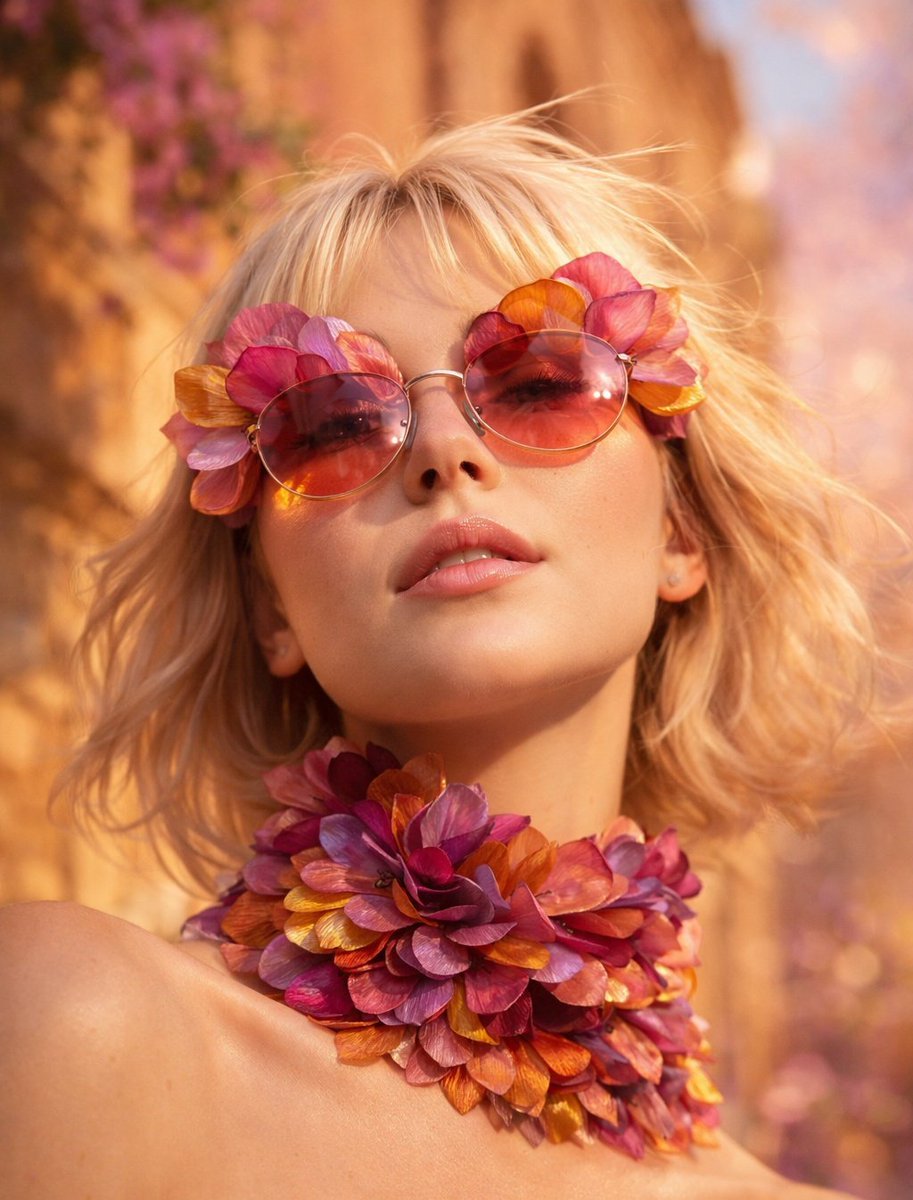
Flower Petal Sunglasses Couture Portrait

Fashion Portrait Colored Smoke Studio
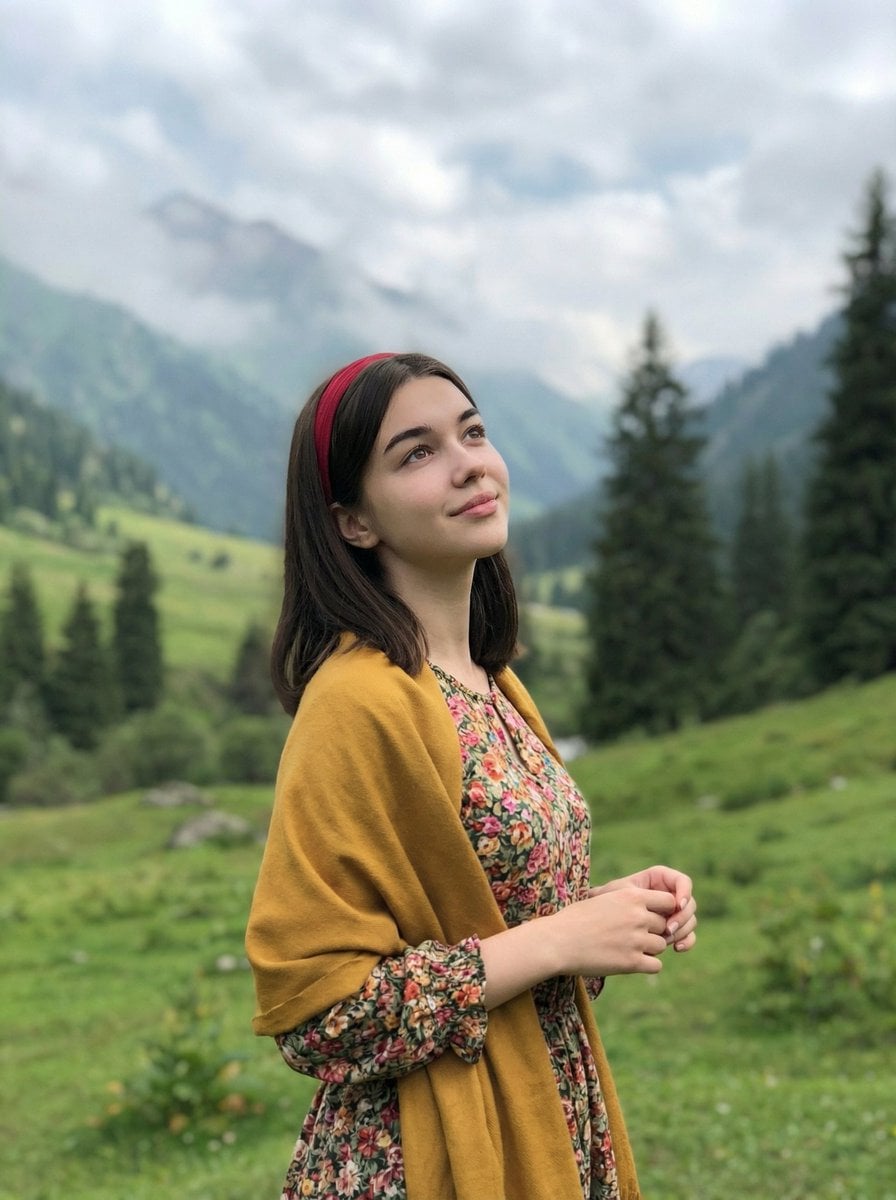
Mountain Valley Lifestyle Portrait
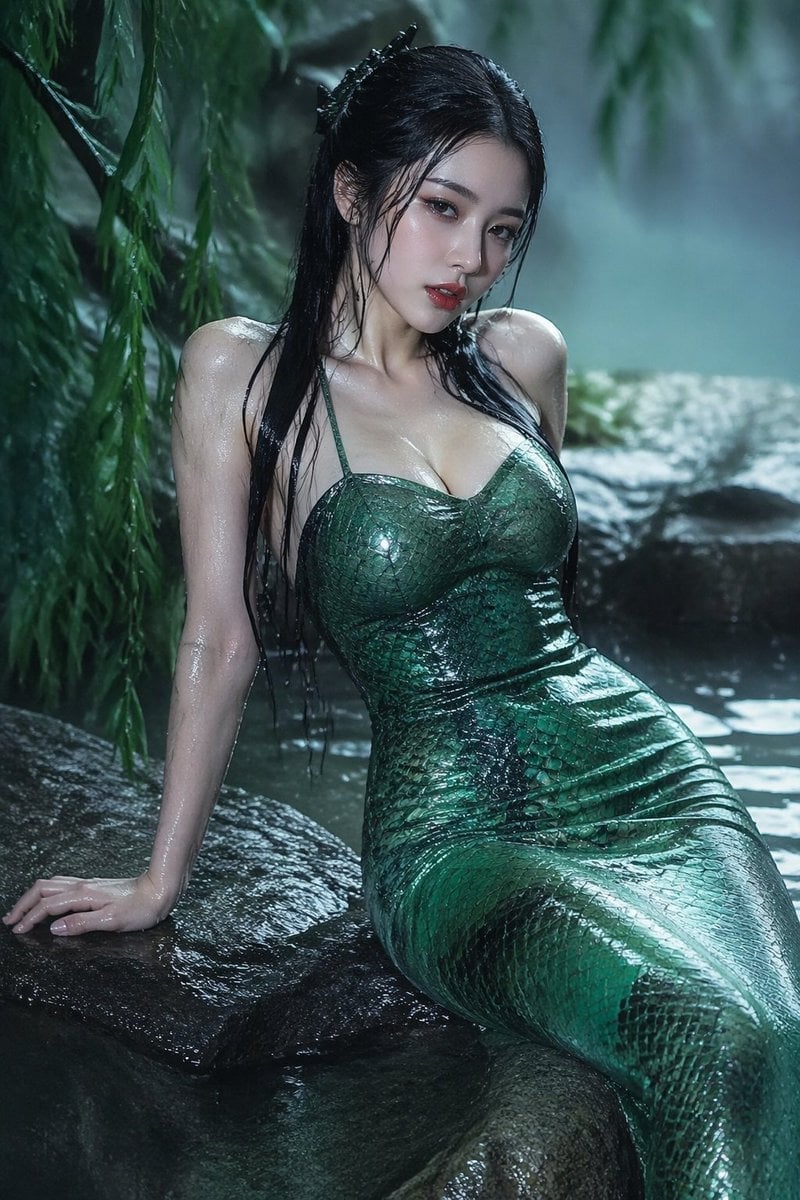
青蛇小青写真大片,绿色紧身蛇鳞裙,湿发红唇,妖娆妩媚
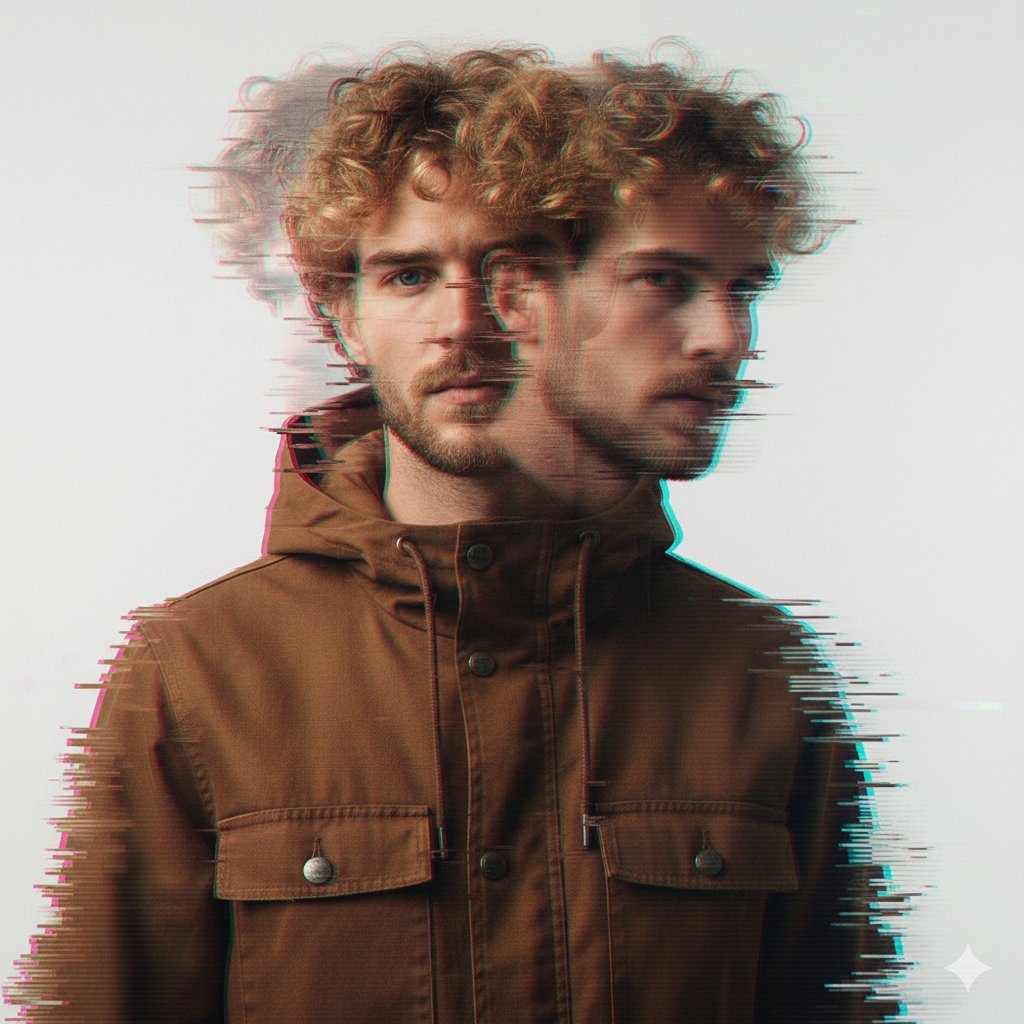
A double exposure, long exposure editorial photograph of a man Use image

Portrait of a young woman in her early 20s walking calmly on a beautiful
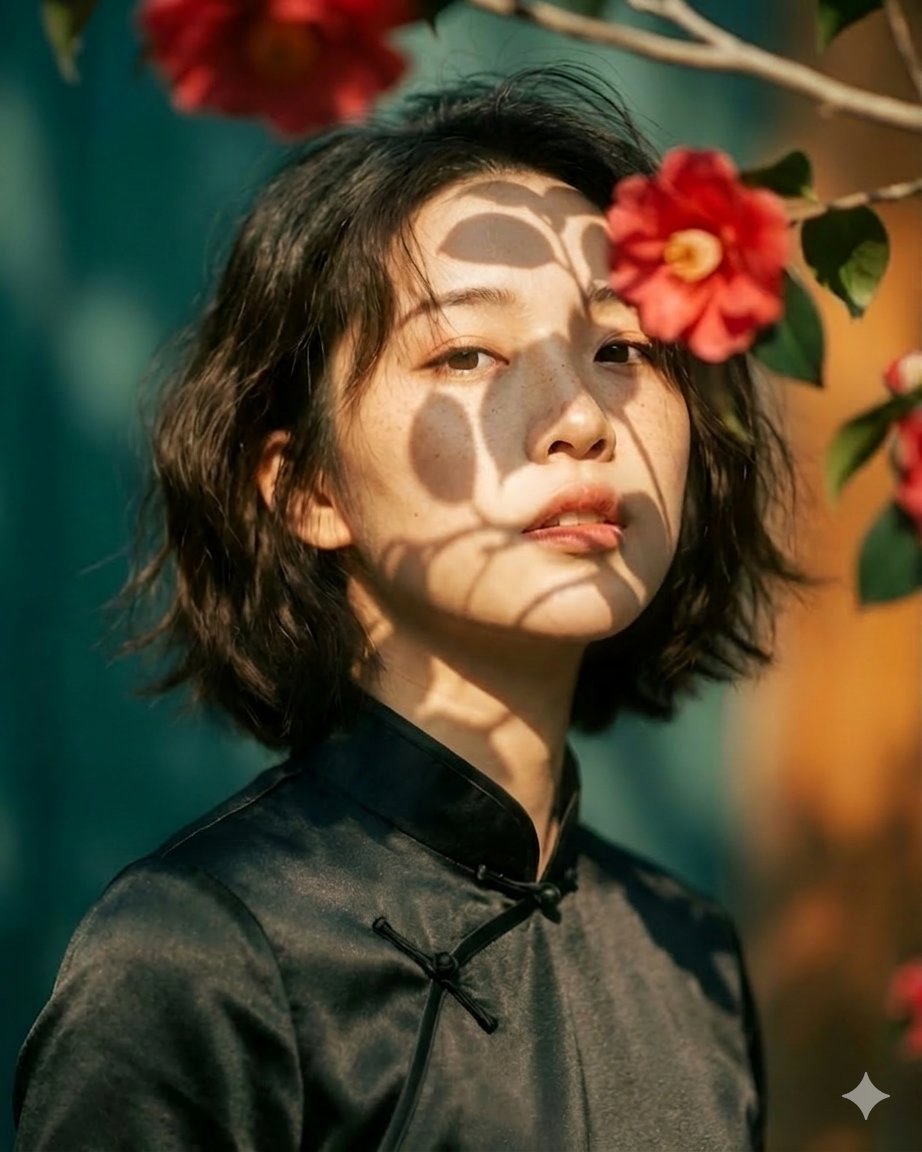
Artistic portrait of an elegant Asian woman wearing a black silk
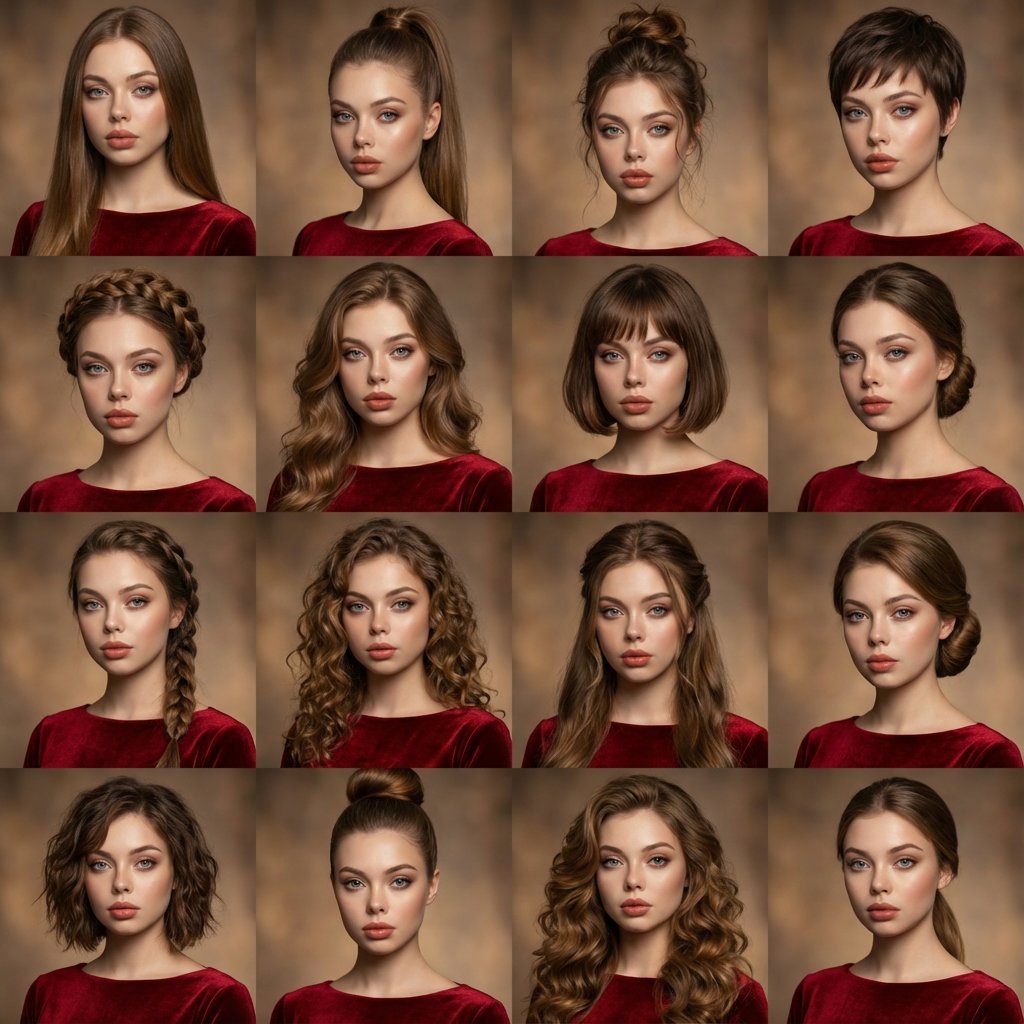
A high-quality photo collage featuring the same person with identical
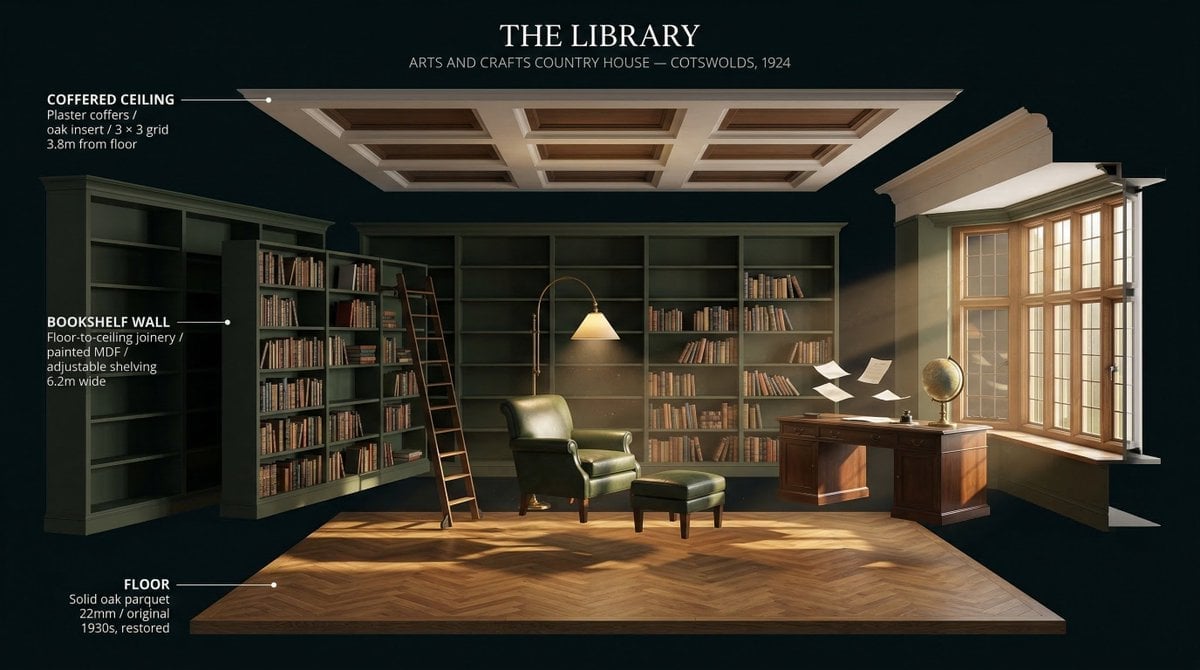
LIGHTING each element still lit by its original source, windows casting
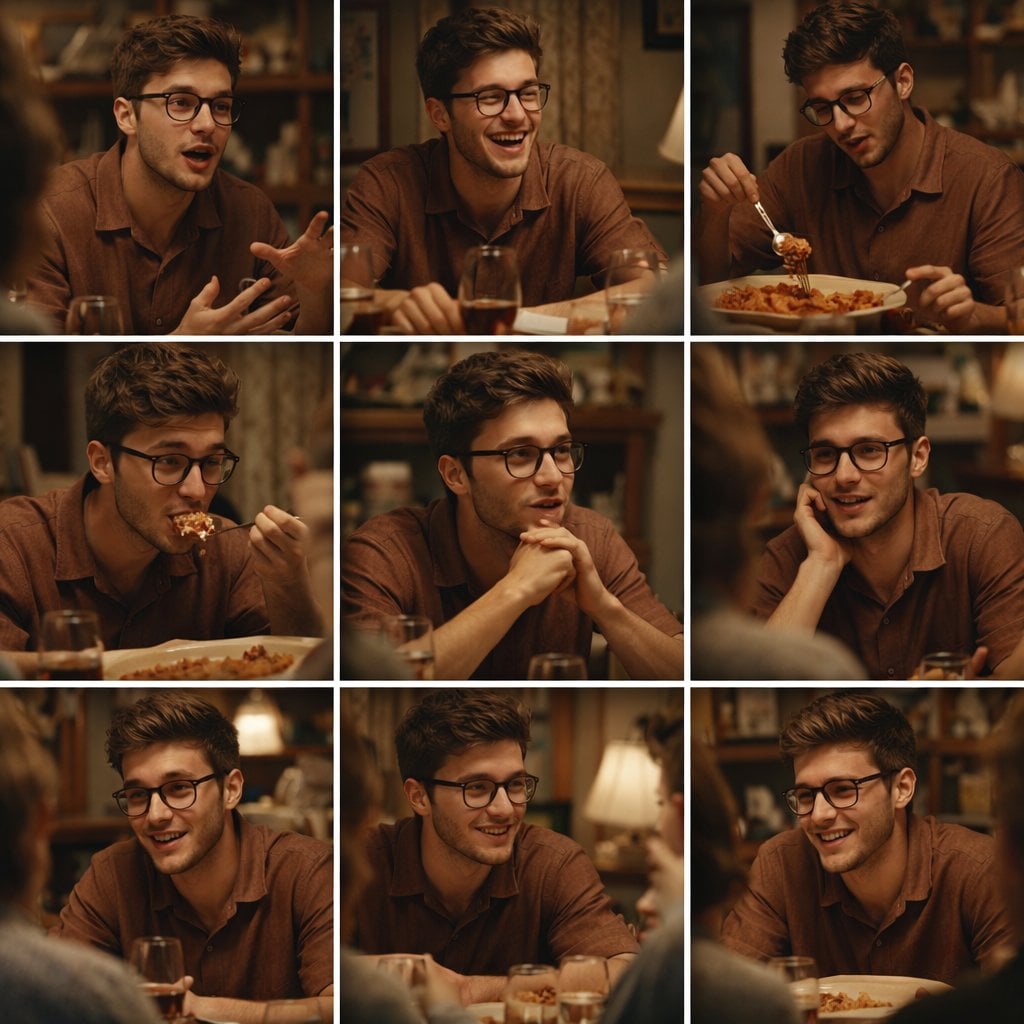
A 3x3 grid storyboard contact sheet comprised of nine candid, cinematic
Make it yours
Nighttime Chic Flash Photography Style works as-is. These are the safest ways to change it without losing the look.
Change one field
Copy a single group, rewrite it, and generate again so you can see what that field is doing.
Keep the frame, change the subject
Hold the composition and light of Nighttime Chic Flash Photography Style, then swap wardrobe, props or the person for a new take.
| If the result… | Why | Fix |
|---|---|---|
| The result drifts from the preview | Too many fields changed at once. | Reuse Nighttime Chic Flash Photography Style as-is first, then change one group — subject, light, or setting. |
| The model over-stylizes the scene | The prose prompt leaves finish and camera underspecified. | Add one camera or lighting sentence and stay on GPT Image 2. |
More GPT Image 2 templates
Other prompts made for GPT Image 2.

Six VTuber Japanese Logo Sheet

Realistic Portrait of Woman and Deer

The Vista Modular Condo Poster

AI Model Routing Comparison Infographic

2.5D Anime Art Board

Isometric Productivity Desk Scene

New York Double Exposure Poster

Four-Panel AI Landscape Comparison

Japanese Tatami Lifestyle Magazine Cover

NESCAFÉ Coffee Map Poster
More image prompts
Fresh picks from across the catalog.
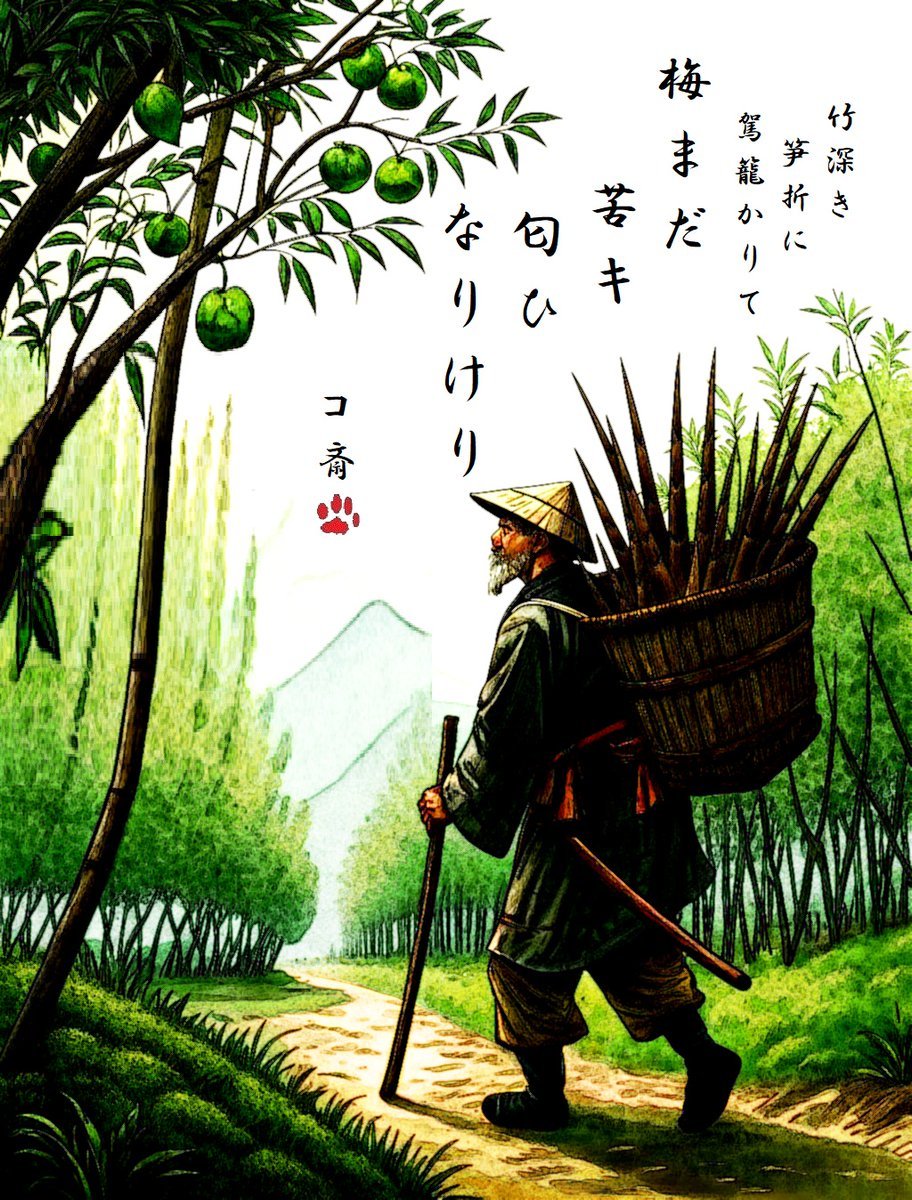
AI Haiga (Haiku Painting) Generation
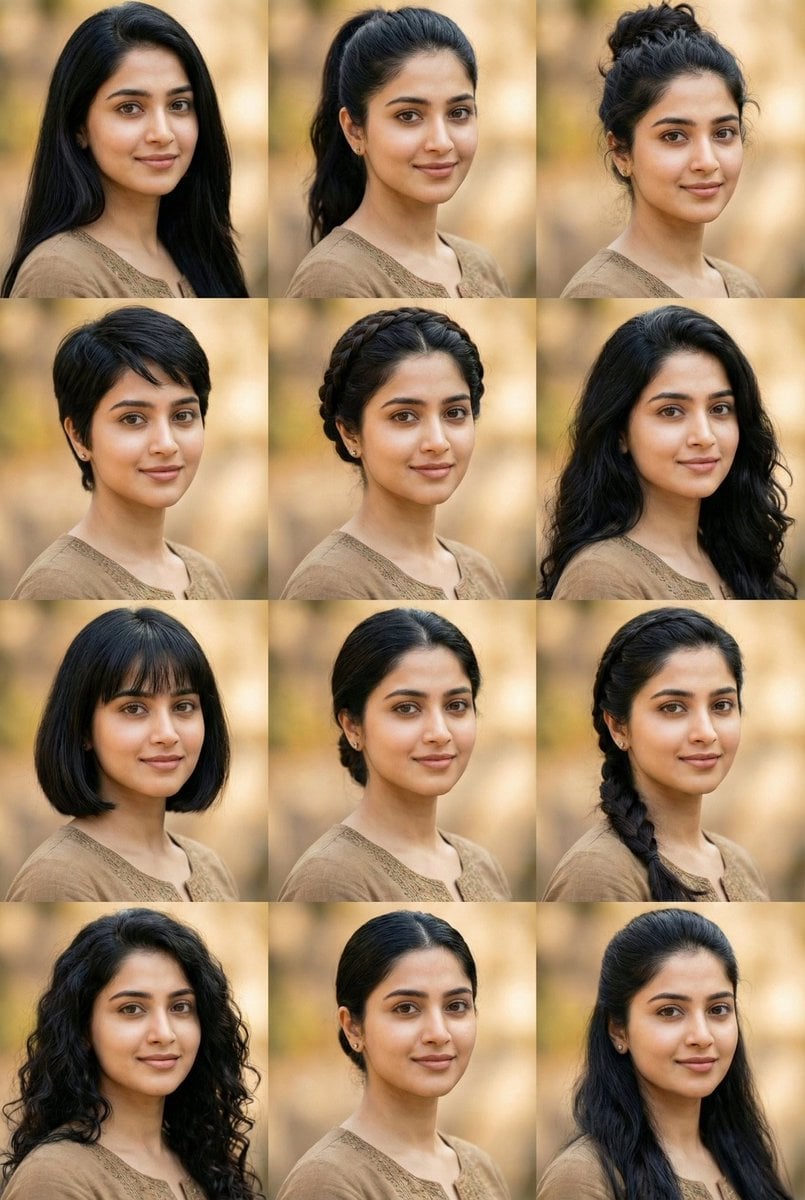
10 Hairstyles Photo Collage Prompt
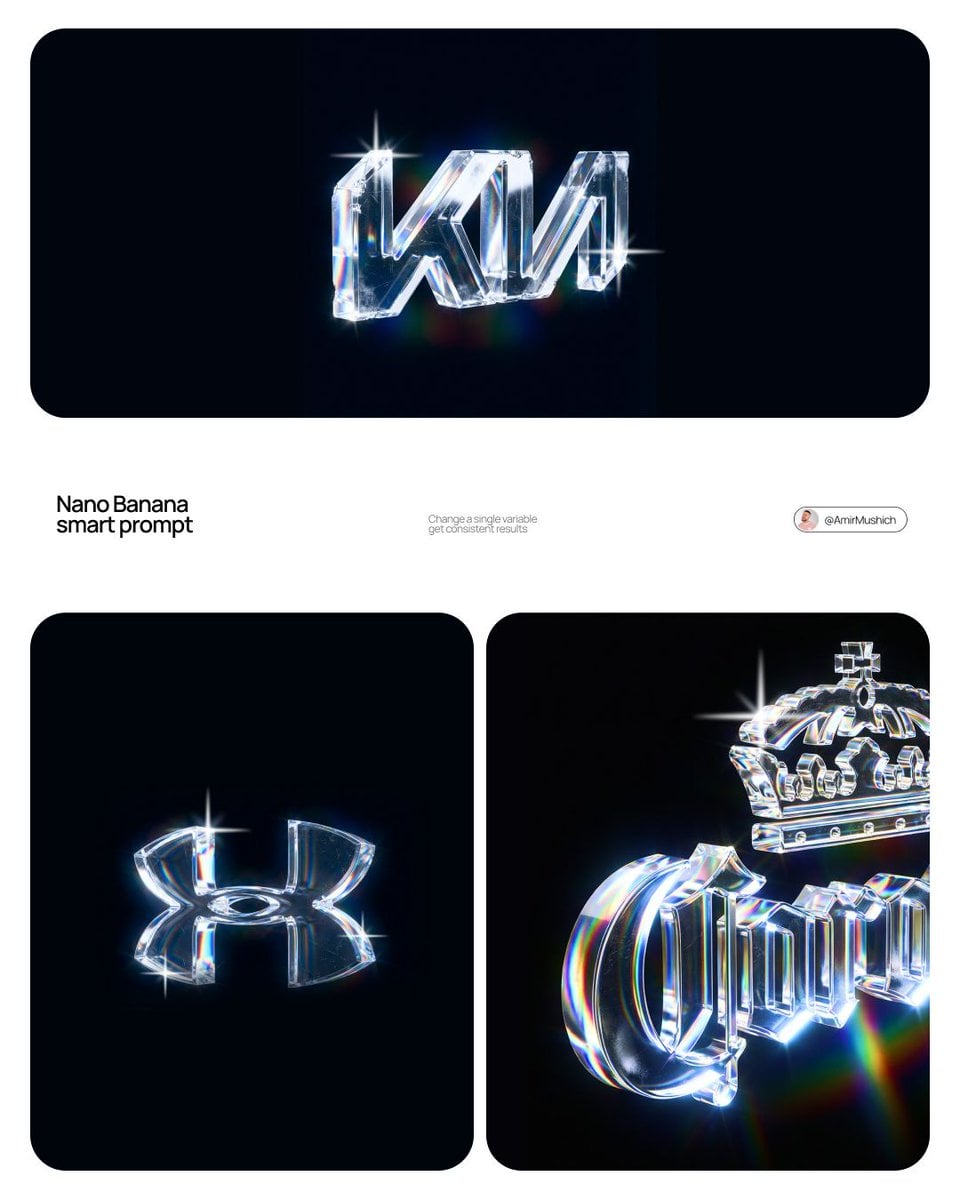
Premium CGI Crystal Typography
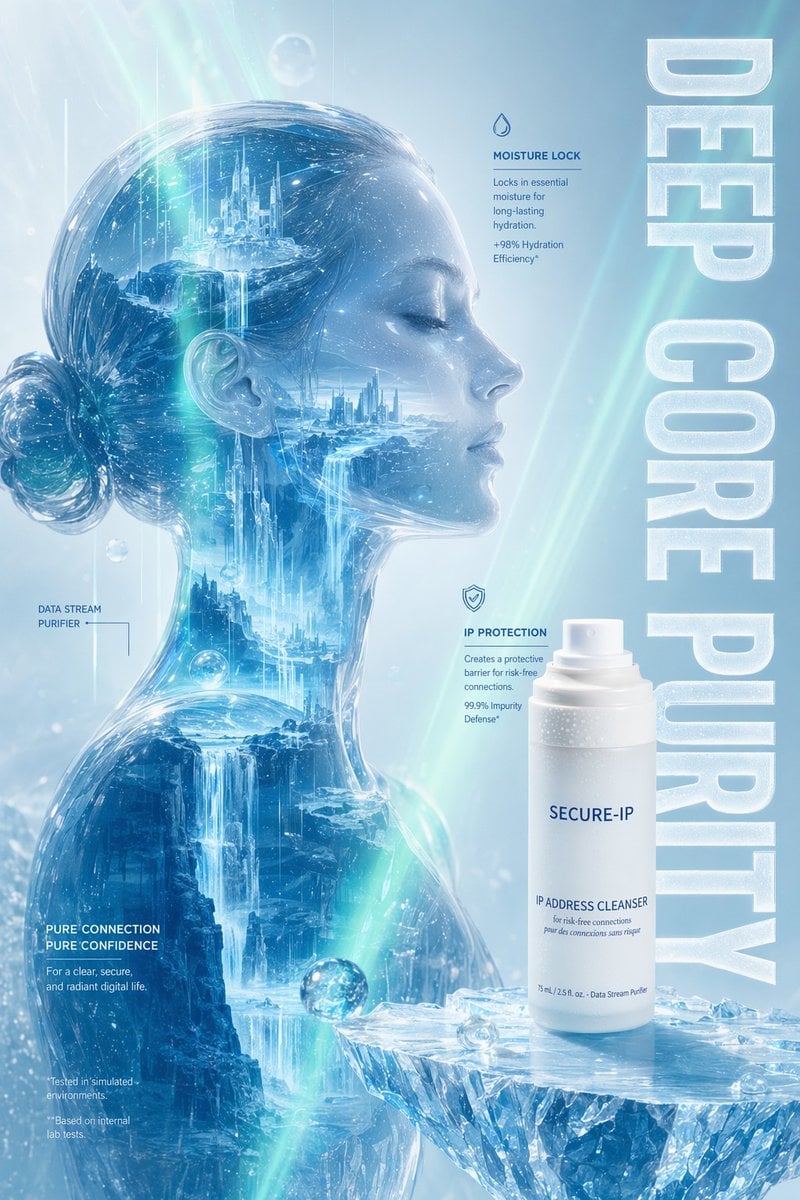
Futuristic Ice Skincare Poster
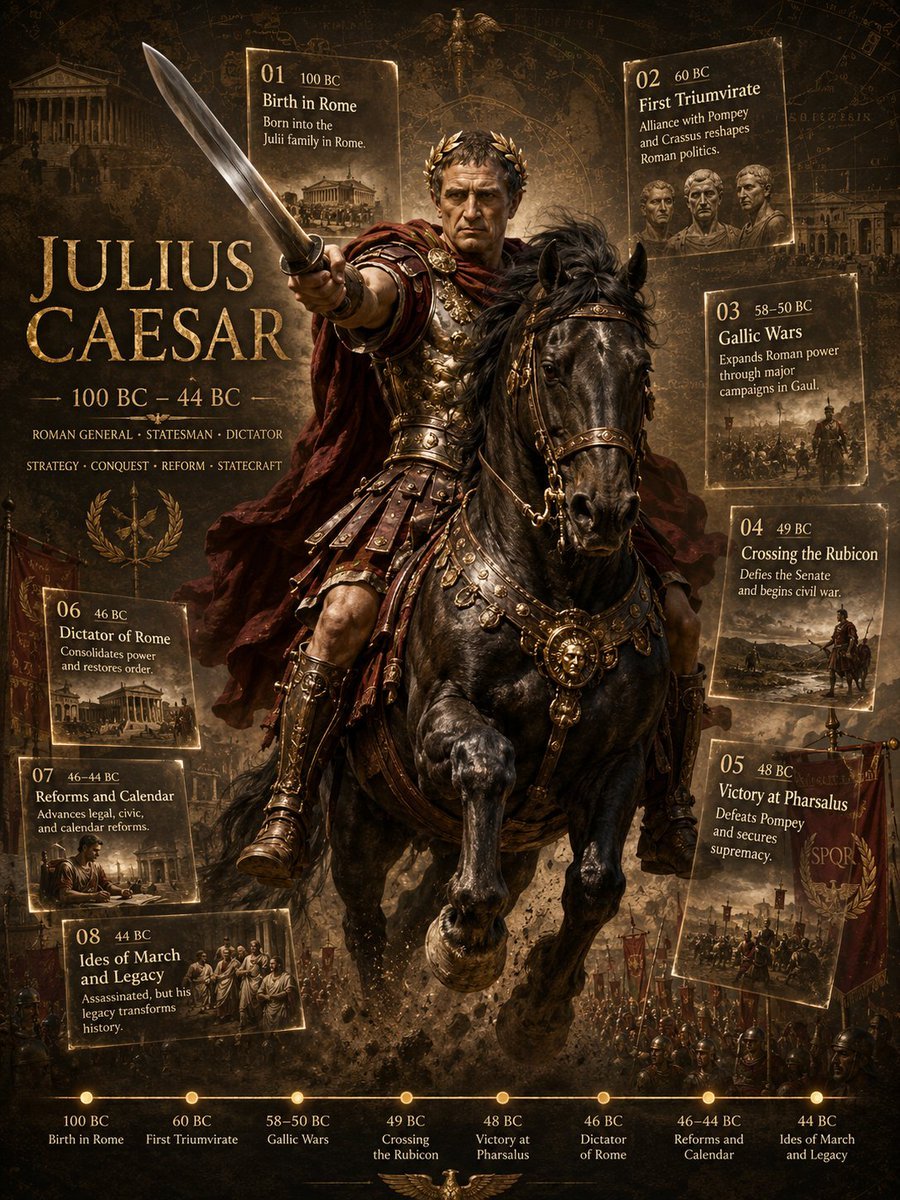
Julius Caesar Epic Timeline Poster
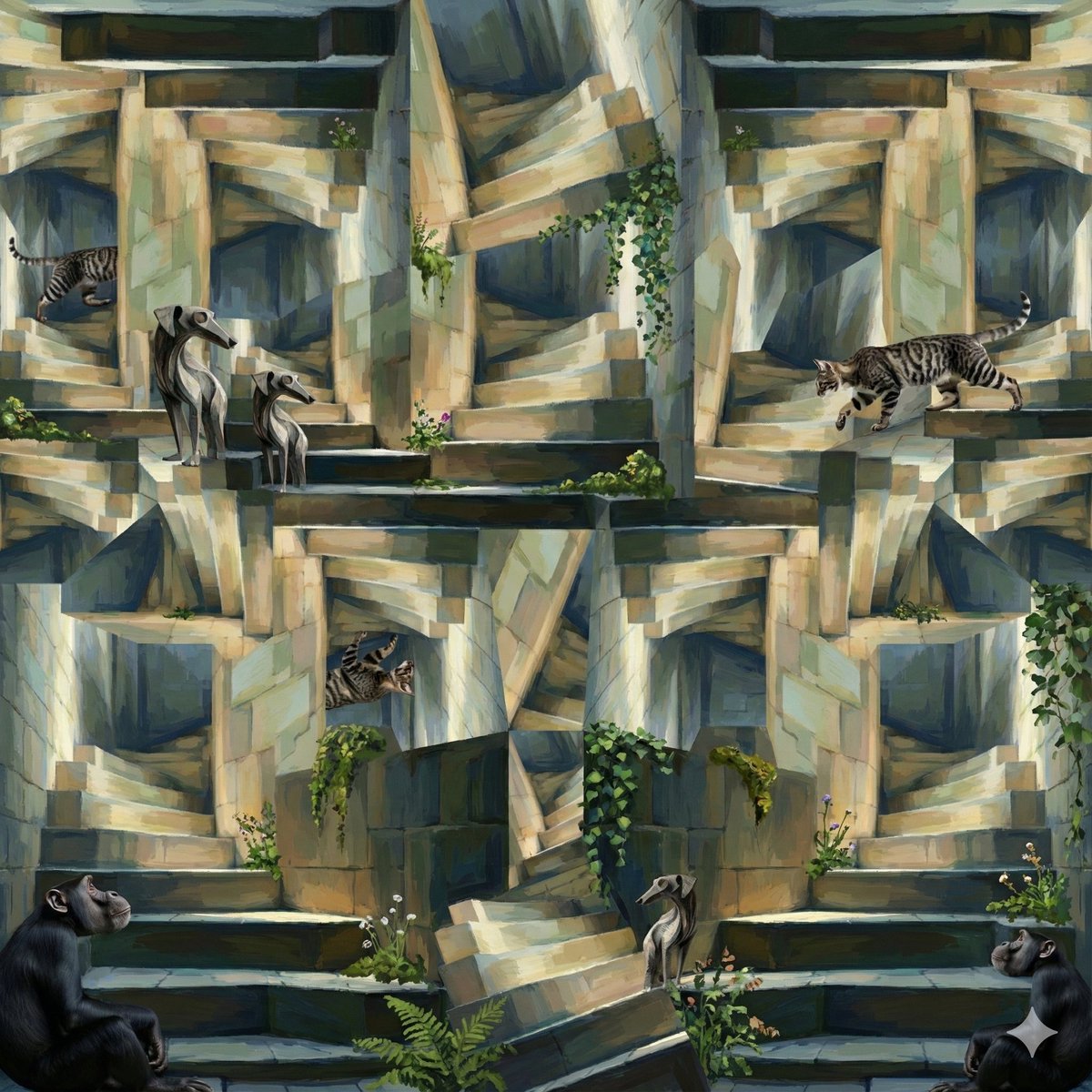
Image-to-Image Style Transfer: Collage to Cézanne Painting
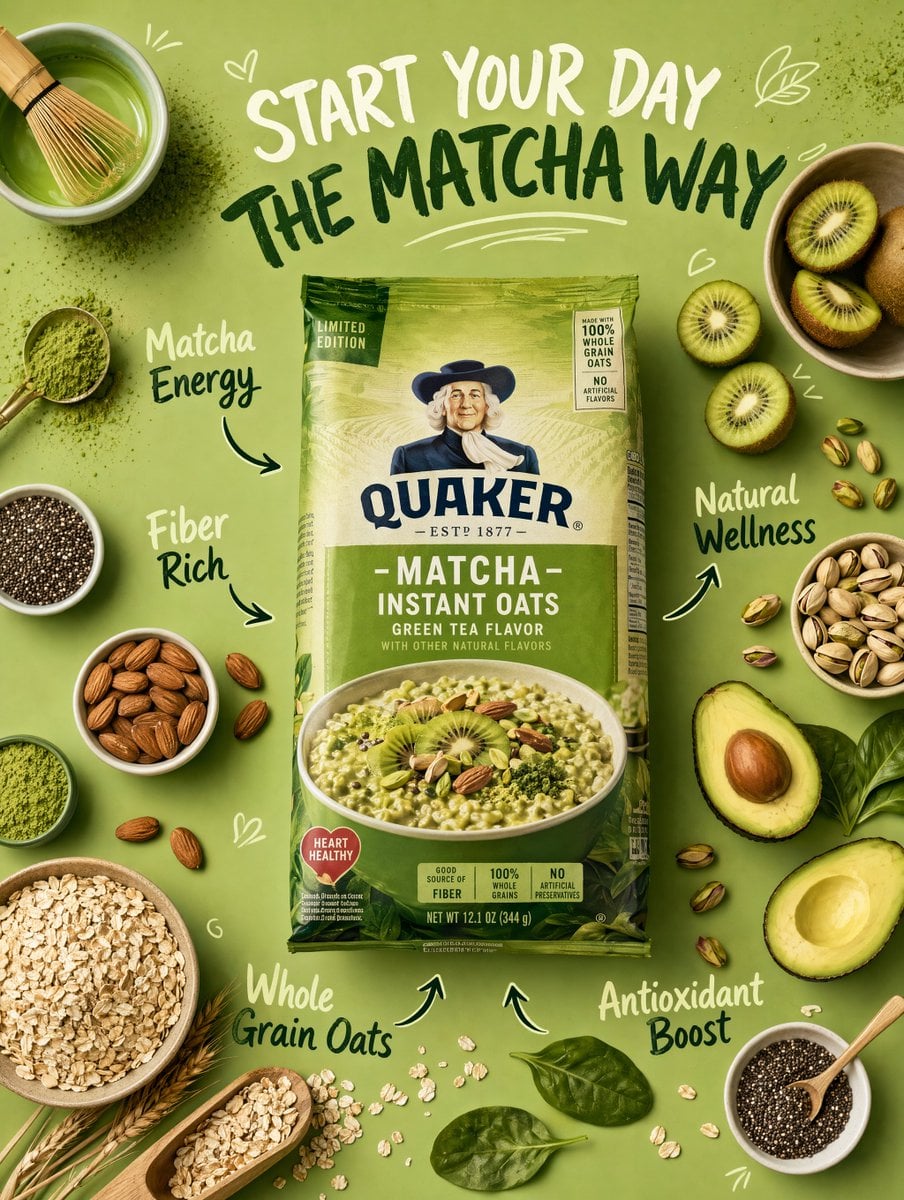
Healthy Breakfast Flat-Lay Ad Poster
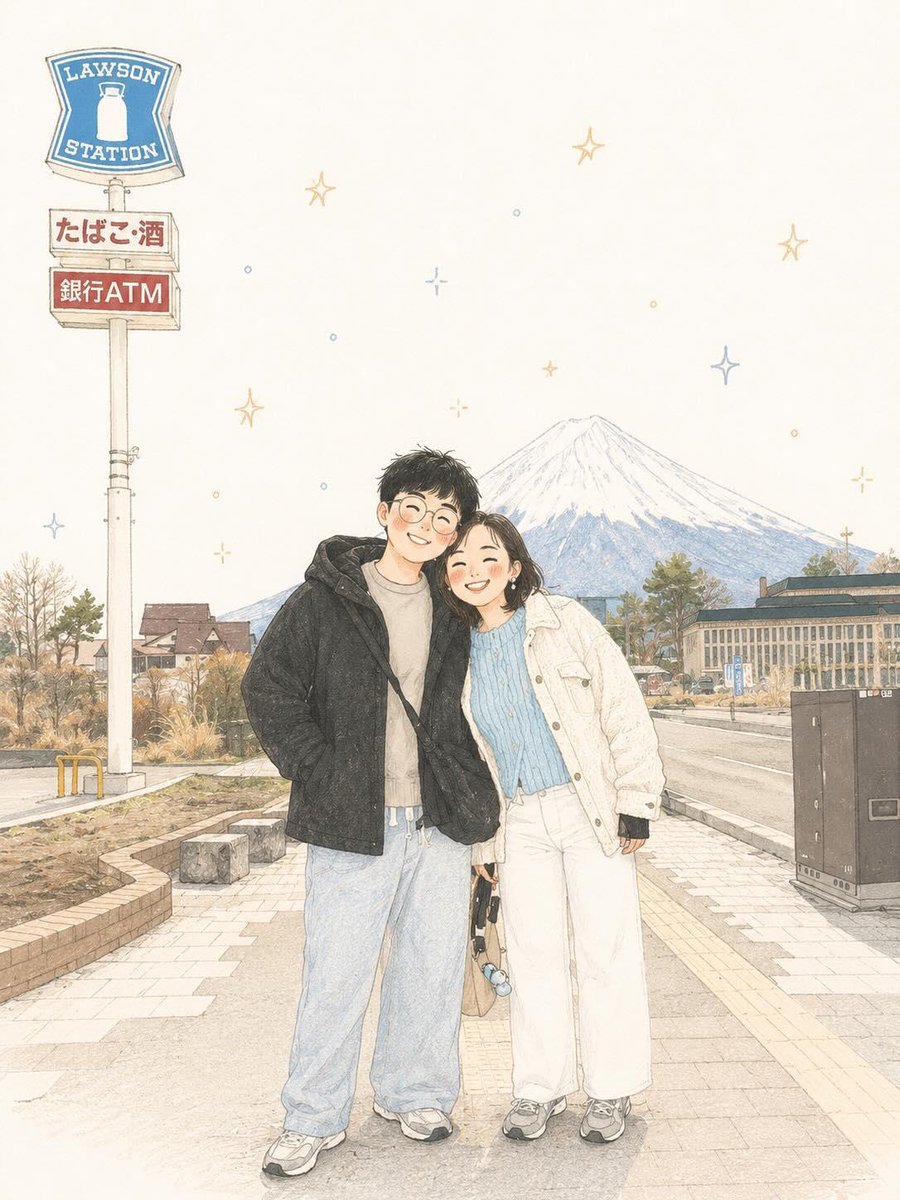
Minimalist Scandinavian Children's Illustration
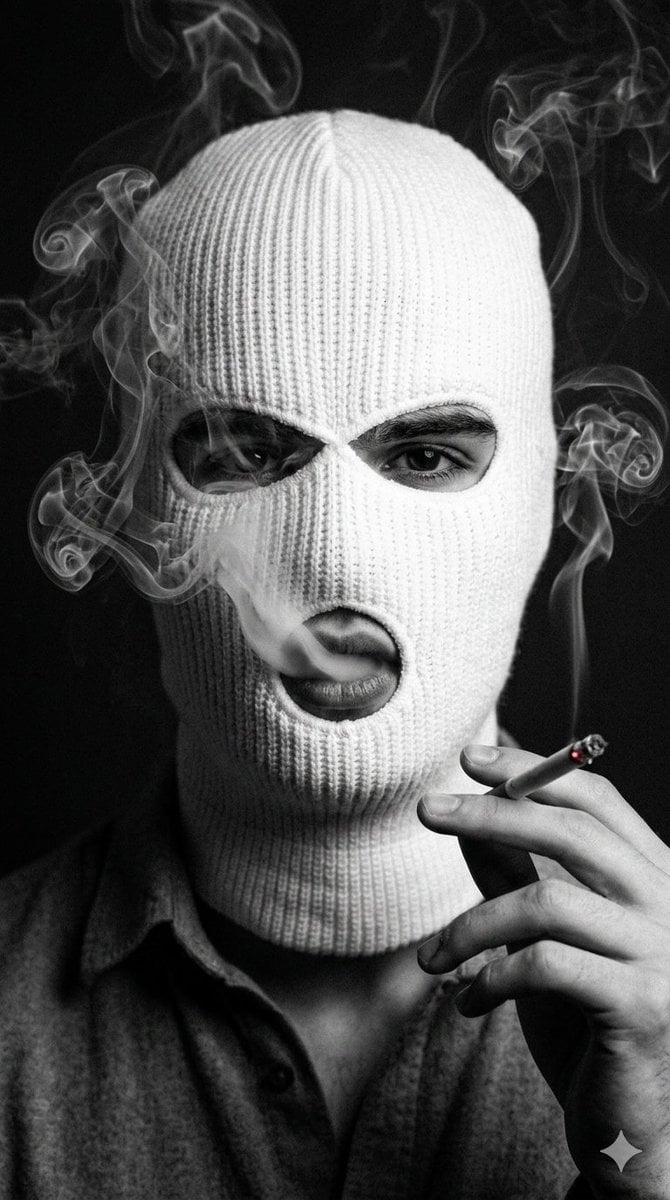
Noir Portrait with Balaclava and Cigarette Smoke

Generating a Korean Idol Style Image
Browse template categories
Nighttime Chic Flash Photography Style questions
How do I use the Nighttime Chic Flash Photography Style template?
Add your photo if the template asks for one, edit the prompt if you like — the template's model and format are already selected — and press Generate. Your version opens in PicX Studio.
Can I customize the Nighttime Chic Flash Photography Style template?
Yes. You can change the subject, setting, lighting, mood, format, and available model controls before creating your image.
Is the Nighttime Chic Flash Photography Style template free?
Opening and editing this template is free. Generating uses credits, shown on the Generate button when you are signed in.
Which AI model should I use?
Start with GPT Image 2, which is the model associated with this template. You can compare another compatible model for a different finish.
Looking for something else? Browse all templates.

Your photo, any look
Thousands of ready templates for every top image and video model, from one credit balance.