
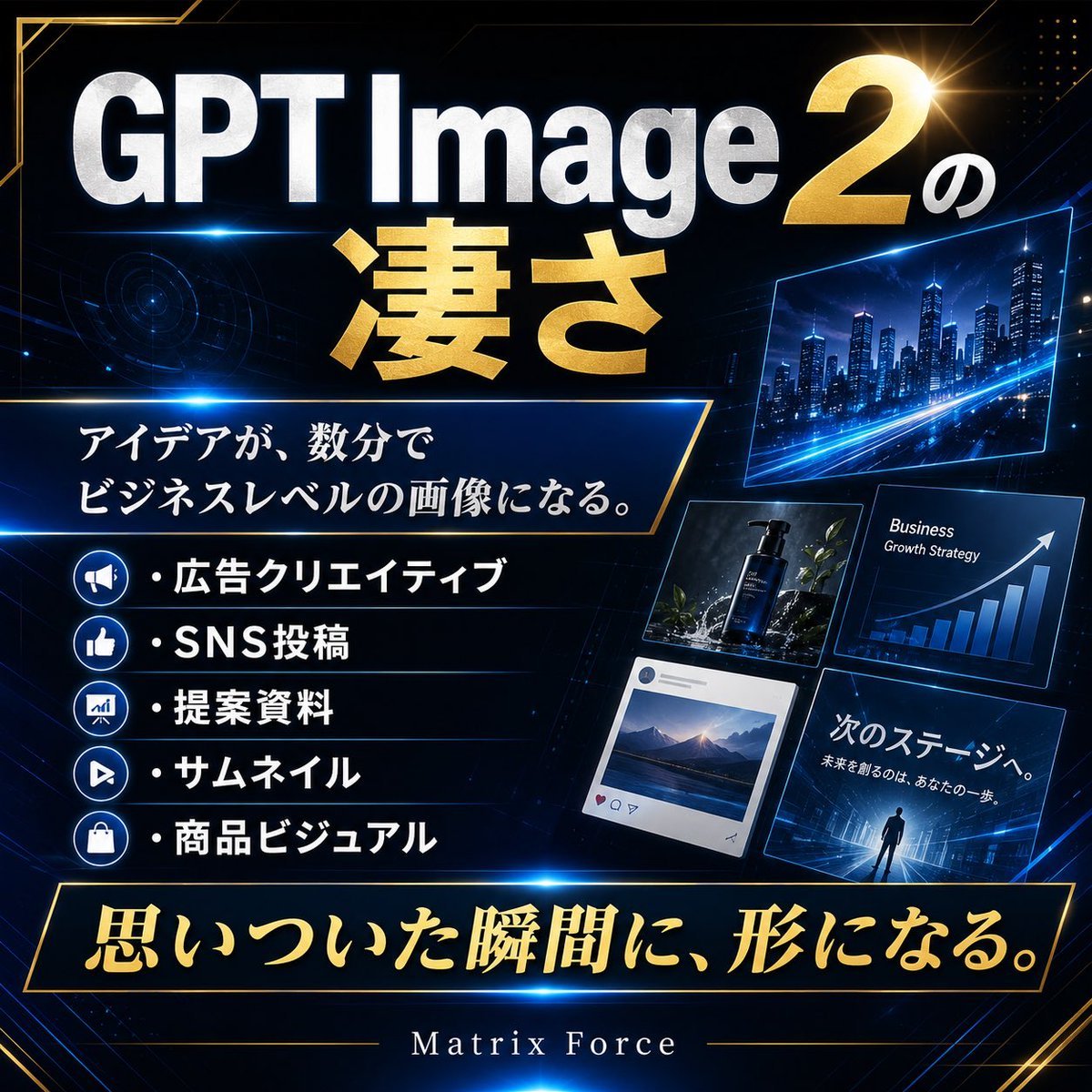
Futuristic GPT Image 2 Promo Graphic
A square Japanese luxury-tech promotional graphic for showcasing GPT Image 2 as a business-level creative production tool.
- Prompt included
- Model and format preset
- Premium template
The prompt behind this image
Copy the exact prompt behind Futuristic GPT Image 2 Promo Graphic, or open it in the studio and make it yours.
Goal: Create a square, high-impact Japanese promotional social media graphic announcing {argument name="headline text" default="GPT Image 2の凄さ"}, with a futuristic luxury tech/business aesthetic. Canvas: 1:1 square format, dark navy-to-black background with glowing blue circuit lines, faint HUD rings, diagonal perspective grids, gold corner accents, and cinematic lens flares. Use metallic typography and a premium presentation-slide look. Layout: Large top headline dominates the upper half. Put “GPT Image” in huge silver-white beveled sans-serif letters, a massive metallic gold “2” on the upper right with a small white Japanese “の”, and oversized metallic gold Japanese text “凄さ” centered underneath. Add a thin electric-blue light streak below the top title. Main message box: On the left-center, place a dark trapezoid panel with a thin gold outline and blue glow. Inside it, set the Japanese copy {argument name="main message" default="アイデアが、数分で\nビジネスレベルの画像になる。"} in elegant white serif-style Japanese type. Feature list: Below the message box, create exactly 5 horizontal list rows with round blue icon badges on the far left and bold white Japanese text with bullet dots. The 5 visible items are: 1) megaphone icon — “広告クリエイティブ”, 2) thumbs-up icon — “SNS投稿”, 3) chart/presentation icon — “提案資料”, 4) play button icon — “サムネイル”, 5) shopping bag icon — “商品ビジュアル”. Separate rows with subtle blue divider lines. Right-side visual examples: Arrange exactly 5 tilted floating blue-outlined preview cards on the right half, like business creative samples: 1) a wide futuristic city skyline at night with blue light trails, 2) a product advertising card showing a dark cosmetic bottle among plants, 3) a business growth strategy chart card with white arrow and rising blue bars, 4) an SNS-style post card showing a mountain landscape, 5) a presentation/thumbnail card with a lone person facing a glowing futuristic city and Japanese text “次のステージへ。” plus smaller text “未来を創るのは、あなたの一歩。” Bottom slogan: Across the bottom, add a large black-and-gold bordered banner with glowing edges. Inside, write {argument name="bottom slogan" default="思いついた瞬間に、形になる。"} in large metallic gold Japanese calligraphy-style lettering. Beneath it, centered near the bottom margin, place the brand name {argument name="brand name" default="Matrix Force"} in small spaced white serif letters with thin gold horizontal lines extending left and right. Visual style: Premium futuristic Japanese business advertisement, cyber blue and metallic gold color palette, glossy bevels, sharp diagonal panels, high contrast, dramatic lighting, polished commercial design, crisp readable typography. Constraints: Keep the exact count of 5 feature rows and 5 preview cards. Preserve the Japanese text as written. No people except the tiny silhouette in the lower-right preview card. No watermark, no extra logos, no misspelled text.
How to use Futuristic GPT Image 2 Promo Graphic in 3 steps
- 1Upload ImagePNG, JPG or paste
Add your photo
Upload the photo the template builds on. The prompt, model and format are already set.
- 2…a portrait of your subject in softgolden-hour light, 85mm…
Personalize
Edit the subject and creative details for your destination.
- 3Generate
Generate
Press Generate — your image is created in PicX Studio, so you can compare it with the original and refine one variable at a time.
More like this
Templates with the same subject, style or setup. Open one to see its prompt.
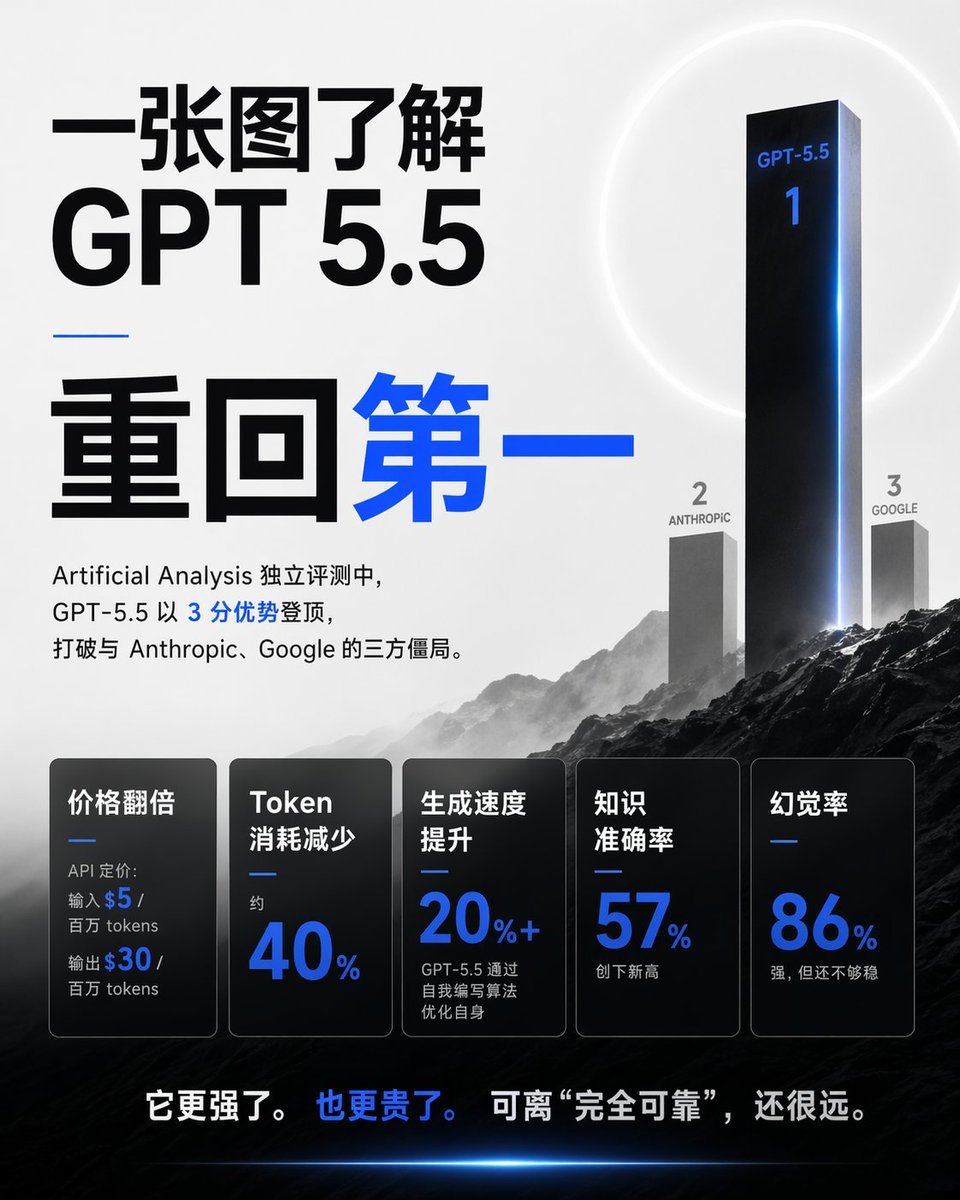
Chinese GPT 5.5 Benchmark Infographic
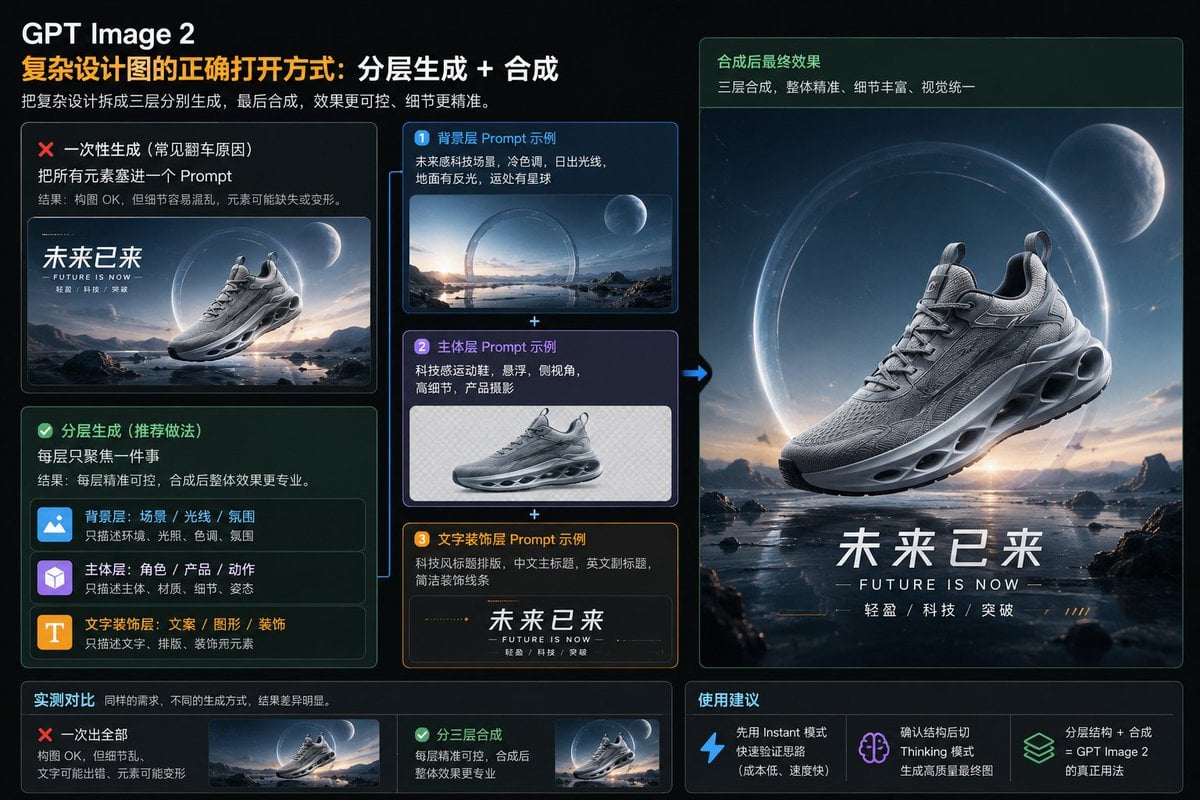
Layered GPT Image 2 Workflow Infographic
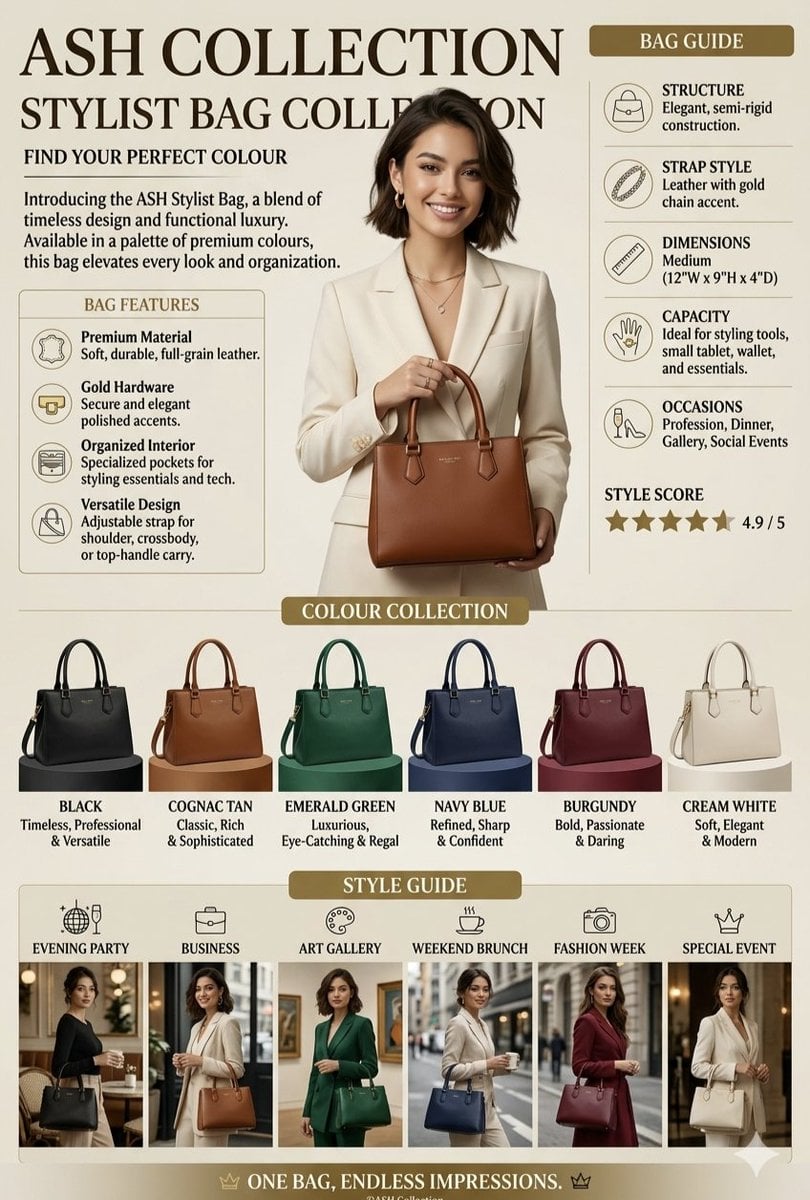
Luxury Handbag Promotional Infographic
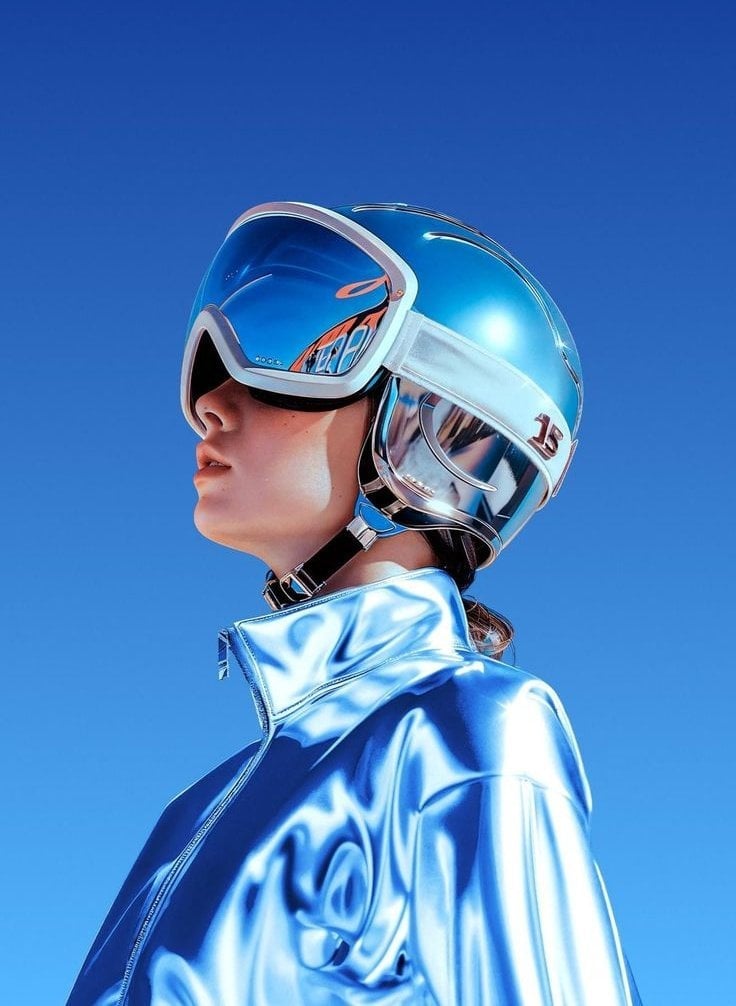
Futuristic Chrome Helmet Fashion Portrait
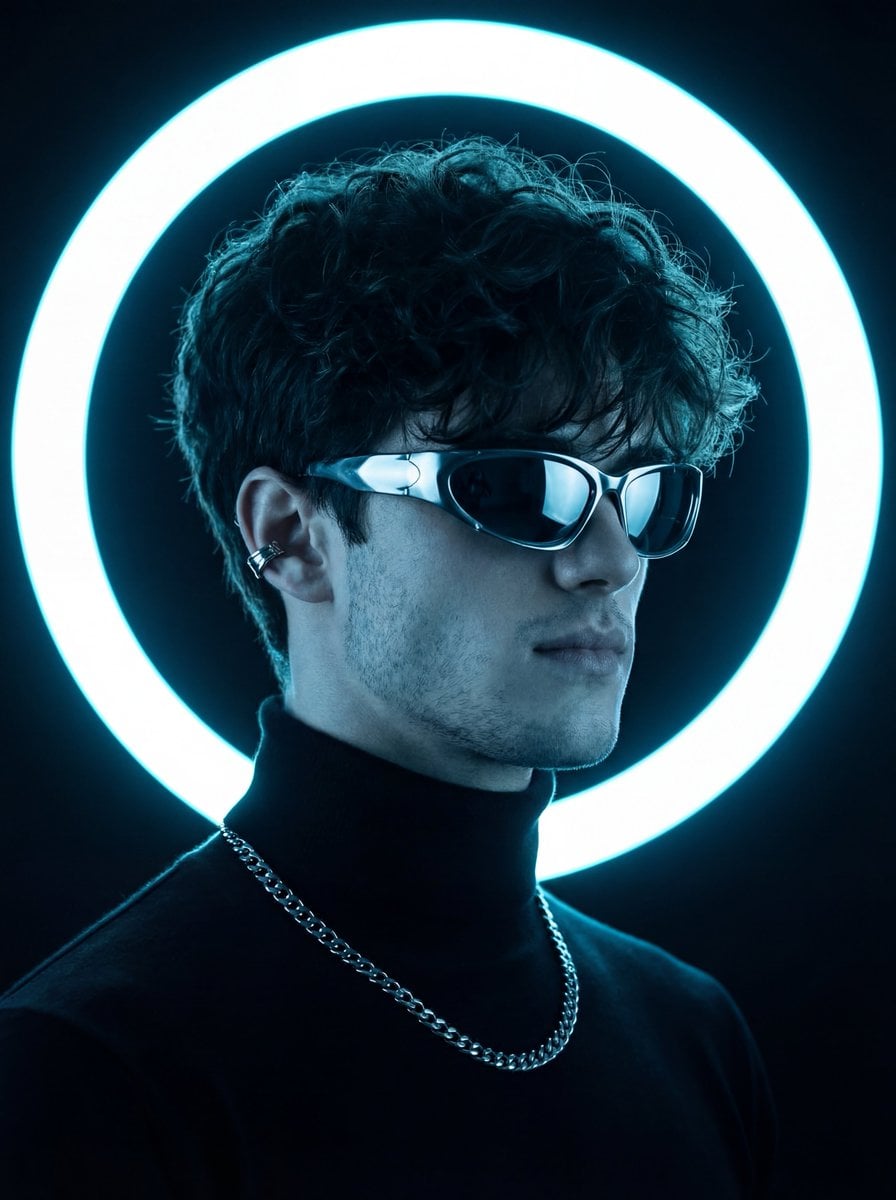
Futuristic Studio Neon Ring Minimalist Portrait
Futuristic Chrome Helmet Fashion Portrait
Futuristic Studio Neon Ring Minimalist Portrait
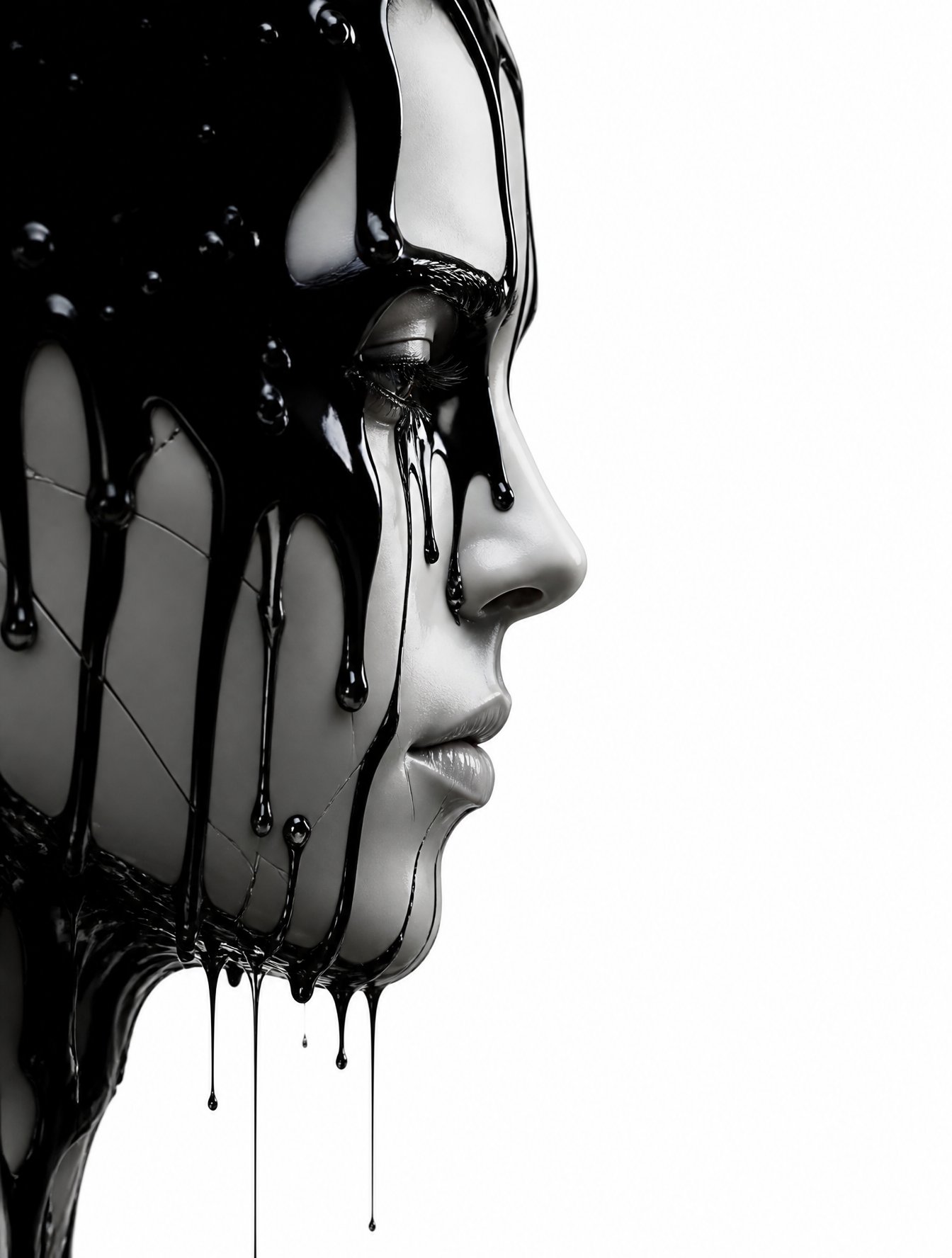
Black Liquid Cyberpunk Portrait Poster
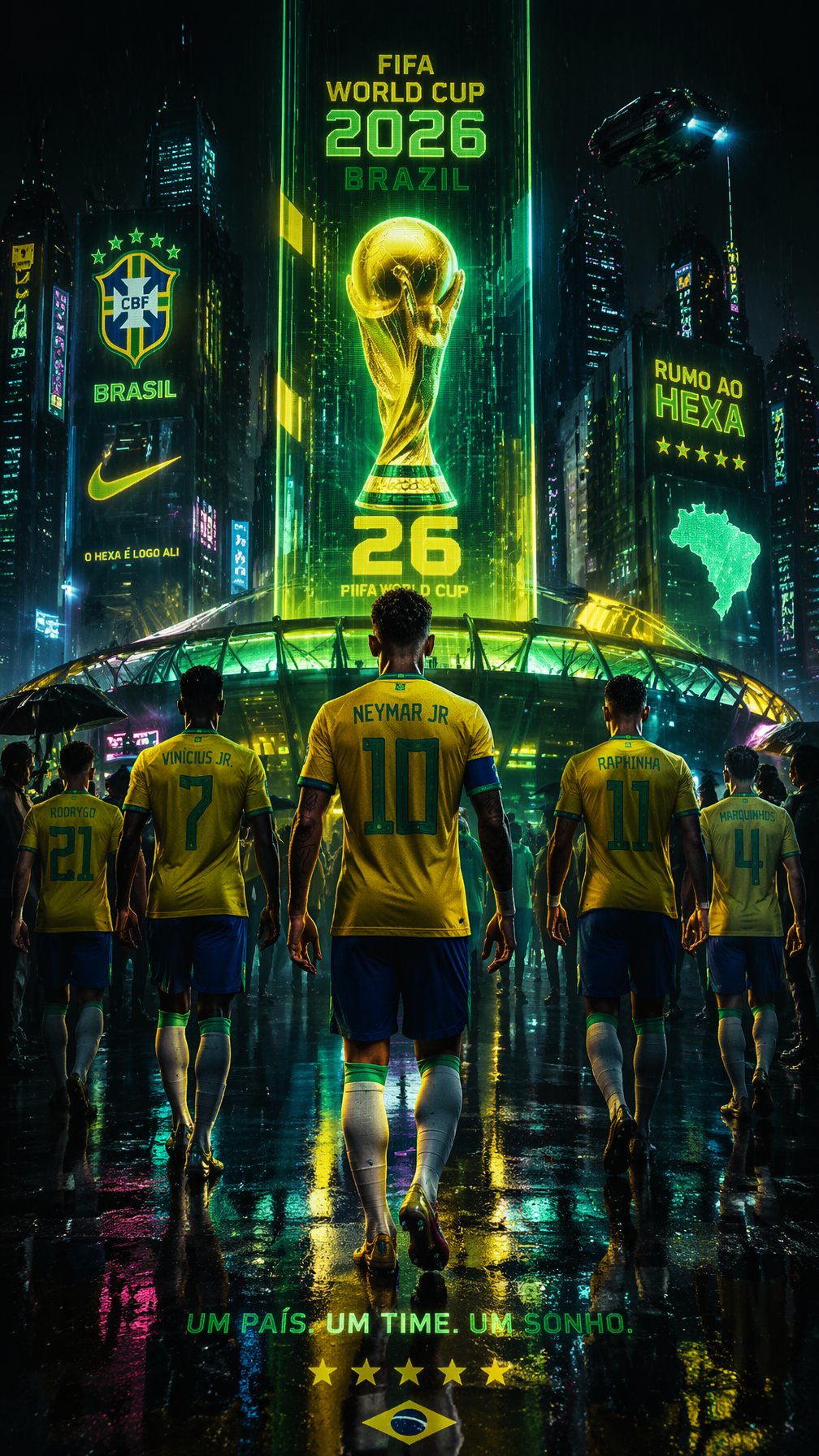
Cyberpunk Neon Brazil World Cup Poster
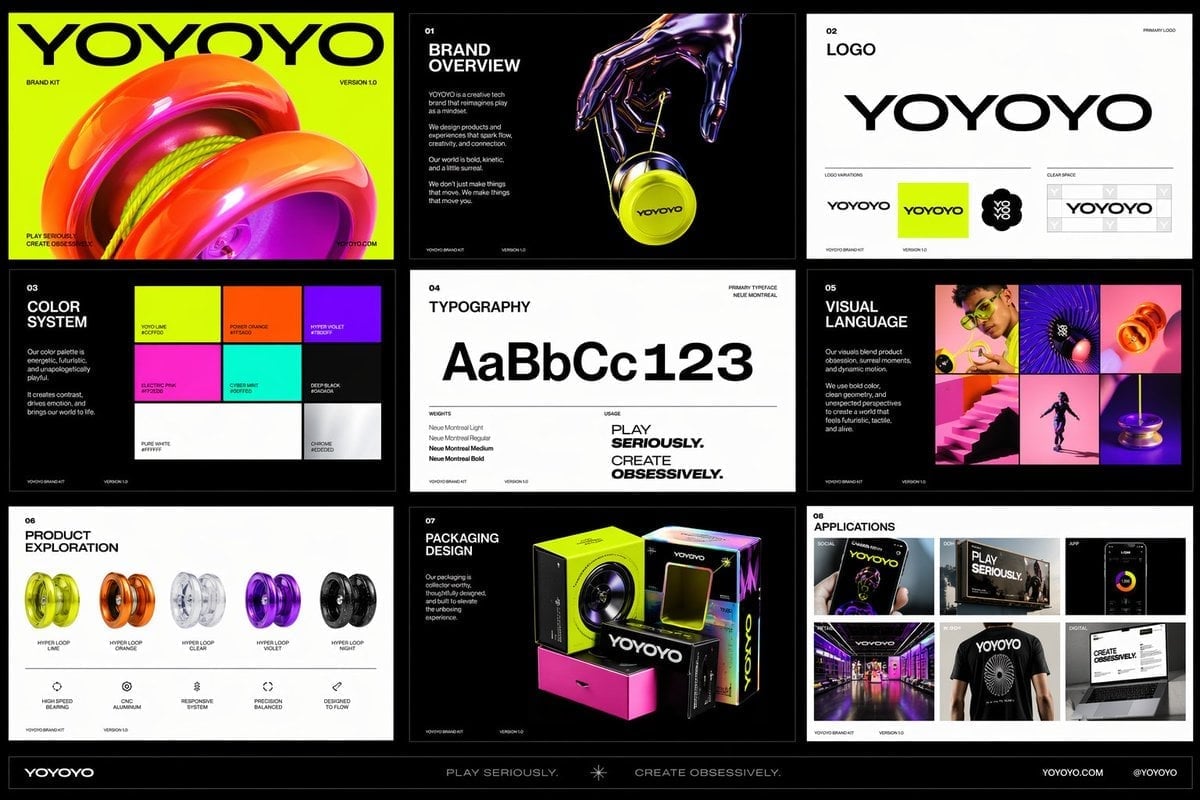
Playful Futuristic Brand Kit Board
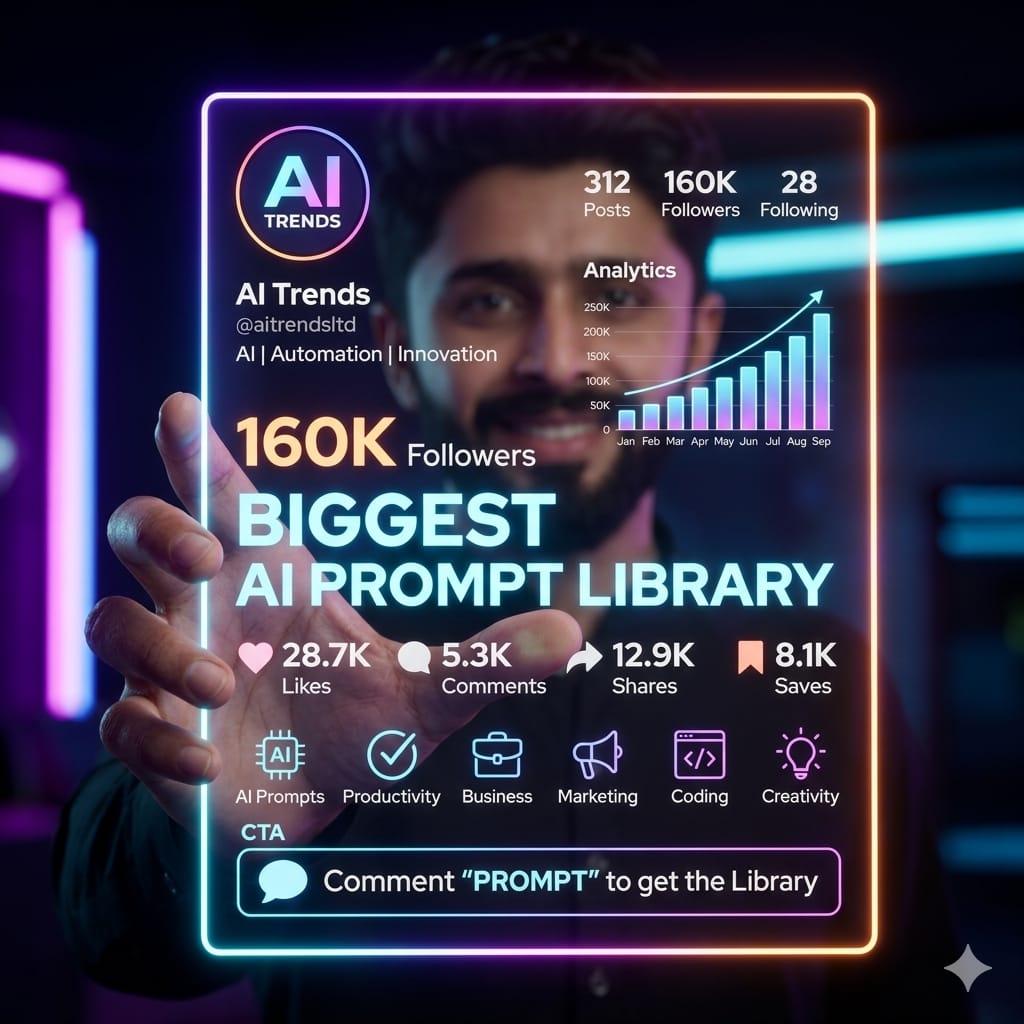
AI Creator Holographic Promo Portrait
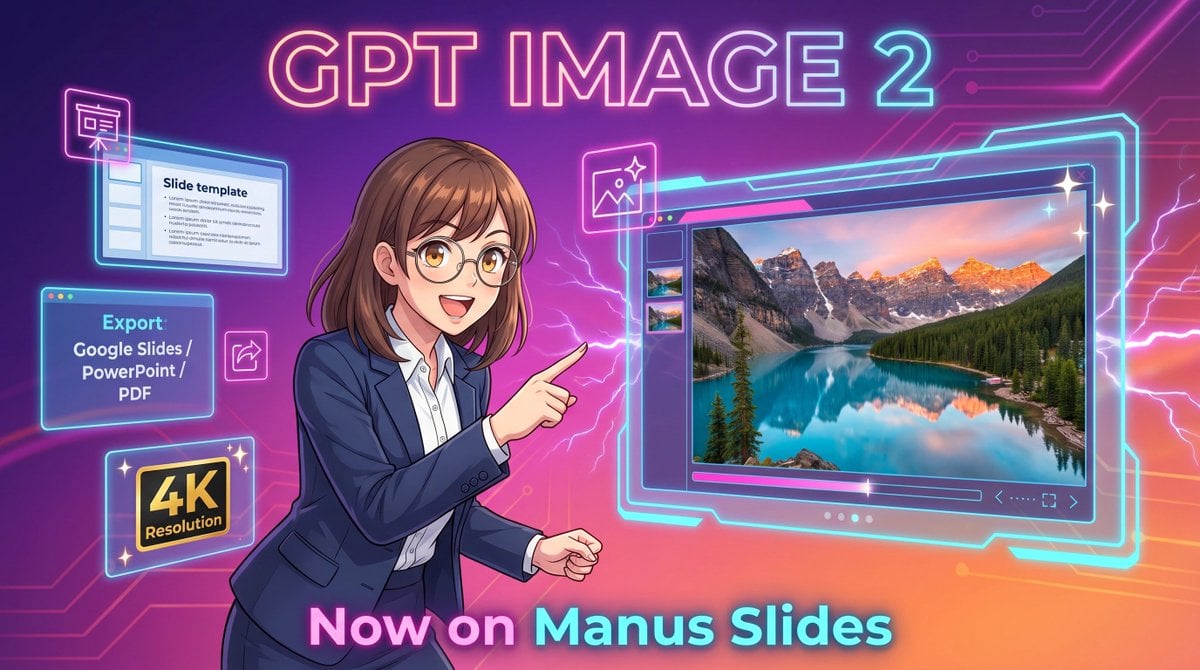
Neon GPT Image 2 Promo Poster
Make it yours
Futuristic GPT Image 2 Promo Graphic works as-is. These are the safest ways to change it without losing the look.
Change one field
Copy a single group, rewrite it, and generate again so you can see what that field is doing.
Keep the frame, change the subject
Hold the composition and light of Futuristic GPT Image 2 Promo Graphic, then swap wardrobe, props or the person for a new take.
| If the result… | Why | Fix |
|---|---|---|
| The result drifts from the preview | Too many fields changed at once. | Reuse Futuristic GPT Image 2 Promo Graphic as-is first, then change one group — subject, light, or setting. |
| The model over-stylizes the scene | The prose prompt leaves finish and camera underspecified. | Add one camera or lighting sentence and stay on GPT Image 2. |
More GPT Image 2 templates
Other prompts made for GPT Image 2.

Six VTuber Japanese Logo Sheet

Realistic Portrait of Woman and Deer

The Vista Modular Condo Poster

2.5D Anime Art Board

Isometric Productivity Desk Scene

New York Double Exposure Poster

Four-Panel AI Landscape Comparison

Japanese Tatami Lifestyle Magazine Cover

NESCAFÉ Coffee Map Poster

Brutalist Cogito Chinese Typography Poster
More image prompts
Fresh picks from across the catalog.
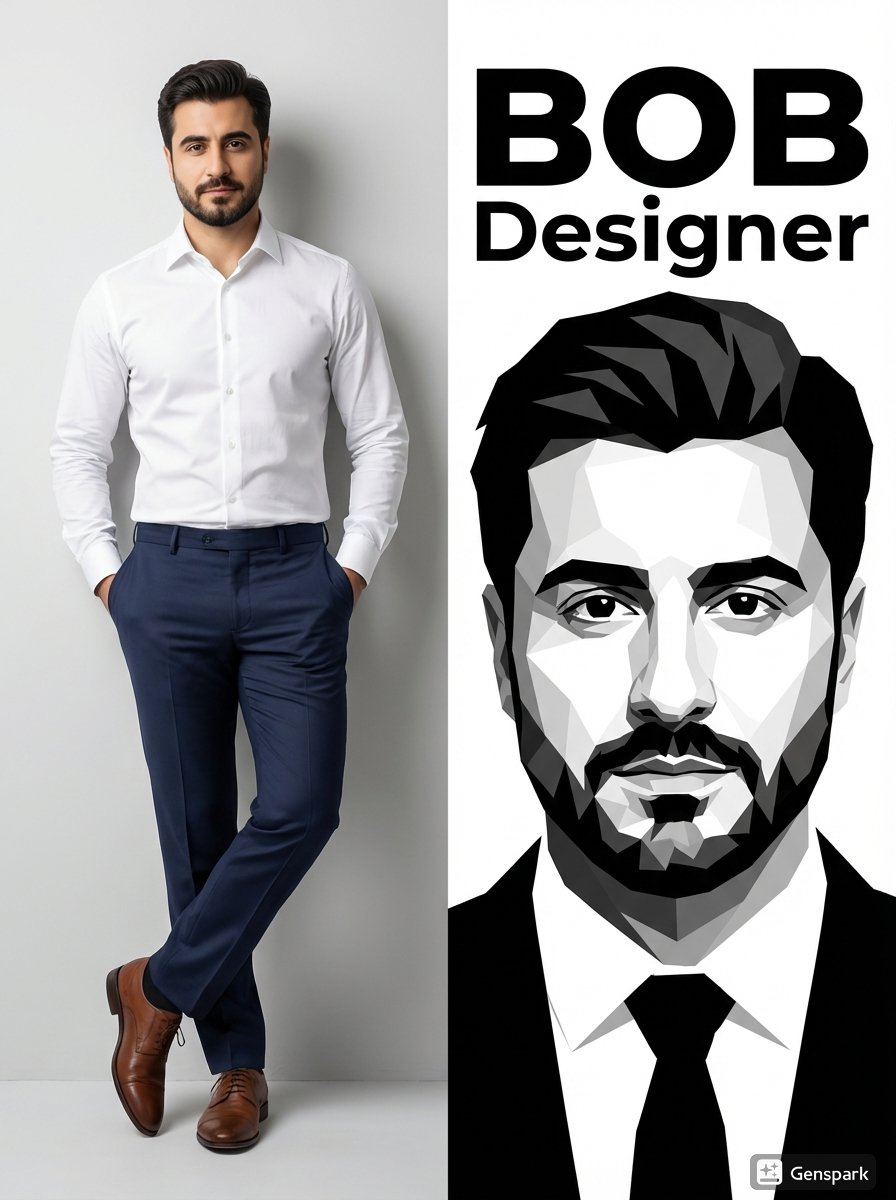
Vertical Split-Screen Branding Composition
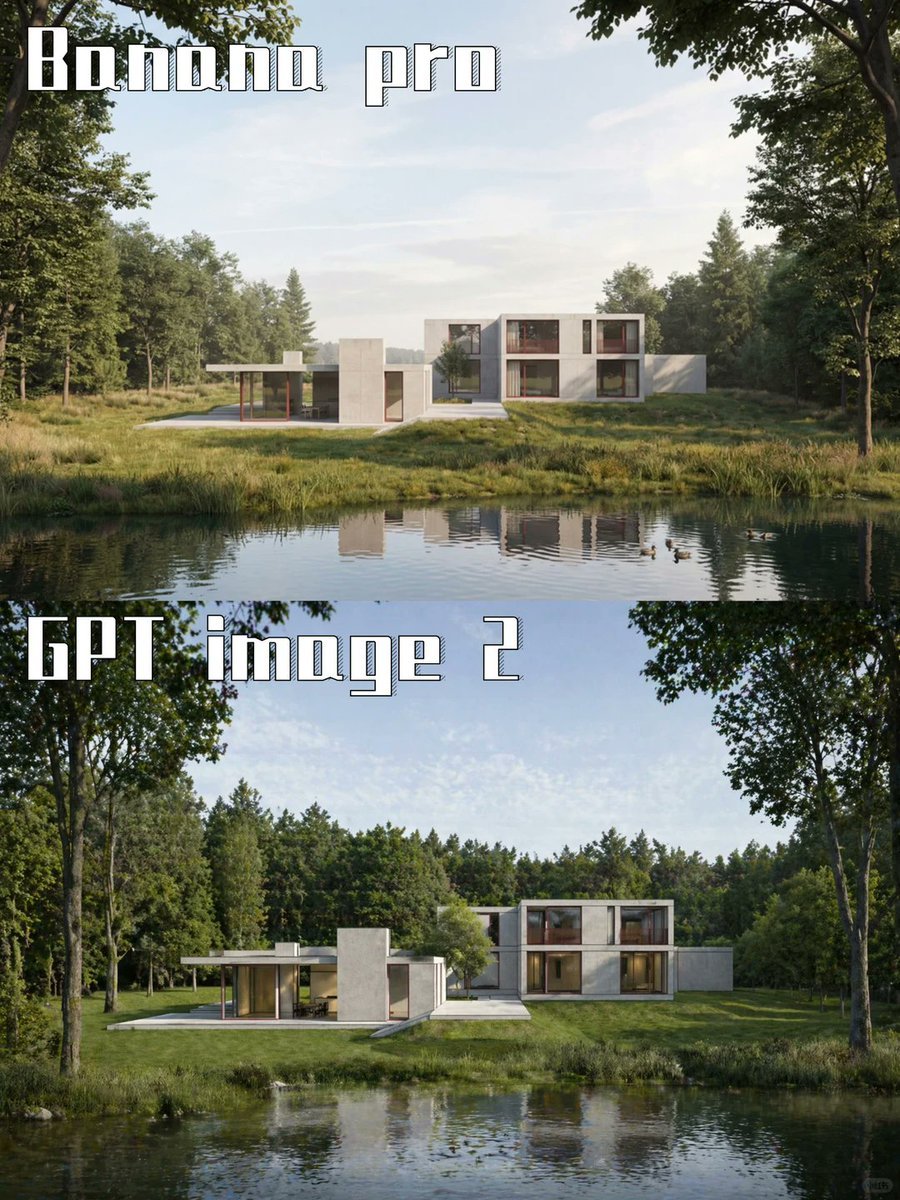
AI Model Architecture Comparison Poster
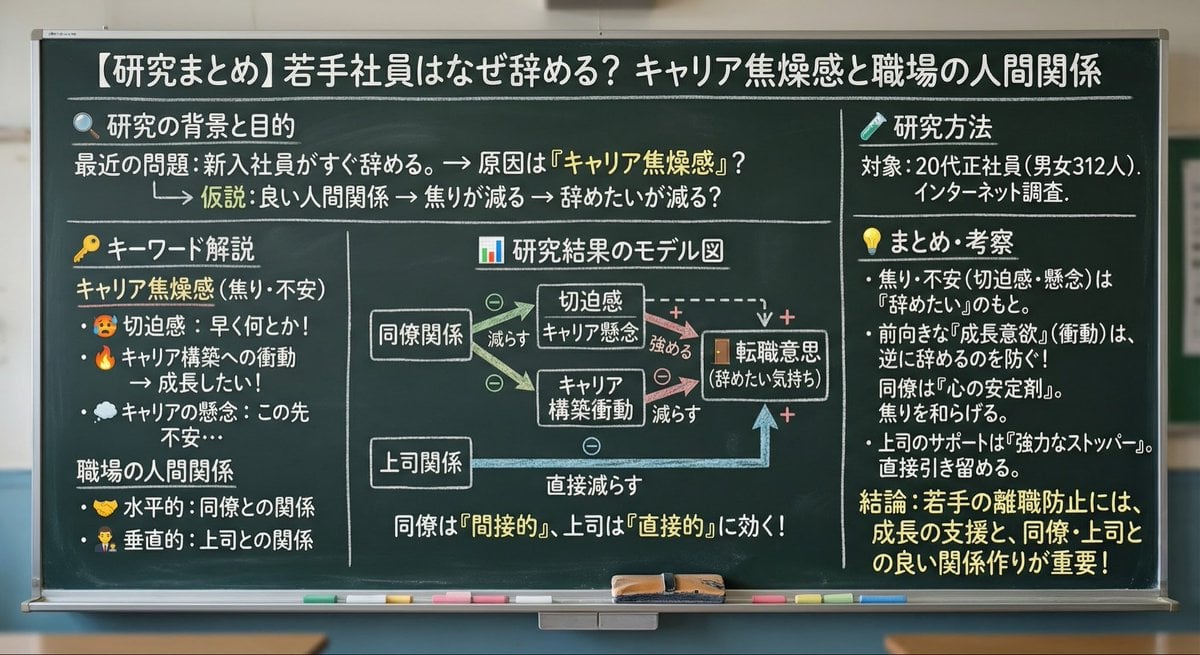
Blackboard summary of pasted content
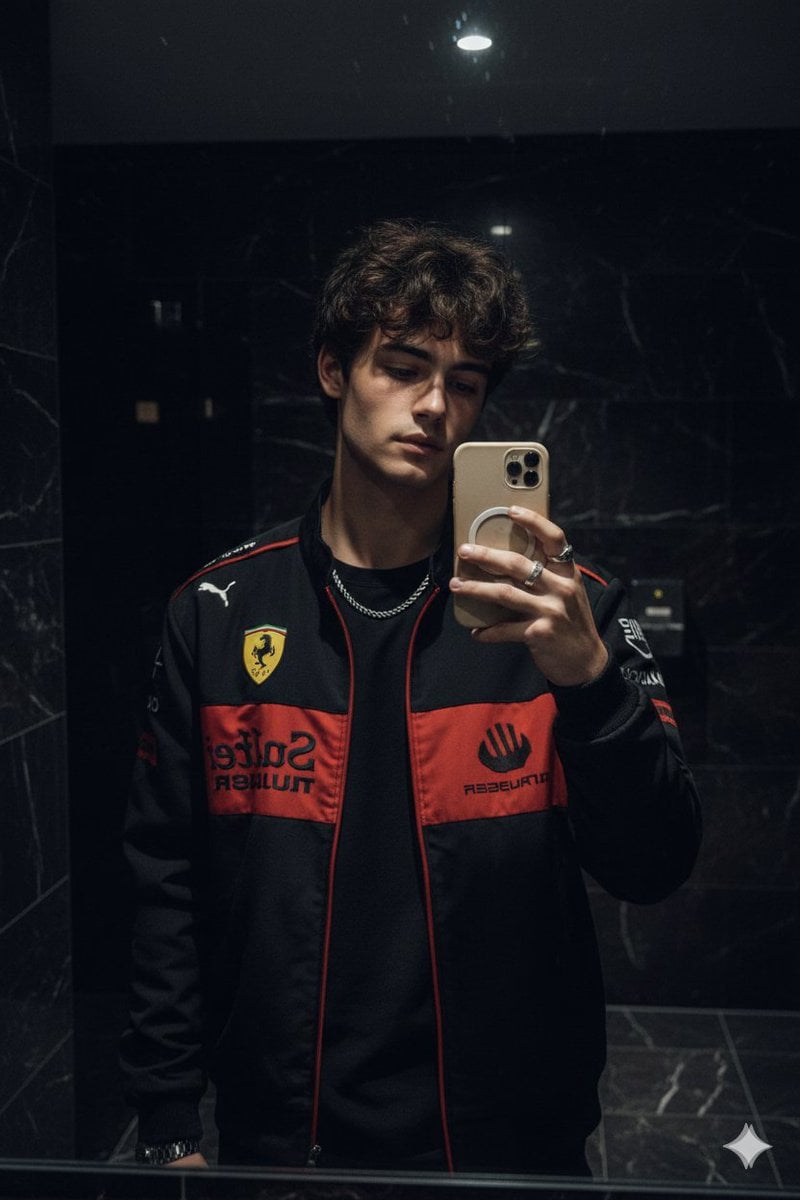
Cinematic Mirror Selfie in Dark Modern Bathroom

Wireframe to Corporate Web Banner
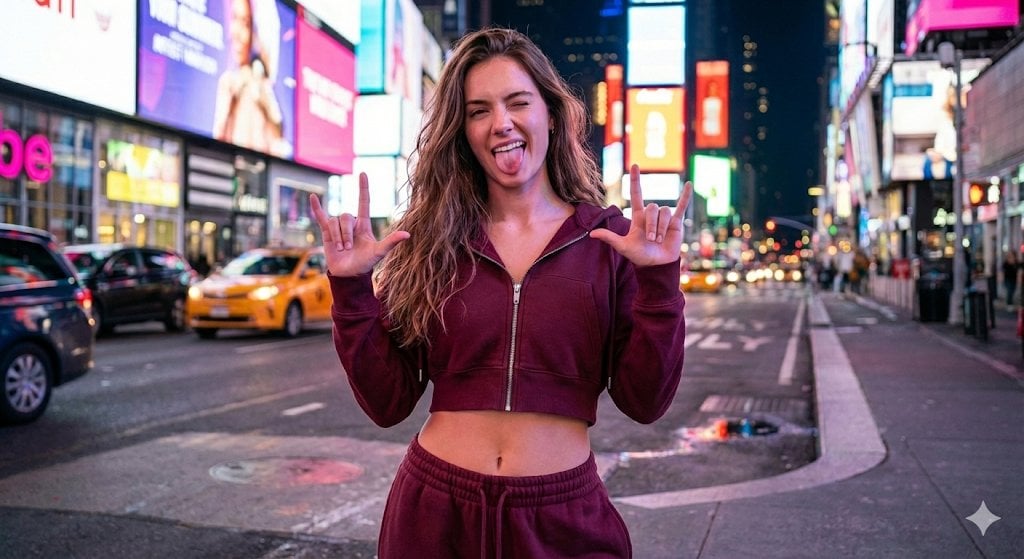
NYC Nightlife Streetwear Influencer Photo Prompt

Pixar-Style Chibi Character Prompt
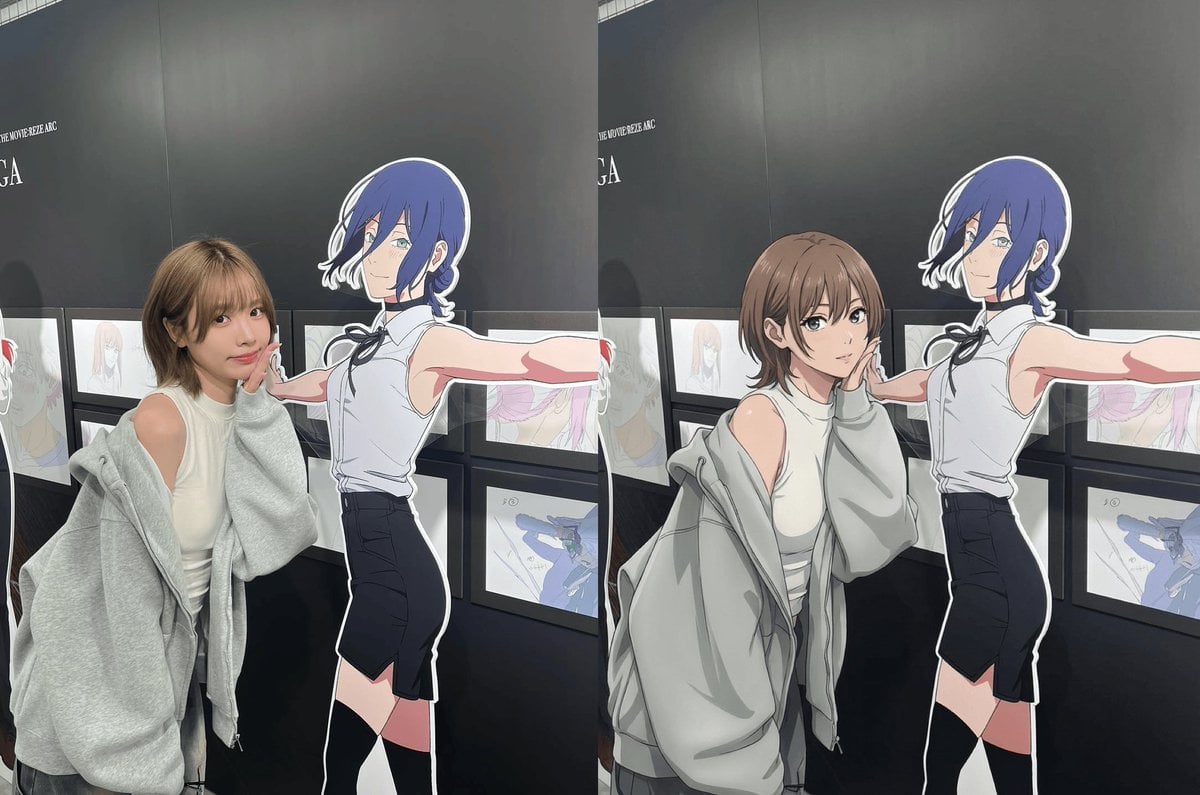
Modern anime-film style, only modify left girl

Hyper-Detailed Pop-Up Paper City
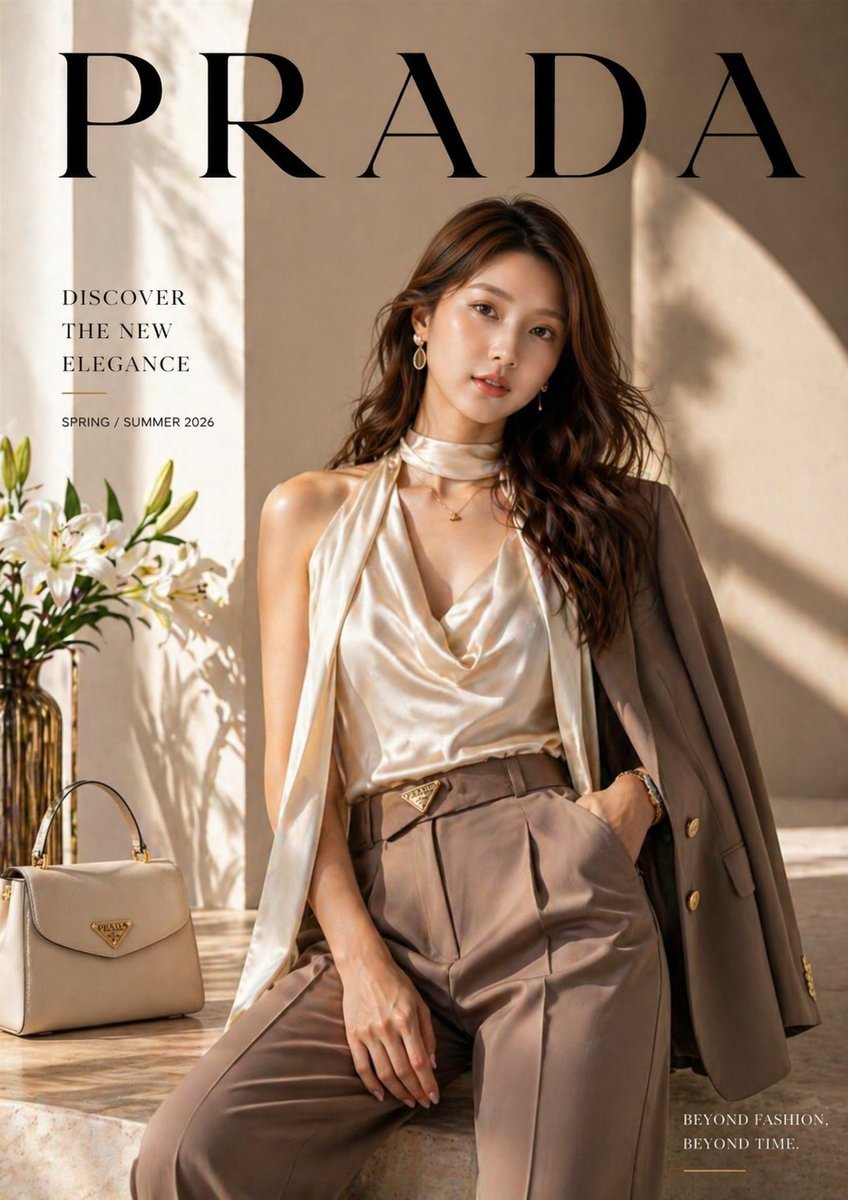
Luxury fashion advertisement poster prompt
Browse template categories
Futuristic GPT Image 2 Promo Graphic questions
How do I use the Futuristic GPT Image 2 Promo Graphic template?
Add your photo if the template asks for one, edit the prompt if you like — the template's model and format are already selected — and press Generate. Your version opens in PicX Studio.
Can I customize the Futuristic GPT Image 2 Promo Graphic template?
Yes. You can change the subject, setting, lighting, mood, format, and available model controls before creating your image.
Is the Futuristic GPT Image 2 Promo Graphic template free?
Opening and editing this template is free. Generating uses credits, shown on the Generate button when you are signed in.
Which AI model should I use?
Start with GPT Image 2, which is the model associated with this template. You can compare another compatible model for a different finish.
Looking for something else? Browse all templates.

Your photo, any look
Thousands of ready templates for every top image and video model, from one credit balance.