
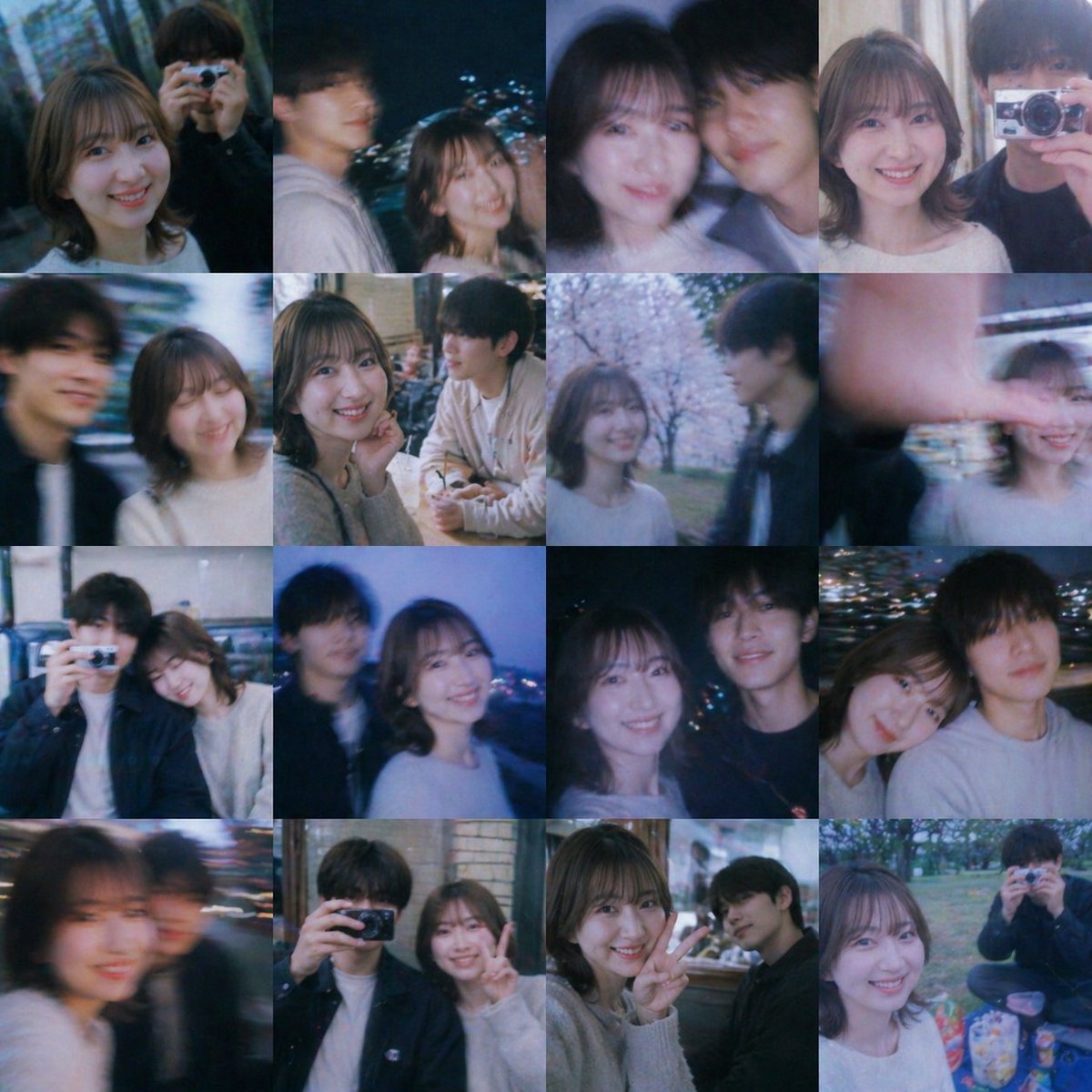
Nostalgic Youth Memory Photo Grid
This prompt generates a cinematic 4x4 collage of blurred-face candid friendship and young-romance snapshots, ideal for creating fictional sentimental memory boards.
- Prompt included
- Model and format preset
- Free template
The prompt behind this image
Copy the exact prompt behind Nostalgic Youth Memory Photo Grid, or open it in the studio and make it yours.
A nostalgic collage of 16 candid youth snapshots arranged in a clean 4x4 photo grid, square format, styled like nonexistent memories from a Japanese coming-of-age film. Show a pair or small group of college-age friends spending time together through day and night, with a dreamy sentimental mood, soft blue and pink color cast, slight film grain, low-light bloom, motion blur, shallow focus, and the imperfect texture of casual phone photos. The main recurring subjects are a young woman with {argument name="hair style" default="short wavy bob"} wearing a {argument name="top color" default="white or light gray knit top"}, and a young man with dark hair in casual dark outerwear or a pale hoodie, appearing as close friends or a shy couple. Faces are intentionally obscured by soft rectangular blur blocks over every visible face, but body language remains warm, intimate, and natural. Include exactly 16 tiles: 1) night street portrait of the woman alone, 2) nighttime two-shot outdoors with the man and woman side by side, city lights behind them, 3) close indoor selfie of two friends shoulder to shoulder, 4) indoor two-shot near curtains, 5) blurred moving street selfie of the pair, 6) cozy cafe table scene with drinks, the woman touching her face while the man sits across, 7) spring park scene under blooming cherry blossoms, 8) playful outdoor shot with a hand partially covering the lens, 9) indoor couch or booth snapshot with one person holding a compact camera, 10) blue-hour overlook or rooftop shot with city lights and the pair standing together, 11) nighttime waterfront or city-light background portrait of two friends, 12) close side-by-side night snapshot of the pair, 13) heavily blurred close selfie with one figure in motion, 14) indoor mirror-area or restaurant snapshot with one person raising a camera, 15) indoor casual peace-sign pose beside a brick or tiled wall, 16) picnic-in-the-park scene with snacks and one friend holding a camera toward the viewer. Overall feeling: wistful, cinematic, intimate, youthful, spontaneous, and bittersweet, like a scrapbook of memories that never really happened.
How to use Nostalgic Youth Memory Photo Grid in 3 steps
- 1Upload ImagePNG, JPG or paste
Add your photo
Upload the photo the template builds on. The prompt, model and format are already set.
- 2…a portrait of your subject in softgolden-hour light, 85mm…
Personalize
Edit the subject and creative details for your destination.
- 3Generate
Generate
Press Generate — your image is created in PicX Studio, so you can compare it with the original and refine one variable at a time.
More like this
Templates with the same subject, style or setup. Open one to see its prompt.

4x4 Grid - Candid Nostalgic Vacation Selfies
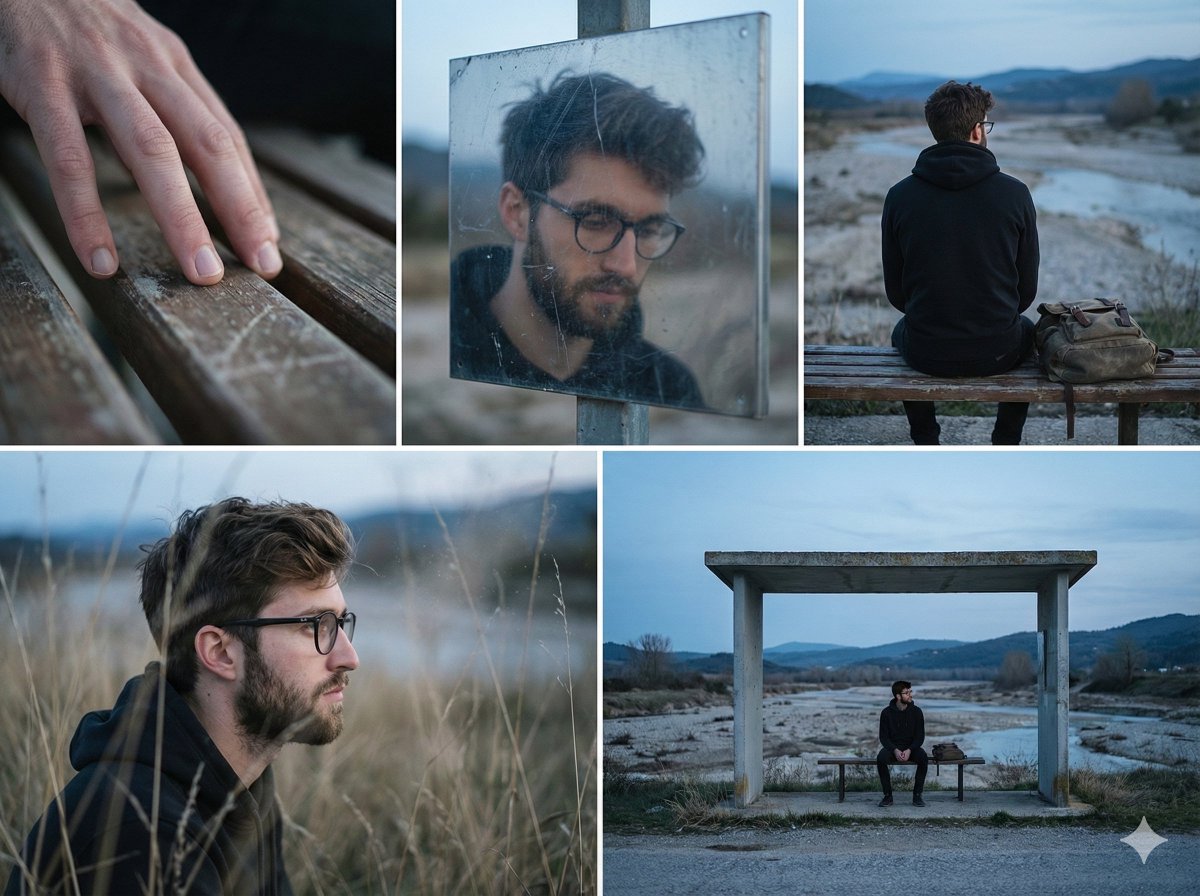
Nostalgic Memory Narrative Grid Prompt

Korean Luxury Fashion Editorial 2x2 Grid Series

Minimalist Fashion Editorial Split Layout

Ultra-Realistic Vogue-Style Editorial Fashion Grid

Nostalgic Digicam Café Afternoon Portrait
Nostalgic Digicam Café Afternoon Portrait

Vintage Lithograph Retro World Cup Poster

Goalmaster Youth Sports Poster
Vintage Lithograph Retro World Cup Poster

Headphones Lifestyle Nine Panel Grid

Japanese Negative Film Rooftop Summer Portrait
Make it yours
Nostalgic Youth Memory Photo Grid works as-is. These are the safest ways to change it without losing the look.
Change one field
Copy a single group, rewrite it, and generate again so you can see what that field is doing.
Keep the frame, change the subject
Hold the composition and light of Nostalgic Youth Memory Photo Grid, then swap wardrobe, props or the person for a new take.
| If the result… | Why | Fix |
|---|---|---|
| The result drifts from the preview | Too many fields changed at once. | Reuse Nostalgic Youth Memory Photo Grid as-is first, then change one group — subject, light, or setting. |
| The model over-stylizes the scene | The prose prompt leaves finish and camera underspecified. | Add one camera or lighting sentence and stay on GPT Image 2. |
More GPT Image 2 templates
Other prompts made for GPT Image 2.

Six VTuber Japanese Logo Sheet

Realistic Portrait of Woman and Deer

The Vista Modular Condo Poster

AI Model Routing Comparison Infographic

2.5D Anime Art Board

Isometric Productivity Desk Scene

New York Double Exposure Poster

Four-Panel AI Landscape Comparison

Japanese Tatami Lifestyle Magazine Cover

NESCAFÉ Coffee Map Poster
More image prompts
Fresh picks from across the catalog.
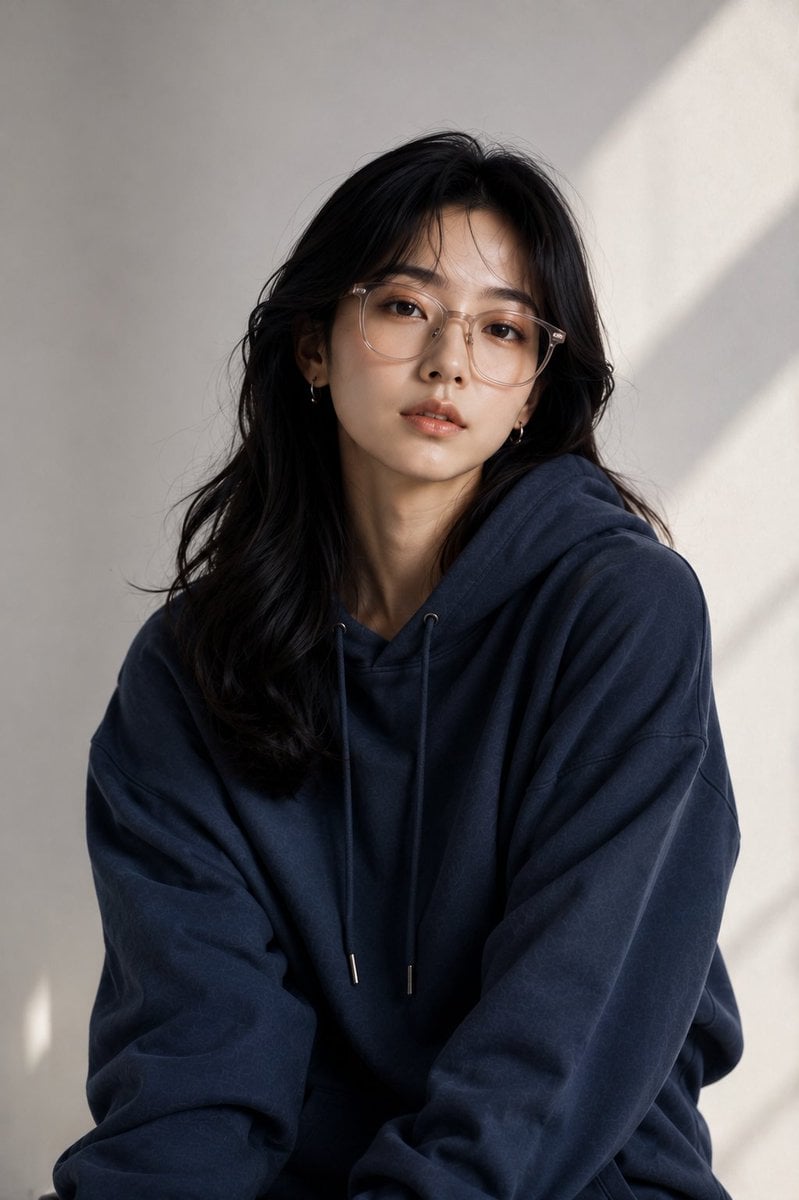
East Asian Fashion Editorial Portrait
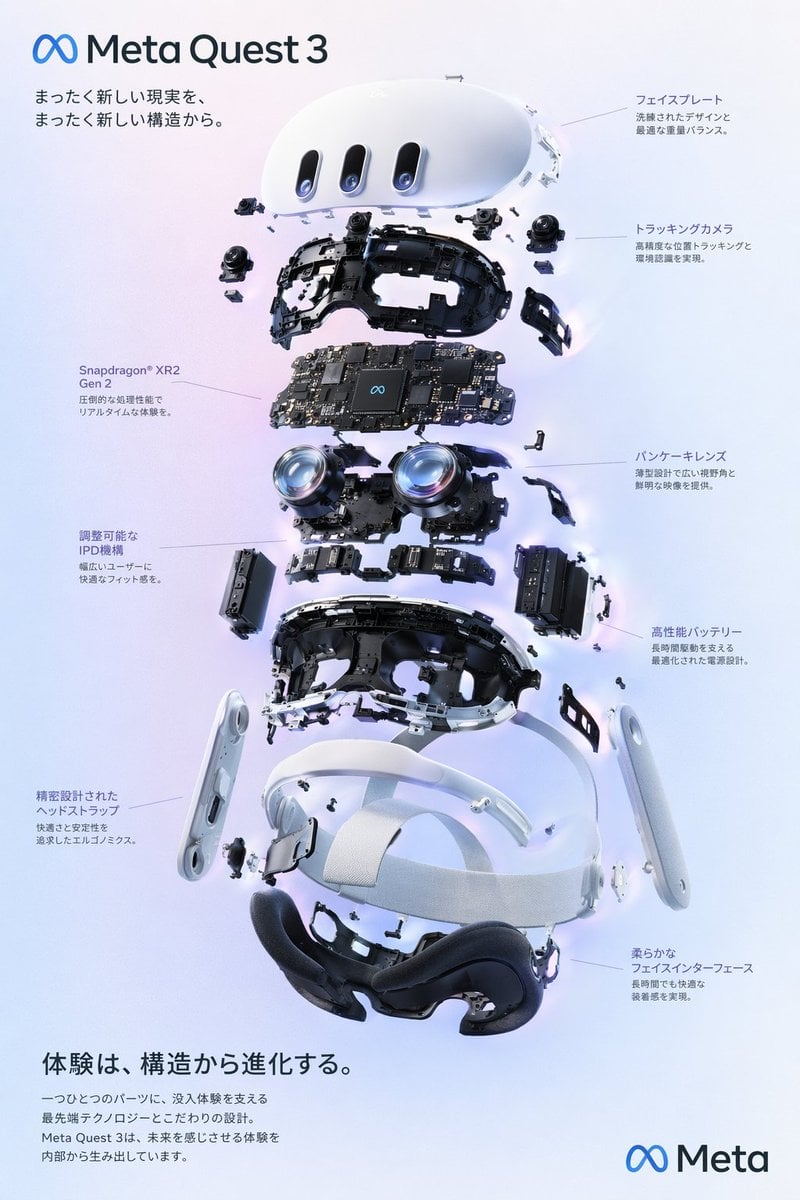
Gpt2 Vr Headset Exploded View Poster

High-Energy Sneaker Ad Poster
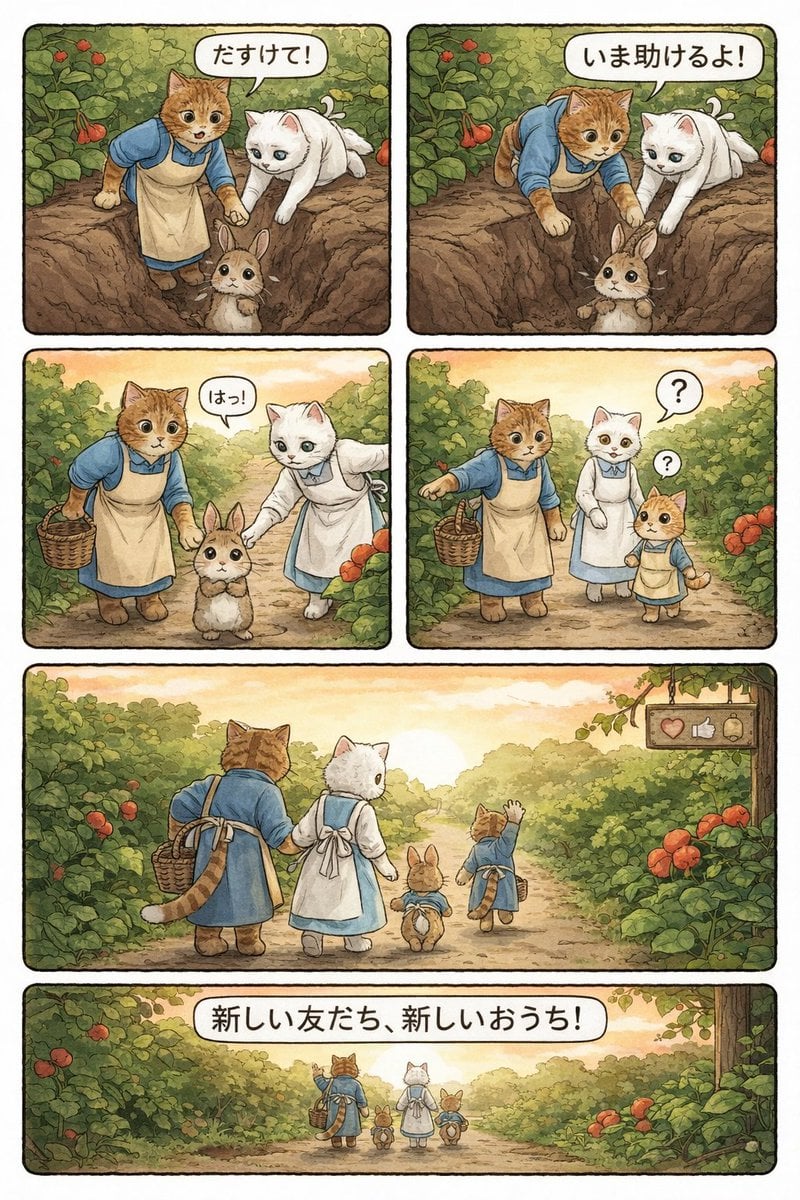
Converting Video to 4-Panel Manga
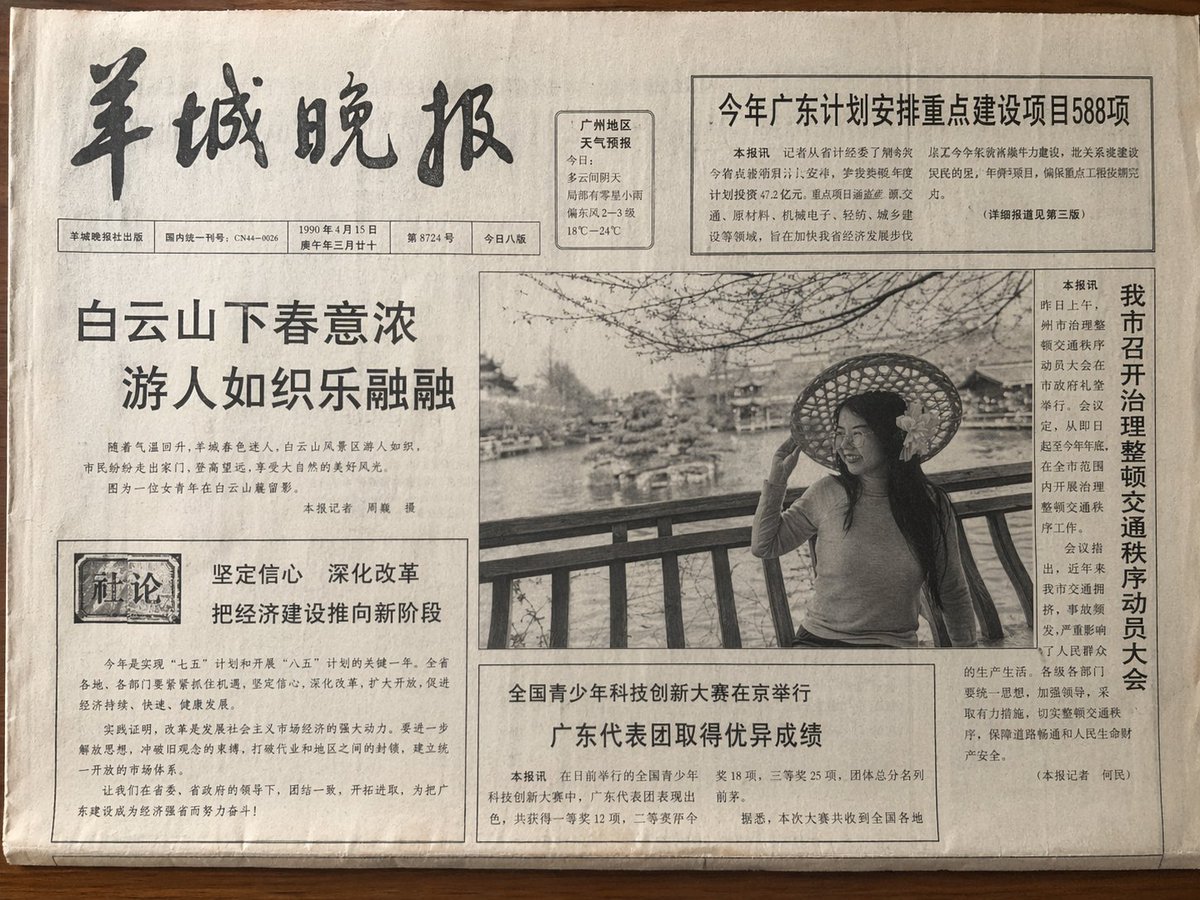
Vintage Newspaper Front Page
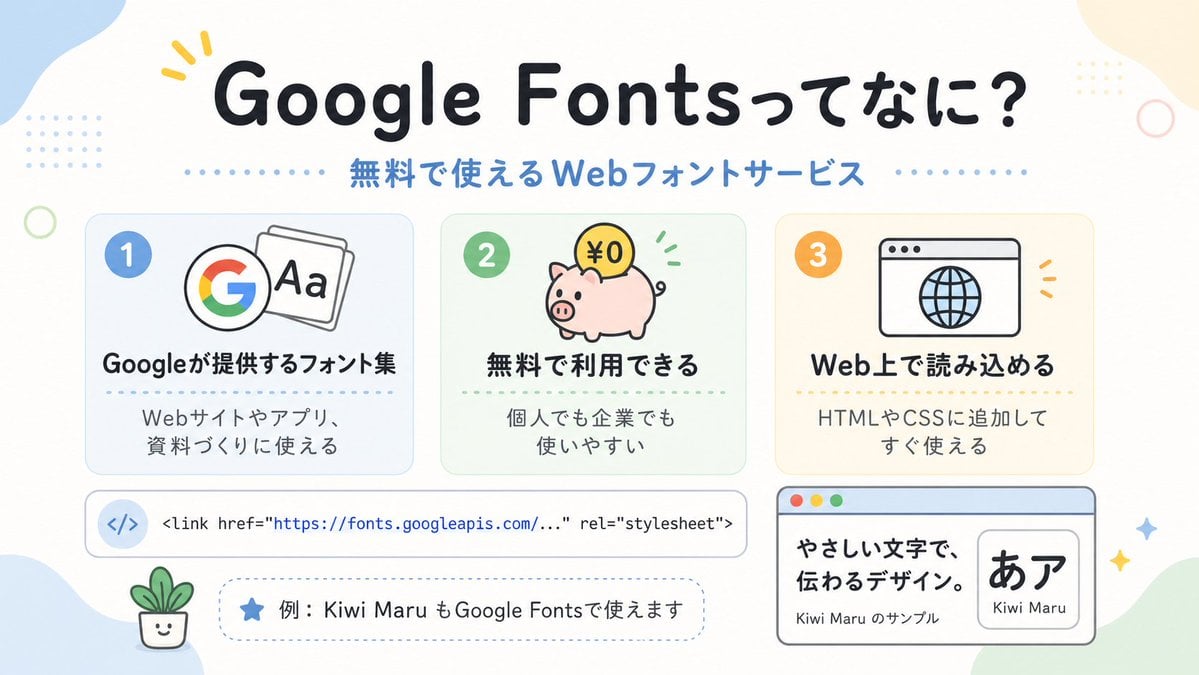
Cute Google Fonts Japanese Infographic
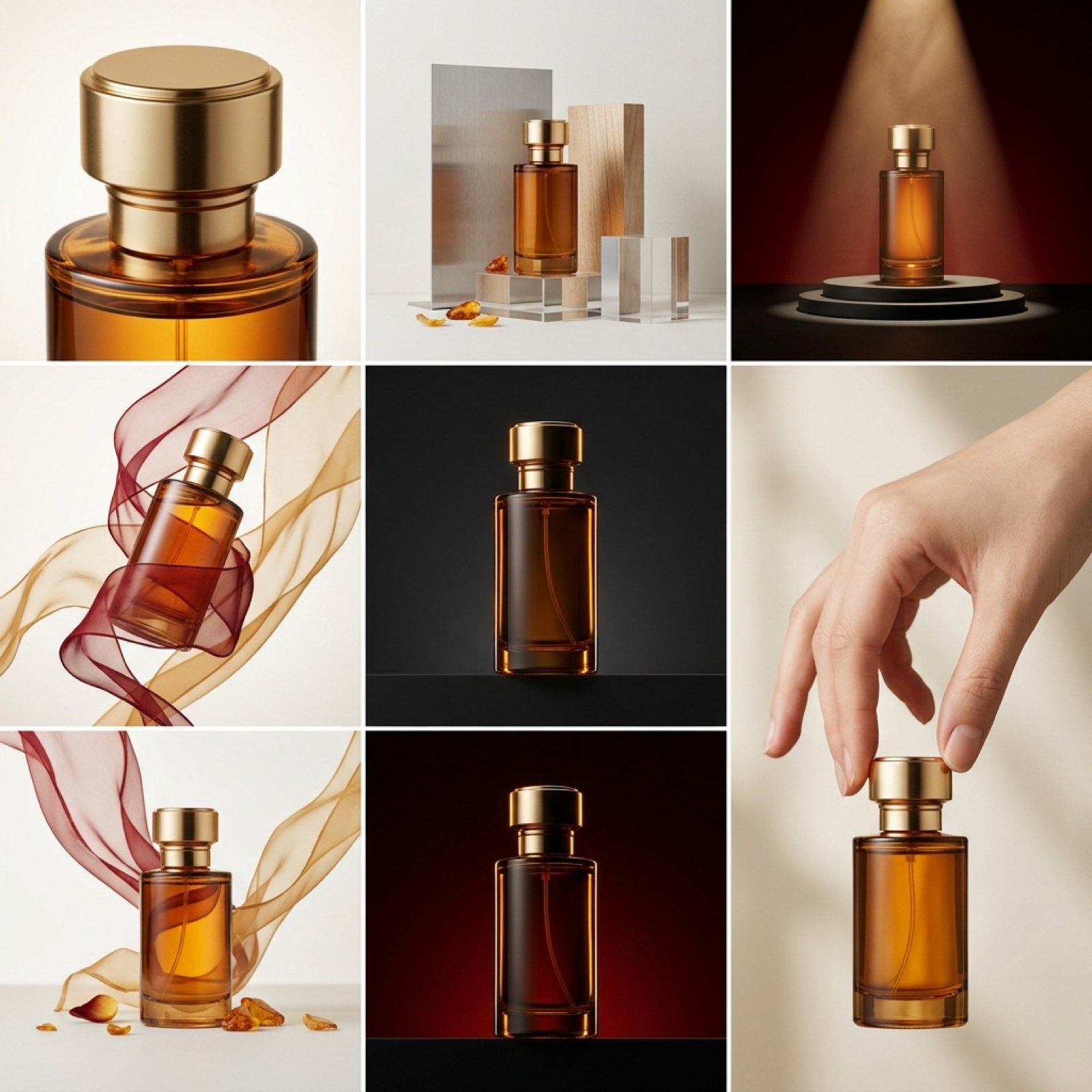
High-End Commercial Product Collage Prompt (Korean)

Glitch Storm Dragon Prompt
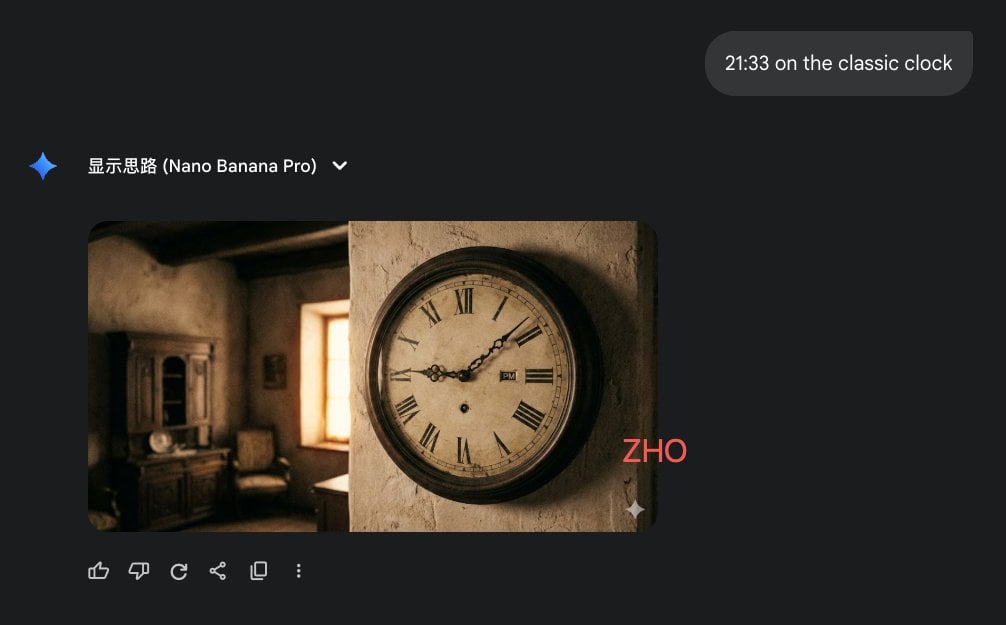
Clock face time rendering test

Luxury Cinematic Food Photography of Seruit Lampung
Browse template categories
Nostalgic Youth Memory Photo Grid questions
How do I use the Nostalgic Youth Memory Photo Grid template?
Add your photo if the template asks for one, edit the prompt if you like — the template's model and format are already selected — and press Generate. Your version opens in PicX Studio.
Can I customize the Nostalgic Youth Memory Photo Grid template?
Yes. You can change the subject, setting, lighting, mood, format, and available model controls before creating your image.
Is the Nostalgic Youth Memory Photo Grid template free?
Opening and editing this template is free. Generating uses credits, shown on the Generate button when you are signed in.
Which AI model should I use?
Start with GPT Image 2, which is the model associated with this template. You can compare another compatible model for a different finish.
Looking for something else? Browse all templates.

Your photo, any look
Thousands of ready templates for every top image and video model, from one credit balance.