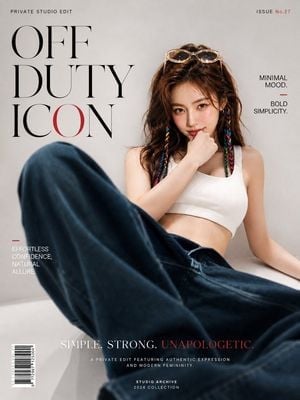
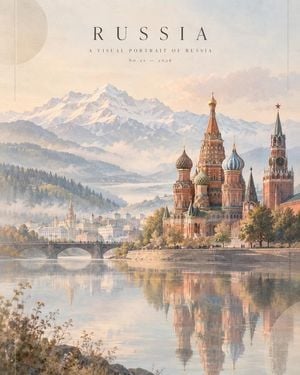
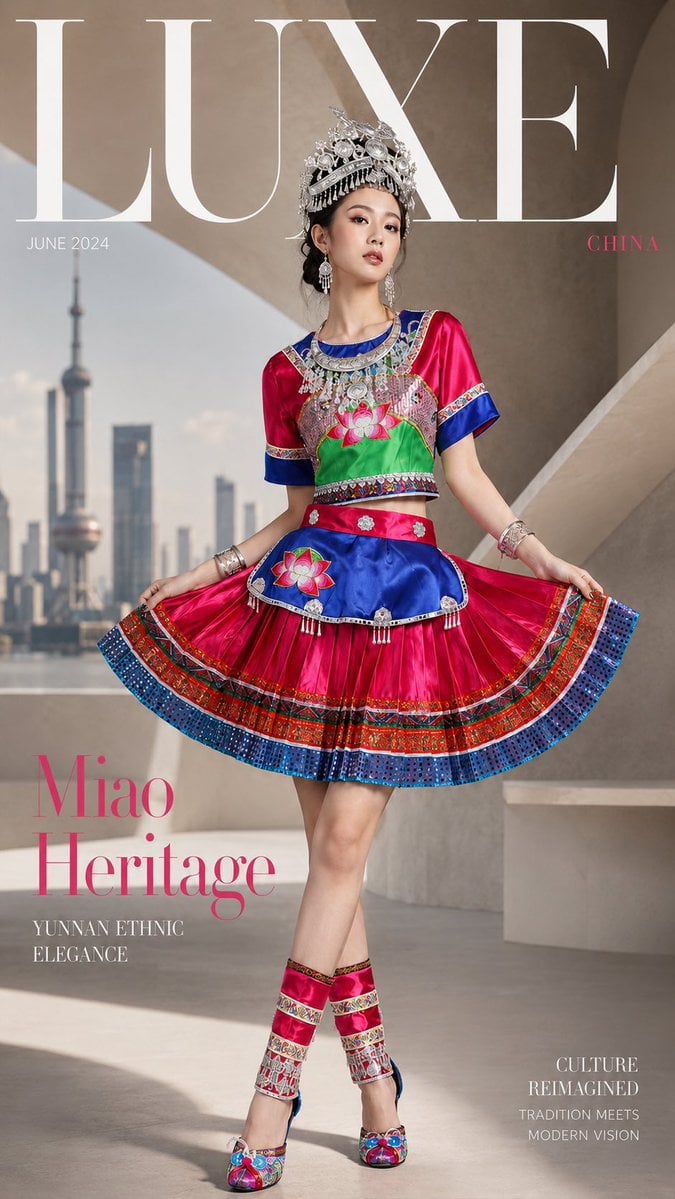
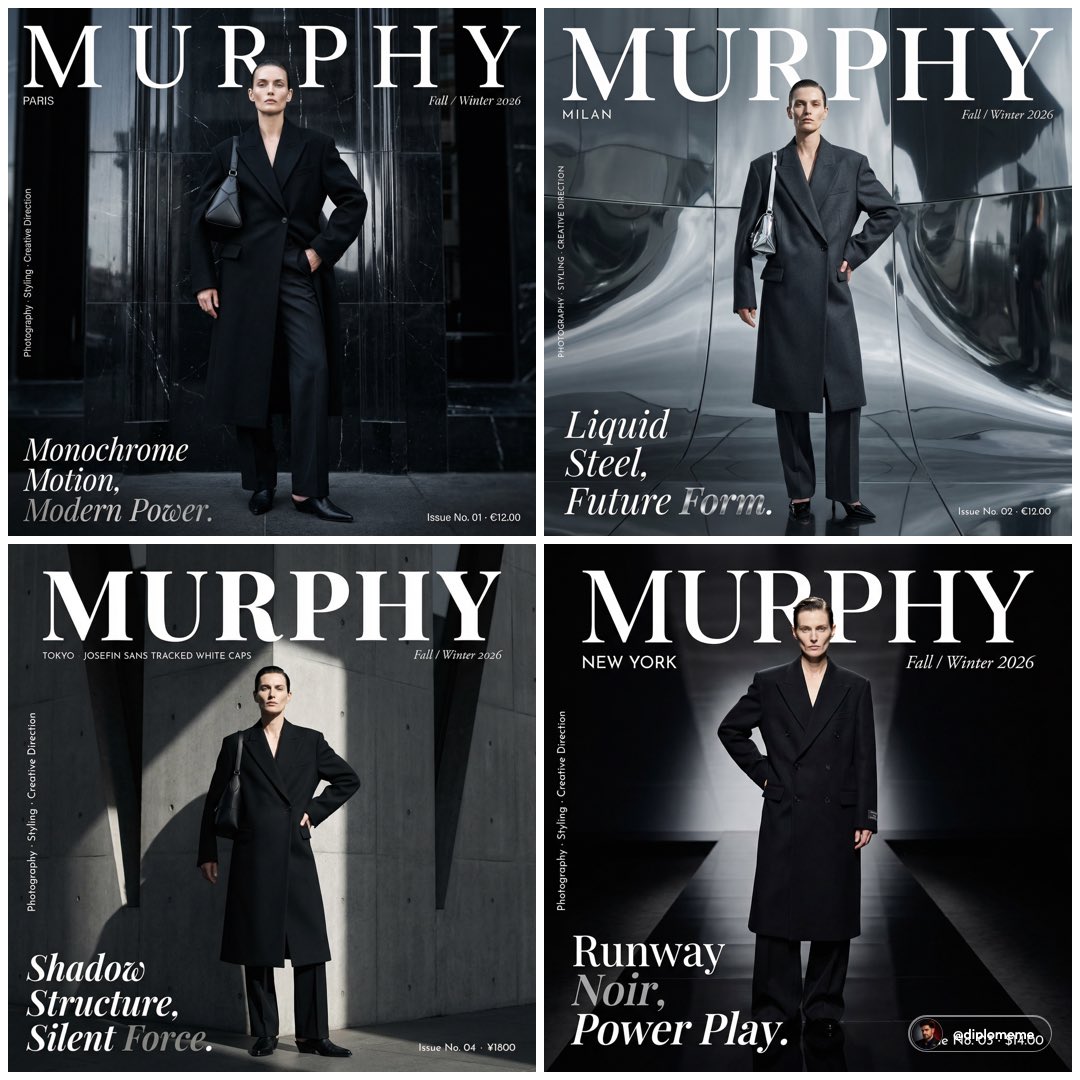
How do I use the Elegant Fashion Magazine Cover template?
Edit the prompt in the box under the preview — the template's model and format are already selected — and press Generate. Your version appears right on this page.
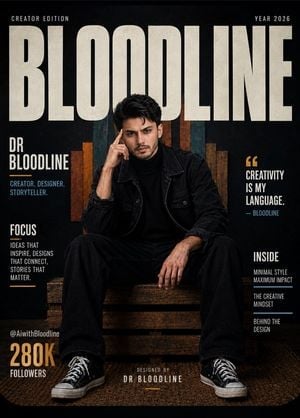
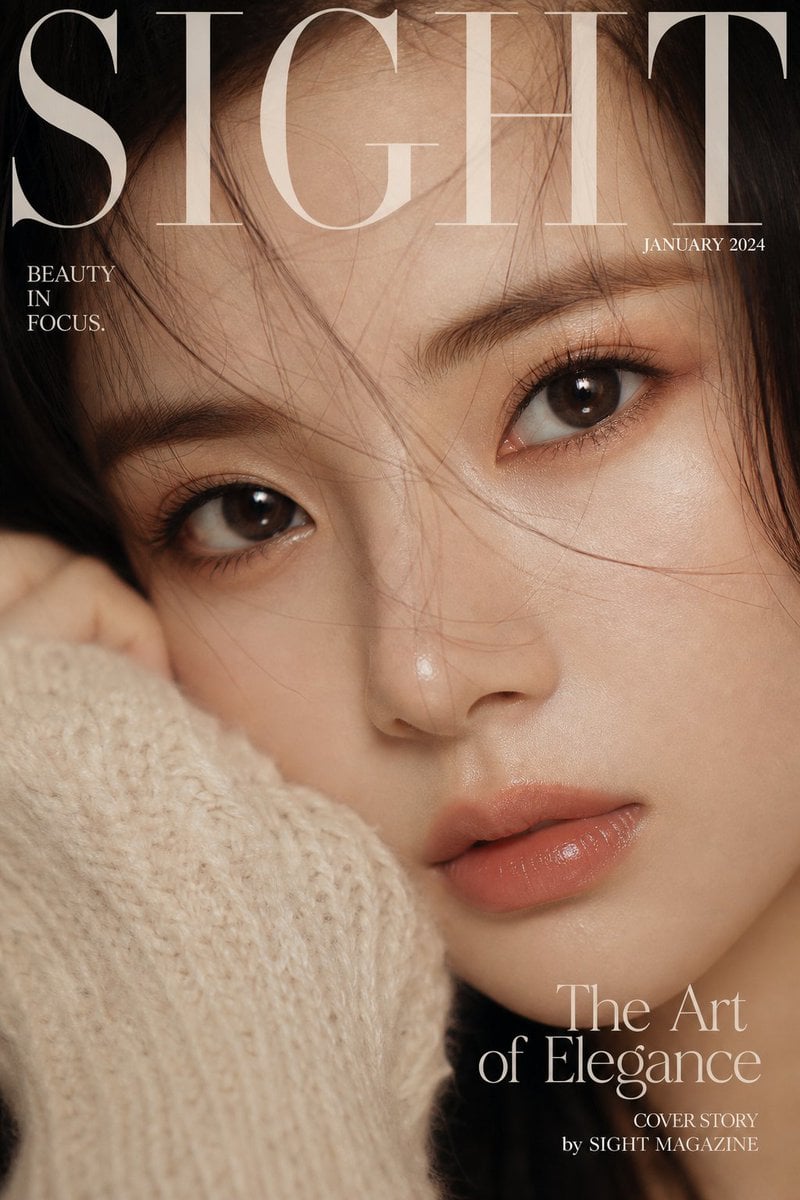
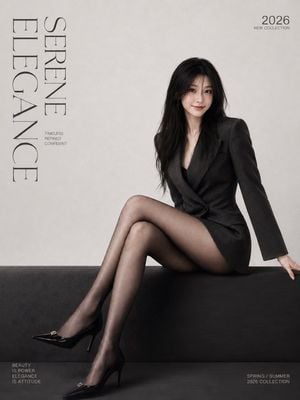
A sophisticated fashion photography prompt for GPT Image 2, featuring a woman with a large bouquet of roses, emphasizing matte textures, natural lighting, and a magazine cover aesthetic.

This template uses your photo — add one with the + button.
Character reference image 1, image 2 [Character's pose and expression] Staring straight into the camera with a proud, captivating gaze. She gently and quietly cradles a {argument name="bouquet color" default="huge crimson rose bouquet"} in both hands as if holding a baby, creating a calm yet mysterious and wistful atmosphere. [Character's outfit] She is wearing a luxurious, matte-textured {argument name="outfit style" default="black sleeveless dress"}. The skirt has full, soft pleats that visually make the vivid red of the roses she holds stand out even more. [Character's hairstyle and makeup details] A long wavy hairstyle in brown tones with natural volume. Thick wavy bangs flow naturally along the face line, slightly covering one eye. The makeup features clean, fair skin with a vivid matte red lip that emphasizes the lips. [Lighting and light direction] Strong natural light streaming in from the character's left softly wraps around the shine of her hair and the line of her shoulders, and shines strongly enough to make her skin look even fairer. [Texture and color mood] The deep black of the outfit, the intense red of the roses, the velvety softness of the rose petals' texture, and the clean skin texture create a vivid contrast, producing the mood of a captivating, classic fashion editorial. [Film and camera lens depth, angle] A vertical, front-on eye-level angle shot for a fashion magazine cover. It is a shallow depth-of-field shot with focus on the character's upper body and the rose bouquet, with the surrounding background softly out of focus to dramatically make the subject stand out. It is a cowboy shot with a 9:16 ratio. [Background elements (optional)] An exotic architectural background featuring classic European-style outdoor stone steps and potted green plants. At the top of the frame, huge '{argument name="typography" default="BLANC"}' typography with a yellow-to-orange gradient is placed. [Sign] In the bottom right, a small Threads logo (operated by Meta) is placed, with "CHAse" written small above it in white cursive script like a signature.
Character reference image 1, image 2 [Character's pose and expression] Staring straight into the camera with a proud, captivating gaze. She gently and quietly cradles a {argument name="bouquet color" default="huge crimson rose bouquet"} in both hands as if holding a baby, creating a calm yet mysterious and wistful atmosphere. [Character's outfit] She is wearing a luxurious, matte-textured {argument name="outfit style" default="black sleeveless dress"}. The skirt has full, soft pleats that visually make the vivid red of the roses she holds stand out even more. [Character's hairstyle and makeup details] A long wavy hairstyle in brown tones with natural volume. Thick wavy bangs flow naturally along the face line, slightly covering one eye. The makeup features clean, fair skin with a vivid matte red lip that emphasizes the lips. [Lighting and light direction] Strong natural light streaming in from the character's left softly wraps around the shine of her hair and the line of her shoulders, and shines strongly enough to make her skin look even fairer. [Texture and color mood] The deep black of the outfit, the intense red of the roses, the velvety softness of the rose petals' texture, and the clean skin texture create a vivid contrast, producing the mood of a captivating, classic fashion editorial. [Film and camera lens depth, angle] A vertical, front-on eye-level angle shot for a fashion magazine cover. It is a shallow depth-of-field shot with focus on the character's upper body and the rose bouquet, with the surrounding background softly out of focus to dramatically make the subject stand out. It is a cowboy shot with a 9:16 ratio. [Background elements (optional)] An exotic architectural background featuring classic European-style outdoor stone steps and potted green plants. At the top of the frame, huge '{argument name="typography" default="BLANC"}' typography with a yellow-to-orange gradient is placed. [Sign] In the bottom right, a small Threads logo (operated by Meta) is placed, with "CHAse" written small above it in white cursive script like a signature.
Edit the prompt in the box under the preview — the template's model and format are already selected — and press Generate. Your version appears right on this page.
Yes. You can change the subject, setting, lighting, mood, format, and available model controls before creating your image.
Opening and editing this template is free. Generating uses credits, shown on the Generate button when you are signed in.
Start with GPT Image 2, which is the model associated with this template. You can compare another compatible model for a different finish.
Follow a topic to a crawlable collection of related PicX Studio templates.