
Moody Censored Indoor Selfie Portrait
This prompt generates a photorealistic stylish selfie of a young man in a dark open-collar shirt by a window, useful for creating believable social-media portrait photos.
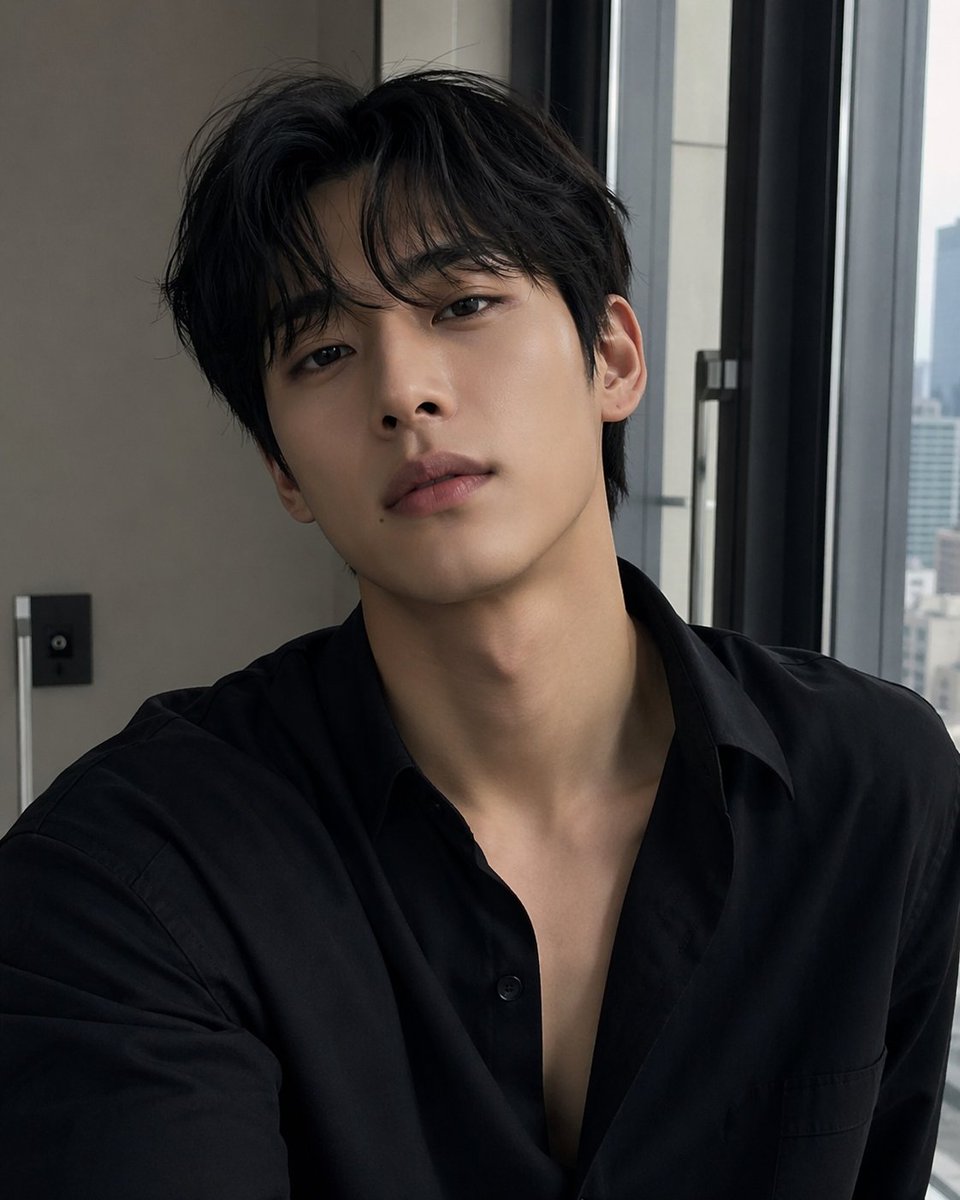
- Prompt included
- Model and format preset
- Free template
The prompt behind this image
Copy the exact prompt behind Moody Censored Indoor Selfie Portrait, or open it in the studio and make it yours.
A realistic indoor selfie-style portrait of a young East Asian man from the chest up, seated near a large modern window in a high-rise apartment or hotel room during soft daylight. He has {argument name="hair color" default="black"} hair, thick and slightly tousled with a center part and soft volume over the forehead and sides. His build appears slim, with a long neck and smooth light skin. He wears a {argument name="shirt color" default="black"} button-up shirt made of matte cotton or poplin, slightly oversized, with the top several buttons undone to create a deep open collar and relaxed, casual styling. The camera is held close in a natural selfie angle, portrait orientation, framing the shoulders, chest, neck, and head. His face is fully obscured by a large centered rectangular blur or mosaic censor block, while the ears, jawline edges, neck, and hair remain visible. The mood is understated, moody, and elegant, with muted neutral colors, soft window light from the right side, gentle shadows, and a candid social-media selfie feeling. Background details include 1 beige wall section on the left, 1 small dark wall control panel, 1 vertical metallic trim or lamp edge, and 2 tall dark-framed window panels on the right with a faint out-of-focus city skyline outside. Photorealistic smartphone photo, clean modern interior, shallow depth of field, natural skin texture, subtle contrast, no smile visible because of the censor block, minimal editing, stylish and believable personal selfie.
How to use Moody Censored Indoor Selfie Portrait in 3 steps
- 1Upload ImagePNG, JPG or paste
Add your photo
Upload the photo the template builds on. The prompt, model and format are already set.
- 2…a portrait of your subject in softgolden-hour light, 85mm…
Personalize
Edit the subject and creative details for your destination.
- 3Generate
Generate
Press Generate — your image is created in PicX Studio, so you can compare it with the original and refine one variable at a time.
More like this
Templates with the same subject, style or setup. Open one to see its prompt.

Rooftop Fisheye — Cat-Ear Balaclava at Golden Hour
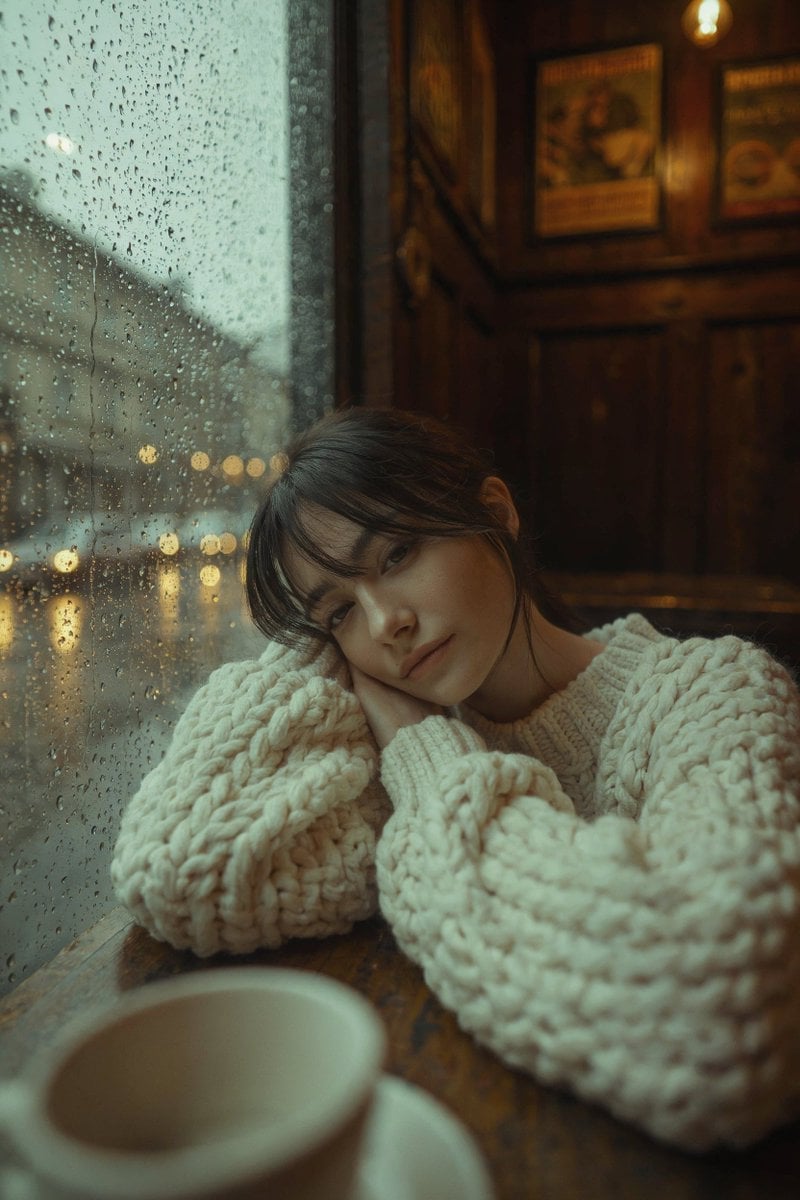
Rainy Café Window Moody Portrait
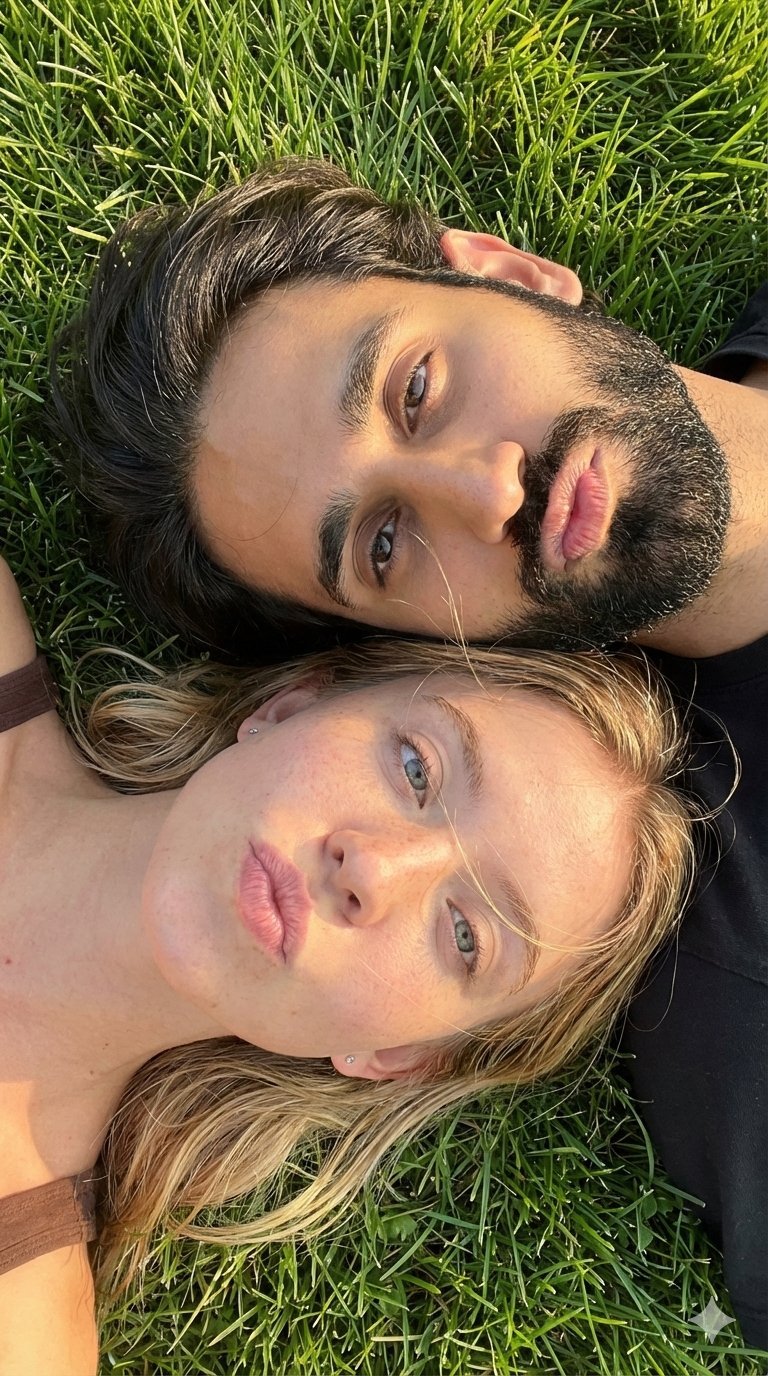
Selfie with Sydney Sweeney and Ana De Ar
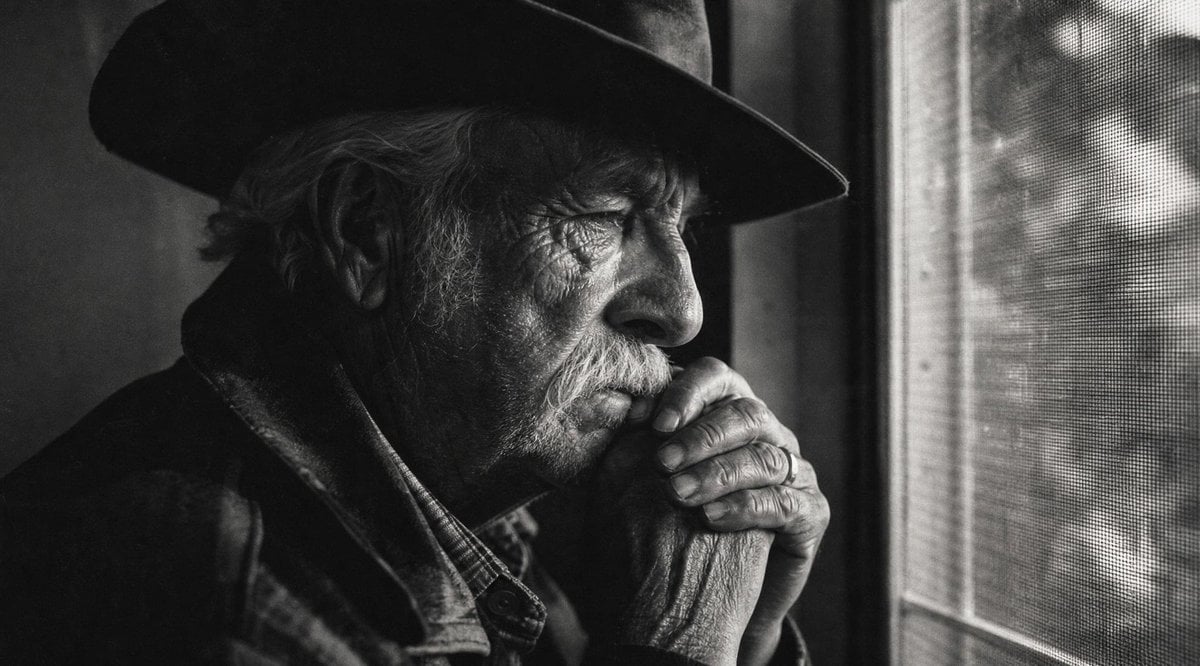
Moody Censored Elderly Man Portrait
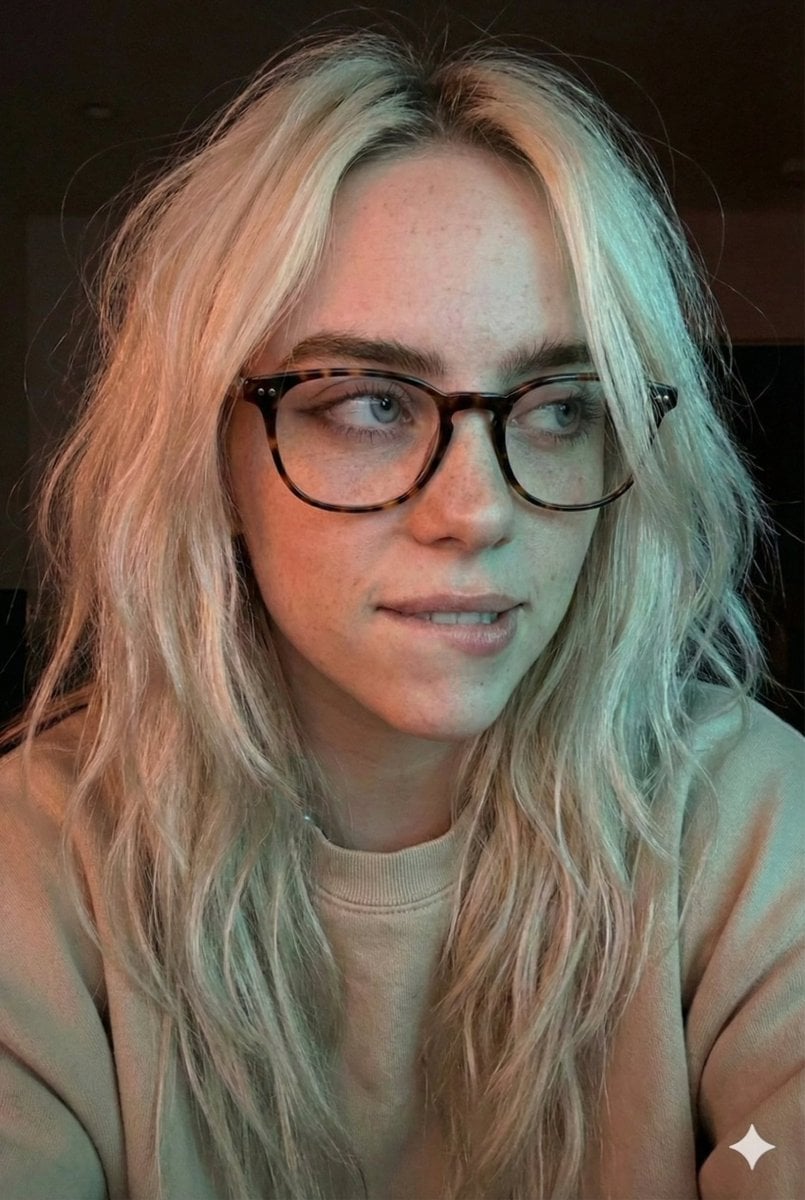
Moody Dual-Tone Selfie Portrait
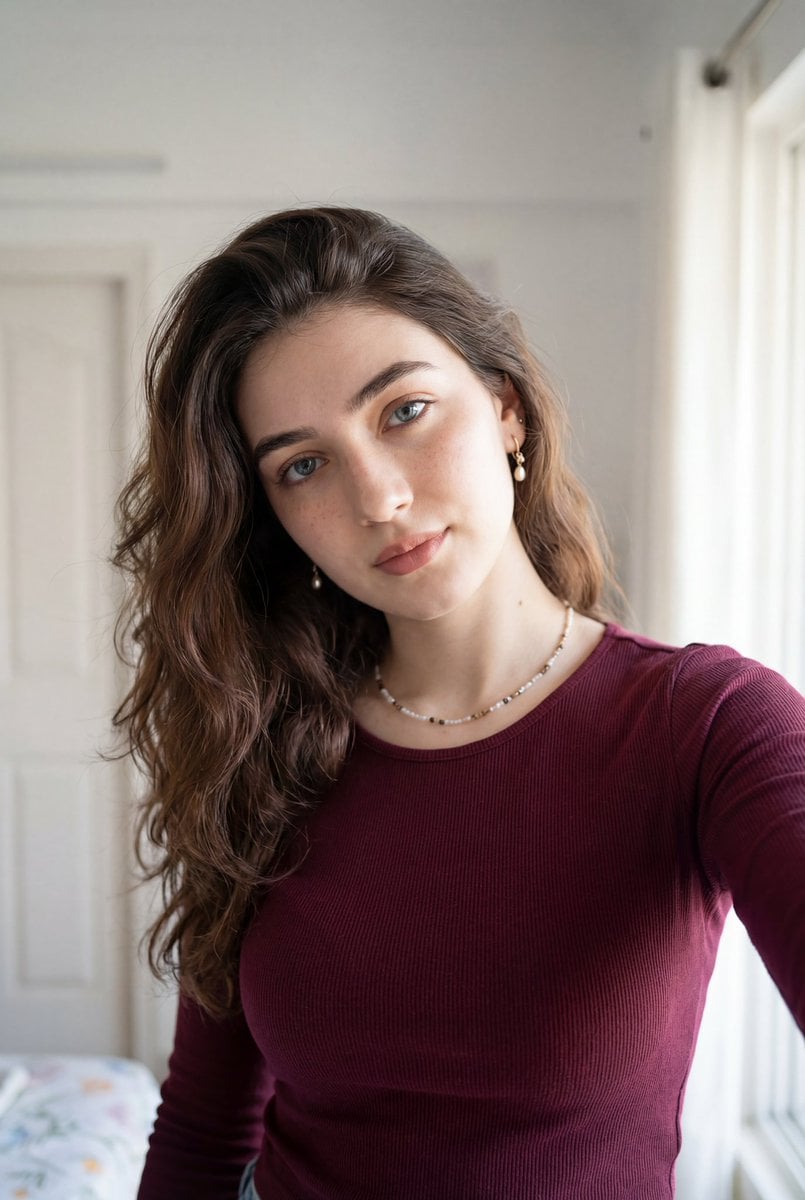
Ultra-Realistic Indoor Selfie Portrait
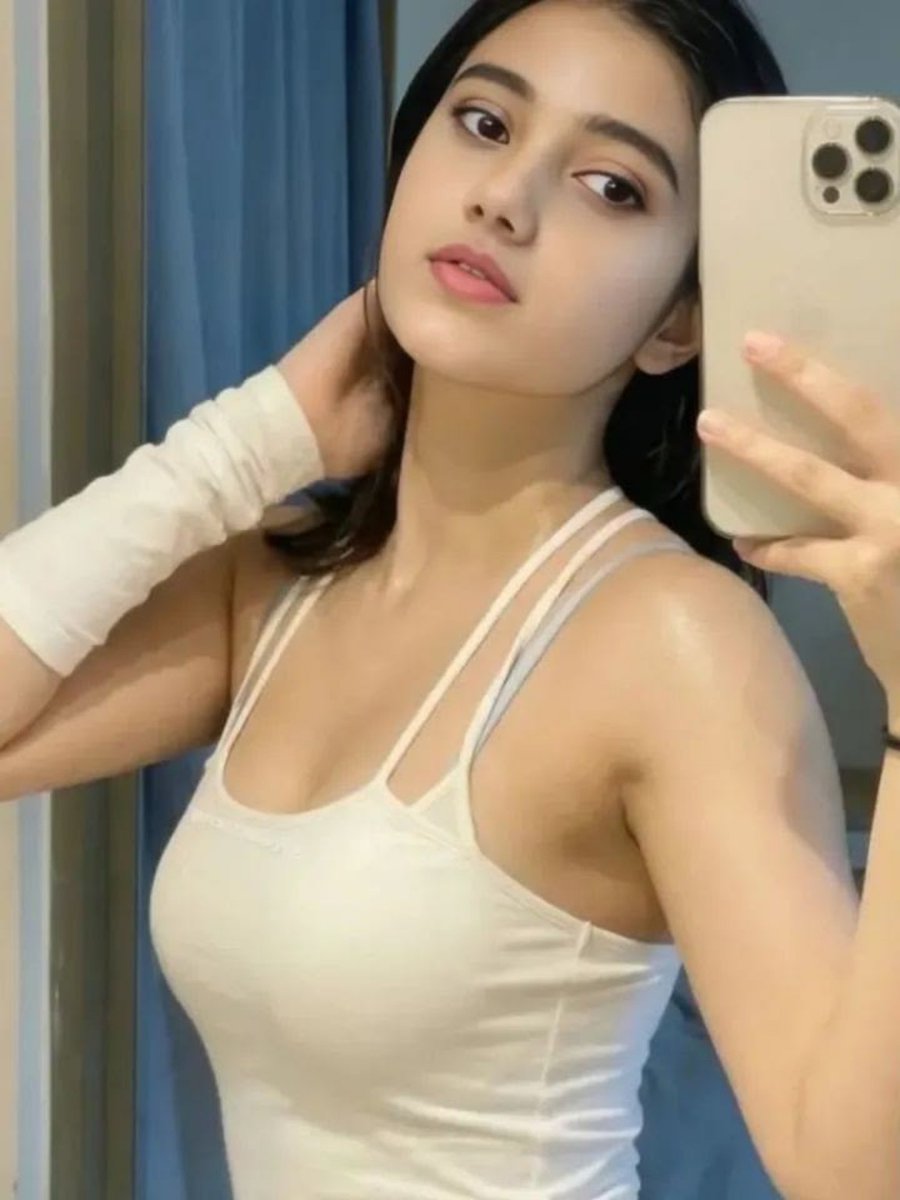
Soft Glow Indoor Mirror Selfie Portrait

Found Photograph: Us, 1970

80s Couple Studio Portrait

80s Bollywood Star

80s Golden Hour Cinema

Me in 1985
Make it yours
Moody Censored Indoor Selfie Portrait works as-is. These are the safest ways to change it without losing the look.
Change one field
Copy a single group, rewrite it, and generate again so you can see what that field is doing.
Keep the frame, change the subject
Hold the composition and light of Moody Censored Indoor Selfie Portrait, then swap wardrobe, props or the person for a new take.
| If the result… | Why | Fix |
|---|---|---|
| The result drifts from the preview | Too many fields changed at once. | Reuse Moody Censored Indoor Selfie Portrait as-is first, then change one group — subject, light, or setting. |
| The model over-stylizes the scene | The prose prompt leaves finish and camera underspecified. | Add one camera or lighting sentence and stay on GPT Image 2. |
More GPT Image 2 templates
Other prompts made for GPT Image 2.

Six VTuber Japanese Logo Sheet

Realistic Portrait of Woman and Deer

The Vista Modular Condo Poster

AI Model Routing Comparison Infographic

2.5D Anime Art Board

Isometric Productivity Desk Scene

New York Double Exposure Poster

Four-Panel AI Landscape Comparison

Japanese Tatami Lifestyle Magazine Cover

NESCAFÉ Coffee Map Poster
More image prompts
Fresh picks from across the catalog.
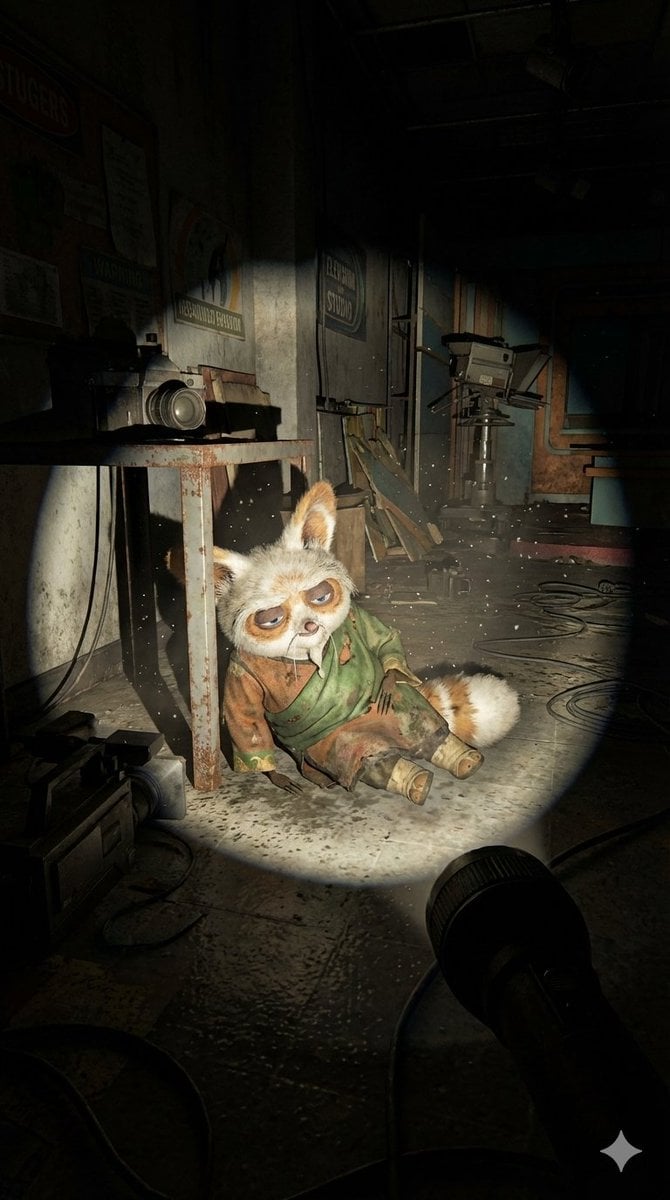
Abandoned Promotional Statue Conversion Prompt
Gpt2 E Commerce Main Image Minimalist Product Ad Pure Crunch
Ultra-realistic cinematic portrait on a luxury yacht at sunset
Canadian Citizenship Card Mockup Prompt
Dark Fantasy Product Shot of Monster Energy Drink
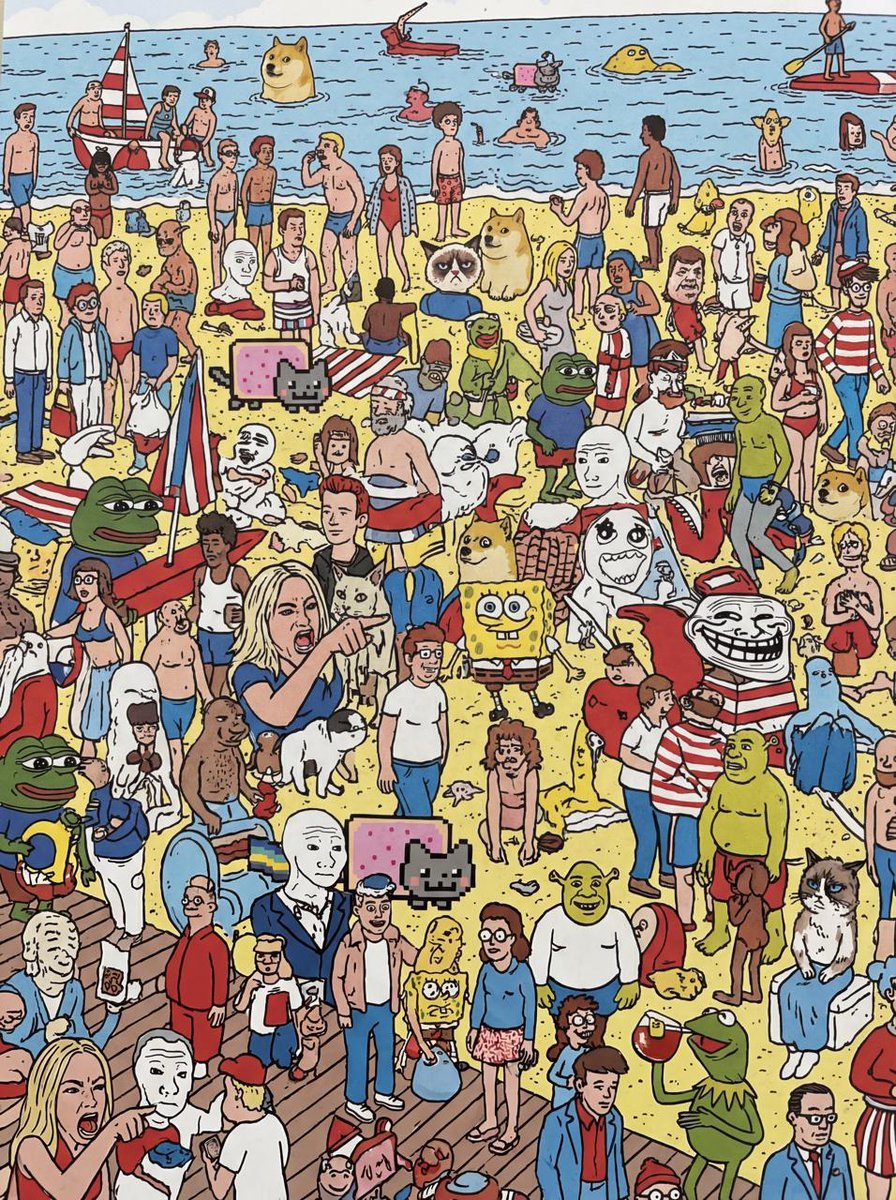
Every meme character in Where’s Wally style
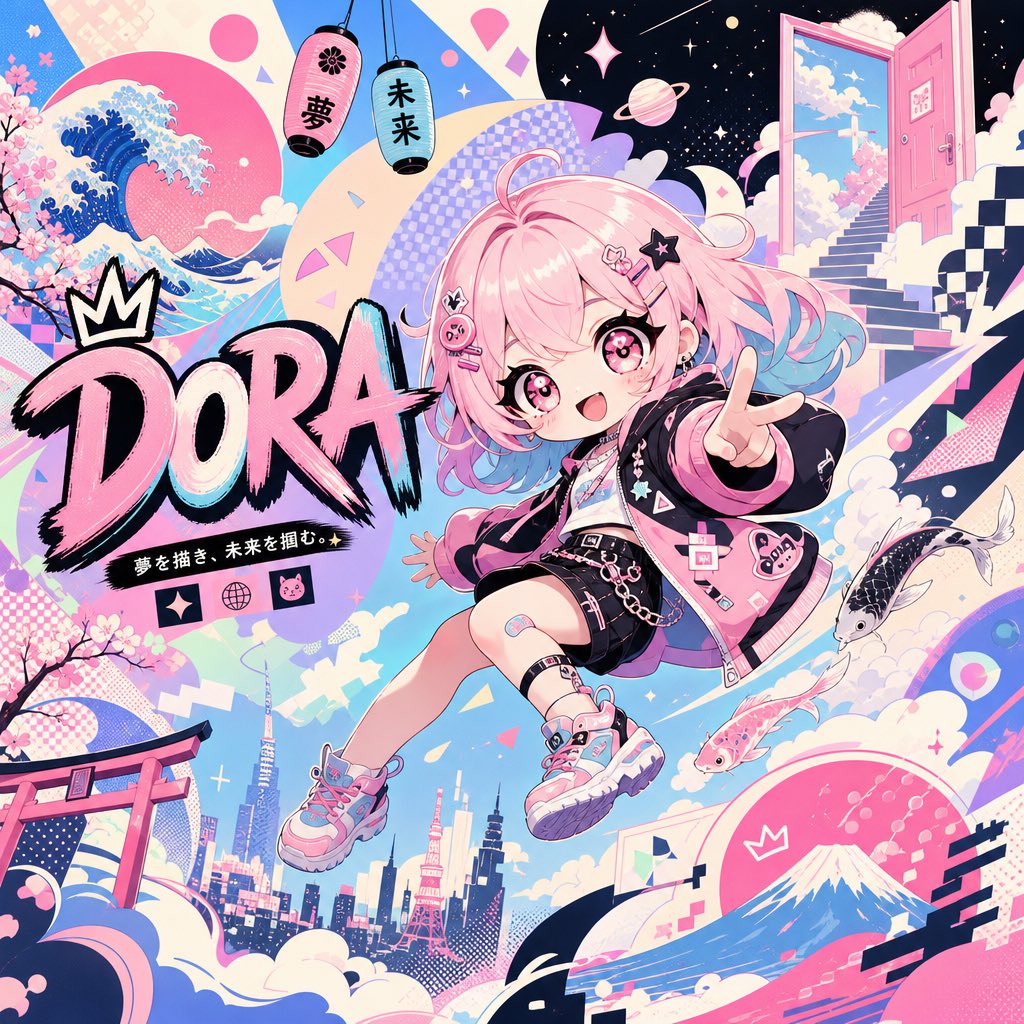
Surreal Japanese Pop Art Twitter Banner
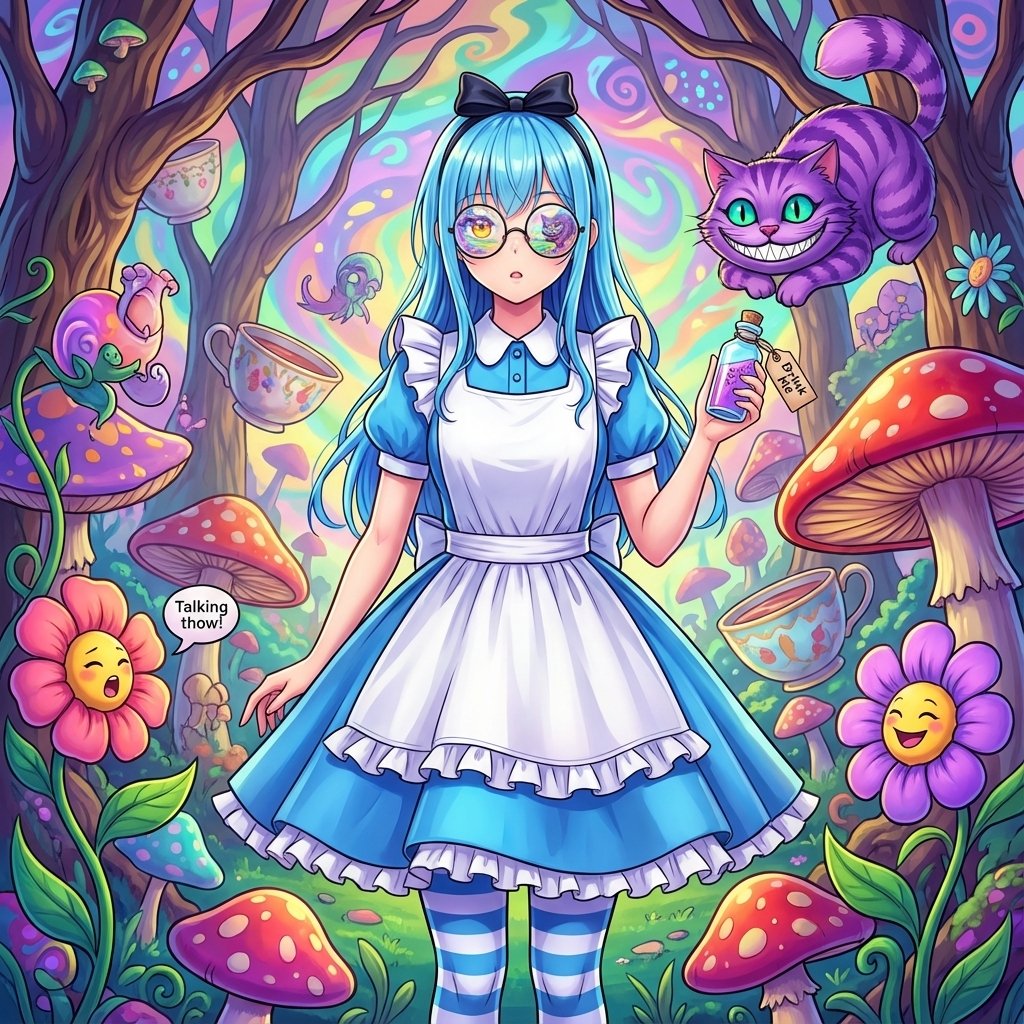
Alice in Wonderland Transformation Prompt

Image Editing Prompt for Accessory Background Replacement
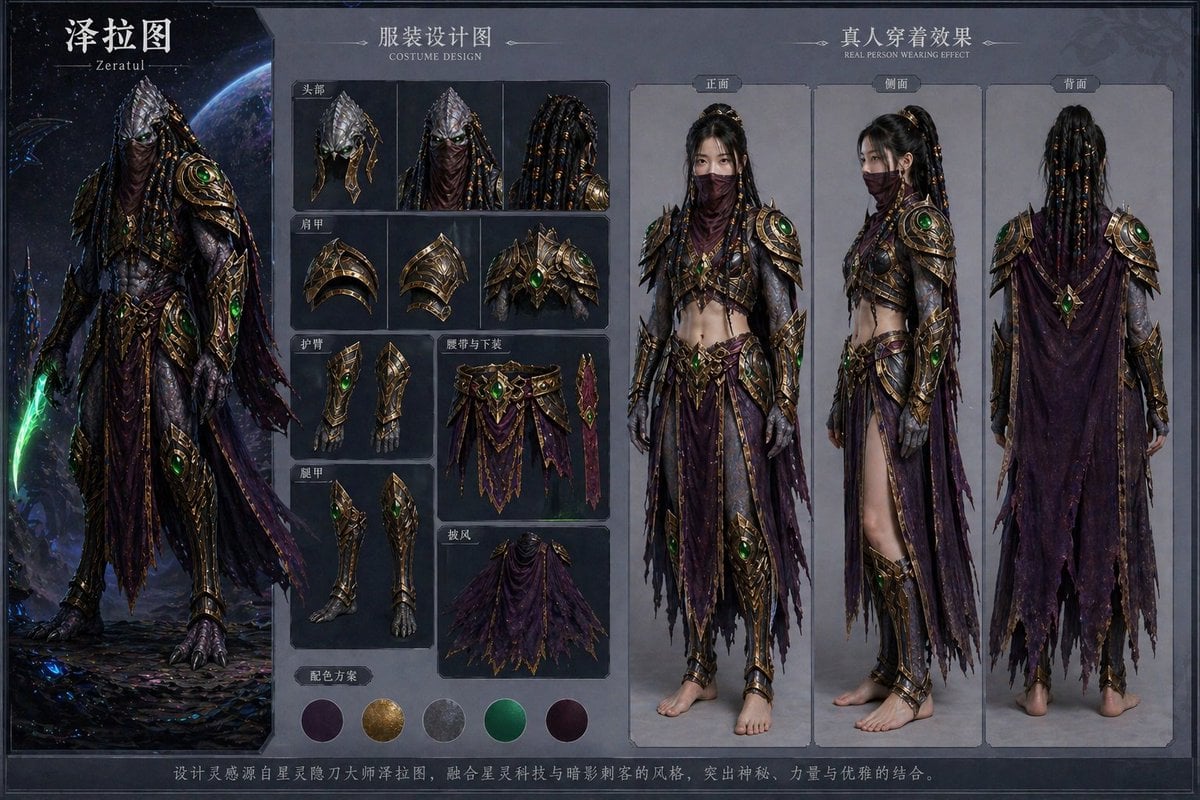
Character Costume Design Transfer
Browse template categories
Moody Censored Indoor Selfie Portrait questions
How do I use the Moody Censored Indoor Selfie Portrait template?
Add your photo if the template asks for one, edit the prompt if you like — the template's model and format are already selected — and press Generate. Your version opens in PicX Studio.
Can I customize the Moody Censored Indoor Selfie Portrait template?
Yes. You can change the subject, setting, lighting, mood, format, and available model controls before creating your image.
Is the Moody Censored Indoor Selfie Portrait template free?
Opening and editing this template is free. Generating uses credits, shown on the Generate button when you are signed in.
Which AI model should I use?
Start with GPT Image 2, which is the model associated with this template. You can compare another compatible model for a different finish.
Looking for something else? Browse all templates.

Your photo, any look
Thousands of ready templates for every top image and video model, from one credit balance.