
Japanese Beer Advertisement Banner
Generates a realistic Japanese promotional banner for a beer product featuring a model, catchphrases, feature highlights, and a campaign QR code.
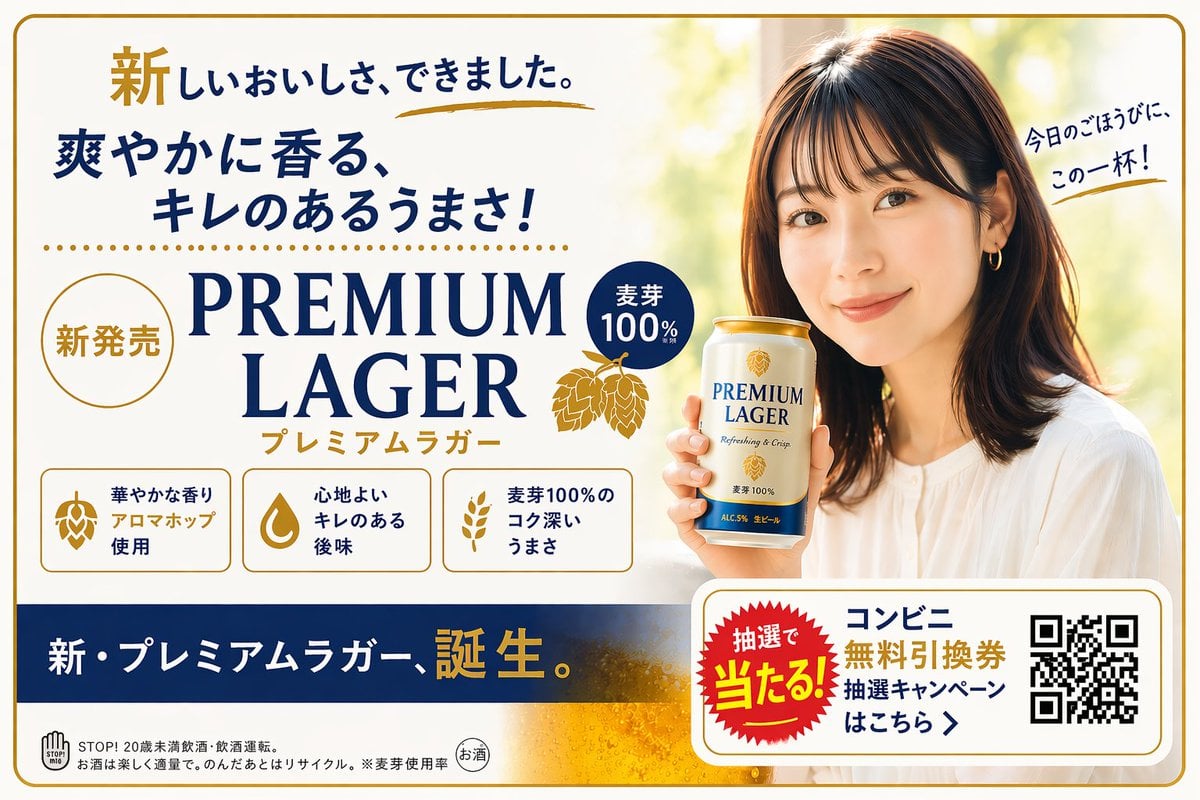
- Prompt included
- Model and format preset
- Free template
The prompt behind this image
Copy the exact prompt behind Japanese Beer Advertisement Banner, or open it in the studio and make it yours.
- Type
- Japanese beverage advertisement banner
- Subject › Description
- Young Japanese woman, smiling warmly, looking at the viewer, wearing a white blouse, holding a can of beer.
- Subject › Speech Bubble
- {argument name="speech bubble text" default="今日のごほうびに、この一杯!"}
- Product › Name
- {argument name="product name" default="PREMIUM LAGER"}
- Product › Packaging
- white and gold beer can with hop graphic and blue text
- Layout › Background
- soft, bright, out-of-focus outdoor greenery
- Layout › Sections › 0 › Position
- top-left
- Layout › Sections › 0 › Type
- catchphrases
- Layout › Sections › 0 › Text
- {argument name="main catchphrase" default="新しいおいしさ、できました。"}, {argument name="secondary catchphrase" default="爽やかに香る、キレのあるうまさ!"}
- Layout › Sections › 1 › Position
- center-left
- Layout › Sections › 1 › Type
- product_branding
- Layout › Sections › 1 › Main Text
- {argument name="product name" default="PREMIUM LAGER"}
- Layout › Sections › 1 › Sub Text
- プレミアムラガー
- Layout › Sections › 1 › Badges
- 新発売, 麦芽100%
- Layout › Sections › 1 › Graphics
- golden hop illustration
- Layout › Sections › 2 › Position
- middle-left
- Layout › Sections › 2 › Type
- feature_highlights
- Layout › Sections › 2 › Count
- 3
- Layout › Sections › 2 › Style
- rounded rectangular boxes with icons
- Layout › Sections › 2 › Items › 0 › Icon
- hop
- Layout › Sections › 2 › Items › 0 › Text
- 華やかな香り アロマホップ使用
- Layout › Sections › 2 › Items › 1 › Icon
- water drop
- Layout › Sections › 2 › Items › 1 › Text
- 心地よい キレのある後味
- Layout › Sections › 2 › Items › 2 › Icon
- wheat
Raw JSON
{
  "type": "Japanese beverage advertisement banner",
  "subject": {
    "description": "Young Japanese woman, smiling warmly, looking at the viewer, wearing a white blouse, holding a can of beer.",
    "speech_bubble": "{argument name=\"speech bubble text\" default=\"今日のごほうびに、この一杯!\"}"
  },
  "product": {
    "name": "{argument name=\"product name\" default=\"PREMIUM LAGER\"}",
    "packaging": "white and gold beer can with hop graphic and blue text"
  },
  "layout": {
    "background": "soft, bright, out-of-focus outdoor greenery",
    "sections": [
      {
        "position": "top-left",
        "type": "catchphrases",
        "text": [
          "{argument name=\"main catchphrase\" default=\"新しいおいしさ、できました。\"}",
          "{argument name=\"secondary catchphrase\" default=\"爽やかに香る、キレのあるうまさ!\"}"
        ]
      },
      {
        "position": "center-left",
        "type": "product_branding",
        "main_text": "{argument name=\"product name\" default=\"PREMIUM LAGER\"}",
        "sub_text": "プレミアムラガー",
        "badges": ["新発売", "麦芽100%"],
        "graphics": "golden hop illustration"
      },
      {
        "position": "middle-left",
        "type": "feature_highlights",
        "count": 3,
        "style": "rounded rectangular boxes with icons",
        "items": [
          {"icon": "hop", "text": "華やかな香り アロマホップ使用"},
          {"icon": "water drop", "text": "心地よい キレのある後味"},
          {"icon": "wheat", "text": "麦芽100%の コク深いうまさ"}
        ]
      },
      {
        "position": "bottom",
        "type": "promotional_banner",
        "background_color": "dark blue",
        "main_text": "新・プレミアムラガー、誕生。",
        "campaign_box": {
          "badge": "抽選で当たる!",
          "text": "{argument name=\"campaign text\" default=\"コンビニ無料引換券 抽選キャンペーンはこちら >\"}",
          "element": "QR code"
        },
        "footer": "legal drinking age warnings and recycling logos"
      }
    ]
  }
}How to use Japanese Beer Advertisement Banner in 3 steps
- 1Upload ImagePNG, JPG or paste
Add your photo
Upload the photo the template builds on. The prompt, model and format are already set.
- 2…a portrait of your subject in softgolden-hour light, 85mm…
Personalize
Edit the subject and creative details for your destination.
- 3Generate
Generate
Press Generate — your image is created in PicX Studio, so you can compare it with the original and refine one variable at a time.
More like this
Templates with the same subject, style or setup. Open one to see its prompt.
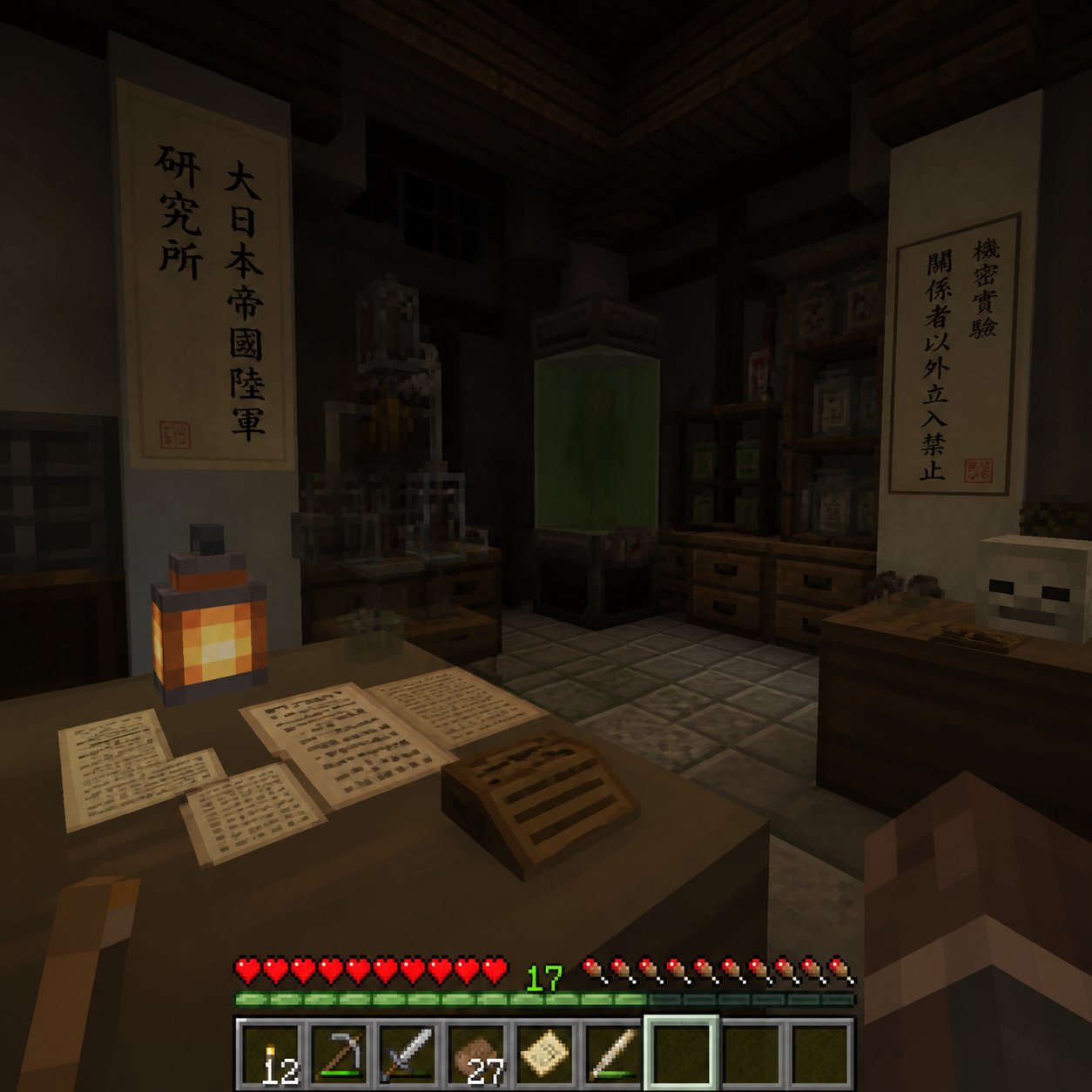
Minecraft Japanese Research Lab Exploration
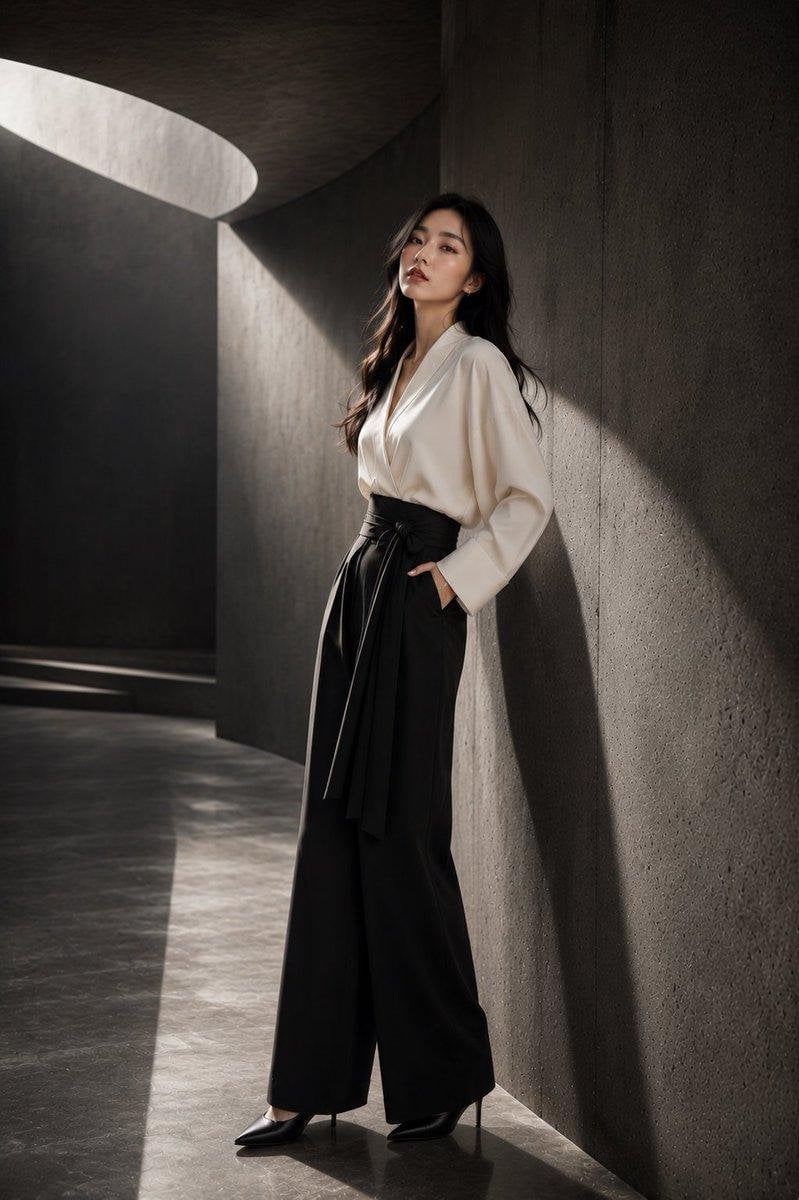
Japanese Architectural Concrete Studio Fashion Campaign
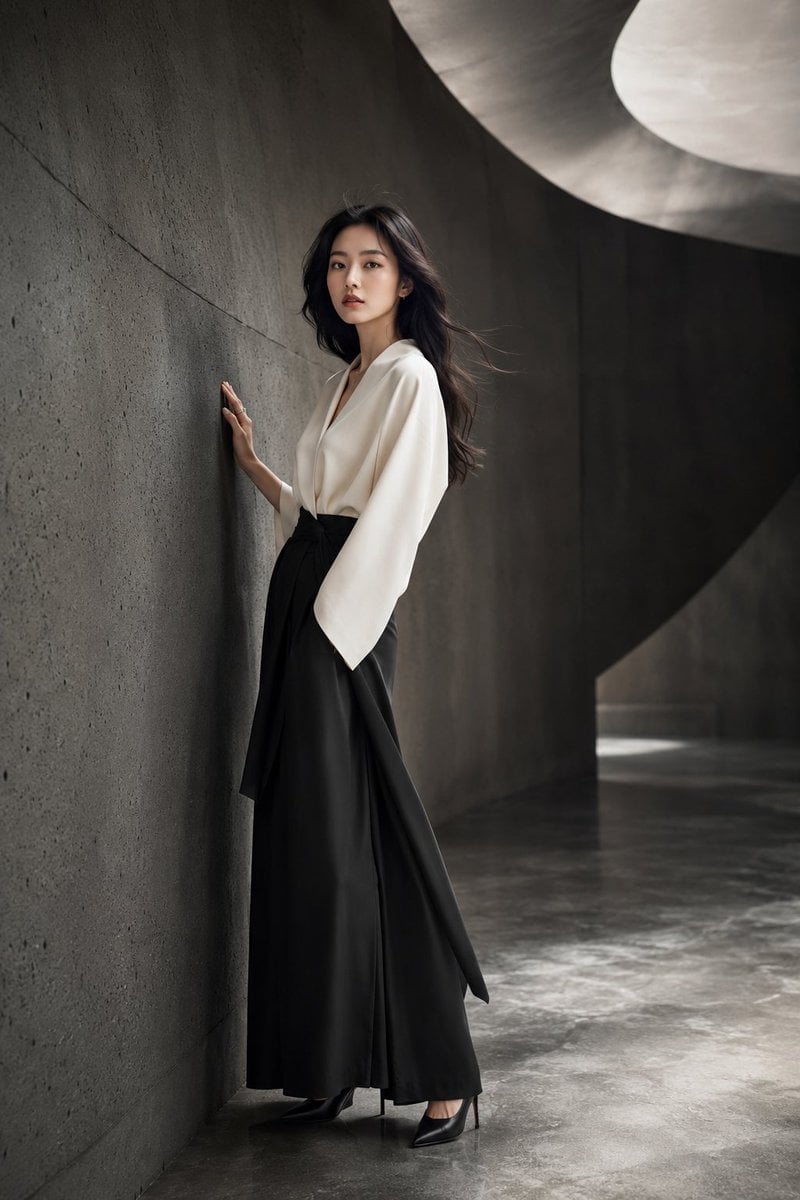
Japanese Minimalist Concrete Studio Fashion Editorial
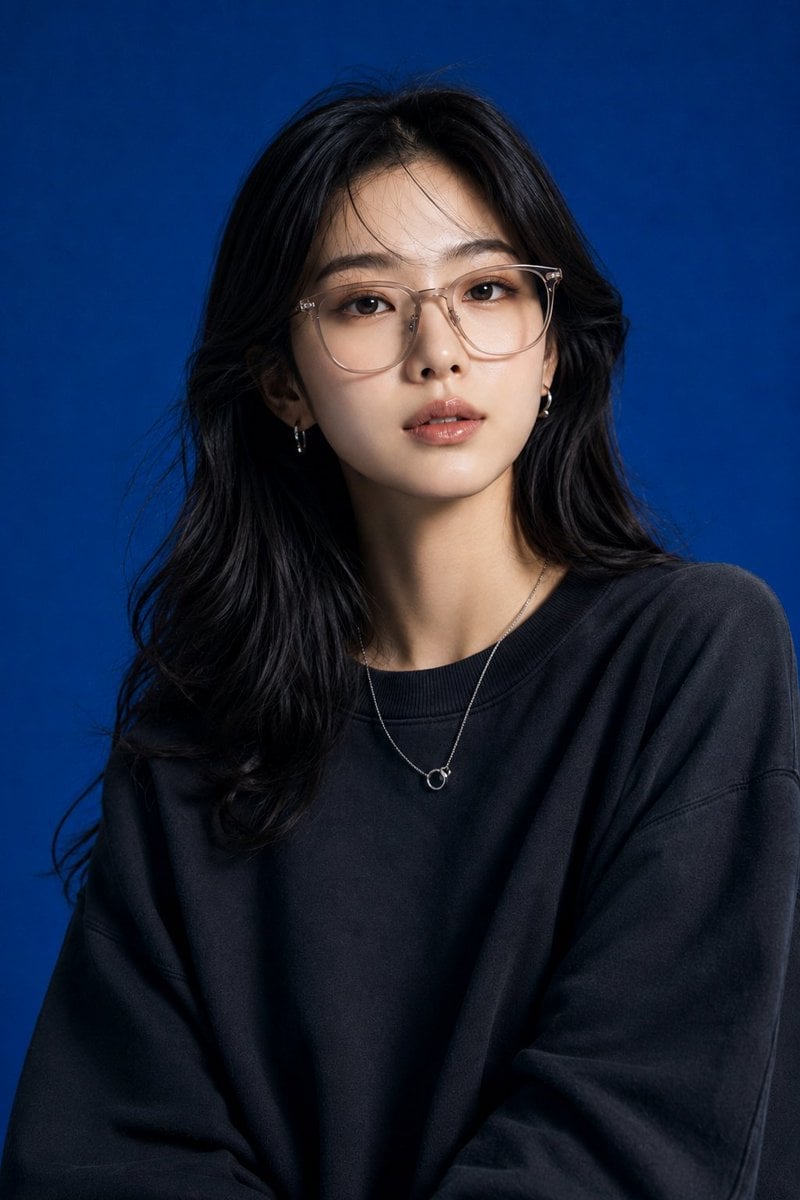
Blue Backdrop Luxury Fashion Portrait Campaign
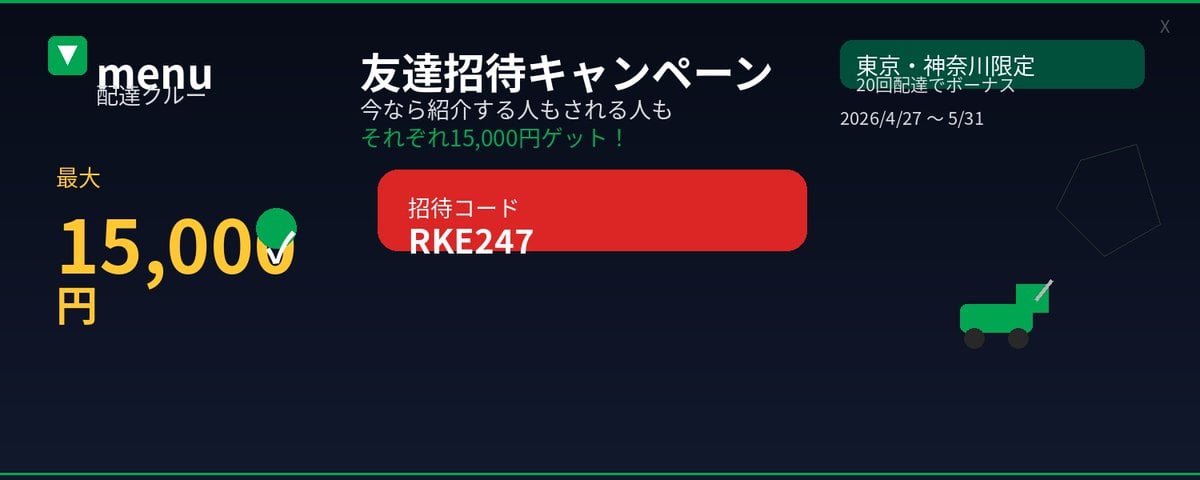
Japanese Delivery Referral Banner
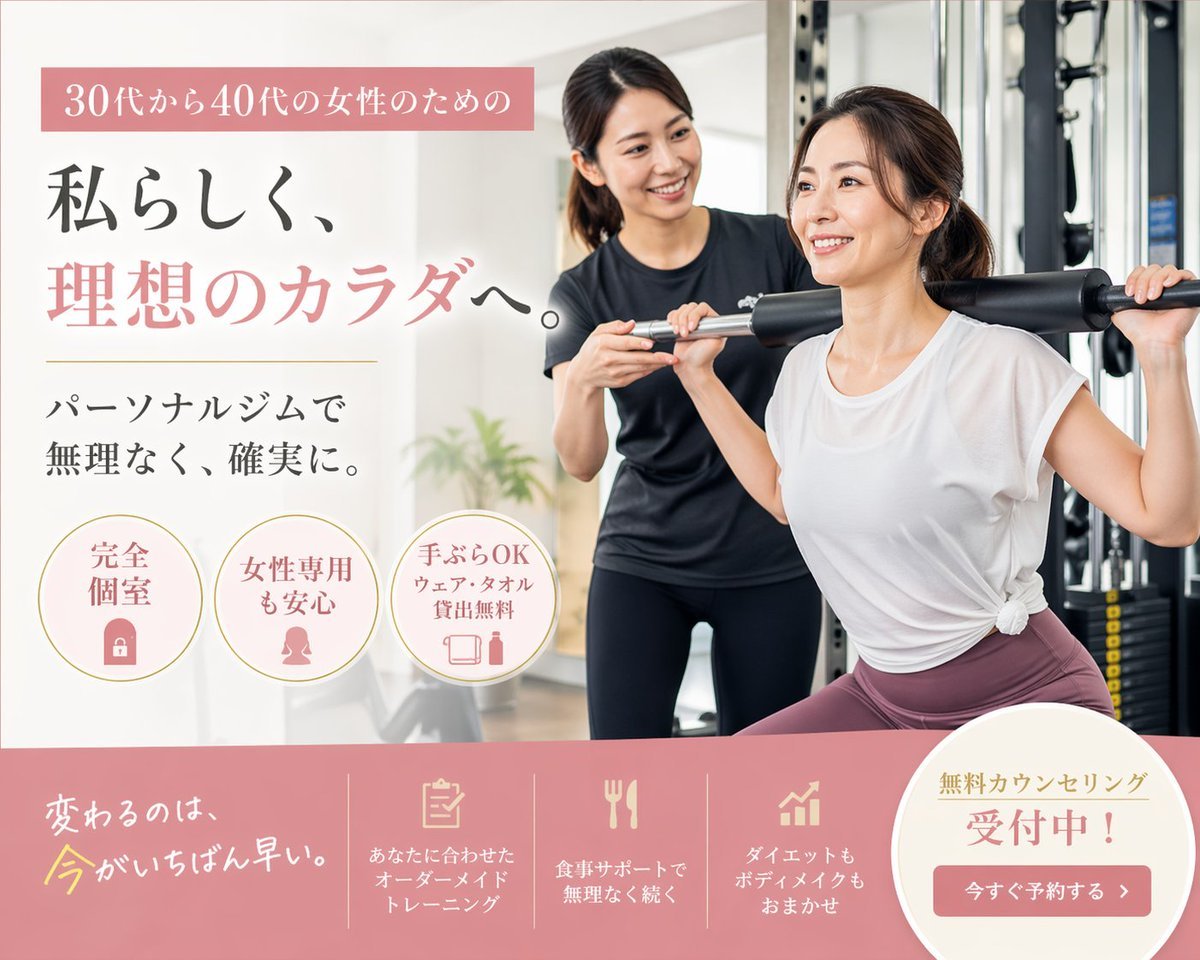
Japanese Women's Gym Hero Banner
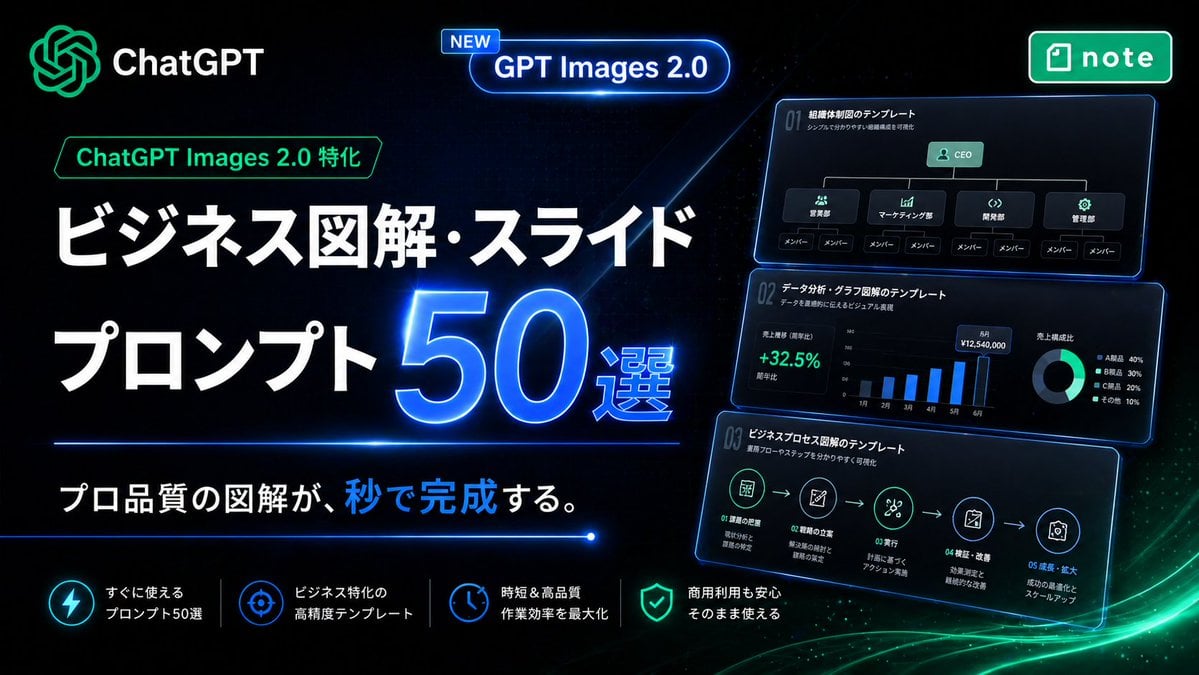
Neon Japanese AI Prompt Promo Banner
Japanese SaaS Ad Banner at Night
Japanese AI Creator Studio Banner
Japanese AI Consulting OGP Banner

Gpt2 Social Media Post 4 Panel Japanese Digital Ad Banner Grid
Japanese Film Reflection Idol
Make it yours
Japanese Beer Advertisement Banner works as-is. These are the safest ways to change it without losing the look.
Swap the setting
Keep the rest of the prompt and replace the location block. The current setting is “soft, bright, out-of-focus outdoor greenery”.
Change one field
Copy a single group, rewrite it, and generate again so you can see what that field is doing.
Keep the frame, change the subject
Hold the composition and light of Japanese Beer Advertisement Banner, then swap wardrobe, props or the person for a new take.
| If the result… | Why | Fix |
|---|---|---|
| The result drifts from the preview | Too many fields changed at once. | Reuse Japanese Beer Advertisement Banner as-is first, then change one group — subject, light, or setting. |
| GPT Image 2 ignores part of the JSON | Some models flatten or skip nested keys. | Keep the same values and paste them as a short paragraph instead. |
More GPT Image 2 templates
Other prompts made for GPT Image 2.

Realistic Portrait of Woman and Deer

The Vista Modular Condo Poster

AI Model Routing Comparison Infographic

2.5D Anime Art Board

Isometric Productivity Desk Scene

New York Double Exposure Poster

Four-Panel AI Landscape Comparison

Japanese Tatami Lifestyle Magazine Cover

NESCAFÉ Coffee Map Poster

Brutalist Cogito Chinese Typography Poster
More image prompts
Fresh picks from across the catalog.
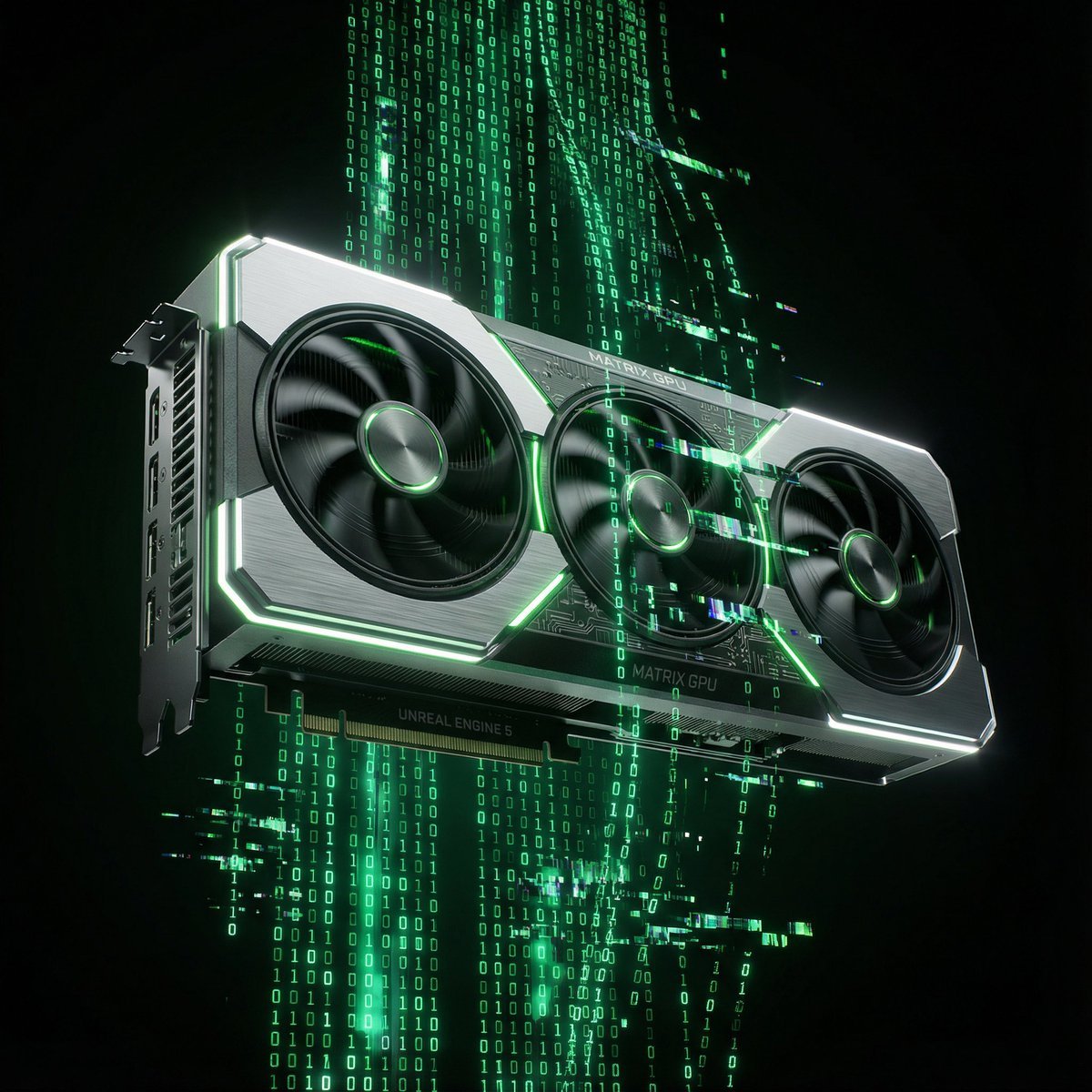
Matrix Digital Void Product Shot
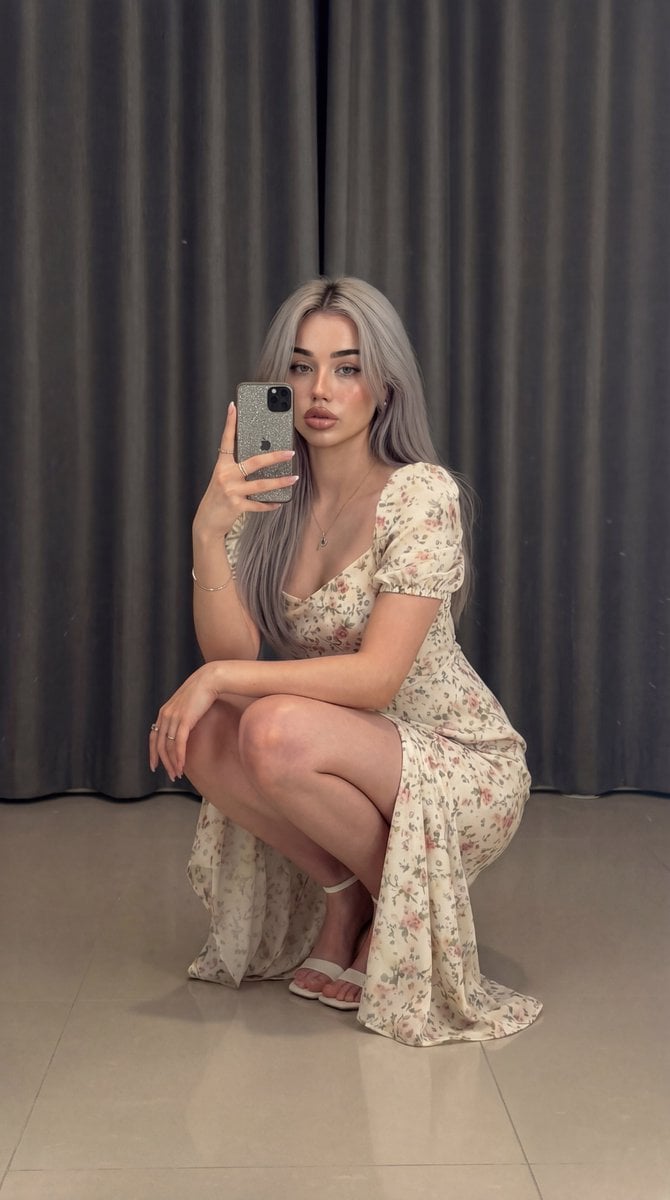
Structured Prompt for Full-Body Mirror Selfie in Floral Dress

Image cleanup and colorization for old photographs
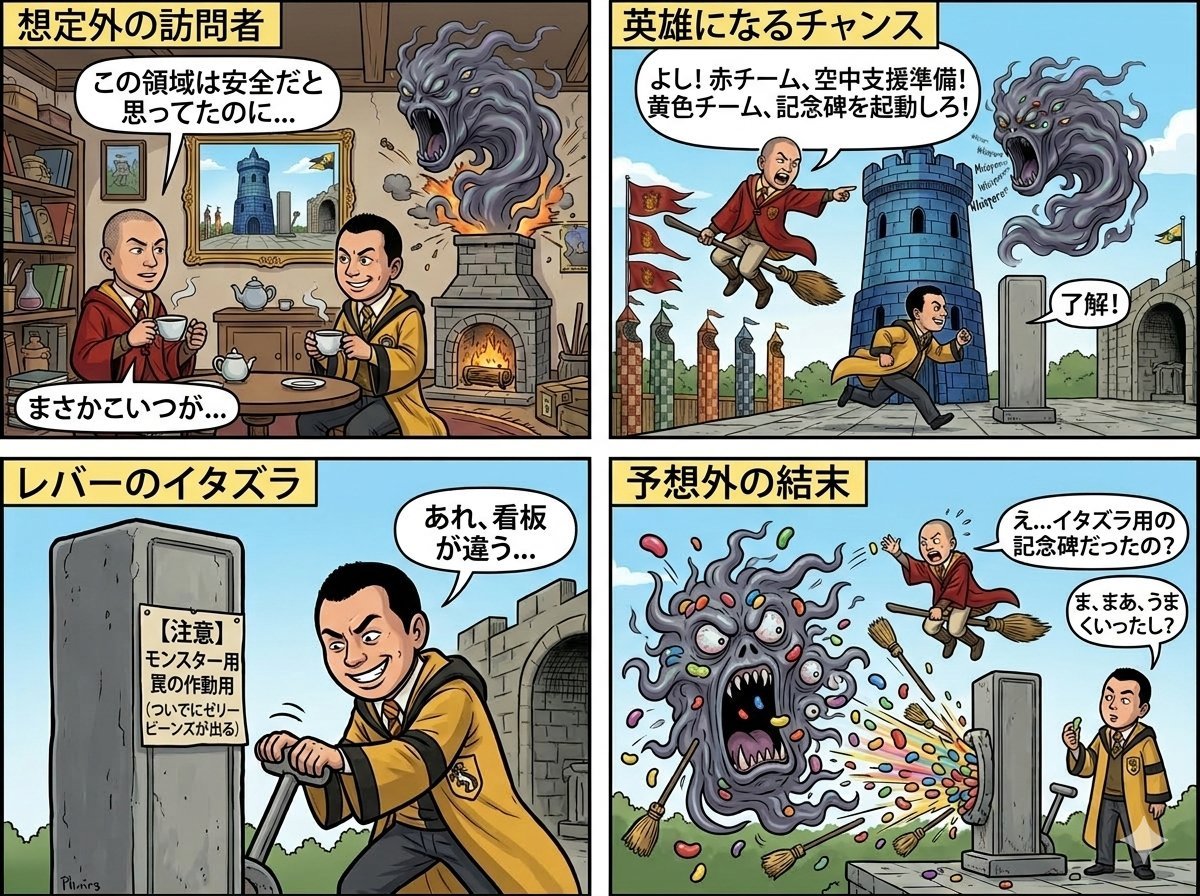
Four-Panel Manga: Judgment of the Ministry of Magic
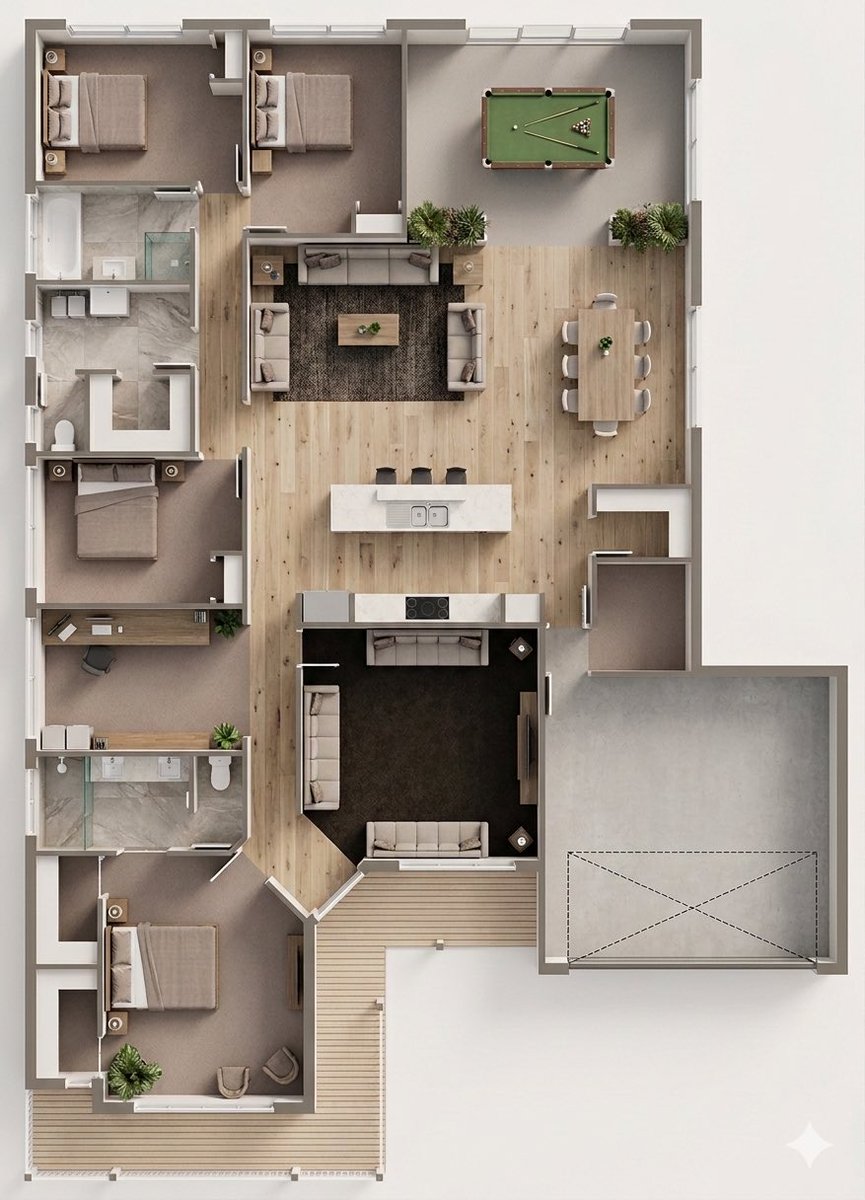
Floor Plan to Photorealistic 3D Render Conversion
Folklore Character Social Media Profile
Defiant Woman Lighting Cigarette with Burning Photo
2D to 3D Illustration Conversion Prompt
Character Room Visualization Prompt
Multi-View Car Sheet
Browse template categories
Japanese Beer Advertisement Banner questions
How do I use the Japanese Beer Advertisement Banner template?
Add your photo if the template asks for one, edit the prompt if you like — the template's model and format are already selected — and press Generate. Your version opens in PicX Studio.
Can I customize the Japanese Beer Advertisement Banner template?
Yes. You can change the subject, setting, lighting, mood, format, and available model controls before creating your image.
Is the Japanese Beer Advertisement Banner template free?
Opening and editing this template is free. Generating uses credits, shown on the Generate button when you are signed in.
Which AI model should I use?
Start with GPT Image 2, which is the model associated with this template. You can compare another compatible model for a different finish.
Looking for something else? Browse all templates.

Your photo, any look
Thousands of ready templates for every top image and video model, from one credit balance.