
Golden Hour Brand Design Studio
Generates a cinematic premium creative studio scene with floating brand strategy panels, moodboards, and warm design-process atmosphere.
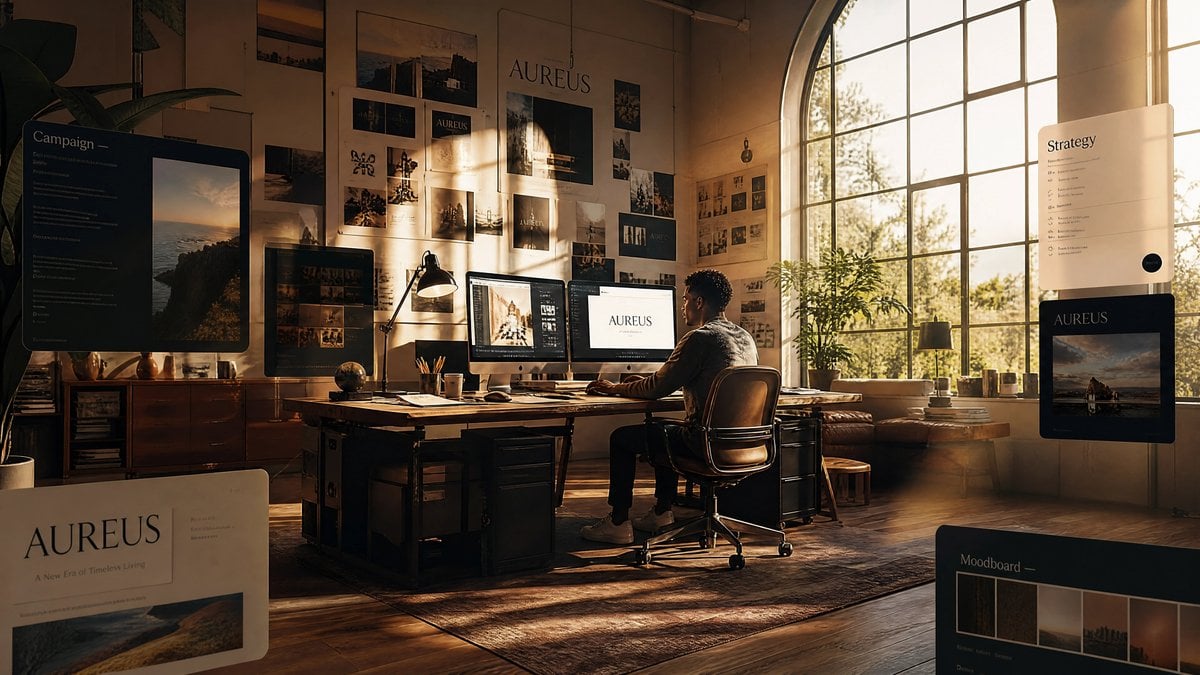
- Prompt included
- Model and format preset
- Free template
The prompt behind this image
Copy the exact prompt behind Golden Hour Brand Design Studio, or open it in the studio and make it yours.
Create a cinematic ultra-realistic wide-angle scene of a premium brand design studio called {argument name="brand name" default="AUREUS"}, filled with warm golden-hour light and immersive creative-direction energy. The room is a spacious loft with tall beige walls, polished wood floors, a large arched industrial window on the right, sunlight streaming through trees outside, long shadows, indoor plants, vintage wooden furniture, and a richly textured rug. At the center, show one creative director seated in a brown leather office chair at a large wooden desk, viewed from behind in three-quarter profile, working on a dual-monitor workstation; one monitor shows a brand presentation with the {argument name="brand name" default="AUREUS"} wordmark, and the other shows a design/editing interface with imagery. Add desk details including a black task lamp, pencils in a cup, papers, notebooks, keyboard, mouse, coffee cup, small globe, and stacked design materials. Cover the back wall with a dense physical moodboard: exactly 24 pinned brand references and photo prints, mixing landscape photography, campaign imagery, typography samples, dark premium color studies, and logo lockups, with one large central brand poster reading {argument name="brand name" default="AUREUS"}. Add exactly 5 floating translucent UI panels around the studio: 1 large black “Campaign” panel on the left with a vertical landscape image and small text rows, 1 large cream brand card in the lower left with the {argument name="brand name" default="AUREUS"} logo and the tagline {argument name="tagline" default="A New Era of Timeless Living"}, 1 slim cream “Strategy” panel near the right window with checklist-like rows and a small dark circular button, 1 black brand preview card on the mid-right showing the {argument name="brand name" default="AUREUS"} logo above a moody coastal image, and 1 black “Moodboard” panel in the lower right with five visible color/photo swatches. The visual tone should feel like dream studio vibes: high-end branding, premium visuals, floating moodboards, fully inside the design process, warm amber highlights, soft dust in the air, realistic reflections, shallow depth of field, elegant serif typography, dark charcoal and cream interface cards, no cluttered unreadable text beyond the specified labels, no watermark.
How to use Golden Hour Brand Design Studio in 3 steps
- 1Upload ImagePNG, JPG or paste
Add your photo
Upload the photo the template builds on. The prompt, model and format are already set.
- 2…a portrait of your subject in softgolden-hour light, 85mm…
Personalize
Edit the subject and creative details for your destination.
- 3Generate
Generate
Press Generate — your image is created in PicX Studio, so you can compare it with the original and refine one variable at a time.
More like this
Templates with the same subject, style or setup. Open one to see its prompt.

80s Couple Studio Portrait

80s Golden Hour Cinema

1985 Studio Portrait
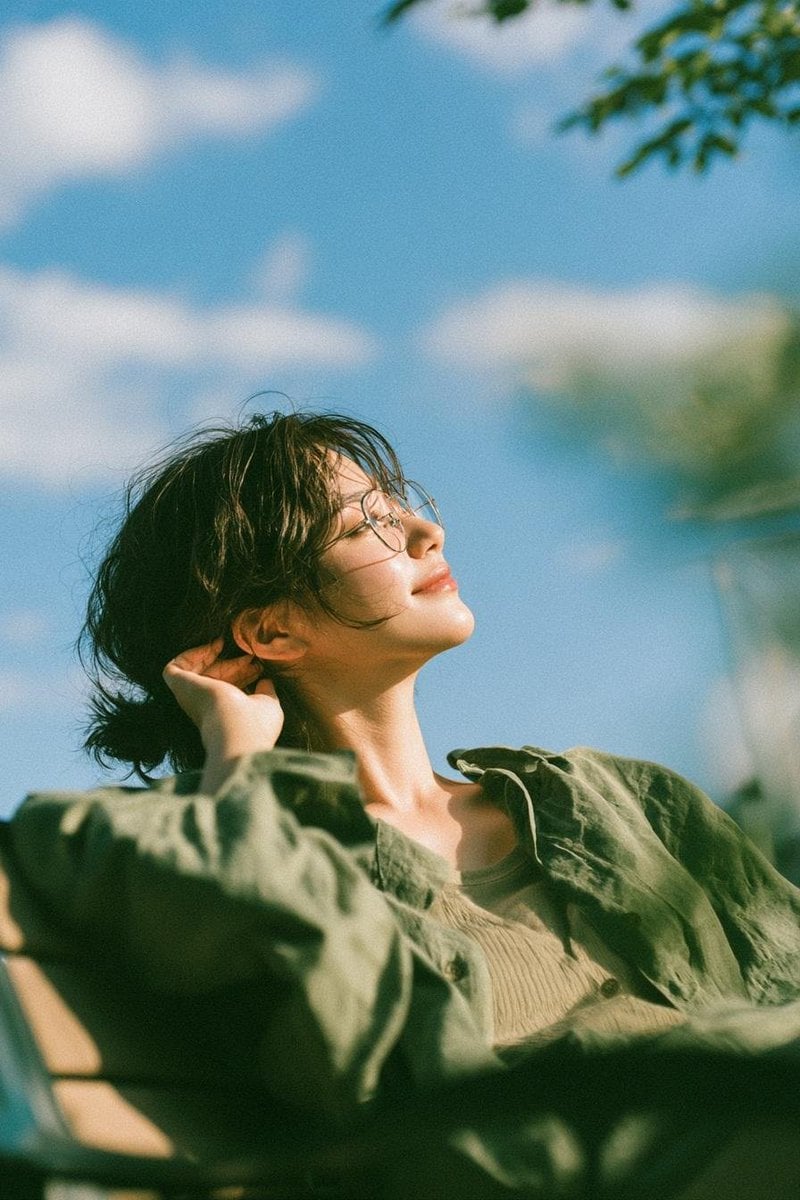
Cinematic Golden Hour Garden Portrait
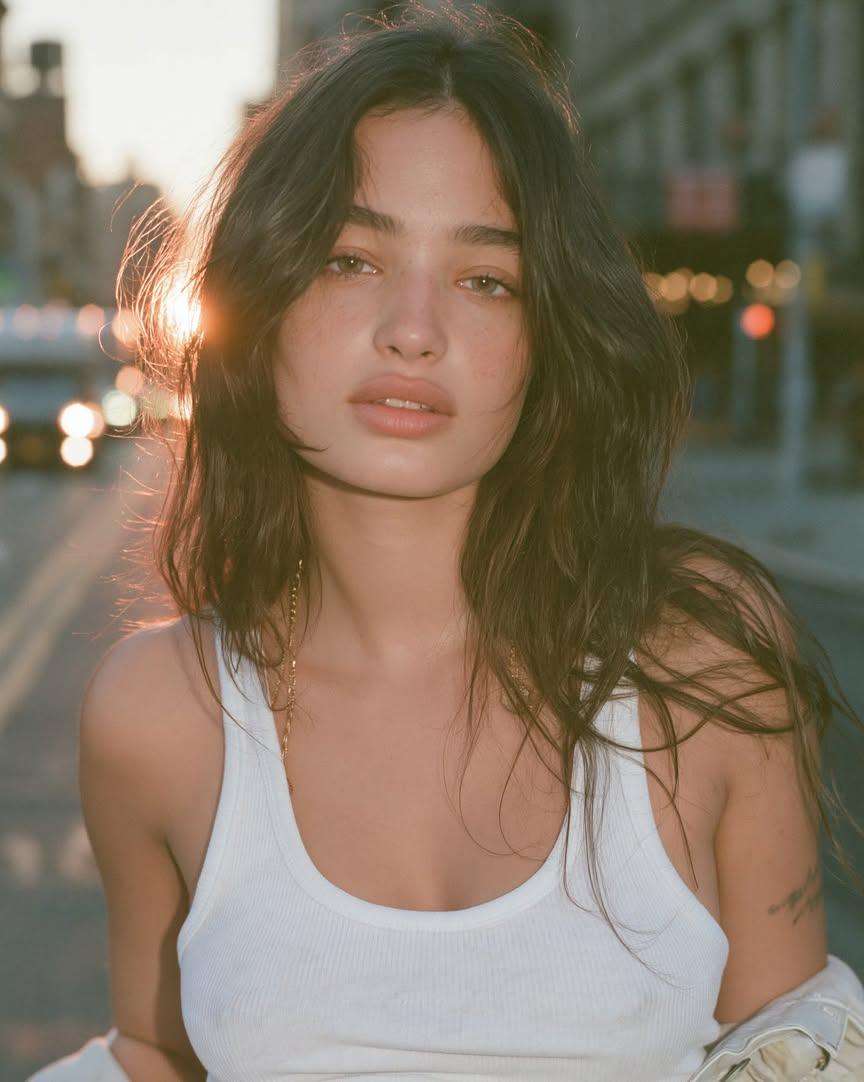
Cinematic Golden Hour Urban Portrait
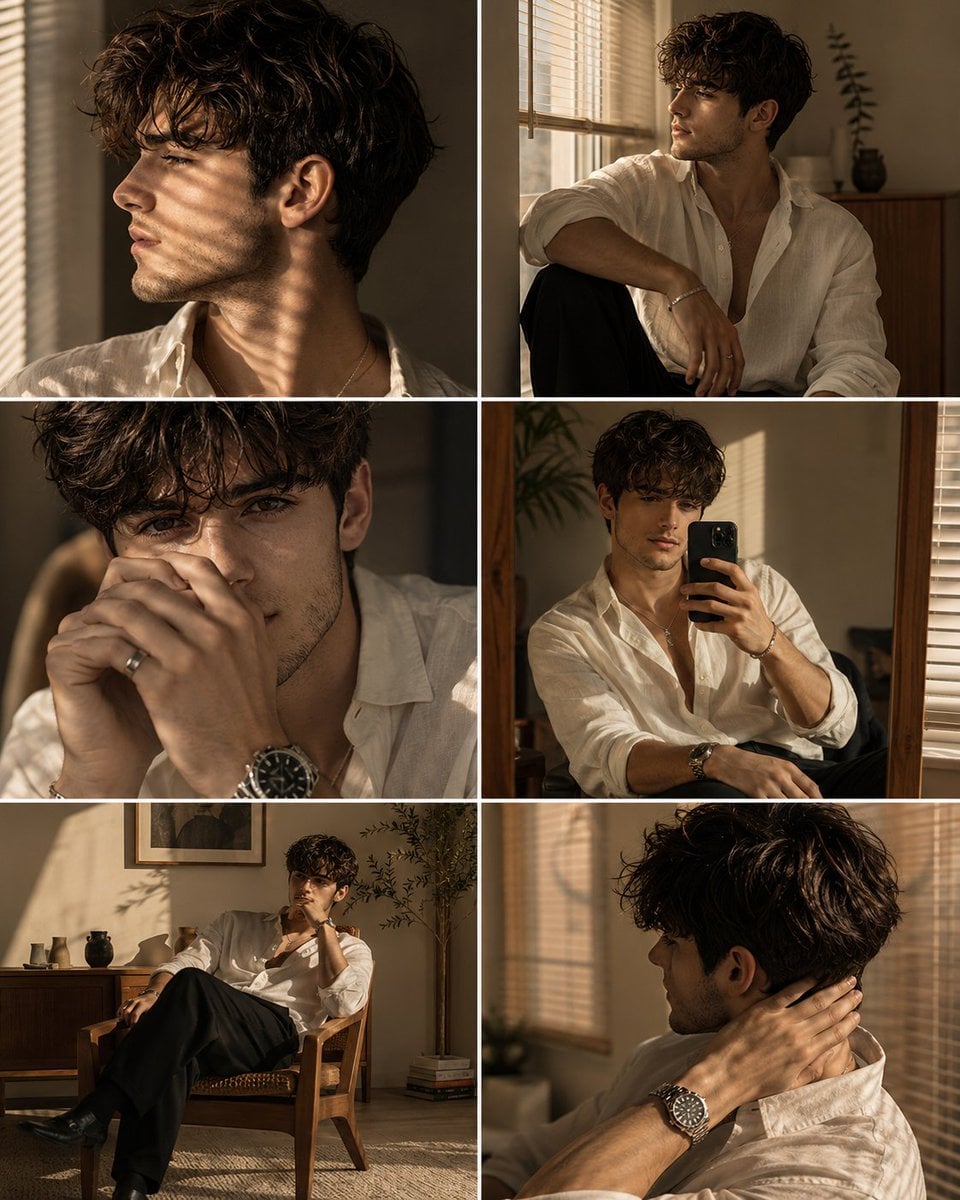
Luxury Men's Golden Hour Collage

Rooftop Fisheye — Cat-Ear Balaclava at Golden Hour
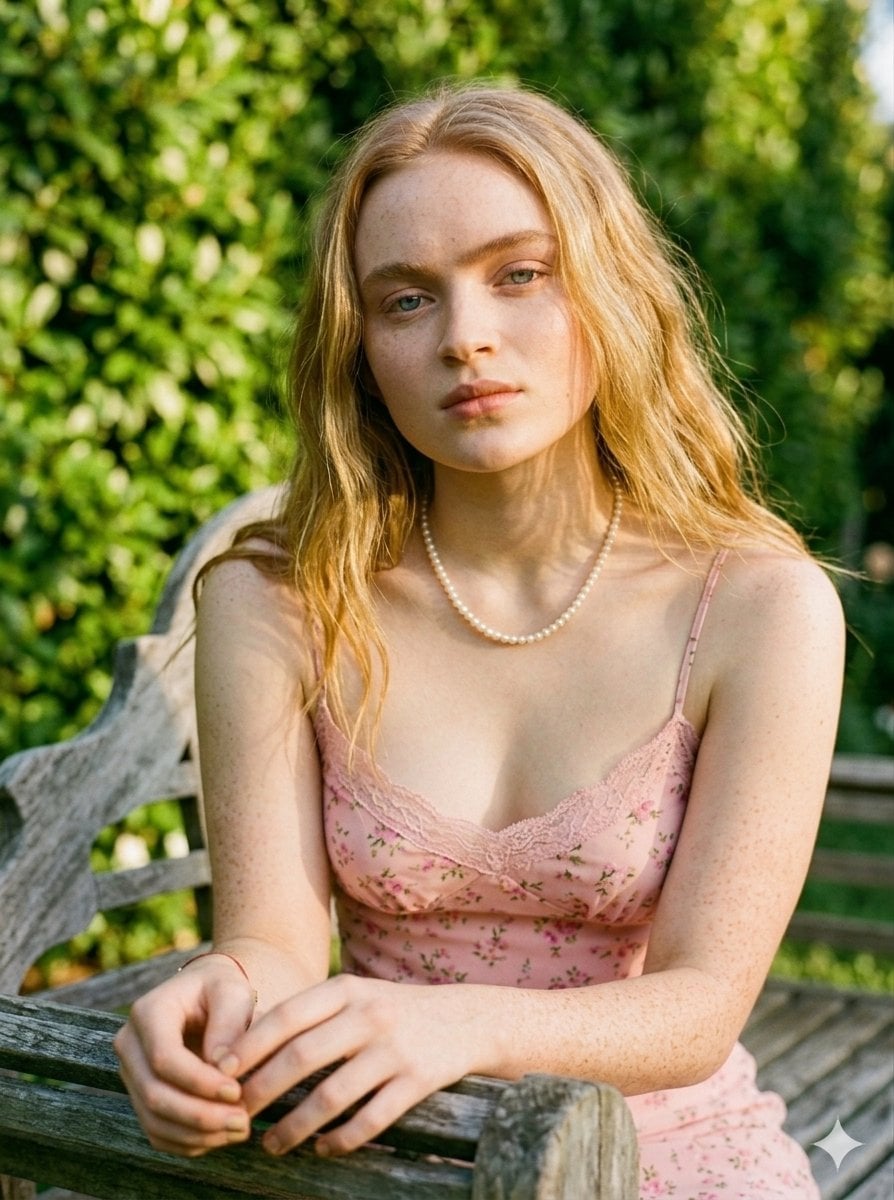
Golden Hour Redhead Portrait
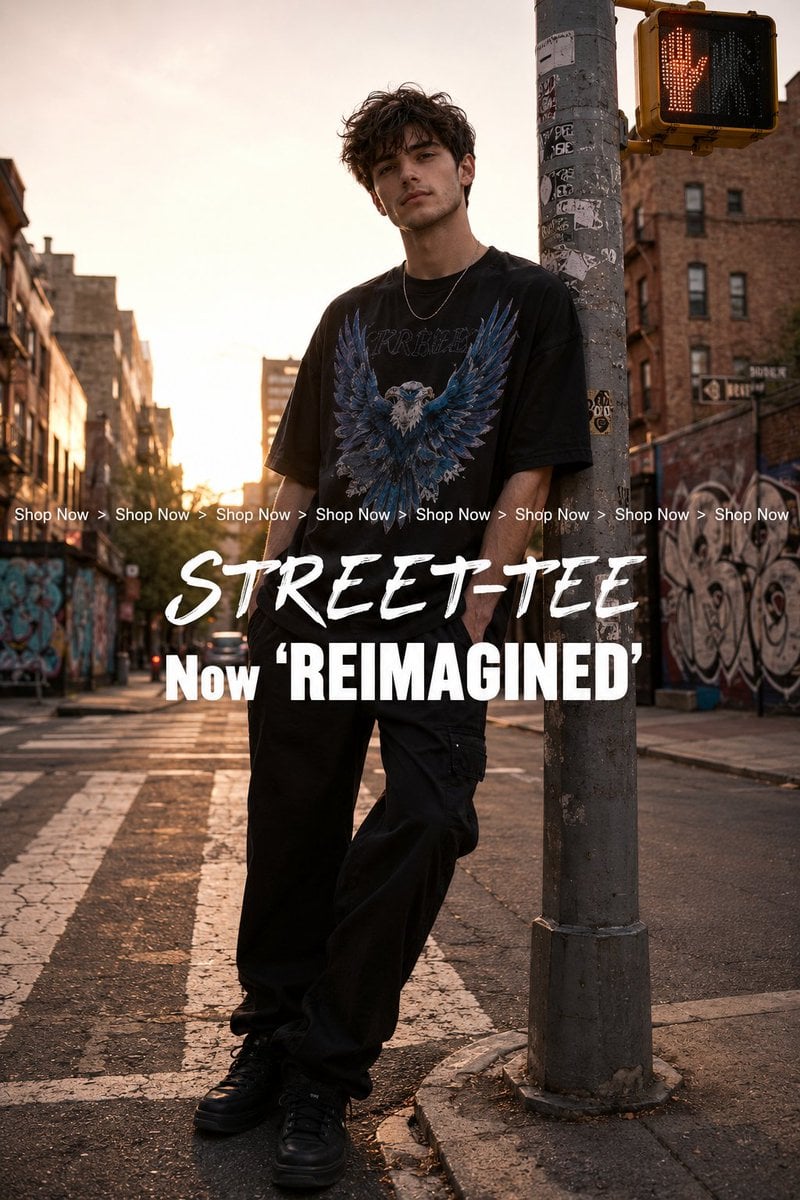
Golden Hour Streetwear Facebook Ad
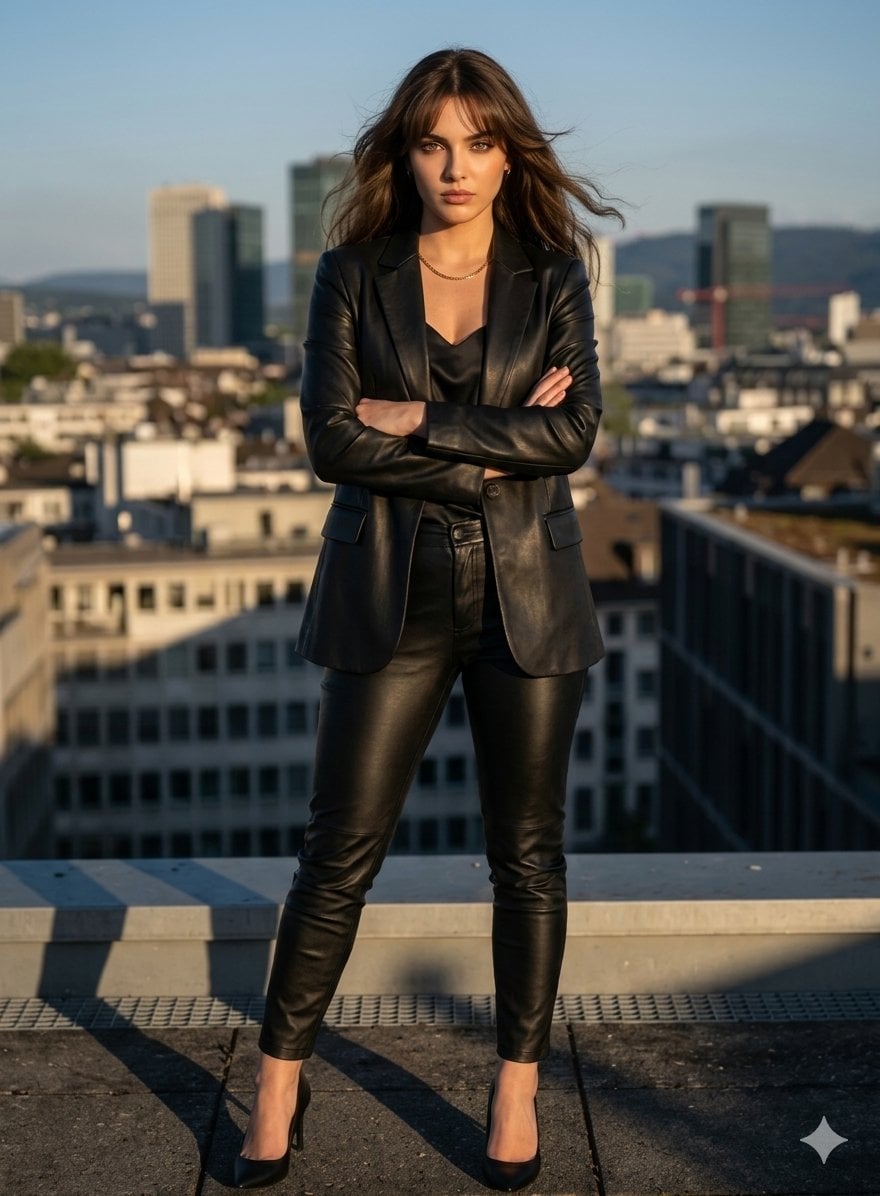
Golden Hour Cinematic Boss Energy Portrait

Golden Hour SUV Selfie

Golden Hour SUV Selfie
Make it yours
Golden Hour Brand Design Studio works as-is. These are the safest ways to change it without losing the look.
Change one field
Copy a single group, rewrite it, and generate again so you can see what that field is doing.
Keep the frame, change the subject
Hold the composition and light of Golden Hour Brand Design Studio, then swap wardrobe, props or the person for a new take.
| If the result… | Why | Fix |
|---|---|---|
| The result drifts from the preview | Too many fields changed at once. | Reuse Golden Hour Brand Design Studio as-is first, then change one group — subject, light, or setting. |
| The model over-stylizes the scene | The prose prompt leaves finish and camera underspecified. | Add one camera or lighting sentence and stay on GPT Image 2. |
More GPT Image 2 templates
Other prompts made for GPT Image 2.

Six VTuber Japanese Logo Sheet

Realistic Portrait of Woman and Deer

The Vista Modular Condo Poster

AI Model Routing Comparison Infographic

2.5D Anime Art Board

Isometric Productivity Desk Scene

New York Double Exposure Poster

Four-Panel AI Landscape Comparison

Japanese Tatami Lifestyle Magazine Cover

NESCAFÉ Coffee Map Poster
More image prompts
Fresh picks from across the catalog.
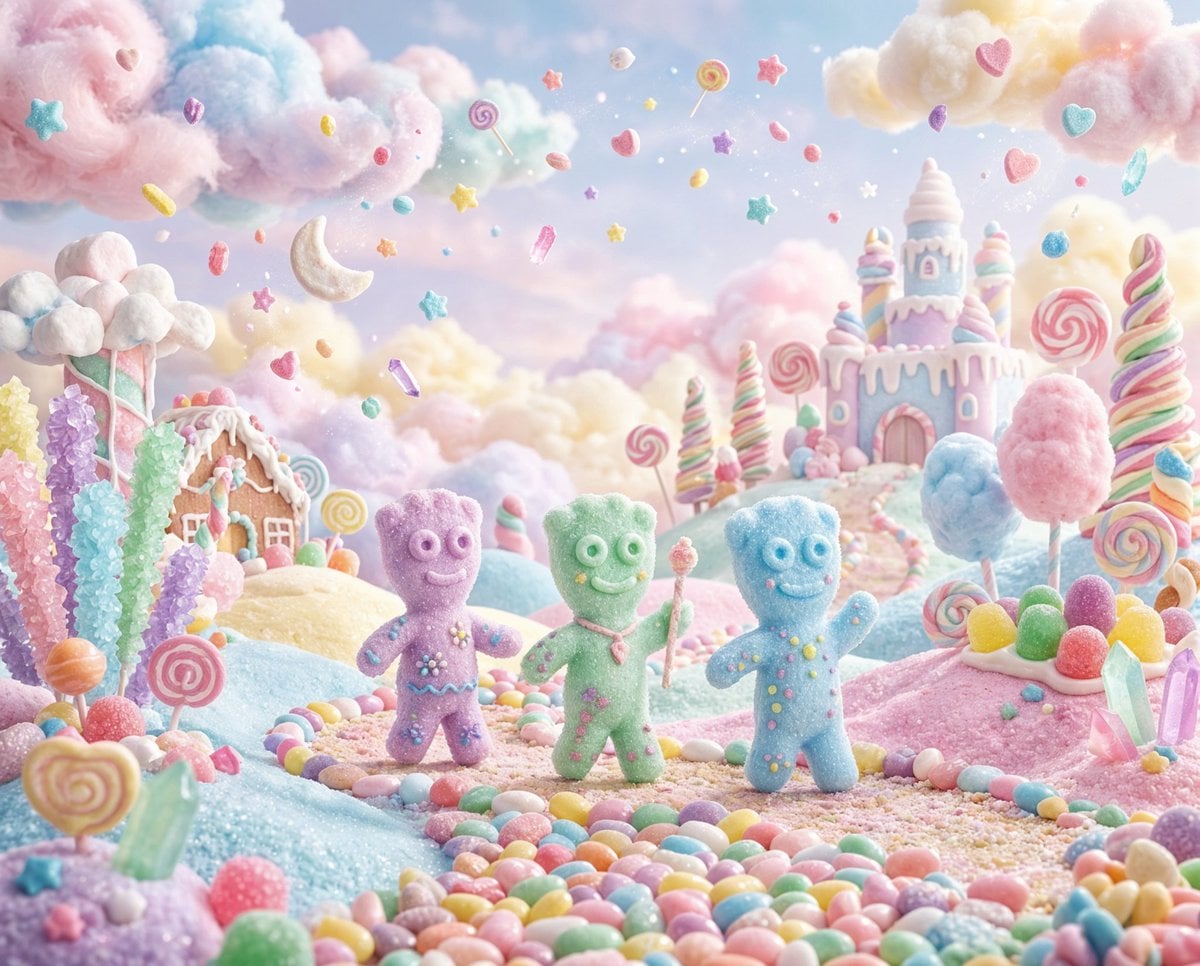
Pastel Painted Sour Patch Kids in Whimsical Candyland
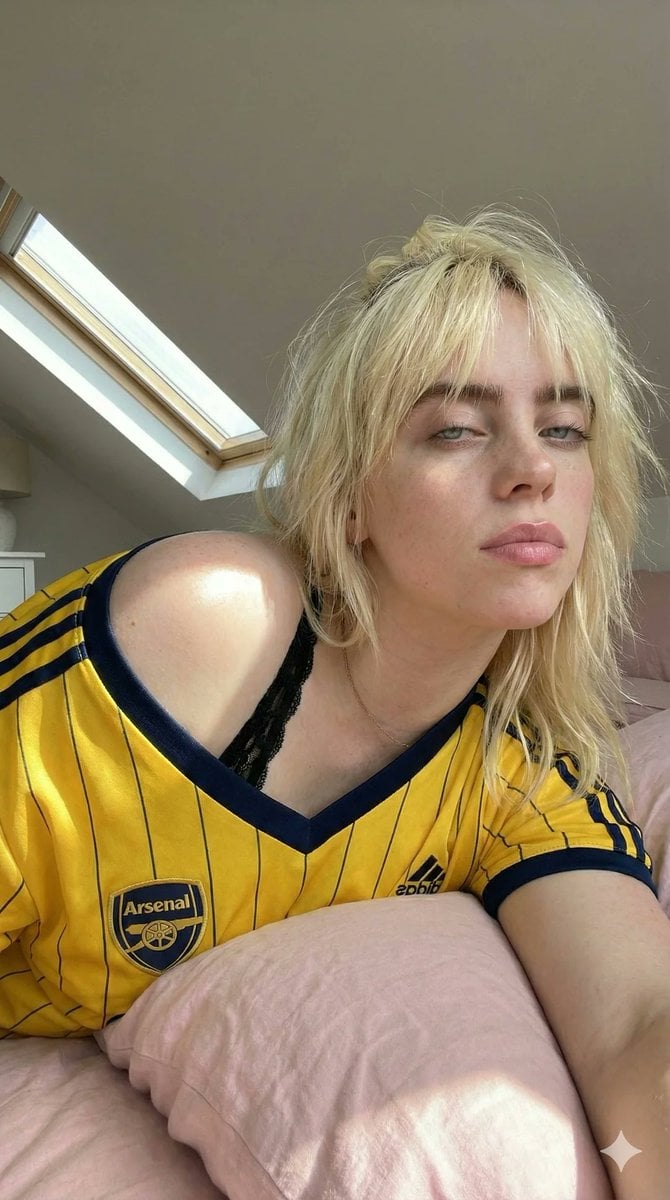
Photorealistic Soccer Jersey Selfie Portrait
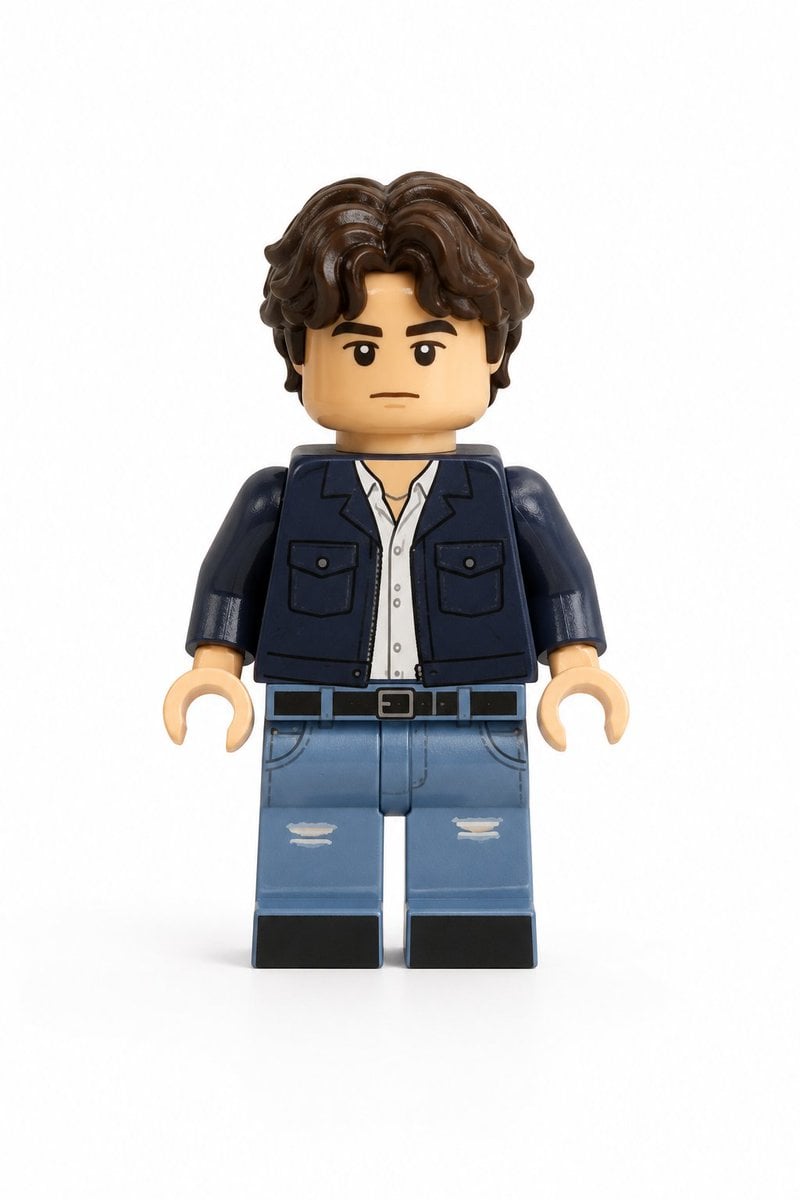
Photo-to-LEGO Minifigure Transformation
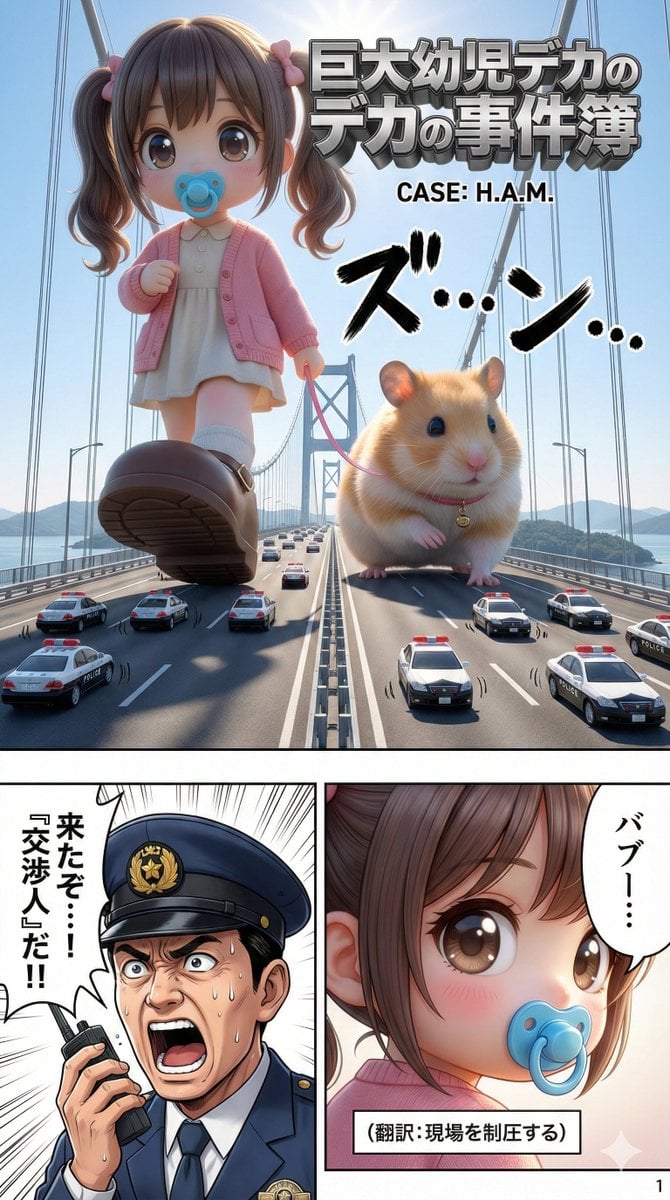
Advanced 10-Page Manga Generation Prompt (LLM System Prompt)
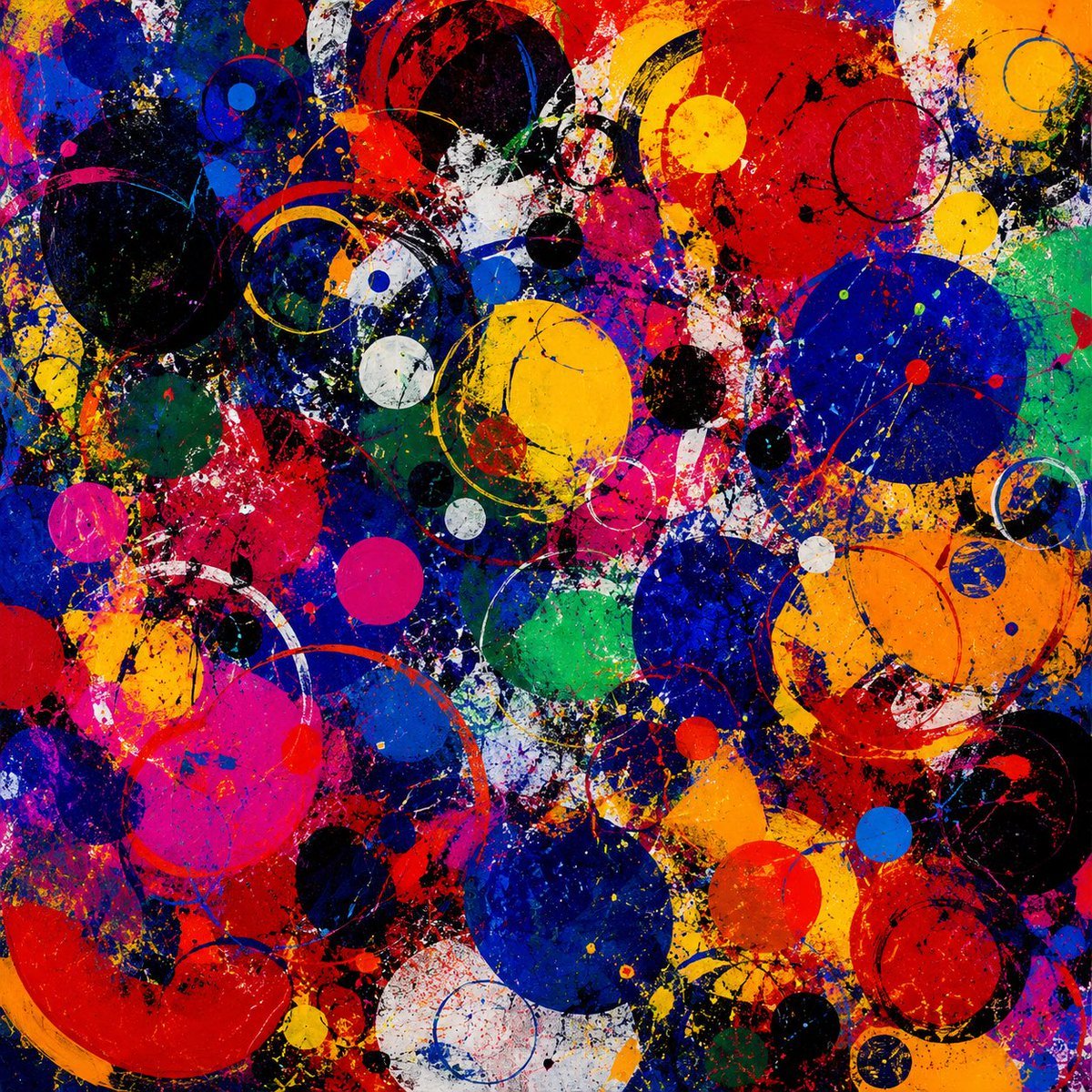
Vibrant Abstract Circle Splatter Art
Portrait
Cyberpunk Neon Split Lighting Portrait
Luxury Floating Macarons Ad
Cyber Kitsune Warrior Storyboard
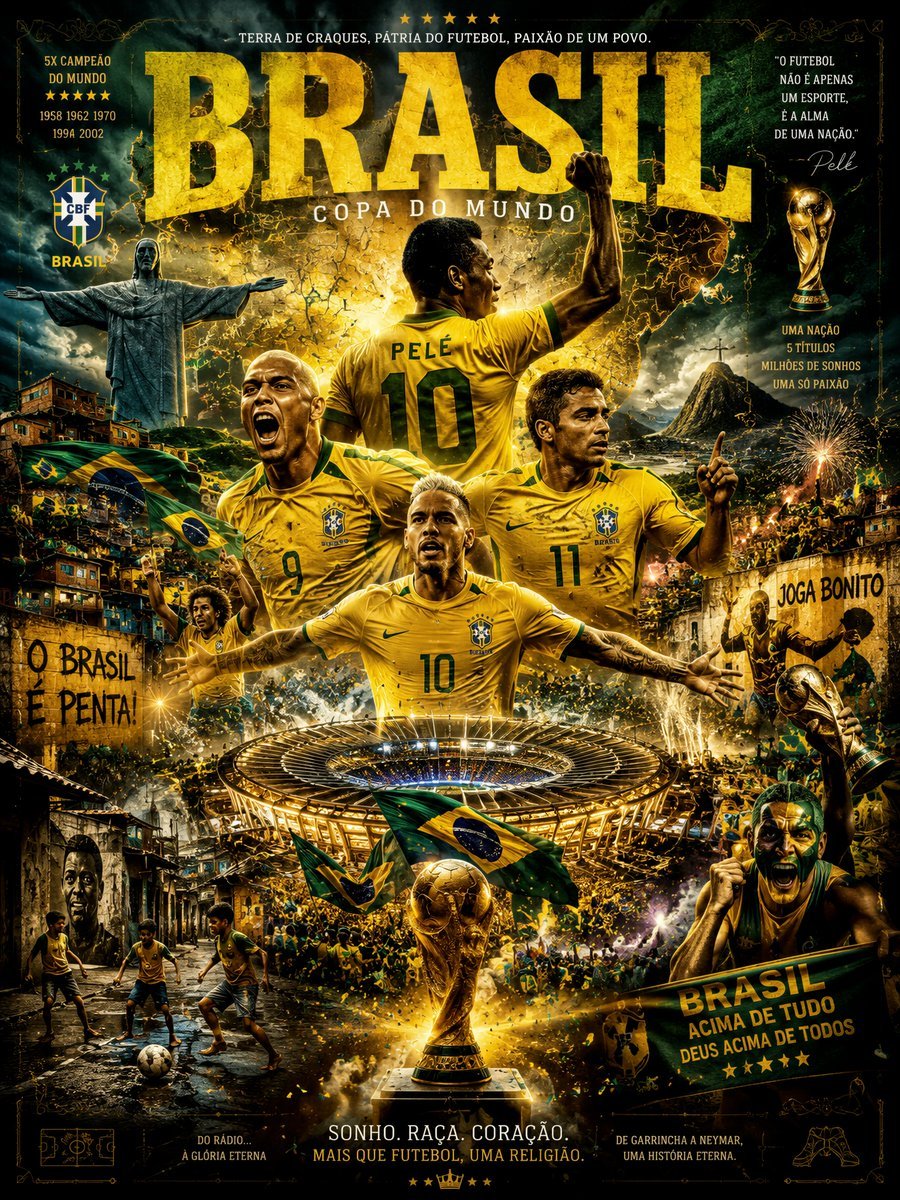
National Sports Celebration Poster
Browse template categories
Golden Hour Brand Design Studio questions
How do I use the Golden Hour Brand Design Studio template?
Add your photo if the template asks for one, edit the prompt if you like — the template's model and format are already selected — and press Generate. Your version opens in PicX Studio.
Can I customize the Golden Hour Brand Design Studio template?
Yes. You can change the subject, setting, lighting, mood, format, and available model controls before creating your image.
Is the Golden Hour Brand Design Studio template free?
Opening and editing this template is free. Generating uses credits, shown on the Generate button when you are signed in.
Which AI model should I use?
Start with GPT Image 2, which is the model associated with this template. You can compare another compatible model for a different finish.
Looking for something else? Browse all templates.

Your photo, any look
Thousands of ready templates for every top image and video model, from one credit balance.