How do I use the Vibrant Abstract Circle Splatter Art template?
Edit the prompt in the box under the preview — the template's model and format are already selected — and press Generate. Your version appears right on this page.
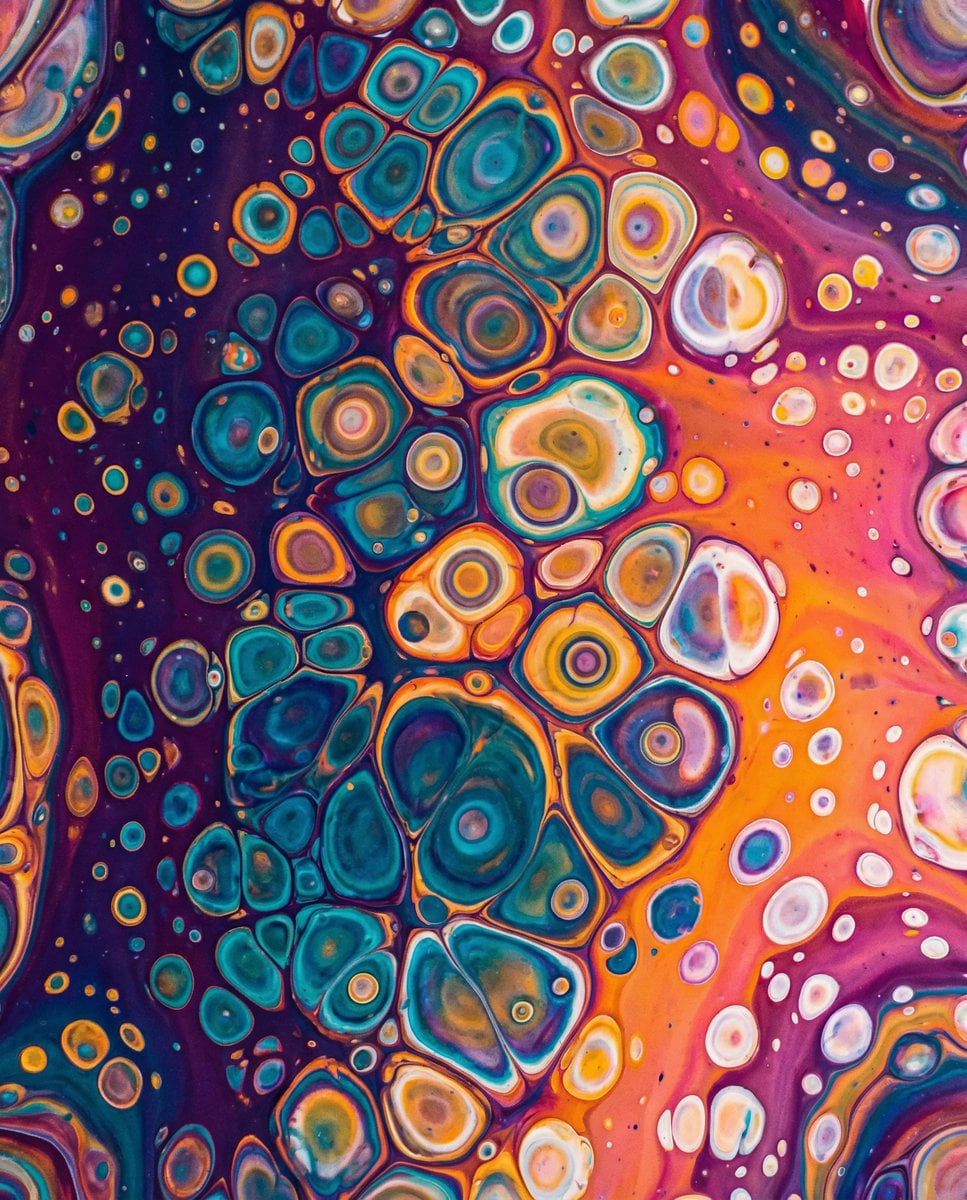
A dense square abstract expressionist artwork filled with overlapping colorful circles, rings, and chaotic paint splatter for bold wall-art or visual design use.

This template uses your photo — add one with the + button.
Create a square abstract expressionist painting on a full-bleed canvas, dense and energetic, with no recognizable subject and no text. Fill the entire image edge to edge with layered circular geometry and chaotic paint splatter: approximately 55 visible circles and rings of different sizes, including about 20 large solid disks, 18 medium disks, 10 small dots, and 7 thin outlined rings. Use a vivid primary-color palette dominated by {argument name="dominant color" default="deep cobalt blue"}, saturated red, golden yellow, orange, hot magenta, emerald green, black, and white. Compose the circles so they overlap heavily across the canvas, with the largest forms including a huge red-orange disk in the lower left, a large cobalt-blue disk in the lower center, a large orange disk on the right, a bright yellow disk near center, several black disks in the upper left and lower right, and red circular masses across the top and bottom. Add many thin circular outlines and partial arcs in black, red, orange, blue, and white, some scratched or broken. Cover everything with aggressive Pollock-like splashes, drips, streaks, scratches, speckles, and dry-brush scuffs in white, black, yellow, red, and blue, creating a distressed grunge texture with high contrast and layered depth. The style should feel like {argument name="art style" default="modern abstract expressionism with pop-art circular forms"}, extremely saturated, chaotic but balanced, high-resolution, crisp paint texture, matte acrylic and ink on canvas, no frame, no border, no watermark.
Create a square abstract expressionist painting on a full-bleed canvas, dense and energetic, with no recognizable subject and no text. Fill the entire image edge to edge with layered circular geometry and chaotic paint splatter: approximately 55 visible circles and rings of different sizes, including about 20 large solid disks, 18 medium disks, 10 small dots, and 7 thin outlined rings. Use a vivid primary-color palette dominated by {argument name="dominant color" default="deep cobalt blue"}, saturated red, golden yellow, orange, hot magenta, emerald green, black, and white. Compose the circles so they overlap heavily across the canvas, with the largest forms including a huge red-orange disk in the lower left, a large cobalt-blue disk in the lower center, a large orange disk on the right, a bright yellow disk near center, several black disks in the upper left and lower right, and red circular masses across the top and bottom. Add many thin circular outlines and partial arcs in black, red, orange, blue, and white, some scratched or broken. Cover everything with aggressive Pollock-like splashes, drips, streaks, scratches, speckles, and dry-brush scuffs in white, black, yellow, red, and blue, creating a distressed grunge texture with high contrast and layered depth. The style should feel like {argument name="art style" default="modern abstract expressionism with pop-art circular forms"}, extremely saturated, chaotic but balanced, high-resolution, crisp paint texture, matte acrylic and ink on canvas, no frame, no border, no watermark.
Edit the prompt in the box under the preview — the template's model and format are already selected — and press Generate. Your version appears right on this page.
Yes. You can change the subject, setting, lighting, mood, format, and available model controls before creating your image.
Opening and editing this template is free. Generating uses credits, shown on the Generate button when you are signed in.
Start with GPT Image 2, which is the model associated with this template. You can compare another compatible model for a different finish.
Follow a topic to a crawlable collection of related PicX Studio templates.