
Windblown Anime Warrior in Fantasy Grassland
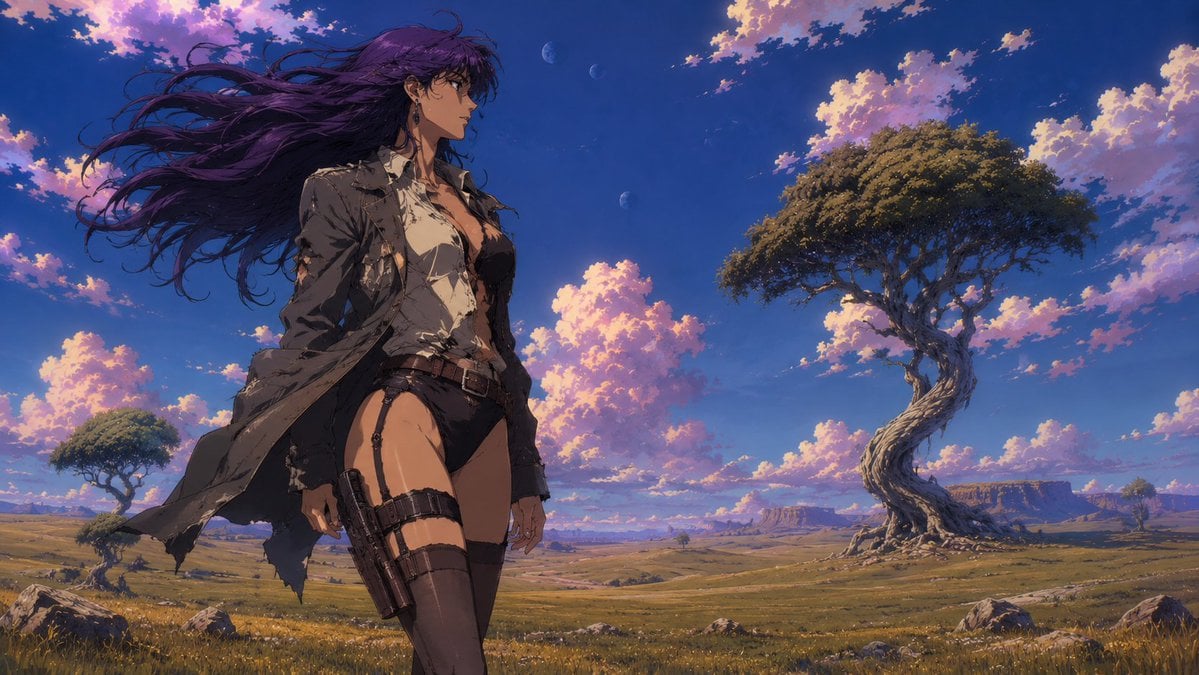
A cinematic anime fantasy landscape prompt featuring a tactical female warrior in a windswept open plain beneath glowing clouds and moons.
- Prompt included
- Model and format preset
- Free template
The prompt behind this image
Copy the exact prompt behind Windblown Anime Warrior in Fantasy Grassland, or open it in the studio and make it yours.
Create a cinematic widescreen anime-style fantasy illustration of a lone {argument name="character type" default="tall adult woman warrior"} standing in the left foreground of a vast open grassland under a deep blue twilight sky. She has extremely long windblown {argument name="hair color" default="dark purple"} hair streaming dramatically to the left, a partially obscured face covered by a soft rectangular blur, and a confident forward-facing stance. Her outfit is a rugged post-apocalyptic tactical ensemble: exactly 7 visible main clothing and gear elements — a torn long dark trench coat, a ripped off-white shirt, black high-cut shorts, a brown belt, thigh straps, a holstered pistol on one thigh, and dark thigh-high stockings/boots. The coat and hair should be pushed by strong wind, with loose strands and torn fabric edges. The background is a sweeping savanna-like plain with golden grass, scattered rocks, distant mesas, and exactly 3 prominent trees: one large twisted ancient tree on the right with a dense rounded canopy, one smaller tree far left, and one tiny distant tree near the horizon. The sky is filled with glowing pink-orange cumulus clouds against rich cobalt blue, with exactly 3 small pale moons or planets visible near the upper center-left. Use highly detailed painterly anime rendering, dramatic sunset rim light, soft atmospheric depth, epic scale, crisp linework blended with oil-paint texture, vibrant colors, and a 16:9 cinematic composition. Avoid text, logos, watermarks, extra characters, and modern buildings.
How to use Windblown Anime Warrior in Fantasy Grassland in 3 steps
- 1Upload ImagePNG, JPG or paste
Add your photo
Upload the photo the template builds on. The prompt, model and format are already set.
- 2…a portrait of your subject in softgolden-hour light, 85mm…
Personalize
Edit the subject and creative details for your destination.
- 3Generate
Generate
Press Generate — your image is created in PicX Studio, so you can compare it with the original and refine one variable at a time.
More like this
Templates with the same subject, style or setup. Open one to see its prompt.











Make it yours
Windblown Anime Warrior in Fantasy Grassland works as-is. These are the safest ways to change it without losing the look.
Change one field
Copy a single group, rewrite it, and generate again so you can see what that field is doing.
Keep the frame, change the subject
Hold the composition and light of Windblown Anime Warrior in Fantasy Grassland, then swap wardrobe, props or the person for a new take.
| If the result… | Why | Fix |
|---|---|---|
| The result drifts from the preview | Too many fields changed at once. | Reuse Windblown Anime Warrior in Fantasy Grassland as-is first, then change one group — subject, light, or setting. |
| The model over-stylizes the scene | The prose prompt leaves finish and camera underspecified. | Add one camera or lighting sentence and stay on GPT Image 2. |
More GPT Image 2 templates
Other prompts made for GPT Image 2.

Six VTuber Japanese Logo Sheet

Realistic Portrait of Woman and Deer

The Vista Modular Condo Poster

AI Model Routing Comparison Infographic

2.5D Anime Art Board

Isometric Productivity Desk Scene

New York Double Exposure Poster

Four-Panel AI Landscape Comparison

Japanese Tatami Lifestyle Magazine Cover

NESCAFÉ Coffee Map Poster
More image prompts
Fresh picks from across the catalog.
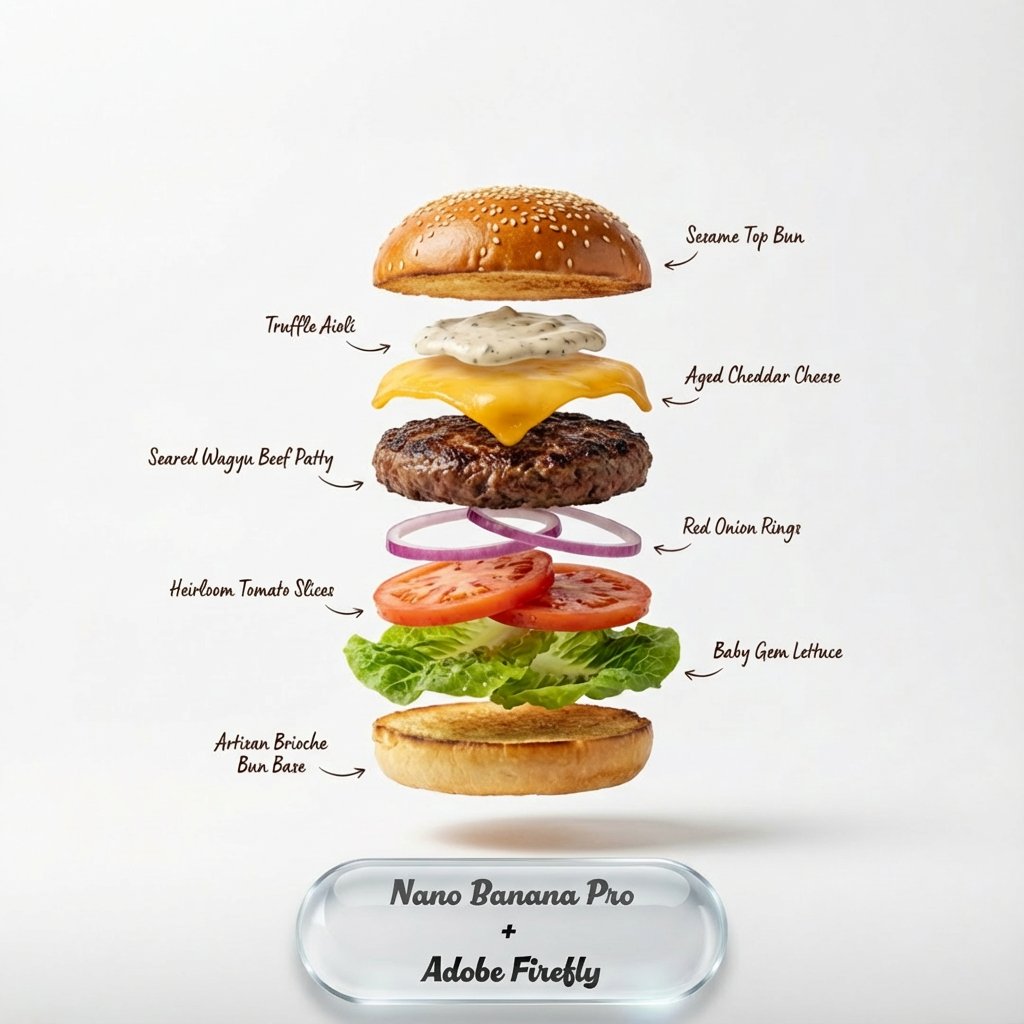
Exploding food photography prompt for Nano Banana Pro
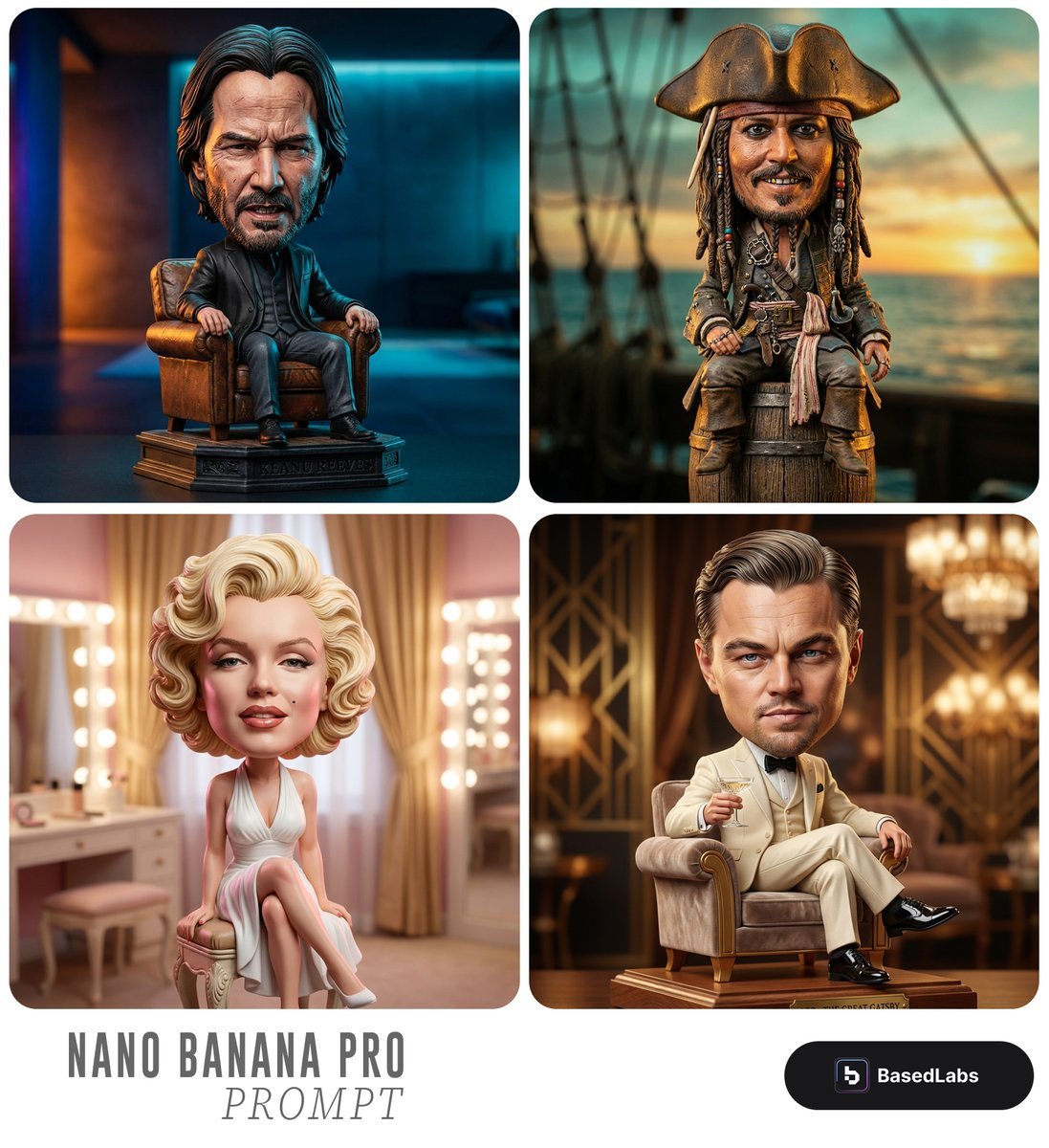
Caricature Bobblehead Figurine Prompt
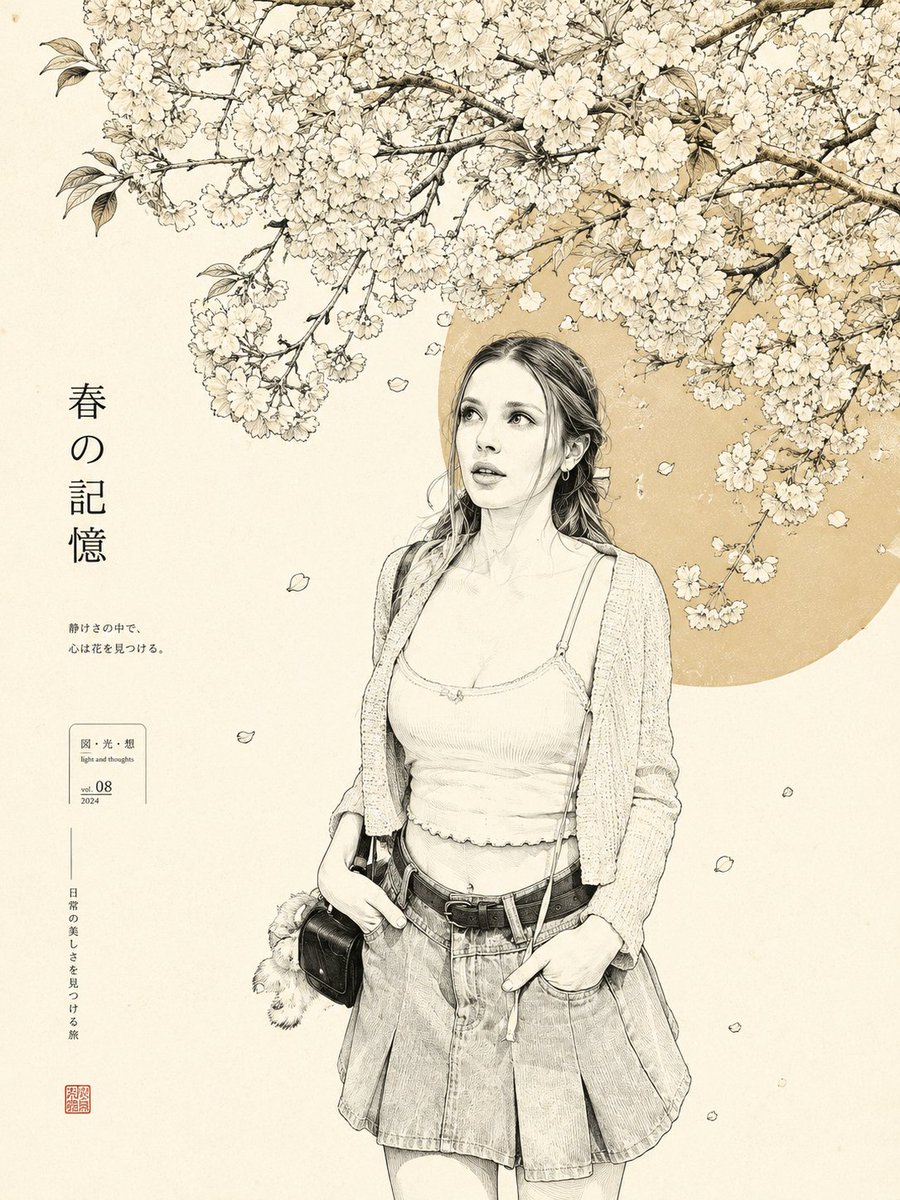
Minimalist Japanese Line Art Transformation
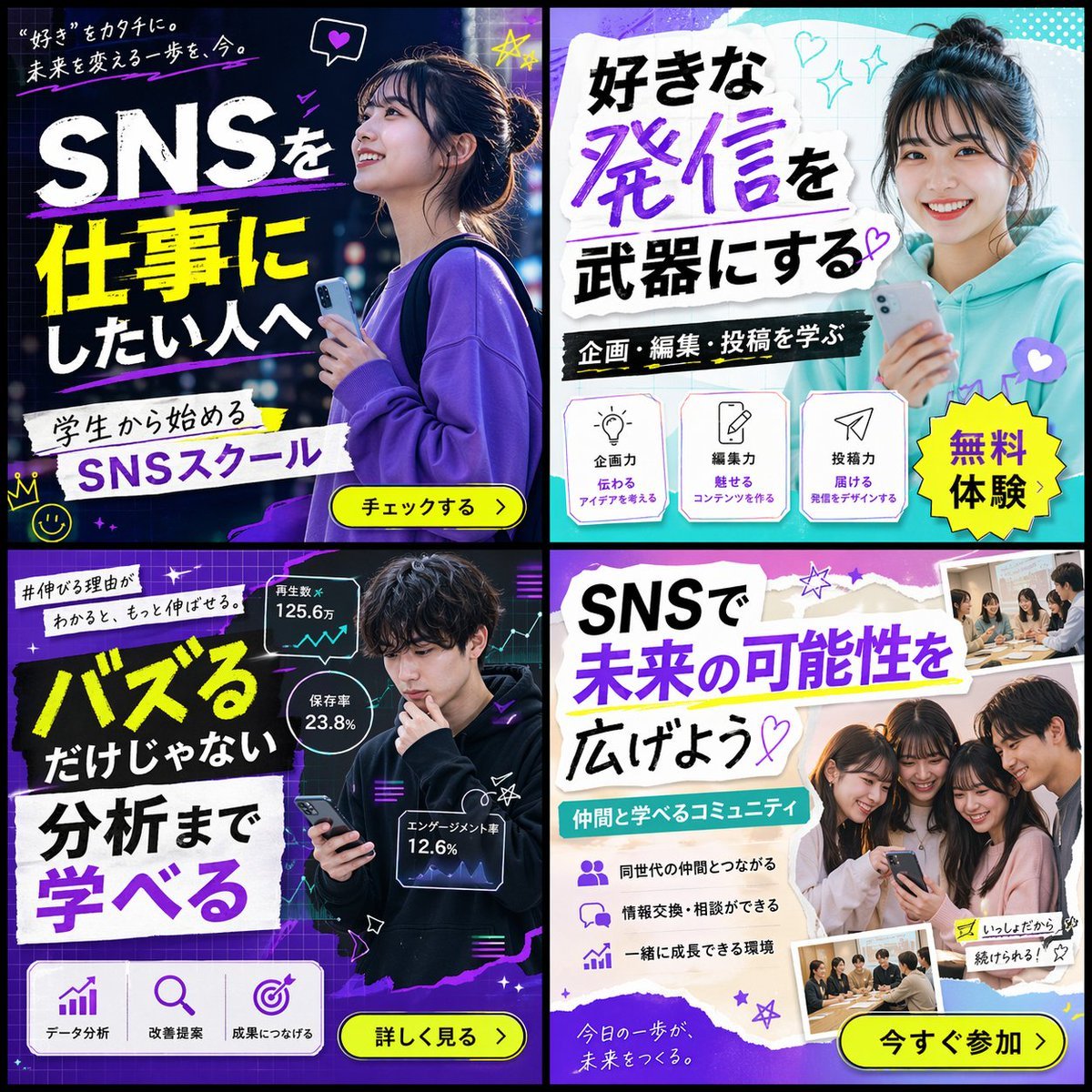
2x2 SNS School Banner Ad Grid

Stunning Night Time Portrait Photo Prompt
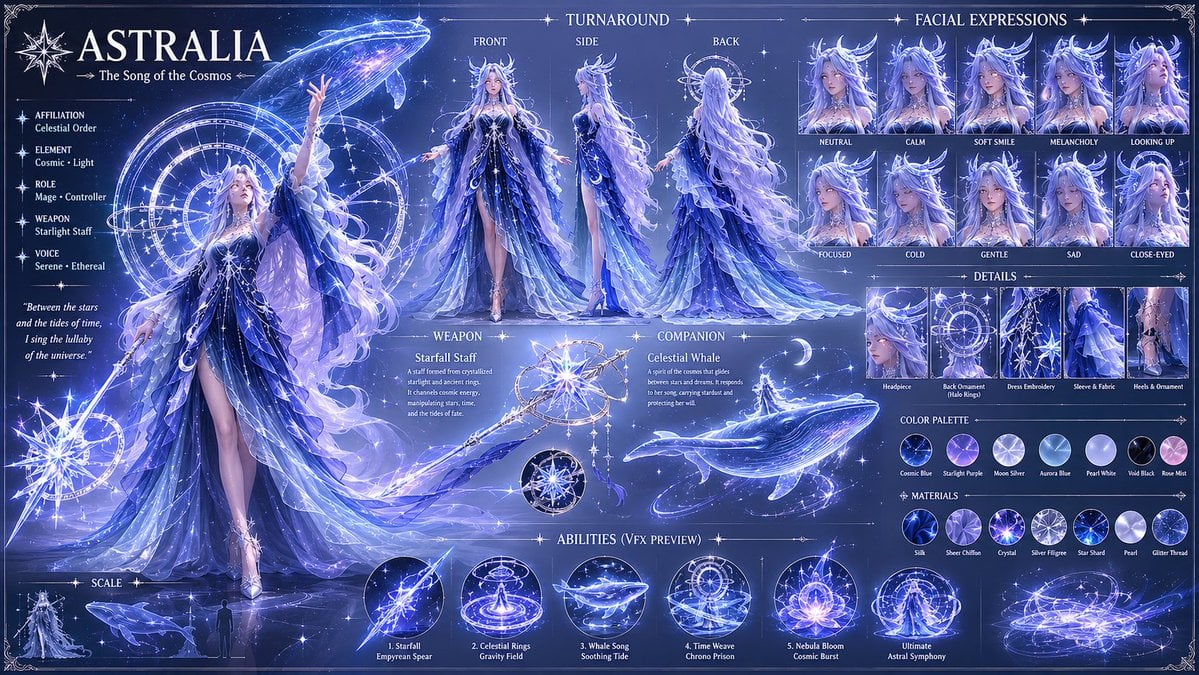
1️⃣character prompt: Create a highly detailed fan
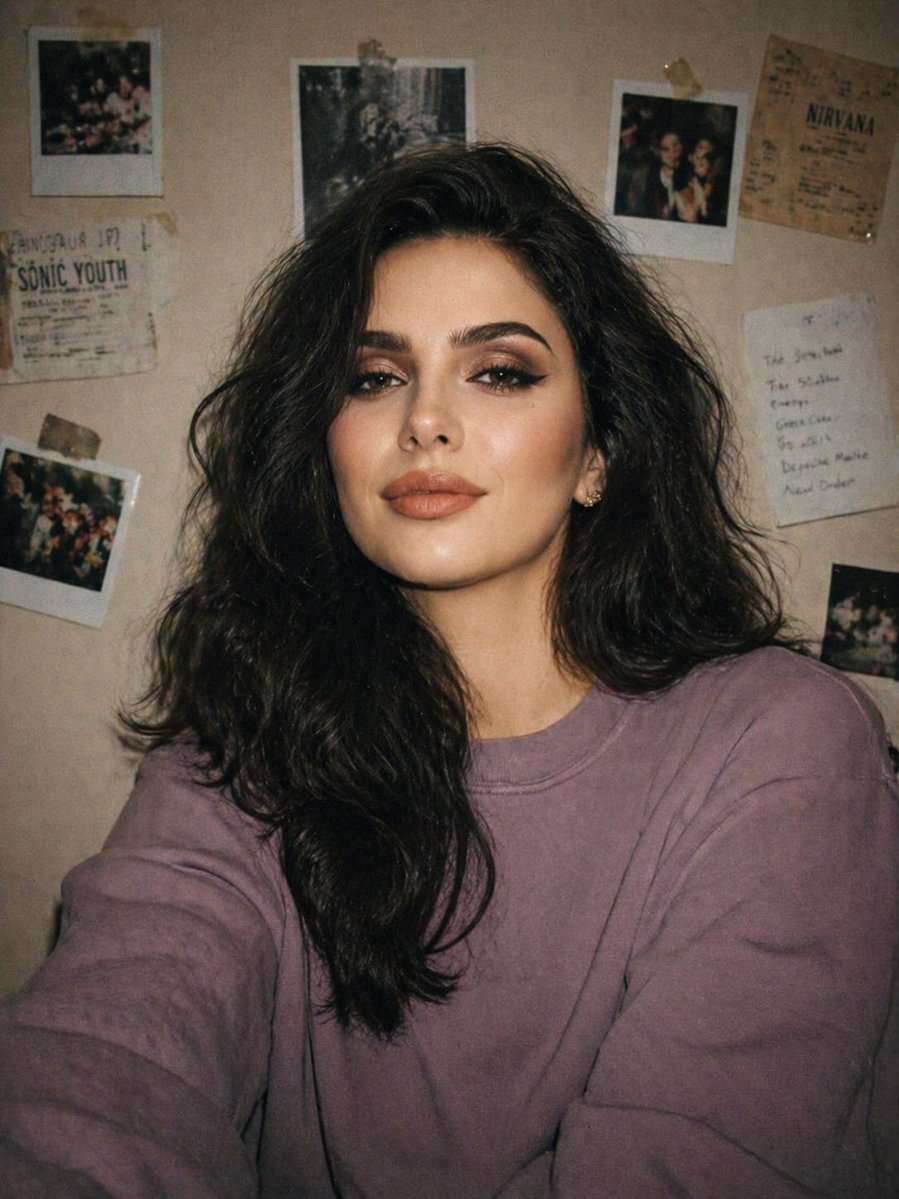
Disposable Camera Bedroom Portrait
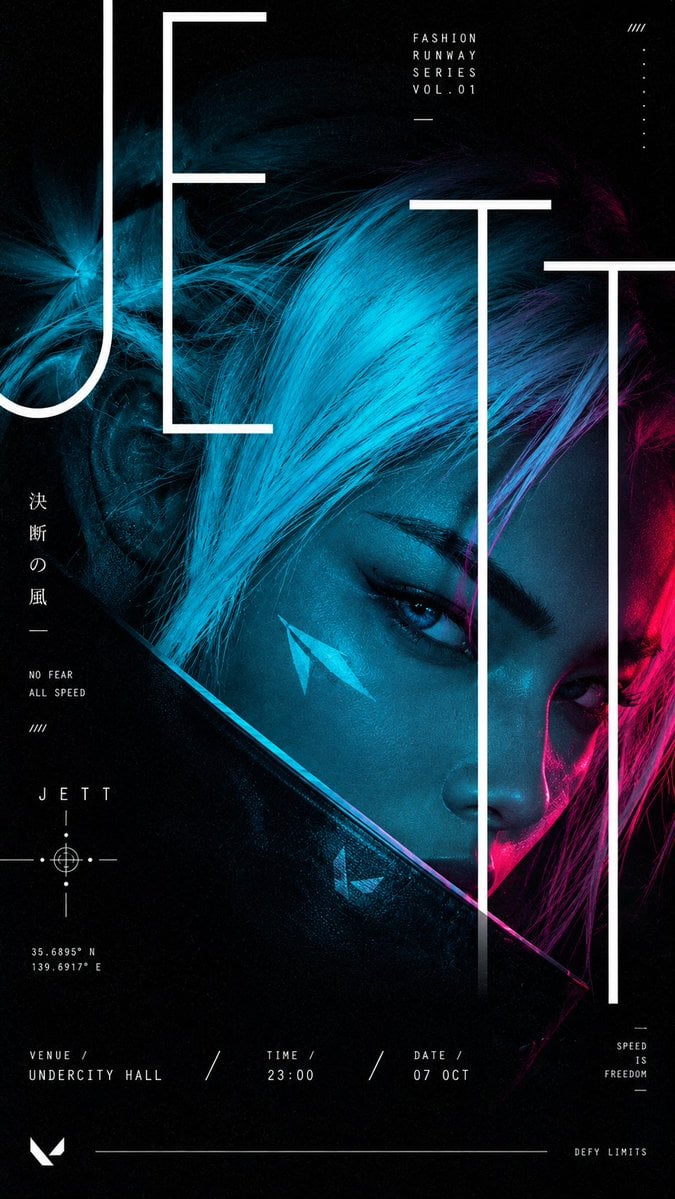
Cyberpunk Runway Fashion Poster
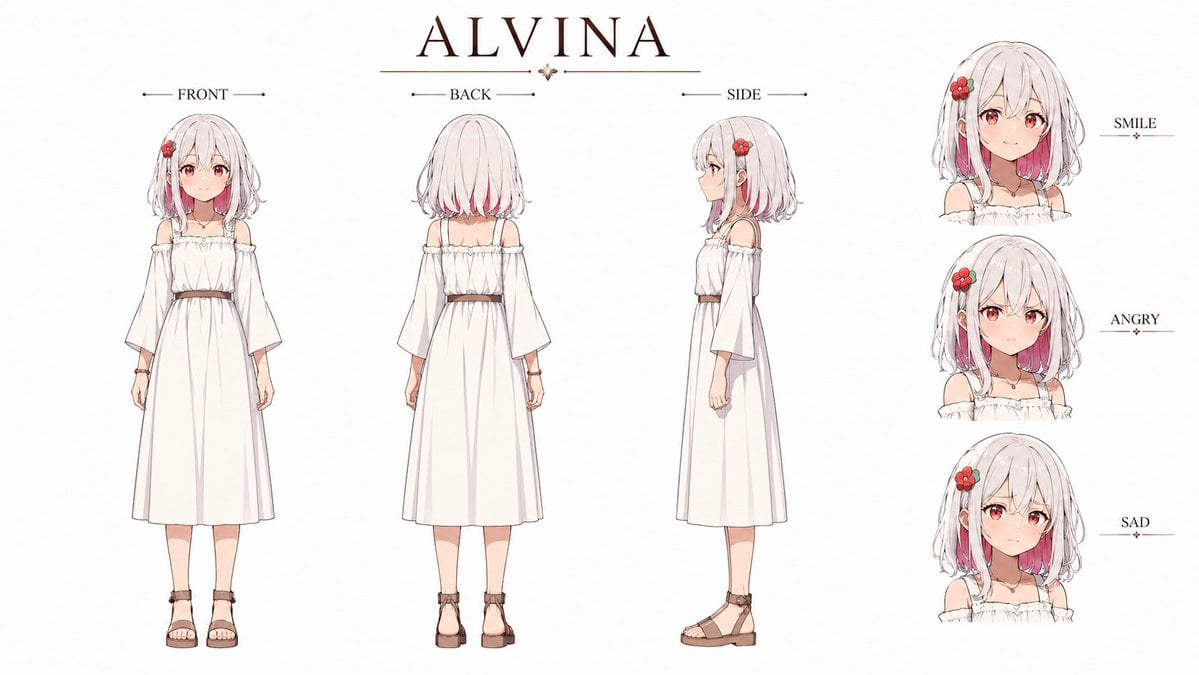
Alvina Anime Character Reference Sheet
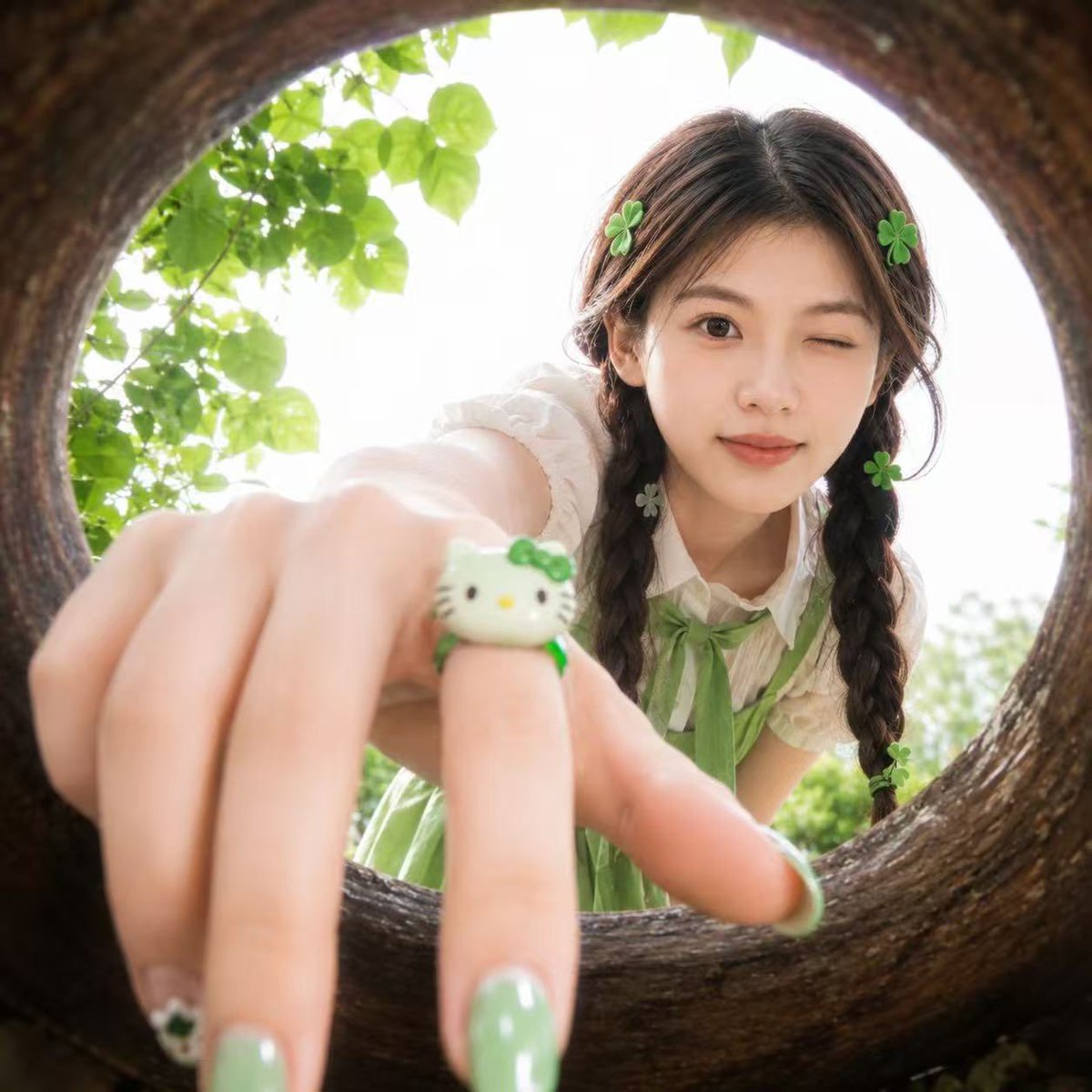
Soft Spring Cherry Blossom POV Portrait
Browse template categories
Windblown Anime Warrior in Fantasy Grassland questions
How do I use the Windblown Anime Warrior in Fantasy Grassland template?
Add your photo if the template asks for one, edit the prompt if you like — the template's model and format are already selected — and press Generate. Your version opens in PicX Studio.
Can I customize the Windblown Anime Warrior in Fantasy Grassland template?
Yes. You can change the subject, setting, lighting, mood, format, and available model controls before creating your image.
Is the Windblown Anime Warrior in Fantasy Grassland template free?
Opening and editing this template is free. Generating uses credits, shown on the Generate button when you are signed in.
Which AI model should I use?
Start with GPT Image 2, which is the model associated with this template. You can compare another compatible model for a different finish.
Looking for something else? Browse all templates.

Your photo, any look
Thousands of ready templates for every top image and video model, from one credit balance.